How to Automate Inventory Reordering with AI Agents
How to Automate Inventory Reordering with AI Agents
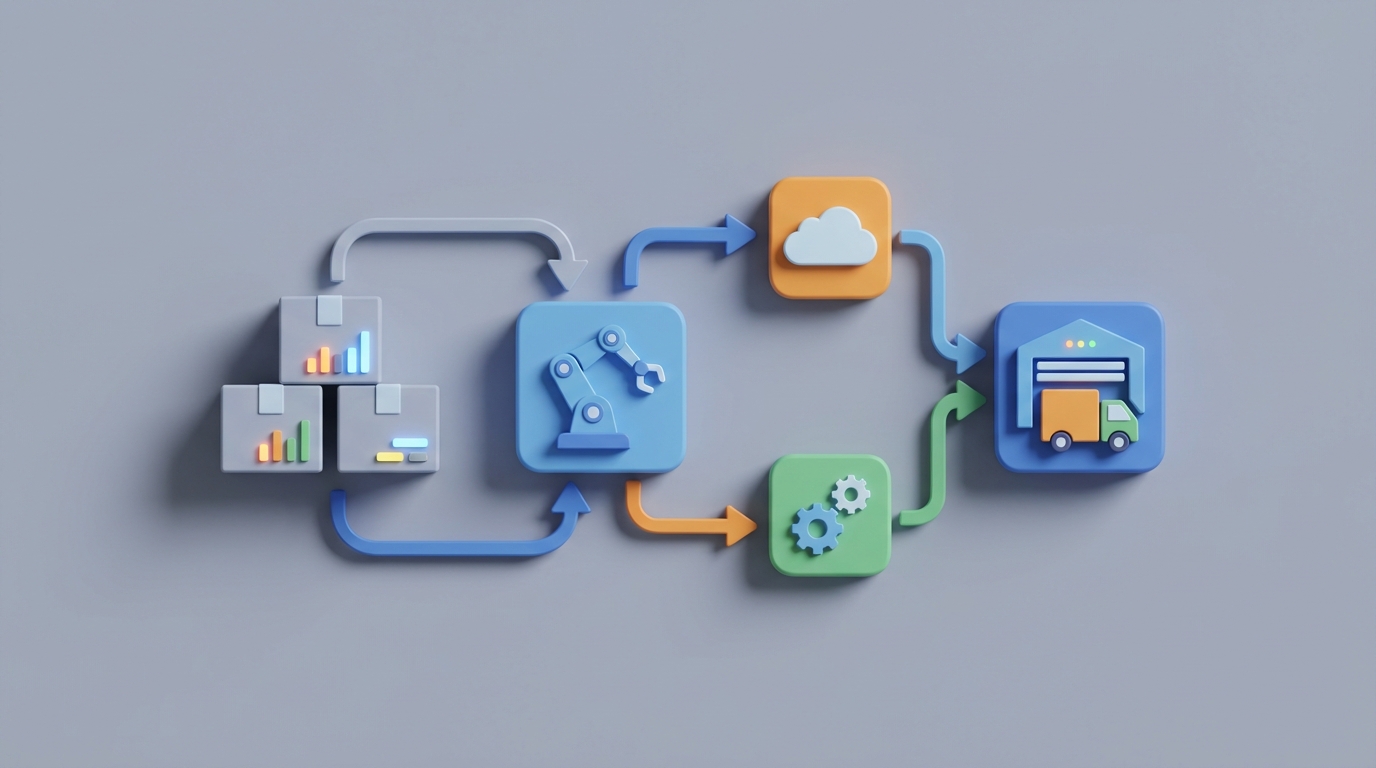
Most inventory "automation" is a lie.
Here's what actually happens in the vast majority of businesses: your ERP or inventory tool hits a reorder point, generates a suggested purchase order, and then a human spends the next several hours reviewing it, adjusting quantities, checking supplier availability, cross-referencing a promotion calendar, second-guessing the forecast, and finally placing the order manually through a supplier portal or — God help you — email.
That's not automation. That's a spreadsheet with notifications.
The real opportunity isn't replacing your inventory system. It's putting an AI agent between your inventory data and the purchase order — one that actually thinks about what to order, when, and why, and only pulls a human in when it genuinely doesn't know what to do.
This post walks through exactly how to build that with OpenClaw.
The Manual Workflow Today (And Why It Eats Your Week)
Let's be honest about what inventory reordering actually looks like for a business doing between $1M and $50M in revenue. I'm not talking about Amazon's multi-echelon optimization. I'm talking about real companies with real people spending real hours on this.
Step 1: Check inventory levels. Someone pulls up the inventory management screen — Fishbowl, NetSuite, Cin7, Zoho, or a spreadsheet — and eyeballs current stock across SKUs. Maybe the system flags items below a threshold. Maybe it doesn't, and someone scrolls through a list. Time: 30–90 minutes.
Step 2: Review the suggested reorder. If you have a system with reorder point logic, it spits out something like "Order 200 units of SKU-4412." But the person reviewing it knows that SKU-4412 has a promotion next month, or the supplier just raised prices, or the last shipment was 40% short. So they adjust. Every. Single. Line. Time: 1–3 hours.
Step 3: Check demand forecasts. The planner opens a separate report (or, let's be real, an Excel file) to look at recent sales trends, seasonality, and any upcoming events. They mentally adjust the reorder quantities. For new products, they guess. Time: 1–2 hours.
Step 4: Check supplier status. Someone logs into supplier portals, checks emails for updated lead times, confirms pricing, and verifies minimum order quantities. If something changed, they recalculate. Time: 1–2 hours.
Step 5: Create and send purchase orders. The adjusted quantities get entered into the system, POs are generated, and then sent to suppliers via EDI, email, or portal upload. Time: 30–60 minutes.
Step 6: Follow up. Track confirmations, handle partial shipments, reconcile what arrived against what was ordered, update the system. Time: ongoing, 2–5 hours per week.
Total time per week: 18–25 hours for a mid-sized operation, according to a 2023 Epicor survey. For smaller businesses where the owner or a single manager handles it? 30–40% of their working time goes to this.
Every week. Fifty-two weeks a year.
What Makes This Painful (Beyond the Time)
Time is the obvious cost. But the hidden costs are worse.
Inventory inaccuracy is the norm, not the exception. Average inventory accuracy across industries is 63–78%, per WERC and DC Velocity studies. That means your system thinks you have 100 units, but you actually have somewhere between 63 and 78. Every decision downstream of that bad data is compromised.
Stockouts are expensive. IHL Group estimated that stockouts cost retailers $1.1 trillion globally in 2026. Individual businesses lose 4–8% of sales from items that should be in stock but aren't. That's not a rounding error. That's real revenue walking out the door or clicking away to a competitor.
Overstock kills cash flow. McKinsey's 2026 analysis found that excess inventory ties up 20–35% of working capital on average. That's money sitting on a shelf instead of funding growth, marketing, or hiring.
Forecasts are bad. Traditional inventory systems using simple time-series models produce forecasts with 35–50% Mean Absolute Percentage Error on weekly SKU-level predictions, per Gartner. Flip a coin, and you'd be wrong less often for some product categories.
The manual review bottleneck creates its own problems. When 60–75% of system-generated reorder suggestions get manually adjusted (and that's the number from NetSuite partner surveys), you haven't automated anything. You've created a review queue and called it a system.
The bullwhip effect compounds all of this. Each manual adjustment amplifies demand variability upstream, which means your suppliers are also guessing, which means their lead times are less reliable, which means you need more safety stock, which means more cash tied up, which means more manual review. It's a vicious cycle.
What AI Can Actually Handle Right Now
Let me be specific about what's realistic — not in a "by 2030" sense, but today, with current technology available through OpenClaw.
Demand forecasting with external signals. An AI agent built on OpenClaw can ingest not just your historical sales data but also weather forecasts, local events, Google Trends data, competitor pricing changes, and macroeconomic indicators. This isn't theoretical. RELEX and Blue Yonder have published case studies showing 30–55% reductions in forecast error with this approach. The difference with OpenClaw is that you're not buying a $500K enterprise platform. You're building an agent that does this for your specific business.
Dynamic reorder calculations. Instead of a static "reorder at 50, order 200" rule, an OpenClaw agent can calculate optimal reorder points and quantities using probabilistic models that factor in lead time variability, supplier reliability scores, cost of stockout versus cost of holding, and current demand trajectory. Every order is calculated fresh based on current conditions.
Anomaly detection. Sudden drops in inventory that don't match sales? Possible theft or miscount. Unexpected demand spike on a Tuesday in February? Maybe a social media mention or competitor stockout. An OpenClaw agent can flag these in real time instead of waiting for someone to notice during a weekly review.
Automated PO generation and routing. When the agent's confidence is high — meaning the forecast is stable, the supplier is reliable, and there are no anomalies — it can generate and send purchase orders without human review. For routine, stable SKUs, this alone eliminates a massive chunk of manual work.
Supplier performance scoring. Continuously tracking on-time delivery rates, fill rates, quality issues, and price competitiveness across your supplier base. This feeds back into the reorder logic: if Supplier A's lead time has been creeping up, the agent automatically increases safety stock or shifts orders to Supplier B.
Step-by-Step: How to Build This with OpenClaw
Here's the practical implementation path. This isn't a weekend project, but it's not a year-long IT initiative either. Most businesses can have a working system within 4–8 weeks.
Step 1: Connect Your Data Sources
Your OpenClaw agent needs three categories of data:
- Inventory and sales data: Connect your existing system (Shopify, NetSuite, QuickBooks, Cin7, or even a well-structured Google Sheet) via API. OpenClaw's integration layer handles the most common platforms.
- Supplier data: Lead times, MOQs, pricing tiers, contact info, and performance history. If this lives in email threads and someone's head, you'll need to formalize it into a structured format first. A simple database table works.
- External signals: Weather APIs, Google Trends, your promotional calendar, and any event data relevant to your business. Start with just your promotional calendar and add external signals later.
# Example: OpenClaw agent data source configuration
agent = OpenClaw.Agent(
    name="inventory-reorder-agent",
    data_sources=[
        OpenClaw.Connector("shopify", api_key=SHOPIFY_KEY),
        OpenClaw.Connector("supplier_db", connection_string=DB_URL),
        OpenClaw.Connector("google_sheets", sheet_id=PROMO_CALENDAR_ID),
    ],
    refresh_interval="hourly"
)
Step 2: Define Your Reorder Logic as Agent Instructions
This is where OpenClaw shines compared to traditional rules engines. Instead of programming rigid if/then rules, you define the agent's objectives and constraints in natural language, backed by structured parameters.
agent.set_instructions("""
    Monitor inventory levels for all active SKUs.

    For each SKU, calculate optimal reorder point based on:
    - Rolling 12-week demand weighted toward recent weeks
    - Current supplier lead time (use actual, not quoted)
    - Desired service level of 95% for A-items, 90% for B-items, 85% for C-items
    - Upcoming promotions from the promo calendar (increase forecast accordingly)

    When a SKU hits its reorder point:
    - Calculate economic order quantity adjusted for supplier MOQs and price breaks
    - Select preferred supplier unless reliability score drops below 80%
    - If confidence > 85%, generate and send PO automatically
    - If confidence < 85%, create draft PO and flag for human review with explanation

    Never auto-order SKUs tagged as 'new' (less than 8 weeks of sales history),
    'seasonal-override', or 'strategic-review'.
""")
Step 3: Set Up the Confidence Threshold System
This is the most important architectural decision. You're essentially telling the agent: "Here's the line between what you handle and what a human handles."
agent.set_confidence_thresholds(
    auto_approve=0.85,      # Agent places order independently
    suggest_and_notify=0.60, # Agent drafts order, notifies buyer
    escalate=0.60,           # Below this, agent flags for manual review

    # Factors that reduce confidence:
    confidence_reducers=[
        "new_product",           # < 8 weeks history
        "supplier_reliability_drop",  # > 10% decline in 30 days
        "demand_anomaly",        # > 2 std dev from forecast
        "price_change",          # > 5% change from last PO
        "promotional_period",    # During or 2 weeks before promo
    ]
)
Start conservative. Set the auto-approve threshold high (0.90 or above) and lower it as you build trust in the system. Most businesses find that within 4–6 weeks, 50–70% of routine reorders can be fully automated.
Step 4: Build the Feedback Loop
The agent needs to learn from what actually happened. Did the order arrive on time? Was the quantity right? Did you stock out before the next order? Did you end up with excess?
agent.enable_feedback_loop(
    track_metrics=[
        "stockout_events",
        "days_of_excess_inventory",
        "supplier_actual_vs_quoted_lead_time",
        "forecast_accuracy_by_sku",
        "auto_approved_order_outcomes",
    ],
    retrain_frequency="weekly",
    alert_on_degradation=True
)
This is what separates an AI agent from a rules engine. The system gets better over time. Your static min/max rules don't learn anything when they're wrong.
Step 5: Set Up Human Touchpoints
Design clear escalation paths through OpenClaw's notification system:
- Daily digest: Summary of all auto-placed orders, flagged exceptions, and key metrics. Takes 5 minutes to review.
- Real-time alerts: For high-value exceptions — supplier failures, demand anomalies, stockout risks on A-items.
- Weekly review: Agent generates a report on its own performance, including orders it would have placed differently in hindsight.
agent.set_notifications(
    daily_digest={"channel": "email", "recipient": "buyer@company.com"},
    real_time_alerts={"channel": "slack", "conditions": ["stockout_risk_A_items", "supplier_failure"]},
    weekly_review={"channel": "email", "recipient": "ops-manager@company.com"}
)
Step 6: Run in Shadow Mode First
Before you let the agent actually place orders, run it in shadow mode for 2–3 weeks. The agent makes all its decisions, generates all its POs, but doesn't send them. Instead, it compares its recommendations against what your human buyers actually did.
This gives you a clear picture: Where does the agent agree with the human? Where does it disagree? When it disagrees, who's right? You'll typically find the agent outperforms humans on routine, stable SKUs and underperforms on new products and promotional items — which is exactly why you built the confidence threshold system.
What Still Needs a Human
Being honest about AI's limitations isn't being anti-AI. It's being good at implementation.
New product introductions. No historical data means no reliable forecast. Humans need to set initial expectations, and the agent should learn from actual sales before it starts making autonomous decisions. Tag these SKUs as "new" and keep them in the manual review queue until you have 8–12 weeks of data.
Strategic supplier decisions. The agent can tell you that Supplier B is 12% cheaper and 5% more reliable than Supplier A. It can't tell you that Supplier A is owned by your biggest customer's parent company and dropping them would cost you $2M in revenue.
Major promotions and events. The agent can adjust forecasts for known promotions entered in the calendar. It can't plan the promotion itself or decide how aggressively to stock for an untested campaign.
Black swan events. Port strikes, tariff changes, natural disasters, pandemics. The agent can detect the downstream effects (lead times increasing, costs spiking) and escalate, but the strategic response requires human judgment.
Budget and cash flow constraints. The agent optimizes for service levels and inventory efficiency. It doesn't know that you need to preserve $200K in cash this month for a equipment purchase. Build in budget caps, but the allocation decisions stay human.
Quality and compliance. When goods arrive, someone still needs to inspect, verify quality, and handle discrepancies. AI can help with pattern recognition (this supplier's defect rate is trending up), but the physical and judgment-based work remains manual.
The good news: in mature implementations, the percentage of orders requiring human intervention drops from roughly 70% to 20–30%. Your humans go from doing data entry and basic calculations to handling only the decisions that actually require human judgment. That's a much better use of their time and expertise.
Expected Time and Cost Savings
Let's be conservative with the numbers.
Time savings: If your team currently spends 20 hours per week on reorder-related tasks, a well-implemented OpenClaw agent should reduce that to 4–6 hours within the first quarter. That's a mid-sized distributor's actual result (22 hours to 4 hours, published RELEX case study with similar architecture). Call it a 70% reduction in labor hours.
Forecast accuracy improvement: Expect 30–40% reduction in forecast error. This directly translates to both fewer stockouts and less excess inventory.
Stockout reduction: Companies implementing AI-driven reordering typically see 20–35% fewer stockout events. If stockouts currently cost you 5% of revenue, recapturing even half of that on a $10M business is $250K annually.
Inventory reduction: Better forecasting and dynamic reorder quantities typically reduce total inventory investment by 15–25%. On $2M in inventory, that's $300K–$500K freed up in working capital.
Error reduction: Automated PO generation eliminates manual data entry errors. This sounds trivial until you calculate the cost of receiving 2,000 units of the wrong SKU because someone fat-fingered a number.
Implementation cost with OpenClaw: Significantly less than enterprise platforms like Blue Yonder or RELEX (which start at $100K+ annually). OpenClaw's agent-based approach means you're building exactly what you need, not licensing a massive platform with 90% of features you'll never use. Most mid-sized businesses can implement this for a fraction of enterprise tooling costs, with faster time-to-value.
ROI timeline: Most businesses see positive ROI within 2–3 months of going live, primarily from labor savings and stockout reduction. The inventory reduction benefits compound over the following 6–12 months as the agent's forecasts improve with more data.
The Honest Assessment
Inventory reordering is one of the best use cases for AI agents because it's repetitive, data-rich, high-frequency, and has clear success metrics. You know immediately whether the agent is working: fewer stockouts, less excess, less human time.
But the technology isn't the hard part. Data quality is the hard part. If your inventory accuracy is below 80%, fix that first. If your supplier lead times live in someone's head, formalize them first. If your promotional calendar is a verbal agreement between sales and marketing, write it down first.
The AI agent is only as good as the data it operates on. Clean data plus a well-configured OpenClaw agent equals genuine automation. Dirty data plus any AI platform equals expensive garbage, faster.
Start with your most stable, highest-volume SKUs. Get those running autonomously. Expand from there. Within six months, you'll wonder why anyone ever spent 20 hours a week on this.
Ready to stop babysitting purchase orders? Claw Mart's Clawsourcing team builds production-ready OpenClaw agents for inventory automation — from data integration through shadow testing to full autonomous operation. Tell us what system you're running today, and we'll show you what your reorder workflow looks like with an AI agent handling the routine so your people can handle the exceptions. Get started with Clawsourcing →
Recommended for this post
Your Notion expert that builds databases, automates workflows, and connects your knowledge base.
 SpookyJuice.ai
Your Linear expert that automates issue tracking, builds workflows, and streamlines project management.
SpookyJuice.ai
Adam
Full-Stack Engineer
Your full-stack AI engineer that architects, builds, deploys, and automates entire applications from a single conversation. 23+ Core Capabilities.
 Clarence Maker