How to Automate Property Inspection Scheduling and Report Generation
How to Automate Property Inspection Scheduling and Report Generation
If you manage rental properties, you already know the inspection cycle is a time black hole. Schedule the walkthrough. Drive to the property. Spend an hour photographing every wall, outlet, and appliance. Drive back. Spend another two hours writing up the report. Repeat this 200 times a year if you're running a decent-sized portfolio, and you've just burned through a thousand hours on something that feels like it should be simpler than it is.
It should be simpler. Not because the inspection itself is trivial—it's not—but because most of the work surrounding the actual walkthrough is administrative busywork that an AI agent can handle right now. Not in some theoretical future. Today.
This guide walks through the entire property inspection workflow, shows you exactly where automation fits using OpenClaw, and gives you a realistic picture of what still needs a human pair of eyes. No hand-waving, no "AI will revolutionize everything" nonsense. Just practical steps.
The Manual Workflow Today (And Why It Eats Your Week)
Let's map the full lifecycle of a single rental property inspection—say a move-out inspection on a two-bedroom unit. Here's what actually happens:
Step 1: Scheduling (15–30 minutes) You're coordinating between the tenant's move-out date, your maintenance team's availability, and possibly the next tenant's move-in timeline. This involves emails, texts, maybe a phone call when someone doesn't respond. If you manage multiple properties, you're juggling dozens of these simultaneously.
Step 2: Preparation (10–20 minutes) Pull up the move-in inspection report and photos for comparison. Review the lease for any specific provisions. Load your inspection template. Make sure your phone is charged and your camera app is ready.
Step 3: The Physical Walkthrough (45–90 minutes) Walk every room. Photograph every surface, fixture, and appliance. Test lights, outlets, faucets, HVAC. Check for damage beyond normal wear and tear. Take notes—either on a clipboard or tapping into an app on your phone. A typical inspection generates 100 to 400 photos.
Step 4: Report Writing (1–3 hours) This is where the real pain lives. You sit down with your photos, your notes, and your move-in report, and you write a narrative. Room by room, defect by defect. You're describing conditions, comparing them to move-in state, categorizing damage, and attaching the relevant photos. For a single-family home, the full inspection-plus-report cycle averages four to six hours.
Step 5: Review, Delivery, and Follow-Up (30–60 minutes) Proofread the report. Send it to the tenant and/or owner. Field questions. If there's a security deposit dispute, you're now entering documentation hell—the average disputed move-out costs about $1,200 in staff time and legal exposure, according to the National Apartment Association.
Total time per inspection: 4–6 hours.
Now multiply that across a portfolio. A property manager with 200 units doing annual inspections plus move-in/move-out cycles is looking at 800 to 1,200 staff hours per year on inspection-related tasks. AppFolio's 2026 State of Property Management report found that property managers spend 18 to 25 percent of their operational time on inspection and maintenance documentation. NARPM's 2023 survey found that 43 percent of property managers call it their single biggest operational headache.
What Makes This Painful (Beyond Just the Hours)
Time is the obvious cost, but it's not the only one. Here are the problems that compound:
Inconsistency across inspectors. If you have three people doing inspections, you get three different standards for what constitutes "normal wear and tear" versus "damage." One inspector calls a scuff on the wall cosmetic. Another flags it as tenant damage. This inconsistency is a liability nightmare, especially in deposit disputes.
Data entry fatigue degrades quality. Inspectors spend 30 to 50 percent of their post-visit time just typing. By the third report of the day, descriptions get shorter, details get missed, and photo attachments get sloppy. The report for unit 312 starts looking suspiciously like a copy-paste of unit 310.
Scaling requires hiring. You can't grow your portfolio without proportionally growing your inspection staff, because every unit needs boots on the ground. This creates a linear cost curve that kills margins as you expand.
Poor documentation creates expensive disputes. When a tenant challenges a security deposit deduction and your photos are blurry, your descriptions are vague, or your move-in report doesn't exist, you lose. You lose the dispute, you lose money, and you lose time dealing with it.
Scheduling is a coordination tax. Every inspection involves at least two parties, often three. The back-and-forth to find a time that works is pure friction that adds up across hundreds of units.
These problems are all solvable. Not with better spreadsheets or another SaaS dashboard, but with an AI agent that handles the coordination, data processing, and report generation while your team focuses on what actually requires human judgment.
What AI Can Handle Right Now
Let's be specific about what's realistic with current AI capabilities—not what's theoretically possible in five years, but what you can build and deploy today using OpenClaw.
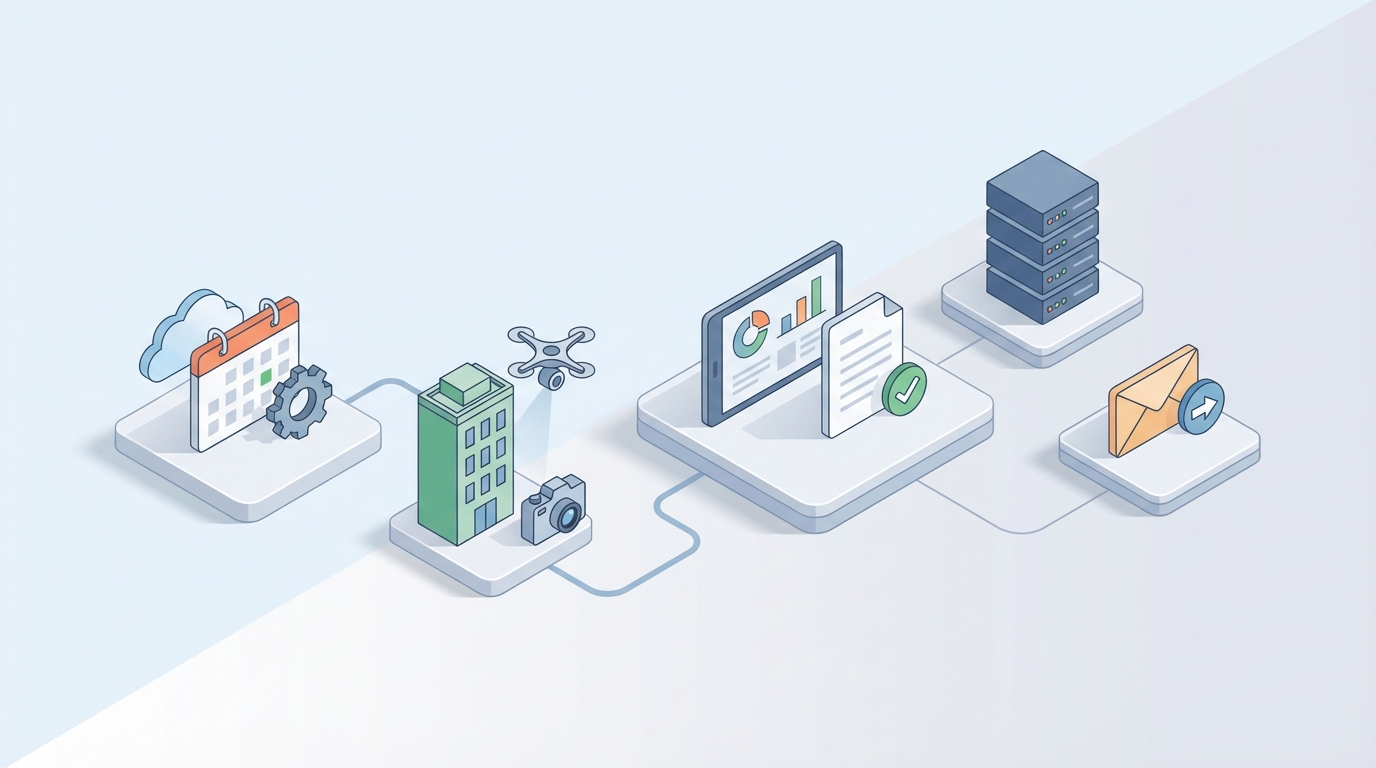
Scheduling and coordination. An OpenClaw agent can manage the entire scheduling workflow. It monitors lease end dates, triggers inspection scheduling at the right intervals, communicates with tenants via email or text to propose times, handles rescheduling, and syncs everything to your calendar. No human touches it until someone shows up at the door.
Report generation from photos and voice notes. This is the biggest time saver. Instead of typing a report after the fact, your inspector walks through the property, takes photos, and records voice notes. An OpenClaw agent processes the images using computer vision to detect and categorize defects—cracks, water stains, missing fixtures, appliance condition—and combines that with transcribed voice notes to generate a complete, formatted inspection report. Current computer vision models hit 85 to 93 percent accuracy on common defects. That's not perfect, but it's a strong first draft that cuts report writing time from two hours to twenty minutes of review and editing.
Comparison against baseline. The agent can pull the move-in inspection data and automatically flag differences. Wall had no damage at move-in, now shows a 4-inch crack near the window frame. Carpet was noted as "good condition," now shows staining in the living room. This comparison work is tedious for humans but trivial for an AI agent with access to both datasets.
Portfolio-level analytics. When you're running hundreds of inspections through the same system, the agent can surface patterns. Which units consistently have plumbing issues? Which buildings show early signs of roof problems? This is predictive maintenance territory—catching a $500 repair before it becomes a $5,000 emergency.
Tenant communication and dispute documentation. The agent can compile inspection evidence into a structured dispute package—timestamped photos, condition comparisons, lease provisions—that's ready to go if a tenant challenges a deduction. This alone can save you the $1,200 average dispute cost.
Step-by-Step: Building the Automation With OpenClaw
Here's how to actually set this up. I'm assuming you have a property management workflow that currently involves some combination of spreadsheets, email, and maybe a PM platform like AppFolio or Buildium.
Step 1: Define Your Agent's Scope
Start narrow. Don't try to automate everything at once. Pick one inspection type—I'd recommend move-out inspections since they have the most documentation pressure and the highest dispute risk.
In OpenClaw, you'll create an agent with three core capabilities:
- Scheduling automation: Triggered by lease end dates from your PM system
- Report generation: Processes photos and voice notes into formatted reports
- Baseline comparison: Compares current inspection data against move-in records
Step 2: Connect Your Data Sources
Your OpenClaw agent needs access to:
- Your property management database (lease dates, tenant info, unit details)
- Your move-in inspection records (photos, reports, condition notes)
- Your calendar system for scheduling
- Your communication channels (email/SMS for tenant coordination)
OpenClaw's integration layer handles API connections to major PM platforms. If you're using something custom or spreadsheet-based, you can set up data ingestion through CSV imports or webhook triggers.
# Example: OpenClaw agent configuration for inspection scheduling
agent:
  name: "inspection-scheduler"
  trigger:
    type: "date-based"
    source: "property-management-db"
    condition: "lease_end_date - 30 days"
  actions:
    - generate_inspection_windows:
        business_hours: "9am-5pm"
        duration: "90min"
        buffer: "30min"
    - send_tenant_notification:
        channel: "email"
        template: "move-out-inspection-scheduling"
        include_available_times: true
    - await_response:
        timeout: "48h"
        fallback: "send_reminder"
    - confirm_and_calendar:
        sync: ["google_calendar", "pm_system"]
Step 3: Build the Report Generation Pipeline
This is where the real value lives. Your inspector does the walkthrough with their phone, taking photos and recording voice notes per room. When they're done, they upload everything to the OpenClaw agent.
The agent processes it in stages:
- Image analysis: Computer vision identifies and categorizes conditions in each photo (damage type, severity, location)
- Voice transcription: Converts audio notes to text and maps them to the relevant rooms/photos
- Baseline comparison: Pulls the move-in report and flags changes
- Report assembly: Generates a formatted inspection report with photos, descriptions, condition ratings, and comparison notes
# Example: Report generation pipeline
pipeline:
  name: "inspection-report-generator"
  input:
    photos: "upload/inspection/{unit_id}/{date}/"
    voice_notes: "upload/audio/{unit_id}/{date}/"
    baseline: "reports/move-in/{unit_id}"
  stages:
    - image_analysis:
        model: "defect-detection-v3"
        categories: ["structural", "cosmetic", "appliance", "plumbing", "electrical", "flooring", "paint"]
        severity: ["none", "minor", "moderate", "major"]
    - transcription:
        source: "voice_notes"
        map_to: "room_labels"
    - baseline_comparison:
        method: "room-by-room"
        flag_threshold: "any_change"
    - report_assembly:
        template: "move-out-inspection-standard"
        format: "pdf"
        include: ["photos", "defect_annotations", "comparison_table", "summary"]
  output:
    destination: "reports/move-out/{unit_id}/{date}"
    notify: ["property_manager", "owner"]
Step 4: Set Up the Review Workflow
The agent generates the report, but a human reviews it before it goes out. OpenClaw lets you build an approval step into the pipeline:
- Agent generates draft report and flags items where confidence is below a threshold (say, 85%)
- Human reviewer gets the draft with flagged items highlighted
- Reviewer edits, approves, or rejects specific findings
- Agent incorporates edits and produces the final version
This is the hybrid model that actually works. The agent handles 70 to 80 percent of the heavy lifting. The human handles the judgment calls. Over time, as the agent processes more inspections, its accuracy improves on your specific property types and common defect patterns.
Step 5: Iterate and Expand
Once your move-out inspection workflow is running smoothly, extend the agent to handle:
- Move-in inspections (similar pipeline, just establishing the baseline instead of comparing against one)
- Annual/periodic inspections (scheduled on recurring intervals, simpler scope)
- Maintenance inspections (triggered by work orders, focused on specific systems)
Each new inspection type uses the same core pipeline with different triggers, templates, and comparison logic.
You can browse Claw Mart for pre-built agent templates and pipeline components that handle common property inspection scenarios. Instead of building every piece from scratch, you can grab a scheduling module or a report template that's already been tested, then customize it for your specific workflow.
What Still Needs a Human
I want to be direct about this because overpromising on AI automation is how people waste money and get burned.
The physical walkthrough still needs a person. An AI agent cannot open cabinets, run faucets, test electrical outlets, or crawl into an attic. Drone and camera technology is advancing, but for interior residential inspections, you need someone on site. The agent makes their time on site more efficient (structured checklists, guided photo capture), but it doesn't replace their presence.
Judgment calls on severity and causality. Is that crack in the foundation structural or cosmetic? Is the water stain from a current leak or an old one that was fixed? These questions require contextual understanding that AI handles poorly. The agent can flag the issue and provide data. The human makes the call.
Legal and regulatory compliance. Most states require licensed inspectors for official transaction-related inspections. Local building codes vary. The agent doesn't replace professional licensing or legal expertise.
Dispute resolution. When a tenant disagrees with your assessment, you need a human who can explain, negotiate, and if necessary, present the case. The agent compiles the evidence package. The human uses it.
Client communication. Explaining to a property owner that their building needs $40,000 in roof work based on the inspection findings requires tact and context that AI doesn't have.
The right mental model: the AI agent is a highly efficient assistant that handles scheduling, data processing, report drafting, and pattern recognition. The human professional handles judgment, communication, liability, and the physical inspection itself.
Expected Time and Cost Savings
Based on case studies from property management companies using AI-assisted inspection workflows (including a large U.S. REIT that reported results in 2023), here's what's realistic:
Per-inspection time savings:
- Scheduling: 15–30 minutes saved (fully automated)
- Report writing: 1–2 hours saved (draft generation + human review instead of writing from scratch)
- Baseline comparison: 20–40 minutes saved (automated instead of manual side-by-side)
- Total: 2–3 hours saved per inspection
Portfolio-level impact (200-unit example):
- Roughly 400–600 inspections per year (move-in, move-out, annual)
- At 2.5 hours saved per inspection: 1,000–1,500 hours saved per year
- At a loaded staff cost of $35/hour: $35,000–$52,500 in annual labor savings
- Reduced dispute costs from better documentation: estimated $5,000–$15,000 per year
- Total estimated annual savings: $40,000–$67,500 for a 200-unit portfolio
The REIT case study cited a 62 percent reduction in total inspection time using AI-assisted video walkthroughs and automated reporting. That tracks with the numbers above.
For independent home inspectors doing transaction work, the math is different but equally compelling. If you're currently completing 3–5 inspections per week because reporting takes so long, cutting report time in half means you can do 5–7 inspections per week. At $400 per inspection, that's an additional $800–$3,200 per week in revenue capacity.
What to Do Next
If you're spending more than a few hours a week on inspection scheduling and reporting, this is worth your time to set up. The technology is mature enough to deliver real results, and the implementation isn't a six-month IT project.
Here's the practical path:
- Start with one inspection type. Move-out inspections are the highest-value target because of dispute risk and documentation requirements.
- Build your agent in OpenClaw. Use the scheduling and report generation pipeline outlined above. Start simple and add capabilities as you learn what works for your portfolio.
- Browse Claw Mart for existing components. There's no reason to build every piece of your pipeline from scratch when pre-built modules exist for common inspection workflows. Grab what works, customize what doesn't.
- Run the hybrid model. AI generates, human reviews. Don't skip the review step. Build trust in the system over 20–30 inspections before you reduce oversight.
- Measure and iterate. Track time per inspection before and after. Track dispute outcomes. Track inspector capacity. Let the data tell you where to expand.
The inspection workflow is one of the clearest examples of a process where AI doesn't replace the professional—it removes the drudgery that keeps the professional from doing more valuable work. The physical assessment still needs experienced eyes. Everything around it doesn't.
If you want to skip the build-from-scratch phase entirely, check out Clawsourcing. Post your inspection automation project and get matched with builders who've already done this. They'll scope it, build it in OpenClaw, and hand you a working system. You focus on managing properties instead of writing reports about them.