How to Automate Maintenance Request Triage and Vendor Dispatch
How to Automate Maintenance Request Triage and Vendor Dispatch
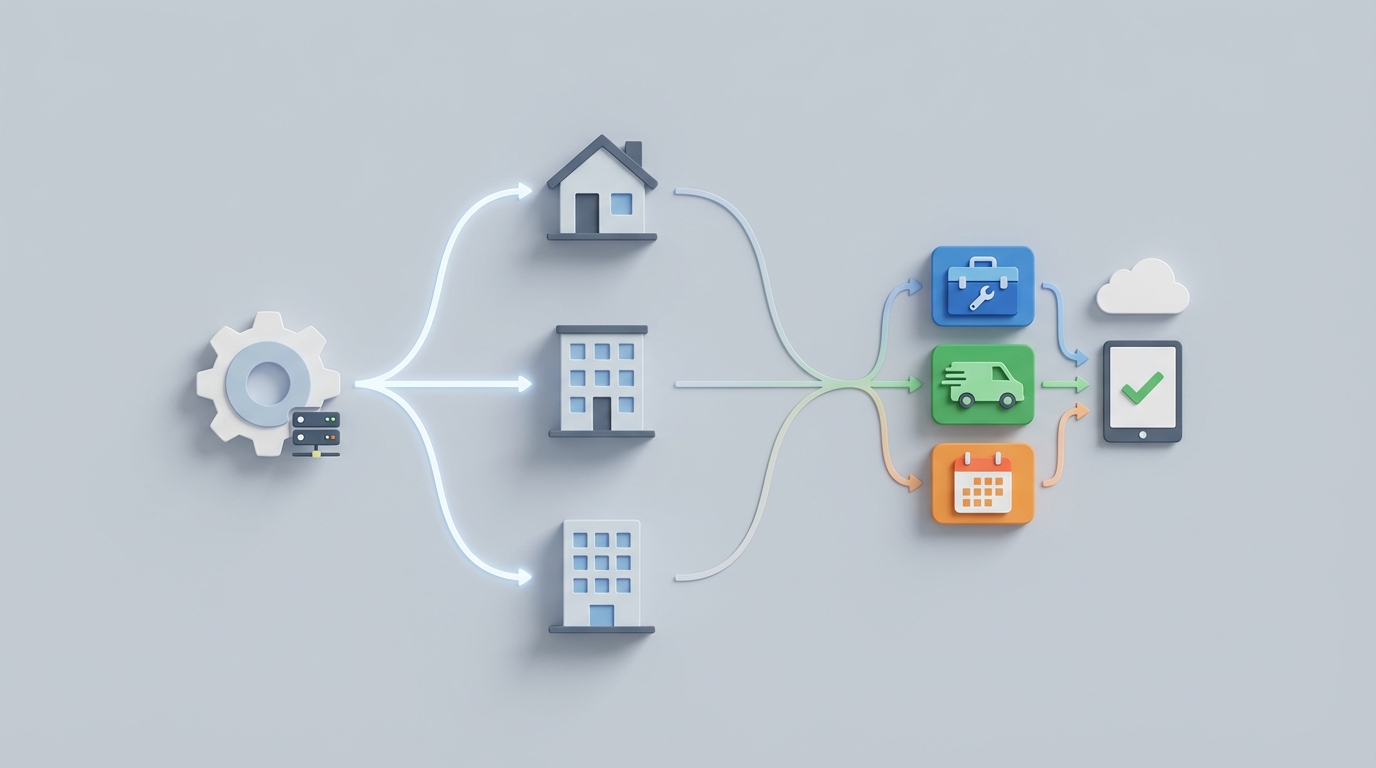
If you manage more than a few hundred units, you already know the drill. A tenant submits a request that says something like "water on the floor near the kitchen." A coordinator reads it, guesses whether it's a dishwasher leak, a burst pipe, or a spilled glass of water, then calls two or three plumbers until someone picks up. Meanwhile, the tenant calls again asking for an update. Multiply that by fifty requests a day and you've got a full-time job that's mostly phone tag, data entry, and context switching.
This post walks through exactly how to automate maintenance request triage and vendor dispatch using an AI agent built on OpenClaw. Not a theoretical exercise—a practical guide you can start implementing this week.
The Manual Workflow Today (and Why It's Bleeding You Dry)
Let's map the typical lifecycle of a single non-emergency maintenance request, step by step, with realistic time estimates from operators running 2,000–10,000 unit portfolios.
Step 1: Request Intake (2–5 minutes) Tenant calls, emails, or submits through a resident portal. If it's a phone call, someone has to answer, transcribe the issue, and enter it into the property management system (Yardi, AppFolio, RealPage, whatever you're running). If it's a portal submission, the description is often vague or incomplete. "Something smells weird in the bathroom" is a real ticket.
Step 2: Logging and Duplicate Check (3–5 minutes) The coordinator searches open tickets to see if this is a known issue—maybe three units on the same floor already reported water problems. This step gets skipped constantly when volume is high, leading to duplicate vendor dispatches for the same root cause.
Step 3: Triage and Prioritization (3–8 minutes) Someone with experience reads the description, maybe calls the tenant back for clarification, and classifies urgency: emergency (flooding, gas leak, no heat in winter), urgent (24-hour window), or routine. Misclassification here is expensive—sending a plumber on emergency overtime rates for a dripping faucet, or waiting three days on what turns out to be an active leak behind a wall.
Step 4: Vendor Selection and Dispatch (5–15 minutes) The coordinator identifies the right trade (plumbing, HVAC, electrical, general), checks preferred vendor lists, calls or texts vendors to find availability, and schedules. If the first vendor doesn't answer, they try the second. Then the third. This is where most of the dead time lives.
Step 5: Tenant Communication and Scheduling (3–5 minutes) Confirm the appointment with the tenant. Coordinate access. Send a reminder. If the tenant can't make the proposed time, start the vendor coordination over again.
Step 6: Follow-up, Inspection, and Close-out (5–10 minutes) After the vendor completes work, someone verifies completion (photos, tenant confirmation, or in-person inspection), closes the ticket, matches the invoice to the work order, and codes it to the correct property and GL account.
Total per ticket: 18–45 minutes of staff time.
At 1,500 requests per month (common for a 5,000-unit portfolio), that's 450 to 1,125 staff hours per month—roughly 3 to 7 full-time employees doing nothing but maintenance coordination.
What Makes This Painful
The time cost alone is brutal, but the downstream effects are worse.
Tenant turnover driven by slow maintenance. The NMHC consistently finds maintenance responsiveness as a top-two factor in lease renewal decisions. Every day a ticket sits unresolved increases the probability that tenant doesn't renew. Replacing a tenant costs $3,000–$5,000 in turnover, vacancy, and make-ready expenses. If slow maintenance response costs you even ten extra move-outs per year across a portfolio, that's $30,000–$50,000 in avoidable loss.
Misclassification costs. When a coordinator triages a legitimately urgent issue as routine, the resulting water damage, mold remediation, or liability exposure dwarfs the cost of the original repair. Industry data shows reactive maintenance runs 3–5x the cost of planned or quickly-addressed maintenance.
Vendor inefficiency. Without optimization, you're dispatching based on whoever answers the phone first, not who's closest, cheapest, highest-rated, or most available. You're also sending vendors to jobs that could have been resolved with a two-minute troubleshooting guide sent to the tenant ("flip the breaker labeled GFCI in your bathroom").
Error rates in manual entry. Wrong unit numbers, duplicate tickets, lost documentation—manual ticketing error rates hit 8–12% in audits. Every error creates rework.
Data silos. When your intake, dispatch, accounting, and tenant communication live in different systems (or worse, in someone's head and email inbox), you lose the ability to spot patterns. You can't see that Unit 304's HVAC has been serviced four times this year and probably needs a full replacement, not another $200 service call.
What AI Can Handle Right Now
Let's be clear about what's realistic today versus what's science fiction. AI agents built on OpenClaw can reliably handle the following:
Natural language intake and categorization. An OpenClaw agent can parse "water coming from under my kitchen sink when I run the dishwasher" and correctly categorize it as plumbing, sub-categorize it as a dishwasher connection or supply line issue, tag it as urgent (active water leak), and extract the relevant unit information. This works for text submissions, portal entries, and even transcribed voice calls. Accuracy in controlled deployments is consistently above 90% for standard residential maintenance categories.
Duplicate and related-ticket detection. The agent cross-references the incoming request against open tickets for the same unit, the same building, and the same issue type. If three units on the second floor report water on the ceiling within 48 hours, it flags a probable building-level issue rather than dispatching three separate plumbers.
Self-help deflection. 40–60% of maintenance tickets are repetitive, low-complexity issues: running toilets, tripped breakers, HVAC filter reminders, garbage disposal jams. An OpenClaw agent can identify these, send the tenant a targeted troubleshooting guide (with photos or video), and ask "Did this resolve your issue?" before ever creating a work order. Operators using this approach report deflecting 15–25% of all tickets.
Vendor matching and dispatch optimization. Given a structured vendor database (trade, service area, availability windows, hourly rates, performance ratings), an OpenClaw agent can select the optimal vendor and send a dispatch request automatically—via API to the vendor's system, or via SMS/email. No phone tag. If the first vendor doesn't confirm within a set window, it escalates to the next.
Automated tenant communication. Every status change triggers a message: "We've received your request," "A plumber is scheduled for Thursday 9–11 AM," "Your maintenance visit has been completed—please confirm." This eliminates the vast majority of "what's happening with my request?" follow-up calls.
Invoice matching and anomaly detection. The agent matches incoming invoices to work orders, flags discrepancies (invoice for $800 on a job estimated at $200), and routes clean matches for approval.
How to Build This with OpenClaw: Step by Step
Here's the implementation path. This assumes you're running a property management system with API access (Yardi, AppFolio, and RealPage all offer this) and that you have a structured vendor list.
Step 1: Define Your Intake Schema
Before building anything, document your maintenance categories, urgency levels, and routing rules. This becomes the knowledge base your OpenClaw agent uses for triage.
categories:
  plumbing:
    subcategories: [leak, clog, toilet, water_heater, fixture]
    urgency_rules:
      - keyword: "flooding" → emergency
      - keyword: "leak" + "active" → urgent
      - keyword: "dripping" → routine
  hvac:
    subcategories: [no_heat, no_cooling, noise, filter, thermostat]
    urgency_rules:
      - condition: "no_heat" + outside_temp < 40F → emergency
      - keyword: "not cooling" → urgent
  electrical:
    subcategories: [outlet, lighting, breaker, smoke_detector]
    urgency_rules:
      - keyword: "sparking" OR "burning smell" → emergency
      - keyword: "no power" + unit_scope → urgent
  general:
    subcategories: [door, window, appliance, pest, paint, flooring]
Step 2: Build the Triage Agent in OpenClaw
Create an OpenClaw agent that takes the raw tenant request as input and outputs structured triage data. The agent's system prompt should incorporate your schema and your specific business rules.
You are a maintenance triage agent for [Property Company Name].

Given a tenant maintenance request, extract and return:
1. category (from approved list)
2. subcategory
3. urgency (emergency / urgent / routine)
4. unit_number (from request context or tenant profile)
5. self_help_eligible (true/false)
6. suggested_self_help_content_id (if applicable)
7. required_trade
8. summary (one sentence, standardized)

Apply these rules:
- Any active water leak is minimum "urgent"
- No heat when outside temp is below 40°F is "emergency"
- Any mention of gas smell is "emergency" — also instruct tenant to evacuate and call gas company
- Running toilet, tripped breaker, jammed disposal are self_help_eligible

Do NOT upgrade urgency based on tenant frustration level alone. Classify on the physical issue described.
The agent processes the inbound request and returns a structured JSON object that feeds your downstream automation.
Step 3: Connect to Your PMS via API
Use OpenClaw's integration capabilities to connect the triage output to your property management system. The flow:
Tenant submits request (portal/email/SMS)
  → OpenClaw agent triages and structures the data
  → API call creates/updates work order in PMS
  → If self_help_eligible: send troubleshooting content, pause work order creation for 24 hours
  → If not self_help_eligible: proceed to vendor dispatch
For PMS platforms without direct API access, OpenClaw can bridge the gap using webhook-based integrations or by connecting through middleware. If you're on a platform that exposes RESTful endpoints (most modern PMS tools do), the connection is straightforward.
Step 4: Build the Vendor Dispatch Agent
This is a second OpenClaw agent (or an extension of the first) that handles vendor selection and outreach.
Given a triaged work order with:
- required_trade: plumbing
- urgency: urgent
- property_location: [address]
- preferred_vendor_list: [vendor_ids with availability, rates, ratings]

Select the optimal vendor based on:
1. Correct trade certification
2. Available within urgency SLA (emergency: 4 hours, urgent: 24 hours, routine: 72 hours)
3. Lowest cost within acceptable rating threshold (minimum 4.0/5.0)
4. Proximity to property

Send dispatch request via [SMS/email/vendor portal API].
If no confirmation within [60 minutes for emergency, 4 hours for urgent, 24 hours for routine]:
  → Escalate to next vendor on ranked list.
  → After 3 failed attempts: alert human coordinator.
Step 5: Wire Up Tenant Communication
Configure OpenClaw to send status updates at each stage transition. This is simple but transformative—most tenant complaints about maintenance are actually complaints about communication, not speed.
Triggers:
  - request_received → "We've received your maintenance request for [summary]. Reference #[ticket_id]."
  - vendor_dispatched → "[Vendor name] is scheduled for [date] between [time window]. Please ensure access to your unit."
  - vendor_completed → "Your maintenance request has been marked complete. Please reply YES to confirm or NO if the issue persists."
  - tenant_confirms → Close ticket. Send satisfaction survey.
  - tenant_disputes → Reopen ticket. Alert coordinator.
Step 6: Invoice Matching and Close-out
When the vendor submits an invoice, the OpenClaw agent matches it against the work order:
- Does the vendor match?
- Does the amount fall within the estimated range (or within a configurable tolerance, e.g., 20%)?
- Does the description match the work order scope?
Clean matches get auto-approved and routed to accounting with the correct GL code and property/unit assignment. Flagged invoices go to a human for review.
What Still Needs a Human
Automating triage and dispatch doesn't mean firing your maintenance team. It means redirecting them to the work that actually requires judgment.
Complex diagnostics. When a ceiling stain could be a roof leak, condensation from an HVAC issue, or a plumbing problem from the unit above, someone with physical-world knowledge needs to investigate or at least review photos with context.
Safety and liability calls. Deciding to relocate a tenant, declare a unit uninhabitable, or file an insurance claim requires human judgment, legal awareness, and often, empathy.
Vendor relationship management. Negotiating rates, evaluating workmanship quality, managing disputes when a vendor does subpar work—these are human conversations.
Edge cases and emotional situations. An elderly tenant who's anxious about strangers in their apartment. A request that's actually a lease dispute disguised as a maintenance issue. A situation where the "right" answer isn't the fastest or cheapest one.
High-cost approvals. Any job over a certain dollar threshold (commonly $500–$2,500 depending on the operator) should require human sign-off. The agent can prepare the approval package, but a person makes the call.
The right mental model: the OpenClaw agent handles the 70–80% of tickets that are straightforward and repetitive, so your humans can focus on the 20–30% that actually need them.
Expected Time and Cost Savings
Based on operator case studies and industry data, here's what realistic automation of triage and dispatch delivers:
| Metric | Before Automation | After Automation | Improvement |
|---|---|---|---|
| Staff time per ticket | 18–45 min | 5–12 min | 60–75% reduction |
| Average time to dispatch (non-emergency) | 4–8 hours | 15–45 minutes | 85–90% faster |
| Ticket deflection (self-help) | ~5% | 15–25% | 3–5x increase |
| Duplicate/redundant dispatches | 8–12% | 1–3% | ~75% reduction |
| Tenant follow-up calls ("what's the status?") | 30–40% of tickets | <5% of tickets | ~90% reduction |
| Emergency misclassification rate | 10–15% | 2–5% | 60–70% reduction |
For a 5,000-unit portfolio processing 1,500 requests/month:
- Staff time saved: 400–700 hours/month (equivalent to 2.5–4.5 FTEs)
- Vendor cost reduction: 15–25% through better matching, fewer unnecessary dispatches, and shift from reactive to proactive
- Tenant retention improvement: Even a 2–3% improvement in retention driven by faster maintenance saves $60,000–$150,000/year in avoided turnover costs
The ROI math isn't subtle. The savings from automation typically exceed the cost of implementation within 2–4 months for portfolios above 1,000 units.
Where to Start
Don't try to automate everything at once. Start with the highest-leverage, lowest-risk piece: intake triage and self-help deflection. This doesn't touch your vendor relationships or accounting workflows. It just makes incoming tickets structured, prioritized, and actionable—and keeps the easy stuff from ever becoming a work order.
Once that's stable (give it 30–60 days), layer on vendor dispatch automation. Then communication. Then invoice matching. Each layer compounds the efficiency of the last.
If you want to skip the build-from-scratch phase and start with pre-built maintenance triage and dispatch agents, check out what's available on Claw Mart. There are ready-to-deploy OpenClaw agent templates for property management workflows that you can customize to your categories, vendor lists, and PMS integrations—without reinventing the routing logic from zero.
The maintenance requests aren't going to slow down. The question is whether your team spends their time on phone tag and data entry, or on the decisions that actually protect your assets and keep your tenants.
Ready to get this off your team's plate? Explore Clawsourcing options → Let us scope and build the automation for your portfolio so your coordinators can focus on what they're actually good at.