Automate Chatbot Training: Build an AI Agent That Improves Itself from Tickets
Automate Chatbot Training: Build an AI Agent That Improves Itself from Tickets
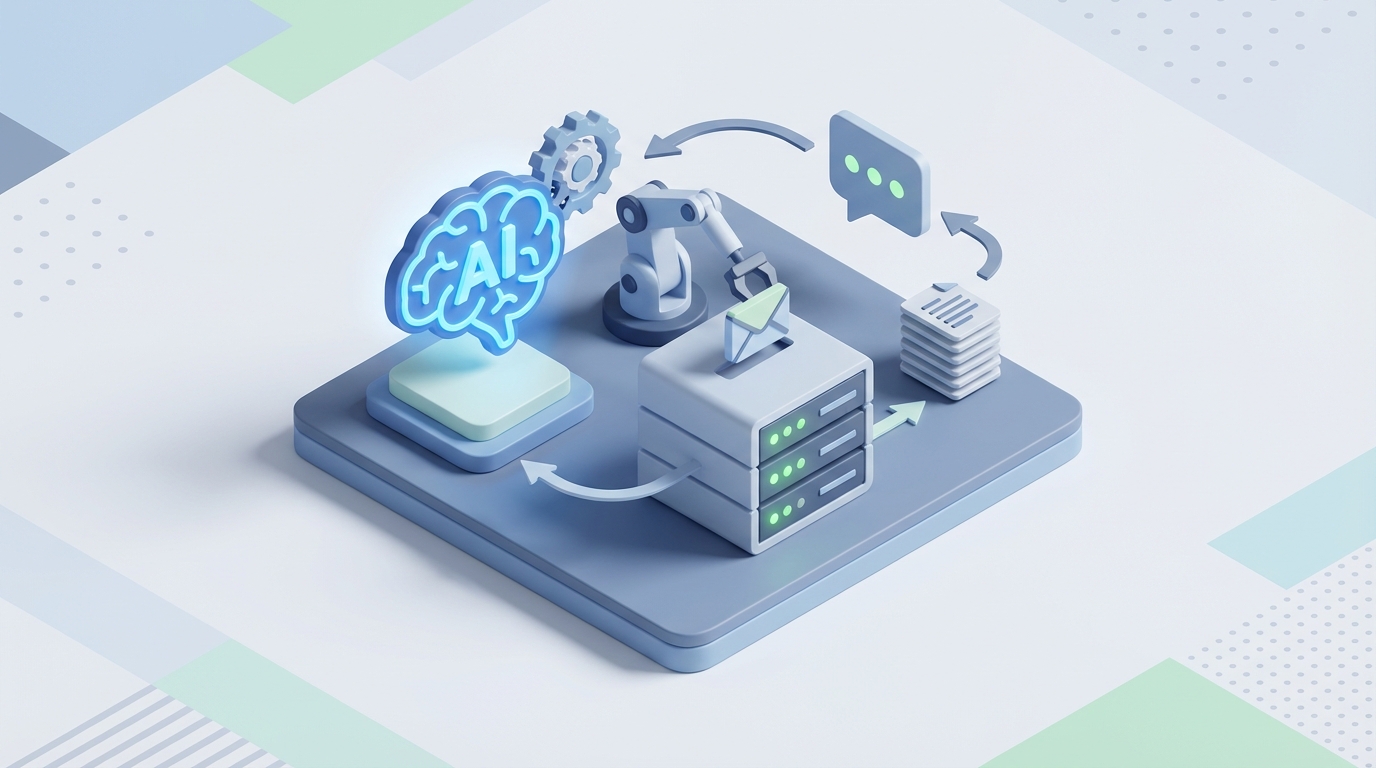
Most teams building customer support chatbots follow the same depressing cycle: spend two months getting version one live, watch it fumble real conversations, then spend another month manually reviewing transcripts and retraining. Rinse, repeat, burn budget.
The core problem isn't that chatbots are hard to build. It's that chatbots are hard to keep good. The initial launch is maybe 30% of the total effort. The other 70% is the grinding, ongoing work of reading tickets, spotting where the bot failed, updating the knowledge base, testing changes, and praying you didn't break something that was working fine yesterday.
That ongoing loop — ticket comes in, human reads it, human decides what to fix, human fixes it, human tests it — is exactly the kind of workflow that an AI agent can handle. Not all of it. But enough of it to cut your maintenance time by 60–70% and dramatically reduce the lag between "bot said something wrong" and "bot says the right thing now."
Here's how to build that agent on OpenClaw.
The Manual Workflow (And Why It's Killing Your Team)
Let's be specific about what chatbot maintenance actually looks like in a real company. Not the marketing version — the actual day-to-day.
Week-to-week maintenance typically involves:
-
Ticket review and triage (5–8 hours/week): Someone reads through escalated conversations, CSAT scores, and flagged interactions to find where the bot failed. This means opening tickets one by one, reading the full conversation, and categorizing the failure — wrong answer, missing information, tone issue, hallucination, or legitimate edge case.
-
Knowledge base updates (3–6 hours/week): Once you know what's broken, someone has to find the relevant article or document chunk, rewrite or add content, and make sure the new content doesn't conflict with existing material. If you're using RAG, this also means re-chunking, re-embedding, and checking retrieval quality.
-
Prompt and flow adjustments (2–4 hours/week): Maybe the bot needs a new guardrail. Maybe a particular intent is getting misrouted. Someone has to tweak prompts, update decision logic, and add or remove few-shot examples.
-
Testing (3–5 hours/week): After every change, you need to verify that the fix actually works and that you didn't introduce regressions. This means running through test cases — often manually, often hundreds of them.
-
Reporting and stakeholder updates (2–3 hours/week): Leadership wants to know resolution rates, deflection numbers, and where the bot is improving or declining. Someone has to pull those numbers, contextualize them, and present them.
Add it up: 15–26 hours per week. That's consistent with Forrester's 2026 data showing 15–30 hours of weekly maintenance for a mid-sized support bot. For many companies, that's a half-time or full-time role dedicated purely to keeping the chatbot from getting worse.
And here's the kicker — most of that time is spent on reading and categorizing, not on creative problem-solving. A human reads a ticket, decides the bot's answer was wrong because the knowledge base was missing a paragraph about the refund policy for subscription products, writes that paragraph, and adds it. The cognitive work is relatively simple. The volume is what kills you.
What Makes This Painful
Three things compound the problem:
Speed of decay. Your product changes, your policies change, your customers find new ways to ask questions. Every week your chatbot doesn't get updated, its accuracy drops. Gartner's 2026 data shows 68% of companies cite "maintaining accuracy over time" as their top chatbot pain point. The bot doesn't get worse because it's bad technology — it gets worse because the world moves and the bot stays still.
Cost of annotation. Data labeling and annotation account for 60–80% of total chatbot project time across the industry. That's not a typo. The majority of what you spend on your chatbot goes to humans reading things and tagging them. In dollar terms, enterprises report spending $50k–$250k+ in the first year, with 40–60% being human labor.
Error propagation. When a human reviewer is tired (and they will be — this work is monotonous), they miss things. They miscategorize a failure. They write a knowledge base article that contradicts another one. They forget to test a related flow. These small errors compound. The average chatbot first-contact resolution rate in production is only 35–55% (CCW Digital, 2026), and a big reason is accumulated maintenance debt.
What AI Can Actually Handle Now
Not everything. Let's be honest about the split.
AI is genuinely good at these parts of the loop:
-
Reading and categorizing tickets at scale. An AI agent can process hundreds of escalated conversations per day, classify failure types (wrong answer, missing info, hallucination, tone mismatch, out-of-scope), and cluster them by topic. This replaces the most time-intensive part of the workflow.
-
Drafting knowledge base updates. Given a batch of similar failures, an AI agent can pull the relevant existing KB content, identify the gap, and draft a new or revised article. It won't always be perfect, but it gets you 80% of the way there.
-
Generating test cases. For every change, an AI can generate paraphrased variations of the original failing query, plus related queries that might be affected, and run them against the updated bot.
-
Surfacing conflicts and inconsistencies. When new content contradicts existing content, an AI agent can flag it before it goes live.
-
Monitoring and alerting. Continuous scanning of live conversations for confidence drops, new failure patterns, and emerging topics the bot doesn't cover.
AI still needs humans for:
- Deciding business rules and escalation policies
- Evaluating nuanced tone and brand voice
- Making judgment calls on ambiguous or high-stakes answers
- Approving changes before they hit production (at least for now)
- Strategic decisions about what the bot should and shouldn't handle
The pattern that works is what the industry calls "human-in-the-loop" — the AI does the heavy lifting of reading, drafting, and testing, and a human reviews and approves. Instead of 20 hours a week of grinding, your human spends 5–7 hours reviewing AI-prepared recommendations.
Step-by-Step: Building the Automation Agent on OpenClaw
Here's the actual architecture. We're building an AI agent on OpenClaw that monitors your support tickets, identifies chatbot failures, drafts fixes, and presents them for human approval.
Step 1: Connect Your Ticket Source
Your agent needs access to the conversations where your chatbot failed. This typically means connecting to your helpdesk (Zendesk, Intercom, Freshdesk, etc.) or your chatbot's conversation logs.
In OpenClaw, you set up an integration that pulls in:
- Escalated conversations (where the bot handed off to a human)
- Low-CSAT conversations
- Conversations flagged by users as unhelpful
Configure the agent to pull these on a schedule — daily works for most teams, hourly if you're high-volume.
Agent: Ticket Analyzer
Trigger: Daily at 6:00 AM UTC
Source: Zendesk escalated tickets (last 24 hours)
Filter: Bot-handled conversations that resulted in human escalation
Step 2: Build the Classification Layer
The agent's first job is reading each failed conversation and categorizing the failure. You define the taxonomy based on your business:
Failure Categories:
1. MISSING_INFO — Bot didn't have the answer in its knowledge base
2. WRONG_ANSWER — Bot retrieved incorrect or outdated information
3. HALLUCINATION — Bot fabricated information not in any source
4. TONE_ISSUE — Answer was technically correct but poorly delivered
5. ROUTING_FAILURE — Bot should have escalated but didn't
6. OUT_OF_SCOPE — Customer asked something the bot shouldn't handle
In OpenClaw, you configure this as a classification task with examples. Provide 10–15 labeled examples per category from your actual ticket history. The agent uses these to classify new tickets with high accuracy.
For each classified ticket, the agent also extracts:
- The specific question the customer asked
- What the bot actually said
- What the correct answer should have been (inferred from the human agent's response)
- The relevant knowledge base topic
Step 3: Cluster and Prioritize
Individual tickets are noise. Patterns are signal. The agent groups similar failures by topic and category, then ranks clusters by volume and impact.
Agent: Pattern Detector
Input: Classified tickets from Step 2
Process:
  - Embed each ticket using semantic similarity
  - Cluster similar failures
  - Rank clusters by: count × average CSAT impact
Output: Prioritized list of knowledge gaps and errors
This is where the value gets real. Instead of your team reading 50 individual tickets about the same refund policy confusion, they see one cluster: "23 tickets this week — customers asking about refund eligibility for annual subscriptions. Bot says 30-day policy; actual policy is 60 days for annual plans."
Step 4: Draft the Fixes
For each prioritized cluster, the agent drafts a specific fix. The type of fix depends on the failure category:
For MISSING_INFO: Draft a new knowledge base article or add a section to an existing one. The agent pulls the human agent's responses from the escalated tickets as source material.
For WRONG_ANSWER: Identify the specific KB chunk that contains the wrong information, draft a corrected version, and flag what changed.
For HALLUCINATION: Check if the issue is a retrieval problem (right content exists but wasn't found) or a generation problem (model made something up). Recommend either re-chunking or adding explicit guardrails.
For ROUTING_FAILURE: Suggest new escalation rules or intent triggers.
Agent: Fix Drafter
Input: Prioritized clusters from Step 3
Process:
  - For each cluster, pull relevant existing KB content
  - Compare existing content against correct answers from human agents
  - Draft updated or new content
  - Generate 10 test queries per fix (paraphrased variations)
  - Run test queries against current bot to establish baseline
Output: Fix proposals with before/after comparison and test results
Step 5: Human Review Dashboard
This is the critical human-in-the-loop step. The agent presents its recommendations in a review queue. For each proposed fix, the reviewer sees:
- The failure cluster (with example tickets)
- The current KB content (or lack thereof)
- The proposed change
- Test results showing how the bot would respond before and after
- A confidence score from the agent
The reviewer can approve, edit, or reject each proposal. Approved changes get pushed to staging for a final test run.
In OpenClaw, you build this as a workflow with an approval gate:
Workflow: Chatbot Improvement Pipeline
1. Ticket Analysis (automated, daily)
2. Classification (automated)
3. Clustering & Prioritization (automated)
4. Fix Drafting (automated)
5. Human Review (manual approval gate)
6. Staging Deployment (automated on approval)
7. Regression Testing (automated)
8. Production Deployment (automated if tests pass)
Step 6: Regression Testing
Before any change goes live, the agent runs your full test suite. This is where most manual processes fall apart — humans skip testing because it's tedious. The agent never skips it.
The agent maintains a growing library of test cases. Every time a fix is deployed, the original failing queries become new test cases. Over time, your test coverage grows automatically.
Agent: Regression Tester
Input: Proposed KB changes + test suite
Process:
  - Run all existing test cases against updated bot
  - Run new test cases specific to the change
  - Compare results against expected answers
  - Flag any regressions
Output: Pass/fail report with specific failures highlighted
If regressions are found, the change gets kicked back to the review queue with details about what broke.
Step 7: Feedback Loop
After changes go live, the agent monitors the specific topics that were updated. If resolution rates improve for those topics, the fix is validated. If not, the agent flags it for re-examination.
This creates a genuine continuous improvement loop — not the aspirational kind that lives in slide decks, but one that actually runs every day.
Expected Time and Cost Savings
Based on the typical maintenance workload we outlined earlier:
| Task | Manual Hours/Week | With OpenClaw Agent | Savings |
|---|---|---|---|
| Ticket review & triage | 5–8 hrs | 0.5–1 hr (review only) | ~85% |
| KB updates | 3–6 hrs | 1–2 hrs (review & approve) | ~65% |
| Prompt/flow adjustments | 2–4 hrs | 1–2 hrs | ~50% |
| Testing | 3–5 hrs | 0.5 hr (review results) | ~90% |
| Reporting | 2–3 hrs | 0.5 hr (auto-generated) | ~80% |
| Total | 15–26 hrs | 3.5–6 hrs | ~70% |
For a team paying $60–80/hour fully loaded for a technical support ops person, that's roughly $35k–$65k per year in labor savings on maintenance alone. More importantly, it's faster response to failures — instead of a weekly or biweekly review cycle, issues get identified and fixed daily.
The chatbot gets better faster, which means higher resolution rates, fewer escalations, and better CSAT. Companies running this kind of continuous loop with good tooling consistently hit 60–70% first-contact resolution, well above the 35–55% industry average.
What This Doesn't Replace
Let's be clear about the boundaries:
You still need a human to make strategic decisions about your chatbot's scope, to evaluate whether the tone matches your brand in edge cases, to handle compliance reviews for regulated content, and to decide when a topic is too sensitive for bot automation.
You still need good source material. The agent can draft KB content, but if your underlying product documentation is garbage, the agent will produce well-formatted garbage. Invest in your documentation.
You still need initial setup. Building the agent, defining your failure taxonomy, providing initial examples, and connecting your systems takes real work upfront. Plan for 2–4 weeks of setup, depending on complexity.
But after that initial investment, you've converted chatbot maintenance from a manual grind into a supervised automated process. Your human reviews AI-prepared recommendations instead of reading raw tickets. Your testing is comprehensive instead of spotty. Your improvement cycle is daily instead of monthly.
Get Started
If you're spending more than a few hours a week maintaining a chatbot and want to automate the heavy parts, browse the Claw Mart marketplace for pre-built agent templates and OpenClaw configurations designed for this exact workflow. You'll find ticket analysis agents, knowledge base maintenance agents, and regression testing agents that you can adapt to your stack.
If you've already built something like this — or a piece of it — and want to share it with other teams facing the same problem, consider Clawsourcing it. List your agent or template on Claw Mart and let other teams benefit from the work you've already done. The best solutions to this problem come from people who've actually lived through the pain of manual chatbot maintenance, not from vendors guessing at your workflow.
Recommended for this post
Your Notion expert that builds databases, automates workflows, and connects your knowledge base.
 SpookyJuice.ai
Your Linear expert that automates issue tracking, builds workflows, and streamlines project management.
SpookyJuice.ai
Adam
Full-Stack Engineer
Your full-stack AI engineer that architects, builds, deploys, and automates entire applications from a single conversation. 23+ Core Capabilities.
 Clarence Maker