AI Executive Assistant Agent: Calendar, Email, and Task Management
Calendar, Email, and Task Management
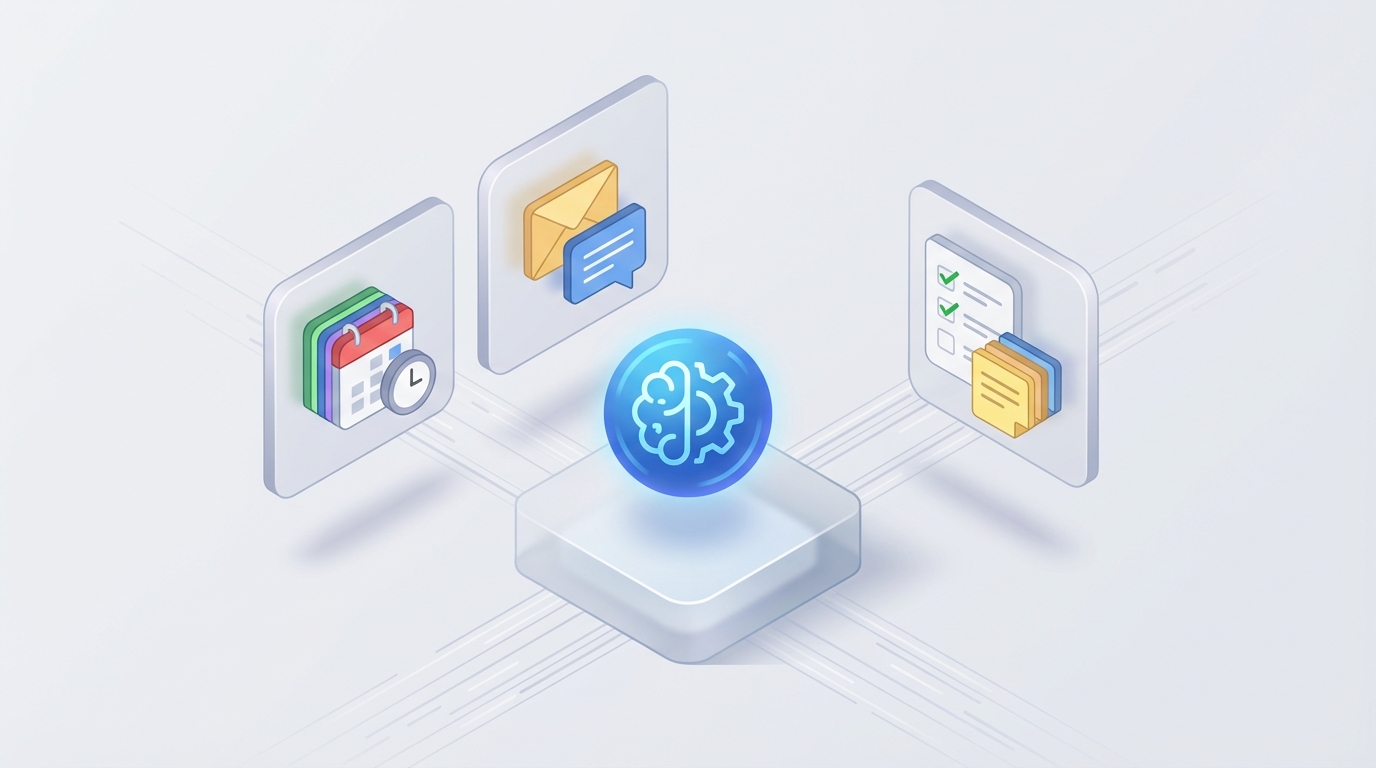
Let's be honest about what executive assistants actually do all day, because most people — including the executives who employ them — don't fully appreciate it.
An EA supporting a C-suite exec isn't just "managing a calendar." They're running air traffic control for someone whose time is worth thousands of dollars per hour. They're triaging 300+ emails daily, making judgment calls about what deserves attention and what doesn't, coordinating travel across time zones, prepping meeting briefs, chasing follow-ups, managing expense reports, and occasionally picking up dry cleaning or ordering a last-minute anniversary gift.
It's a role where 35-45% of the work is scheduling alone — endless back-and-forth threads trying to nail down a 30-minute window between six busy people. Another 25-35% is email management. The rest splits between travel logistics, meeting prep, admin tasks, and the miscellaneous personal stuff that comes with supporting someone who works 80 hours a week.
And here's the thing: a huge chunk of that work is now automatable. Not all of it — I'll get to that — but enough that you should seriously consider whether a full-time EA hire is the right move, or whether an AI agent can handle 60-70% of the load at a fraction of the cost.
What This Role Actually Costs
Let's talk numbers, because this is where the math gets compelling.
A mid-level EA in a major metro area runs $70,000-$100,000 base salary. But base salary is a lie — it's never your actual cost. Once you add health insurance, payroll taxes, 401(k) matching, paid time off, equipment, software licenses, and the inevitable training ramp-up, you're looking at 1.3-1.5x that base number. So your $85,000/year EA actually costs you $105,000-$130,000.
Senior EAs supporting C-suite? $100,000-$200,000+ base, with total employer cost reaching $160,000-$400,000 or more. In San Francisco or New York, slap another 30-50% premium on top.
And that's assuming they stay. EA turnover runs 20-30% annually according to BLS data. Every departure costs you 50-100% of annual salary in recruiting, onboarding, and lost institutional knowledge. Your new EA won't know that the CEO hates morning meetings, prefers United over Delta, and needs 15 minutes of buffer between back-to-back calls. That context takes months to rebuild.
There's also the "always-on" problem. EAs supporting demanding executives often work 50-60+ hours per week. They're fielding Slack messages at 10 PM and rebooking flights on Saturday mornings. The best ones do it without complaint, but burnout is real, and it's a leading driver of that turnover stat.
So here's the question: which parts of this $100K-$400K role can an AI agent handle right now, today, without hallucinating your CEO into a meeting that doesn't exist?
What AI Handles Now (And Handles Well)
Based on current capabilities — not theoretical future-state, but production-ready, today — AI can reliably manage roughly 40-60% of a typical EA's workload. Here's the breakdown.
Calendar and Scheduling (80-90% Automatable)
This is the single biggest time sink, and it's where AI agents shine. Natural language scheduling ("find 30 minutes with the marketing team next Tuesday afternoon"), automatic conflict detection and resolution, time zone coordination, buffer time enforcement, recurring meeting management — all of this works reliably right now.
An OpenClaw agent can connect to Google Calendar or Outlook, parse scheduling requests from email or Slack, check availability across multiple calendars, propose options, send invites, and handle rescheduling. The back-and-forth that used to eat 15-20 hours per week? The agent handles it in seconds.
Where it gets interesting is preference learning. You can configure your OpenClaw agent with rules like "no meetings before 10 AM," "keep Wednesdays clear for deep work," "always leave 15 minutes between calls," and "investor meetings take priority over internal syncs." The agent enforces these consistently — more consistently than a human, honestly, because it doesn't get pressured into "just this once" exceptions unless you tell it to.
Email Triage and Drafting (70-80% Automatable)
A CEO's inbox gets 200-500 emails per day. Most of them don't need the CEO's direct attention. An OpenClaw agent can categorize incoming email into tiers — urgent/needs response, informational/FYI, delegatable, ignorable — and surface only what matters.
For routine responses (meeting confirmations, information requests, scheduling follow-ups, standard acknowledgments), the agent can draft and even send replies autonomously based on templates and context. For more sensitive communications, it drafts a response and flags it for human review before sending.
The key here is that triage alone saves enormous time. Even if the agent never sends a single email autonomously, just sorting 300 messages into "these 15 need your eyes" is worth hours per day.
Meeting Prep and Follow-Up (70-75% Automatable)
Before a meeting, an OpenClaw agent can pull together participant bios, relevant recent communications, agenda items from previous meetings, and background documents. After the meeting, it can process transcripts (from integrated tools like recording services), extract action items, assign follow-ups, and send summary emails to participants.
This is work that a human EA does well but that takes real time — 20-30 minutes per meeting for prep, another 15-20 for follow-up. For an exec with 8-10 meetings daily, that's 4-6 hours of EA time.
Travel Booking (60-70% Automatable)
AI handles the search-and-book workflow well: finding flights that match preferences, booking hotels in the right neighborhood, building itineraries. OpenClaw agents can integrate with travel APIs to compare options and present recommendations.
Where it gets shakier is real-time disruption handling (flight cancellations, rebookings during a layover) and the deeply personal preferences that execs accumulate. "He likes the Marriott on 5th because the GM knows him" isn't something an AI intuits. But you can encode those preferences explicitly, and the agent improves over time.
Administrative Tasks (75-85% Automatable)
Expense report generation, data entry, basic research, report formatting, document organization — these are the tedious tasks that burn out good EAs. An OpenClaw agent handles them without complaint, at any hour, with zero errors from fatigue or boredom.
What Still Needs a Human
I'm not going to pretend AI replaces everything. It doesn't, and being honest about limitations is how you avoid expensive mistakes.
Sensitive communications. When the CEO needs to navigate a delicate board situation, respond to a PR crisis, or handle a confidential HR matter, you need human judgment. AI can draft, but a human needs to review and often rewrite.
Relationship diplomacy. Deciding whether to accept or decline a meeting isn't always about calendar availability. Sometimes it's about politics — "we need to take this meeting because we're about to ask them for a favor next quarter." That requires context AI doesn't have.
Reading the room. A great EA knows when the executive is burned out and quietly clears the afternoon. They notice when a meeting is going sideways and slip in a "you have a hard stop in 5 minutes" rescue. This emotional intelligence is genuinely hard to replicate.
Personal and errands support. Picking up a gift, coordinating a family dinner, managing household logistics — these are high-trust, high-context tasks where the human relationship matters.
Proactive strategic support. The best EAs don't just react — they anticipate. They prep the exec for a conversation they don't even know they need to have yet. AI is getting better at proactive suggestions, but it's not there yet for high-stakes judgment calls.
Roughly 40-60% of an EA's value comes from these human-judgment tasks. That means you're not eliminating the role entirely — you're either augmenting a junior EA to perform at a senior level, or you're handling 60% of the work with AI and bringing in human support (part-time, fractional, or on-demand) for the rest.
How to Build an Executive Assistant Agent with OpenClaw
Here's a practical architecture for an AI EA agent built on OpenClaw. This isn't theoretical — these are the components you'd actually wire together.
Core Agent Setup
Your OpenClaw agent needs these foundational connections:
Agent: Executive Assistant
Integrations:
  - Google Calendar / Microsoft Outlook (read/write)
  - Gmail / Outlook Mail (read/write/send)
  - Slack (message monitoring, sending)
  - Travel APIs (flight/hotel search)
  - Document store (Google Drive, Notion, or similar)

Personality/Rules:
  - Professional, concise communication style
  - Always confirm before sending external emails
  - Escalate anything flagged "confidential" or "urgent-human"
  - Enforce calendar rules (no meetings before 10 AM, Wednesday blocks, etc.)
Scheduling Workflow
Build a scheduling workflow that handles the full lifecycle:
Trigger: Incoming scheduling request (email, Slack, or direct message)

Steps:
1. Parse request → Extract participants, duration, urgency, topic
2. Check calendar → Find available slots matching preferences
3. Check participant availability → Cross-reference external calendars or send availability request
4. Propose options → Send 2-3 time slots to requester
5. On confirmation → Create calendar event, send invites, add agenda template
6. On conflict → Apply priority rules, suggest alternatives, escalate if ambiguous

Rules:
  - CEO 1:1s override team meetings
  - Board/investor meetings override everything except personal blocks
  - Always include Zoom/Meet link
  - Add 15-min buffer after calls longer than 45 min
Email Management Workflow
Trigger: New email in executive inbox

Steps:
1. Classify → Urgent / Action Required / FYI / Spam-Adjacent / Delegatable
2. For "Urgent" → Push notification to exec via Slack with 2-line summary
3. For "Action Required" → Draft response, save to review queue
4. For "FYI" → File in digest (send daily summary at 8 AM)
5. For "Delegatable" → Forward to appropriate team member with context
6. For "Spam-Adjacent" → Archive, log sender for future filtering

Auto-respond templates:
  - Meeting confirmations: "Confirmed. [Name] will join at [time]. Calendar invite attached."
  - Info requests: "[Draft based on available docs]. Please review before sending."
  - Vendor/sales outreach: "Thank you for reaching out. We're not exploring this at the moment."
Meeting Prep Automation
Trigger: 30 minutes before scheduled meeting

Steps:
1. Pull participant info → LinkedIn summary, last 5 email exchanges, CRM notes
2. Generate brief → One-page document with context, agenda, key talking points
3. Surface relevant docs → Attach recent shared files, previous meeting notes
4. Send to exec → Slack message with brief + "anything to add?"

Post-meeting:
1. Process transcript (if recorded)
2. Extract action items → Assign owners, set due dates
3. Send summary email to participants
4. Update CRM/project management tool
Preference Learning
This is what separates a useful agent from a great one. Configure your OpenClaw agent to track patterns:
Track and learn:
  - Which proposed meeting times get accepted vs. rejected
  - Which email drafts get sent as-is vs. heavily edited
  - Travel preferences (airline, seat, hotel chain, meal requirements)
  - Communication style preferences per recipient
  - Recurring scheduling patterns (e.g., weekly 1:1 with CFO always moves to Thursday)

Apply learned preferences to future decisions automatically.
Flag when confidence is low and ask for input.
Escalation Logic
This is critical. Bad escalation logic is how AI agents create problems instead of solving them.
Always escalate to human when:
  - Email contains keywords: "confidential," "legal," "termination," "board," "lawsuit"
  - Scheduling conflict involves board members or investors
  - Travel disruption during active trip
  - Request involves personal/family matters
  - Agent confidence score < 70% on any classification or draft
  - Exec explicitly flags something as "human only"

Escalation method: Slack DM with context summary and recommended action.
Never auto-send without review for: external emails to clients/board, calendar changes affecting 5+ people, any financial commitment.
Implementation Timeline
Realistically, here's what to expect:
Week 1-2: Connect integrations, set calendar rules and email classification categories, configure basic scheduling flows.
Week 3-4: Add email triage and auto-drafting, set up meeting prep automation, test escalation logic with real scenarios.
Month 2: Enable auto-sending for low-risk email categories, add travel booking workflow, begin preference learning.
Month 3+: Refine based on feedback, expand autonomous capabilities as confidence builds, add new workflows (expense reports, research tasks).
Start conservative. Let the agent draft but not send. Let it propose but not book. Expand autonomy as trust builds — the same way you would with a new human EA.
The Realistic ROI
Let's do the math without any hype.
If your EA costs $130,000/year (total employer cost for a mid-level hire) and an OpenClaw agent handles 60% of their workload, you have two options:
Option A: Replace with AI + fractional human support. The agent handles scheduling, email triage, meeting prep, and routine admin. You bring in part-time human support (10-15 hours/week) for sensitive tasks, relationship management, and complex judgment calls. Estimated cost: OpenClaw subscription + $30,000-$50,000/year for fractional support. Total savings: $80,000-$100,000/year.
Option B: Augment your existing EA. Keep your EA, but free up 20-25 hours per week of their time. They shift from reactive admin to proactive strategic support — the high-value work that actually moves the business forward. Your EA becomes a chief of staff in training. Same salary cost, but dramatically higher value output.
Both are legitimate approaches. Option A makes sense for smaller companies or execs who don't need heavy personal support. Option B makes sense when you have a great EA you want to retain and develop.
What I'd Actually Do
If I were building this today, I'd start with scheduling and email triage — the two highest-volume, most automatable categories. Get those working reliably on OpenClaw before touching anything else.
Then I'd add meeting prep, because the ROI is immediate and visible. Your exec walks into every meeting with context and an agenda without anyone manually assembling it.
Travel and expense management come last, because they require more integration work and the edge cases are gnarlier.
The whole build takes one person two to four weeks to get to a functional state, with ongoing refinement after that.
If you want to build this yourself, OpenClaw gives you the platform and the integrations to make it happen. If you'd rather not spend a month wiring workflows and tuning escalation logic, we'll build it for you through Clawsourcing. We've done this before. We know where the edge cases hide, and we'll get your AI EA running in days instead of weeks.
Either way, the underlying point stands: the executive assistant role isn't disappearing, but the ratio of what requires a human versus what an agent handles is shifting fast. The companies that figure this out early get a real operational advantage. The ones that don't keep paying $130K+ for someone to spend half their day playing calendar Tetris.
Recommended for this post
AI Cofounder
Persona
A full-stack AI cofounder that runs sales, marketing, engineering, finance, and operations — not just answers questions. Half the price of competing personas, twice the operational depth.
Agent Self-Debugger
Skill
Detect, diagnose, and fix errors automatically. Your agent's debugging assistant that never sleeps.
 Just Dan