AI Customer Experience Manager: Monitor Feedback and Close the Loop
Replace Your Customer Experience Manager with an AI Customer Experience Manager Agent
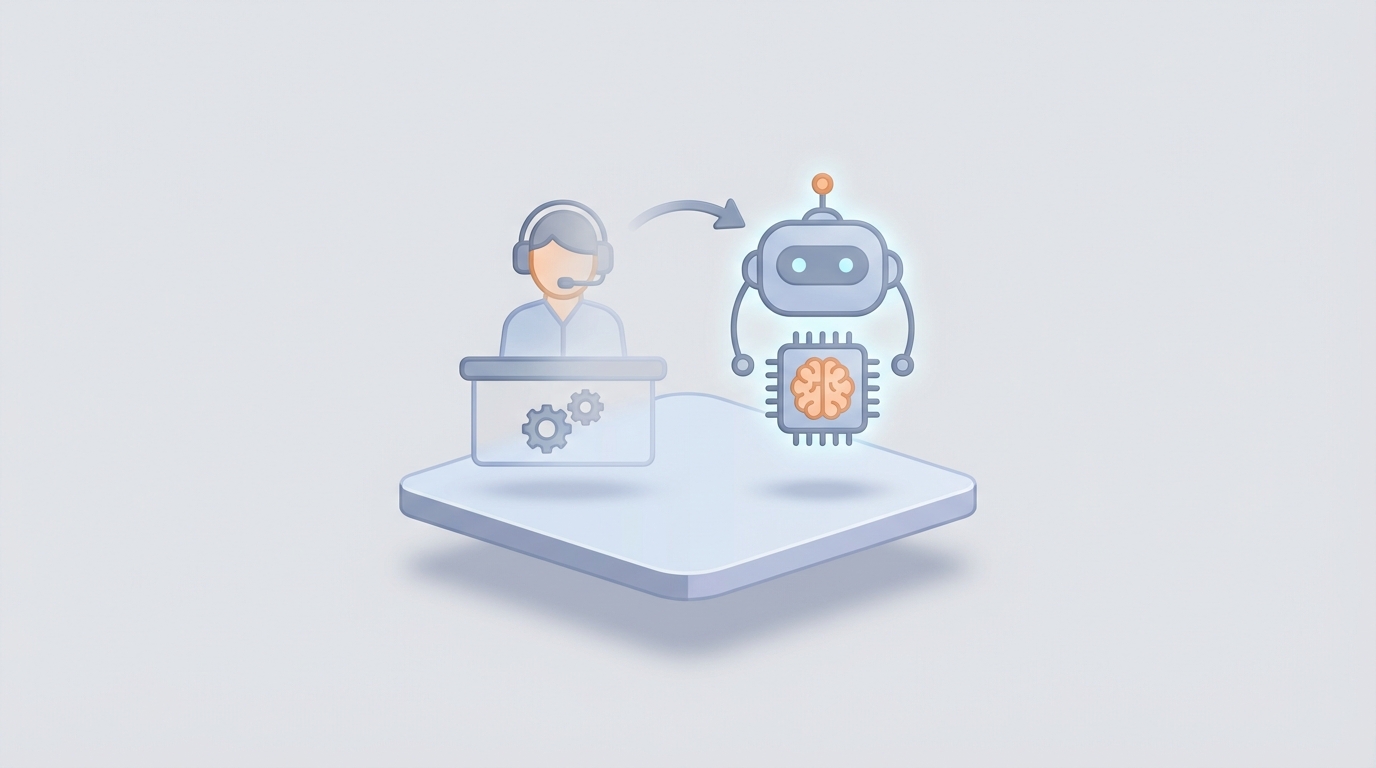
Most companies hire a Customer Experience Manager when customer complaints start piling up, NPS scores start sliding, or the support team looks like it's about to collectively quit. The role is a catch-all: part analyst, part therapist, part project manager, part firefighter.
And it costs you somewhere between $150,000 and $300,000 a year when you factor in everything.
Here's the thing: about 60% of what a CX Manager does every day is work that an AI agent can handle right now. Not in some speculative future. Today. The other 40% genuinely needs a human — and I'll be honest about exactly where that line is.
Let me walk you through what this role actually involves, what it actually costs, what you can automate with an AI agent built on OpenClaw, and what you can't.
What a Customer Experience Manager Actually Does All Day
If you've never managed one or been one, the job title sounds vague. It's not. Here's a realistic breakdown of a CX Manager's week:
~40% of their time goes to meetings and email. Syncing with support leads, product managers, marketing, and executives. Responding to internal requests. Attending standups. Most of this is information transfer — someone asks a question, the CX Manager goes and finds the answer from data or from another team, then relays it.
~25-35% goes to feedback analysis and reporting. They're pulling data from Zendesk, Intercom, app store reviews, social media, NPS surveys, CSAT scores, and support tickets. They're looking for patterns: are customers complaining about the same onboarding step? Is there a product bug generating tickets? Which segment has the highest churn? Then they build dashboards or slide decks to present these findings.
~20-30% goes to team management. Coaching support agents, running training sessions, handling scheduling, doing performance reviews. Support teams have notoriously high turnover — 30-50% annually in many organizations — so there's a constant cycle of hiring, onboarding, and retraining.
~15-25% goes to escalation handling. The hard cases. The angry VIP customer. The refund dispute that doesn't fit neatly into policy. The social media complaint that's going viral. These require judgment, empathy, and sometimes creative problem-solving.
~10% goes to actual strategy. Designing loyalty programs, mapping customer journeys, planning CX initiatives. This is theoretically the most valuable part of the job, but it gets squeezed out by everything else.
The pattern here is clear: the majority of a CX Manager's time is spent on information gathering, pattern recognition, data synthesis, and routine coordination. These are exactly the tasks AI is already good at.
The Real Cost of This Hire
Let's do the math honestly. A mid-level CX Manager in the US averages about $125,000 in base salary. In New York or San Francisco, bump that to $140,000-$160,000. Total comp with bonuses and equity can hit $130,000-$170,000.
But base comp is never the real cost. You need to add:
- Benefits (health, dental, 401k match, PTO): 25-35% of base salary, so another $31,000-$44,000
- Software and tools they need: Zendesk, Salesforce, survey platforms, analytics tools — roughly $10,000-$20,000/year in licenses
- Training and development: conferences, courses, certifications — $2,000-$5,000/year
- Recruiting costs if they leave (and the average tenure for CX managers is 2-3 years): recruiter fees alone run 15-25% of first-year salary
- Ramp-up time: it takes 3-6 months for a new CX Manager to fully understand your customer base, internal systems, and team dynamics. During that period, you're paying full salary for partial output.
All-in, a mid-level CX Manager costs your company $200,000-$300,000 per year. A senior director or VP of CX? You're looking at $300,000-$450,000+ when you include equity.
This doesn't mean the role isn't valuable. It means you should be very deliberate about what you're paying a human to do versus what a system can do.
What an AI Agent Handles Right Now
An AI Customer Experience Manager agent built on OpenClaw can take over the repetitive, data-heavy, high-volume parts of the role today. Not perfectly — but well enough to either replace the hire entirely for smaller companies or free up a senior CX person to focus exclusively on strategy and complex human problems.
Here's what's actually automatable:
1. Customer Feedback Analysis and Sentiment Tracking
This is the biggest time sink, and it's where AI shines hardest. A CX Manager might spend 10-15 hours a week reading through tickets, surveys, and reviews to spot trends. An OpenClaw agent does this continuously, in real time, across every channel simultaneously.
You can build a workflow that ingests data from your support platform, review sites, social media mentions, and survey responses, then classifies sentiment, extracts themes, and flags emerging issues — all without a human touching it.
In OpenClaw, this looks like setting up a workflow with nodes for data ingestion (pulling from APIs like Zendesk, Intercom, or a custom webhook), an analysis node that uses natural language processing to score sentiment and categorize issues, and an output node that pushes summaries to Slack, email, or a dashboard.
A simplified version of the workflow configuration:
workflow: cx_feedback_analysis
trigger: scheduled_every_1h

nodes:
  - id: ingest_tickets
    type: api_pull
    source: zendesk
    filters:
      created_after: "{{last_run_timestamp}}"

  - id: ingest_reviews
    type: api_pull
    source: app_store_connect
    filters:
      created_after: "{{last_run_timestamp}}"

  - id: analyze_sentiment
    type: llm_analysis
    model: openclaw_default
    prompt: |
      Analyze the following customer feedback items. For each:
      1. Score sentiment (-1 to 1)
      2. Categorize the primary issue (billing, product_bug, onboarding, feature_request, shipping, other)
      3. Flag urgency (low, medium, high, critical)
      4. Extract any specific product/feature mentioned

      Return structured JSON.
    input: "{{ingest_tickets.output + ingest_reviews.output}}"

  - id: aggregate_trends
    type: data_transform
    operations:
      - group_by: category
      - count_by: urgency
      - compare_to: previous_period
      - detect_anomalies: true

  - id: notify_team
    type: output
    channels:
      - slack: "#cx-alerts"
        condition: "{{aggregate_trends.anomalies_detected == true}}"
      - email: cx-team@company.com
        frequency: daily_digest
      - dashboard: cx_metrics
        update: realtime
This replaces what used to take a CX Manager the better part of their week. And it catches things humans miss because it never gets tired, never skims, and processes volume that no person could handle.
2. Automated Reporting and KPI Tracking
CX Managers spend hours building reports that executives glance at for 30 seconds. An OpenClaw agent can generate these automatically — pulling First Contact Resolution rates, Average Handle Time, CSAT trends, NPS movement, churn indicators, and ticket volume patterns.
More importantly, it can contextualize them. Instead of a dashboard full of numbers, the agent produces a narrative: "CSAT dropped 4 points this week, driven primarily by a 340% increase in billing-related tickets. Root cause appears to be the pricing page update deployed Tuesday. Three VIP accounts have opened escalation tickets."
That's actionable. That's what the executive actually wanted when they asked for a report.
3. Ticket Triage and Intelligent Routing
Most support platforms have basic routing rules. An OpenClaw agent takes this further: it reads the incoming ticket, understands the context (is this customer a high-value account? have they contacted us about this before? is this a known issue?), and routes it to the right person with full context attached.
For straightforward issues — password resets, billing questions, order status, FAQ-type queries — the agent resolves them directly. Industry data shows chatbots and AI agents can handle 80-90% of routine queries autonomously. That's not aspirational; Intercom's Fin agent already resolves 40% of support volume at companies like Atlassian, and that's without a purpose-built CX workflow.
4. Proactive Customer Outreach
Instead of waiting for customers to complain, an OpenClaw agent can monitor usage patterns, identify customers showing signs of churn (decreased login frequency, support ticket patterns, payment failures), and trigger proactive outreach — personalized emails, in-app messages, or alerts to the account management team.
workflow: churn_prevention
trigger: daily

nodes:
  - id: identify_at_risk
    type: data_analysis
    sources:
      - product_analytics
      - billing_system
      - support_tickets
    criteria:
      - login_frequency_decrease: ">30% over 14 days"
      - open_tickets: ">2 unresolved"
      - payment_failures: ">0 in last 30 days"
      - nps_response: "<6"

  - id: segment_and_act
    type: decision
    rules:
      - if: risk_score > 0.8 AND account_value > high
        action: alert_account_manager
        channel: slack_dm
        include: full_context_summary
      - if: risk_score > 0.6
        action: send_personalized_email
        template: retention_outreach
        personalize_with: usage_data, recent_issues
      - if: risk_score > 0.4
        action: trigger_in_app_survey
        type: micro_feedback
5. Agent Coaching Insights
An OpenClaw agent can analyze support conversations at scale — every single one, not the 5% sample a human manager might review. It identifies which agents struggle with specific issue types, which agents have the best resolution rates, what language patterns correlate with higher CSAT scores, and where training gaps exist.
It won't replace the human act of coaching (we'll get to that), but it gives whoever is coaching far better data to work with.
What Still Needs a Human
I said I'd be honest, so here it is. There are parts of the CX Manager role that AI cannot handle well today, and some it may never handle:
Complex emotional escalations. When a customer is genuinely upset — not "my order is late" upset, but "your product caused a real problem in my life" upset — they need a human. AI sentiment detection still has 10-20% error rates in emotionally nuanced conversations. Getting the tone wrong in a high-stakes situation makes things worse, not better.
Creative problem-solving for novel situations. When a customer issue doesn't fit any existing playbook, humans are still better at inventing solutions on the spot. AI can handle known patterns; it struggles with genuine novelty.
Team leadership and morale. Support teams burn out. They need someone who notices when an agent is struggling, who adjusts workloads, who advocates for the team's needs to leadership. An AI can flag performance data, but it can't take someone out for coffee and ask how they're really doing.
Strategic judgment. Should you invest in a loyalty program or improve onboarding? Should you change your refund policy? These decisions require understanding business context, competitive dynamics, and organizational politics that AI doesn't grasp.
Ethical and policy edge cases. When a situation requires making an exception to policy — or deciding not to — that's a human judgment call that carries real consequences.
The pragmatic play for most companies isn't "fire the CX Manager and replace them with a bot." It's one of two things:
-
If you're a smaller company (under 50 employees): You probably don't need a full-time CX Manager at all. Build an AI agent on OpenClaw to handle 60-70% of the role, and have an existing team lead handle escalations and strategy part-time.
-
If you're a larger company: Keep your best CX person, promote them to a strategic role, and let the AI agent handle the operational workload that was eating their week. They become an "AI orchestrator" — overseeing the system, handling exceptions, and focusing on the high-value work they never had time for.
How to Build This with OpenClaw
Here's the practical path to deploying a CX Manager agent:
Step 1: Map your data sources. List every place customer feedback and interaction data lives. Zendesk, Intercom, Salesforce, app reviews, social media, surveys, product analytics. OpenClaw connects to these via API integrations or webhooks.
Step 2: Define your workflows. Start with the highest-volume, lowest-complexity tasks. Feedback analysis and ticket triage are usually the best starting points. Build these as OpenClaw workflows — the platform's visual builder lets you chain together data ingestion, LLM analysis, decision logic, and output actions.
Step 3: Set your knowledge base. Upload your company's support documentation, product guides, refund policies, escalation procedures, and FAQs into OpenClaw. This becomes the agent's context — it answers questions and makes routing decisions based on your actual policies, not generic responses.
Step 4: Configure escalation rules. Define exactly when the agent should hand off to a human. Be conservative at first. Set thresholds based on sentiment score, customer account value, issue complexity, or specific trigger keywords. You can loosen these as you build confidence in the system.
Step 5: Run in shadow mode. Before letting the agent handle anything autonomously, run it in parallel with your existing process. Have it analyze the same tickets your team analyzes, generate the same reports, suggest the same routing. Compare outputs. Tune the prompts and logic until accuracy is where you need it.
Step 6: Go live incrementally. Start with auto-resolving the simplest ticket categories. Then add sentiment reporting. Then proactive outreach. Each capability gets its own validation period before you add the next one.
Step 7: Monitor and iterate. OpenClaw provides logging and analytics on every workflow execution. Review the agent's decisions weekly at first, then biweekly, then monthly as trust builds. Track the same KPIs you'd track for a human CX Manager: resolution rates, CSAT, response time, escalation volume.
The timeline for this, assuming you have your data sources accessible via API, is typically 2-4 weeks for a basic feedback analysis and triage agent, and 6-8 weeks for a comprehensive CX management system with proactive outreach and coaching insights.
The Bottom Line
A full-time CX Manager costs $200,000-$300,000 per year and spends most of their time on tasks an AI agent does faster and more consistently. The parts of the job that genuinely need human judgment — complex escalations, strategic decisions, team leadership — represent maybe 15-20 hours a week of work, not a full-time senior role.
For most companies, the right move is building an AI CX agent that handles the operational load and either redistributing the remaining human tasks to an existing leader or hiring a part-time senior advisor for the strategic stuff.
You can build this yourself on OpenClaw if you have the technical bandwidth. The platform is designed for exactly this kind of agentic workflow — connecting data sources, running LLM-powered analysis, making decisions, and taking actions across your stack.
Or, if you'd rather have someone build it for you and hand it over ready to run, that's what Clawsourcing is for. We'll scope the agent, build the workflows, connect your systems, and get it running — typically in a few weeks. You get the AI CX Manager without the implementation headache.
Either way, the math is pretty clear. The question isn't whether AI can do this work. It's how long you want to keep paying a quarter million dollars a year for someone to do it manually.
Recommended for this post
The complete skill for integrating Stripe payments into any project -- checkout, subscriptions, webhooks, and session verification.
AI Cofounder
Persona
A full-stack AI cofounder that runs sales, marketing, engineering, finance, and operations — not just answers questions. Half the price of competing personas, twice the operational depth.