AI Client Success Manager Agent: Reduce Churn with Proactive Outreach
Reduce Churn with Proactive Outreach
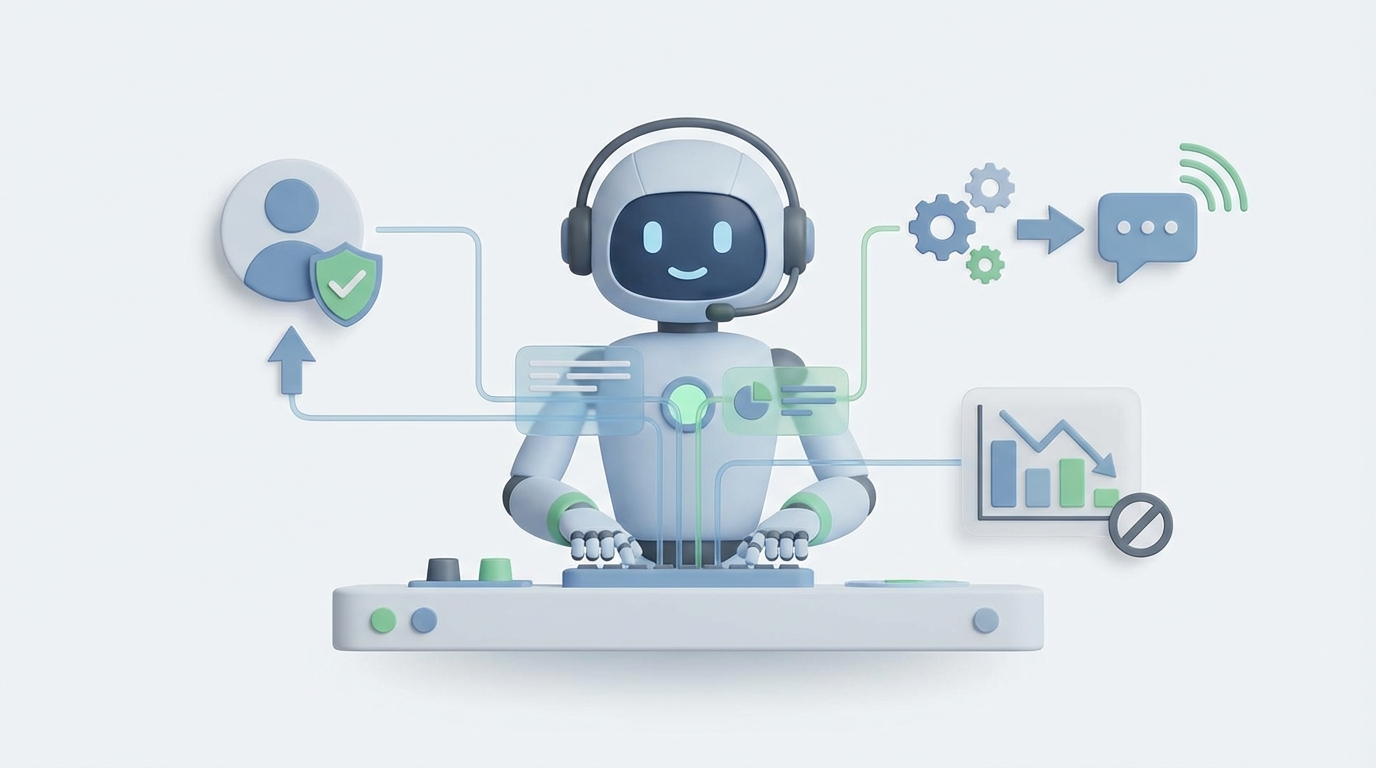
Most Customer Success Managers spend their days doing two things: reacting to fires and updating CRMs. The actual work that prevents churn—proactive outreach, pattern recognition, strategic engagement—gets squeezed into whatever time is left. Which usually isn't much.
Here's what the data says: CSMs spend 35-45% of their time in meetings and on communications (mostly reactive), another 20-30% on admin work, and 15-25% on data analysis and reporting. That leaves maybe 10-15% for the proactive, strategic work that actually moves the needle on retention.
That math doesn't work. And it's why the average CSM managing 100+ accounts is perpetually behind, burning out, and missing the signals that a client is about to churn—until it's too late.
An AI agent can't replace the human judgment a great CSM brings to a complex enterprise relationship. But it can handle the 60-70% of the job that's pattern matching, data synthesis, and templated communication. And it can do it across every account, simultaneously, without ever forgetting a follow-up.
Let me show you what that looks like in practice, and how to build one with OpenClaw.
What a Client Success Manager Actually Does All Day
Let's get specific. Here's a realistic breakdown of a mid-level CSM's week at a B2B SaaS company managing 80-120 accounts:
Monday: Check health dashboards for red flags. Three accounts show declining usage. Log into Gainsight, cross-reference with support tickets. Draft emails to each. QBR prep for two enterprise accounts—pull usage data, build slides, write talking points. Two hours of internal syncs with sales and product.
Tuesday: Four client calls. One is a renewal negotiation where the champion left and the new VP doesn't see the value. Another is onboarding kickoff. Two are "check-in" calls that could've been emails but the client expects face time. Between calls, respond to 15 Slack messages and update Salesforce.
Wednesday: Build a monthly churn risk report for leadership. Pull data from three tools, normalize it in a spreadsheet, write narrative. Onboarding follow-up for three accounts—send resources, schedule training. Handle an escalation where a client found a bug that's blocking their workflow.
Thursday: More client calls. Prep and send renewal proposals for five accounts hitting their anniversary next month. Research expansion opportunities for two accounts showing high adoption. Write a case study draft with a happy client.
Friday: Clear the email backlog. Update all account notes. Review NPS responses from the week. Flag product feedback to the product team. Try to plan next week's proactive outreach, run out of time, push it to Monday.
Notice the pattern? The reactive work—responding, reporting, updating—eats the proactive work alive. The CSM knows which accounts need attention. They just can't get to them all.
The Real Cost of This Hire
Let's talk numbers, because this is where the business case gets clear.
A mid-level CSM (3-5 years experience) in the US costs:
- Base salary: $90,000-$120,000
- Bonus/commission on renewals: $20,000-$30,000
- Benefits (health, 401k, PTO): ~30% of base = $27,000-$36,000
- Tools and licenses (Gainsight, Salesforce, Zoom, etc.): $5,000-$15,000/year
- Training and ramp time: 3-6 months to full productivity, during which you're paying full salary for partial output
- Turnover cost: CS roles churn at 20-30% annually. Replacing someone costs 50-200% of their salary when you factor in recruiting, lost institutional knowledge, and client disruption
Fully loaded cost: $150,000-$200,000 per CSM per year.
And that CSM can meaningfully manage maybe 80-120 accounts. If you're scaling to 500+ accounts, you need a team. Five CSMs is a million-dollar line item before you've optimized anything.
The question isn't "should I fire my CSMs?" It's "can an AI agent handle enough of the workload that each CSM becomes 2-3x more effective?"
The answer is yes. Demonstrably.
What AI Handles Right Now (and How OpenClaw Does It)
Let's break this down by task category, because the capabilities are uneven—and being honest about that matters.
Health Monitoring and Churn Prediction: 80%+ Automatable
This is where AI shines brightest. An OpenClaw agent can:
- Ingest usage data from your product analytics (Amplitude, Mixpanel, Segment) via API
- Track login frequency, feature adoption, support ticket velocity, and NPS scores
- Calculate composite health scores using weighted models you define
- Flag accounts crossing risk thresholds in real time
- Detect patterns humans miss: "Accounts that stop using Feature X within 30 days of onboarding churn at 4x the normal rate"
In OpenClaw, you'd set this up as a workflow that runs on a schedule, pulling data from your connected sources and pushing alerts to Slack or your CRM.
Here's a simplified example of how the health scoring logic works inside an OpenClaw agent:
Agent: Client Health Monitor
Trigger: Daily at 6:00 AM UTC

Steps:
1. Pull all active accounts from Salesforce (API connector)
2. For each account, fetch:
   - Login count (last 14 days) from Amplitude
   - Support tickets opened (last 30 days) from Zendesk
   - NPS score (latest) from Delighted
   - Days since last CSM interaction from Salesforce
3. Calculate health score:
   - Login trend declining >20% WoW = -30 points
   - 3+ support tickets in 30 days = -20 points
   - NPS < 7 = -25 points
   - No CSM contact in 21+ days = -15 points
   - Base score: 100
4. If score < 50: Flag as "At Risk" in Salesforce, alert #cs-alerts Slack channel
5. If score 50-70: Flag as "Needs Attention," queue for CSM review
6. Log all scores to health history for trend analysis
This replaces 3-5 hours per week of manual dashboard checking and spreadsheet wrangling. And it catches things at 6 AM instead of whenever the CSM gets around to looking.
Proactive Outreach and Communications: 60-70% Automatable
This is the high-leverage task most CSMs never have enough time for. An OpenClaw agent can:
- Draft personalized check-in emails based on account health data and recent activity
- Generate QBR agendas and talking points from usage analytics
- Send automated but contextual renewal reminders at 90, 60, and 30 days out
- Create re-engagement sequences for accounts showing early churn signals
- Personalize onboarding drip campaigns based on user role and product tier
The key word is "draft." For high-value accounts, a human should review before sending. For your long-tail of smaller accounts that currently get zero proactive outreach? Send it automatically.
Agent: Proactive Outreach Engine
Trigger: When health score drops below 70 (webhook from Health Monitor)

Steps:
1. Retrieve account context:
   - Company name, CSM assigned, renewal date
   - Recent usage summary (auto-generated from analytics)
   - Last 3 support interactions (summary from Zendesk)
   - Previous outreach history
2. Classify outreach type:
   - If renewal within 60 days → renewal-focused template
   - If usage declining → re-engagement template
   - If support issues trending up → satisfaction check template
3. Generate personalized email using OpenClaw's LLM:
   - Tone: warm, specific, not salesy
   - Include 1-2 concrete data points ("I noticed your team's usage of
     [Feature X] dropped 30% this month")
   - Include clear CTA (schedule a call, reply with feedback, etc.)
4. Route based on account tier:
   - Enterprise (ARR > $50k): Draft → CSM inbox for review
   - Mid-market ($10k-$50k): Draft → CSM approval queue (batch review)
   - SMB (< $10k): Auto-send with 24hr delay (allows CSM override)
5. Log outreach in Salesforce, update last-contact date
This is the agent that directly reduces churn. Companies using AI-driven proactive outreach report 10-30% churn reduction, according to case studies from Gainsight and HubSpot. The reason is simple: you're catching problems before the client decides to leave, across every account, not just the ones your CSM happened to check this week.
Reporting and Analysis: 70%+ Automatable
Nobody became a CSM because they love building PowerPoint decks and normalizing data in spreadsheets. An OpenClaw agent can:
- Auto-generate weekly and monthly churn risk reports
- Build renewal pipeline summaries with probability scores
- Create per-account QBR decks with usage trends, ROI calculations, and recommendations
- Synthesize NPS/CSAT feedback into thematic summaries
- Track CSM team performance metrics
Agent: CS Reporting Engine
Trigger: Every Monday at 7:00 AM / First of month

Steps:
1. Aggregate data from all connected sources
2. Generate report sections:
   - Portfolio health summary (accounts by risk tier)
   - Renewal forecast (next 90 days, weighted by health score)
   - Churn post-mortem (any losses last period, root cause tags)
   - Expansion pipeline (accounts with high usage + growth signals)
   - NPS trend analysis with verbatim highlights
3. Format as dashboard update + executive summary (natural language)
4. Post to #cs-leadership Slack channel
5. Email detailed version to CS team with individual account assignments
This saves 4-8 hours per CSM per week. For a team of five, that's 20-40 hours—essentially a half-time to full-time headcount reclaimed.
Onboarding Automation: 50% Automatable
OpenClaw agents can manage the structured, repeatable parts:
- Trigger welcome sequences when deals close in your CRM
- Schedule training sessions based on client availability and product tier
- Send resource libraries, video tutorials, and setup guides at the right milestones
- Track onboarding completion and flag stalled accounts
- Generate personalized onboarding plans based on the client's stated goals
The custom strategy work—understanding a complex enterprise's unique needs, navigating internal politics, designing bespoke rollout plans—still needs a human. But the project management scaffolding around it doesn't.
What Still Needs a Human (Let's Be Honest)
AI agents aren't replacing your best CSM. Here's what they genuinely can't do well yet:
Relationship building and trust. When a VP of Operations is frustrated because the implementation isn't going as planned, they don't want to talk to a bot. They want a human who listens, empathizes, and makes them feel heard. Trust is built in conversations, not automations.
Complex negotiations. Renewal discussions where the client is evaluating competitors, the champion has left, and the budget is under review—this requires reading the room, adjusting strategy in real time, and creative problem-solving that AI can't match.
Strategic advisory. The best CSMs don't just manage accounts; they become trusted advisors who understand the client's business deeply enough to recommend new approaches. This requires synthesizing industry knowledge, company context, and interpersonal dynamics in ways that remain beyond current AI capabilities.
Escalation handling. When things go sideways—a major outage affecting a key client, a billing dispute that's become emotional, a product gap that's a dealbreaker—human judgment and emotional intelligence are non-negotiable.
Internal advocacy. A great CSM fights for their clients internally, influencing product roadmap decisions, getting engineering resources allocated, and building cross-functional relationships. AI can surface the data to support these arguments. It can't make them.
The honest framework: AI handles the operational work (monitoring, communicating, reporting, administrating). Humans handle the relational work (building trust, negotiating, advising, advocating). The goal is to free humans from the former so they can spend 80% of their time on the latter—instead of the current inverse.
How to Build Your Client Success AI Agent with OpenClaw
Here's the practical implementation path. This isn't a weekend project, but it's not a six-month enterprise deployment either. Most teams can have a functional v1 running in 2-4 weeks.
Step 1: Connect Your Data Sources
OpenClaw integrates with the tools your CS team already uses. Start with:
- CRM: Salesforce, HubSpot (account data, renewal dates, interaction history)
- Product analytics: Amplitude, Mixpanel, Segment (usage data)
- Support: Zendesk, Intercom (ticket data, satisfaction scores)
- Communication: Gmail, Outlook (email history), Slack (internal coordination)
- Surveys: Delighted, Typeform (NPS/CSAT)
Use OpenClaw's API connectors to establish data flows. Each source becomes available as context for your agents.
Step 2: Define Your Health Score Model
Don't overcomplicate this. Start with 4-6 signals that your team already knows correlate with churn:
- Login frequency trend (14-day window)
- Key feature adoption (pick 2-3 "sticky" features)
- Support ticket velocity and sentiment
- NPS/CSAT score
- Days since last meaningful engagement
- Contract renewal proximity
Weight them based on your historical data. If you don't have historical churn analysis, start with equal weights and iterate based on what your CSMs observe over 60-90 days.
Build this as your first OpenClaw agent. Run it daily. Pipe results to a Slack channel your CS team monitors.
Step 3: Build Your Outreach Agents
Start with the highest-impact, lowest-risk use case: re-engagement emails for at-risk SMB accounts. These are the accounts that currently get zero proactive outreach because your CSMs are busy with enterprise clients.
Configure the agent with:
- Trigger conditions (health score thresholds)
- Email templates with dynamic personalization slots
- Routing rules (auto-send vs. human review based on account tier)
- Escalation paths (if the client responds with a problem, route to a human)
Once this is working and you've validated the output quality over 2-4 weeks, expand to mid-market accounts with human-in-the-loop review, then to enterprise accounts as draft-only.
Step 4: Automate Reporting
Build a reporting agent that runs weekly. Have it pull from all connected sources and generate:
- A portfolio health summary
- A renewal forecast
- A list of accounts needing human attention (with context on why)
- Suggested actions for each flagged account
Push this to Slack and email. Let your CSMs start their week with a clear, prioritized action list instead of spending Monday morning building one manually.
Step 5: Iterate Based on CSM Feedback
The agents will get things wrong initially. Health scores will miss context. Emails will occasionally miss the mark in tone. Reports will surface false positives.
Build a feedback loop: CSMs flag issues, you adjust the agent's logic, and it improves. OpenClaw makes this iteration fast—you're adjusting prompts, weights, and conditions, not rewriting code.
After 90 days, you should see:
- 30-50% reduction in CSM admin time
- Every account receiving proactive outreach (not just the top 20%)
- Earlier churn signal detection (weeks instead of days before renewal)
- More consistent reporting with less manual effort
The Math That Matters
Let's put this together. Say you have a team of four CSMs, each managing 100 accounts, at a fully loaded cost of $175,000 per CSM ($700,000 total). Your annual churn rate is 12%.
If AI agents handle 40% of the operational workload:
- Each CSM can effectively manage 140-160 accounts (or spend dramatically more time on strategic work for existing accounts)
- Proactive outreach reaches 100% of accounts instead of maybe 30%
- Churn detection happens days or weeks earlier
A conservative 15% improvement in churn rate (from 12% to ~10.2%) on a $10M ARR book of business saves $180,000 per year. Plus the capacity gain means you might need three CSMs instead of four as you scale, saving another $175,000.
That's $355,000 in annual value from agents that cost a fraction of a single headcount to run.
Next Steps
You have two options:
Build it yourself. Sign up for OpenClaw, connect your data sources, and start with the health monitoring agent. It's the quickest win and gives you a foundation to build on. Budget 2-4 weeks for a functional v1 if you have someone technical on your team.
Have us build it for you. If you'd rather skip the trial-and-error and get a production-ready Client Success AI Agent configured for your specific stack, tools, and workflows, that's exactly what Clawsourcing does. We'll scope it, build it, test it with your team, and hand it over running. Most implementations are live within 2-3 weeks.
Either way, the status quo—your CSMs drowning in admin while at-risk accounts slip through the cracks—is the most expensive option on the table.
Recommended for this post

The skill every OpenClaw user needs. Gives your agent persistent memory across sessions — daily logs, long-term recall, and structured knowledge that survives restarts. Less than a coffee.
Identify repetitive tasks, build automation, and reclaim hours per week.
 SpookyJuice.ai
Close the performance gap between OpenClaw and Claude Code