How to Automate Training Needs Assessment from Performance Data with AI
How to Automate Training Needs Assessment from Performance Data with AI
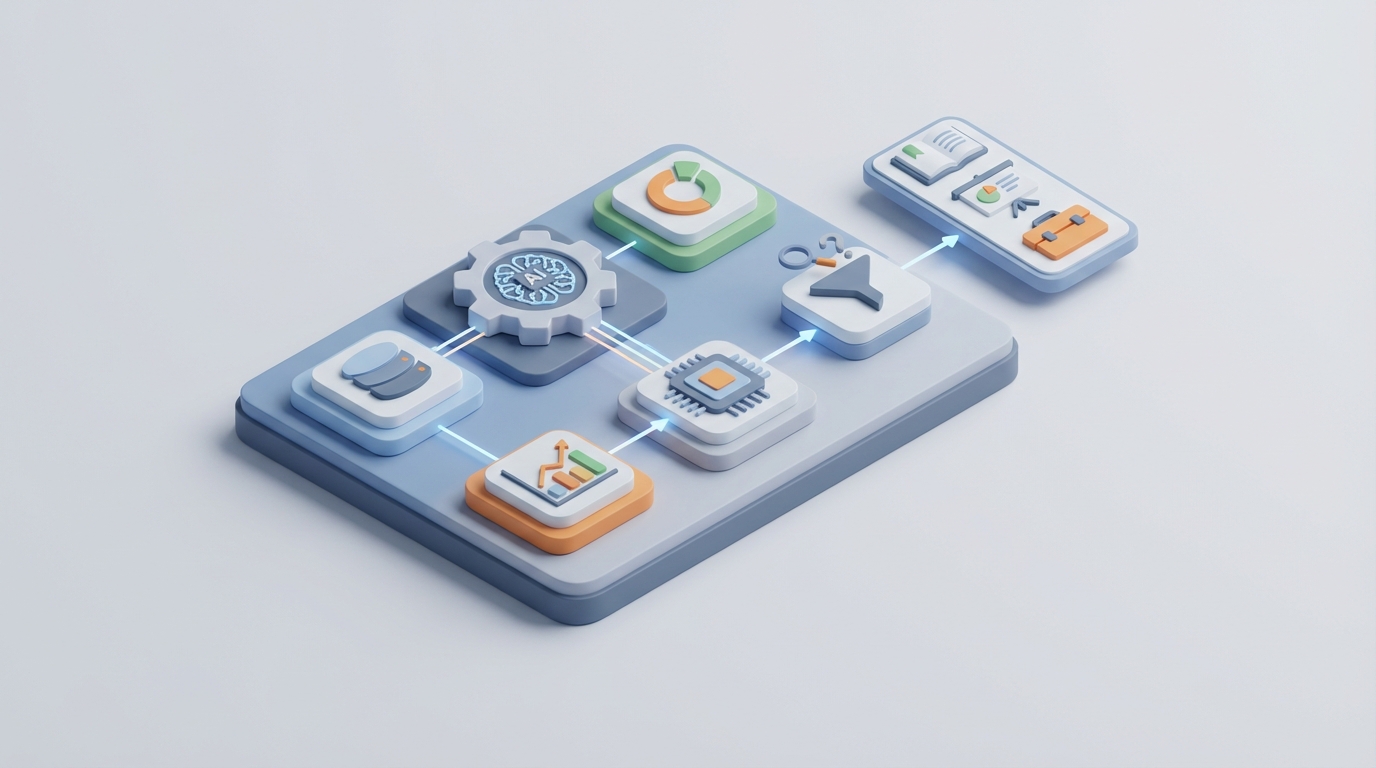
Most companies treat training needs assessment like a dental cleaning—something you know you should do regularly but keep putting off until there's a real problem. Then someone in HR spends three months buried in spreadsheets, surveys nobody wants to fill out, and meetings where managers argue about whose team "really" needs the budget. By the time the training plan is approved, the skills gaps have already shifted.
Here's the thing: the data you need to identify training gaps already exists in your organization. It's sitting in your performance management system, your LMS completion records, your project management tools, your support ticket queues, your 360 feedback forms. The problem isn't data scarcity. It's that nobody has the time or patience to stitch it all together continuously.
That's where AI agents come in—not the vague "AI will transform everything" kind, but the specific, practical kind you can build on a platform like OpenClaw to do the tedious data work that makes training needs assessment so painful in the first place.
Let me walk through exactly how this works.
The Manual Workflow Today (And Why It Takes Forever)
If you've ever been involved in a full training needs assessment cycle, you know the drill. Here's what it actually looks like at most companies with more than a few hundred employees:
Step 1: Organizational and Job Analysis (2–6 weeks)
Someone—usually an L&D specialist or HR business partner—has to review strategic goals, update job descriptions, and build or refresh competency frameworks. This means meetings with department heads, reviewing strategy decks, and manually mapping which roles need which skills. At larger companies, this alone can eat a month.
Step 2: Data Collection (4–12 weeks)
This is where it really bogs down. You're sending out surveys (and then begging people to complete them), scheduling interviews, running focus groups, pulling performance review data, collecting 360 feedback, and maybe observing job performance directly. Training Industry found that companies with over 1,000 employees spend 180 to 320 person-hours on this step alone. Survey response rates often land below 40%, which means you're making decisions on incomplete data anyway.
Step 3: Gap Analysis (1–4 weeks)
Now someone exports everything into Excel. I wish I were exaggerating, but Gartner's 2023 research found that 58% of HR leaders say their skills data is "mostly inaccurate or outdated," and the majority of gap analysis still happens in spreadsheets. You're comparing current skills versus required skills across potentially hundreds of roles, manually.
Step 4: Prioritization and Validation (1–3 weeks)
Managers and leaders review the gaps, argue about what's most important, and rank needs. This step is heavily political. Managers inflate or downplay needs based on budget concerns or favoritism. The output is usually a PowerPoint deck that took way too long to produce.
Step 5: Training Plan Development (2–6 weeks)
Finally, someone maps gaps to available courses or new programs, estimates ROI (often with questionable assumptions), and submits for budget approval.
Total timeline: 3 to 6 months for a full cycle. Smaller departments might do it in 4 to 8 weeks, but even that feels glacial when skills needs are shifting quarterly.
And here's the kicker from ATD's research: up to 50% of training budget gets wasted on programs that don't address actual needs. So after all that work, you're still flipping a coin on whether the training will matter.
What Makes This So Painful
Let me be specific about the costs, because "it takes a long time" isn't compelling enough to justify building automation.
Time costs are enormous. LinkedIn's 2023 Workplace Learning Report found that 43% of L&D professionals say identifying skills gaps is their number one challenge and takes more time than actually designing or delivering training. Think about that—you're spending more effort figuring out what to teach than actually teaching it.
Data quality is terrible. Self-assessments are biased. People either overrate themselves or underrate themselves. Manager assessments are biased too, just in different ways. And because the process only happens once a year (or less), by the time you act on the data, it's stale.
Data lives in silos. Your performance data is in Lattice or 15Five. Completion records are in your LMS. Customer complaints are in Zendesk. Project outcomes are in Jira. Employee certifications are in a random SharePoint folder. Nobody has a unified view, and manually reconciling these systems is a nightmare.
The financial impact is real. Brandon Hall Group found that companies using fully manual TNA processes have 34% lower training ROI compared to those with some automation. Meanwhile, McKinsey's 2026 research showed that organizations updating skills data quarterly or more are 3.2 times more likely to outperform on revenue growth.
The bottom line: manual TNA is slow, inaccurate, expensive, and the companies still doing it the old way are measurably falling behind.
What AI Can Handle Right Now
Let's be honest about what AI is actually good at here and what it isn't. AI excels at three things that happen to be the most time-consuming parts of TNA:
- Aggregating and normalizing data from multiple systems continuously
- Detecting patterns and gaps at scale
- Generating actionable recommendations based on those patterns
With an AI agent built on OpenClaw, you can automate the data collection, gap analysis, and initial recommendation layers—which represent roughly 70 to 80% of the total effort in a traditional TNA cycle.
Here's what that looks like practically:
Continuous data ingestion. Instead of running surveys once a year, an OpenClaw agent can continuously pull data from your HRIS (Workday, BambooHR, whatever you use), your LMS (Cornerstone, Docebo, LinkedIn Learning), your performance tools (Lattice, 15Five), your project management systems (Jira, Asana), and even communication tools like Slack. The agent normalizes this data into a unified skills and performance picture that stays current.
NLP-powered skills inference. The agent can analyze performance review text, support ticket patterns, project outcomes, and even Slack messages to infer skill levels without requiring anyone to fill out a survey. If your customer support team's ticket resolution time is climbing and the language in their escalation notes suggests they're struggling with a specific product area, that's a training signal—and an AI agent can detect it without anyone manually flagging it.
Automated gap detection. Once you've defined your competency framework (more on this in the build section), the agent compares current inferred skills against required skills across every role continuously. No more quarterly spreadsheet exercises.
Trend forecasting. By analyzing external job posting data, industry reports, and your own strategic plans, the agent can flag emerging skills gaps before they become critical—something that's nearly impossible to do manually at any useful frequency.
Step-by-Step: Building This with OpenClaw
Here's how to actually set this up. I'm going to assume you have at least a basic competency framework (even a rough one works to start) and access to your HR and performance data.
Step 1: Define Your Competency Framework as Structured Data
Before your agent can identify gaps, it needs to know what "good" looks like. Create a structured competency model—JSON works well for this.
{
  "role": "Customer Support Specialist",
  "level": "Mid",
  "required_competencies": [
    {"skill": "Product Knowledge - Core Platform", "minimum_level": 4, "weight": 0.3},
    {"skill": "Conflict Resolution", "minimum_level": 3, "weight": 0.2},
    {"skill": "Technical Troubleshooting", "minimum_level": 3, "weight": 0.25},
    {"skill": "Written Communication", "minimum_level": 4, "weight": 0.15},
    {"skill": "CRM Proficiency", "minimum_level": 3, "weight": 0.1}
  ]
}
Do this for every role you want to assess. Yes, it takes some upfront work, but it's a one-time effort that the agent will use continuously. You can find pre-built competency framework templates on Claw Mart to speed this up significantly—many are designed for specific industries and role families, so you're not starting from scratch.
Step 2: Connect Your Data Sources in OpenClaw
Set up your OpenClaw agent with integrations to your key systems. The specifics depend on your stack, but typical connections include:
- HRIS for role data, tenure, org structure
- Performance management tool for review scores, feedback text, goal completion rates
- LMS for course completions, certifications, learning path progress
- Project management tools for project outcomes, delivery metrics, velocity
- Support/ticketing systems for resolution times, escalation rates, customer satisfaction scores
OpenClaw handles the API connections and data normalization. Your agent's job is to map incoming data points to the competency framework you defined in Step 1.
Step 3: Build the Skills Inference Layer
This is where the AI does its heaviest work. Configure your OpenClaw agent to:
Analyze quantitative performance data. Map KPIs directly to competencies. If a support rep's first-call resolution rate is below the team benchmark, that maps to "Technical Troubleshooting" and "Product Knowledge" competencies.
Process qualitative feedback with NLP. Have the agent analyze the text of performance reviews, peer feedback, and manager comments to extract skill signals. An OpenClaw agent can parse phrases like "struggles with complex escalations" or "consistently produces clear documentation" and map them to specific competencies with confidence scores.
Agent instruction example:

"Analyze the following performance review text. Extract mentions of skills,
competencies, strengths, and development areas. Map each to our competency
framework. Assign a confidence score (0-1) based on how explicitly the skill
is mentioned and whether the context is positive or negative. Return structured
JSON output."
Detect behavioral signals from operational data. This is where it gets powerful. An agent monitoring Jira can notice that a developer consistently takes 3x longer on security-related tickets than their peers—suggesting a training need in secure coding practices—without anyone having to manually flag it.
Step 4: Automate Gap Analysis and Reporting
Configure the agent to run gap analysis on a schedule that makes sense for your organization—weekly is realistic and vastly better than annually.
The agent compares each employee's inferred skill levels against their role's required competencies and generates:
- Individual gap reports showing each person's strengths and development areas
- Team-level heat maps showing where entire teams are underperforming on specific competencies
- Organization-wide trending showing which gaps are growing, shrinking, or emerging
- Priority-ranked recommendations weighted by business impact (using the weights you defined in your competency framework)
Step 5: Generate Training Recommendations
The final automation layer maps identified gaps to available training resources. If your agent is connected to your LMS catalog, it can recommend specific courses, certifications, or learning paths for each identified gap.
You can take this further by having the agent analyze which training interventions have historically closed similar gaps (based on pre/post performance data), so recommendations improve over time.
OpenClaw lets you build this feedback loop directly into the agent's logic—it's not just recommending any training, it's recommending training that has actually worked for similar gaps in your organization.
If you want pre-built agent workflows for specific parts of this pipeline—like the NLP-based skills inference layer or the gap-to-recommendation mapping—check Claw Mart. There are ready-made components that can cut your build time significantly, especially for common competency frameworks and standard HR system integrations.
What Still Needs a Human
I promised no hype, so here's where AI falls short and you absolutely need human judgment:
Strategic alignment. An AI agent can tell you what the gaps are, but it can't decide which gaps matter most given confidential strategic pivots, upcoming M&A activity, or shifts in business model. That's leadership's job.
Cultural and leadership competencies. AI is genuinely bad at assessing soft skills like leadership presence, cultural fit, and interpersonal dynamics. These still need human observation and judgment.
Fairness and bias review. Any AI system analyzing performance data can inherit biases present in that data. If certain managers consistently rate women lower on "leadership potential," the AI will pick up that signal as a skills gap when it's actually a bias problem. You need humans reviewing outputs for DEI implications.
Budget prioritization. When you have 47 identified training needs and budget for 12, deciding what makes the cut requires business context, political awareness, and strategic judgment that AI can't replicate.
Regulatory and compliance decisions. In healthcare, financial services, and government, there are hard compliance requirements around training that need human oversight and sign-off.
The model that's emerging at leading companies—Unilever, Siemens, Bank of America—is roughly 70 to 80% AI-driven data work and 20 to 30% human strategic oversight. The AI handles the grunt work; humans make the judgment calls.
Expected Time and Cost Savings
Let me give you realistic numbers based on published case studies and industry benchmarks:
Time reduction. Unilever reported going from months to days for skills gap identification after implementing AI-driven skills intelligence. Even conservatively, you should expect to compress a 3-to-6-month TNA cycle into 1 to 2 weeks of human review time, with the AI agent doing continuous background analysis.
Cost reduction. A large US bank featured in a Gartner case study cut unnecessary training spend by $4.2 million in year one by moving from annual Excel-based TNA to continuous AI monitoring. Your numbers will vary, but ATD's estimate that 50% of training budget is wasted on misaligned programs gives you a sense of the upside.
Speed of gap detection. Siemens reported 40% faster identification of critical capability gaps. For most organizations, switching from annual to continuous gap detection means you catch problems in weeks instead of discovering them at the next annual review cycle.
ROI improvement. Brandon Hall Group's data suggests companies with automated TNA see roughly 34% higher training ROI. When you're directing training spend at actual validated gaps instead of guesses, more of your budget produces real performance improvement.
For a mid-size company (500 to 2,000 employees), building this on OpenClaw should take a small team 4 to 8 weeks for initial setup, with ongoing refinement. That's a fraction of what you'd spend on a single manual TNA cycle—and the agent keeps working continuously after that.
What to Do Next
If you're still doing TNA with spreadsheets and annual surveys, you're leaving money and performance on the table. The data already exists in your systems. You just need something to connect it, analyze it, and surface the insights continuously.
Start with OpenClaw. Build the agent. Connect your data sources. Define your competency frameworks. Let the AI handle the 70 to 80% that's pure data work, and free your L&D team to focus on the strategic decisions that actually require human intelligence.
If you don't want to build from scratch, browse Claw Mart for pre-built TNA agent components and competency frameworks that match your industry. There's no reason to reinvent the wheel on the foundational pieces.
And if you'd rather not build it yourself at all—hire a Clawsourcer to do it for you. Clawsourcing connects you with experienced OpenClaw builders who can have a working TNA automation agent deployed in weeks, customized to your specific systems and competency models. You focus on strategy; they handle the build.
The companies pulling ahead on talent development aren't smarter about training. They just have better, faster data. Time to catch up.