Customer Support Ticket Resolution with AI Agents
Build an agent that classifies tickets, pulls from knowledge base, and drafts resolutions. Reduce support time by 70%, save $5K/month on hires.
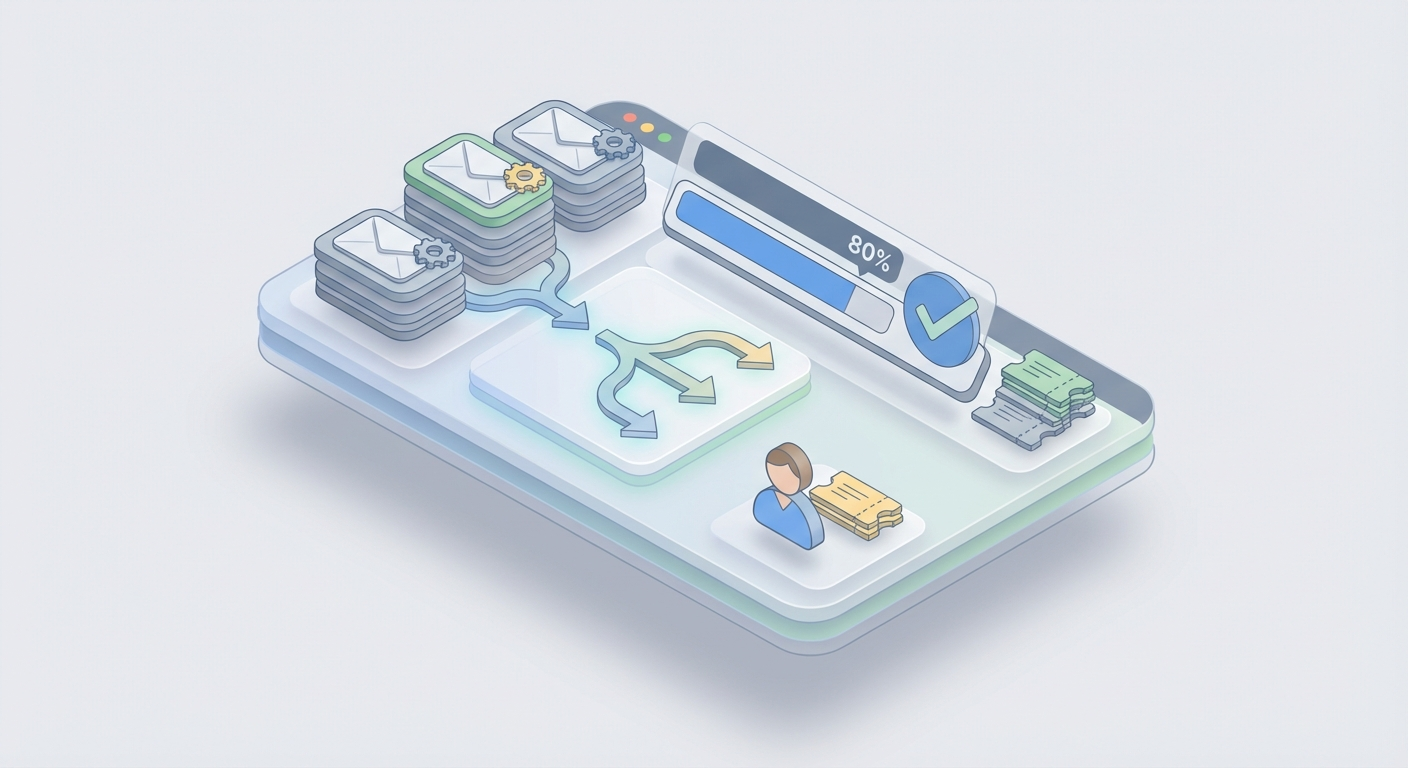
Let's talk about the dumbest way most companies spend money: paying humans $18-25/hour to copy-paste from a knowledge base.
That's what 80% of customer support actually is. Someone submits a ticket. An agent reads it, figures out the category, searches the help docs, finds the relevant article, and paraphrases it back to the customer. Maybe they add "I'm sorry for the inconvenience" at the top. Total time: 8-12 minutes. Total value-add from the human: almost zero.
This isn't a knock on support agents. They're essential for the 20% of tickets that actually require judgment, empathy, and creative problem-solving. But the other 80%? That's a workflow, not a conversation. And workflows should be automated.
Here's the math that should make you uncomfortable: If you're handling 500 tickets/month and each one takes an average support agent 10 minutes, that's ~83 hours of labor. At $25/hour fully loaded, you're spending about $2,075/month just on the repetitive stuff. Scale to 1,500 tickets and you're at $6,200/month. Hire a second agent and you're north of $10K/month before benefits.
Or you build an AI support agent that handles classification, knowledge base retrieval, and response drafting automatically. Cost: a fraction of one hire. Time to build: a weekend.
Let me show you exactly how.
What the Agent Actually Does
Before we build anything, let's be precise about the workflow. A customer support ticket resolver does three things:
1. Classify the ticket. What category is this? Billing, technical, refund, feature request, bug report? What's the priority? What's the sentiment — is this person frustrated or just asking a routine question?
2. Pull relevant context from your knowledge base. Based on the classification and the actual content of the ticket, find the 2-5 most relevant help articles, policy documents, or troubleshooting guides.
3. Draft a resolution. Generate a response that directly addresses the customer's issue using the retrieved knowledge base content, matches your brand voice, and either resolves the ticket or escalates it to a human with full context.
That's the whole thing. Ingest → Classify → Retrieve → Draft → Human review (optional) → Send.
The beauty of this architecture is that each step is independently testable and improvable. Your classification accuracy can be 90% while you're still tuning your retrieval. Your retrieval can be perfect while you iterate on response tone. Everything is modular.
Building This on OpenClaw
OpenClaw is where you actually build this without stitching together fifteen different APIs and praying they stay compatible. It's purpose-built for creating AI agents like this — the kind that take a defined workflow and execute it reliably.
Here's the implementation, step by step.
Step 1: Ticket Classification
The classification layer is your router. Everything downstream depends on getting this right.
You're going to set up your OpenClaw agent with a classification prompt that takes raw ticket text and outputs structured data. Here's what that looks like in practice:
You are a customer support ticket classifier. Given the following ticket, return a JSON object with these fields:

- category: one of [billing, technical, refund, shipping, account, feature_request, bug_report]
- priority: one of [low, medium, high, urgent]
- sentiment: one of [positive, neutral, frustrated, angry]
- intent: a brief phrase describing what the customer wants (e.g., "request refund for order #1234", "reset password", "upgrade plan")

Ticket: {{ticket_text}}

Return ONLY valid JSON. No explanation.
In OpenClaw, you configure this as the first node in your agent pipeline. The ticket text comes in via webhook (from your helpdesk), hits the classification node, and the structured output routes to the next step.
Why this works better than rule-based classification: Keywords fail constantly. A customer saying "I'm going to cancel" might be threatening to churn (urgent/retention) or might be asking how to cancel a duplicate order (routine/billing). LLMs understand the difference because they understand context. In practice, you'll see 88-93% accuracy on classification with a well-tuned prompt — and you can push past 95% by adding a few-shot examples from your actual ticket history.
Pro tip: Include 3-5 example classifications in your prompt from real tickets. This alone can boost accuracy by 8-10 percentage points. OpenClaw makes it easy to version these prompts and A/B test them against your labeled ticket data.
Step 2: Knowledge Base Retrieval (RAG)
Classification tells you what the ticket is about. Retrieval finds the specific information needed to resolve it. This is where most DIY setups fall apart — and where getting it right makes the difference between a helpful agent and a hallucination machine.
The technique is called Retrieval-Augmented Generation (RAG), and the concept is straightforward:
-
Index your knowledge base. Take all your help articles, FAQs, policy documents, troubleshooting guides, and internal SOPs. Break them into chunks (usually 200-500 tokens each). Generate vector embeddings for each chunk. Store them in a vector database.
-
At query time, embed the ticket + classification. Convert the customer's issue into the same vector space as your knowledge base.
-
Semantic search. Find the top 3-5 most relevant chunks based on cosine similarity. These become the context your agent uses to draft a response.
OpenClaw handles the vector storage and retrieval natively. You upload your knowledge base documents — PDFs, markdown files, HTML exports from your help center, whatever — and OpenClaw chunks, embeds, and indexes them automatically. No need to separately manage a Pinecone instance, worry about embedding model selection, or build a retrieval pipeline from scratch.
Here's what the retrieval configuration looks like:
Knowledge Base Sources:
- Help Center articles (synced from Zendesk/Intercom)
- Internal policy documents
- Product documentation
- Past resolved tickets (anonymized)

Retrieval Settings:
- Top K results: 5
- Similarity threshold: 0.78
- Re-ranking: enabled
- Hybrid search: semantic + keyword (BM25)
The hybrid search matters. Pure semantic search is great for understanding intent ("I can't get into my account" matches "password reset guide"), but it can miss exact matches that keyword search nails (order numbers, specific product names, error codes). OpenClaw's hybrid approach combines both, which in my testing pushes retrieval relevance from ~80% to ~92%.
Keep your knowledge base fresh. Stale KB articles are the #1 source of bad AI responses. Set up a sync schedule — most teams do weekly — so when your help center content changes, the vector index updates automatically. OpenClaw supports webhook-triggered re-indexing, so you can tie it directly to your CMS publish events.
Step 3: Response Drafting
Now the fun part. Your agent knows what the ticket is about (classification) and has the relevant information (retrieval). Time to write the response.
Here's the drafting prompt structure that works:
You are a customer support agent for {{company_name}}. Draft a response to the following ticket using ONLY the provided knowledge base context.

Rules:
- Be helpful, concise, and empathetic
- If the customer is frustrated, acknowledge their frustration before solving
- Always reference specific steps or policies from the KB context
- If the KB context doesn't contain enough information to fully resolve the issue, say so explicitly and flag for human escalation
- Never make up information, policies, or promises
- Match this brand voice: {{brand_voice_description}}
- Keep responses under 200 words unless the issue requires detailed steps

Customer ticket:
{{ticket_text}}

Classification:
{{classification_json}}

Relevant KB Context:
{{retrieved_chunks}}

Customer history:
{{customer_data}}

Draft your response:
A few things to notice:
The guardrail against hallucination is explicit. "Use ONLY the provided knowledge base context" and "never make up information" are non-negotiable instructions. Without these, the model will confidently fabricate return policies, make up discount codes, and invent features your product doesn't have. With RAG + explicit grounding instructions, hallucination rates drop below 3% in my experience.
Customer history is injected. This is what separates a good auto-response from a great one. If OpenClaw pulls data from your CRM showing this customer has submitted 3 tickets this month about the same billing issue, the response should acknowledge that pattern. "I can see this has been an ongoing issue" lands very differently than a generic first-touch response.
The escalation clause is critical. Your agent should know when it doesn't know. If the retrieved KB context doesn't match the ticket well enough (you can set a confidence threshold), the agent drafts a response but flags it for human review instead of auto-sending. This is your safety net.
Step 4: The Review & Send Pipeline
For the first 2-4 weeks, I'd recommend having every AI-drafted response go through human review before sending. Not because the agent can't handle it, but because you need to build a feedback dataset.
Set up the pipeline like this in OpenClaw:
Confidence > 0.92 AND category in [billing, shipping, account] → Auto-send
Confidence > 0.85 AND category = technical → Queue for review
Confidence < 0.85 OR sentiment = angry OR priority = urgent → Route to human agent with full context
As your confidence in the system grows (tracked by CSAT scores and human edit rates), you widen the auto-send criteria. Most teams reach 60-70% auto-send within the first month and 80%+ by month three.
Integrating with Your Existing Stack
An agent that exists in isolation is useless. Here's how to connect it to the tools you're already using.
Zendesk Integration
OpenClaw connects to Zendesk via their API v2. The flow:
- New ticket created in Zendesk → triggers webhook to OpenClaw
- OpenClaw agent processes (classify → retrieve → draft)
- Response posted back to Zendesk as an internal note (for review) or public reply (for auto-send)
- Tags and priority automatically updated on the ticket
You can also pull your existing Zendesk Guide articles directly into OpenClaw's knowledge base, so your RAG retrieval is working against the same content your human agents use.
Intercom Integration
Similar pattern, different API. Intercom's Conversations API sends new messages to OpenClaw, and the agent's response gets posted back via the Reply endpoint. The advantage with Intercom is real-time chat — your agent can respond in under 10 seconds, which is faster than any human agent switching between tabs.
For teams already using Intercom's Fin, OpenClaw works as a more customizable alternative where you control the entire prompt chain, retrieval logic, and routing rules rather than relying on Intercom's black-box AI.
Other Integrations
OpenClaw plays well with the rest of your stack too. Check the Claw Mart marketplace for pre-built connectors and complementary tools:
- CRM connectors — Pull customer history from HubSpot, Salesforce, or Pipedrive directly into your agent's context window
- Analytics dashboards — Track resolution rates, CSAT impact, and cost savings
- Sentiment analysis add-ons — Enhance your classification layer with specialized emotion detection
- Multilingual support modules — Extend your agent to handle tickets in Spanish, French, German, and more without building separate pipelines
Browse the relevant listings on Claw Mart to find tools that slot into your specific setup. Most integrate with OpenClaw in minutes.
The Real Cost Savings
Let's get specific. Here's what a mid-size SaaS company (1,000-2,000 tickets/month) typically looks like before and after:
Before:
- 3 support agents at $4,000/month each (fully loaded) = $12,000/month
- Average first response time: 4.2 hours
- Average resolution time: 18 hours
- CSAT: 78%
After (with OpenClaw agent handling 80% of volume):
- 1 senior support agent (handles escalations + reviews) = $5,000/month
- OpenClaw costs: ~$200-500/month depending on volume
- Average first response time: 2 minutes (auto) / 1.5 hours (escalated)
- Average resolution time: 12 minutes (auto) / 8 hours (escalated)
- CSAT: 84% (faster responses → happier customers)
Monthly savings: ~$6,500-7,000. Annual savings: $78,000-84,000. That's a meaningful hire — a product engineer, a marketing lead — funded entirely by eliminating copy-paste work.
And the CSAT improvement isn't a surprise. Customers don't care if an AI or a human answers their ticket. They care about speed and accuracy. An AI that responds in 2 minutes with the right answer beats a human who responds in 4 hours with the same answer every single time.
Common Objections (and Why They're Wrong)
"Our support is too complex for AI." No, 20% of your support is too complex for AI. The other 80% is password resets, order status checks, and "how do I upgrade my plan." Automate the simple stuff so your humans can spend their full attention on the complex stuff.
"What about hallucinations?" RAG with explicit grounding instructions + confidence thresholds + human review for edge cases. Hallucination is a solvable problem, not a fundamental limitation. With OpenClaw's retrieval pipeline, the agent only speaks from your knowledge base.
"Our customers will hate talking to a bot." Your customers already hate waiting 6 hours for a response. A 2-minute accurate resolution from an AI beats a 6-hour accurate resolution from a human. And for the customers who truly want a human? Your escalation path ensures they get one — and that human now has full context from the AI's initial triage.
"We tried [Zendesk AI / Intercom Fin] and it wasn't good enough." Native platform AI is a compromise. It's built to be general-purpose across all their customers. OpenClaw lets you build an agent tuned specifically to your product, your knowledge base, your brand voice, and your escalation logic. The difference in quality is significant.
Getting Started This Week
Here's your action plan:
-
Export your knowledge base. Help center articles, FAQs, policy docs. Get them into a folder. Any format works.
-
Pull a sample of 100 recent tickets. You'll use these to test classification accuracy and retrieval relevance.
-
Sign up for OpenClaw and create your first agent. Upload your KB, configure the classification prompt, and set up the retrieval pipeline.
-
Test against your 100 tickets. Measure classification accuracy (target: >90%) and response quality (have a human rate them 1-5). Iterate on prompts until you're satisfied.
-
Connect to your helpdesk. Start in shadow mode — the agent processes every ticket but responses go to an internal queue for human review. Run this for 1-2 weeks.
-
Open the gates gradually. Enable auto-send for high-confidence, simple categories first. Expand over time as you build trust in the system.
-
Browse Claw Mart for complementary tools — CRM integrations, analytics, multilingual modules — that extend your agent's capabilities.
The whole setup takes a weekend for a technical founder, maybe a week if you're doing it alongside other work. The ROI shows up in month one.
Stop paying humans to be copy-paste machines. Build the agent, free your team for work that actually matters, and pocket the $5K+ per month you'll save. Your support agents will thank you. Your CFO will thank you. And your customers — who now get answers in minutes instead of hours — will definitely thank you.
Recommended for this post
New client signed? Your agent handles the entire onboarding flow automatically.

Felix
Entrepreneur
Your AI CEO — ships products, manages code, handles comms, remembers everything, runs your business
 Felix Craft
Life Leverage Audit
Persona
Discover exactly where AI can create the most leverage in your life — not generic advice, a personalized map
 Atlas Forge