How to Automate Customer Testimonial Collection and Social Proof Repurposing
How to Automate Customer Testimonial Collection and Social Proof Repurposing
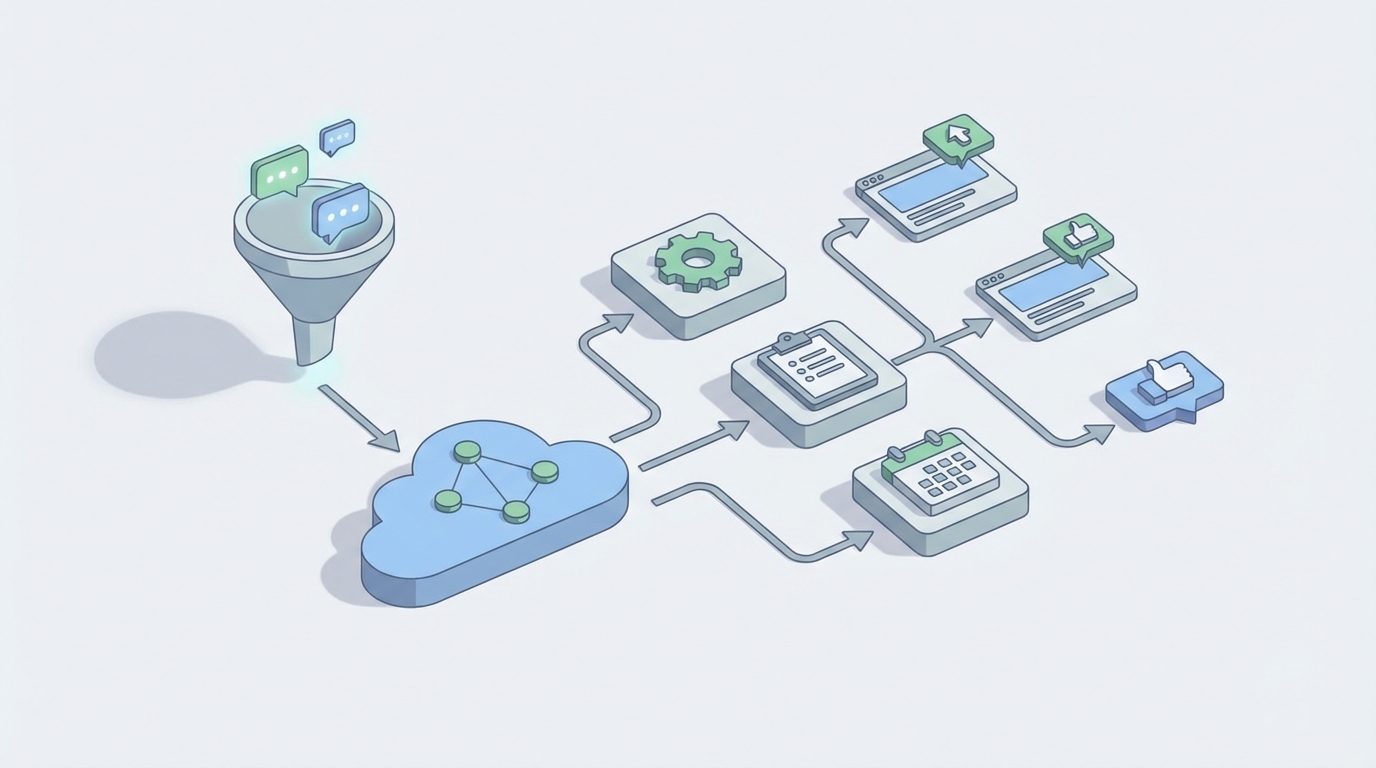
Let's be honest about how most businesses collect customer testimonials right now: they don't. Or they do it so sporadically and painfully that the results barely justify the effort.
Someone on the marketing team remembers they need fresh social proof. They dig through support tickets or NPS scores looking for happy customers. They write a few emails. They wait. They follow up. They wait more. Eventually they get a lukewarm quote like "Great product!" that does absolutely nothing for conversion rates. The whole cycle eats 10+ hours and produces maybe three usable testimonials.
Meanwhile, data from BrightLocal shows 93% of consumers say reviews influence their purchase decisions, and research from the Spiegel Research Center found that companies with 50+ testimonials see 34% higher conversion rates. You know social proof matters. You just can't afford to keep doing it manually.
Here's the good news: about 70% of this workflow can be automated with an AI agent. The other 30% still needs a human, but it's the high-judgment, high-leverage 30% — not the tedious parts. Let me walk through exactly how to build this.
The Manual Workflow Today (And Why It's Brutal)
Before automating anything, you need to understand the full workflow you're replacing. Here's what a typical testimonial collection cycle looks like, step by step:
Step 1: Identify happy customers (1–3 hours) Comb through your CRM, NPS/CSAT scores, support ticket history, and sales notes. You're looking for people who scored you a 9 or 10, left positive support comments, or renewed/upgraded recently. This means logging into multiple tools and cross-referencing data manually.
Step 2: Write and send outreach (1–2 hours) Draft personalized emails asking for a testimonial. Good marketers customize each one — referencing the customer's specific use case, their results, their industry. Bad marketers send a generic blast and wonder why nobody responds.
Step 3: Follow up (1–2 hours, spread over weeks) Typical response rates for testimonial requests sit between 8–18% for text and 3–8% for video. That means you're following up 2–4 times per person. Multiply that across 20–30 prospects and you've got a small project management headache.
Step 4: Collect and process responses (2–4 hours) Responses come in as rambling emails, Loom videos, voice memos, or DMs across three platforms. You need to transcribe video, extract the best quotes, edit for clarity without losing the customer's voice, and shorten everything to usable lengths.
Step 5: Get permission (1–2 hours) Send usage agreements. Clarify whether you can use their name, photo, company logo, and specific metrics they mentioned. Chase signatures. This is consistently cited as the number one blocker in the entire process.
Step 6: Organize and tag (1 hour) Store everything somewhere findable. Tag by product, use case, industry, customer size, and sentiment. Most teams use a combination of Google Drive, Notion, and prayer.
Step 7: Distribute (1–2 hours per channel) Manually insert testimonials into your website, sales decks, email campaigns, landing pages, and ad creative. Update them when they go stale.
Step 8: Track performance (sporadic, if at all) Monitor which testimonials actually move the needle. Almost nobody does this systematically.
Total time: 15–25 hours per month for 5–10 quality testimonials. SaaS companies with formal advocacy programs report spending 18–25 hours monthly on this (per ProductLed research). And that's assuming you have someone dedicated to it, which most small and mid-size teams don't.
What Makes This So Painful
The time cost alone isn't the whole story. Here's what really hurts:
Response quality is terrible without guidance. Left to their own devices, customers write "Love the product!" or "Really helped our team." These are useless. Specific, story-driven testimonials — the kind that actually convert — require structured prompts and sometimes back-and-forth conversation.
The timing is always wrong. You need testimonials when you're launching a campaign, redesigning a page, or arming your sales team. But collection takes weeks. So you either rush and get garbage, or you delay the campaign.
Organization degrades fast. Within six months, your testimonial library is a mess of Google Docs, Slack messages, and screenshots scattered across folders nobody remembers naming. When a sales rep needs a testimonial from a healthcare customer who mentioned ROI, they spend 20 minutes searching and give up.
Permission tracking is a liability. If you can't prove a customer agreed to be featured, you're exposed. But tracking consent across email threads is unreliable at best.
Repurposing almost never happens. A great customer quote could become a website testimonial, a social media graphic, a case study pull quote, an ad headline, and a sales deck slide. In practice, it becomes one of those things and sits there forever.
What AI Can Handle Now
Here's where I'll be specific about what's automatable with high confidence versus what's not. I'm going to use OpenClaw as the platform for building this agent because it's designed exactly for this kind of multi-step, multi-tool workflow — you're orchestrating across your CRM, email, transcription, storage, and distribution channels, and you need an agent that can handle that connective tissue reliably.
High-confidence automation (build this first):
-
Customer scoring and identification. An OpenClaw agent can connect to your CRM and support tools, pull NPS/CSAT scores, analyze recent support ticket sentiment, check renewal/upgrade history, and output a ranked list of testimonial candidates. No more manual cross-referencing.
-
Personalized outreach drafting. Using customer data (industry, use case, time as customer, specific features used), the agent drafts customized testimonial requests. Not a generic template — actually personalized messages that reference what this specific customer has done with your product.
-
Follow-up sequencing. Automated multi-touch follow-ups across email (and optionally LinkedIn) with appropriate spacing and escalation. If someone opens but doesn't respond, the follow-up adjusts its approach.
-
Response processing. When a testimonial comes in — text, video, audio — the agent transcribes it, extracts the strongest quotes, tags by theme (ROI, ease of use, support quality, specific feature), and stores everything in a structured format.
-
Reformatting for distribution. Take one raw testimonial and generate multiple versions: a short pull quote for your website, a longer version for a case study, ad copy variations, social media captions, and a sales deck snippet. All maintaining the customer's voice.
-
Performance tracking integration. Connect testimonial placement to your analytics. Which testimonials on which pages correlate with higher conversion? The agent can surface this data and recommend swaps.
Medium-confidence automation (useful but review outputs):
- Suggesting which testimonial to use for which audience segment
- Drafting the initial permission/release agreement and sending it
- Recommending optimal timing for outreach based on customer lifecycle data
Step by Step: Building the Testimonial Agent on OpenClaw
Here's the practical build. I'm assuming you have a CRM (HubSpot, Salesforce, or even a well-structured Airtable), an email sending tool, and somewhere to store testimonials.
Agent 1: The Prospector
Purpose: Identify and score testimonial candidates weekly.
Connections:
- CRM (pull customer data, NPS scores, deal history)
- Support platform (pull CSAT scores, positive ticket resolutions)
- Product analytics (pull usage data, feature adoption)
Logic flow:
1. Pull all customers with NPS ≥ 8 OR CSAT ≥ 4.5 in last 90 days
2. Cross-reference with product usage data — filter for active users (logged in 10+ times in last 30 days)
3. Exclude anyone who gave a testimonial in last 12 months
4. Exclude anyone with open support tickets or billing disputes
5. Score remaining candidates:
   - NPS 10 = +3 points
   - NPS 9 = +2 points
   - NPS 8 = +1 point
   - Renewed/upgraded in last 6 months = +2 points
   - Used product for 6+ months = +1 point
   - In a high-value industry for your marketing = +2 points
6. Output: Ranked list of top 15 candidates with scores and context notes
Set this to run weekly. Output goes to a dedicated Airtable base or Notion database that serves as your testimonial pipeline.
Agent 2: The Outreach Drafter
Purpose: Write personalized testimonial requests for each candidate.
Input: Candidate list from Agent 1, plus CRM data for each person.
Prompt structure for OpenClaw:
You are writing a testimonial request email on behalf of [Your Company].

Customer context:
- Name: {first_name}
- Company: {company}
- Industry: {industry}
- Product used: {product/plan}
- Key features used: {top_3_features}
- Time as customer: {months}
- Recent positive interaction: {last_positive_note}

Write a short, warm email (under 150 words) that:
1. References something specific about their usage or results
2. Asks if they'd share a brief testimonial (2-3 sentences)
3. Provides 3 specific guiding questions to improve response quality
4. Makes it feel easy and low-commitment
5. Includes a direct link to submit: {testimonial_form_url}

Tone: conversational, genuine, not corporate. No "We'd be honored" or "It would mean the world."
The guiding questions matter enormously. This is the difference between "Great tool!" and "We cut our onboarding time from 3 weeks to 4 days." The agent should include questions like:
- What specific problem were you trying to solve when you found us?
- What measurable result have you seen since using [product]?
- What would you tell someone who's on the fence about switching?
Agent 3: The Follow-Up Engine
Purpose: Manage multi-touch follow-up automatically.
Sequence:
Day 0: Initial outreach (from Agent 2)
Day 4: If no response → Follow-up #1 (shorter, different angle)
Day 9: If no response → Follow-up #2 (even shorter, slight urgency)
Day 15: If no response → Mark as "declined/unresponsive," do not contact for 6 months
OpenClaw can track email open/click status through your email tool integration and adjust accordingly. If someone opened three times but didn't respond, the follow-up can acknowledge that subtly: "I know you're busy — even a one-sentence quote would be incredibly helpful."
Agent 4: The Processor
Purpose: Turn raw testimonial submissions into organized, multi-format assets.
Input: Raw text, video, or audio submissions.
Processing steps:
1. If video/audio: transcribe using connected transcription service
2. Extract key quotes (sentences with specific outcomes, emotions, or comparisons)
3. Generate the following versions:
   a. Full testimonial (cleaned up, preserving voice)
   b. Short quote (1-2 sentences, the strongest line)
   c. Social media caption (with relevant emoji, hashtag suggestions)
   d. Sales deck snippet (formatted as "Customer Name, Title at Company")
   e. Ad copy variation (punchy, benefit-focused)
4. Auto-tag: industry, company size, use case, product/feature mentioned, sentiment strength (1-5)
5. Store all versions in testimonial database with metadata
6. Draft a permission/release email for the customer to approve usage
Agent 5: The Distributor
Purpose: Recommend and place testimonials across channels.
This one's more of a recommendation engine than a fully autonomous agent. It surfaces suggestions like:
- "Your pricing page has no testimonials mentioning ROI. Here are 4 tagged 'ROI' from the last 90 days."
- "This testimonial from [healthcare company] would strengthen your healthcare landing page — currently using a testimonial from 2022."
- "Your top-performing ad testimonial has been running for 60 days. Here are 3 fresh alternatives to test."
A human reviews and approves placement. But the agent does the matching and surfacing, which is where most of the time actually goes.
What Still Needs a Human
I'm not going to pretend you can fully automate this. Here's where human judgment is non-negotiable:
Story selection. AI can identify positive sentiment. It cannot identify the testimonial that will make a prospect think "that's exactly my situation." Emotional resonance and strategic fit require a marketer's eye.
Final editing approval. The agent will clean up and shorten testimonials. A human needs to verify the customer's voice is preserved. Over-polished testimonials sound fake, and fake-sounding testimonials actively hurt trust.
Relationship management. Your highest-value testimonials come from customers who feel a genuine connection to your team. The agent handles the logistics; a human handles the relationship. If your VP of Sales has a great rapport with a customer, that outreach should come from them — not from an automated sequence.
Permission verification. The agent can draft and send release agreements. A human should verify that consent is properly documented, especially for testimonials that include specific metrics or claims that could carry legal weight.
Strategic decisions. Which testimonials to feature on your homepage? Which to use in a board presentation? Which to amplify with paid spend? These are judgment calls that depend on your current business priorities.
Expected Time and Cost Savings
Here's a realistic before/after comparison:
| Task | Manual Time/Month | With OpenClaw Agent | Human Time Remaining |
|---|---|---|---|
| Customer identification | 1–3 hours | Automated | 15 min review |
| Outreach drafting | 1–2 hours | Automated | 15 min review/approve |
| Follow-ups | 1–2 hours | Automated | 0 (unless escalated) |
| Processing responses | 2–4 hours | Automated | 30 min quality check |
| Permission management | 1–2 hours | Semi-automated | 30 min oversight |
| Organization & tagging | 1 hour | Automated | 0 |
| Distribution | 1–2 hours/channel | Recommended by agent | 30 min placement |
| Performance tracking | Sporadic | Automated reporting | 15 min review |
Total: from 15–25 hours/month down to roughly 2–3 hours of human review and strategic decision-making. That's an 85–90% reduction in time spent, with higher output quality because the agent is more consistent about follow-ups, better at extracting quotes, and relentless about organization.
For a marketing team of 2–3 people, that's the equivalent of getting almost a full work-week back every month. For a solo marketer, it's the difference between having a testimonial program and not having one at all.
The quality improvement matters too. Guided questions in the outreach produce dramatically better raw material. Consistent tagging means you can actually find testimonials when you need them. And automated repurposing means every good testimonial works five times harder across channels.
Getting Started
You don't need to build all five agents at once. Start with Agent 1 (the Prospector) and Agent 2 (the Outreach Drafter). These two alone eliminate the most painful bottleneck: identifying who to ask and writing the ask. You can still process and distribute manually while those two agents fill your pipeline.
Once you're consistently collecting 10–15 testimonials per month instead of 3–5, build Agent 4 (the Processor) to handle the volume. Then add distribution and tracking as your library grows.
The testimonial collection agents described here are available as pre-built templates on Claw Mart, so you don't have to architect every workflow from scratch. Browse the marketplace, grab what fits your stack, customize the prompts and connections for your specific CRM and email tools, and you're running within a day instead of a week.
If you've built a testimonial collection workflow — or any customer-facing automation — that's working well, consider listing it on Claw Mart through the Clawsourcing program. Other teams are struggling with the same problems you've already solved, and Claw Mart is where they're looking for answers. Submit your agent, set your terms, and start earning from the work you've already done.
Recommended for this post

YouTube content production specialist: script writing, SEO optimization, thumbnail concepts, publishing calendar, analytics review, and content repurposing (video → shorts/tweets/blogs).
 Bravo1058AI
One run. Blog post, LinkedIn post, Twitter thread. In your voice. Every time.
 Marco
MarcoTurn your ideas into viral Twitter threads in minutes