Automate Meeting Notes: Build an AI Agent That Summarizes and Distributes Action Items
Automate Meeting Notes: Build an AI Agent That Summarizes and Distributes Action Items
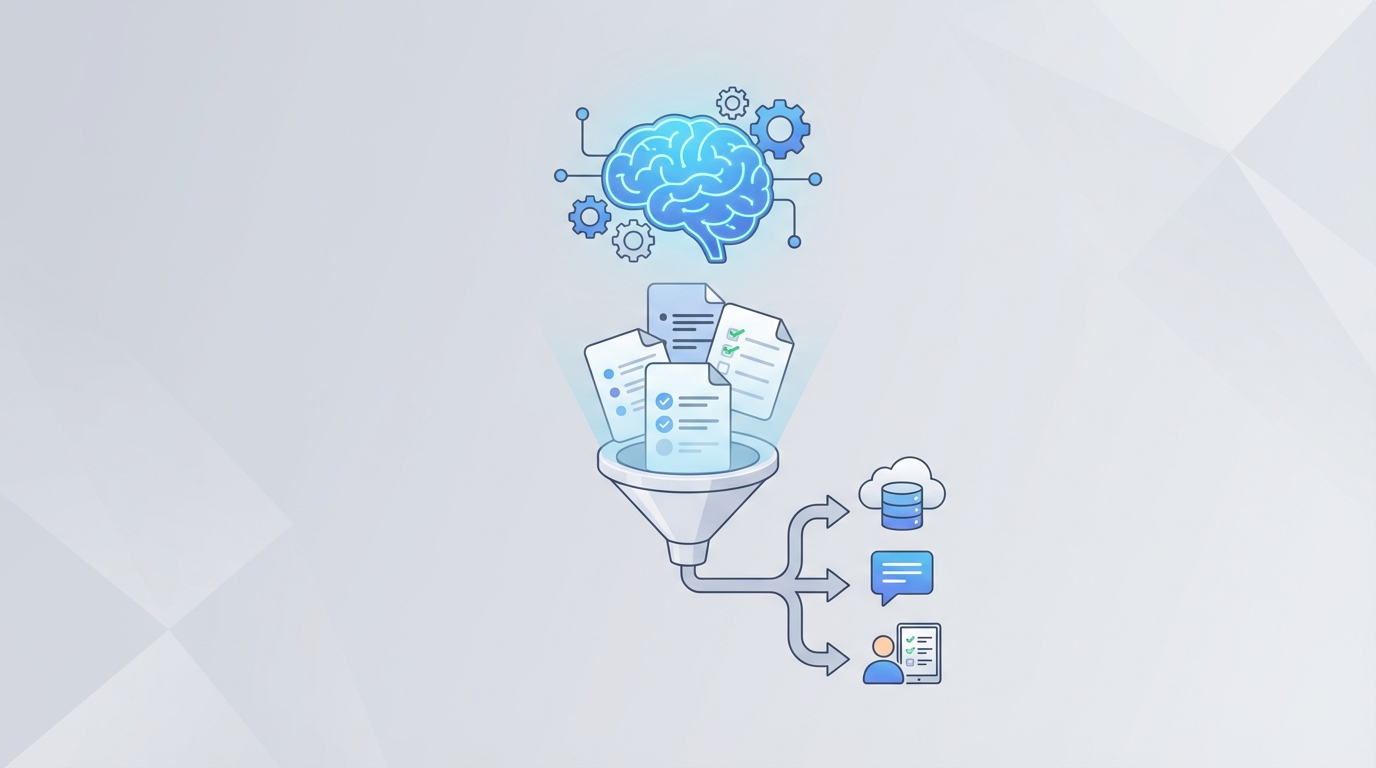
Every week, someone on your team spends the equivalent of a full workday doing nothing but writing up meeting notes, reformatting them, pulling out action items, and chasing people on Slack to confirm what they agreed to do. You know this. You've probably been that person.
The math is ugly. A 2026 Otter.ai survey found knowledge workers burn 17 hours per month on meeting-related admin. That's not attending meetings—that's the paperwork around meetings. And a Fireflies report showed one mid-size SaaS product team was collectively spending 14 hours per week just writing and distributing notes before they automated the process.
This isn't a meetings problem. It's a workflow problem. And it's exactly the kind of repetitive, multi-step, high-volume process that an AI agent can crush—if you build it right.
Here's how to build one on OpenClaw that transcribes meetings, summarizes them, extracts action items, and distributes everything to the right people—without you touching it after the meeting ends.
The Manual Workflow (And Why It's Bleeding Time)
Let's be honest about what actually happens after a meeting today. Not the idealized version. The real one.
Step 1: Someone takes notes during the meeting. They're half-listening, half-typing, capturing maybe 60% of what matters. Their perspective biases what gets recorded.
Step 2: After the meeting, the note-taker spends 20–40 minutes cleaning up their notes. Filling gaps from memory. Trying to remember who said what. Re-listening to the recording if there is one.
Step 3: They identify action items. This requires re-reading everything and making judgment calls. "Did Sarah actually commit to the design review, or was she just spitballing?"
Step 4: They format it. Template. Headings. Bullet points. Owners. Deadlines. All manual.
Step 5: Distribution. They email or Slack-message the notes to attendees. Maybe they post them in Notion or Confluence. Often both, because nobody agrees on where things live.
Step 6: Task creation. They manually create tasks in Asana, Jira, Linear, or whatever your team uses. Copy the action items. Assign owners. Set due dates.
Step 7: Follow-up. Because action items from meeting notes have a completion rate roughly equivalent to New Year's resolutions, someone has to chase people days later.
Step 8: Archiving. The notes go somewhere searchable. Theoretically. In practice, an Atlassian study found employees spend one hour per week just searching for information from past meetings.
Total post-meeting overhead: 30–60 minutes per hour of meeting time. For a company running 15 meetings a week across a team, that's easily 10–15 hours of pure admin.
What Makes This Genuinely Painful
The time cost is obvious. But the hidden costs are worse.
Action items fall through the cracks. This is the number one complaint in every study. Someone agrees to do something in a meeting, the note-taker misses it or captures it vaguely, and it evaporates. Three weeks later, you're in another meeting discovering that nobody did the thing everyone assumed was handled.
Context gets lost. The note-taker writes "Discussed Q3 pricing strategy." Great. What was discussed? What was decided? What were the trade-offs considered? Gone. The meeting might as well not have happened.
Institutional knowledge disappears. When key decisions live in someone's personal notes or a Slack thread from four months ago, every new team member starts from zero. Every quarterly review becomes an archaeological dig.
The note-taker can't fully participate. This is underrated. You're asking someone to simultaneously engage in complex discussion and document it. The cognitive load is brutal, and both tasks suffer.
HBR reported that executives spend 23 hours per week in meetings. Poor note practices waste an additional 6–8 hours per month per employee just in rework and searching. That's not a productivity leak. That's a hemorrhage.
What AI Can Actually Handle Now
Let's be specific about what's realistic with current AI capabilities—not what a marketing page promises, but what reliably works.
High confidence automation (85%+ accuracy with decent audio):
- Transcription with speaker identification
- Structured summarization (key points, decisions, discussion topics)
- Action item extraction (detecting commitments, assignments, deadlines)
- Keyword and topic tagging
- Distribution to pre-defined channels (email, Slack, project management tools)
- Searchable archive creation
Moderate confidence (needs human review):
- Distinguishing between decisions and suggestions
- Detecting implied commitments ("I'll probably have that by Friday" ≠ a firm commitment)
- Handling heavy jargon, accents, or crosstalk
- Sentiment and priority assessment
Still requires a human:
- Deciding what's politically sensitive and shouldn't be documented
- Prioritizing which action items actually matter vs. throwaway comments
- Connecting meeting outcomes to broader strategy
- Catching AI hallucinations (they still happen—any tool that claims otherwise is lying)
The sweet spot—and this is where the real ROI lives—is AI generating a complete first draft that a human reviews in 5–10 minutes instead of building from scratch in 45 minutes.
Step-by-Step: Building the Agent on OpenClaw
Here's the actual build. We're creating an AI agent on OpenClaw that handles the full post-meeting pipeline: transcription → summary → action items → distribution → task creation.
Step 1: Set Up the Trigger
Your agent needs a starting signal. The most reliable trigger is a new recording file landing in a specific location. On OpenClaw, you configure this as an event trigger.
trigger:
  type: webhook
  source: zoom | google_meet | teams
  event: recording.completed
  filter:
    meeting_type: scheduled
Most video platforms (Zoom, Google Meet, Teams) support webhooks that fire when a recording and transcript are ready. Connect this to your OpenClaw agent's input endpoint.
If your platform doesn't support webhooks natively, you can use OpenClaw's polling trigger to watch a Google Drive or Dropbox folder for new audio/video files.
Step 2: Ingest and Transcribe
If your meeting platform already provides a transcript (Zoom and Teams both do now), your agent can skip raw transcription and pull the existing text. If not, OpenClaw's speech-to-text pipeline handles the conversion.
steps:
  - name: ingest_transcript
    action: transcribe
    input: ${trigger.recording_url}
    config:
      speaker_identification: true
      language: auto_detect
      format: timestamped
Speaker identification matters. Without it, your summary becomes useless mush. OpenClaw's transcription step maps speakers to names by cross-referencing the meeting's participant list from the calendar invite—which brings us to the next piece.
Step 3: Enrich with Context
Raw transcription isn't enough. Your agent needs context: Who was in the meeting? What was the agenda? What project does this relate to?
  - name: enrich_context
    action: fetch
    sources:
      - calendar_event: ${trigger.meeting_id}
      - participants: ${trigger.attendees}
      - agenda: ${trigger.description}
      - previous_notes:
          query: "meeting notes for ${trigger.recurring_series}"
          source: knowledge_base
This is where OpenClaw's integration layer earns its keep. The agent pulls the calendar event (with agenda), participant list, and—critically—notes from previous meetings in the same series. This lets the AI understand that "the thing we discussed last time" refers to the API migration, not some mystery topic.
Step 4: Generate the Summary and Extract Action Items
Now the agent processes the enriched transcript through OpenClaw's LLM layer with a structured prompt. Here's where you get specific about output format.
  - name: generate_summary
    action: llm_process
    input:
      transcript: ${ingest_transcript.output}
      context: ${enrich_context.output}
    prompt_template: meeting_summary_v2
    output_schema:
      summary:
        type: structured
        sections:
          - key_decisions
          - discussion_points
          - action_items:
              fields: [description, owner, deadline, priority]
          - open_questions
          - parking_lot
      format: markdown
The prompt_template is a reusable template you define once in OpenClaw and iterate on over time. Here's what a solid one looks like:
You are a meeting notes assistant. Given the transcript and context below, produce a structured summary.

Rules:
- Action items must have a specific owner (use participant names from the attendee list) and a deadline. If no deadline was stated, mark as "TBD."
- Distinguish between DECISIONS (things agreed upon) and DISCUSSIONS (things talked about without resolution).
- Do not infer commitments that weren't explicitly stated. If someone said "I could probably look into that," do NOT list it as an action item.
- Flag any topic that was raised but not resolved under "Open Questions."
- Keep the summary under 500 words. Be direct.

Transcript:
{transcript}

Meeting context:
{context}
That rule about not inferring commitments is critical. The biggest failure mode of AI meeting summaries is false action items—the agent thinks someone committed to something they were just musing about. Being explicit in your prompt dramatically reduces this.
Step 5: Human Review Gate (Don't Skip This)
Before anything gets distributed, the agent sends the draft to a reviewer. On OpenClaw, you configure this as an approval step.
  - name: human_review
    action: approval_gate
    send_to: ${trigger.organizer}
    channel: slack | email
    timeout: 4h
    message: "Meeting notes ready for review. Edit or approve."
    on_timeout: send_with_disclaimer
The meeting organizer gets a Slack message (or email) with the full draft. They can edit inline, approve, or reject. If they don't respond in 4 hours, the agent sends the notes with a small disclaimer that they haven't been reviewed—because imperfect notes delivered on time beat perfect notes delivered never.
This step typically takes 5–10 minutes of human time. That's your 45-minute task collapsed by 80%.
Step 6: Distribute
Once approved, the agent sends the notes everywhere they need to go.
  - name: distribute
    action: multi_channel_send
    channels:
      - slack:
          channel: ${trigger.slack_channel}
          format: summary_brief
      - email:
          to: ${trigger.attendees}
          format: full_notes
      - notion:
          database: meeting_notes
          format: full_notes
          tags: [${enrich_context.project}, ${trigger.date}]
Different formats for different channels. Slack gets a brief summary with a link to the full notes. Email gets the complete version. Notion gets a structured database entry that's searchable forever.
Step 7: Create Tasks Automatically
The action items don't just live in a document. They become real tasks.
  - name: create_tasks
    action: task_creation
    source: ${generate_summary.output.action_items}
    destination: asana | linear | jira
    mapping:
      title: ${action_item.description}
      assignee: ${action_item.owner}
      due_date: ${action_item.deadline}
      project: ${enrich_context.project}
      label: "from-meeting"
      description: "Source: ${trigger.meeting_name} on ${trigger.date}"
Every action item becomes a task in your project management tool with the right assignee, deadline, and source link. No more copying and pasting. No more "I didn't know I was supposed to do that."
The from-meeting label lets you filter and track completion rates of meeting-generated tasks versus other work—useful data for understanding whether your meetings are actually productive.
What Still Needs a Human
Even with this full pipeline running, you need human involvement at two points:
1. The review step. Spend the 5–10 minutes. Read the summary. Check that action items are accurate. Remove anything politically sensitive. This is non-negotiable. AI still hallucinates, misattributes statements, and misses nuance. A product manager catching one wrong action item justifies the entire review time.
2. Strategic synthesis. The agent can tell you what was decided. It can't tell you whether the decision was smart, how it affects the roadmap, or what it means for the customer. That's your job. The agent frees you to spend your thinking time on that instead of formatting bullet points.
Expected Savings
Based on the research and real-world implementations:
| Metric | Before | After | Savings |
|---|---|---|---|
| Post-meeting admin per meeting | 30–45 min | 5–10 min (review only) | ~75% |
| Action item capture rate | ~60% | ~90%+ | Significant |
| Time to distribute notes | 2–24 hours | Under 1 hour | Same day |
| Weekly admin per team of 10 | 10–15 hours | 2–4 hours | 8–11 hours |
| Task creation from meetings | Manual, inconsistent | Automatic | Near-zero effort |
For a team of 10 people averaging 3 meetings each per week, you're recovering roughly 40–50 hours per month. That's not theoretical—Fireflies reports similar numbers from their case studies, and Notion (the company) claimed a 70% reduction in meeting follow-up time after automating their pipeline.
The compounding benefit is harder to quantify but arguably more valuable: action items actually get tracked and completed, decisions are findable months later, and new team members can search a structured archive instead of asking "What did we decide about X?"
Getting Started
You can find pre-built meeting notes agent templates on Claw Mart that handle the most common configurations—Zoom + Slack + Asana, Google Meet + Notion + Linear, Teams + Email + Jira. These aren't toy demos; they're production-ready workflows that you customize to your team's specific needs.
Start with one recurring meeting. Run the agent alongside your current manual process for two weeks. Compare outputs. Tune the prompt template based on what the AI gets wrong. Then roll it out.
If you want someone to build and configure a custom meeting notes agent for your specific stack—especially if you have compliance requirements, multiple languages, or unusual integrations—post the project on Clawsourcing. There are builders on the platform who specialize in exactly this kind of workflow automation on OpenClaw and can have you running within days, not weeks.
Stop spending your afternoons writing up what happened in the morning. Build the agent. Review the output. Get back to actual work.