Automate Grade Reporting: Build an AI Agent That Calculates and Sends Report Cards
Automate Grade Reporting: Build an AI Agent That Calculates and Sends Report Cards
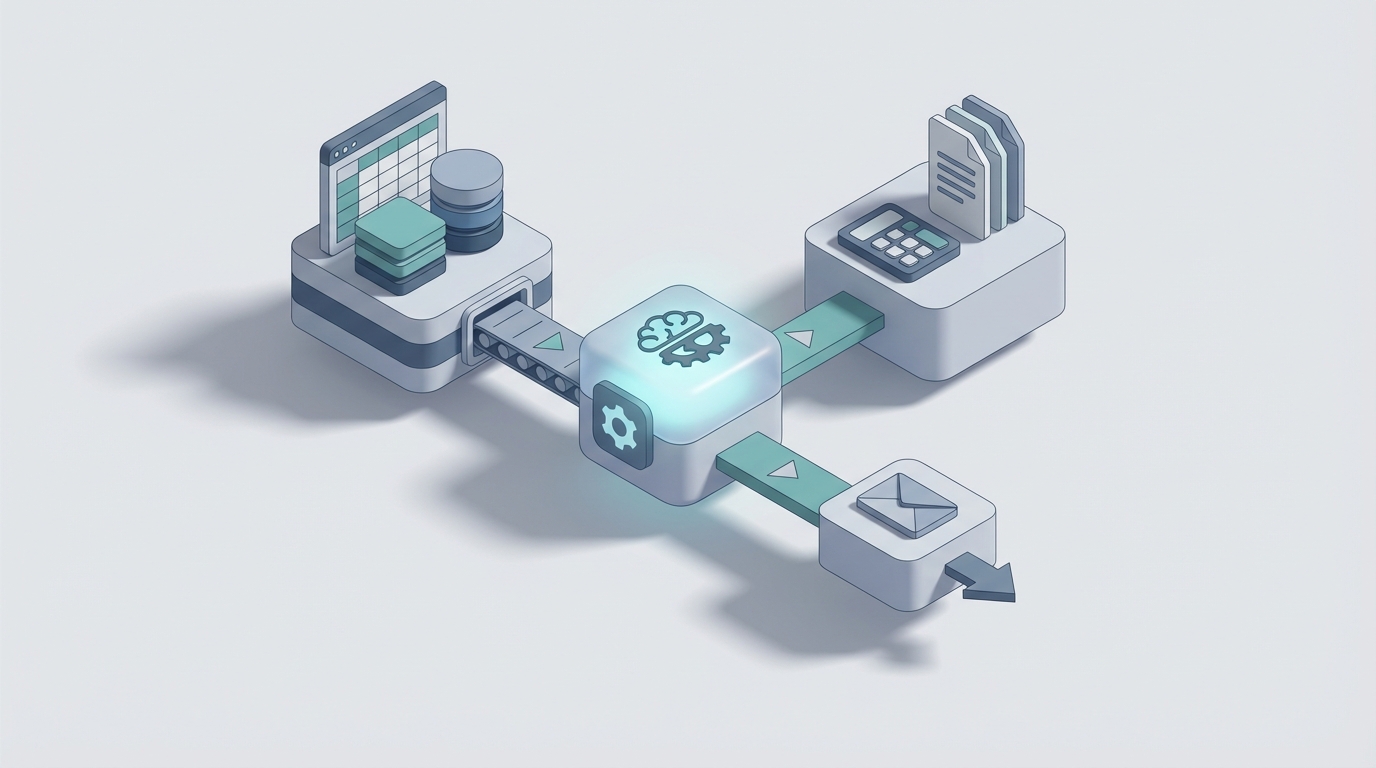
Every semester, the same ritual plays out in schools and training departments everywhere: teachers hunch over spreadsheets at 11 PM, triple-checking weighted averages, copying grades between systems that refuse to talk to each other, and formatting report cards that should have been done three days ago. Then the emails start. "Why did my son get a B-?" "Can you resend the PDF?" "I think there's a calculation error in the midterm weight."
It's not that educators are bad at math. It's that the entire grade reporting workflow is a patchwork of manual steps, disconnected tools, and repetitive busywork that eats 4–10 hours per week — time that should go toward actually teaching.
Here's the good news: about 80% of grade reporting is mechanical. Calculations, formatting, distribution, and basic communication follow predictable rules. That makes it a perfect candidate for an AI agent. Not a chatbot that gives you motivational quotes about education — an actual agent that pulls data, runs calculations, generates reports, and sends them out.
Let's break down exactly how to build one on OpenClaw.
The Manual Workflow (And Why It's Still This Bad in 2026)
Even organizations running modern systems like PowerSchool, Canvas, or Cornerstone typically follow this sequence every grading period:
Step 1: Collection (30–60 minutes per class) Gather scores from assignments, quizzes, projects, exams, and participation logs. These often live in multiple places — the LMS, a personal spreadsheet, a paper rubric scanned into a folder.
Step 2: Data Entry and Reconciliation (1–3 hours per class) Transfer everything into the official gradebook. If you teach four sections, that's potentially 12 hours of data entry. Many teachers maintain a "shadow" Excel sheet alongside the official system because they don't trust the SIS calculations or need more flexibility.
Step 3: Calculation (30–60 minutes per class) Apply category weights (tests = 40%, homework = 30%, participation = 15%, final project = 15%). Handle dropped lowest scores, extra credit, late penalties, and curved grades. Double-check the math because one wrong weight turns a B+ into a C-.
Step 4: Exception Handling (1–2 hours total) Process late submissions, make-up exams, incomplete grades, and IEP/504 accommodations. This is where things get messy — every student with a special circumstance needs individual attention.
Step 5: Report Generation (1–2 hours per class) Create report cards, progress summaries, or training completion reports. Format them according to district or organizational standards. Export PDFs. Maybe merge them with a mail template.
Step 6: Distribution (1–2 hours total) Push reports to parent portals, send individual emails, upload to the SIS. Field the inevitable wave of "I didn't receive mine" and "this doesn't look right" follow-ups.
Step 7: Post-Distribution Cleanup (2–4 hours over the following week) Respond to grade inquiries, process grade change requests, correct errors, and file everything for compliance.
Total for a teacher with 4–5 classes and 120–150 students: 15–25 hours per grading period. For a large school district with 10,000+ students, fully closing a grading period takes 2–4 weeks when you account for every teacher completing this cycle and administrators reviewing the results.
A 2022 study from Harvard's Center for Education Policy Research found that teachers in districts with poor system integration spend nearly twice as much time on administrative tasks. And 68% of teachers cite grading and paperwork as a major source of burnout, according to the NEA's 2023 member survey.
What Makes This Painful (Beyond the Obvious)
The time cost alone is bad enough. But the real damage is subtler:
Error compounding. Manual data entry between systems introduces mistakes. A miskeyed "78" instead of "87" changes a student's semester grade. Multiply that across hundreds of students, and you're virtually guaranteed errors every grading period. Some go unnoticed.
Inconsistency. When three teachers apply the same rubric differently, or one teacher's "late penalty" policy shifts depending on how tired they are, students get different treatment for the same work. This is a fairness problem, and it's hard to audit manually.
Communication overhead. A significant portion of the total time goes not to grading itself but to explaining grades. Parents want to know how the weight was applied. Students want to understand why their participation score is what it is. These conversations are important, but answering the same structural question 40 times is not a good use of anyone's expertise.
Compliance risk. FERPA violations, state reporting errors, and accreditation documentation failures are real consequences of sloppy manual processes. When grade data lives in three different systems and a teacher's personal laptop, auditability goes out the window.
Delayed feedback. When it takes weeks to close a grading period, the pedagogical value of that feedback drops to near zero. Students have already moved on to new material by the time they see their grades.
What AI Can Handle Right Now
Let's be honest about what's realistic. AI is not going to evaluate your student's creative writing portfolio or decide whether a late assignment deserves an exception because of a family emergency. Those require human judgment, context, and relationship.
But here's what an AI agent built on OpenClaw can do reliably today:
- Pull and consolidate scores from multiple sources (LMS APIs, spreadsheets, databases)
- Apply grading policies — weighted categories, dropped scores, extra credit, late penalties, curves — consistently, every time, across every student
- Flag anomalies — sudden grade drops, scoring inconsistencies between sections, potential data entry errors
- Generate formatted report cards that follow your template and standards
- Draft personalized parent/student summaries explaining how the final grade was calculated
- Distribute reports via email, portal upload, or file export
- Handle routine inquiries ("What's my grade?" "How was it calculated?") by looking up the student's record and explaining the math
That covers roughly Steps 2 through 6 and a big chunk of Step 7 from the workflow above. The parts that require human eyes — subjective grading, accommodation decisions, final approval — stay with humans. Everything else gets automated.
Step-by-Step: Building the Grade Reporting Agent on OpenClaw
Here's a practical walkthrough. I'm assuming you have grade data in some structured format (CSV, Google Sheet, database, or LMS with an API) and a standard grading policy you can articulate in rules.
Step 1: Define Your Data Sources and Schema
Your agent needs to know where grades live and what shape they're in. At minimum, you need:
Student ID | Student Name | Assignment Name | Category | Score | Max Score | Date Submitted | Due Date
If you're pulling from Canvas, PowerSchool, or a similar LMS, OpenClaw can connect via API. If you're working from spreadsheets, upload them directly or connect a Google Sheets integration.
In OpenClaw, you'd set this up as a data source connector — point the agent at your gradebook and let it map the fields.
Step 2: Encode Your Grading Policy
This is where most of the logic lives. You need to translate your grading policy into explicit rules. For example:
Grading Policy:
- Homework: 30% (drop lowest 2 scores)
- Quizzes: 20%
- Midterm Exam: 20%
- Final Project: 15%
- Participation: 15%

Late Policy: -10% per day, max 3 days late, then zero.

Letter Grade Scale:
  A  = 93-100
  A- = 90-92
  B+ = 87-89
  B  = 83-86
  B- = 80-82
  ... (and so on)
In OpenClaw, you encode this as part of the agent's instructions and reasoning framework. The agent doesn't guess at your policy — you define it explicitly, and it applies it consistently across every student. This is one of OpenClaw's strengths: you can give the agent structured rules alongside natural language instructions, so it handles both the math and the edge cases you've anticipated.
Step 3: Build the Calculation Pipeline
Here's where the agent does the heavy lifting. The workflow in OpenClaw looks roughly like this:
- Ingest all scores from the connected data source
- Validate — check for missing assignments, flag students with no submissions, identify potential data entry errors (score > max score, duplicate entries)
- Apply late penalties based on submission date vs. due date
- Calculate category averages with drop rules applied
- Compute weighted final grade
- Assign letter grade per your scale
- Store results in a structured output (JSON, CSV, or direct database write)
You can configure the agent to run this pipeline on demand ("Calculate grades for Period 3") or on a schedule ("Run every Friday at 5 PM").
Step 4: Generate Report Cards
Once grades are calculated, the agent formats them into your report card template. OpenClaw supports document generation — you provide a template (Word, HTML, or PDF layout) and the agent populates it per student.
Each report card typically includes:
- Student name and ID
- Course name and section
- Assignment scores by category
- Category averages
- Final weighted grade and letter grade
- Teacher comments (more on this below)
- Attendance summary (if integrated)
For the teacher comments section, the agent can draft personalized summaries based on the data. Something like:
"Jordan earned a B+ (88.4%) this semester. Strongest performance was in the Final Project category (94%), while Quiz scores (79% average) present an opportunity for improvement. Two late homework submissions resulted in minor penalties. Overall, Jordan showed consistent engagement throughout the term."
These are draft comments. You review and edit before they go out. The agent writes the first version based on the numbers; you add the human context.
Step 5: Set Up Distribution
Configure the agent to distribute reports through your preferred channels:
- Email: The agent sends individualized emails to each parent/student with the report card PDF attached. You write the email template once; the agent personalizes it.
- Portal upload: If your SIS supports API-based uploads, the agent can push grades directly.
- Bulk export: Generate a ZIP file of all report cards for your records or for your registrar.
OpenClaw handles the routing logic — which report goes to which recipient, based on your student roster and contact information.
Step 6: Build the Inquiry Handler
This is the part that saves you the most sanity. After reports go out, set up a simple inquiry workflow:
- Parent or student asks "How was this grade calculated?"
- The agent looks up the student's record, walks through the weighted calculation, and provides a clear breakdown
- If the question requires judgment ("I think the late penalty was unfair"), the agent escalates to you with full context
You're not replacing yourself in parent communication. You're eliminating the 30 identical "how does the weighting work" conversations so you can focus on the ones that actually need you.
What Still Needs a Human
I want to be direct about this because overpromising is how automation projects fail:
- Subjective grading: Essays, presentations, creative projects, and anything requiring professional judgment. AI can suggest rubric-based scores, but a teacher needs to make the call.
- Accommodation decisions: IEP/504 adjustments, extenuating circumstances, and policy exceptions require context that no agent has.
- Final approval: Someone with authority should review the output before it goes to families. The agent does the work; you sign off on it.
- Qualitative narrative comments: The agent drafts them. You make them real. Parents know the difference between a generated comment and one that shows you actually know their kid.
- Academic integrity decisions: If the agent flags suspicious patterns, a human investigates and decides.
The goal isn't to remove educators from the process. It's to remove the mechanical drudgery so they can spend their time on the parts that actually require expertise and care.
Expected Time and Cost Savings
Based on the workflows I've described and the benchmarks from organizations already automating parts of this:
| Task | Manual Time | With OpenClaw Agent | Savings |
|---|---|---|---|
| Data entry & reconciliation | 4–12 hrs/period | ~15 min (review) | 90–95% |
| Grade calculation | 2–4 hrs/period | Seconds (automated) | ~99% |
| Report card generation | 4–8 hrs/period | ~30 min (review/edit) | 85–90% |
| Distribution | 1–2 hrs/period | Automated | ~95% |
| Routine inquiries | 2–4 hrs/period | Agent-handled | 80–90% |
| Total per grading period | 15–25 hrs | 2–4 hrs | ~85% |
For a school with 50 teachers, that's roughly 650–1,050 hours saved per grading period. At an average teacher hourly rate, the math on ROI is straightforward and significant.
For corporate L&D teams running quarterly skills assessments across hundreds or thousands of employees, the numbers scale even more dramatically. One Fortune 500 company reduced their quarterly reporting cycle from 3 weeks to 4 days using similar automation — and that was with older, less capable tools than what OpenClaw provides today.
The real savings aren't just in hours, though. They're in fewer errors, faster feedback to learners, consistent policy application, and teachers who don't burn out doing data entry when they should be planning lessons.
Get Started
If you're running a school, training department, or any organization that regularly reports grades or performance assessments, this is one of the highest-ROI automations you can build. The data is structured, the rules are definable, and the output is predictable — exactly the kind of work AI agents handle well.
You can find pre-built education and reporting agents on Claw Mart, or build your own from scratch on OpenClaw if you want full control over the logic.
And if you'd rather not build it yourself — if you want someone who's already done this to set it up for your specific grading policies and systems — check out Clawsourcing. Post your project, describe your workflow, and get matched with an OpenClaw builder who can have your grade reporting agent running in days, not months.
The mechanical parts of grade reporting have been stealing time from educators for decades. It's time to hand them to a machine that doesn't mind the tedium.