AI Safety Coordinator: Automate Incident Tracking and Inspections
Replace Your Safety Coordinator with an AI Safety Coordinator Agent
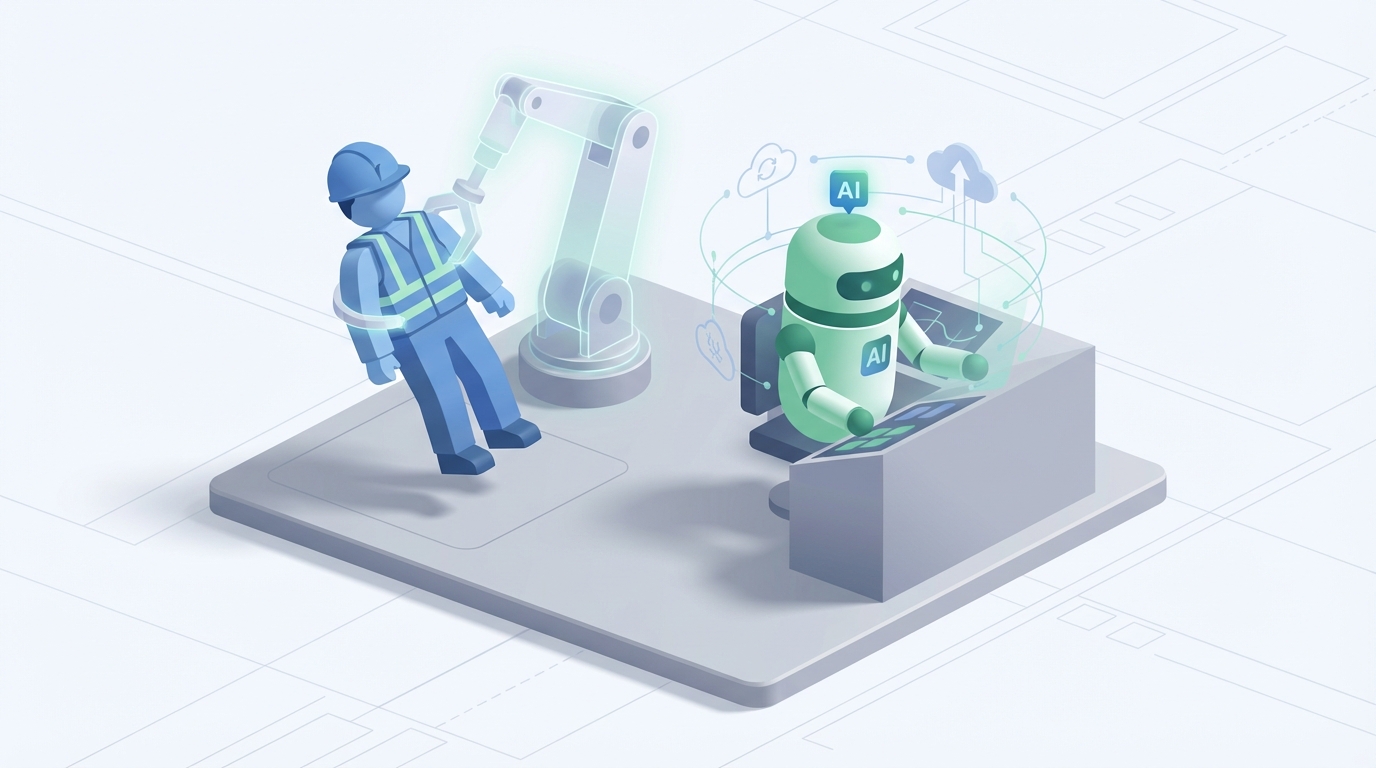
Most companies treat safety coordinators like insurance policies. You pay a lot, hope you never need them, and when you do, you realize the coverage has gaps.
Here's the thing: a huge chunk of what a safety coordinator does every day isn't the high-stakes, split-second judgment calls you're imagining. It's paperwork. It's chasing people for signatures. It's manually cross-referencing OSHA updates against your existing safety plans. It's updating spreadsheets that nobody reads until something goes wrong.
That's not a knock on safety coordinators. It's a knock on how we've designed the role. We've taken people who should be coaching teams, running drills, and making real-time calls in emergencies, and buried them under administrative work that a well-built AI agent can handle better, faster, and for a fraction of the cost.
Let me show you exactly how to build that agent with OpenClaw, what it can actually do today, and where you still need a human in the loop.
What a Safety Coordinator Actually Does All Day
If you've never worked alongside a safety coordinator, the job description sounds straightforward: "ensure workplace compliance with health and safety regulations." In practice, here's how the time actually breaks down:
Inspections and Audits (20-30% of time): Daily or weekly site walkthroughs. Checking that harnesses are clipped in, hard hats are on, scaffolding is braced properly, chemical storage is labeled. Photographing issues. Logging everything. Following up on what wasn't fixed from last week.
Documentation and Compliance (20-30%): This is the black hole. Maintaining OSHA 300 logs, Safety Data Sheets, PPE inventories, permit tracking, training records. Manually entering data from field notes into whatever combination of spreadsheets, PDFs, and legacy software the company uses. Chasing down supervisors for signatures. Filing regulatory reports.
Training and Education (15-25%): Delivering safety orientations for new hires, running toolbox talks, scheduling and tracking certifications like forklift operation or fall protection. Half of this is logistics — who needs what, when does it expire, who didn't show up.
Incident Management (10-20%): When something goes wrong — or almost goes wrong — the coordinator investigates. Root cause analysis, corrective action plans, OSHA reporting if it crosses the threshold. Near-miss tracking, which most companies are terrible at.
Program Development (10-15%): Updating safety plans, writing new procedures, planning emergency drills, conducting risk assessments for new equipment or processes.
Communication and Reporting (10-15%): Meetings with management, KPI dashboards, regulatory filings, coordinating with contractors and vendors.
VelocityEHS published data in 2023 showing that EHS professionals spend over 40% of their time on what they classified as "non-value" tasks — data aggregation, manual entry, report formatting. That's not safety work. That's clerical work wearing a hard hat.
The Real Cost of This Hire
Let's talk numbers, because this is where the math gets uncomfortable.
The median salary for an occupational health and safety technologist in the US is around $68,000/year according to BLS data. Construction skews to about $65k, manufacturing closer to $70k. If they have a CSP or CHST certification, add 10-20%.
But salary is never the actual cost. Once you factor in benefits, payroll taxes, workers' comp insurance for the coordinator themselves, equipment, software licenses, and ongoing training, the fully loaded cost is $80,000 to $120,000 per year.
Now layer on the hidden costs:
- Turnover: The National Safety Council's 2023 data showed 45% of safety professionals report feeling overloaded. Burnout is real. Replacing one costs 50-200% of their annual salary when you account for recruiting, onboarding, institutional knowledge loss, and the compliance gaps during the transition.
- Scalability problems: One coordinator can reasonably cover one site, maybe two small ones. If you're running multi-site operations — common in construction, logistics, manufacturing — you're either hiring multiples or accepting that coverage is thin.
- Training lag: New OSHA regulations, state-level changes, industry-specific updates. Your coordinator has to find these, interpret them, and update your programs. That takes time they often don't have.
You're looking at a minimum of $100k/year all-in for a single coordinator who spends 30-40% of their time on tasks that don't require human judgment.
What an AI Safety Coordinator Agent Handles Today
This isn't speculative. Companies are already doing this. DPR Construction uses AI to analyze over a million hours of safety video per year, cutting coordinator time by 50%. Amazon's AI-powered cameras and wearables in warehouses have reduced injuries by 15%. Shell's predictive analytics platform handles 70% of routine safety monitoring. Procter & Gamble auto-generates audit reports with AI. Bechtel reduced manual audits by 40% using computer vision.
The pattern is clear: routine monitoring, data processing, pattern recognition, and compliance tracking are AI territory now. Here's what an agent built on OpenClaw can handle:
1. Automated Incident Reporting and Documentation
An OpenClaw agent can ingest incident reports from multiple input channels — mobile forms, email, photos, voice memos — parse them, classify severity, auto-populate OSHA-compliant forms, and route them to the right people. No more chasing signatures on paper forms three days after the fact.
The agent cross-references each incident against your historical data to flag patterns. Three near-misses involving the same piece of equipment in two months? The agent catches that and escalates before you have a recordable.
2. Regulatory Compliance Monitoring
OSHA changes rules. States add their own. Industry standards update. A Procore survey from 2026 found that 60% of safety professionals cite regulatory overload as a top pain point.
An OpenClaw agent monitors regulatory feeds — federal, state, and industry-specific — and compares updates against your current safety programs. When something changes that affects you, it drafts the updated procedure, highlights what's different, and flags it for human review. You're not scrambling to figure out what changed six weeks after the fact.
3. Inspection Scheduling and Follow-Up
The agent manages inspection calendars, assigns tasks, sends reminders, and tracks completion. When an inspection finds an issue, it creates the corrective action, assigns it, sets a deadline, and follows up automatically. No more items falling through the cracks because someone forgot to check the spreadsheet.
4. Training Management and Delivery
Certification tracking is pure data management — who has what, when does it expire, what's required for their role. An OpenClaw agent handles all of this, sends renewal reminders, schedules sessions, tracks attendance, and generates compliance reports. It can deliver basic training content — SDS lookup, PPE requirements, standard operating procedures — via chatbot or integrated LMS.
5. Hazard Identification from Data Streams
If you have IoT sensors, cameras, or wearable data, an OpenClaw agent can process those streams in real time. PPE violations caught on camera. Noise levels exceeding thresholds. Temperature anomalies in chemical storage. Air quality readings. The agent flags, logs, and escalates — continuously, across every shift, at every site.
6. Risk Assessment and Trend Analysis
This is where AI genuinely outperforms humans. An OpenClaw agent can analyze your entire incident history, near-miss reports, inspection findings, and environmental data to surface risk patterns that no human would catch by staring at spreadsheets. It generates risk heat maps, predicts high-probability incident scenarios, and recommends preventive actions.
7. SDS and Safety Information Queries
Your workers need to know what to do if Chemical X spills. Instead of flipping through a binder or searching a shared drive, they ask the agent. Instant, accurate answers pulled from your SDS database and safety procedures. This alone saves hours per week across a team.
What Still Needs a Human
I'm not going to pretend AI replaces everything. It doesn't, and being honest about that is what separates a useful tool from a liability.
Physical site inspections in dynamic environments. AI can analyze video and sensor data, but it can't walk a construction site and notice that the soil smells wrong near an excavation, or that a scaffold feels unstable underfoot, or that workers are behaving differently because a supervisor is cutting corners. Tactile judgment and environmental intuition still require boots on the ground.
Hands-on training and behavioral coaching. You can deliver content via AI. You can't motivate a crew to actually care about safety through a chatbot. The interpersonal element — reading a room, adjusting your delivery, earning credibility with workers who've been doing this for 20 years — that's human work.
Emergency response and real-time decision-making. When something goes sideways, you need a human making judgment calls. Period. The liability implications alone make this non-negotiable, but beyond liability, emergencies require improvisation, emotional regulation, and ethical reasoning that AI isn't equipped for.
Stakeholder negotiations. Dealing with unions, negotiating with management about budget and priorities, navigating the politics of safety enforcement — these require relationship-building and contextual judgment.
Legal accountability. Someone has to sign off on certifications, testify in investigations, and bear professional responsibility for safety decisions. That's a human. Always.
The realistic split is this: an AI agent handles 40-60% of the work (the data-heavy, repetitive, monitoring-intensive stuff), and a human handles the rest. That human might be a part-time safety consultant, a senior operations manager with safety responsibilities, or a coordinator who now covers three sites instead of one because the AI eliminated their administrative burden.
How to Build Your AI Safety Coordinator with OpenClaw
Here's the practical implementation. OpenClaw gives you the scaffolding to build this without stitching together fifteen different APIs and praying they stay compatible.
Step 1: Define Your Agent's Scope
Start with the highest-ROI tasks. For most companies, that's:
- Incident reporting and documentation
- Compliance monitoring
- Training/certification tracking
Don't try to build everything at once. Pick the task that currently eats the most hours for the least value.
Step 2: Set Up Your Data Inputs
Your agent needs to connect to your existing data sources. In OpenClaw, you configure these as input channels:
agent: safety_coordinator
inputs:
  - type: form_submissions
    source: mobile_safety_app
    format: json
  - type: email
    source: safety@yourcompany.com
    filter: incident_reports
  - type: iot_sensors
    source: air_quality_monitors
    protocol: mqtt
  - type: document_store
    source: sds_database
    format: pdf_parsed
  - type: regulatory_feed
    source: osha_federal_register
    update_frequency: daily
Step 3: Build Your Processing Workflows
This is where you define what the agent actually does with incoming data. OpenClaw uses a workflow engine that chains tasks together:
workflows:
  incident_report_processing:
    trigger: new_form_submission
    steps:
      - classify_severity:
          model: safety_classifier_v2
          categories: [first_aid, recordable, near_miss, property_damage]
      - extract_details:
          fields: [location, equipment, personnel, description, photos]
      - check_patterns:
          query: historical_incidents
          match_criteria: [equipment_id, location, incident_type]
          threshold: 3_in_90_days
      - generate_report:
          template: osha_301_form
          auto_populate: true
      - route_notification:
          if_severity: recordable
          notify: [safety_manager, site_supervisor, hr]
          channel: [email, sms, dashboard]
      - create_corrective_action:
          assign_to: responsible_supervisor
          deadline: 72_hours
          follow_up: automatic
Step 4: Configure Your Compliance Monitor
workflows:
  regulatory_monitoring:
    trigger: daily_scan
    steps:
      - scan_sources:
          feeds: [osha_federal, state_regulations, industry_standards]
      - compare_against:
          source: current_safety_programs
          document_store: company_policies
      - if_discrepancy:
          draft_update: true
          highlight_changes: true
          flag_for_review: safety_manager
          priority: based_on_effective_date
Step 5: Set Up the Training Tracker
workflows:
  certification_management:
    trigger: daily_check
    steps:
      - scan_certifications:
          source: employee_training_records
          check: expiration_within_60_days
      - notify_employee:
          channel: email
          include: renewal_instructions, scheduling_link
      - notify_supervisor:
          if: expiration_within_30_days
      - escalate:
          if: expiration_within_7_days
          notify: safety_manager
          flag: compliance_risk
      - generate_report:
          frequency: weekly
          include: [upcoming_expirations, overdue, completion_rates]
          distribute_to: management_dashboard
Step 6: Deploy the Query Interface
Give your workers access to safety information on demand:
interfaces:
  safety_chatbot:
    channels: [slack, ms_teams, mobile_app, sms]
    knowledge_base:
      - sds_database
      - company_safety_procedures
      - ppe_requirements_by_role
      - emergency_procedures
    capabilities:
      - answer_safety_questions
      - lookup_sds_by_chemical
      - report_hazard
      - check_certification_status
    escalation:
      if_uncertain: route_to_safety_manager
      if_emergency: trigger_emergency_protocol
Step 7: Build Your Dashboard
OpenClaw generates real-time dashboards from your agent's data. Configure the metrics that matter:
dashboard:
  kpis:
    - incident_rate_trailing_12_months
    - near_miss_to_incident_ratio
    - open_corrective_actions
    - overdue_inspections
    - certification_compliance_percentage
    - days_since_last_recordable
  alerts:
    - trending_increase_in_incident_category
    - compliance_gap_detected
    - inspection_overdue_by_7_days
  reports:
    - monthly_safety_summary: auto_generate, distribute_to_management
    - quarterly_trend_analysis: auto_generate, include_recommendations
Step 8: Test and Iterate
Run the agent in parallel with your current process for 30 days. Compare:
- Time saved on documentation
- Incidents flagged that humans missed
- Compliance gaps identified
- Response time on corrective actions
Adjust thresholds, add data sources, refine workflows. OpenClaw's agent framework lets you iterate without rebuilding.
The Math
Let's say your fully loaded safety coordinator costs $100k/year. They spend 35% of their time on documentation and data entry, 15% on scheduling and tracking, and 10% on answering routine safety questions. That's 60% of their time — $60,000 worth — on tasks an OpenClaw agent handles.
You don't eliminate the coordinator entirely (unless you're a small operation where the remaining 40% can be absorbed by an ops manager or part-time consultant). But you might turn two full-time coordinators across multiple sites into one coordinator plus an AI agent. Or you free up your existing coordinator to actually do the high-value work — training, coaching, emergency preparedness — that they were hired for but never have time to do.
Either way, the ROI is hard to argue with.
The Honest Caveat
An AI safety coordinator agent is not a replacement for safety culture. It's not a replacement for leadership that actually prioritizes worker wellbeing. And it's definitely not a legal shield — you still need qualified humans making decisions and bearing accountability.
What it is: a tool that handles the 40-60% of safety coordination that's essentially information processing. It does that work faster, more consistently, and at a fraction of the cost. It doesn't get burned out, doesn't miss a regulatory update because it was dealing with an incident that day, and doesn't lose track of a corrective action because it was buried in a spreadsheet.
Gartner predicts 50% of EHS roles will be augmented by AI by 2027. The companies that figure this out now will have better safety records, lower costs, and coordinators who actually have time to do the work that keeps people alive.
Next Steps
You've got two options:
Build it yourself. Everything above is doable on OpenClaw. Start with one workflow — incident reporting is usually the fastest win — and expand from there. The platform handles the infrastructure; you define the logic.
Have us build it for you. If you'd rather hand this off and get a production-ready AI safety coordinator agent built to your specs, that's exactly what Clawsourcing does. We scope it, build it, test it, and hand you the keys. You tell us your pain points; we deliver the agent.
Either way, stop paying six figures for data entry with a hard hat.
Recommended for this post

Inbox Zero
Skill
Intelligent email triage that reads, categorizes, and responds to routine messages — while escalating what actually needs your attention. Maintains inbox zero without missing anything important.