AI Newsletter Manager: Curate, Write, and Send on Autopilot
Replace Your Newsletter Manager with an AI Newsletter Manager Agent
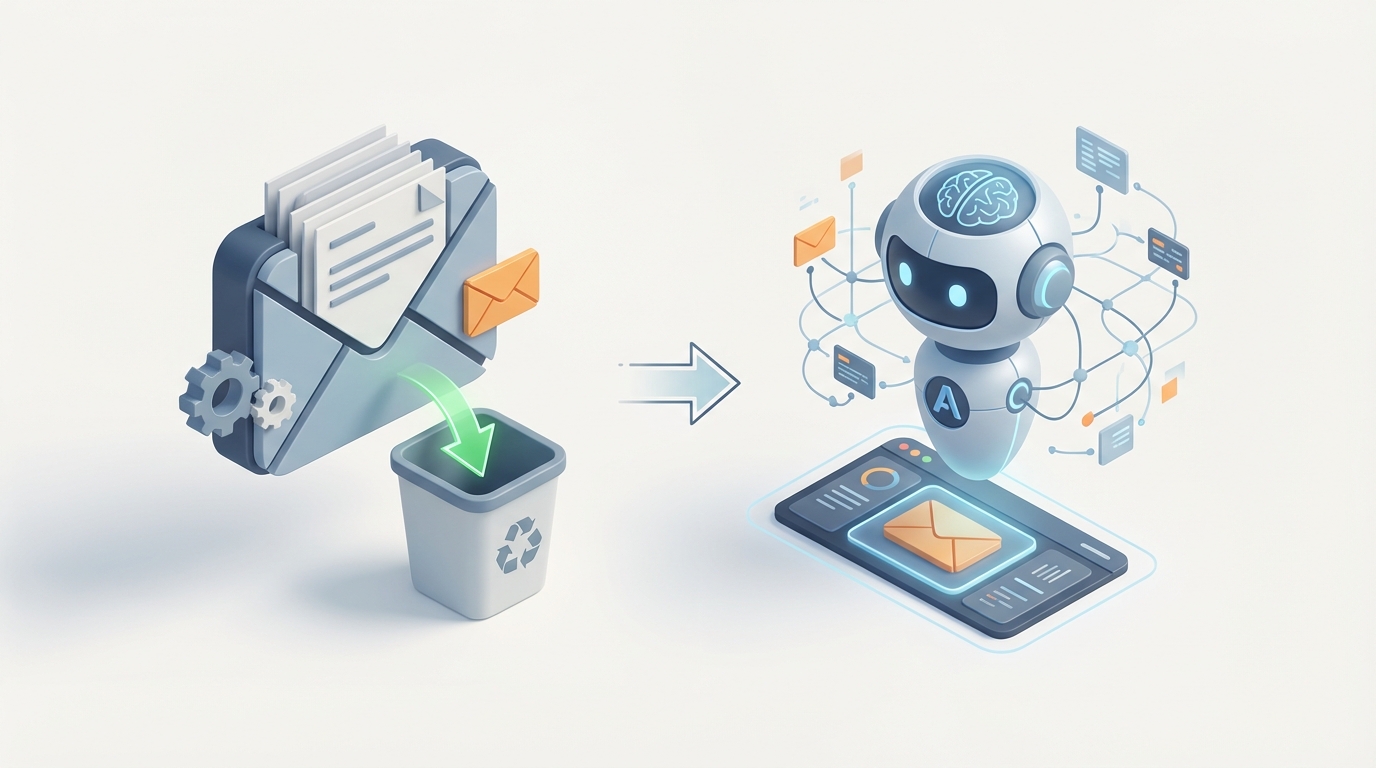
Most newsletter managers spend their weeks doing work that looks creative but is actually mechanical. They're scanning RSS feeds, reformatting the same template for the hundredth time, writing subject line variants they already know won't move the needle, and pulling open-rate data into spreadsheets that nobody reads until the next strategy meeting. It's a role that combines genuine editorial judgment with an enormous amount of repetitive grind, and the grind is winning.
Here's what I'm not going to tell you: that AI can fully replace a great newsletter manager today. It can't. What I am going to tell you is that an AI agent built on OpenClaw can absorb 60-70% of the work that currently eats a newsletter manager's week, and it can do it faster, cheaper, and without burning out three months in.
Let me break down exactly what that looks like.
What a Newsletter Manager Actually Does All Day
If you've never hired for this role, the job description sounds straightforward: "manage our newsletter." In practice, it's a surprisingly broad set of tasks that span content creation, data analysis, audience management, and technical operations.
Here's a realistic breakdown of a newsletter manager's week:
Content creation and curation (40-50% of time): This is the big one. They're sourcing topics, scanning industry news, pulling together links, writing or editing copy, crafting subject lines, and formatting everything into a template that renders properly on mobile. For a daily newsletter, this alone can eat 4-5 hours per day.
Analytics and optimization (20%): Pulling open rates, click-through rates, and churn numbers from whatever ESP they're using. Comparing this week to last week. Figuring out why Tuesday's issue tanked. Building A/B test hypotheses for subject lines and send times. Most of this analysis is pattern matching across dashboards—exactly the kind of work that feels productive but rarely leads to breakthrough insights when done manually.
Audience growth and segmentation (15%): Growing the list through partnerships, social promotion, lead magnets, and referral programs. Segmenting subscribers based on behavior, interests, or engagement level. Managing the inevitable churn. Anti-churn campaigns alone can eat a full day per week at scale.
Design, formatting, and admin (10-15%): Template tweaks, image sourcing, responsive design testing, compliance checks (CAN-SPAM, GDPR), ESP configuration, and Zapier maintenance. The unsexy but necessary plumbing.
Strategy and planning (10%): The actual high-value work—editorial calendar planning, monetization strategy, partnership development, voice and brand decisions. This is the part that should get more time but never does because everything above devours the week first.
The pattern is clear: the strategic and creative work that actually differentiates a newsletter gets squeezed into whatever time is left after the operational grind. That's the problem we're solving.
The Real Cost of This Hire
Let's talk numbers, because the sticker price of a newsletter manager is only part of the story.
Base salary: In the US, you're looking at $62K for someone entry-level (0-2 years), $92K for mid-level (3-5 years), and $128K+ for senior hires. In SF or NYC, add 20-30%. These are Glassdoor and Payscale figures from 2026 across 500+ postings, not projections.
Fully loaded cost: Add 20-30% for benefits, payroll taxes, equipment, and software licenses. Your $92K mid-level hire actually costs $110K-$120K per year.
Hidden costs: Training and ramp-up time (4-8 weeks before they're fully productive). Turnover risk (marketing roles average 2-3 year tenure, so you're re-hiring and re-training regularly). Management overhead from whoever is reviewing their work and providing direction.
Outsourcing alternative: Agencies charge $2K-$10K per month. Freelancers run $1K-$5K per issue. Neither option gives you the consistency or institutional knowledge of a full-time hire.
So the realistic annual cost for a competent newsletter manager is $75K-$170K depending on experience and location. For a role where 60%+ of the time goes to tasks that are repetitive and pattern-based.
That math should make you uncomfortable. Not because the people in these roles aren't talented—they often are—but because you're paying senior-human rates for work that increasingly doesn't require a senior human.
What an AI Agent Handles Right Now
Let me be specific about what an AI newsletter agent built on OpenClaw can do today. Not theoretically. Not "in the future." Right now.
Content Curation and First-Draft Generation
This is the biggest time sink, and it's where AI delivers the most immediate value. An OpenClaw agent can:
- Monitor and curate sources by ingesting RSS feeds, Twitter lists, subreddit threads, industry blogs, and news APIs, then ranking and filtering content by relevance to your editorial focus. What takes a human 60-90 minutes of morning scanning takes an agent seconds.
- Generate first drafts of newsletter sections, including summaries of curated articles, commentary frameworks, and transition copy between sections. These aren't final drafts—more on that below—but they're solid 70-80% versions that dramatically compress the editing cycle.
- Write subject line variants based on your historical performance data. Feed your past open rates and subject lines into the agent, and it generates new variants weighted toward patterns that have worked.
Here's a simplified example of how you'd configure a content curation workflow in OpenClaw:
agent: newsletter_curator
triggers:
  - schedule: "0 6 * * *"  # Runs daily at 6 AM

sources:
  - type: rss
    urls:
      - "https://techcrunch.com/feed/"
      - "https://feeds.feedburner.com/stratechery"
    max_items: 50
  - type: api
    provider: reddit
    subreddits: ["saas", "startups", "machinelearning"]
    sort_by: "top"
    timeframe: "day"
  - type: api
    provider: twitter_lists
    list_id: "your_curated_list_id"

processing:
  - step: relevance_filter
    criteria: "B2B SaaS, AI applications, growth strategy"
    min_score: 0.7
  - step: summarize
    style: "conversational, opinionated, concise"
    max_length: 150_words
  - step: rank
    method: "novelty + relevance"
    top_n: 8

output:
  - format: draft_newsletter
    template: "weekly_roundup_v2"
    sections:
      - top_story: 1
      - quick_hits: 5
      - deep_dive_candidate: 2
    deliver_to: "editor_review_queue"
This agent runs every morning, surfaces the most relevant content from your defined sources, summarizes each piece in your preferred style, and assembles a draft newsletter ready for human review. The manual version of this process takes 2-3 hours. The agent does it in minutes.
Analytics and Performance Monitoring
Newsletter managers spend roughly a fifth of their time staring at dashboards. An OpenClaw agent can:
- Aggregate metrics across your ESP, website analytics, and social channels into a single digestible report.
- Flag anomalies automatically: "Open rate dropped 8% on Wednesday's send. The subject line was 15% longer than your top performers. Consider testing shorter variants."
- Predict churn risk by identifying subscribers whose engagement is declining before they unsubscribe, and trigger re-engagement sequences automatically.
- Run and interpret A/B tests, including determining statistical significance and recommending which variant to use going forward.
agent: newsletter_analytics
triggers:
  - event: "newsletter_sent"
    delay: "48h"  # Analyze 48 hours after each send

integrations:
  - provider: beehiiv  # or mailchimp, convertkit, klaviyo
    metrics: ["open_rate", "ctr", "unsubscribes", "replies"]
  - provider: google_analytics
    metrics: ["referral_traffic", "conversions"]

analysis:
  - compare_to: "rolling_30day_average"
  - segment_by: ["acquisition_source", "subscriber_age", "engagement_tier"]
  - churn_prediction:
      model: "engagement_decay"
      threshold: 0.3
      action: "flag_for_reengagement"

reporting:
  - format: summary
    deliver_to: "slack:#newsletter-metrics"
    include:
      - performance_vs_benchmark
      - top_clicked_links
      - subject_line_analysis
      - churn_risk_subscribers
      - recommended_actions
Instead of spending 45 minutes pulling reports after every send, you get an actionable summary dropped into Slack with specific recommendations. The agent isn't just reporting numbers—it's interpreting them against your historical baselines and telling you what to do about them.
Audience Segmentation and Personalization
This is where AI has a structural advantage over humans. Manual segmentation works fine when you have 500 subscribers and three segments. At 10K+ subscribers, the permutations become unmanageable for a person.
An OpenClaw agent can:
- Dynamically segment based on behavioral signals (click patterns, read depth, reply frequency) rather than just static tags.
- Personalize content blocks within each newsletter issue, showing different stories or CTAs to different segments without requiring separate sends.
- Optimize send times per subscriber based on their individual open patterns, not just a blanket "Tuesday at 10 AM."
TheSkimm reportedly reduced manual segmentation work by 70% using AI-driven personalization through Braze. You can build the same capability with OpenClaw without being locked into a specific ESP.
Scheduling, Compliance, and Technical Operations
The admin work. The stuff nobody lists on their resume but everyone spends time on:
- Automated deliverability monitoring: Check spam scores before sending, flag potential issues with email authentication, monitor domain reputation.
- Compliance scanning: Automatically verify that every issue includes required unsubscribe links, physical addresses, and appropriate disclosures.
- Cross-platform formatting: Test renders across email clients and flag layout issues before they reach subscribers.
None of this is glamorous. All of it eats hours every week. All of it is perfectly suited for an AI agent.
What Still Needs a Human
Here's where I keep my credibility by being honest about the gaps.
Editorial voice and brand identity. AI can generate copy that sounds fine. It cannot generate copy that sounds like you. The personality, the specific brand of humor, the willingness to take a controversial stance on something—that's still distinctly human. Beehiiv users who combine AI drafts with human editing see 20% higher open rates than fully AI-generated newsletters. Voice matters, and readers can tell the difference.
Strategic decision-making. Should you launch a paid tier? Is this the right week to pitch a sponsorship? Should you pivot your editorial focus based on where your industry is heading? These are judgment calls that require context an AI agent doesn't have—market intuition, relationship knowledge, business model understanding.
Relationship building. Partnerships with other newsletters, sponsor negotiations, responding to subscriber feedback in ways that build community. These are human-to-human interactions where authenticity is the whole point.
Creative ideation at the edges. AI is excellent at pattern matching and recombination. It's mediocre at genuine novelty. The "nobody is talking about this yet" instinct that makes the best newsletters indispensable comes from human curiosity and taste.
Final editorial review. AI hallucinates. It gets facts wrong. It misses context. Every piece of AI-generated content needs a human doing a final pass before it goes to your list. This is non-negotiable. Send one factually wrong newsletter and you'll spend months rebuilding trust.
The honest picture: you still need a human in the loop. But that human can manage three to four newsletters instead of one because the agent is handling the operational load. Or they can spend their time on strategy, growth, and the creative work that was always getting squeezed.
How to Build Your Newsletter Manager Agent with OpenClaw
Here's the practical implementation path. This isn't a weekend project, but it's not a six-month enterprise deployment either.
Step 1: Define Your Newsletter's Core Workflows
Before you touch any tools, map out every task your newsletter requires from ideation to post-send analysis. Be granular. The more specifically you can define what happens at each step, the more effectively you can automate it.
For a typical weekly newsletter, you'll have roughly these workflows:
- Content sourcing and curation (daily monitoring, weekly selection)
- First-draft generation (summaries, commentary, transitions)
- Subject line and preview text creation
- Template formatting and design
- Audience segmentation and personalization
- Scheduling and pre-send checks
- Post-send analytics and reporting
- Churn monitoring and re-engagement
Step 2: Build Your Agent Pipeline in OpenClaw
OpenClaw lets you chain multiple agent capabilities into a single pipeline. Think of it as building an assembly line where each station handles a specific task.
pipeline: weekly_newsletter_ops
description: "End-to-end newsletter management agent"

stages:
  1_curate:
    agent: content_curator
    schedule: "daily"
    output: curated_content_pool

  2_draft:
    agent: newsletter_writer
    trigger: "3 days before send"
    input: curated_content_pool
    config:
      voice_reference: "./brand_voice_examples/"
      structure: "top_story + 4_quick_hits + 1_deep_dive + cta"
      tone: "conversational, informed, slightly irreverent"
    output: draft_v1

  3_optimize:
    agent: subject_line_generator
    input: draft_v1
    config:
      variants: 5
      optimize_for: "open_rate"
      historical_data: "./past_performance.csv"
    output: subject_variants

  4_segment:
    agent: audience_segmenter
    trigger: "1 day before send"
    config:
      method: "behavioral_clustering"
      personalize: ["top_story_selection", "cta_variant"]
    output: segmented_send_list

  5_qa:
    agent: pre_send_checker
    input: [draft_v1, segmented_send_list]
    checks:
      - spam_score
      - link_validation
      - mobile_rendering
      - compliance_requirements
      - image_alt_text
    output: qa_report

  6_human_review:
    type: human_checkpoint
    deliver: "editor_review_queue"
    requires: approval
    # Nothing sends without human sign-off

  7_analyze:
    agent: post_send_analytics
    trigger: "48h after send"
    output: performance_report
    actions:
      - update_engagement_scores
      - flag_churn_risks
      - recommend_next_issue_adjustments
Notice stage 6: the human checkpoint. This is not optional. Your agent pipeline should always include a point where a real person reviews the draft, makes edits, adjusts the voice, and approves the send. The goal is to reduce the time that person spends from 8-10 hours to 1-2 hours—not to remove them entirely.
Step 3: Train Your Agent on Your Voice
This is where most AI newsletter attempts fall flat. Generic AI copy reads like generic AI copy, and your subscribers will notice immediately.
With OpenClaw, you feed in your existing newsletter archive as voice reference material. The more issues you provide, the better the agent captures your specific patterns—sentence length, vocabulary preferences, how you introduce topics, how you transition between sections, whether you use first person or second person, your signature sign-off.
voice_training:
  source: "./newsletter_archive/"
  min_issues: 20  # More is better; 50+ is ideal
  extract:
    - sentence_structure_patterns
    - vocabulary_frequency
    - tone_markers
    - section_transition_styles
    - humor_patterns
    - opinion_expression_style
  validation:
    method: "blind_comparison"
    # Generate 5 drafts, mix with 5 real issues
    # Have team identify which are AI-generated
    target_accuracy: "<60%"  # If humans can't reliably tell, you're good
The validation step matters. If your team can consistently identify which drafts are AI-generated, the voice training needs more work. You're aiming for drafts that are close enough that your human editor is refining, not rewriting.
Step 4: Connect Your Existing Tools
OpenClaw integrates with the tools you're already using. You don't need to rip out your ESP or analytics stack:
- ESP integration (Beehiiv, ConvertKit, Mailchimp, Klaviyo): Pull subscriber data, push formatted issues, trigger sends.
- Analytics (Google Analytics, your ESP's native analytics): Feed performance data back to the agent for continuous optimization.
- Content sources (RSS, APIs, web scrapers): Whatever you're currently monitoring manually.
- Communication (Slack, email): Deliver drafts, reports, and alerts to your team.
Step 5: Iterate Based on Results
Start with the highest-time-savings, lowest-risk tasks first. Content curation and analytics reporting are safe starting points—if the agent's curation misses something, your human editor catches it during review. Subject line generation is another quick win because you're A/B testing anyway, so you have a built-in feedback loop.
Expand to draft generation once you're confident in the voice training. Move to audience segmentation and personalization once you have enough data for the agent to work with.
Track two things religiously: time saved per issue and engagement metrics compared to pre-agent baseline. If time savings are real but engagement drops, your voice training or content quality needs work. If both improve, scale the agent's responsibilities.
The Numbers That Matter
Let's bring this back to economics.
A mid-level newsletter manager costs $110K-$120K fully loaded. An OpenClaw agent handling 60-70% of their workload costs a fraction of that annually, and it operates continuously without PTO, sick days, or a two-week notice period.
But the better framing isn't replacement—it's leverage. One skilled editor plus an OpenClaw agent can do the work that previously required two to three people. Or that same editor can use the recovered time to focus on growth strategy, monetization, and the creative work that actually moves the needle.
Companies are already seeing this. Morning Brew uses AI for research and summaries across their operation with 10M+ subscribers. Sahil Bloom reports 50% time savings on content with AI-assisted workflows through Beehiiv. The newsletter Briefly AI replaced two full-time equivalents with an AI stack. These aren't hypotheticals—they're happening now, and the operations running on purpose-built agent pipelines are outperforming the ones bolting generic AI tools together ad hoc.
Start Here
If you're running a newsletter and spending 15+ hours per week on operational tasks, you have two options.
Option 1: Build it yourself. Use the OpenClaw framework above. Start with content curation and analytics. Expand to draft generation once you've trained the voice model. Keep a human editor in the loop. Expect 4-6 weeks to get the pipeline running smoothly.
Option 2: Let us build it for you. If you want the agent pipeline designed, configured, and deployed without the learning curve, that's exactly what Clawsourcing does. We'll map your newsletter workflows, build your OpenClaw agent, train it on your voice and content, integrate it with your existing tools, and hand you back a system that turns a 15-hour weekly process into a 2-3 hour review cycle.
Either way, the underlying reality is the same: the newsletter manager role is splitting in two. The operational half is becoming an AI agent's job. The strategic and creative half is becoming more valuable than ever. The question is just how quickly you make that transition.
Recommended for this post
Executive OS
Persona
Your AI Chief of Staff — manages email, calendars, meetings, and daily ops so you don't have to
 Bungee
Inbox Zero
Skill
Intelligent email triage that reads, categorizes, and responds to routine messages — while escalating what actually needs your attention. Maintains inbox zero without missing anything important.
Coordinate multiple AI agents on complex, multi-step workflows. Break large tasks into parallel sub-tasks, manage dependencies, and aggregate results — without losing context or dropping threads.