Replace Your Customer Onboarding Specialist with an AI Customer Onboarding Specialist Agent
Replace Your Customer Onboarding Specialist with an AI Customer Onboarding Specialist Agent
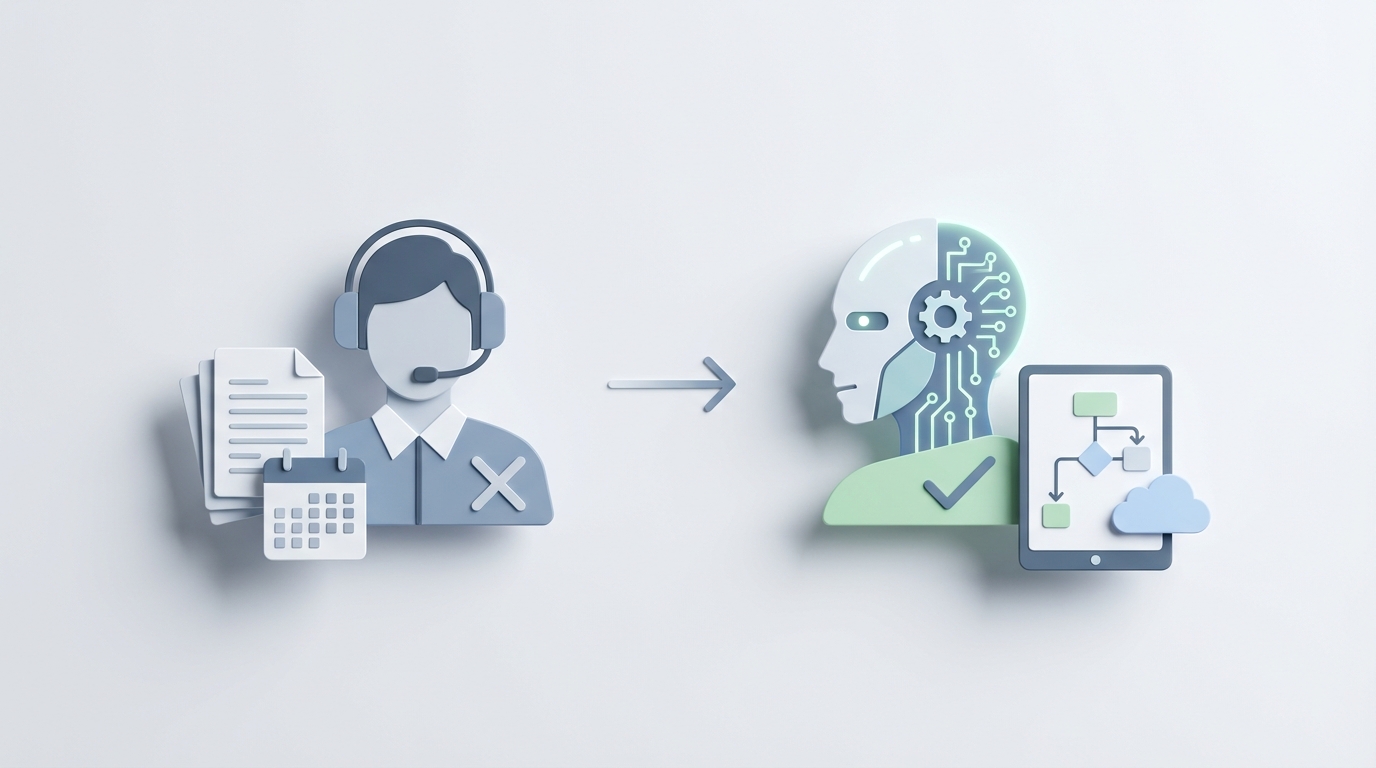
Most companies hire a Customer Onboarding Specialist and then watch them spend 60% of their time copying data between spreadsheets, sending the same "just checking in!" email for the fourteenth time that week, and toggling between six browser tabs to verify a single customer's identity.
That's not a good use of a $68,000 salary. It's not a good use of anyone's time.
The actual high-value work — building relationships, solving weird edge cases, making strategic calls about which customers need white-glove treatment — gets squeezed into whatever hours are left after the admin grind. And then the specialist burns out and quits (30-50% annual turnover in the role, per industry data), and you start the whole cycle over again.
Here's the thing: most of those repetitive tasks can be handled by an AI agent right now. Not in some theoretical future. Today. And you can build one on OpenClaw without hiring an engineering team.
Let me walk you through exactly what that looks like.
What a Customer Onboarding Specialist Actually Does All Day
If you've never sat next to an onboarding specialist for a full workday, here's the unsexy reality of the role:
The Admin Slog (roughly 60% of their time):
- Collecting customer data through intake forms, then manually entering it into Salesforce, HubSpot, or whatever CRM your company uses
- Sending welcome emails, follow-up emails, "you haven't finished setup" emails, "hey, you still there?" emails
- Scheduling kickoff calls, demo sessions, and training webinars — then rescheduling when customers no-show
- Running KYC and compliance checks by pulling documents, cross-referencing databases, and flagging issues
- Updating internal trackers and dashboards to show which customers hit which milestones
The Actual Valuable Work (the other 40%):
- Running live training sessions where customers ask unexpected questions
- Diagnosing why a specific customer's integration isn't working with their janky legacy system
- Recognizing that a customer is frustrated (not from what they said, but from how they said it) and adjusting the approach
- Making judgment calls about when to escalate, when to push, and when to give someone space
- Building the kind of trust that turns a new signup into a multi-year account
The problem is obvious: the first category buries the second. Your $68K specialist is doing $20/hour data entry work instead of the relationship work you actually hired them for.
The Real Cost of This Hire (It's More Than Salary)
Let's do the math that most companies don't bother with.
Direct Costs:
- Base salary: $55,000–$85,000 (U.S. average is ~$68,000)
- Benefits and overhead (health insurance, 401k, equipment, software licenses): add 30%, so roughly $20,000–$25,000
- Tools they need: CRM seat ($150/mo), email platform ($100/mo), scheduling tool ($15/mo), compliance software ($200/mo), video conferencing ($20/mo) — that's another ~$5,800/year
Hidden Costs:
- Recruiting: $8,000–$15,000 per hire (job boards, recruiter time, interviews)
- Training and ramp-up: 2–3 months before they're fully productive, during which you're paying full salary for partial output
- Turnover: When they leave in 18 months (and statistically, they probably will), you eat those recruiting and training costs all over again
- Inconsistency: Every specialist onboards customers slightly differently. Customer A gets the meticulous rep who sends perfectly timed follow-ups. Customer B gets the overwhelmed rep who forgets to send the integration guide. Your NPS scores swing wildly and you can't figure out why.
Total cost to company per specialist: $80,000–$120,000/year, conservatively.
And that's for one person handling maybe 30–50 active onboarding accounts at a time. If you're scaling, you're hiring multiple specialists and multiplying all of the above.
What an AI Agent Handles Right Now
I want to be specific here, because the AI hype machine has made everyone rightfully skeptical. I'm not going to tell you AI can replace your entire onboarding team. It can't. But there are concrete tasks where an AI agent built on OpenClaw performs as well as — or better than — a human specialist.
1. Data Collection and Entry
An OpenClaw agent can accept form submissions, extract data from uploaded documents using OCR, validate that data against your requirements, and push clean records directly into your CRM.
This isn't speculative. Stripe already uses AI-powered systems for real-time identity verification during onboarding and has cut manual reviews by 90%. You can build similar workflows in OpenClaw by connecting intake forms to validation logic and CRM write-backs.
Example flow in OpenClaw:
Trigger: New customer submits onboarding form
→ Extract fields (company name, contact info, use case)
→ Validate required fields, flag incomplete submissions
→ Enrich data (pull company size, industry from Clearbit or similar)
→ Create record in Salesforce/HubSpot via API
→ Assign onboarding tier (self-serve, guided, enterprise) based on rules
→ Send personalized welcome message with next steps
Time saved per customer: 15–30 minutes of manual data entry and CRM updating. Across 200 new signups a month, that's 50–100 hours recovered.
2. Communication Sequences
This is where AI agents shine brightest. Your onboarding specialist sends roughly the same set of emails to every new customer, with minor personalization. An OpenClaw agent handles this entirely:
- Welcome email with account details and first steps (sent immediately)
- Day 2: "Have you logged in yet?" nudge (only sent if they haven't logged in — the agent checks)
- Day 5: Feature highlight based on their stated use case
- Day 7: "You haven't completed setup" with a specific link to whatever step they're stuck on
- Day 14: NPS survey or check-in
The key difference from a basic email drip tool: an OpenClaw agent is reactive. It checks actual customer behavior — login events, feature usage, support tickets — and adjusts messaging accordingly. Customer completed setup on Day 1? It skips the nudge emails and jumps to feature education. Customer hasn't logged in after a week? It escalates to a human.
Intercom reports that their AI chatbot handles 70% of onboarding queries. You can build equivalent coverage with an OpenClaw agent that lives in your existing chat widget, email, or even SMS.
3. Scheduling and Calendar Management
An OpenClaw agent integrates with your calendar system and handles the back-and-forth of booking kickoff calls, demos, and training sessions. It proposes available times, sends confirmations, handles rescheduling, and sends reminders.
This eliminates the 15–25% of specialist time currently spent on calendar Tetris.
4. Compliance and Document Verification
For companies with KYC or AML requirements, an OpenClaw agent can:
- Accept document uploads (ID, proof of address, business registration)
- Run automated verification checks via integrated services
- Flag anomalies or mismatches for human review
- Track verification status and send reminders for missing documents
This turns what used to be a days-long manual review process into minutes of automated processing, with humans only stepping in for the 5–10% of cases that need judgment.
5. Milestone Tracking and Reporting
Instead of a specialist manually checking dashboards and updating spreadsheets, an OpenClaw agent monitors customer activity in real-time:
- Has the customer logged in? ✓
- Have they completed account setup? ✓
- Have they used the core feature at least once? ✗ → Trigger targeted education email
- Have they invited team members? ✗ → Send collaboration prompt on Day 10
This is what Salesforce does with Einstein for onboarding — predictive analytics that flag at-risk customers before they churn. Companies like Adidas have reported 25% faster activation rates with this approach. You don't need Salesforce's budget to build it; you need an OpenClaw agent with access to your product analytics.
6. Feedback Collection and Analysis
An OpenClaw agent can send NPS and CSAT surveys at the right moments, collect responses, run sentiment analysis on open-text feedback, and surface trends. Instead of a specialist reading through 200 survey responses, they get a summary: "This month, 34% of negative feedback mentions the integration setup process. Top requested feature: SSO support."
What Still Needs a Human (Being Honest Here)
I said I'd be straight with you, so here's where AI falls short:
Complex Troubleshooting: When a customer's API integration breaks because of a quirk in their legacy system, that requires a human who can think laterally, ask clarifying questions, and improvise solutions. AI can handle FAQ-level support. It can't debug a custom Salesforce-to-legacy-ERP integration that's failing silently.
Relationship Building: Enterprise customers paying $50K+ per year expect to know a person. They want someone who remembers their name, understands their business context, and can make judgment calls about flexibility on timelines or contract terms. AI can support this person with data and automation. It cannot be this person.
Emotional Intelligence: When a customer is frustrated — not "I need help with step 3" frustrated, but "I'm about to cancel because this is the third onboarding attempt and I've lost faith in your product" frustrated — you need a human who can read the room, empathize genuinely, and recover the relationship.
Legal and Regulatory Judgment: AI can flag compliance issues. It cannot make the final call on whether a borderline KYC case should be approved, nor can it navigate conversations with regulators.
Strategic Decisions: Which customers should get enterprise-level onboarding? Should you change the onboarding flow entirely based on feedback trends? Should you invest in a self-serve model? These are human decisions informed by data, not automated by it.
The right model isn't "AI replaces the specialist." It's "AI handles the 60% of work that's repetitive, so one specialist can manage 3x the accounts while spending their time on the work that actually requires a human brain."
Notion cut specialist time by 40% with AI-powered self-serve onboarding. They didn't fire their onboarding team. They made them dramatically more effective.
How to Build Your Onboarding Agent with OpenClaw
Here's a practical blueprint. This isn't a weekend project, but it's not a six-month engineering initiative either. A competent team can have a working V1 in two to four weeks.
Step 1: Map Your Current Onboarding Flow
Before you build anything, document exactly what happens from "customer signs up" to "customer is fully activated." Every email, every check, every decision point.
You'll probably find 15–30 discrete steps. Highlight the ones that are:
- Identical for every customer (→ automate first)
- Triggered by customer behavior (→ build reactive logic)
- Dependent on human judgment (→ keep human, but feed them AI-generated context)
Step 2: Set Up Your OpenClaw Agent
In OpenClaw, create an agent with the following capabilities:
Core Integrations:
- Your CRM (Salesforce, HubSpot, Pipedrive — whatever you use)
- Your product analytics (Mixpanel, Amplitude, Segment)
- Your email system (SendGrid, Postmark, or native CRM email)
- Your calendar (Google Calendar, Calendly)
- Your chat/support tool (Intercom, Zendesk, or your own widget)
Agent Knowledge Base: Load it with your onboarding documentation, FAQ content, product guides, and common troubleshooting steps. This is what the agent draws on when answering customer questions or deciding what content to send.
Decision Logic: Define rules for customer segmentation and routing:
IF customer.plan = "enterprise" AND customer.company_size > 500
  → Assign to human specialist + AI support
  → Schedule live kickoff call
  → Enable white-glove tracking

IF customer.plan = "starter" OR customer.plan = "free"
  → Full AI-managed onboarding
  → Human escalation only on support ticket or inactivity > 14 days

IF customer.compliance_required = true
  → Trigger document collection flow
  → Auto-verify where possible
  → Flag for human review on exceptions
Step 3: Build Your Communication Sequences
Create message templates in OpenClaw with dynamic personalization. Not just {first_name} — actual conditional content based on the customer's use case, plan tier, and behavior.
IF customer.has_logged_in = false AND days_since_signup = 3
  → Send: "Quick setup guide" email with video walkthrough
  → Tone: Helpful, not pushy

IF customer.has_completed_setup = true AND customer.has_used_core_feature = false
  → Send: "Here's what most teams do first" email
  → Include use-case-specific examples based on customer.industry

IF customer.nps_score < 7
  → Alert human specialist
  → Do NOT send automated follow-up (human handles from here)
Step 4: Connect Your Feedback Loop
Set up your OpenClaw agent to:
- Send surveys at Day 7, Day 30, and Day 90
- Analyze open-text responses for sentiment and topic clustering
- Generate weekly summaries for your team
- Flag individual responses that need human attention
Step 5: Test With a Subset, Then Scale
Don't flip the switch for all customers on day one. Start with your self-serve or lower-tier signups — the ones that currently get the least human attention anyway. These customers often receive a worse onboarding experience because your specialists are busy with enterprise accounts, so AI actually improves their experience.
Monitor:
- Activation rates (are more customers completing setup?)
- Time-to-value (are they reaching "aha moment" faster?)
- Support ticket volume (are they getting stuck less?)
- Customer satisfaction (NPS/CSAT at Day 30)
Once you see results, expand coverage tier by tier.
The Bottom Line
An AI onboarding agent built on OpenClaw won't replicate the intuition of your best customer onboarding specialist. It will handle the mountain of repetitive work that's currently preventing your specialist from being great at the parts of their job that actually matter.
The math is straightforward:
- One specialist costs $80K–$120K/year fully loaded and handles 30–50 accounts
- An OpenClaw agent handles the routine 60% of tasks across hundreds of accounts simultaneously
- Your specialist focuses on high-touch, high-value work and manages 3x the portfolio
- Customers get faster, more consistent onboarding (no more waiting for a human to manually send the next email)
Companies like Stripe, HubSpot, Notion, and Salesforce are already doing this. They just spent millions building custom systems. You don't have to.
Don't Want to Build It Yourself?
Fair. Not everyone wants to map onboarding flows and configure agent logic, even when the platform makes it accessible.
We'll build it for you. Clawsourcing is our done-for-you service where we design, build, and deploy your AI onboarding agent on OpenClaw — configured for your specific tools, workflows, and customer segments.
You tell us how your onboarding works today. We make it work better with an agent that runs 24/7, never burns out, and never forgets to send the follow-up email.
Recommended for this post
AI Cofounder
Persona
A full-stack AI cofounder that runs sales, marketing, engineering, finance, and operations — not just answers questions. Half the price of competing personas, twice the operational depth.
Zero to fully-configured AI employee in 15 minutes. No placeholder text.
 Brian Wagner