AI Client Onboarding Specialist: Welcome New Clients on Autopilot
Welcome New Clients on Autopilot
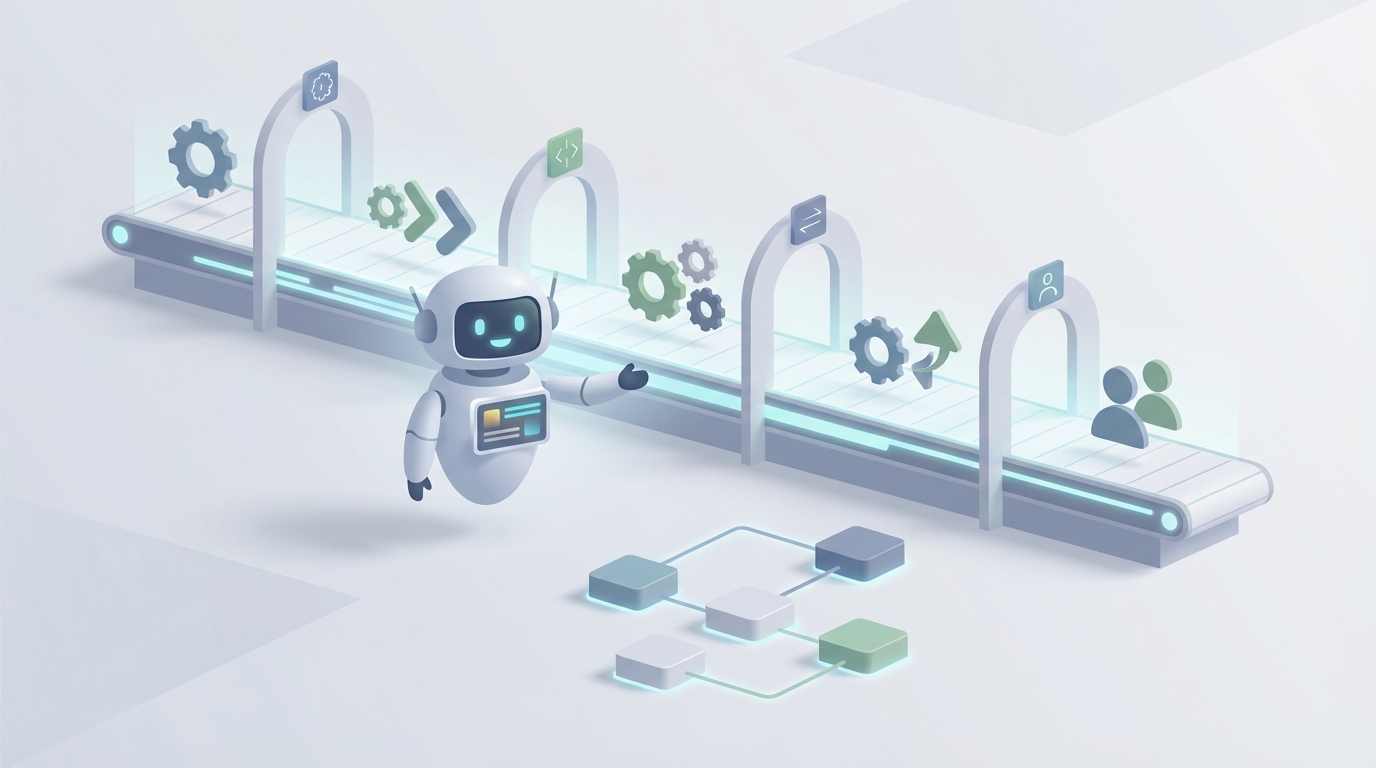
Most companies treat client onboarding like it's a relationship job. And parts of it genuinely are. But if you actually shadow a Client Onboarding Specialist for a week, you'll notice something uncomfortable: the vast majority of what they do is repetitive process work dressed up as relationship management.
They're sending the same welcome emails. Chasing the same missing documents. Copying data between the same systems. Running the same compliance checks. Following the same playbook for every new client, with minor variations.
That's not a relationship. That's a workflow. And workflows can be automated.
Let me be clear about what I'm not saying: I'm not saying client onboarding doesn't matter. It matters enormously. Companies lose 20-30% of new clients in the first 90 days, and bad onboarding is the primary driver. What I am saying is that an AI agent can execute the process portion of onboarding more consistently, faster, and at a fraction of the cost — while freeing up your actual humans to do the parts that require actual humanity.
Here's how to think about it, and how to build one with OpenClaw.
What a Client Onboarding Specialist Actually Does All Day
Let's get specific. Forget the job description fluff about "ensuring client success" and "building lasting relationships." Here's what the role looks like in practice across fintech, SaaS, insurance, and professional services:
40-60% of their time is client-facing work:
- Scheduling and running kickoff calls
- Sending welcome emails and follow-up sequences
- Answering questions about setup, timelines, and next steps
- Providing status updates ("Yes, we received your W-9, still waiting on your articles of incorporation")
30% is administrative and tool work:
- Creating accounts in Salesforce, HubSpot, or internal systems
- Requesting KYC/AML documents (IDs, tax forms, proof of address, beneficial ownership docs)
- Reviewing submitted documents against compliance checklists
- Entering and validating data across multiple platforms
- Configuring products or provisioning access
- Building integrations or coordinating with IT on API setups
10-20% is escalations and internal coordination:
- Chasing down legal for contract questions
- Flagging compliance edge cases
- Resolving conflicts between what sales promised and what's actually possible
- Coordinating handoffs to account management
The single biggest time sink? Document collection and verification. It eats 30-40% of an onboarding specialist's week. It's the most tedious, the most error-prone, and the most maddening because you're essentially playing an elaborate game of email tag with people who have better things to do than dig up their EIN letter.
The second biggest? Manual data entry and compliance checks. Another 20-30%. Typing the same client information into three different systems because none of them talk to each other properly.
This is not the best use of a skilled professional's time. And yet here we are.
The Real Cost of This Hire
Let's talk numbers, because this is where the math gets interesting.
A mid-level Client Onboarding Specialist in the US costs you $55,000-$75,000 in base salary. Add benefits, payroll taxes, equipment, and software licenses, and you're looking at $65,000-$90,000 in total compensation. If you're in fintech or banking, add another 20-30% because compliance expertise commands a premium. Now you're at $85,000-$115,000 all-in for one person.
But that's not the real cost. The real cost includes:
Training time. It takes 2-4 months before a new onboarding specialist is fully ramped. During that period, they're operating at maybe 50% efficiency while another team member babysits their work. That's effectively paying two people for one role during the ramp period.
Turnover. The role has 15-20% annual turnover because, frankly, it's repetitive and people burn out. Every time someone leaves, you eat another recruiting cycle ($5,000-$15,000) plus another ramp period.
Error costs. Manual processes generate rework on roughly 25% of tasks. In regulated industries, a compliance error isn't just annoying — it's a potential fine.
Scalability ceiling. A good specialist handles 5-20 clients per week depending on complexity. When you hit a growth spike, you can't just "turn up" human capacity. You hire, wait three months, and hope the spike hasn't passed.
So the real annual cost of one onboarding specialist, accounting for all of this, is closer to $100,000-$140,000. For a team of three or four? You're well into half a million dollars annually for what is largely process execution.
What AI Can Actually Handle Right Now
I want to be honest about this because the AI hype cycle has made everyone justifiably skeptical. Not everything can be automated. But a lot more can be automated than most companies realize, especially with the right agent architecture.
Here's a realistic breakdown:
Document Collection and Follow-ups — 85-90% Automatable
An AI agent built on OpenClaw can manage the entire document collection workflow: sending initial requests with personalized context ("Hi Sarah, since Acme Corp is a Delaware LLC with multiple beneficial owners, we'll need the following six documents..."), tracking what's been received, sending intelligent follow-ups at appropriate intervals, and validating that submitted documents match requirements before a human ever touches them.
This alone eliminates the single largest time sink in the role.
Data Entry and System Configuration — 90%+ Automatable
Once documents are collected, an AI agent can extract data via OCR, validate it against known patterns, and populate your CRM, compliance systems, and product configurations automatically. OpenClaw agents can integrate with Salesforce, HubSpot, and internal APIs to do this without any copy-paste gymnastics.
KYC/AML Verification — 80-90% Automatable
Standard identity verification, watchlist screening, and risk scoring can all run through an AI agent that coordinates with verification APIs. The agent handles the straightforward cases (which are the vast majority) and surfaces only the edge cases — politically exposed persons, sanctioned entity matches, document inconsistencies — for human review.
Client Communication — 70-80% Automatable
Welcome sequences, status updates, FAQ responses, scheduling coordination, milestone notifications — all of this can be handled by an AI agent that maintains context about each client's specific onboarding journey. Not canned templates. Actually personalized communication that references what stage they're in, what's still outstanding, and what's coming next.
Progress Tracking and Reporting — 95% Automatable
Real-time dashboards showing time-to-onboard predictions, completion rates by stage, bottleneck identification, and client health scoring. An OpenClaw agent can generate these automatically and alert the right humans when something needs attention.
Training and Enablement — 60-70% Automatable
Self-serve onboarding portals with AI-powered chat that can answer product questions, walk clients through configurations, and serve up relevant documentation based on the client's specific setup. Live, complex troubleshooting still needs humans, but the "how do I reset my API key" questions don't.
The aggregate impact: Companies like Stripe, Brex, and Ramp have demonstrated 30-50% reductions in time-to-onboard and 20-40% cost savings through AI automation. Revolut processes millions of onboardings with less than 1% requiring manual intervention. These aren't hypotheticals. This is happening now.
What Still Needs a Human (For Real)
Here's where I keep it honest, because pretending AI can do everything is a fast track to building something that fails in production.
Relationship-building with high-value clients. When you're onboarding an enterprise client with a $500K annual contract, they want a human. They want someone who can read the room on a kickoff call, navigate internal politics, and build the kind of trust that prevents churn. An AI agent should handle all the logistics around those conversations, but the conversations themselves need a person.
Complex negotiations and escalations. When a client's legal team pushes back on your MSA terms, or when sales promised something your product doesn't actually do, that requires judgment, empathy, and sometimes creative problem-solving that AI isn't ready for.
Regulatory interpretation. AI can check documents against a compliance checklist. It cannot interpret ambiguous new regulations, make judgment calls about edge cases, or provide the final legal sign-off. A human compliance officer still owns that.
Truly custom enterprise integrations. When a client needs a bespoke API integration that requires understanding their legacy tech stack and negotiating architectural tradeoffs, that's engineering work, not process work.
Strategic decisions. When the onboarding data reveals that 40% of clients are dropping off at the same stage, a human needs to decide whether that's a product problem, a process problem, or a training problem. AI can surface the insight, but the response requires human judgment.
The right model isn't "replace the team." It's "let one or two experienced humans focus entirely on high-judgment work while an AI agent handles the other 70-80%." That team of four onboarding specialists? Maybe it becomes one senior specialist plus an AI agent that handles the volume of the other three.
How to Build an AI Client Onboarding Agent with OpenClaw
Let's get practical. Here's how you'd actually architect this.
Step 1: Map Your Onboarding Workflow
Before you touch any technology, document your current process end-to-end. Every email template. Every document checklist. Every system handoff. Every decision point.
You're looking for the branching logic: "If the client is a sole proprietor, request docs A, B, C. If they're a multi-member LLC, request A, B, C, D, E, and also schedule a beneficial ownership review."
This becomes the instruction set for your agent.
Step 2: Set Up Your OpenClaw Agent
In OpenClaw, you'll create a new agent and define its core capabilities. Here's how to structure the system prompt:
You are an AI Client Onboarding Specialist for [Company Name]. Your role is to guide new clients through our onboarding process from initial welcome through to active account status.

You have access to the following tools:
- CRM (Salesforce/HubSpot) for client records
- Document collection portal for requesting and tracking documents
- KYC/AML verification API for identity and compliance checks
- Email system for client communications
- Internal ticketing for escalations

Your onboarding workflow has the following stages:
1. Welcome & Kickoff (Day 0)
2. Document Collection (Days 1-5)
3. Verification & Compliance (Days 3-7)
4. Account Configuration (Days 5-10)
5. Training & Enablement (Days 7-14)
6. Handoff to Account Management (Day 14)

Rules:
- Never approve a compliance check without human review
- Escalate to [human team] if a client expresses frustration or dissatisfaction
- Follow up on missing documents at Day 2, Day 4, and Day 6 before escalating
- Log all client interactions in the CRM
- If a client's entity type is not in your known categories, escalate for manual classification
Step 3: Build the Integration Layer
Your agent needs to talk to your existing systems. In OpenClaw, you'll configure tool integrations. Here's an example of how you'd define a document status check:
def check_document_status(client_id: str) -> dict:
    """
    Check which required documents have been received
    for a given client and return status for each.
    """
    required_docs = get_required_docs(client_id)  # Based on entity type
    submitted_docs = crm.get_submissions(client_id)

    status = {}
    for doc in required_docs:
        if doc in submitted_docs:
            status[doc] = {
                "received": True,
                "verified": submitted_docs[doc].verification_status,
                "issues": submitted_docs[doc].issues or None
            }
        else:
            status[doc] = {
                "received": False,
                "days_overdue": calculate_overdue(client_id, doc)
            }

    return status
def send_follow_up(client_id: str, missing_docs: list) -> str:
    """
    Send a personalized follow-up email for missing documents.
    Tone adjusts based on how many follow-ups have been sent.
    """
    follow_up_count = get_follow_up_count(client_id)
    client = crm.get_client(client_id)

    context = {
        "client_name": client.primary_contact_name,
        "company_name": client.company_name,
        "missing_docs": missing_docs,
        "follow_up_number": follow_up_count + 1,
        "onboarding_deadline": client.target_go_live,
        "help_resources": get_doc_help_links(missing_docs)
    }

    # Agent generates personalized email based on context
    # Escalates to human if follow_up_count >= 3
    if follow_up_count >= 3:
        return escalate_to_human(client_id, "Document collection stalled")

    return generate_and_send_email(context, template="doc_follow_up")
Step 4: Define Escalation Triggers
This is critical. Your agent needs clear rules about when to hand off to a human. In OpenClaw, you set these as explicit guardrails:
Escalation triggers:
- Client sentiment detected as negative or frustrated
- Document verification fails automated checks twice
- Compliance risk score exceeds threshold (e.g., >7/10)
- Client requests to speak with a human
- Onboarding timeline exceeds target by >3 days
- Any request involving contract modifications
- PEP (Politically Exposed Person) flag on any beneficial owner
- Client entity type not recognized by classification system
The key insight here: over-escalate at first. You can always reduce escalation triggers as you build confidence in the agent. Starting too aggressive with automation is how you lose clients and create compliance nightmares.
Step 5: Build the Monitoring Dashboard
Set up your agent to report on key metrics automatically:
- Time-to-onboard (TTO) by client segment
- Document completion rate at each stage
- Escalation frequency and reasons
- Client response times (are they engaged or ghosting?)
- Drop-off points in the workflow
OpenClaw's agent monitoring gives you visibility into every decision the agent makes, so you can audit, refine, and improve over time.
Step 6: Run in Shadow Mode First
Do not — I repeat, do not — flip this live and walk away. Run the agent in shadow mode alongside your existing team for 2-4 weeks. Let it process every new client in parallel with your humans. Compare outputs. Find the gaps.
You're looking for:
- Cases where the agent would have sent the wrong document checklist
- Compliance checks it would have auto-approved that shouldn't have been
- Communications that sound robotic or miss important context
- Edge cases your workflow mapping didn't anticipate
Fix these before going live. Then roll out gradually — maybe 20% of new clients, then 50%, then full volume.
The Math That Matters
Let's bring this home with numbers.
Current state: 3 onboarding specialists at ~$100K fully loaded each = $300K/year. They handle ~40 clients/week collectively with an average TTO of 18 days.
With an OpenClaw agent: 1 senior specialist at $120K + OpenClaw platform costs = roughly $150K-$170K/year. The agent handles the process work for all 40+ clients/week. The human focuses on enterprise relationships, escalations, and process improvement. TTO drops to 8-12 days.
That's a savings of $130K-$150K/year while actually improving the client experience through faster, more consistent onboarding. And unlike humans, the agent scales linearly. Growth spike hits and you need to onboard 80 clients/week? The agent handles it without a three-month hiring cycle.
Where to Start
If this makes sense for your operation, you have two paths:
Build it yourself with OpenClaw. The platform gives you the agent framework, tool integrations, and monitoring you need. Start with document collection automation — it's the highest-impact, lowest-risk starting point. Get that working, then expand to communications, compliance checks, and configuration.
Or hire us to build it. If you'd rather have a production-ready AI onboarding agent without the learning curve, that's exactly what Clawsourcing does. We'll map your workflow, build the agent, integrate with your systems, run the shadow testing, and hand you a working solution. You focus on your clients; we focus on the automation.
Either way, the days of paying six figures for someone to send "just checking in on those documents" emails are numbered. The only question is whether you automate before your competitors do.
Recommended for this post
Identify repetitive tasks, build automation, and reclaim hours per week.
 SpookyJuice.ai
Close the performance gap between OpenClaw and Claude Code
Three-level OODA strategy, five-phase Ralph execution, and a recursive feedback engine. Your agent gets faster — this makes it get better.
 JerryRunsOps