Replace Your Accounts Receivable Clerk with an AI Accounts Receivable Clerk Agent
Replace Your Accounts Receivable Clerk with an AI Accounts Receivable Clerk Agent
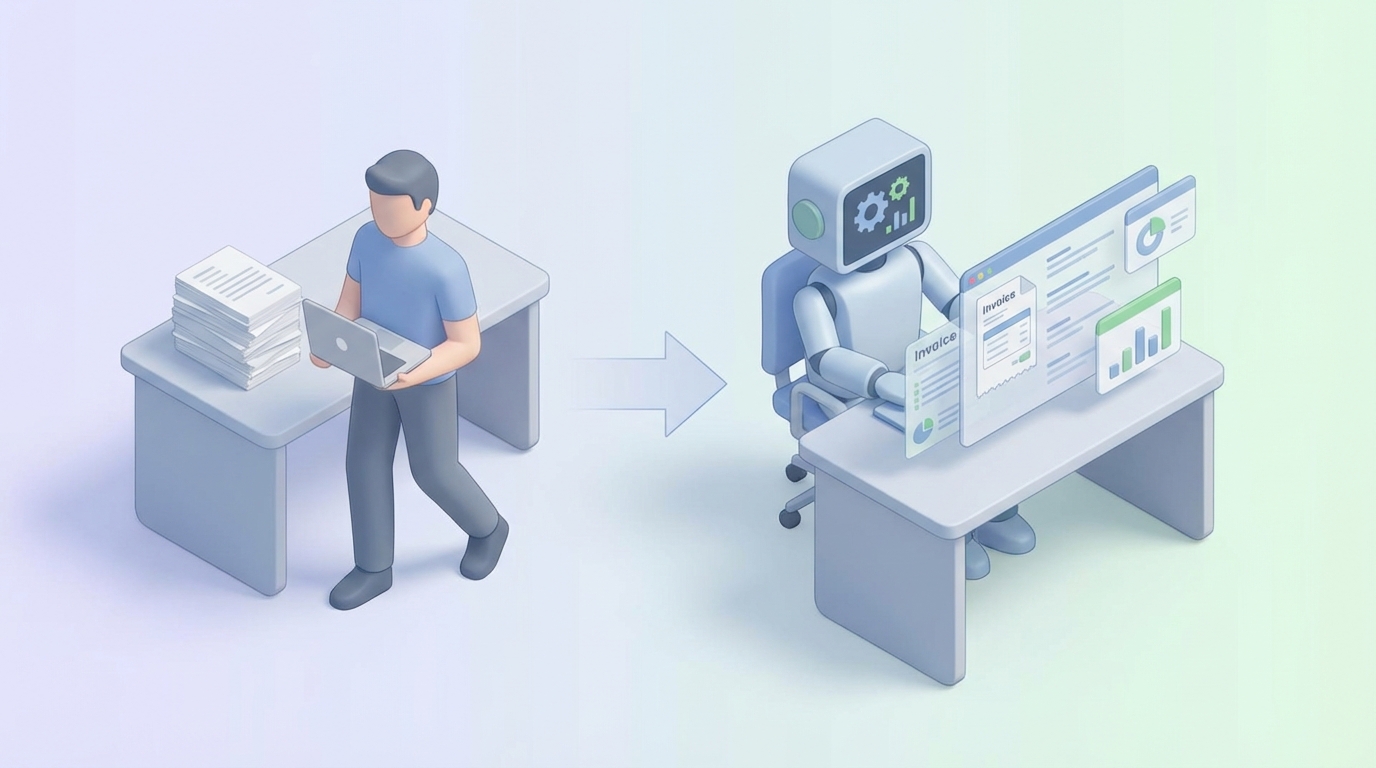
Let's start with a number that should bother you: $75,000.
That's roughly what a single accounts receivable clerk costs your business each year when you add up salary, benefits, payroll taxes, software licenses, and the inevitable cost of replacing them when they leave — which happens a lot, given the 20-30% annual turnover rate in AR departments.
And what do you get for that $75K? Someone spending half their day copying numbers from one system into another.
I'm not knocking AR clerks. The work matters. Cash flow is oxygen. But the way the work gets done — manually matching payments to invoices, sending the same reminder emails, reconciling the same ledger discrepancies — is a spectacular waste of human potential. Most of these tasks follow clear rules, operate on structured data, and repeat thousands of times per month.
That's the exact profile of work AI agents crush.
Here's how to actually replace (or dramatically augment) your AR clerk with an AI agent built on OpenClaw — what it can handle, what it can't, and how to build one.
What an AR Clerk Actually Does All Day
Before you automate something, you need to understand the job with precision. Not "manages accounts receivable" — the actual minute-by-minute work.
Here's a realistic breakdown of a 40-hour week for a mid-market AR clerk handling 100-300 invoices per day:
Processing and Posting Payments (~40-50% of time)
- Open emails, portals, and bank feeds to identify incoming payments
- Match each payment to the correct invoice(s) — including partial payments, overpayments, and payments with zero remittance info
- Post payments into the accounting system (QuickBooks, NetSuite, SAP, whatever)
- Handle the inevitable "unallocated cash" pile — payments you can't figure out where to apply
Collections and Follow-Up (~20-30%)
- Run an aging report every morning
- Identify who's 30, 60, 90+ days overdue
- Send templated reminder emails (first gentle, then firm)
- Make phone calls to chronic late-payers
- Document every touchpoint
Reconciliation and Dispute Resolution (~15-20%)
- Match the AR ledger to the bank statement
- Investigate discrepancies: short pays, deductions, duplicate payments
- Process credit memos and adjustments
- Handle customer disputes ("We never received that invoice," "The amount is wrong")
Reporting and Administrative (~10%)
- Generate aging reports, DSO metrics, cash forecast summaries
- File documents, update customer records
- Prepare month-end statements
Notice the pattern? About 70% of this work is data handling — looking at a number in one place, finding the matching number in another place, and recording the result. The remaining 30% involves judgment, negotiation, or relationship management.
That ratio is your roadmap for automation.
The Real Cost of This Hire
The salary is just the starting point. Here's what an AR clerk actually costs:
| Cost Component | Annual Estimate |
|---|---|
| Base salary (median) | $47,000 - $50,000 |
| Benefits (health, dental, 401k) | $12,000 - $18,000 |
| Payroll taxes (FICA, unemployment) | $4,000 - $5,500 |
| Software licenses (per seat) | $1,200 - $3,600 |
| Training and onboarding | $2,000 - $5,000 |
| Management overhead | $3,000 - $6,000 |
| Total loaded cost | $69,200 - $88,100 |
And that's for one clerk. If you're processing 500+ invoices daily, you need two or three.
Then there's the hidden cost nobody budgets for: errors. In high-volume environments, manual data entry error rates run 10-20%. Each misapplied payment triggers a cascade — wrong customer gets a collections call, dispute tickets pile up, month-end close drags on, your CFO gets heartburn. APQC benchmarking data shows that companies with low AR automation spend 2-3x more per invoice processed than those with high automation.
The turnover problem compounds everything. Robert Half reports 20-30% annual turnover for AR roles. Every departure means 2-4 weeks of recruiting, another 4-6 weeks of training before the new hire is fully productive, and errors from the learning curve. You're essentially re-buying the role every 3-4 years.
An AI agent doesn't quit, doesn't need benefits, and doesn't fat-finger a decimal point at 4:47 PM on a Friday.
What AI Handles Right Now (No Hand-Waving)
Let me be specific about what an OpenClaw agent can actually do today for AR, task by task. No "AI will revolutionize your workflow" nonsense — just capabilities that work.
Invoice Processing and Delivery: ~90% Automatable
An OpenClaw agent can:
- Generate invoices from order data, contracts, or triggers in your CRM/ERP
- Send invoices via email with proper formatting, attachments, and customer-specific instructions
- Track delivery and flag bounced emails or portal submission failures
- Parse incoming invoice-related emails and route them appropriately
This is straightforward document generation and workflow automation. OpenClaw handles the extraction, formatting, and delivery logic. You define the templates and rules; the agent executes thousands of times without variation.
Cash Application: ~70-85% Automatable
This is where the real time savings hit. An OpenClaw agent can:
- Ingest payment data from bank feeds, lockbox files, payment portals, and email remittance advice
- Match payments to open invoices using invoice numbers, amounts, customer IDs, and fuzzy matching for partial or combined payments
- Auto-post matched payments to your accounting system via API
- Flag exceptions — short pays, overpayments, unidentified payments — for human review instead of trying to force a match
The key insight: you don't need 100% automation to see massive ROI. If your agent handles 80% of payment applications automatically and routes the other 20% to a human with context already attached, you've just freed up 30-40% of a clerk's entire week.
Collections Follow-Up: ~60-75% Automatable
An OpenClaw agent can run your entire dunning workflow:
- Monitor aging buckets in real-time
- Send personalized reminder sequences — not generic blasts, but emails that reference the specific invoice number, amount, due date, and previous communication
- Escalate based on rules — if an account hits 60 days, change tone; at 90 days, notify the account manager; at 120 days, flag for legal review
- Log all outreach automatically in your CRM or accounting system
- Predict payment likelihood based on customer history, helping prioritize which accounts to chase first
What it can't do (yet): have a nuanced phone conversation with a customer who's going through financial difficulty and needs a payment plan. More on that below.
Reconciliation: ~80% Automatable
An OpenClaw agent can:
- Compare AR ledger balances against bank statements daily
- Identify and flag discrepancies with suggested resolutions
- Auto-resolve common mismatches (timing differences, bank fees, rounding)
- Generate reconciliation reports for review
Reporting: ~95% Automatable
This is almost fully automatable:
- Real-time aging reports and DSO calculations pulled directly from your data
- Cash flow forecasting based on historical payment patterns
- Custom dashboards delivered to Slack, email, or wherever your team lives
- Month-end summaries generated automatically
What Still Needs a Human
Being honest about limitations is important, because overpromising on AI is how you end up with a mess.
Complex dispute resolution. When a customer says "we're deducting $14,000 because the shipment arrived damaged," that requires judgment. Was the shipment actually damaged? What does the contract say? Is this customer worth accommodating? An AI agent can surface all the relevant information — the original order, shipping records, contract terms, communication history — but a human needs to make the call.
Relationship-driven collections. Your biggest customer is 45 days past due. Do you send the standard collections email, or do you call their AP manager who you've known for six years and have a conversation? Relationships, tone, and political judgment are human territory.
Legal escalations. Anything involving potential litigation, liens, or third-party collections agencies needs human oversight. Full stop.
Edge cases and exceptions. The payment that comes in with no remittance advice, references an invoice number from a different subsidiary, and is in a different currency than expected. Maybe 10-20% of transactions in complex environments fall into this bucket. The agent should flag these, not guess.
Strategic decisions. Should you change your payment terms from Net 30 to Net 15? Should you offer early payment discounts? Should you write off that $8,000 receivable that's been sitting at 180 days? The AI can provide data to inform these decisions, but a human — ideally your controller or CFO — makes them.
The realistic end state isn't "fire your AR team." It's: one person with an AI agent does the work that used to require three people, and that one person spends their time on judgment calls instead of data entry.
How to Build an AR Agent with OpenClaw
Here's the practical implementation path. This isn't theoretical — these are the actual steps to get an agent running.
Step 1: Map Your Data Sources
Before you build anything, inventory every system your AR process touches:
- Accounting/ERP system: QuickBooks, NetSuite, Xero, SAP — wherever invoices and the AR ledger live
- Bank feeds: Your bank's API or file exports (BAI2, MT940, CSV)
- Email: Where payment remittance advice and customer correspondence arrive
- CRM: Salesforce, HubSpot — for customer context
- Payment portals: Stripe, Bill.com, customer-specific portals
For each source, identify: What data format? Is there an API? How frequently does it update?
Step 2: Define Your Workflows in OpenClaw
OpenClaw lets you build agent workflows that chain together data ingestion, processing logic, and actions. Here's how to structure the core AR workflows:
Workflow 1: Invoice Generation and Delivery
Trigger: New order marked "fulfilled" in ERP
→ Pull order details (customer, line items, amounts, terms)
→ Generate invoice using template
→ Deliver via customer's preferred channel (email/portal)
→ Log invoice in AR ledger with status "sent"
→ Schedule follow-up reminder based on payment terms
Workflow 2: Cash Application
Trigger: New transaction in bank feed
→ Parse payment details (amount, payer, reference numbers)
→ Search open invoices for matches (exact → fuzzy → partial)
→ If confidence > 95%: auto-post and update ledger
→ If confidence 70-95%: post as "suggested match," notify human
→ If confidence < 70%: route to exception queue with context
→ Update aging report
Workflow 3: Collections Automation
Trigger: Daily scan of aging report
→ Segment accounts by days overdue and risk score
→ For each segment, execute appropriate action:
   - 1-7 days overdue: friendly reminder email
   - 8-30 days: firmer reminder with invoice attached
   - 31-60 days: escalation email + notify account manager
   - 61-90 days: final notice + flag for human review
   - 90+ days: route to collections supervisor
→ Log all communications
→ Update customer risk scores based on response/payment
Workflow 4: Daily Reconciliation
Trigger: End of business day
→ Pull AR ledger balances
→ Pull bank statement transactions
→ Compare and identify:
   - Matched items (auto-reconcile)
   - Timing differences (auto-reconcile with note)
   - Unexplained variances (flag for review)
→ Generate reconciliation summary
→ Send to controller via Slack/email
Step 3: Build Your Prompts and Logic
OpenClaw agents use a combination of structured logic (for deterministic tasks like matching invoice numbers) and LLM-powered reasoning (for fuzzy tasks like parsing unstructured remittance advice).
For cash application, your agent prompt might look something like this:
You are an accounts receivable cash application agent. You have received a
bank transaction with the following details:

Amount: {{transaction.amount}}
Payer name: {{transaction.payer}}
Reference: {{transaction.reference}}
Date: {{transaction.date}}

Here are the open invoices for potential matches:
{{open_invoices}}

Rules:
1. If the reference field contains an invoice number that exactly matches
   an open invoice AND the amount matches, this is a HIGH CONFIDENCE match.
   Apply the payment.
2. If the payer name matches a customer with only one open invoice near
   this amount (within 2%), this is a MEDIUM CONFIDENCE match. Suggest
   but flag for review.
3. If the payment amount equals the sum of multiple open invoices for the
   same customer, suggest a batch application.
4. For all other cases, route to the exception queue with your analysis
   of the most likely match and why you're uncertain.

Never guess. If you're not confident, say so.
Step 4: Connect Your Systems
OpenClaw integrates with your existing tools via API connections. Common integrations for AR:
- QuickBooks/Xero/NetSuite for invoice and ledger management
- Plaid or bank APIs for transaction feeds
- Gmail/Outlook for email parsing and sending
- Slack/Teams for notifications and human-in-the-loop approvals
- Google Sheets/Excel as intermediate data layers if your systems don't have clean APIs
Step 5: Run in Shadow Mode First
This is critical and I'd argue non-negotiable. Before your agent takes any real action:
- Run it in parallel with your existing process for 2-4 weeks
- Compare its outputs against what your human clerks actually did
- Measure accuracy: What percentage did it match correctly? What did it miss? What did it get wrong?
- Tune the confidence thresholds: Maybe 95% is too conservative and you can drop to 90% for auto-posting. Maybe it's not conservative enough.
Only after you're seeing 95%+ accuracy on auto-processed items should you turn it loose on real transactions.
Step 6: Set Up Human-in-the-Loop Escalation
Your agent needs clean escalation paths. In OpenClaw, configure:
- Exception queues that show the agent's analysis alongside the raw data
- Approval workflows for suggested matches above a dollar threshold
- Daily summary reports so your AR supervisor can spot-check the agent's work
- Override capabilities so humans can correct the agent and the corrections feed back into improved matching logic
The Math
Let's run the numbers on a real scenario.
Current state: Two AR clerks at $75K loaded cost each = $150K/year. Processing 200 invoices/day, DSO of 52 days, 15% error rate on cash application.
With an OpenClaw AR agent: One AR clerk (focused on exceptions, disputes, relationships) at $75K + OpenClaw platform cost. The agent handles 75% of invoice processing, 80% of cash application, 70% of collections outreach, and 90% of reporting.
Conservative savings: $60K-$75K per year in direct labor costs. Plus faster cash application reducing DSO by even 5 days — on $5M in annual receivables, that's roughly $68K in improved cash flow timing. Plus fewer errors meaning fewer disputes meaning less time wasted on rework.
Total first-year impact: $100K-$150K for a mid-market company. Payback period on implementation: 2-4 months.
Next Steps
You've got two options:
Option 1: Build it yourself. Everything I described above is doable on OpenClaw. Start with the highest-volume, most repetitive workflow (usually cash application), get it working and validated, then expand to collections and reconciliation. Budget 2-4 weeks for the initial build if you have someone technical on your team.
Option 2: Hire us to build it. If you'd rather have someone who's done this before handle the implementation — mapping your specific systems, building the workflows, tuning the matching logic, running the shadow period — that's exactly what Clawsourcing does. We build production-ready AI agents on OpenClaw for businesses that want the result without the learning curve.
Either way, the underlying truth is the same: your AR clerk's time is too valuable to spend copying numbers between spreadsheets. The tools exist today to automate 70-80% of that work. The companies that figure this out first collect faster, close books sooner, and run leaner than their competitors.
The ones that don't keep paying $75K a year for data entry.