OpenClaw for Videographers: Shoot More, Email Less
How OpenClaw automates project management, client communication, and delivery for videographers.
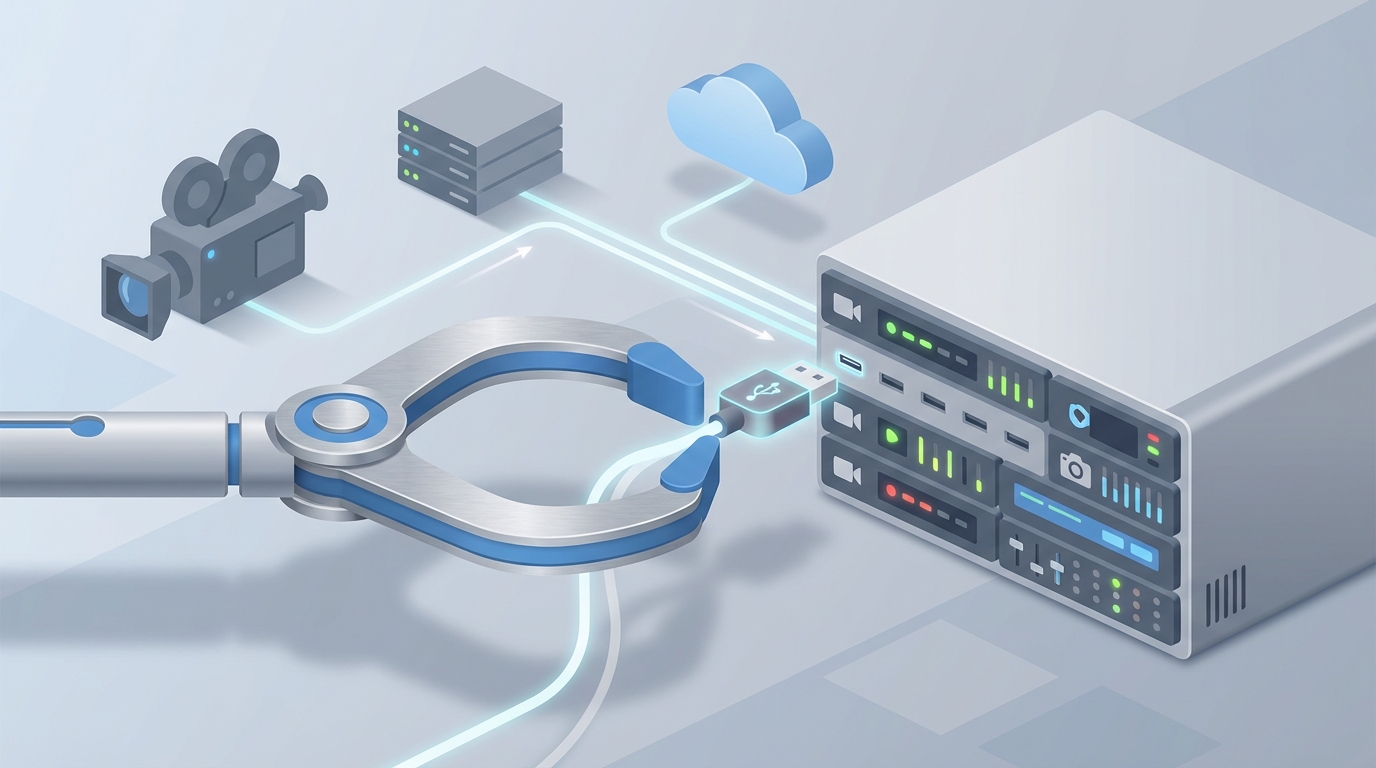
Most videographers I talk to didn't get into this business to send invoices. They picked up a camera because they wanted to tell stories, capture moments, build something visual that makes people feel something. And yet, if you actually look at how a working videographer spends their week, the math is brutal: maybe 40% of your time goes to editing (the actual creative work), and the remaining 60% disappears into a black hole of emails, quote templates, payment chasing, scheduling ping-pong, and organizing files across six different platforms.
You're not running a video production business. You're running a small administrative agency that occasionally produces video.
I'm not going to tell you to "hustle harder" or "hire a VA." Instead, I want to walk you through how to use OpenClaw to build AI agents that handle the operational weight of your business — so you can go back to doing the thing you actually care about.
The Real Problem Isn't Talent, It's Throughput
Let's be honest about the economics. A typical freelance videographer bills somewhere between $2,000 and $10,000 per project. Most can handle 3-5 projects per month before the admin load makes everything collapse. Not because of shoot days or edit hours, but because of all the invisible work around each project:
- 5-10 emails per client just to get booked
- 1-2 hours customizing each quote and contract
- 3-5 follow-ups to collect deposits
- Constant context-switching between Instagram DMs, email, phone, and whatever else clients use to reach you
- Post-delivery review cycles that drag on for weeks because nobody leaves clear feedback
That's 15-25 hours per week of work that produces zero creative output. At $100/hour (a reasonable rate), you're burning $1,500-$2,500 per week in time that could be spent shooting, editing, or landing new clients.
OpenClaw lets you build AI agents that handle 70-80% of this. Not with some vague "AI-powered" label slapped on a chatbot, but with actual autonomous workflows that integrate with the tools you already use.
Here's how to set it up.
Use Case 1: The Lead Qualification and Booking Agent
The problem: Someone fills out your contact form or sends an Instagram DM saying "Hey, what are your rates for a wedding video?" What follows is a 4-7 day email chain where you ask about their date, venue, budget, what they're looking for, and whether they've even set a date yet. Half the time they ghost. The other half book, but only after you've invested 45 minutes in back-and-forth.
The OpenClaw solution: Build an agent with the Lead Qualifier and Scheduling Coordinator skills from Claw Mart. This agent sits between your inbound channels and your calendar, doing the entire qualification dance automatically.
Agent configuration:
- Trigger: New form submission (Typeform, website contact form, or Instagram DM via webhook)
- Skills to install:
- Lead Qualifier — Asks 3-5 qualifying questions based on your criteria (event type, date, budget range, location, video length)
- Scheduling Coordinator — Reads your Google Calendar or Outlook availability, proposes time slots, and books discovery calls
- Smart Responder — Generates personalized responses that match your brand voice (not generic chatbot garbage)
How it works in practice:
- Lead submits inquiry: "Looking for someone to shoot our corporate product launch in March."
- Agent responds within 60 seconds: "Thanks for reaching out! I'd love to help with your product launch. A few quick questions so I can put together the right package: How long is the event? Do you need a highlight reel, full-length coverage, or both? What's your budget range? And where's the venue located?"
- Lead replies with details.
- Agent scores the lead internally. Budget over $2,000 and date available? Hot lead — route to your calendar. Budget under $500 for 8 hours of coverage? Politely decline with a referral.
- For hot leads, the agent pulls three open slots from your calendar: "Great, let's hop on a 15-minute call. I'm available Tuesday at 2pm, Wednesday at 11am, or Friday at 3pm EST — which works best?"
- Lead picks a slot. Agent books it, sends a calendar invite, and fires off a prep email: "Looking forward to chatting! In the meantime, here are a few examples of similar work I've done: [portfolio links]."
What you'd have spent: 45 minutes and 6 emails over 4 days. What the agent spent: Zero of your time. Lead booked within hours, not days.
The booking rate difference is real. When you respond in minutes instead of hours, you catch people while they're still actively searching. Videographers using this kind of setup consistently report 20-30% more bookings just from speed alone.
Use Case 2: The Document Generation Agent
The problem: After every discovery call, you sit down and manually build a quote. You open your template, change the client name, adjust the line items based on what they need (drone shots? Second camera? Same-day edit?), calculate the total, export it as a PDF, attach it to an email, and hit send. Then you do the same thing with the contract. Then the invoice. Each one takes 30-60 minutes. Over a month with 8-10 prospects, that's 8-10 hours just on paperwork.
The OpenClaw solution: Build a Document Automation Agent using the Proposal Builder and Contract Generator skills from Claw Mart, connected to your call transcription tool.
Agent configuration:
- Trigger: Discovery call completed (detected via calendar event ending or Otter.ai/Fireflies transcript webhook)
- Skills to install:
- Call Transcript Parser — Extracts key details from the call transcript: client name, event type, date, deliverables discussed, add-ons mentioned, budget discussed
- Proposal Builder — Generates a branded PDF proposal with line items, pricing, and your terms
- Contract Generator — Creates a customized contract with scope, payment schedule, and revision limits
- Document Delivery — Sends the package via email with e-signature links (HelloSign/DocuSign integration)
How it works:
- You finish a discovery call with a client who wants a wedding video: 10 hours of coverage, two cameras, drone footage, a 5-minute highlight reel, and a full ceremony edit.
- The agent picks up the transcript, extracts the details, and cross-references with your pricing sheet (stored as a knowledge base in OpenClaw).
- Within 15 minutes of the call ending, the client receives an email: "Great talking with you, Sarah! Here's your custom proposal for the Johnson wedding. I've also attached the contract — just click to sign and we'll get your date locked in."
- The proposal is a clean PDF with your branding, itemized pricing ($4,200 base + $500 drone + $300 second shooter = $5,000), and a payment schedule (50% deposit, 50% on delivery).
- The contract includes your standard terms plus the specific scope from this project, so there's no ambiguity about what "the deliverables" means later.
What changes: You go from spending an hour after every call doing admin to spending zero minutes. The client gets a professional proposal while they're still excited from the conversation, not three days later when they've already emailed two other videographers.
Use Case 3: The Payment Collection and Follow-Up Agent
The problem: You send a contract. The client says "looks great, I'll sign tonight." Three days pass. Nothing. You send a gentle follow-up. Another two days. You call. Voicemail. Meanwhile, their date is approaching, and you can't book other work for that slot because it's technically "held." This happens with 30-50% of clients, and it's one of the most soul-crushing parts of freelancing.
The OpenClaw solution: Deploy a Collections Agent with the Follow-Up Sequencer and Payment Tracker skills.
Agent configuration:
- Trigger: Contract or invoice sent (detected via DocuSign/HoneyBook/Stripe webhook)
- Skills to install:
- Payment Tracker — Monitors document opens, signature status, and payment receipt via Stripe/PayPal webhooks
- Follow-Up Sequencer — Sends escalating follow-up messages on a customizable timeline
- Urgency Calibrator — Adjusts tone and frequency based on how close the event date is and how long the client has been unresponsive
The sequence:
- Day 0: Contract sent. Agent tracks opens.
- Day 2: Client opened but didn't sign. Agent sends: "Hey Sarah — just checking in on the proposal. Any questions I can answer? Happy to hop on a quick call if anything needs adjusting."
- Day 5: Still unsigned. Agent escalates: "Wanted to give you a heads up — I have another inquiry for your date. I'm holding it for you through Friday, but I'd hate for you to lose the spot. Let me know!"
- Day 7: Agent sends a final nudge: "Last check-in on this — if the timing isn't right, totally understand. Just let me know either way so I can plan accordingly."
- Day 10: No response. Agent marks lead as cold, releases the calendar hold, and adds them to a re-engagement drip for future outreach.
After contract signing, the same agent handles deposit collection:
- Invoice sent automatically upon signature
- Reminder at 24 hours if unpaid
- Escalation at 72 hours with a direct payment link
- Post-delivery: Final invoice sent, tracked, and followed up identically
The numbers: Videographers using automated follow-up sequences typically see 30-40% faster payment collection. On a $5,000 project, getting paid two weeks earlier isn't trivial — that's cash flow that lets you rent better gear, book a second shooter, or just pay your rent without stress.
Use Case 4: The Post-Delivery Review and Upsell Agent
The problem: You deliver the final video. The client watches it and says "Love it, but can we make the intro a bit more dynamic?" You ask what "dynamic" means. They say "you know, more energy." You spend two hours guessing, re-export, re-upload. They want one more tweak. Another round. This can drag on for weeks.
The OpenClaw solution: An agent with the Feedback Collector and Review Manager skills that structures the review process and eliminates vague feedback loops.
How it works:
- You upload the draft to your review platform (Frame.io, Vimeo Review, or even a private YouTube link).
- The agent sends the client a structured feedback form: "Please review your video and provide feedback on these specific areas: Pacing (too fast/slow/just right), Music choice, Color tone, Any specific timestamps where you'd like changes."
- Client submits structured feedback. The agent compiles it into a clear revision brief: "Timestamps 0:12-0:18: Client wants faster cuts. 1:45: Swap music to something more upbeat. Overall color: Warmer tones requested."
- You make the edits with clear direction instead of guessing.
- After final approval, the agent automatically triggers: a testimonial request ("Would you mind leaving a quick review?"), a referral offer ("Know anyone else who needs video work? Here's 10% off for referrals."), and an upsell sequence three months later ("Hey Sarah — your wedding anniversary is coming up! Want a 1-minute social cut from your footage for Instagram?").
This isn't just about efficiency. Structured feedback means fewer revision rounds (typically cutting from 3-4 down to 1-2), which means you deliver faster, the client is happier, and you free up editing hours for the next project.
Use Case 5: The Multi-Channel Inbox Agent
The problem: You get inquiries from Instagram DMs, Facebook Messenger, your website contact form, email, and sometimes LinkedIn. You're checking five platforms constantly, copying client info between them, and inevitably missing messages. A prospect DMed you on Instagram three days ago and you just saw it — they've already booked someone else.
The OpenClaw solution: Build a Unified Inbox Agent with the Channel Aggregator and Smart Router skills.
This agent pulls all inbound messages into a single stream, regardless of source. It identifies whether a message is a new inquiry, an existing client follow-up, or spam. New inquiries get routed to your Lead Qualification Agent. Existing client messages get matched to their project and handled accordingly. Spam gets filtered.
You check one place. Everything is tracked. Nothing falls through the cracks.
Implementation: Start Here
Don't try to build all five agents at once. Here's the order I'd recommend:
- Week 1: Set up the Lead Qualification and Booking Agent. This has the highest immediate ROI because it captures revenue you're currently losing to slow response times.
- Week 2: Add the Document Generation Agent. Connect it to your call transcription tool and pricing sheet.
- Week 3: Deploy the Payment Collection Agent. Connect it to your invoicing and e-signature tools.
- Month 2: Build the Post-Delivery and Multi-Channel agents once the core pipeline is automated.
In OpenClaw, each of these is a distinct agent with specific skills installed from Claw Mart. You configure triggers, connect your existing tools via integrations, customize the knowledge base with your pricing, brand voice, and terms, and let them run.
The platform handles the orchestration. You handle the creative work.
The Math
Let's say you're billing $5,000 per project and doing 4 projects per month. That's $20,000/month in revenue. You're spending 20 hours per week on admin — at $100/hour, that's $8,000/month in time cost.
If OpenClaw agents handle 70% of that admin, you get back 14 hours per week. That's either:
- 2 more projects per month ($10,000 in new revenue), or
- 56 hours per month to invest in marketing, skill development, or your sanity
Either way, the ROI isn't close.
Next Steps
Head to Claw Mart and browse the agent skills I mentioned: Lead Qualifier, Scheduling Coordinator, Proposal Builder, Follow-Up Sequencer, Payment Tracker, Feedback Collector. Install what you need, connect your tools, and start with the lead qualification workflow.
You didn't become a videographer to be an administrator. Stop acting like one.