OpenClaw for Veterinarians: Automate Pet Owner Communication and Reminders
How veterinary practices can use OpenClaw to automate vaccination reminders, post-visit follow-ups, prescription refills, and client communication.
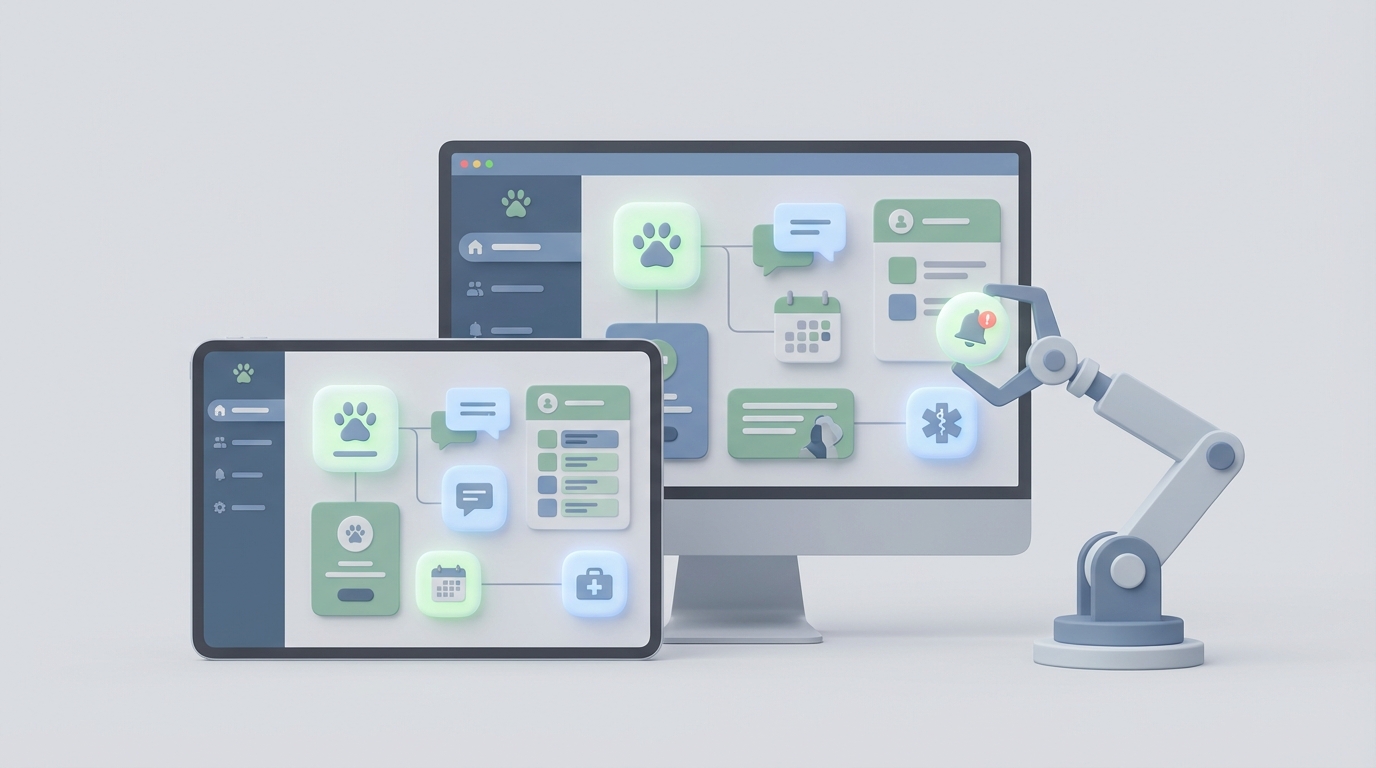
If you run a veterinary practice, you already know the math doesn't work. You've got 15-minute appointment blocks, a lobby full of anxious dogs, a cat screaming in the back, two clients calling about lab results, one grieving owner who needs real human time, and a front desk person who's simultaneously checking in a new puppy, fielding phone calls, and manually texting vaccine reminders to 40 people.
Your team didn't go into veterinary medicine to be a call center. But that's what the job has become.
AVMA surveys consistently show that 20-30% of staff time in the average vet clinic goes to routine communication: reminders, follow-ups, intake forms, refill nudges, rescheduling no-shows. That's not medicine. That's admin. And it's burning your people out while costing you revenue you don't even realize you're losing.
Here's the thing: most of that communication is predictable, repeatable, and automatable. You don't need to hire another receptionist. You need to build workflows that handle the predictable stuff so your humans can do the unpredictable stuff — the stuff that actually requires a veterinary degree and emotional intelligence.
That's where OpenClaw comes in.
The Real Cost of Manual Communication
Let's get specific about what's breaking.
No-shows eat your schedule alive. Industry data shows vet practices lose 10-15% of appointments to no-shows. That's not just lost revenue — it's lost capacity that could have gone to a pet that needed care. A single automated reminder sequence (48 hours, 24 hours, 2 hours before) can cut no-shows by 30-50%.
Vaccine compliance drops without reminders. Banfield Pet Hospital's data shows that automated reminder sequences boost vaccination compliance by roughly 25%. When you're manually tracking which puppies need their 12-week boosters and which senior dogs are overdue for their annual wellness panel, things slip through the cracks. Every missed reminder is a missed appointment and a pet that's less protected.
Post-surgery callbacks consume your best clinicians. After a spay, a dental extraction, or a mass removal, your team needs to check in. Day 1: Is the pet eating? Day 3: How's the incision look? Day 7: Any concerns? VCA Animal Hospitals reported a 30% reduction in post-op phone calls after implementing automated follow-up texting. That's 30% more time your vets and techs have for actual medicine.
Prescription refills fall off a cliff. Heartworm preventatives, chronic medications, prescription diets — these are recurring revenue streams that depend entirely on someone remembering to remind the client. Practices using automated refill tracking see 35% higher refill rates. That's not just good for business; it's good for the pets.
New client intake is a time vortex. Every new puppy parent who walks through the door needs to fill out forms, provide vaccine history, list allergies, and answer triage questions. If your front desk is doing this manually, each intake eats 15-20 minutes of human time. AI intake workflows cut that by 60% or more.
Add it all up, and you're looking at a practice that's leaving tens of thousands of dollars on the table annually while simultaneously grinding its staff into dust. Not because anyone's doing a bad job — because the systems are dumb.
What to Automate First
Not everything should be automated. We'll get to that boundary later. But here's the priority list for maximum impact with minimum complexity, ranked by effort-to-payoff ratio:
- Appointment reminders and no-show recovery — Highest ROI, easiest to implement. Start here.
- Vaccination and wellness reminder sequences — Set it and forget it. Massive compliance uplift.
- Post-visit and post-surgery follow-ups — Reduces callback volume dramatically.
- Prescription and medication refill reminders — Recurring revenue on autopilot.
- New client intake automation — Bigger build, but huge time savings at scale.
- Lab result notifications — Reduces "just calling to check on results" calls by up to 70%.
- End-of-life follow-up and sympathy communication — Sensitive, but automatable with guardrails.
The first three will transform your practice. The rest are gravy. Let's build them.
OpenClaw Workflows for Veterinary Practices
OpenClaw lets you build AI-powered communication agents that plug into your existing tools — your EHR, your scheduling system, your SMS platform, your client portal. You're not ripping and replacing anything. You're adding an intelligent layer on top of what you already use.
Here's how each workflow works in practice.
Workflow 1: Appointment Reminders and No-Show Recovery
This is your bread and butter. The agent monitors your scheduling system and fires a sequence for every booked appointment.
The sequence:
- 48 hours before: "Hi [Client Name]! Just a reminder that [Pet Name] has an appointment at [Practice Name] on [Day] at [Time]. Reply CONFIRM to confirm or RESCHEDULE to pick a new time."
- 24 hours before: If no confirmation received, send a second nudge.
- 2 hours before: Final reminder with directions and parking info.
- No-show recovery: If the client doesn't show, trigger a message 30 minutes after the missed appointment: "We missed [Pet Name] today! Would you like to rebook? Here are our next available slots: [link]."
The OpenClaw setup:
In your OpenClaw workspace, you create an agent with a trigger connected to your calendar or EHR system. When a new appointment is created, the agent launches the reminder sequence. You define the timing intervals, the message templates, and the escalation logic.
The key configuration looks something like this:
Agent: Appointment Reminder
Trigger: New appointment created in EHR
Sequence:
  - Send SMS at T-48h: reminder + confirm/reschedule
  - If no reply by T-24h: send follow-up SMS
  - Send SMS at T-2h: final reminder + logistics
  - If no check-in by T+30min: send no-show recovery SMS
Escalation: If client replies with urgent concern → route to front desk
OpenClaw handles the timing, the personalization (pulling pet name, client name, appointment details from your EHR data), and the response routing. Your front desk only gets involved when someone replies with something the agent can't handle.
Expected impact: 30-50% reduction in no-shows. 20% more appointment slots utilized through automated waitlist filling.
Workflow 2: Vaccination and Wellness Reminders
This agent lives in the background, constantly scanning your patient records for upcoming or overdue preventive care.
The logic:
- Puppy series: Reminders at 8, 12, and 16 weeks, then annual boosters.
- Adult dogs/cats: Annual wellness exam + vaccines, with breed-specific additions (e.g., dental reminders for small breeds, hip screening reminders for large breeds).
- Senior pets: Biannual bloodwork reminders starting at age 7 (dogs) or 10 (cats).
The OpenClaw setup:
Agent: Wellness Reminder Engine
Trigger: Daily scan of patient records
Logic:
  - Calculate next due date for each vaccine/wellness milestone
  - At T-30 days: "Hi [Client]! [Pet Name]'s [vaccine/exam] is coming up next month. Book now: [scheduling link]"
  - At T-7 days: "Just a week away! [Pet Name] is due for [service]. Grab a spot: [link]"
  - At T+7 days (overdue): "[Pet Name] is now overdue for [service]. Let's get them protected — book here: [link]"
  - At T+30 days (overdue): Final nudge with educational content about why the service matters
Personalization: Pull species, breed, age, weight, and history to customize messaging
The personalization matters here. "Sparky's rabies booster is due next week" performs dramatically better than "Your pet is due for vaccines." OpenClaw pulls the relevant data from your EHR integration and drops it into the message template automatically.
Expected impact: 25% increase in vaccination compliance. Significant bump in wellness visit bookings, especially for overdue patients.
Workflow 3: Post-Visit and Post-Surgery Follow-Up
This is where automation gets really powerful — and where you need to be thoughtful about escalation.
The sequence for post-surgical patients:
- Day 1: "Hi [Client]! How is [Pet Name] doing after yesterday's [procedure]? Is [he/she] eating and drinking normally? Reply YES if all good, or CONCERN if you've noticed anything unusual."
- Day 3: "Quick check-in on [Pet Name]! How does the incision site look? Any redness, swelling, or discharge? You can send a photo if you'd like us to take a look."
- Day 7: "One week post-[procedure]! [Pet Name] should be [expected recovery milestone]. Any questions before the suture removal appointment?"
- Day 14: Final check-in or suture removal reminder.
The escalation logic:
This is critical. OpenClaw's agent analyzes the client's responses for concern signals. If someone replies "she's not eating and seems really lethargic," the agent flags it immediately and routes it to a technician or veterinarian for a callback. The agent doesn't try to diagnose. It triages.
Agent: Post-Surgery Follow-Up
Trigger: Surgery/procedure completed in EHR
Sequence:
  - Day 1: Check eating/drinking/energy
  - Day 3: Check incision site, offer photo upload
  - Day 7: Recovery milestone check
  - Day 14: Final check or suture removal reminder
Escalation rules:
  - If reply contains ["not eating", "lethargic", "bleeding", "swollen", "vomiting", "emergency"]:
      → Immediately notify clinical team
      → Reply to client: "Thank you for letting us know. A team member will call you within [timeframe]."
  - If reply is positive: Log in EHR, continue sequence
  - If no reply by Day 2: Send gentle follow-up
Expected impact: 30% fewer post-op phone calls to your clinic. Earlier detection of complications through systematic check-ins. Better documentation in the medical record.
Workflow 4: Prescription Refill Reminders
Simple but lucrative.
Agent: Rx Refill Reminder
Trigger: Prescription dispensed (date + duration logged in EHR)
Sequence:
  - At 75% through supply: "[Pet Name]'s [medication] supply is running low. Refill here: [link] or call us at [number]."
  - At 90% through supply: "Just a few days left of [Pet Name]'s [medication]. Don't miss a dose — refill now: [link]."
  - At 100% (out of supply): "[Pet Name] may be out of [medication]. Staying on schedule is important for [condition]. Refill: [link]"
Compliance tracking: Log refill dates, flag chronic non-compliance for vet review
You can connect the refill link directly to your online pharmacy, an in-house dispensing system, or even a partner like Chewy's vet pharmacy program. The point is removing friction. One tap to refill.
Expected impact: 35% increase in refill compliance. Measurable revenue increase from prescription and diet refills.
Workflow 5: New Client Intake
Build an intake chatbot that lives on your website, your Facebook page, or even responds to a dedicated text number.
The OpenClaw agent walks new clients through a conversational intake: pet's name, species, breed, age, weight, vaccine history, current medications, allergies, reason for visit, preferred appointment times. It compiles everything into a structured summary that's waiting for your front desk and veterinarian before the client even walks in.
Agent: New Client Intake Bot
Trigger: Client texts "NEW" to practice number, or clicks "New Patient" on website
Flow:
  - Collect: Client info (name, contact, address)
  - Collect: Pet info (name, species, breed, DOB, weight, sex, spay/neuter status)
  - Collect: Medical history (vaccines, medications, allergies, previous conditions)
  - Collect: Reason for visit + urgency assessment
  - Triage: If urgent → route to emergency line; if routine → offer scheduling
  - Output: Formatted intake summary → EHR + front desk notification
Expected impact: 60% reduction in intake time per new client. Higher conversion from inquiry to booked appointment. Better-prepared clinical team.
Workflow 6: Lab Result Notifications
When lab results come back, the agent sends a plain-language summary to the client with next steps.
Agent: Lab Result Communicator
Trigger: Lab results uploaded to EHR
Logic:
  - If all results normal: "[Pet Name]'s bloodwork looks great! All values are within normal range. No action needed — see you at the next wellness visit!"
  - If abnormal values detected: "[Pet Name]'s results are in. [Vet Name] has reviewed them and would like to discuss a few findings. Please book a follow-up: [link]"
  - Never interpret abnormal results in detail via automation — always route to vet
Expected impact: 70% fewer "Are the results back yet?" phone calls. Faster communication loop. Clients feel informed and cared for.
Workflow 7: End-of-Life Follow-Up
This one requires the most care. You're not automating empathy. You're automating the logistics of compassion so that it actually happens consistently, because the reality is that many practices intend to follow up after a euthanasia and simply don't have the bandwidth.
Agent: Sympathy Follow-Up
Trigger: Euthanasia recorded in EHR
Sequence:
  - Day 1: Send sympathy card (physical mail trigger or digital)
  - Day 3: "We're thinking of you and [Pet Name]. Here are some grief support resources: [link to Lap of Love, local pet loss hotline]"
  - Week 4: "A month has passed since [Pet Name]'s farewell. We hope you're finding peace. We're here if you need anything."
  - NEVER send marketing or rebooking messages to this client for at least 90 days
Guardrail: All messages are vet-approved templates. No AI-generated sympathy language.
Escalation: If client replies expressing deep distress → route to practice manager or veterinarian
The templates are pre-written by your team, reviewed for tone, and locked. OpenClaw handles the timing and delivery. A human wrote the words. The automation makes sure they actually get sent.
Expected impact: Consistent follow-through on end-of-life care. Stronger client loyalty. Reduced emotional burden on staff who no longer have to remember and manually execute each follow-up during an already emotionally taxing day.
Getting It Set Up
Here's the practical path from zero to running:
Step 1: Audit your current tools. What EHR are you on? (ezyVet, IDEXX Neo, Vetport, Cornerstone, etc.) What's your current texting/communication platform? OpenClaw connects to these systems. You need to know what you're plugging into.
Step 2: Start with one workflow. Appointment reminders. It's the fastest win, the easiest to test, and the most immediately measurable. Get it running, watch your no-show rate drop, and use that data to justify expanding.
Step 3: Build your agent in OpenClaw. Head to the Claw Mart marketplace to find pre-built veterinary agent templates, or build custom agents in the OpenClaw workspace. Set your triggers, define your sequences, write your message templates, and configure your escalation rules.
Step 4: Connect your data. Link your EHR so the agent can pull patient names, appointment details, vaccine due dates, and prescription timelines. Link your scheduling tool so clients can book directly from reminder messages. Link your SMS provider so messages go out reliably.
Step 5: Test with a small cohort. Run the automation on 50 clients for two weeks. Monitor response rates, escalation triggers, and client feedback. Adjust your messaging and timing based on real data.
Step 6: Scale. Roll it out practice-wide. Add the next workflow. Build the flywheel.
Cost expectation: Most practices can get started for $50-200/month depending on volume and tool integrations. The ROI from reduced no-shows alone typically covers this in the first week.
What You Should Never Automate
This is just as important as what you automate, and honestly, it's what separates a well-run practice from one that feels cold and robotic.
Do not automate clinical diagnosis. An AI agent should never tell a client what's wrong with their pet. It can relay normal lab results. It can flag that the vet wants to discuss findings. It should never say "your dog has kidney disease" via text message.
Do not automate surgical decisions. Pre-surgical consent, treatment plan discussions, anesthesia risk conversations — these are human conversations. Full stop.
Do not automate euthanasia conversations. The decision to say goodbye to a pet is the most emotionally significant moment in a client's relationship with your practice. No chatbot, no matter how well-prompted, should be part of that conversation. Automate the follow-up logistics. Never automate the moment itself.
Do not automate clinical judgment. If a client texts "my dog ate chocolate," the agent should route to a human immediately — not attempt to calculate theobromine toxicity thresholds. Triage is routing, not deciding.
Do not automate angry client resolution. If someone is upset about a bill, a misdiagnosis, or a bad experience, they need a human. The agent detects the sentiment and escalates. It doesn't try to de-escalate on its own.
The rule of thumb: automate the predictable; protect the personal.
Next Steps
Go to Claw Mart and look at the veterinary workflow templates available for OpenClaw. Pick the one that matches your biggest pain point — probably appointment reminders or vaccine sequences — and get it running this week.
You didn't spend eight years in school to send text messages. Build the system that sends them for you, and get back to the work that actually matters.
Your staff will thank you. Your clients will notice. And the pets will still get the care they deserve — probably better care, because their humans aren't drowning in admin anymore.