The Case for AI-Powered Tattoo Artist Workflows
How OpenClaw automates scheduling, client communication, and daily operations for tattoo artists.
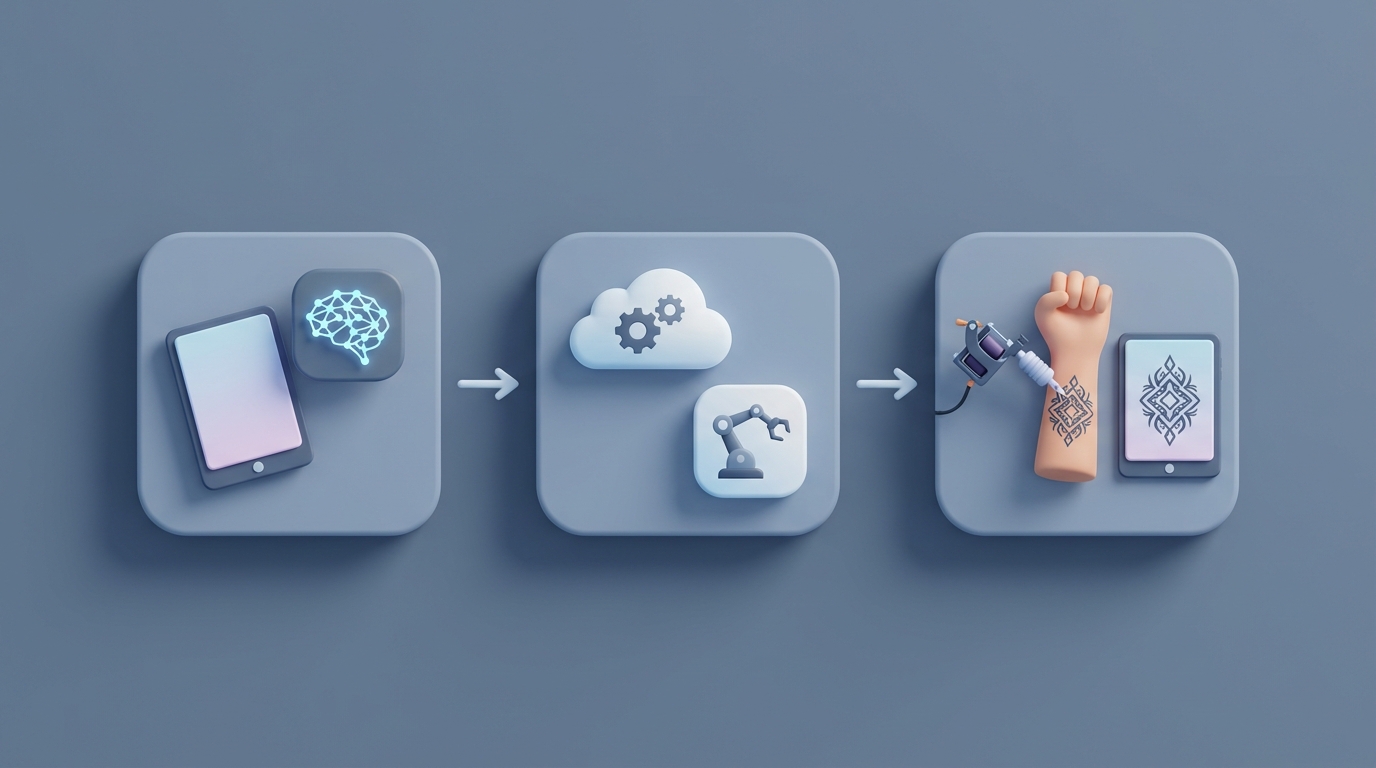
Most tattoo artists I've talked to didn't get into the business to spend four hours a day answering Instagram DMs that say "how much for a small rose?" They got into it to make art on people's skin. And yet, here we are: the average solo tattoo artist spends somewhere between 40 and 60 percent of their working hours on tasks that have nothing to do with actually tattooing anyone.
Scheduling. Chasing deposits. Copy-pasting aftercare instructions. Triaging a hundred weekend DMs into "real client," "tire-kicker," and "person who will ghost after two messages." It's brutal, it's boring, and it's the reason most artists plateau at 15-20 clients a week when they could easily handle 25-30 if they weren't buried in admin.
The fix isn't hiring a receptionist (most solo artists and small studios can't justify the cost). The fix is building AI agents that handle the repetitive stuff so you can focus on the work that actually pays. And the platform I'd use to build those agents is OpenClaw.
Let me walk you through exactly how.
Why Most "Solutions" Don't Actually Solve Anything
Before we get into the builds, let's talk about why the current software landscape for tattoo artists is so frustrating.
Most artists use some combination of Booksy or Vagaro for scheduling, Square for payments, Instagram for lead generation, and maybe Google Calendar and Venmo as a fallback. The problem isn't that these tools are bad individually. The problem is that none of them talk to each other, and none of them are smart enough to do anything beyond what you explicitly tell them to do.
Booksy can send a reminder. It can't look at a DM, figure out what the client wants, check your calendar, generate a price estimate based on the design size, send a deposit link, and book the slot — all without you touching your phone. That's what an AI agent does. That's the difference between a tool and a system that actually works for you.
OpenClaw lets you build exactly these kinds of agents: autonomous workflows that connect to your existing tools, understand natural language, and execute multi-step tasks. You configure them with specific skills from Claw Mart, connect your data sources, and let them run.
Here are the five agent workflows I'd build if I were running a tattoo studio.
1. The Booking Agent: Kill the Back-and-Forth
The problem: Someone DMs you "hey, do you have availability next week for a forearm piece?" You see it three hours later, respond, they respond the next day, you go back and forth on size and pricing, and by the time you send the deposit link it's been 48 hours and they've booked with someone else. This happens 20 to 30 times a week.
The agent:
Build an OpenClaw agent with the following configuration:
- Input channels: Instagram DMs, Facebook Messenger, website contact form, email
- Connected tools: Google Calendar (or Booksy API), Square for deposit links
- Claw Mart skills: Natural Language Scheduling, Intent Classification, Payment Link Generation
Here's how the workflow runs:
- A message comes in on any channel. The agent classifies the intent: booking request, pricing question, aftercare question, or general inquiry.
- For booking requests, the agent asks clarifying questions in a natural, conversational tone: "What are you thinking — design, size, placement?" It uses your pre-set pricing tiers (small/medium/large with ranges) to give an estimate.
- It checks your calendar API for available slots in the requested timeframe and presents 2-3 options.
- When the client picks one, it sends a deposit link via Square, confirms the booking, and adds it to your calendar with all the details (client name, design notes, size, placement).
- It auto-sends your cancellation/no-show policy and a confirmation message.
What you configure in OpenClaw:
You set up the agent's knowledge base with your pricing tiers, your availability rules (e.g., "no bookings before noon on weekdays, no new clients on Saturdays — flash only"), and your studio policies. You give it example conversations so it matches your voice. If you're casual and use emoji, the agent does too. If you're more professional, it adjusts.
The critical piece: you set an escalation rule. If the agent can't confidently handle a request — custom design that needs a consult, a cover-up that requires photos, anything ambiguous — it flags it for you in a priority queue rather than botching the interaction.
Expected impact: This alone saves 8 to 12 hours a week for most solo artists. Based on data from Booksy's AI pilot programs, artists who automate initial booking conversations see a 30 to 40 percent increase in completed bookings because leads don't go cold during the response delay.
2. The Triage Agent: Stop Drowning in DMs
The problem: You post a new piece on Instagram. It gets traction. By Monday morning, you have 120 unread DMs. Roughly half are "🔥🔥🔥" or "how much?" with no other context. Maybe 20 are serious inquiries. Five are from existing clients. And buried somewhere in there is the one person who's ready to book a $600 half-sleeve session today. Good luck finding them manually.
The agent:
This is a classification and routing agent built in OpenClaw:
- Input: Unified inbox aggregating Instagram, Facebook, email, SMS, WhatsApp Business
- Claw Mart skills: Lead Scoring, Message Classification, Priority Routing, CRM Sync
The agent processes every incoming message and sorts it into buckets:
- FAQ (auto-respond): "What are your prices?" "Where are you located?" "Do you do walk-ins?" → The agent sends a pre-built but natural-sounding response with relevant info. Not a canned template — an actual contextual reply.
- Hot lead (priority flag): The message includes specific design details, mentions a budget, asks about availability. The agent scores it high and pushes it to you immediately via your preferred notification channel (Slack, SMS, whatever).
- Warm lead (nurture): Vague interest, no specifics. The agent responds warmly and asks qualifying questions: "Love that you're interested! What design are you thinking? Any size/placement in mind?" If they respond with details, they get re-scored and escalated.
- Existing client: The agent cross-references against your client list and routes accordingly — if they have an upcoming appointment, it checks if they're asking about that.
- Noise: Compliments, spam, irrelevant. The agent sends a polite thank-you and archives.
What this actually looks like in practice:
You wake up Monday morning. Instead of 120 unread DMs, you have a dashboard in OpenClaw showing: 8 hot leads (with summaries), 15 warm leads being nurtured (you can review the conversation), 45 FAQs handled, and 52 archived. You spend 20 minutes reviewing the hot leads and approving the agent's proposed responses for the warm ones. Done.
Expected impact: Response time drops from an average of 2 hours to under 5 minutes. Lead drop-off (the 20-30% of people who message and never hear back) drops to near zero. Artists using this kind of triage consistently report that the "found money" — leads they would have missed — adds $1,000 to $3,000 per month in bookings.
3. The Aftercare and Follow-Up Agent: Automate Retention
The problem: After a session, you're supposed to send aftercare instructions, check in on healing at day 3, 7, and 14, offer touch-ups, and maybe ask for a review. In reality, most artists hand over a printed sheet and never follow up unless the client comes back with a problem. This is a missed opportunity for retention and reputation.
The agent:
- Trigger: Session marked complete in your calendar/booking system
- Channels: SMS (via Twilio integration), email
- Claw Mart skills: Automated Drip Sequences, Image Analysis, Review Request Automation
The workflow:
-
Immediately post-session: The agent sends a personalized aftercare guide via text — not a generic PDF, but specific instructions based on the tattoo location, size, and ink type (which the agent pulls from the booking notes). "Hey [name], your forearm piece is going to look incredible once it heals. Here's what to do for the next two weeks..."
-
Day 3: Check-in text. "How's the ink feeling? Any questions about the healing process?"
-
Day 7: "Things should be starting to peel — totally normal. Want to send a photo so I can check how it's healing?" If the client sends a photo, the agent uses image analysis to flag potential issues (excessive redness, signs of infection) and either reassures the client or escalates to you.
-
Day 14: "Looking healed up? If you need a touch-up, I've got slots open [link]. Also — if you're happy with it, a Google review would mean the world: [link]."
-
Day 30: "Fully healed! Want to share a healed photo for my portfolio? And here's my flash sheet for this month if anything catches your eye."
Why this matters beyond being nice:
This isn't just customer service theater. This is a revenue engine. The Day 14 touch-up prompt catches clients who would otherwise forget or feel awkward reaching out. The Day 30 flash sheet keeps you top-of-mind. Artists who implement systematic follow-up see a 20 to 25 percent increase in repeat bookings and a significant bump in Google reviews, which directly drives new client discovery.
You set this up once in OpenClaw, and it runs for every single client, forever, without you thinking about it.
4. The Paperwork Agent: Go Paperless Without the Pain
The problem: Consent forms. Liability waivers. Photo release agreements. Health questionnaires. Every client, every session. You're either printing stacks of paper, chasing people to sign things when they arrive (eating into session time), or worse — skipping it and taking on legal risk.
The agent:
- Trigger: Booking confirmed
- Integrations: HelloSign or DocuSign API, client database
- Claw Mart skills: Document Generation, E-Signature Workflow, Pre-Session Checklist Automation
Here's the flow:
-
When a booking is confirmed, the agent auto-generates a consent form pre-populated with the client's name, the design description, and the session date. It sends a signing link via text/email with a friendly message: "One quick thing before your appointment — sign this so we're all set when you arrive: [link]."
-
If not signed 24 hours before the appointment, the agent sends a reminder. If still unsigned 2 hours before, it alerts you so you can decide whether to proceed.
-
For returning clients, the agent checks if their existing waiver covers the new session or if an update is needed (e.g., new health conditions). It only sends paperwork when necessary — no one likes signing the same form for the fifth time.
-
Post-session, the agent sends a photo release consent if the client hasn't already signed one, along with the invoice and receipt.
Time saved: About 15 to 30 minutes per session in prep and paper-chasing. Across 15-20 sessions a week, that's 4 to 10 hours. It also means clients show up ready to go — no awkward "fill this out first" delay that pushes your whole day back.
5. The Lead Nurture Agent: Turn Followers Into Clients
The problem: You have 15,000 Instagram followers. Maybe 2% of them have actually booked with you. The rest like your posts, maybe save a few, and think "I should get tattooed someday." There's no system for converting passive followers into active clients.
The agent:
- Input: Social media engagement data, comment monitoring, saved post signals
- Claw Mart skills: Social Listening, Drip Campaign Builder, Flash Drop Notification System, Lead Scoring
The workflow:
-
The agent monitors comments on your posts. When someone says "I need this" or "how do I book?" or tags a friend with "we should get matching ones," the agent sends them a DM within minutes: "Hey! Glad you're into it. Want me to check availability for you?"
-
For followers who engage consistently but haven't booked, the agent adds them to a nurture sequence. When you drop a new flash sheet, they get a DM: "New flash just dropped — first come, first served. Want a slot?" This is not spam. It's targeted outreach to people who have already shown interest through their engagement behavior.
-
The agent tracks which designs get the most saves and comments and reports back to you: "Your neo-traditional animal pieces get 3x the engagement and 4x the booking conversion of your lettering posts." This is market research that would take you hours to compile manually.
-
For flash days and guest spots, the agent can manage the entire announcement-to-booking pipeline: post goes live → agent handles the flood of "is this available?" DMs → books slots → collects deposits → sends confirmations. You just show up and tattoo.
Expected impact: Artists who actively nurture their social audience (rather than just posting and hoping) consistently convert at 2 to 3 times the rate. For a studio doing $8,000-$15,000/month, that's potentially an extra $3,000-$5,000/month in bookings from the audience you already have.
How to Actually Get Started
Here's what I'd do if I were a tattoo artist reading this:
Week 1: Start with the Booking Agent. This has the highest immediate ROI. Go to OpenClaw, set up your first agent, connect your calendar and Instagram. Configure your pricing tiers, availability rules, and escalation triggers. Browse Claw Mart for the Natural Language Scheduling and Intent Classification skills. Let it run for a week and monitor every conversation it handles. Adjust the knowledge base as you see edge cases.
Week 2: Add the Triage Agent. Once you trust the booking flow, layer on the DM triage. This is where the real time savings kick in — you stop context-switching between tattooing and phone-checking.
Week 3: Deploy the Aftercare Agent. Set up the drip sequence. This one is set-and-forget once configured. The compound effect on reviews and repeat bookings builds over months.
Week 4: Paperwork and Lead Nurture. Round out the system. By now you should have a fully automated client pipeline from first DM to healed tattoo follow-up.
The total cost of this setup through OpenClaw is a fraction of what you'd pay a part-time receptionist, and the agent works 24/7, never misses a DM, and never has a bad day.
The Bottom Line
The tattoo industry is weirdly behind on automation. Most artists are still running their business through a combination of Instagram DMs, paper forms, and vibes. That worked when you had 50 followers and your buddy's cousin wanted a tribal band. It does not work when you're trying to run a real business.
The artists who figure this out first are going to have a massive advantage. Not because they're better at tattooing — but because they're spending 30+ hours a week actually tattooing instead of 15 hours tattooing and 25 hours doing admin that a well-configured AI agent can handle better than they can.
Build your agents on OpenClaw. Browse the skills on Claw Mart. Get the admin off your plate so you can get back to the reason you started doing this in the first place.