OpenClaw for PR Agencies: Automate Media Monitoring and Pitch Outreach
How PR firms can use OpenClaw to automate media monitoring, journalist outreach, coverage reports, and crisis alert workflows.
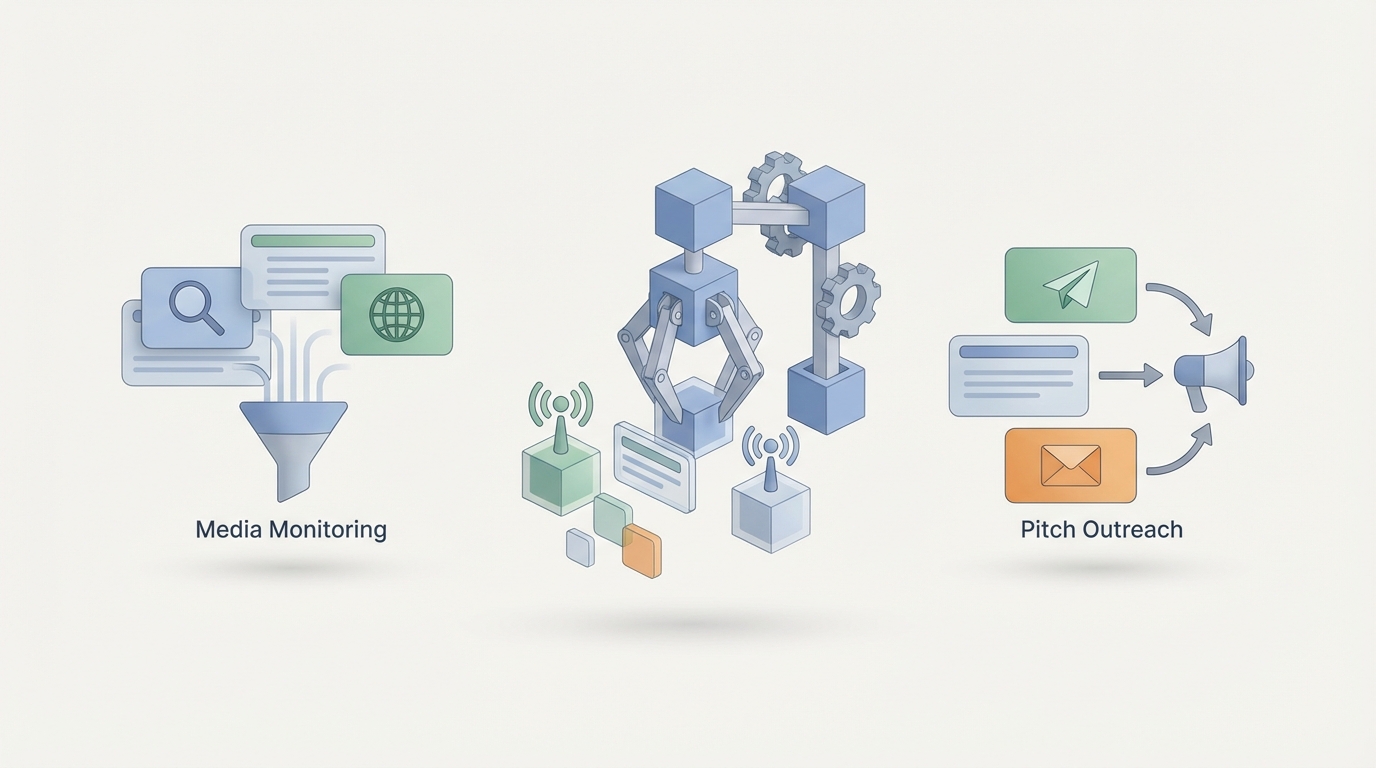
Every PR professional I know is stuck in the same loop. Wake up, check media mentions. Spend two hours compiling clips. Draft eight pitches that are basically the same email with different names swapped in. Build a coverage report in a spreadsheet that nobody reads until the client meeting. Repeat tomorrow.
The irony of public relations is that the people who are supposed to be building relationships spend most of their time on tasks that have absolutely nothing to do with relating to anyone. They're monitoring dashboards, copying links into documents, formatting reports, and doing the kind of repetitive data wrangling that makes you wonder why you got into communications in the first place.
This is fixable. Not with some vague promise of "AI transformation" that never actually changes your Tuesday morning. With specific, buildable workflows that take the mechanical parts of PR off your plate so you can do the work that actually moves the needle.
Let me show you how to do it with OpenClaw.
The PR Time Problem Is a Workflow Problem
Let's get concrete about where PR agency hours actually go. Based on what I've seen working with agencies and reading the industry data, here's the rough breakdown for a mid-level account executive:
- Media monitoring and clip compilation: 8-12 hours/week
- Media list building, updating, and contact verification: 5-8 hours/week
- Pitch drafting and personalization: 6-10 hours/week
- Coverage report assembly: 4-6 hours/week per client
- Press release distribution tracking: 2-3 hours/week
- Crisis scanning and alert triage: Ongoing, unpredictable, often after hours
Add it up. You're looking at 25-40 hours a week of work that is largely mechanical. It involves reading, filtering, copying, formatting, and sending. These are tasks with clear inputs, predictable logic, and defined outputs.
That's not "creative work that requires human intuition." That's a workflow. And workflows can be automated.
The problem most agencies run into is that the existing PR tools—your Meltwaters, your Cisions, your CoverageBooks—each solve one piece but don't talk to each other. You end up with six dashboards, three logins, and a bunch of manual stitching in between. The gaps between tools are where all your time goes.
OpenClaw fills those gaps. Instead of buying another point solution, you build agents that connect your existing tools, handle the logic between them, and deliver finished outputs. Think of it as the connective tissue your PR tech stack is missing.
What to Automate First
If you're new to this, don't try to automate everything on day one. Start with the workflows that are high-frequency, low-creativity, and high-annoyance. For PR agencies, that means three things:
1. Media Monitoring → Filtered Alerts
You don't need to see every mention. You need to see the ones that matter. An OpenClaw agent can monitor your media sources, apply sentiment analysis and relevance scoring, and deliver a filtered daily brief instead of a firehose of noise.
2. Pitch Research → Personalized Outreach Drafts
The research phase of pitching—reading a journalist's recent work, understanding their beat, finding a relevant angle—is what makes pitches work. It's also incredibly tedious at scale. An agent can do the research and draft a personalized pitch for your review before you've finished your coffee.
3. Coverage Tracking → Client Reports
Compiling clips, calculating reach estimates, summarizing sentiment trends, and dropping it all into a formatted report is pure busywork. An agent can do this continuously, so when the client meeting comes, the report is already done.
Start with whichever one causes the most pain on your team. Get it working. Then expand.
OpenClaw Workflows for PR Agencies
Here's where we get into the actual builds. Each of these is a workflow you can set up in OpenClaw, connecting to the tools and data sources your agency already uses.
Workflow 1: Smart Media Monitoring Agent
What it does: Monitors specified media sources (news outlets, social platforms, broadcast transcripts, podcasts), identifies relevant mentions, scores them by sentiment and potential impact, and delivers a prioritized daily digest.
How to build it in OpenClaw:
Set up an agent with the following structure:
Agent: Media Monitor
Trigger: Scheduled (every 6 hours) or webhook from RSS/API

Steps:
1. Pull new mentions from connected sources
   - News APIs (e.g., NewsAPI, Google Alerts webhook)
   - Social listening endpoints
   - Broadcast transcript feeds

2. For each mention:
   - Score relevance (0-100) based on client keywords, topic match
   - Score sentiment (positive/neutral/negative) with confidence level
   - Estimate reach based on source domain authority and social signals
   - Flag if sentiment is negative AND reach is high (crisis trigger)

3. Filter: Only pass through mentions scoring 60+ relevance

4. Compile into daily digest:
   - Group by client
   - Sort by impact score (reach × sentiment weight)
   - Include source link, excerpt, scores

5. Deliver via:
   - Email digest to account team
   - Slack message to #media-alerts channel
   - If crisis flag triggered → immediate Slack alert to #crisis channel
The crisis flag component is critical. Instead of someone manually scanning for problems at 11 PM, your agent is doing it around the clock and escalating only when the combination of negative sentiment and high reach crosses your defined threshold.
What you'll need: API connections to your media monitoring data sources. If you're currently using Meltwater or Cision, you can pipe their outputs into OpenClaw as trigger data. If you're bootstrapping, NewsAPI plus social platform APIs work as a starting point.
Workflow 2: Pitch Personalization Engine
What it does: Takes a story angle and a target journalist list, researches each journalist's recent coverage, identifies relevant hooks, and drafts a personalized pitch for human review.
How to build it in OpenClaw:
Agent: Pitch Personalizer
Trigger: Manual (account exec inputs story brief + journalist list)

Steps:
1. Receive inputs:
   - Story brief (client, angle, key messages, assets available)
   - Journalist list (names, outlets, emails)

2. For each journalist:
   - Pull last 10 published articles (via outlet RSS or media database API)
   - Analyze topics covered, tone, preferred story formats
   - Identify overlap between journalist's beat and story brief
   - Check for any previous coverage of the client (positive or negative)

3. Draft personalized pitch:
   - Opening line referencing a specific recent article
   - Bridge from their coverage area to the story angle
   - One-paragraph pitch with clear news hook
   - Suggested assets (data points, interview availability, exclusivity offer)
   - Subject line (generate 3 options, optimized for open rate patterns)

4. Output:
   - Google Sheet or Airtable with one row per journalist
   - Columns: Name, Outlet, Personalization Notes, Draft Pitch, Subject Lines, Confidence Score
   - Flag any journalists where overlap is low (< 40% relevance)

5. Human review step: Account exec edits, approves, or rejects each pitch

6. On approval: Queue for send via connected email tool (Mailchimp, Pitchbox, or direct SMTP)
The confidence score matters here. If the agent can't find a strong connection between the journalist's beat and your story, it tells you rather than forcing a weak pitch. That prevents the spray-and-pray problem that tanks agency reputations with journalists.
What you'll need: Access to journalist data (Muck Rack API, media database exports, or custom web scraping configured in OpenClaw). Your story brief template, which standardizes inputs so the agent has consistent material to work from.
Workflow 3: Automated Coverage Reports
What it does: Continuously collects coverage clips, enriches them with metrics, and assembles a formatted client report on demand or on schedule.
Agent: Coverage Reporter
Trigger: Scheduled (weekly) or manual (pre-meeting)

Steps:
1. Pull all clips tagged to client from Media Monitor agent output
   - Filter by date range
   - Include: headline, outlet, author, date, URL, sentiment score, reach estimate

2. Enrich each clip:
   - Pull social share counts for the URL
   - Estimate domain authority of the outlet
   - Categorize by media tier (Tier 1/2/3 based on pre-set outlet list)
   - Tag by message pull-through (which key messages appeared in coverage)

3. Calculate summary metrics:
   - Total clips count
   - Estimated total reach
   - Sentiment breakdown (% positive/neutral/negative)
   - Share of voice vs. competitors (if competitor monitoring is active)
   - Top-performing placements by reach
   - Message pull-through rate

4. Generate narrative summary:
   - 3-paragraph executive summary highlighting wins, trends, and opportunities
   - Call out any notable placements with context
   - Flag coverage gaps or negative trends that need attention

5. Assemble report:
   - Format as PDF or Google Slides using client template
   - Include charts: sentiment trend, coverage volume over time, tier breakdown
   - Attach full clip list as appendix

6. Deliver:
   - Email to account team for review
   - After approval, send to client
The narrative summary is where this really saves time. Instead of the account exec staring at a spreadsheet trying to craft a story about what happened this month, the agent does a first pass. The human edits for nuance, adds strategic recommendations, and sends it off. What used to take a full day now takes thirty minutes of review.
Setup Steps: Getting Started With OpenClaw
Here's how to actually get this running at your agency:
Step 1: Audit your current stack. List every tool you use for monitoring, pitching, and reporting. Identify which ones have APIs or export capabilities. This tells you what OpenClaw can connect to directly.
Step 2: Pick one workflow. I'd recommend the Media Monitoring agent first because it has the clearest inputs (keywords, sources) and outputs (daily digest). It also gives you the crisis alert capability that makes everyone sleep better.
Step 3: Build your first agent in OpenClaw. Head to Claw Mart and set up your OpenClaw workspace. Start with the monitoring workflow. Configure your source connections, define your relevance scoring criteria, and set your alert thresholds.
Step 4: Test with one client. Run the agent alongside your manual process for two weeks. Compare outputs. You'll likely find the agent catches mentions you missed and filters out noise you were wasting time on.
Step 5: Expand. Once monitoring is solid, build the pitch personalization workflow. Then the coverage reporter. Each builds on the data and connections from the previous one.
Step 6: Train your team. The agents produce drafts and digests, not final products. Your team needs to understand what the agents do, how to review outputs efficiently, and when to override the automation. Build a 30-minute training session. Keep it practical.
For the technical implementation, OpenClaw handles the orchestration logic, API connections, and agent reasoning. You don't need to hire a developer. If you can describe the workflow in plain language—"when a new mention comes in, score it, filter it, and add it to the digest"—you can build it in OpenClaw.
If you want pre-built templates to start faster, Claw Mart has workflow templates specifically designed for agency use cases. Grab one, customize the inputs for your clients, and you're live.
What NOT to Automate
This is the section most AI guides skip, and it's arguably the most important.
Here's what should stay fully human at your agency:
Journalist relationship building. The actual relationship part. The coffee meetings, the DMs checking in on someone's career move, the instinct that a certain reporter would love this story even though it's technically outside their beat. An agent can research a journalist. It cannot be a trusted source for one.
Crisis strategy. Your monitoring agent can detect a crisis in real time. It should never decide how to respond to one. Crisis response requires judgment about stakeholder dynamics, legal exposure, brand values, and timing. A human with experience makes those calls. The agent provides the data. The human provides the strategy.
Core message development. The foundational messaging for a client—their positioning, narrative, key talking points—is strategic creative work. It requires understanding the client's business, competitive landscape, and audience psychology at a level that no agent can match. Agents can help draft pitch variations from your messaging. They shouldn't create the messaging itself.
Client counsel. When a client calls panicking about a negative story, they need a human who understands their business and can talk them through it. When they're deciding whether to respond to a competitor's claims or stay above it, that's judgment. When they need someone to tell them their CEO's pet project isn't newsworthy, that takes diplomatic skill and a relationship built on trust. Keep this human. Always.
Ethical judgment calls. Should we pitch this story given the current news cycle? Is this angle going to land wrong with certain communities? Are we comfortable with how this data is being framed? These questions require moral reasoning, cultural awareness, and professional responsibility. Automate the mechanics. Keep the ethics human.
The principle is simple: automate the workflow, not the judgment. Every task that involves processing, filtering, compiling, formatting, or pattern matching is fair game. Every task that involves strategy, relationships, ethics, or creative vision stays with your team.
The Actual Competitive Advantage
Here's what happens when a PR agency automates the mechanical work properly:
Your junior staff stop spending their days on clip reports and start spending time learning to pitch, build relationships, and think strategically. Your senior staff stop drowning in administrative overhead and start doing the high-value counsel work that justifies premium retainers. Your clients get faster, more comprehensive reporting with data they can actually use. Your agency can handle more clients without proportionally growing headcount.
The agencies that figure this out first will operate at a fundamentally different level than those still doing everything by hand. Not because AI is magic, but because removing 25 hours of weekly busywork per person is a massive competitive advantage.
The tools exist. The workflows are buildable. The platform is OpenClaw. Go to Claw Mart, set up your first agent, and start getting your team's time back.
Then use that time to do the work that actually matters: building the relationships and crafting the strategies that no agent can replicate.
Recommended for this post
Three-level OODA strategy, five-phase Ralph execution, and a recursive feedback engine. Your agent gets faster — this makes it get better.
 JerryRunsOps
AI Cofounder
Persona
A full-stack AI cofounder that runs sales, marketing, engineering, finance, and operations — not just answers questions. Half the price of competing personas, twice the operational depth.

The skill every OpenClaw user needs. Gives your agent persistent memory across sessions — daily logs, long-term recall, and structured knowledge that survives restarts. Less than a coffee.