What an AI Agent Actually Does for DJs
How OpenClaw automates scheduling, client communication, and daily operations for djs.
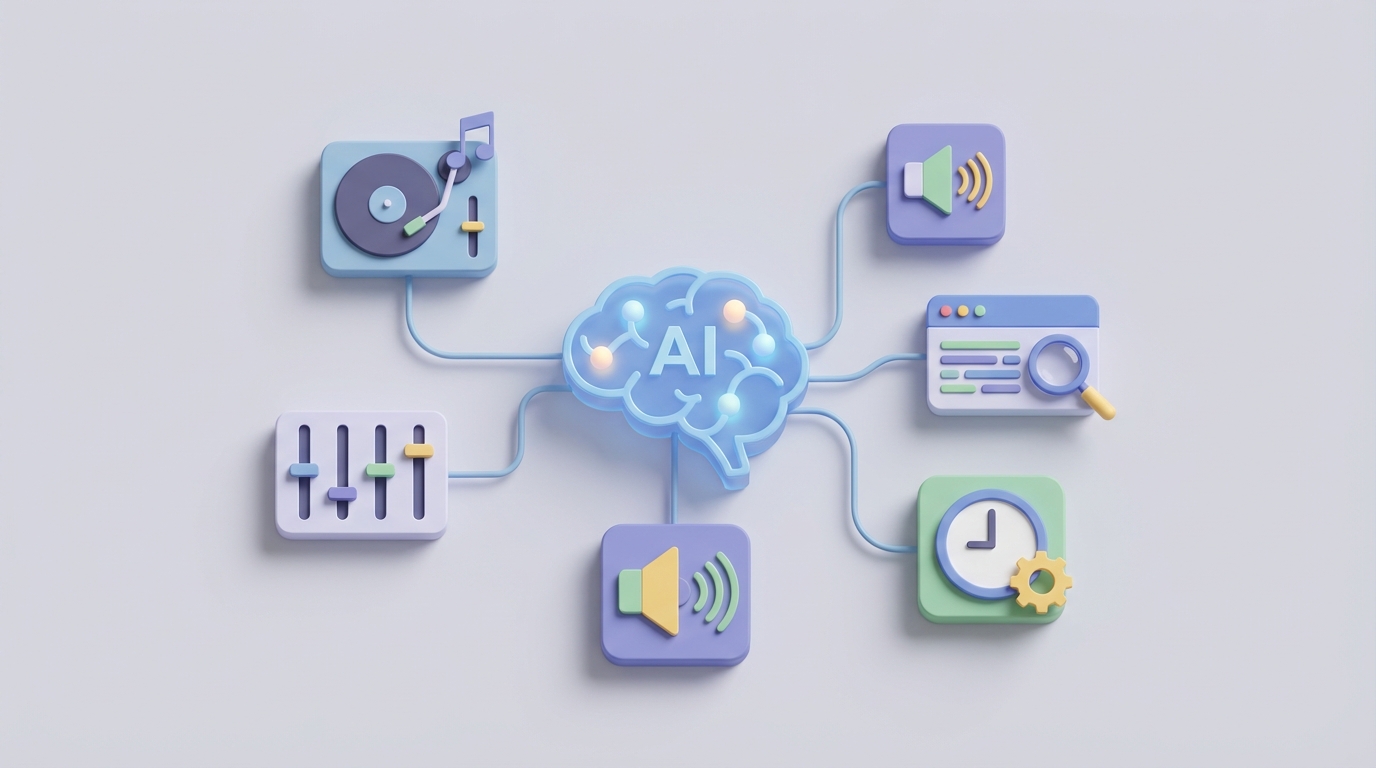
Most DJs got into the game because they love music, reading a crowd, and turning a venue into something electric. Nobody picked up a controller thinking, "I can't wait to spend four hours a day copy-pasting quote templates and chasing invoices."
But that's exactly what happens. The average mobile or wedding DJ spends more time on admin than on actual performance. Responding to Instagram DMs at midnight. Juggling five different apps that don't talk to each other. Manually updating Google Calendar after every booking. Following up with leads who ghost after the second message. Customizing contracts one painful field at a time.
It's not a music problem. It's an operations problem. And operations problems are exactly what AI agents are built to solve.
Not chatbots. Not another SaaS dashboard you'll forget about in two weeks. I'm talking about autonomous agents that actually do the work — monitor your inboxes, respond to leads, book calls, generate contracts, chase payments, and handle the 70% of your business that doesn't require you to be a human being behind a turntable.
That's what OpenClaw does. And if you're a DJ still running your business like it's 2016, this is the post where that changes.
The Real Problem: You're Running a Business on Duct Tape
Let's be honest about what a typical DJ's tech stack looks like:
- Lead gen: GigSalad, The Bash, maybe Bark. Each one charges 10-20% and dumps leads into your email with zero context.
- CRM: HoneyBook if you're organized. A Google Sheet if you're not. Maybe Dubsado or 17hats.
- Scheduling: Calendly or Acuity, bolted onto your website, barely integrated with anything.
- Communication: Gmail, Facebook Messenger, Instagram DMs, texts, maybe WhatsApp. You're switching between apps 30+ times a day.
- Payments: Square, Stripe, or QuickBooks invoices you send manually and then follow up on manually.
- Marketing: Buffer or Later for social scheduling, plus whatever you cobble together for email.
That's four to six subscriptions ($100-300/month), zero real integration, and a workflow held together by willpower and the Notes app on your phone.
The result? You spend 30-40% of your working hours on client communication alone. Another 20-25% on admin and bookkeeping. You're working 50-hour weeks, half of which have nothing to do with music.
An AI agent doesn't replace any single tool. It sits on top of all of them, connects them, and does the repetitive work so you don't have to. OpenClaw is built for exactly this — you configure agents with specific skills, connect your existing tools via integrations, and let the agent run your business operations while you focus on what actually makes you money.
Here's how that works in practice.
Use Case 1: Instant Lead Response and Qualification
The problem: You get 10-20 inquiries a week across email, Instagram, Facebook, and booking platforms. You're supposed to respond within an hour to maximize conversion, but you're asleep, at a gig, or driving. By the time you reply, 50-70% of those leads have already moved on.
What the agent does:
You set up an OpenClaw agent with a Lead Response skill configured to monitor your connected channels — email inbox, Instagram DMs, Facebook Messenger, and any booking platform that forwards notifications. The agent listens 24/7.
When a new inquiry comes in, the agent:
- Classifies the lead — Is this a wedding, corporate event, birthday party, or club night? What's the approximate budget? Is there a date mentioned?
- Responds immediately with a personalized message. Not a generic "Thanks for reaching out!" but something like: "Hey Marcus — thanks for the message about your June wedding! I'd love to help make that dance floor unforgettable. Quick question: are you looking for ceremony music too, or just the reception? And roughly how many guests are we talking?"
- Extracts key data (date, event type, guest count, venue, vibe preferences) and populates your CRM automatically.
- Scores the lead — High-value leads (wedding, budget over $2K, date available) get flagged for a personal call. Lower-priority inquiries get routed into a nurture sequence.
How to configure this in OpenClaw:
From Claw Mart, you'd pull the Inbound Lead Qualifier skill and the Multi-Channel Listener skill. Connect your Gmail, Instagram Business, and Facebook Page via OpenClaw's integration layer. Then configure the agent's response templates with your actual pricing, your personality, and your service details.
The key here is training the agent on your voice. Upload past inquiry responses you've sent — the ones that actually converted. The agent learns your tone, your pricing structure, your typical packages. When it responds, it sounds like you, not a robot.
The result: Your response time drops from hours (or days) to seconds. Leads that would have ghosted get engaged immediately. DJs using automated lead response consistently report 2-3x higher conversion rates. You're not doing anything differently — the agent is just faster than you.
Use Case 2: Scheduling Without the Ping-Pong
The problem: A client wants to book. What follows is a five-email thread over three days where you go back and forth on dates, times, and availability. You're manually checking your Google Calendar, cross-referencing with your booking platform, and hoping you don't accidentally double-book a Saturday in October.
What the agent does:
Your OpenClaw agent has a Smart Scheduling skill connected to your Google Calendar (or iCal, Outlook — whatever you use). When a lead confirms interest or asks about availability, the agent:
- Checks your real-time calendar for conflicts.
- Proposes available slots directly in the conversation: "I'm available July 15th, 6-11 PM. I could also do the 16th if that works better for your venue's timeline. Want me to hold one of those for you?"
- Sends a booking link (integrated with Calendly or your own scheduling page) so the client can lock it in with one click.
- Handles rescheduling — If a client needs to move, the agent finds alternatives, confirms, updates the calendar, and notifies you.
- Flags conflicts — If two events are within a travel window that's too tight, the agent alerts you before anything gets confirmed.
How to configure this in OpenClaw:
Add the Calendar Sync skill and the Scheduling Coordinator skill to your agent. Set your availability rules: no events within 3 hours of each other, no bookings on Tuesdays (or whatever your rules are), and define your travel radius so the agent can factor in drive time between venues.
You can also set up buffer rules. If an event is 50+ miles away, the agent automatically blocks an extra two hours before and after. No more showing up to a gig frazzled because you booked two events on opposite sides of the city.
The result: The entire scheduling conversation — which used to take 3-5 exchanges over multiple days — now happens in one interaction. The client gets a seamless experience. You get a booked calendar without lifting a finger.
Use Case 3: Automated Follow-Up Sequences That Actually Convert
The problem: You send a quote. The client says "let me think about it." You forget to follow up for a week. By then, they've booked someone else. Or you do follow up, but it's awkward and inconsistent. Industry data says 40% of DJ bookings come from follow-ups, but most DJs only follow up once (if at all).
What the agent does:
Your OpenClaw agent runs a Follow-Up Drip skill that triggers automatically when a lead goes cold. Here's a sample sequence:
- 48 hours after quote sent, no reply: "Hey Sarah — just floating this back up in case it got buried. Any questions about the quote? Happy to hop on a quick call if it's easier."
- Day 5: Value-add message. "BTW, I put together a sample reception timeline for 200-person weddings like yours. Might be useful regardless of who you go with: [link]."
- Day 10: Social proof. "Just wrapped a wedding at [similar venue] last weekend — the dance floor was packed until midnight. Here's a quick clip: [link]. Would love to bring that same energy to yours."
- Day 14: Urgency (honest, not sleazy). "Heads up — I've got another inquiry for October 12th. Totally understand if you're still deciding, but wanted to give you first shot since you reached out first. Want me to hold it for 48 hours?"
- Day 21: Graceful close. "Sounds like the timing might not be right — totally get it. If anything changes, I'm here. Wishing you an amazing wedding either way!"
After the event (if they book), the agent triggers a Post-Event sequence:
- Day 1 post-event: "Last night was incredible — your guests were AMAZING. Thanks for trusting me with your big night."
- Day 3: "If you've got 30 seconds, a Google review would mean the world: [one-click link]."
- Day 7: "Want me to send over the playlist from your reception? Great Spotify playlist material."
How to configure this in OpenClaw:
Install the Drip Sequencer skill and the Review Collector skill from Claw Mart. Map your follow-up templates, set timing triggers, and connect your Stripe or payment tool so the agent knows when a quote converts (and stops the sequence automatically).
The magic is in the personalization. The agent pulls from the CRM data it collected during the lead conversation — venue name, guest count, music preferences — and weaves it into every follow-up. These don't read like automated emails. They read like you sat down and wrote them.
The result: Your follow-up rate goes from inconsistent to 100%. Every single lead gets a thoughtful, well-timed sequence. DJs who automate follow-ups see conversion rates jump from 10-15% to 25-35%. That's real money — on leads you were already getting.
Use Case 4: Contract and Invoice Generation on Autopilot
The problem: A client says "let's do it." Now you need to customize a contract with their event details, send it for e-signature, generate an invoice, send a payment link, and then track whether they actually paid. Each step is manual. Each step has friction. And every hour of delay is a chance for the client to change their mind.
What the agent does:
The moment a booking is confirmed (either through your scheduling link or a verbal yes), the OpenClaw agent with a Document Automation skill:
- Pulls all event details from the CRM — date, time, venue, package selected, special requests, pricing.
- Generates a customized contract from your template, pre-filled with every detail. Cancellation policy, liability clauses, equipment rider — all baked in.
- Sends the contract for e-signature via integration with DocuSign, HelloSign, or PandaDoc.
- On signature, automatically generates and sends an invoice with a Stripe or Square payment link.
- Tracks payment status. If the deposit isn't paid within 48 hours, the agent sends a gentle nudge. If it's not paid in a week, it escalates to you.
- Sends a confirmation packet — event timeline, what to expect, a link to submit their must-play and do-not-play lists.
How to configure this in OpenClaw:
Add the Contract Generator and Invoice Automator skills. Upload your contract template (the agent will learn your standard terms and adapt them per event). Connect your e-signature provider and payment processor. Set your deposit rules (50% upfront, remainder due two weeks before the event, or whatever you use).
You can also add a Playlist Collector skill that sends the client a form to submit song requests, must-plays, and do-not-plays — and compiles them into a formatted document you can load into Serato or Rekordbox.
The result: The entire post-booking admin workflow — which used to take 45-60 minutes per client and multiple days of back-and-forth — now happens in under five minutes with zero input from you. The client gets a polished, professional experience. You get paid faster.
Use Case 5: Unified Inbox and Intelligent Triage
The problem: Your inquiries come from everywhere. 30% email, 40% social DMs, 20% text, 10% booking platforms. You're checking six different apps throughout the day, and things slip through the cracks. A hot lead DMed you on Instagram at 2 AM and you didn't see it until the next afternoon — by then, they've booked your competitor.
What the agent does:
The OpenClaw agent acts as a unified command center for all your communication channels. Every message, from every platform, gets routed through the agent. It:
- Aggregates all inbound messages into a single stream you can review in OpenClaw's dashboard.
- Classifies each message — new lead, existing client question, vendor coordination, spam, personal.
- Handles routine responses autonomously — FAQ answers, availability checks, pricing questions, directions to your booking page.
- Escalates complex or high-value conversations to you with full context: "Wedding lead, $3K budget, your date is open. She asked about uplighting and a ceremony setup. Want me to send the premium package quote or schedule a call?"
- Ensures nothing falls through the cracks. If a message sits unresponded for more than your set threshold (say, 2 hours), the agent either handles it or pings you directly.
How to configure this in OpenClaw:
This is where the Unified Inbox skill and the Message Classifier skill from Claw Mart come together. Connect all your channels. Set your escalation rules — what the agent can handle alone versus what needs your eyes. Define your response SLA (e.g., all leads get a reply within 15 minutes, 24/7).
The classifier gets smarter over time. It learns which types of messages you always handle personally and which ones the agent nails every time. After a few weeks, you're only touching the 20-30% of conversations that genuinely need a human.
The result: You stop living inside your inbox. You stop missing leads at 2 AM. You stop context-switching between six apps. The agent handles the noise. You handle the signal.
What This Actually Looks Like Day-to-Day
Let me paint the picture. You wake up on a Tuesday. Instead of spending two hours triaging emails and DMs, you open OpenClaw and see a summary:
- 3 new leads overnight. 2 auto-responded and qualified. 1 flagged for your review (high-budget corporate event).
- Follow-up sent to 4 pending quotes. 1 replied — contract generated and sent for signature.
- Invoice paid by Jessica M. ($2,500 deposit). Confirmation packet sent automatically.
- Review request sent to last Saturday's client. They left a 5-star Google review.
Your morning admin just went from two hours to ten minutes. You spend the rest of the day planning your set, meeting with the corporate lead (who's already been warmed up by the agent), and actually living your life.
That's not hypothetical. That's what a properly configured OpenClaw agent does.
Getting Started
Here's the no-BS implementation path:
Week 1: Sign up for OpenClaw. Install the Lead Response, Multi-Channel Listener, and Follow-Up Drip skills from Claw Mart. Connect your email and one social channel. Let the agent handle new inquiries for a week while you monitor and refine.
Week 2-3: Add the Smart Scheduling, Calendar Sync, and Contract Generator skills. Connect your calendar, payment processor, and e-signature tool. Start routing bookings through the agent.
Month 2: Add the Unified Inbox, Invoice Automator, and Review Collector skills. At this point, your agent is handling 70-80% of your business operations autonomously.
Ongoing: Review the agent's performance weekly. Tweak response templates. Add new skills as Claw Mart releases them. The agent gets better the more you use it.
You didn't become a DJ to be an administrator. Stop running your business like one. Let OpenClaw handle the operations so you can get back to what you actually care about — making people dance.
Head to Claw Mart and start building your agent today.