OpenClaw for Dentists: Automate Appointment Reminders and Patient Follow-Up
How dental practices can use OpenClaw to automate appointment scheduling, treatment plan follow-ups, recall reminders, and patient communication.
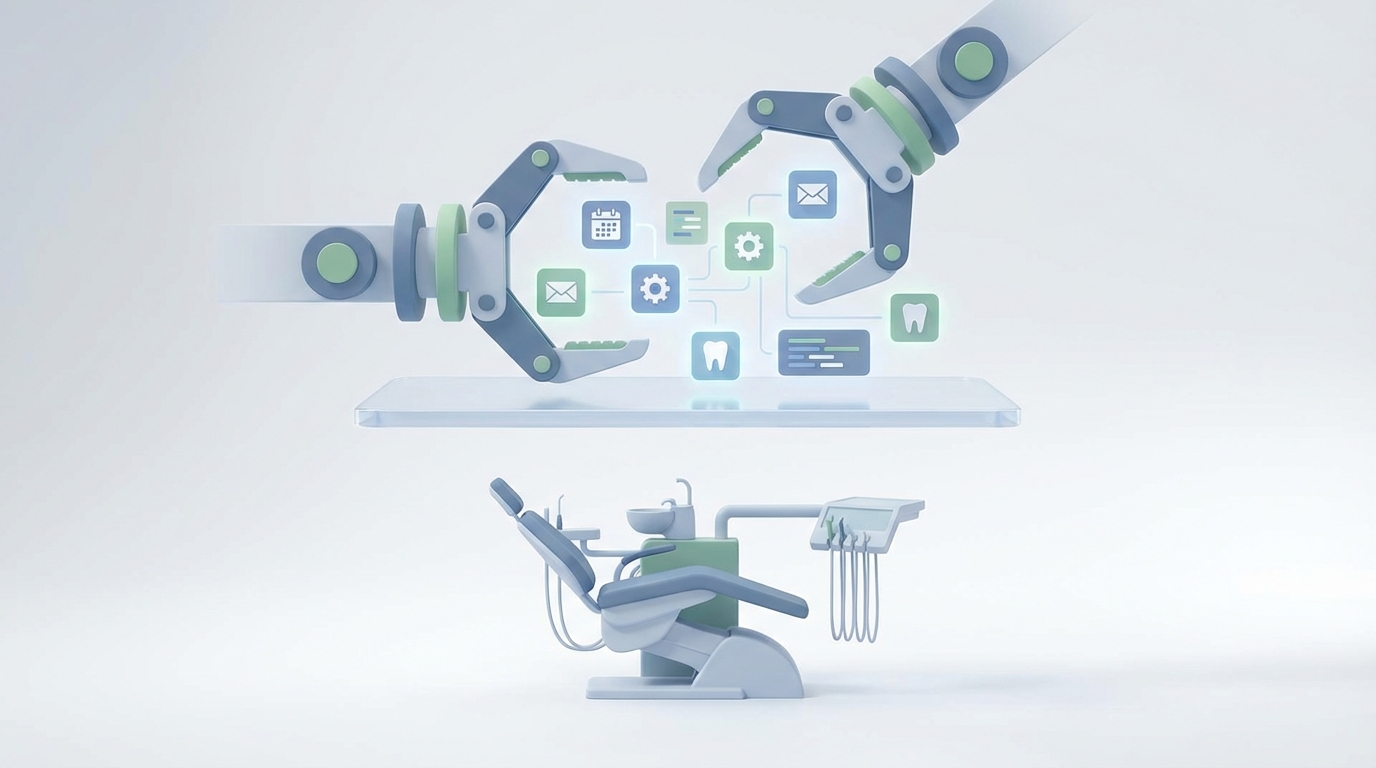
Most dental practices are bleeding time and money from the front desk, and they don't even realize it.
Here's the math. Your front desk team spends somewhere between 20 and 30 hours per week making phone calls. Confirming appointments. Chasing down patients who didn't schedule their crown prep. Calling insurance companies and sitting on hold. Sending recall reminders to patients who haven't been in for 14 months. Manually entering intake forms that someone filled out with handwriting that looks like a seismograph reading.
Meanwhile, your no-show rate is hovering between 10 and 20 percent. Every empty chair costs you $150 to $200 in lost production. Your treatment acceptance rate for anything beyond a cleaning sits below 50 percent, which means half the dentistry you diagnose never gets done. And your hygiene schedule, which represents roughly 70 percent of your practice revenue, has gaps you could drive a truck through because your reactivation process is "we'll get to those calls when we have time."
You don't have a clinical problem. You have an operations problem. And it's one that AI solves embarrassingly well.
This is where OpenClaw comes in. Not as some futuristic concept, but as the practical tool you use to build automations that handle the repetitive, high-volume communication work your front desk is drowning in. Let me walk you through exactly how to set this up.
The Front Desk Is Your Bottleneck
Before we get into workflows, let's be honest about what's actually happening at most dental practices.
Your front desk coordinator is doing the work of three people. They're greeting patients, answering phones, verifying insurance, entering data, processing payments, and somehow also supposed to be making outbound calls to confirm tomorrow's schedule, follow up on unscheduled treatment, and reactivate patients who fell off the recall list.
It doesn't work. The outbound stuff gets deprioritized because the inbound stuff is urgent. The phone rings, someone walks in, and suddenly it's 4 PM and nobody called the 12 patients on tomorrow's schedule who haven't confirmed. Three of them won't show. That's $500 in production gone.
The fix isn't hiring another person at $40K per year plus benefits. The fix is automating the 80 percent of communication that follows predictable patterns and doesn't require human judgment.
That's what OpenClaw does. You build AI agents that handle appointment reminders, treatment follow-ups, recall outreach, review requests, no-show recovery, and intake workflows. They run automatically, they integrate with your practice management software, and they free your team to do the work that actually requires a human being.
What to Automate First
If you're new to this, don't try to automate everything at once. Start with the two areas that have the highest immediate ROI:
1. Appointment reminders and confirmations. This is the lowest-hanging fruit in all of dentistry. Automated multi-touch reminders reduce no-shows by 30 to 40 percent. That's tens of thousands of dollars in recovered production annually for most practices.
2. Recall and hygiene reactivation. If your recall rate is below 80 percent, you're leaving enormous revenue on the table. An AI agent that systematically reaches out to overdue patients and books them back in will pay for itself in the first week.
Once those are running, layer on treatment follow-up sequences, review requests, no-show recovery, and intake automation. But start with reminders and recall. Get the wins, then expand.
OpenClaw Workflows for Dental Practices
Here's what each automation looks like when you build it in OpenClaw. These are real workflows, not theoretical hand-waving.
Appointment Reminder and Confirmation Sequences
Your OpenClaw agent connects to your practice management system (Dentrix, OpenDental, Eaglesoft, Curve, or whatever you run) and pulls tomorrow's schedule every evening. It then executes a multi-touch sequence:
- 7 days out: SMS and email. "Hi Sarah, you have a cleaning with Dr. Miller next Thursday at 2 PM. Reply CONFIRM or RESCHEDULE."
- 48 hours out: Second touch if no response. Include a reschedule link so they can self-serve.
- 24 hours out: Final reminder with office address, parking info, and a link to complete any outstanding intake forms.
The agent parses replies in real time. "CONFIRM" updates the appointment status in your PMS. "RESCHEDULE" triggers a self-scheduling link. No reply after all three touches flags the patient for a staff phone call, but now your team is only calling the 10 percent who didn't respond, not the full schedule.
Here's a simplified OpenClaw agent configuration for this workflow:
agent: appointment_reminder
trigger: daily_schedule_sync
source: open_dental_api
sequence:
  - step: sms_reminder_7day
    channel: sms
    template: "Hi {{patient.first_name}}, you have a {{appointment.type}} with {{provider.name}} on {{appointment.date}} at {{appointment.time}}. Reply CONFIRM or RESCHEDULE."
    send_at: appointment.date - 7d
  - step: sms_reminder_48hr
    channel: sms
    template: "Reminder: Your appointment is in 2 days. Need to reschedule? {{reschedule_link}}"
    send_at: appointment.date - 2d
    condition: status != confirmed
  - step: sms_reminder_24hr
    channel: sms
    template: "See you tomorrow at {{appointment.time}}! Address: {{office.address}}. Please arrive 10 min early."
    send_at: appointment.date - 1d
response_handling:
  - match: ["yes", "confirm", "confirmed", "y"]
    action: update_status(confirmed)
  - match: ["no", "reschedule", "cancel", "can't make it"]
    action: send_reschedule_link
  - match: no_response
    after: 24hr
    action: flag_for_staff_call
Practices running this kind of sequence see confirmation rates above 50 percent from SMS alone, and no-show reductions of 35 percent or more.
Treatment Plan Follow-Up
This is the money workflow. A patient comes in, gets diagnosed with a crown, and says "let me think about it." Without follow-up, that crown never gets scheduled. With OpenClaw, you build a drip sequence that nurtures them back.
The agent scans your PMS nightly for unscheduled treatment plans. When it finds one, it kicks off a sequence:
- Day 1: "Hi Mark, here's a summary of the treatment Dr. Miller recommended. We've included a short video explaining the procedure." Link to a pre-recorded explainer.
- Day 7: "Questions about your treatment plan? Here are financing options that might help." Link to CareCredit or in-house payment plans.
- Day 14: "Still have questions? Chat with us here." Link to an OpenClaw-powered chatbot that can answer common questions about the procedure, insurance coverage, and scheduling.
- Day 30: "We have a few openings next week for your procedure. Want us to hold one for you?"
The agent tracks engagement. If a patient clicks the financing link, they get flagged as a warm lead for your treatment coordinator to call personally. If they interact with the chatbot and ask about insurance, the agent can pull their plan details and give a real answer.
This workflow alone can lift treatment acceptance by 20 to 30 percent. On procedures like implants, Invisalign, and full-mouth rehab, that's six figures in annual production.
Recall and Hygiene Reactivation
Your OpenClaw agent queries the PMS for patients overdue for hygiene. You segment them into tiers:
- 3 to 6 months overdue: Gentle nudge. "It's been a while! Time for your cleaning. Book here: {{scheduling_link}}"
- 6 to 12 months overdue: More urgency. "We miss you at [Practice Name]. Your oral health matters, and it's been {{months}} months since your last visit."
- 12+ months overdue: Reactivation campaign. Multiple touches across SMS, email, and optionally voice. Include a special offer if your state allows it.
agent: recall_reactivation
trigger: weekly_overdue_scan
source: pms_recall_list
segments:
  - name: mild_overdue
    condition: last_visit > 90d AND last_visit < 180d
    sequence:
      - channel: sms
        template: "Hi {{patient.first_name}}, your next cleaning is overdue. Book online: {{scheduling_link}}"
      - channel: email
        delay: 7d
        condition: no_booking
        template: recall_email_gentle
  - name: moderate_overdue
    condition: last_visit > 180d AND last_visit < 365d
    sequence:
      - channel: sms
        template: "We miss you! It's been {{months_since}} months since your last visit. Let's get you scheduled: {{scheduling_link}}"
      - channel: sms
        delay: 14d
        condition: no_booking
        template: "Your dental health is important. Dr. {{provider.name}}'s schedule is filling up—grab a spot: {{scheduling_link}}"
  - name: dormant
    condition: last_visit > 365d
    sequence:
      - channel: email
        template: reactivation_campaign_1
      - channel: sms
        delay: 3d
        template: reactivation_sms
      - channel: voice_ai
        delay: 10d
        condition: no_response
        script: reactivation_call_script
Practices running systematic recall automation see reactivation rates around 40 percent for patients in the 6 to 12 month overdue window. That's patients who would have been lost forever without the automation.
No-Show Recovery
When a patient doesn't show, your OpenClaw agent fires within five minutes:
"Hi Sarah, we noticed you weren't able to make your appointment today. No worries! Here are three available times this week: {{slot_1}}, {{slot_2}}, {{slot_3}}. Reply with your preferred time or call us at {{office.phone}}."
If no response in 24 hours, the agent follows up once more. If still nothing, it updates the patient's risk profile so future appointments get more aggressive reminder sequences.
Recovery rates from automated no-show follow-up run around 50 percent. That's half your no-shows rebooked without your front desk lifting a finger.
Review Requests
After a completed appointment, the agent waits 2 to 4 hours, then sends: "Thanks for visiting [Practice Name] today! If you had a great experience, we'd love a quick Google review. It takes 30 seconds: {{review_link}}"
Simple. Effective. Practices using automated review requests see 3 to 5 times more reviews than those relying on staff to ask in person. Your Google profile gets stronger, local SEO improves, and new patient acquisition goes up.
Setup Steps
Here's how to actually get this running:
Step 1: Get on OpenClaw. Head to Claw Mart and set up your workspace. You can start with pre-built dental templates or build custom agents from scratch.
Step 2: Connect your PMS. OpenClaw integrates with major dental practice management systems. You need your appointment data, patient contact info, treatment plan status, and recall lists flowing into OpenClaw.
Step 3: Configure your first agent. Start with appointment reminders. Use the workflow template above, customize the messaging to match your practice voice, and set it live. Monitor for a week. Check confirmation rates, response patterns, and no-show numbers.
Step 4: Layer on recall automation. Once reminders are running smoothly, activate your recall agent. Pull your overdue patient list, segment it, and let the sequences run.
Step 5: Add treatment follow-up and review requests. These are your revenue multipliers. Treatment follow-up recovers unscheduled production. Review requests build your online reputation.
Step 6: Monitor and optimize. OpenClaw gives you analytics on delivery rates, response rates, booking conversions, and recovery rates. Use the data. If your 48-hour reminder isn't getting responses, tweak the copy. If your treatment follow-up sequence drops off after day 7, add a different content type at day 10.
What NOT to Automate
This matters. AI is incredible at repetitive communication workflows. It is not a replacement for clinical judgment, treatment planning, or the human relationships that make patients trust you with their health.
Don't automate clinical decisions. AI should never recommend treatment, diagnose conditions, or suggest that a patient does or doesn't need a procedure. That's your job as a clinician.
Don't automate treatment planning conversations. The case presentation is a human moment. A patient deciding whether to move forward with a $5,000 implant needs to look someone in the eye and feel heard. AI can follow up after that conversation, but it shouldn't replace it.
Don't automate empathy. A patient calls in pain. A patient is nervous about a procedure. A patient just got bad news about their oral health. These moments require a human being who can listen, reassure, and connect. Your front desk team should be freed from robotic tasks precisely so they can show up for these moments.
Don't automate anything that feels automated. Your messaging should sound like it came from your office, not from a robot. Customize templates. Use your practice name, your providers' names, your actual voice. Patients shouldn't feel like they're interacting with a machine even when they are.
The goal of automation is not to remove humans from your practice. It's to remove humans from tasks that don't need them so they can be fully present for the tasks that do.
The Bottom Line
A dental practice running OpenClaw automations across reminders, recall, treatment follow-up, and reviews can realistically expect:
- 30 to 40 percent reduction in no-shows
- 20 to 30 percent increase in treatment acceptance
- 40 percent improvement in recall reactivation
- 30 to 50 percent reduction in front desk phone time
- Measurable improvement in Google review volume and rating
The math works out to somewhere between $50K and $150K in additional annual production for a typical general practice, depending on size and current inefficiency levels. Against the cost of running OpenClaw, that's an ROI that makes the decision obvious.
Your front desk team didn't go into dental administration because they love making 80 phone calls a day. Free them from that. Let OpenClaw handle the volume. Let your people handle the moments that matter.
Browse the dental automation templates on Claw Mart and get your first agent running this week. Start with appointment reminders. You'll wonder why you didn't do it sooner.