Automate Weekly Status Updates: Build an AI Agent That Collects and Sends Reports
Automate Weekly Status Updates: Build an AI Agent That Collects and Sends Reports
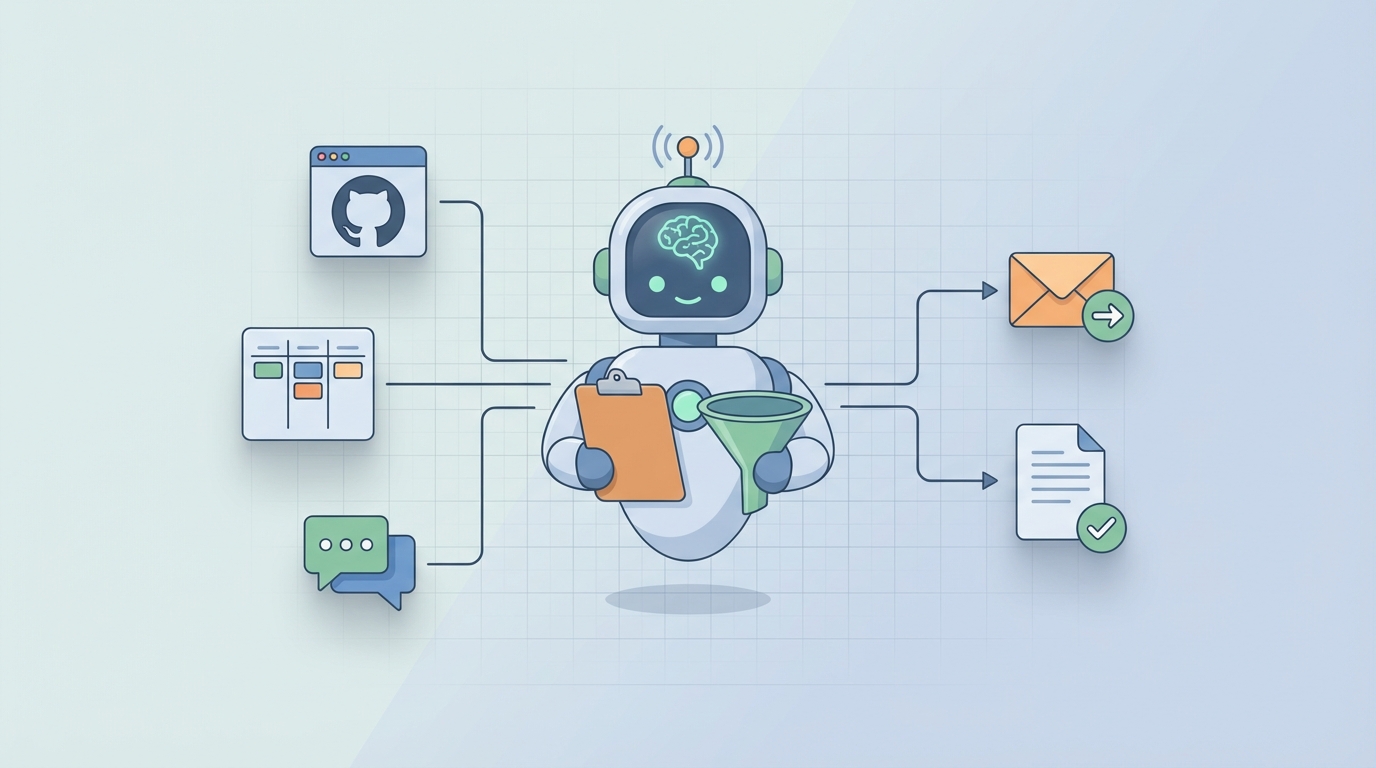
Every Friday afternoon, the same ritual plays out across thousands of companies. Managers open a blank document, tab over to Jira, then Slack, then their email, then a spreadsheet someone shared three weeks ago, then back to Slack because they forgot what Sarah said about the API migration. They copy, paste, rephrase, format, and eventually produce a status report that's already stale by the time anyone reads it on Monday morning.
This is one of the most universal time sinks in knowledge work. And it's almost entirely automatable now.
I'm going to walk you through exactly how to build an AI agent on OpenClaw that collects data from your team's tools, synthesizes it into a coherent weekly status report, and delivers it wherever your stakeholders actually read things. No vaporware promises. Just a practical system you can have running within a week.
The Manual Workflow (And Why It's Worse Than You Think)
Let's be honest about what "writing a weekly status update" actually involves. It's not writing. It's archaeology.
Here's the real workflow most managers and team leads go through:
Step 1: Data Gathering (30–60 minutes) You open Jira or Linear and filter for tickets completed this week. Then you check what's in progress. Then you cross-reference with the sprint board because half the tickets weren't updated. You scan Slack channels for announcements, decisions, or blockers that someone mentioned but never logged anywhere. You check your calendar to remember which meetings happened and what was decided. You open GitHub to see what actually shipped versus what Jira says shipped.
Step 2: Chasing People (15–45 minutes) You message three people who haven't updated their tickets. You ask the design lead for the status on the rebrand because it's not tracked anywhere. You wait. You follow up. Someone responds with "oh yeah, I finished that Tuesday" but never moved the card.
Step 3: Writing the Actual Report (30–60 minutes) Now you synthesize everything into something coherent. Accomplishments, blockers, risks, next week's priorities. You try to make it useful without being a novel. You add context that only exists in your head. You reformat the bullet points three times.
Step 4: Formatting and Distribution (15–30 minutes) You paste it into the Confluence template. Or the Google Doc. Or the email thread. You tag the right people. You realize you forgot to mention the infrastructure incident, so you edit and re-send. You do this for every stakeholder group that wants a different level of detail.
Total: 2 to 6 hours per week, per manager.
That's not a rough estimate. A 2022 Workfront study found knowledge workers spend an average of 6.3 hours per week on status reporting and related administrative tasks. PMI data consistently shows project managers spend 15–20% of their time just on communications and reporting.
Multiply that across every team lead in your org, and you're burning thousands of hours per year on what is fundamentally a data aggregation and summarization problem.
What Makes This Painful (Beyond the Time)
The time cost is obvious. The hidden costs are worse.
The information is scattered across 4 to 7 tools. Jira has the tickets. Slack has the context. GitHub has the actual code changes. Google Docs has the meeting notes. Your calendar has the timeline. No single tool has the full picture, so you become the integration layer. You are the API.
Self-reported updates are unreliable. People overstate progress when they're behind. They understate risk because they think they'll fix it next week. They forget things. They copy-paste last week's update and change two words. A study from Atlassian's 2023 State of Teams report found that 57% of employees say they waste time duplicating work across tools, and status reporting is one of the biggest culprits.
Reports are stale on arrival. By the time you compile Friday's report and someone reads it Monday, the situation has changed. That blocker got resolved over the weekend. A new one appeared. The report creates an illusion of awareness without actual real-time visibility.
Status report fatigue is real. Ask any IC what they think about writing weekly updates. The enthusiasm will be somewhere between "filling out expense reports" and "going to the dentist." Low engagement means low quality data, which means the reports are less useful, which makes people care even less. It's a death spiral.
The coordination tax is brutal. Chasing missing updates every single week is one of the most common complaints from managers. You become a human reminder system, nagging adults to do something they hate, so you can do something you also hate.
What AI Can Handle Right Now
Here's where things get practical. Not everything in this workflow needs a human. In fact, most of it doesn't.
An AI agent built on OpenClaw can handle:
Automated data collection. Pull completed and in-progress tickets from Jira, Linear, Asana, or whatever project management tool you use. Pull merged PRs and deployment data from GitHub or GitLab. Scan designated Slack channels for key updates, decisions, and flagged blockers. Pull calendar data to identify meetings and cross-reference with documented outcomes.
Intelligent synthesis. Transform raw ticket data and Slack messages into coherent narrative summaries. Group related items by project, theme, or priority. Calculate progress metrics like completion rates, velocity, and cycle time without anyone manually updating a spreadsheet.
Risk and blocker detection. Flag tickets that haven't moved in unusual timeframes. Identify keywords and sentiment patterns that suggest blockers or risks. Surface items that are at risk of missing deadlines based on historical velocity.
Multi-level summarization. Generate detailed team-level reports for managers. Generate executive summaries for leadership. Generate individual contributor summaries for 1:1s. Same data, different depth, different audience, all from one collection pass.
Formatting and distribution. Output reports in whatever format your org uses: Slack message, email, Confluence page, Google Doc, even a structured JSON payload for a dashboard. Send on schedule or on demand.
This isn't theoretical. These are capabilities that exist today in the OpenClaw platform. The agents connect to your tools, run on a schedule, and produce output that's genuinely useful rather than just another wall of text nobody reads.
Step by Step: Building the Agent on OpenClaw
Here's how to actually set this up. I'll be specific.
Step 1: Define Your Data Sources
Before you touch OpenClaw, make a list of where your team's work actually lives. For most teams, it looks something like this:
- Project management: Jira, Linear, Asana, or ClickUp
- Code and deployments: GitHub, GitLab, or Bitbucket
- Communication: Slack or Microsoft Teams (specific channels)
- Documents: Confluence, Notion, or Google Docs
- Calendar: Google Calendar or Outlook
You don't need to connect everything on day one. Start with project management and communication. Those two sources cover 70–80% of what goes into a typical status report.
Step 2: Connect Your Integrations in OpenClaw
OpenClaw supports native integrations with the major tools listed above. In the platform, you'll set up each connection with appropriate permissions. The agent needs read access to pull data, nothing more.
For Jira, you'll configure the agent to pull tickets filtered by project, sprint, and date range. For Slack, you'll point it at specific channels rather than your entire workspace, which keeps the noise down and the signal high. For GitHub, you'll scope it to specific repositories.
The key principle here: be selective about inputs. More data doesn't mean better reports. It means more noise for the agent to wade through. Start narrow and expand as you tune the output.
Step 3: Design Your Report Template
This is where most people skip ahead and regret it later. Before the agent writes anything, you need to define what a good report looks like for your team.
A solid template for most engineering or product teams:
## Weekly Status Report: [Team Name]
### Week of [Date Range]

**Executive Summary**
[2-3 sentences: what matters most this week]

**Completed This Week**
- [Item]: [Brief description and impact]

**In Progress**
- [Item]: [Current status, expected completion]

**Blockers and Risks**
- [Item]: [Description, impact, owner]

**Key Metrics**
- Tickets completed: [X]
- PRs merged: [X]
- Sprint progress: [X]%

**Next Week's Priorities**
- [Item]: [Owner, expected outcome]
In OpenClaw, you'll configure this template as the agent's output format. You can use natural language instructions to tell the agent how to populate each section, what tone to use, and what level of detail to include.
For instance, you might instruct the agent: "For the Executive Summary, focus on items that affect the product launch timeline or that involve cross-team dependencies. Keep it to three sentences maximum. Write in a direct, factual tone without hedging language."
Step 4: Configure the Agent's Logic
This is where OpenClaw's agent framework earns its keep. You're not just building a data pipeline; you're building something that reasons about the data.
The agent's workflow looks like this:
- Collect – Pull data from all configured sources for the specified time window (typically Monday through Friday).
- Filter – Remove noise. Not every Slack message or minor ticket update belongs in a status report. You'll configure relevance criteria: minimum ticket priority, specific labels, channels marked as "project" channels versus "watercooler" channels.
- Analyze – Group items by project or workstream. Identify which items are completions, which are in progress, and which are blocked. Calculate metrics.
- Synthesize – Generate the report using the template. The agent produces natural language summaries, not just raw data dumps.
- Deliver – Send the finished report to specified destinations: Slack channel, email distribution list, Confluence page, or all three.
In OpenClaw, each of these steps is a configurable node in the agent's workflow. You can add conditional logic too. For example: if any blocker has been unresolved for more than three days, escalate it to the top of the report and flag it in red in the Slack version.
Step 5: Schedule and Test
Set the agent to run every Friday at 2 PM, or whatever time gives it the most complete picture of the week. OpenClaw's scheduling is straightforward: pick a time, pick a timezone, done.
But here's the important part: run it in shadow mode first. Have the agent generate the report and send it only to you for two to three weeks. Compare its output against the report you would have written manually. Note what it misses, what it includes that's irrelevant, and where the tone is off.
Then adjust. Tighten the filters. Refine the instructions. Add a data source you forgot about. This tuning phase is where the agent goes from "pretty good" to "better than I would have done manually."
Step 6: Add the Human Review Step
Once the agent is producing solid drafts, set it up to send you the report 30 minutes before the distribution time. You review it, add any strategic context or sensitive framing that the agent can't know about, and approve it for delivery.
This keeps you in the loop without making you do the heavy lifting. You're editing, not writing. That's a fundamentally different task that takes five to ten minutes instead of two to four hours.
What Still Needs a Human
I said this wasn't going to be hype-y, so here's where I'm honest about the limits.
AI agents, even well-built ones on OpenClaw, cannot do the following:
Add strategic context. The agent knows that Feature X shipped. It doesn't know that Feature X shipped two weeks late and the CEO is concerned about the team's velocity. That framing matters, and only you can provide it.
Navigate politics. Sometimes the honest status is "this project is failing because the requirements keep changing and the VP of Product won't commit to a direction." An AI will report the symptoms. You need to decide how to communicate the cause.
Assess cross-functional risk. The agent sees your team's data. It doesn't see that the infrastructure team is also behind, which means your deployment window is at risk. Organizational awareness is still a human skill.
Take accountability. When the VP reads the report and asks "why is this behind?", someone needs to own that answer. An agent generates the document. A human stands behind it.
Set tone for leadership. Motivating a demoralized team or reassuring a nervous executive requires authenticity that AI doesn't have. The data section of your report can be automated. The leadership section probably shouldn't be.
The right mental model: the agent does 70–80% of the work. You add the 20–30% that requires judgment, context, and accountability. That's still an enormous time savings.
Expected Time and Cost Savings
Let's do the math on a real scenario.
Before (manual process):
- Manager time per week: 3 hours (conservative)
- IC time per week (writing individual updates): 20 minutes × 8 team members = 2.7 hours
- Total team time per week: ~5.7 hours
- Annual cost at $75/hour average loaded rate: $22,230
After (OpenClaw agent with human review):
- Manager review and edit time: 15 minutes
- IC time: 0 (agent pulls directly from tools they're already using)
- Total team time per week: ~0.25 hours
- Annual cost: $975
Net savings: ~$21,000 per year per team. For an organization with 10 teams doing weekly status reports, that's over $200,000 per year in recovered productivity. And that's just the direct time savings, not counting the improved accuracy, timeliness, and reduced status report fatigue.
The setup time on OpenClaw is a few hours for initial configuration, plus two to three weeks of tuning. You break even within the first month.
Getting Started
If your Friday afternoons currently involve staring at Jira and Slack tabs while trying to remember what happened on Tuesday, this is a solvable problem. Not next year. Now.
The simplest path: pick one team, connect two or three data sources in OpenClaw, define a basic template, and run the agent in shadow mode for two weeks. Compare the output to what you'd write manually. Adjust. Then ship it.
You can browse pre-built agent templates for status reporting workflows on Claw Mart, where the community has already shared configurations for common setups like Jira + Slack + GitHub and Asana + Teams + Confluence. No need to start from scratch when someone has already solved your exact tool combination.
If you want to skip the build entirely, you can find ready-to-deploy status report agents through Clawsourcing on Claw Mart, where developers who specialize in OpenClaw agents will build and configure custom workflows for your team's specific tools and reporting requirements. Post your requirements, get matched with a builder, and have a working agent within days instead of weeks.
Stop being the human integration layer. Let the agent do the tedious work so you can focus on the part that actually matters: making decisions based on what the report says.