Automate Video Script Generation from Podcast Transcripts
Automate Video Script Generation from Podcast Transcripts
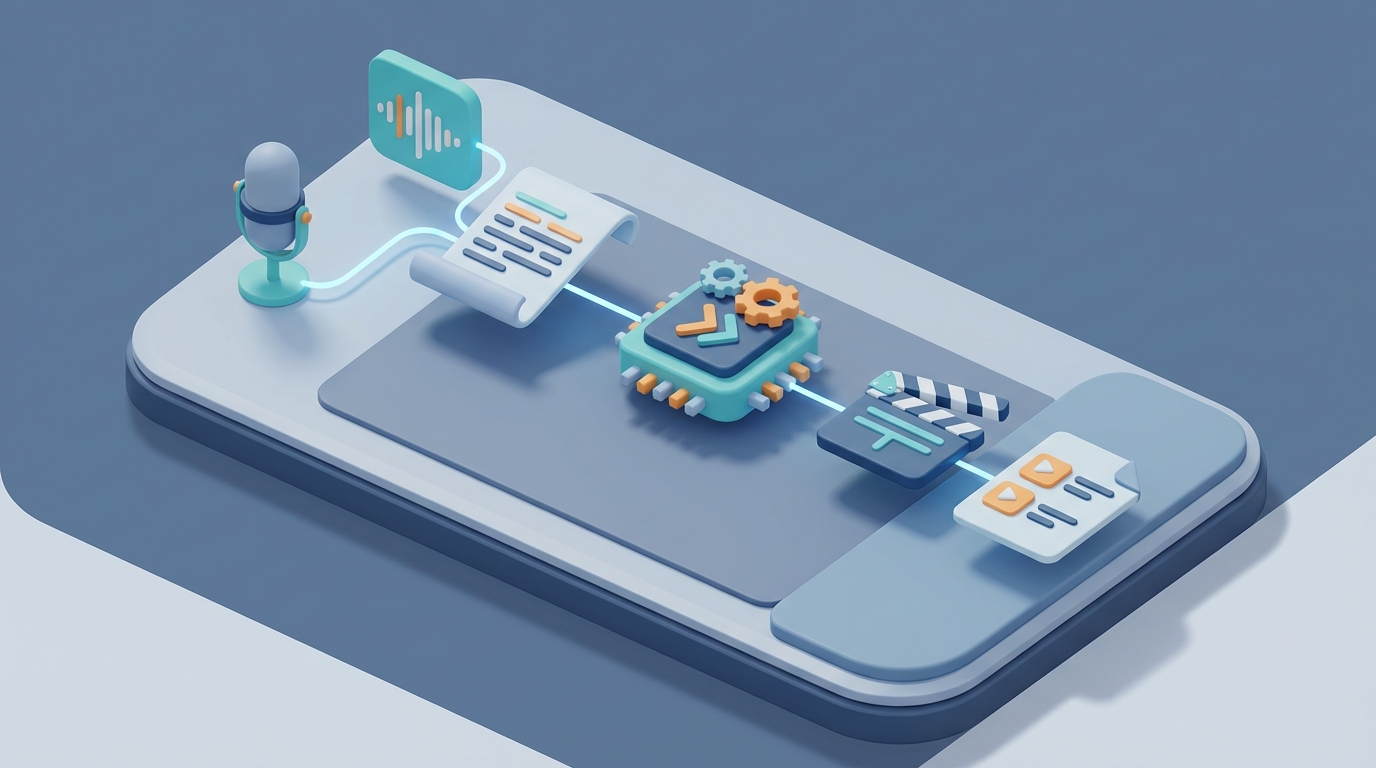
Every week, the same thing happens. A podcast drops. It's 90 minutes of good conversation. And then someone on the team has to spend the next 8–10 hours turning it into video scripts, short clips, social posts, and captions. That's a full workday—per episode.
If you're producing weekly content, that's 40+ hours a month just on repurposing. Not creating. Not strategizing. Repurposing.
The dirty secret of podcast-to-video workflows is that 80% of the work is mechanical. Transcribe, identify highlights, rewrite for video format, add visual cues, generate captions, format for different platforms. It's not creative work. It's processing work. And processing work is exactly what AI agents are built for.
Here's how to automate most of this pipeline using an AI agent built on OpenClaw—what it can handle, what it can't, and how to set the whole thing up without losing quality.
The Manual Workflow (And Why It Eats Your Calendar)
Let's map out what actually happens when a team turns a podcast episode into video content. I'm being specific here because the details matter when you're figuring out what to automate.
Step 1: Transcription and cleanup (30–60 minutes) Someone runs the audio through a transcription tool, then manually fixes errors—names, jargon, filler words, speaker labels. Even with good tools like Whisper, you're still editing.
Step 2: Content mining (60–90 minutes) This is the mentally exhausting part. You listen through (or skim the transcript) looking for the 5–10 moments that are actually worth clipping. Hooks, insights, stories, controversies, emotional peaks. In a 90-minute rambling conversation, these might account for 12 minutes of actual content.
Step 3: Script adaptation (60–120 minutes) Raw transcript doesn't work as a video script. You need to add hooks at the beginning, trim tangents, write visual cues ("cut to graph," "show B-roll"), insert calls-to-action, and adjust pacing so it doesn't feel like someone just hit record and walked away.
Step 4: Visual planning (30–60 minutes) Decide what supports each script. Talking head? Text overlays? Stock footage? Screen recordings? Someone has to make these decisions for every clip.
Step 5: Caption writing and timing (30–45 minutes) Auto-captions are better than they were, but they still need editing for tone, readability, and timing. Especially for short-form content where captions are literally the main way people consume the video.
Step 6: Platform formatting (20–40 minutes) Different aspect ratios, different lengths, different hooks for different platforms. A LinkedIn clip is not a TikTok clip.
Step 7: Review and revisions (30–60 minutes) Someone checks for accuracy, brand voice, legal issues, and whether the clip actually makes sense out of context.
Total: 4–12 hours per episode. Most teams land around 8–10 hours to produce 5–15 short clips plus one long-form video. Freelancers on Upwork charge $75–$250 per episode for this work. If you're outsourcing weekly, you're looking at $1,000–$3,000/month.
That's real money and real time. And the irony is that the core content already exists. You already said the smart things on the podcast. You're just paying to repackage it.
What Makes This Painful (Beyond the Hours)
Time cost is the obvious problem. But the less obvious problems are what actually kill consistency:
Discovery fatigue is real. The Huberman Lab team—one of the biggest podcasts in the world, with a professional editing team—has publicly said that identifying the best clips is still the most time-intensive part of their process. If a team at that level struggles with it, your two-person operation definitely does.
Context errors are expensive. AI clip tools like Opus Clip will happily pull a 45-second segment that sounds great in isolation but completely misrepresents what the speaker meant. One out-of-context clip can create a PR headache that costs far more than the time you saved.
Quality degrades over time. Episode 1 gets the full treatment. By episode 20, the person doing the repurposing is burned out and cutting corners. The clips get worse. Engagement drops. Someone asks "why isn't our video content working?" and the answer is that nobody can sustain 10 hours of tedious processing work every single week without quality slipping.
The cost compounds. At $2,000/month for outsourced repurposing, you're spending $24,000/year. For most businesses, that's a meaningful line item—especially when half of it is going toward work that a well-built agent can handle.
What AI Can Actually Handle Right Now
Let's be honest about capabilities. I'm not going to tell you AI can replace your entire post-production team. It can't. But here's what it handles well enough to deploy today:
Transcription with speaker identification — 95%+ accuracy with clean audio. This is essentially solved.
Initial clip detection — AI can score segments based on energy shifts, question-answer patterns, keyword density, emotional intensity, and structural markers (stories, lists, contrarian takes). It won't find every great moment, but it'll surface 70–80% of them.
First-draft script adaptation — Given a transcript segment, AI can rewrite it into a video-friendly script with a hook, trimmed filler, visual cue suggestions, and a call-to-action. The output needs editing, but it's a dramatically better starting point than raw transcript.
Caption generation — Clean, properly timed captions with reasonable formatting. Still needs a human pass, but the baseline is solid.
Multi-format output — Generating different versions of the same script for different platforms (short hook for TikTok, longer context for YouTube, professional framing for LinkedIn) is pure text transformation. AI handles this well.
B-roll and visual suggestions — This is improving fast. Given the topic of a segment, AI can suggest relevant visual assets, text overlay copy, and animation styles.
Steven Bartlett's team on "The Diary of a CEO" has said AI gets them about 70% of the way there. The human curation is what makes clips go viral. That ratio—70% automated, 30% human—is about right for most teams. And the 70% is the tedious part.
Step-by-Step: Building the Agent on OpenClaw
Here's the practical setup. The goal is an agent that takes a podcast audio file (or transcript) as input and outputs a set of ready-to-review video scripts with visual cues, captions, and platform-specific variations.
Step 1: Ingest and Transcribe
Your agent's first node handles audio intake. If you're already generating transcripts through your recording tool (Riverside, Descript, etc.), you can skip the transcription step and feed the transcript directly.
If you need transcription built in, configure your OpenClaw agent to call Whisper (or a similar transcription API) as the first step. The agent should:
- Accept audio file input (MP3, WAV, M4A)
- Generate timestamped transcript with speaker labels
- Clean obvious filler words and false starts
- Output a structured JSON with segments, timestamps, and speaker IDs
# OpenClaw agent node: Transcription
input: audio_file
process:
  - transcribe:
      model: whisper-large-v3
      speaker_diarization: true
      timestamp_granularity: segment
  - clean:
      remove_filler: true
      merge_short_segments: true
output: structured_transcript
Step 2: Content Mining and Scoring
This is where the agent earns its keep. Configure it to analyze the full transcript and score segments based on multiple criteria:
- Hook potential: Does the segment open with a surprising statement, question, or contrarian take?
- Story structure: Does it contain a complete narrative arc (setup, tension, resolution)?
- Insight density: How much actionable or novel information per minute?
- Emotional intensity: Shifts in tone, passion markers, emphasis words.
- Standalone clarity: Can someone understand this segment without hearing the full episode?
The agent should output a ranked list of the top 15–20 candidate segments with scores and reasoning.
# OpenClaw agent node: Content Scoring
input: structured_transcript
process:
  - analyze_segments:
      min_length: 30s
      max_length: 90s
      scoring_criteria:
        - hook_potential: 0.25
        - story_completeness: 0.20
        - insight_density: 0.20
        - emotional_energy: 0.15
        - standalone_clarity: 0.20
  - rank_and_filter:
      top_n: 20
      min_score: 0.6
output: ranked_segments
Step 3: Script Adaptation
For each top segment, the agent rewrites the raw transcript into a video script. This is prompt engineering territory, and the quality of your output depends heavily on how well you define the transformation.
Your OpenClaw agent should apply these transformations:
- Add a hook: First 3 seconds must grab attention. Rewrite the opening if the original starts slow.
- Trim tangents: Remove anything that doesn't serve the core point.
- Insert visual cues: Add bracketed notes like
[TEXT OVERLAY: "3 signs of product-market fit"]or[CUT TO: graph showing growth curve]. - Add CTA: End with a natural call-to-action relevant to the content.
- Preserve voice: This is critical—the rewrite should sound like the speaker, not like a generic AI summary.
# OpenClaw agent node: Script Adaptation
input: ranked_segments
process:
  - for_each_segment:
      - rewrite_as_video_script:
          add_hook: true
          max_hook_length: 3s
          trim_tangents: true
          insert_visual_cues: true
          add_cta: true
          voice_preservation: high
          reference_style: [sample_scripts_from_host]
      - generate_captions:
          style: dynamic
          max_words_per_line: 7
          emphasis_keywords: true
output: video_scripts
Step 4: Platform Variations
Each script gets adapted for specific platforms. The agent generates variations:
- YouTube Shorts / TikTok / Reels (9:16, 30–60s): Punchy hook, fast pacing, heavy caption emphasis
- YouTube long-form chapter: Context-rich, can be longer, less hook-dependent
- LinkedIn: Professional framing, insight-forward, text overlay heavy
- Twitter/X clip: Ultra-short (15–30s), designed to drive clicks to full episode
# OpenClaw agent node: Platform Variants
input: video_scripts
process:
  - generate_variants:
      platforms:
        - youtube_shorts: {max_length: 60s, aspect: "9:16", hook_style: punchy}
        - youtube_longform: {max_length: 300s, aspect: "16:9", hook_style: contextual}
        - linkedin: {max_length: 90s, aspect: "1:1", hook_style: professional}
        - twitter: {max_length: 30s, aspect: "16:9", hook_style: curiosity_gap}
output: platform_scripts
Step 5: Package for Review
The final output should be a structured document (or dashboard view) that a human can review in 20–30 minutes instead of building from scratch over 8–10 hours:
- Ranked list of recommended clips with scores and reasoning
- Full video script for each clip (with visual cues)
- Platform-specific variations
- Suggested captions
- Thumbnail text suggestions
- Estimated performance notes (based on topic and format patterns)
You can set this up to output as a Google Doc, Notion page, Airtable record, or whatever fits your team's workflow. OpenClaw's integration layer handles the delivery.
What Still Needs a Human
Even with a well-built agent, these decisions should stay with a person:
Strategic selection. The agent gives you 20 scored segments. A human should pick the final 5–8 based on business goals. Are you trying to drive newsletter signups this month? Establish authority on a specific topic? Tease an upcoming product? The agent doesn't know your strategy.
Context and accuracy checks. Read every script before it ships. Make sure nothing is taken out of context, misattributed, or factually wrong. This takes 15–20 minutes per batch and is non-negotiable.
Voice and tone calibration. Review the first few batches closely and give the agent feedback. Does the rewritten hook sound like your host or like a LinkedIn influencer? Adjust the prompts accordingly. This gets better over time but never fully automates.
Creative direction. Sometimes the "right" clip isn't the highest-scoring one. It's the one that tells a specific story you want to tell this week. Human intuition matters here.
Final quality gate. Before anything goes live, a human should watch/read the final output. Not because the agent is bad—but because your reputation is worth the 20 minutes.
Expected Time and Cost Savings
Based on what teams using similar workflows report (adjusted for the OpenClaw agent approach):
| Metric | Manual Workflow | With OpenClaw Agent |
|---|---|---|
| Time per episode | 8–10 hours | 45–90 minutes (human review only) |
| Cost per episode (outsourced) | $150–$300 | Agent cost + 1 hour of review |
| Clips produced per episode | 5–10 | 10–20 (more candidates to choose from) |
| Consistency across episodes | Degrades over time | Stable (same agent, same criteria) |
| Time to first draft | 24–48 hours | Under 30 minutes |
Opus Clip users report going from 10 hours to 45 minutes. Munch case studies show similar reductions. But those tools are point solutions—they handle clip detection but not the full script-to-platform pipeline. An OpenClaw agent handles the entire chain: transcription → scoring → script adaptation → platform formatting → delivery. One workflow instead of stitching together four different tools.
If you're spending $2,000/month on repurposing (the low end for weekly shows), a well-built agent can cut that by 60–80% while increasing output volume. The math works even for solo creators—you're buying back 30+ hours per month.
Where to Go from Here
If you want to build this agent, you have two paths:
Build it yourself on OpenClaw. The platform gives you the nodes, integrations, and prompt framework to wire this up. If you're technical enough to follow the configuration examples above, you can have a working agent in a day or two. Iterate on the prompts with your first 3–5 episodes until the output quality matches your standards.
Get it built for you through Clawsourcing on Claw Mart. If you'd rather describe what you need and have someone who's already built these pipelines handle the setup, Claw Mart connects you with builders who specialize in exactly this kind of agent. You define the workflow, they build and test it, you own the result. Most podcast repurposing agents get delivered within a week.
Either way, stop spending 40 hours a month on work that's 70% mechanical. Build the agent. Keep the human judgment for the 30% that actually matters.
Recommended for this post

YouTube content production specialist: script writing, SEO optimization, thumbnail concepts, publishing calendar, analytics review, and content repurposing (video → shorts/tweets/blogs).
 Bravo1058AI
One run. Blog post, LinkedIn post, Twitter thread. In your voice. Every time.
 Marco
MarcoTurn your ideas into viral Twitter threads in minutes