Automate Onboarding New Clients: Build an AI Agent That Creates Welcome Sequences
Automate Onboarding New Clients: Build an AI Agent That Creates Welcome Sequences
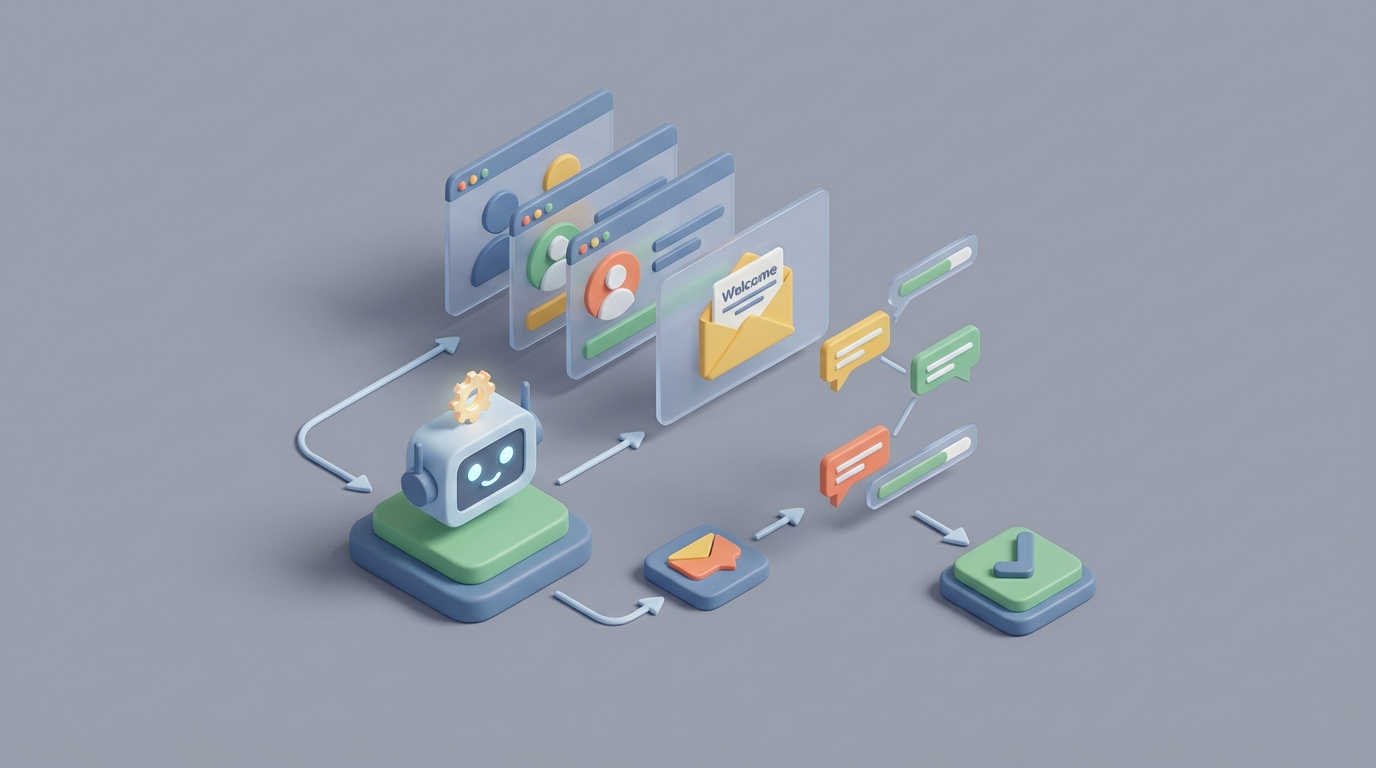
Every agency, consultancy, and SaaS company has the same dirty secret: onboarding new clients is a mess.
You close the deal, pop the champagne, and then spend the next two weeks buried in a swamp of welcome emails, intake forms, CRM updates, Slack channel creation, project setup, and a dozen "just checking in" follow-ups that nobody enjoys writing. It's the operational equivalent of doing your taxes after winning the lottery.
Here's the thing: most of this work is predictable, repeatable, and—with the right AI agent—completely automatable. Not in a hand-wavy "AI will change everything" way. In a concrete, "this agent sends the welcome sequence, creates the project, populates the CRM, and pings you only when something actually needs your brain" way.
This guide walks through exactly how to build that agent on OpenClaw, step by step. No fluff, no hype, just the blueprint.
The Manual Workflow Today (And Why It's Bleeding You Dry)
Let's map out what actually happens when a new client signs. I'm going to use a typical B2B services company as the example—agency, consultancy, SaaS with a managed onboarding—but the pattern applies broadly.
Step 1: Sales Handoff (30–60 minutes) The account executive closes the deal, then writes a long internal email or Slack message to the onboarding/CS team. Key details about the client, their goals, the scope of work, and any special requests. Half the time, critical context gets lost or buried. Someone manually updates the CRM deal stage.
Step 2: Welcome Email & Document Collection (45–90 minutes) Someone writes (or copy-pastes and edits) a welcome email. They attach or link to an intake questionnaire, request brand assets, NDAs, W-9s, or whatever compliance docs you need. Then they wait. And follow up. And follow up again.
Step 3: Account & Workspace Setup (30–60 minutes) Create a Slack or Teams channel. Set up a project in Asana, Monday, or ClickUp. Create a folder in Google Drive or Notion. Add the client to your billing system. Copy client details from the CRM into each of these tools manually. Re-type the same company name and contact email four to eight times across different systems.
Step 4: Kickoff Scheduling (15–30 minutes) Send a Calendly link or play email tag to find a time. Prep a kickoff deck or agenda, usually by duplicating a template and swapping in client-specific details.
Step 5: Ongoing Check-ins & Nurture (20–40 minutes per week, for 2–4 weeks) Manual follow-up emails: "Did you get a chance to fill out the intake form?" Status updates in spreadsheets. Checking whether the client has logged into the platform. Sending training resources piecemeal based on where the client seems to be in the process.
Total time per client: 8–25 hours over the first 2–4 weeks. Multiply that by 10 new clients a month and you've got a full-time employee doing nothing but onboarding busywork.
The time cost isn't even the worst part. The real damage:
- Errors and inconsistencies. When you're copying data between systems manually, stuff gets wrong. A misspelled email here, a wrong plan tier there. Manual data entry error rates run 1–5%, and in onboarding, even small errors create a terrible first impression.
- Slow time-to-value. A 2023 Forrester study found that 53% of customers abandon onboarding if it takes longer than one week. Every day your client waits to get started is a day they're second-guessing the purchase.
- Churn starts here. Industry benchmarks from Gainsight and ChurnZero consistently show that 40–60% of churn traces back to the first 90 days. Onboarding isn't just operational overhead—it's your single biggest lever for retention.
- It doesn't scale. Hire more onboarding coordinators, or grow slower. Those are your options with a manual process. Neither is great.
The average cost per manual onboarding in mid-market B2B lands between $500 and $2,500 when you factor in labor, tool subscriptions, and the opportunity cost of what your team could be doing instead. That's real money walking out the door on work that an AI agent can handle.
What AI Can Actually Handle Right Now
Let's be honest about the capabilities. AI isn't magic, and there are parts of onboarding that still need a human. But the ratio is way more lopsided than most people realize. For a standard welcome sequence and onboarding workflow, AI can reliably handle roughly 70–85% of the work today.
Here's what falls cleanly into the "automate it" bucket:
Generating personalized welcome emails and sequences. Not mail-merge personalization where you swap in a first name. Actual personalization based on the client's industry, deal size, stated goals, plan tier, and anything captured during the sales process. An AI agent on OpenClaw can pull context from your CRM, generate a multi-touch welcome sequence, and send it through your email tool—all without a human touching it.
Intake form creation and follow-up. The agent can generate a tailored intake questionnaire based on the client's use case, send it, monitor for completion, and send contextually appropriate reminders. Not "just checking in!" but "I noticed you haven't uploaded your brand guidelines yet—here's a quick guide on what we need and why it helps us get started faster."
System provisioning and data population. Creating Slack channels, project boards, Google Drive folders, billing records. Anything that has an API—which is basically every modern tool—can be triggered by an AI agent. OpenClaw's ability to chain tool calls means one event (deal closed in your CRM) cascades into a dozen downstream setup actions.
Kickoff prep. Pulling client details into a kickoff deck template, drafting a proposed agenda based on the client's goals, even suggesting talking points based on similar past engagements.
Status tracking and internal updates. Instead of someone manually checking whether the intake form is complete, whether the client has logged in, whether documents have been signed—the agent monitors these events and updates your internal dashboard or posts to your team channel.
Training content sequencing. Based on the client's plan, industry, and onboarding progress, the agent can drip relevant training resources, videos, docs, and tips at the right time. Not a static email drip—a dynamic sequence that adapts based on what the client has and hasn't done.
Step by Step: Building the Onboarding Agent on OpenClaw
Here's the practical build. I'm assuming you have a CRM (HubSpot, Salesforce, or Pipedrive), an email sending tool, and a project management tool. The specific tools matter less than the pattern.
Step 1: Define the Trigger
Your agent needs a starting gun. The cleanest trigger is a CRM deal stage change—when a deal moves to "Closed Won," the onboarding sequence fires.
In OpenClaw, you set this up as an event listener. If you're using HubSpot, that's a webhook on deal stage change. The agent receives a payload with the deal data: client name, contact email, deal size, plan tier, notes from the sales team.
Trigger: CRM webhook → Deal stage = "Closed Won"
Input payload: {
  client_name,
  contact_email,
  contact_name,
  plan_tier,
  deal_value,
  sales_notes,
  industry,
  stated_goals
}
Step 2: Build the Welcome Sequence Generator
This is where OpenClaw earns its keep. You configure an agent that takes the deal payload and generates a multi-email welcome sequence. Not from a rigid template—from a prompt that incorporates client context.
Your OpenClaw agent prompt might look something like:
You are an onboarding assistant for [Your Company].

Given the following new client information:
- Name: {{contact_name}}
- Company: {{client_name}}
- Plan: {{plan_tier}}
- Industry: {{industry}}
- Goals: {{stated_goals}}
- Sales Notes: {{sales_notes}}

Generate a 5-email welcome sequence with the following structure:
1. Welcome email (sent immediately): Warm intro, confirm what they bought, set expectations for next steps, link to intake form.
2. Day 2: Intake form reminder (only if not completed) + quick win tip relevant to their industry.
3. Day 4: Account setup guide specific to their plan tier + calendar link for kickoff call.
4. Day 7: Training resource bundle curated for their stated goals.
5. Day 14: Check-in email asking about early experience, offering help.

Tone: Professional but human. Not corporate. Each email should be under 200 words. Reference their specific goals and industry where relevant.
OpenClaw generates the full sequence, and each email gets queued in your email tool (via API) with the appropriate send delays.
Step 3: Automate System Provisioning
In parallel with the welcome sequence, the agent handles account setup. This is a series of tool calls that OpenClaw executes based on the trigger:
Actions on "Closed Won":
1. Create Slack channel: #client-{{client_name_slug}}
   → Invite: onboarding team + account manager
   → Post: Welcome message with client summary

2. Create project in Asana/Monday:
   → Use onboarding template for {{plan_tier}}
   → Set due dates relative to today
   → Assign default task owners

3. Create Google Drive folder:
   → From template structure
   → Share with client contact email (view)
   → Share with internal team (edit)

4. Create/update billing record:
   → Stripe or billing tool: create customer
   → Attach plan matching {{plan_tier}} and {{deal_value}}

5. Update CRM:
   → Set onboarding stage to "In Progress"
   → Log all provisioned resources as notes
Each of these is an API call that OpenClaw chains together. If any step fails (say the Slack channel name is already taken), the agent handles the exception—renames and retries, or flags it for human review.
Step 4: Dynamic Intake Processing
When the client fills out the intake form (Typeform, Google Form, Tally—whatever you use), the submission triggers the next phase of the agent.
OpenClaw receives the form data and:
- Extracts key details and updates the CRM record
- Populates the project board with client-specific information
- Adjusts the remaining email sequence if needed (e.g., if the client indicated a specific use case, swap in more relevant training materials for emails 4 and 5)
- Generates a kickoff call agenda tailored to their responses
- Notifies the account manager with a summary: "Here's what {{client_name}} cares about, here are the red flags or special requests, here's the suggested agenda for kickoff."
On form_submission event:
1. Parse responses
2. Update CRM fields
3. Evaluate: Does any response indicate a need for escalation?
   → If yes: notify human with context
   → If no: continue automated sequence
4. Generate kickoff agenda
5. Send kickoff scheduling email (Calendly link or suggest times)
Step 5: Progress Monitoring and Adaptive Follow-Up
This is where an AI agent pulls far ahead of a static automation. Instead of a fixed drip sequence, the OpenClaw agent monitors client activity and adapts.
Has the client logged into the platform? Completed setup steps? Opened the training emails? Scheduled their kickoff?
Based on these signals, the agent adjusts:
- If the client hasn't logged in by Day 5, send a specific "getting started" nudge with a walkthrough link.
- If they completed onboarding steps ahead of schedule, accelerate the sequence and notify the account manager that this client is a fast mover.
- If they've gone dark (no form completion, no email opens, no login), escalate to a human with a summary of what's been sent and what's stalled.
Daily check (per active onboarding):
1. Query: intake_form_complete? platform_login? kickoff_scheduled?
2. If all on track → continue sequence
3. If stalled → generate contextual nudge OR escalate
4. If ahead of schedule → accelerate + notify AM
5. Log status to CRM and internal dashboard
Step 6: Kickoff Prep Package
Before the kickoff call, the agent compiles everything the account manager needs:
- Client summary (from CRM + intake form)
- Suggested agenda (generated in Step 4)
- Relevant case studies or examples from similar clients
- Any flags or concerns from the intake responses
- Proposed success metrics based on the client's stated goals
This package gets delivered to the account manager's inbox or Slack 24 hours before the call. No prep work needed—just review and show up.
What Still Needs a Human
Being straight with you: automating onboarding doesn't mean removing humans from it. It means removing humans from the parts that waste their talent.
Humans should still handle:
- The kickoff call itself. Relationship-building, nuanced discovery, reading between the lines of what a client says they want versus what they actually need. AI can prep you, but it can't replace the trust built in a real conversation.
- Complex customization. If a client needs a bespoke integration, unusual workflow configuration, or something that doesn't fit your standard templates, that's a human job.
- Escalations and edge cases. Client upset? Unusual compliance situation? Request that falls outside policy? The agent should surface these fast, but a person needs to handle them.
- High-stakes compliance decisions. If you're in a regulated industry (finance, healthcare, legal), final sign-off on KYC/AML review, licensing verification, or data handling agreements needs a qualified human. AI can do the extraction and preliminary screening—the attestation stays with a person.
- Strategic account planning. For enterprise or high-value clients, the onboarding-to-success transition involves strategic thinking that AI isn't ready to own.
The pattern that works: AI handles the 70–85% that's predictable and repeatable. Humans handle the 15–30% that requires judgment, empathy, or accountability. The agent's job is to make the human's 15–30% as well-informed and efficient as possible.
Expected Time and Cost Savings
Let's do the math conservatively.
Before (manual):
- 8–25 hours per client onboarding
- $500–$2,500 in loaded labor cost per client
- Time-to-first-value: 14–30 days
- Error rate: 1–5% on data entry
- Scalability: limited by headcount
After (OpenClaw agent):
- 1–4 hours of human time per client (kickoff call, review, edge cases)
- $75–$400 in labor + AI compute cost per client
- Time-to-first-value: 3–7 days
- Error rate: near-zero on automated steps (APIs don't typo)
- Scalability: linear cost increase, not linear headcount increase
For a company onboarding 20 clients per month, that's roughly:
- 160–420 hours saved per month (equivalent to 1–2.5 full-time employees)
- $8,500–$42,000 in monthly cost reduction
- Faster time-to-value correlates with 10–25% improvement in 90-day retention (based on industry benchmarks from Totango and ChurnZero)
The retention improvement alone often pays for the entire build within the first quarter.
Where to Start
You don't need to build the entire system at once. The highest-leverage starting point:
- Automate the welcome sequence generation and sending. This is the fastest win—takes the most repetitive writing off your team's plate and ensures every client gets a consistent, personalized first impression.
- Add system provisioning. Chain the tool calls for Slack, project boards, and Drive folders. Eliminate the copy-paste circus.
- Layer in progress monitoring and adaptive follow-up. This is where the agent becomes genuinely intelligent, not just a fancy automation.
OpenClaw handles all three phases. You can find pre-built onboarding agent templates and the underlying building blocks on Claw Mart—ready to customize for your stack rather than building from zero.
The gap between companies that treat onboarding as a manual process and those that treat it as an automated product is widening fast. The tools are here. The ROI is clear. The only question is whether you build it this quarter or keep paying the onboarding tax.
Ready to stop burning hours on welcome emails and status updates? Browse the agent marketplace on Claw Mart to find onboarding agents and components built on OpenClaw, or Clawsource it—post your onboarding workflow and let the community build the agent for you. Your future clients (and your ops team) will thank you.
Recommended for this post
Your Notion expert that builds databases, automates workflows, and connects your knowledge base.
 SpookyJuice.ai
Your Linear expert that automates issue tracking, builds workflows, and streamlines project management.
SpookyJuice.ai
Your orchestrator that coordinates agent swarms with task decomposition and consensus protocols -- agents working together.
SpookyJuice.ai