Automate New Patient Onboarding: Build an AI Agent That Completes Registration Workflow
Automate New Patient Onboarding: Build an AI Agent That Completes Registration Workflow
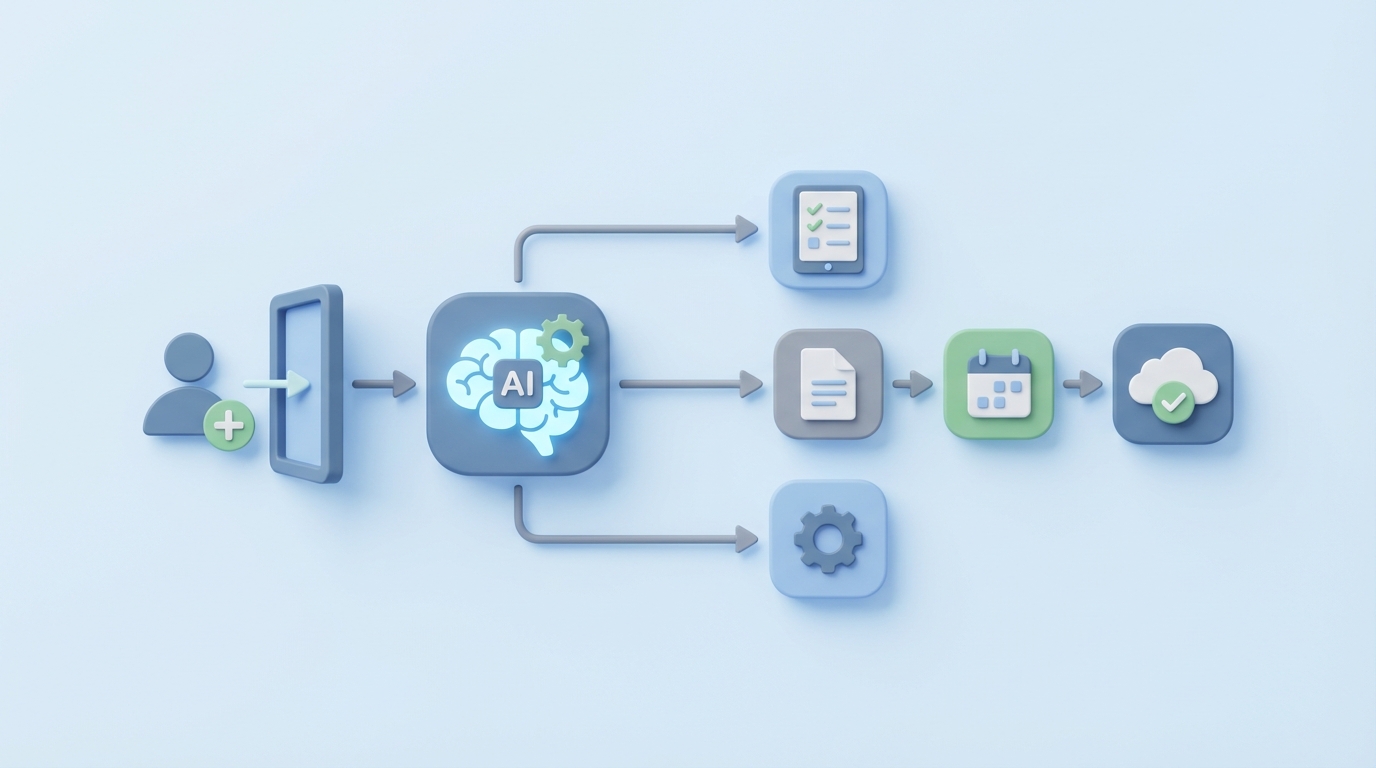
Every medical practice has the same dirty secret: onboarding a new patient is a bureaucratic nightmare that costs way more than anyone wants to admit. We're talking 20–45 minutes of staff time per patient, spread across the front desk, medical assistants, and nurses, just to get someone into the system before a provider ever looks at them.
That's not clinical care. That's data entry, phone tag with insurance companies, chasing down missing signatures, and manually building charts. It's the kind of work that burns out your best people, leaks revenue, and makes patients wonder why they're filling out the same information for the fourth time.
Here's the thing: most of this workflow is automatable right now. Not in some theoretical future. Today. With an AI agent built on OpenClaw, you can cut new patient onboarding time by 40–70% while reducing errors and improving the patient experience.
Let me walk you through exactly how.
The Manual Workflow: What's Actually Happening Today
Before we automate anything, we need to be honest about what the current process looks like. Even practices that consider themselves "digital" are usually running something like this:
Step 1: Patient Outreach and Form Collection (5–10 minutes of staff time) The patient gets a call, email, or portal link after scheduling. They receive a packet of forms—demographics, insurance information, medical history questionnaire, HIPAA authorization, consent for treatment, financial responsibility agreement. Many patients don't complete these before arrival, so they're filling out clipboards in the waiting room while the schedule backs up.
Step 2: Data Entry and Document Processing (5–15 minutes) A front desk person manually types information from paper forms or scanned PDFs into the EHR. They're reading handwriting, interpreting abbreviations, and copying insurance card details character by character. Duplicate charts get created. Fields get skipped. Typos happen constantly.
Step 3: Insurance Verification (10–25 minutes) This is the big one. Staff log into payer portals (or worse, call the insurance company), enter the patient's details, confirm eligibility, check benefits, note copays, deductibles, and authorization requirements. A 2022 MGMA report found many groups performing 50–200 of these verifications weekly. Each one is a repetitive, soul-crushing task that requires navigating different interfaces for different payers.
Step 4: Medical History Review (5–10 minutes) A nurse or medical assistant reviews the completed questionnaire. They're looking for red flags—drug allergies, current medications, chronic conditions, surgical history. Missing information means a follow-up call or a conversation in the exam room that eats into the provider's time.
Step 5: Consent and Compliance (3–5 minutes) Someone has to verify that all consent forms are signed, that the patient understands what they're agreeing to, and that identity has been confirmed. Paper forms need scanning. Electronic forms need verification.
Step 6: Chart Preparation and Pre-Visit Setup (5–10 minutes) Creating the chart, flagging relevant items for the provider, ordering any pre-visit labs, noting referral needs, and confirming that everything is ready for the appointment.
Step 7: Final Confirmation (2–5 minutes) A phone call or text to confirm the appointment and remind the patient about anything outstanding.
Total: 20–45 minutes of staff time per new patient. Multiply that by your new patient volume and you start to see why administrative costs represent 25–30% of total U.S. healthcare spending.
Why This Is So Painful
The time cost alone would be bad enough, but the downstream effects are worse:
Revenue leakage is real. Practices lose an estimated $150–$250 per new patient in administrative costs and delayed revenue. Eligibility-related claim denials run 10–20% in many practices. Every denied claim requires rework—more staff time, delayed payment, sometimes lost revenue entirely.
Error rates compound. Manual data entry into EHRs creates inaccuracies that cascade through the revenue cycle. Wrong insurance ID numbers. Misspelled names. Incorrect dates of birth. Each error is a potential denial, a delayed claim, or a compliance problem.
Staff burnout is the hidden cost. Front desk and medical assistant turnover is already high in healthcare. When your best administrative people spend their days doing repetitive data entry and sitting on hold with Aetna, they leave. Replacing them costs you 50–200% of their annual salary.
Patient experience suffers. Patients notice when they're filling out the same information they already provided online. They notice when they're waiting 20 minutes past their appointment time because the front desk is still processing the patient before them. First impressions matter, and for new patients, the onboarding process is the first impression.
Scalability hits a wall. Growing practices in high-volume specialties—primary care, dermatology, orthopedics—can't scale their front office linearly with patient volume. At some point, you either automate or you drown.
What AI Can Handle Right Now
Not everything in this workflow should be automated. But a lot of it can be, and OpenClaw gives you the tools to build an agent that handles the heavy lifting while keeping humans in the loop where it matters.
Here's what an AI agent can realistically take over today:
Conversational Intake
Instead of handing patients a 12-page form, an OpenClaw agent conducts a natural-language conversation—via text, chat, or voice—that collects demographic information, medical history, current medications, allergies, and symptoms. It asks follow-up questions based on responses (mention diabetes and it asks about A1C history, insulin, and last eye exam). Completion rates for conversational intake consistently beat static forms: practices using chatbot-based history collection report 70%+ of new patients completing everything before arrival.
Document Processing and Data Extraction
Patients snap photos of their insurance card and driver's license. The OpenClaw agent uses OCR and extraction to pull the relevant fields—member ID, group number, payer, name, DOB, address—and maps them directly to your EHR's data model. No manual transcription. No typos from reading bad handwriting.
Real-Time Insurance Verification
The agent calls eligibility APIs (Availity, Change Healthcare, payer-direct APIs) the moment insurance information is captured. It confirms active coverage, pulls benefit details, identifies copays and deductibles, and flags authorization requirements. Instead of your staff spending 10–25 minutes per patient navigating payer portals, the verification happens in seconds, automatically.
Intelligent Routing and Flagging
Not every patient is straightforward. Complex medical histories, insurance edge cases, and patients who need special accommodations should be routed to a human. The AI agent identifies these cases and escalates them with context, so your staff isn't starting from scratch—they're reviewing a pre-built summary and making judgment calls.
Automated Communications
Pre-visit reminders, missing-information follow-ups, appointment confirmations, and even personalized preparation instructions (fasting requirements, what to bring, parking info) all get handled by the agent without staff involvement.
Step-by-Step: Building the Onboarding Agent with OpenClaw
Here's how to actually build this. I'm going to be specific because vague "just use AI" advice is useless.
Step 1: Map Your Current Workflow and Define the Agent's Scope
Before you write a single line of configuration, document your exact onboarding workflow. Every step, every form, every system interaction. You need to know:
- What data fields your EHR requires for a new patient record
- Which payers you verify against most frequently
- What consent forms are legally required in your state and specialty
- Where the bottlenecks are (usually insurance verification and data entry)
In OpenClaw, you'll define this as the agent's workflow graph—a sequence of tasks with conditional branching based on patient responses and verification results.
Step 2: Configure the Conversational Intake Flow
Build your intake conversation in OpenClaw's agent builder. Start with demographics, then move to insurance, then medical history. The key is making it conversational, not interrogative.
Your OpenClaw agent configuration should include:
- Greeting and context setting: Explain what you're collecting and why, in plain language at an appropriate reading level.
- Demographic collection: Name, DOB, address, contact info, emergency contact, preferred pharmacy.
- Insurance capture: Prompt for card photos with clear instructions. Use OpenClaw's document processing capabilities to extract fields automatically.
- Medical history: Structured but conversational. Use branching logic—if the patient reports a medication, ask about dosage and prescribing physician. If they report an allergy, ask about reaction type and severity.
- Consent presentation: Dynamic e-consent forms served at the right point in the conversation.
# Example OpenClaw agent workflow definition
agent:
  name: "new-patient-onboarding"
  description: "Handles intake, verification, and chart prep for new patients"

  steps:
    - id: greeting
      type: conversation
      prompt: |
        Welcome the patient by name. Explain that you'll be collecting
        information needed for their upcoming visit. Keep it warm,
        brief, and professional. Ask if they're ready to get started.

    - id: demographics
      type: structured_collection
      fields:
        - full_legal_name
        - date_of_birth
        - address
        - phone_number
        - email
        - emergency_contact
        - preferred_pharmacy
      validation: strict
      on_missing: prompt_patient

    - id: insurance_capture
      type: document_extraction
      accepted_documents:
        - insurance_card_front
        - insurance_card_back
        - drivers_license
      extraction_targets:
        - member_id
        - group_number
        - payer_name
        - subscriber_name
        - plan_type
      on_extraction_failure: escalate_to_human

    - id: eligibility_verification
      type: api_call
      service: insurance_eligibility
      inputs_from: insurance_capture
      actions:
        - verify_active_coverage
        - pull_benefit_summary
        - check_copay_deductible
        - flag_auth_requirements
      on_failure: queue_for_manual_verification

    - id: medical_history
      type: branching_conversation
      topics:
        - current_medications
        - allergies
        - chronic_conditions
        - surgical_history
        - family_history
        - social_history
      follow_up_logic: enabled
      red_flag_detection: enabled
      on_red_flag: flag_for_clinical_review

    - id: consent_forms
      type: e_consent
      forms:
        - hipaa_authorization
        - consent_for_treatment
        - financial_responsibility
        - telehealth_consent  # if applicable
      identity_verification: required
      reading_level_adaptation: enabled

    - id: chart_preparation
      type: data_assembly
      destination: ehr_integration
      outputs:
        - completed_patient_record
        - clinical_flags_summary
        - insurance_verification_result
        - provider_briefing_note
      on_complete: send_confirmation_to_patient
Step 3: Set Up Integrations
The agent is only useful if it talks to your existing systems. OpenClaw supports integration with:
- Your EHR: Map extracted and collected data to the correct fields in Epic, athenahealth, eClinicalWorks, NextGen, or whatever you're running. Use HL7 FHIR endpoints where available; for older systems, OpenClaw can work with custom API adapters.
- Eligibility verification services: Connect to Availity, Change Healthcare, Experian Health, or direct payer APIs. Configure the agent to try the API first and fall back to manual queue if the API doesn't support that payer.
- E-signature: Integrate with your existing DocuSign or Adobe Sign setup, or use OpenClaw's built-in consent capture.
- Communication channels: SMS, email, patient portal messaging, or web chat—wherever your patients are most likely to engage.
Step 4: Define Escalation Rules
This is where most automation projects fail: they don't plan for exceptions. Your OpenClaw agent needs clear rules for when to hand off to a human:
- Insurance card is unreadable or from an uncommon payer
- Patient reports a complex medication regimen or serious condition that needs clinical triage
- Eligibility check returns ambiguous results
- Patient expresses confusion about consent or asks questions the agent can't answer
- Identity verification fails
When escalation happens, the agent should pass a complete context summary to the human—everything collected so far, what triggered the escalation, and what remains to be completed. Your staff should never have to re-ask questions the patient already answered.
Step 5: Test With Real Workflows
Don't deploy to all new patients on day one. Start with a controlled group:
- Run the agent in parallel with your existing process for 2–4 weeks
- Compare data accuracy between AI-collected and manually-entered records
- Measure completion rates (what percentage of patients finish the full intake before arrival?)
- Track escalation frequency and reasons
- Get staff feedback on the quality of chart prep the agent produces
Adjust your prompts, branching logic, and escalation thresholds based on what you learn.
Step 6: Deploy and Monitor
Once you're confident in the output quality, roll it out. But keep monitoring:
- Data accuracy rate: Compare against claim denial rates pre- and post-deployment
- Staff time per new patient: This is your primary ROI metric
- Patient completion rate: How many patients finish before arrival vs. in-office
- Escalation rate: Should decrease over time as you refine the agent
- Patient satisfaction: Survey new patients about the experience
What Still Needs a Human
Being clear about this matters. Automating everything is neither possible nor desirable in healthcare:
Clinical judgment calls. When a patient reports a complex medical history with multiple chronic conditions, interactions, or red flags, a nurse or MA needs to review and interpret. The AI agent can surface and organize the information, but the clinical assessment is human work.
Truly informed consent. For sensitive procedures, high-risk treatments, or patients with limited health literacy, a human needs to explain risks and confirm understanding. The agent can present standard consents, but there are situations where a conversation with a person is legally and ethically required.
Exception handling. Patients with unusual insurance situations, those who are uninsured and need financial counseling, or those with documentation issues need human problem-solving.
Relationship building. The first interaction with a new practice sets the tone. While most patients prefer efficient digital intake over waiting-room clipboards, some patients—particularly elderly or anxious patients—benefit from human warmth during the process. Give them the option.
Final sign-off. A provider or designated staff member should review the AI-prepared chart before the visit. Trust, but verify.
Expected Time and Cost Savings
Let's be concrete. For a practice onboarding 50 new patients per week:
Current state:
- 35 minutes average staff time per patient × 50 patients = ~29 hours/week
- At $22/hour average for front desk/MA staff = ~$640/week in direct labor
- Plus 15% claim denial rate on eligibility issues = significant revenue loss
With an OpenClaw onboarding agent:
- Staff time drops to 10–15 minutes per patient (handling escalations, clinical review, final sign-off)
- That's ~8–12 hours/week, saving 17–21 hours
- Insurance verification becomes near-instant for 80%+ of patients
- Claim denials from eligibility errors drop by 50–70%
- Pre-visit completion rates jump from ~40% to 75%+
Annualized, that's roughly $25,000–$45,000 in direct labor savings, plus significant revenue recovery from reduced denials and faster billing cycles. For larger practices or multi-location groups, multiply accordingly.
The ROI math usually works within the first 2–3 months.
Get Started
If you want to explore pre-built onboarding automation components, Claw Mart has templates and agent modules specifically designed for healthcare intake workflows—insurance verification connectors, medical history conversation flows, and EHR integration adapters that save you weeks of development time.
The tools are ready. The ROI is clear. The manual process is costing you money every single day you keep running it.
Looking to have a custom onboarding agent built for your practice without doing the development yourself? Visit Clawsourcing to connect with experienced OpenClaw developers who specialize in healthcare automation. They'll scope your workflow, build the agent, integrate it with your existing systems, and get you live in weeks instead of months. Stop paying humans to do robot work.