Automate Low Stock Alerts: Build an AI Agent That Reorders Inventory
Automate Low Stock Alerts: Build an AI Agent That Reorders Inventory
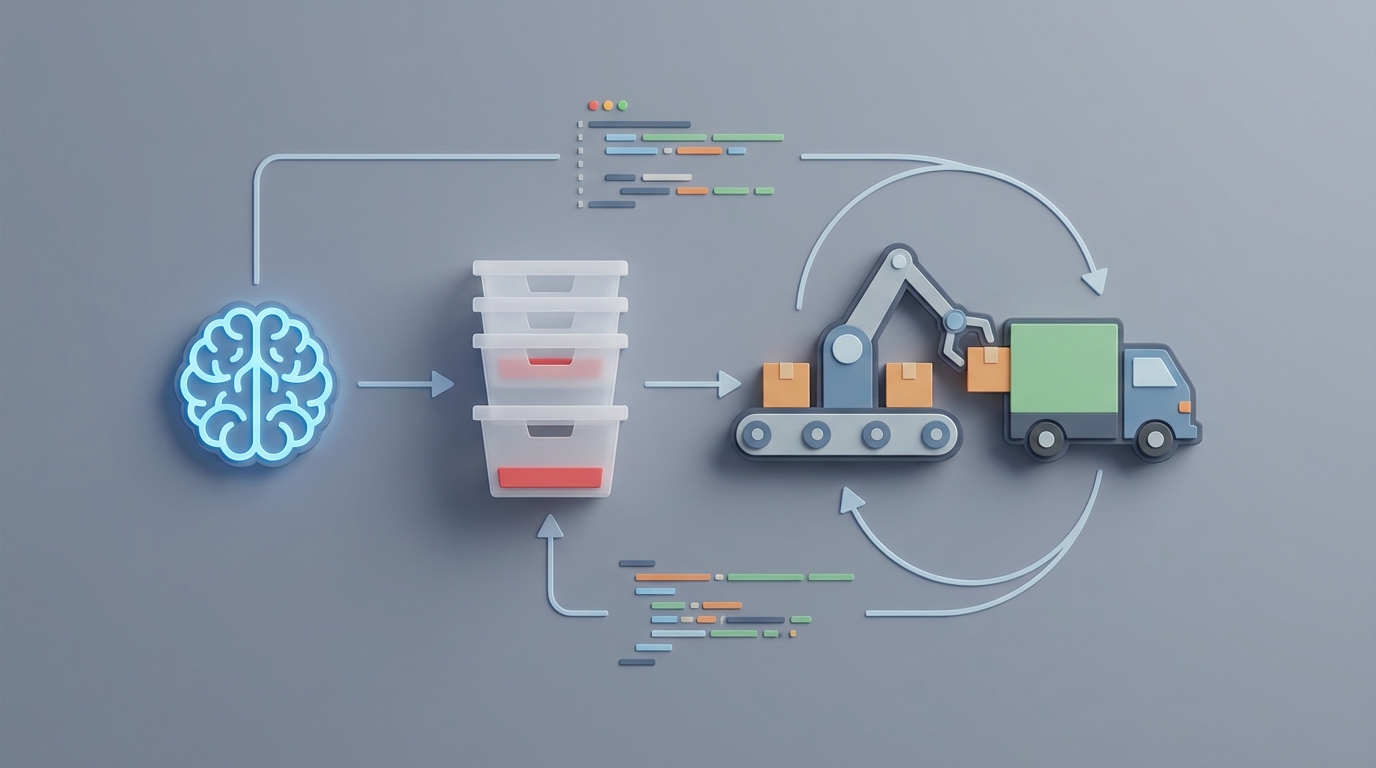
Every week, someone on your team is spending hours staring at a spreadsheet, cross-referencing stock levels, deciding what to reorder, and manually creating purchase orders. They're good at their job. They also hate this part of it. And honestly, they should — because most of this workflow can be automated with an AI agent that monitors inventory, predicts when you'll run low, and kicks off reorders before anyone has to think about it.
This isn't theoretical. The tools exist right now. I'm going to walk you through exactly how to build this using OpenClaw, what it replaces, what it doesn't, and how much time and money you should realistically expect to save.
Let's get into it.
The Manual Workflow (And Why It's Eating Your Week)
Here's what inventory management actually looks like for most small and mid-sized businesses. Not the idealized version — the real one.
Step 1: Data Entry and Reconciliation (4–8 hours/week)
Someone receives a shipment. They count boxes, compare against the packing slip, update the inventory system (or worse, a spreadsheet), and flag discrepancies. Then there are cycle counts — physically walking the warehouse or stockroom to verify that what the system says matches what's actually on the shelf. Spoiler: it usually doesn't. Average inventory accuracy in retail is 65–75%, according to the National Retail Federation. That means roughly a third of your stock data is wrong at any given time.
Step 2: Reviewing Alerts and Investigating (2–4 hours/week)
If you have a system with reorder points, you get alerts. Lots of them. Many are false positives — a SKU triggered because someone entered a return incorrectly, or because a static min/max threshold doesn't account for the fact that it's January and nobody's buying pool floats. So you investigate each one. Is the stock actually low? Or is the data just bad? This is where alert fatigue sets in.
Step 3: Making Reorder Decisions (2–4 hours/week)
For the alerts that are real, someone has to decide: How much do we order? From which supplier? At what price? Do we need it fast-shipped, or can it wait? Are there promotions coming up that will spike demand? Is this a seasonal item we should be cautious about over-ordering? These are judgment calls, and they require context the system doesn't provide.
Step 4: Creating and Following Up on Purchase Orders (2–3 hours/week)
Creating the PO, sending it to the supplier, tracking confirmation, following up when it's late. Rinse, repeat.
Total: 10–19 hours per week for a typical mid-sized operation. Some retail operations managers report spending 12–15 hours a week just on what they call "inventory fire drills." The Wasp Barcode 2023 State of Inventory Management Report found small businesses spend 15–25 hours per month on inventory tasks, and mid-sized distributors spend 40–60 hours.
That's a part-time job. Sometimes a full-time one.
What Makes This Painful (Beyond the Hours)
Time is the obvious cost. But the hidden costs are worse.
Stockouts kill revenue. On average, stockouts cause 4–8% in lost sales. That's not just the missed transaction — it's the customer who goes to a competitor and maybe doesn't come back.
Overstock kills cash flow. McKinsey estimates that overstock ties up 20–30% of working capital for the average business. That's money sitting on a shelf instead of funding growth.
Static rules can't keep up. A reorder point of "50 units" made sense six months ago. But demand shifted. Lead times changed. Your system doesn't know that, so it either orders too early (tying up cash) or too late (causing stockouts).
Reactive, not predictive. Most systems tell you stock is low right now. They don't tell you it will be low in 10 days. By the time you get the alert, you're already behind, and now you're paying for expedited shipping or losing sales.
No context. Your inventory system doesn't know about the marketing campaign launching next Tuesday, the weather forecast driving demand for certain products, or the fact that your primary supplier has been shipping three days late for the past month.
These aren't minor inconveniences. U.S. retailers lose an estimated $1.1 trillion annually from supply chain inefficiencies, and inventory mismanagement is a massive chunk of that.
What AI Can Actually Handle Right Now
Let's be clear about what's realistic. AI isn't magic, and anyone telling you it eliminates the need for human judgment on inventory is selling you something. But there's a large portion of this workflow that AI handles well — arguably better than humans, because it doesn't get tired, distracted, or emotionally attached to ordering patterns.
Here's what an AI agent built on OpenClaw can automate today:
Demand Forecasting Using your sales history, seasonality patterns, and external signals, an OpenClaw agent can predict demand per SKU with significantly more accuracy than static rules. Companies using ML-based forecasting see 15–30% reductions in inventory levels while maintaining or improving fill rates, according to Gartner and Blue Yonder research.
Dynamic Reorder Points Instead of a fixed "reorder at 50 units," the agent recalculates daily based on current demand velocity, lead time variability, and upcoming known events. Monday's reorder point might be 45; Friday's might be 68 because a promotion is launching.
Anomaly Detection Unusual sales patterns — potential theft, data entry errors, or demand spikes — get flagged automatically. The agent doesn't just say "stock is low." It tells you why it thinks stock is low and whether the data looks trustworthy.
Automated Purchase Order Generation For routine items with high-confidence forecasts, the agent can draft purchase orders, select the optimal supplier based on price, reliability, and lead time, and either submit them automatically or queue them for one-click approval.
Proactive Alerts with Recommended Actions This is the real upgrade. Instead of "Item X is low," you get: "Item X will stock out in 9 days based on current velocity. Recommend ordering 240 units from Supplier A at $4.12/unit for estimated arrival October 18. Confidence: 87%."
That's the difference between a notification and an actionable recommendation.
Step by Step: Building the Automation with OpenClaw
Here's how to actually build this. I'll walk through the architecture, the key components, and the implementation steps.
Step 1: Connect Your Data Sources
Your OpenClaw agent needs access to your inventory data. At minimum:
- Current stock levels (from your POS, WMS, or ERP)
- Sales history (at least 12 months, ideally 24+)
- Supplier information (lead times, pricing, MOQs)
- Purchase order history
OpenClaw supports integrations with common platforms. If you're on Shopify, QuickBooks, NetSuite, Cin7, or similar systems, you connect via API. If you're still on spreadsheets — no judgment, 43% of SMBs are right there with you — you can set up a structured data pipeline from Google Sheets or CSV exports.
# Example: Connecting inventory data source in OpenClaw
agent = openclaw.Agent(
    name="inventory-reorder-agent",
    description="Monitors stock levels, forecasts demand, and generates reorder recommendations"
)

agent.connect_source(
    type="api",
    platform="shopify",
    credentials=openclaw.secrets.get("shopify_api_key"),
    sync_frequency="every_4_hours",
    data_streams=["inventory_levels", "sales_orders", "products"]
)

agent.connect_source(
    type="structured_file",
    platform="google_sheets",
    sheet_id="your_supplier_sheet_id",
    data_streams=["supplier_catalog", "lead_times", "pricing"]
)
Step 2: Define Your Forecasting Logic
OpenClaw lets you configure how the agent forecasts demand. You set the parameters; the agent does the math.
agent.configure_forecasting(
    model="demand_forecast",
    lookback_period="12_months",
    granularity="daily",
    features=[
        "historical_sales",
        "day_of_week",
        "seasonality",
        "promotional_calendar",  # Upload your promo schedule
        "lead_time_variability"
    ],
    confidence_threshold=0.75,  # Only auto-act above this confidence
    update_frequency="daily"
)
The confidence_threshold is important. Set it too low and you'll get junk recommendations. Set it too high and the agent barely acts. Start at 0.75 and adjust based on the first few weeks of results. You want the agent handling the 75–80% of routine decisions confidently, and flagging the rest for you.
Step 3: Set Up Reorder Rules
This is where you define what happens when the agent detects a predicted stockout.
agent.configure_reorder_rules(
    safety_stock_method="dynamic",  # Adjusts based on demand variability
    supplier_selection="optimize",  # Considers price, lead time, reliability score
    approval_mode="auto_below_threshold",  # Auto-approve POs under $500
    approval_threshold=500.00,
    po_routing={
        "auto_approved": "submit_to_supplier",
        "needs_review": "send_to_slack_channel",  # Or email, or dashboard
    },
    constraints={
        "max_order_value": 5000.00,
        "respect_moqs": True,
        "preferred_suppliers_first": True,
        "exclude_discontinued": True
    }
)
The approval_mode setting is key for trust-building. Start with "manual_all" — every recommendation goes to a human for approval. As you build confidence in the agent's accuracy, shift to "auto_below_threshold" for routine, low-value reorders while keeping human review on anything above a dollar threshold or flagged as an exception.
Step 4: Configure Alerts and Notifications
agent.configure_alerts(
    channels=["slack", "email"],
    alert_types={
        "predicted_stockout": {
            "trigger": "stockout_predicted_within_days",
            "days": 14,
            "priority": "high",
            "include": ["recommended_action", "confidence_score", "supplier_options"]
        },
        "anomaly_detected": {
            "trigger": "demand_anomaly_or_data_discrepancy",
            "priority": "medium",
            "include": ["anomaly_type", "affected_skus", "suggested_investigation"]
        },
        "po_auto_submitted": {
            "trigger": "purchase_order_auto_created",
            "priority": "low",
            "include": ["po_details", "expected_arrival", "cost"]
        },
        "overstock_risk": {
            "trigger": "excess_inventory_predicted",
            "days": 30,
            "priority": "medium",
            "include": ["affected_skus", "projected_excess_units", "recommendation"]
        }
    }
)
Notice how these alerts aren't just "low stock!" notifications. They're structured recommendations with context, confidence levels, and suggested next steps. That's the difference between an alert system and an AI agent.
Step 5: Deploy and Monitor
agent.deploy(
    environment="production",
    monitoring={
        "track_metrics": [
            "forecast_accuracy",
            "stockout_rate",
            "overstock_rate",
            "auto_approval_accuracy",
            "time_to_reorder"
        ],
        "review_cadence": "weekly",
        "dashboard": True
    }
)
Once deployed, the agent runs continuously. But you should review its performance weekly for the first month, then biweekly, then monthly. Check forecast accuracy, look at any stockouts or overstock situations that slipped through, and adjust confidence thresholds accordingly.
Step 6: Iterate and Expand
Start with your top 50 SKUs — the ones that drive 80% of revenue. Get the agent dialed in on those before expanding to the full catalog. This keeps the initial deployment manageable and gives you clear performance data to justify expanding the automation.
What Still Needs a Human
This is the part most AI content skips. Here's what you should not automate, at least not yet:
Exception handling. A major promotion, a product recall, a sudden supplier bankruptcy, a TikTok video making your product go viral overnight. The agent can detect anomalies, but strategic responses to unprecedented situations require human judgment.
Supplier relationship decisions. When two suppliers offer similar pricing but one has been more reliable, or when you want to consolidate orders to negotiate better terms — that's relationship and negotiation work.
Risk tolerance calls. How much buffer stock is acceptable given your current cash position? That's a financial decision that changes with your business context.
New product launches and discontinuations. No historical data means no forecast. Humans set the initial parameters, and the agent learns over time.
High-value or regulated inventory. Pharmaceuticals, alcohol, anything with compliance requirements — keep humans in the loop for approval.
The realistic target: the agent handles 75–85% of routine reorder decisions autonomously. Humans focus on the 15–25% of exceptions that actually benefit from human judgment. That's not a limitation — that's the correct allocation of human attention.
Expected Time and Cost Savings
Based on the research and real-world implementations:
| Metric | Before | After | Improvement |
|---|---|---|---|
| Weekly hours on inventory tasks | 12–19 hrs | 3–5 hrs | 65–75% reduction |
| Stockout rate | 4–8% of sales | 1.5–3% of sales | ~50% reduction |
| Excess inventory | 20–30% of working capital | 12–18% of working capital | 30–40% reduction |
| Forecast accuracy | 55–65% (manual/static rules) | 78–88% (ML-based) | 20–30 point improvement |
| Time from alert to PO creation | 1–3 days | Minutes to hours | 90%+ reduction |
The mid-sized distributor in Aberdeen's 2026 report cut weekly inventory management time from 52 hours to 18 hours after implementing AI forecasting and automated alerts. Coca-Cola reported a 20% reduction in inventory holding costs. These aren't hypothetical numbers.
For a business spending $50K–$200K/month on inventory, even a 10% improvement in accuracy and efficiency translates to thousands of dollars monthly — in reduced carrying costs, fewer stockouts, and less expedited shipping.
Start Building
The gap between "manually checking stock levels in a spreadsheet" and "AI agent predicting stockouts and auto-generating purchase orders" is smaller than you think. OpenClaw gives you the platform to build, deploy, and iterate on this agent without needing a data science team.
If you want help scoping this out, building the integrations, or customizing the agent for your specific inventory workflow, that's exactly what the Clawsourcing team at Claw Mart does. They'll handle the implementation — connecting your data sources, configuring the forecasting, setting up approval workflows — so you can stop spending your weeks on inventory fire drills and start spending them on the parts of the business that actually need your brain.
Reach out to the Clawsourcing team to get started. Your spreadsheet will not miss you.
Recommended for this post
Your Notion expert that builds databases, automates workflows, and connects your knowledge base.
 SpookyJuice.ai
Your Linear expert that automates issue tracking, builds workflows, and streamlines project management.
SpookyJuice.ai
Adam
Full-Stack Engineer
Your full-stack AI engineer that architects, builds, deploys, and automates entire applications from a single conversation. 23+ Core Capabilities.
 Clarence Maker