AI Transcriptionist: Convert Audio to Text with Perfect Accuracy
Replace Your Transcriptionist with an AI Transcriptionist Agent
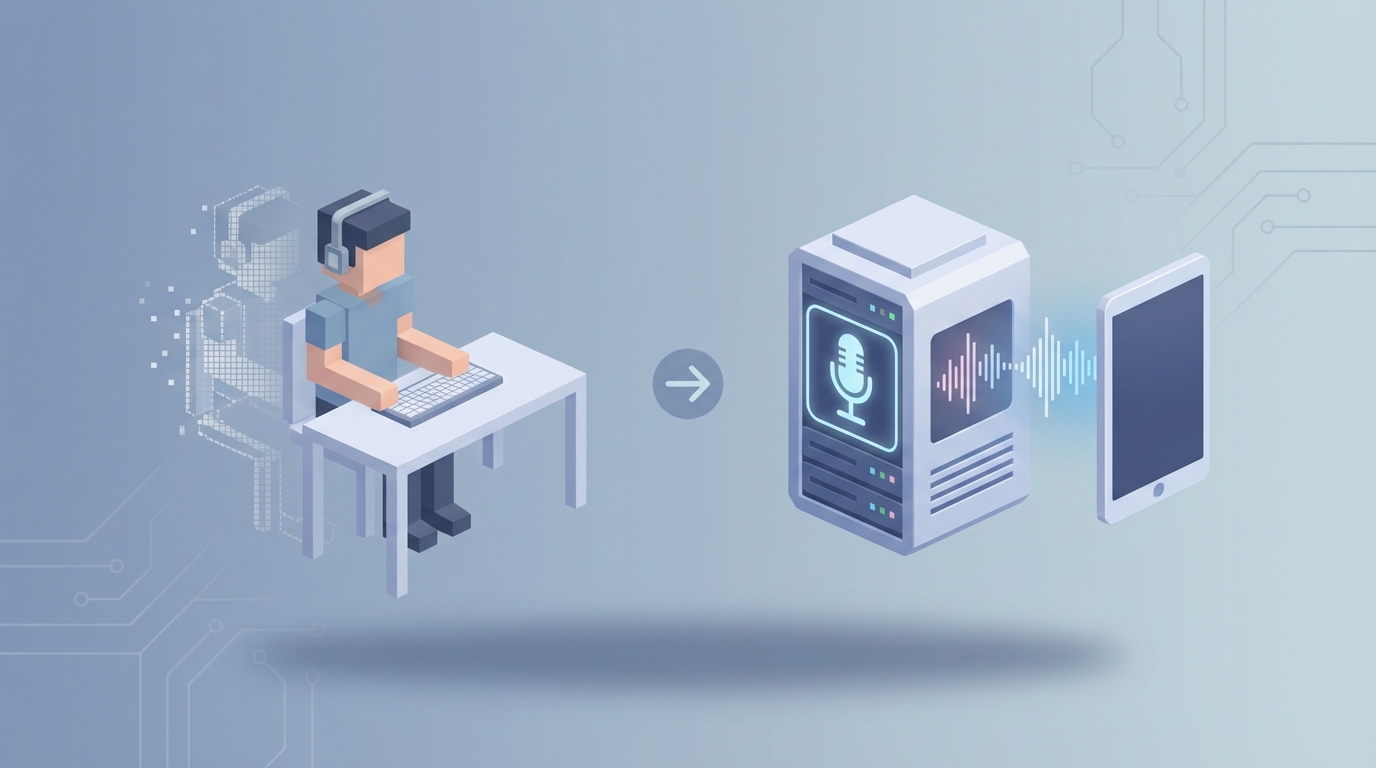
Most businesses don't realize how much they're spending on transcription until they actually add it up. A full-time transcriptionist costs $42,000–$55,000 a year before you factor in benefits, equipment, and the reality that a human can only transcribe about 15–30 minutes of audio per hour of work. That's not a knock on transcriptionists — it's just the physics of the job.
Meanwhile, AI speech-to-text has gotten genuinely good. Not perfect, but good enough that the smart move for most companies is to replace the bulk of transcription work with an AI agent and keep humans in the loop only where they actually matter.
Here's how to think about that transition, and how to build it yourself using OpenClaw.
What a Transcriptionist Actually Does All Day
If you've never hired a transcriptionist, you might assume the job is just "listen and type." It's not. Here's a realistic breakdown of an 8-hour workday:
Active transcription (4–6 hours): This is the core — listening to audio, usually at reduced speed, pausing and rewinding constantly, and typing what they hear. A skilled transcriptionist working on clean audio might produce a finished transcript of 15–30 audio minutes per hour. Poor audio quality, heavy accents, or multiple speakers can cut that in half.
Editing and formatting (1–2 hours): Raw transcripts need work. Speaker labels ("Speaker 1," "Dr. Ramirez"), timestamps, paragraph breaks, removal or retention of filler words (depending on the client's style guide), punctuation corrections, and formatting to match whatever template the client uses.
Research and verification (30 min–1 hour): In medical transcription, this means looking up drug names, procedures, or abbreviations. In legal, it means verifying case references or proper nouns. In general transcription, it might mean Googling a company name the speaker mentioned to make sure it's spelled correctly.
Administrative work (30 min–1 hour): File management, downloading audio, uploading finished transcripts, communicating with clients about unclear sections, invoicing (especially for freelancers), and managing their transcription software — tools like Express Scribe, foot pedal configurations, and file format conversions.
The bottleneck isn't intelligence or skill. It's time. Audio is linear, and human ears can only process it so fast.
The Real Cost of This Hire
Let's get specific about what you're actually paying.
Salary: The median for a general transcriptionist in the US is $42,000–$55,000/year. Medical transcriptionists average around $37,060 (and the BLS projects that role declining at 4% annually, largely due to AI). Legal transcriptionists and captioners earn $50,000–$70,000.
Benefits and overhead: Add 20–30% for health insurance, PTO, payroll taxes, and retirement contributions. That $50,000 salary becomes $60,000–$65,000 in total cost.
Equipment and software: Transcription software licenses, foot pedals, noise-canceling headphones, ergonomic setups to prevent the repetitive stress injuries that plague this profession. Budget $500–$2,000 per person per year.
Training and ramp-up: New transcriptionists need 2–4 weeks to learn your style guide, terminology, and workflow. During that time, they're producing at maybe 50% capacity.
Turnover: Transcription has high burnout. It's sedentary, isolating, and physically taxing on the hands and wrists. When someone leaves, you restart the hiring and training cycle.
Freelance alternative: Outsourcing to freelancers costs $0.70–$2.00 per audio minute, with $1.00/min being a common average. For a company transcribing 100 hours of audio per month, that's $6,000/month or $72,000/year.
AI transcription costs: $0.10–$0.50 per audio minute, depending on the service. That same 100 hours drops to $600–$3,000/month. Even with a human reviewer cleaning up the AI output, you're looking at 50–80% cost savings.
The math isn't subtle.
What AI Handles Right Now — and Handles Well
Let's be honest about where AI transcription actually is in 2026, because the hype often outruns reality.
Single-speaker, clear audio: This is essentially solved. Models like OpenAI's Whisper hit 95%+ accuracy on clean English audio. Podcasts, recorded lectures, voiceovers — AI nails these. You'll spend a few minutes on cleanup instead of hours on transcription.
Speaker diarization (who said what): AI can now separate speakers with reasonable accuracy in most scenarios. Two people on a podcast? No problem. A meeting with four people who take turns speaking? Usually fine. It's not perfect, but it's a solid first draft.
Auto-punctuation and timestamps: AI handles this natively. Sentence breaks, commas, periods, paragraph segmentation, and timestamp insertion are all standard outputs now. No more manually marking every 30-second interval.
Accents and moderate background noise: This used to be a dealbreaker. Modern models handle accents far better than they did even two years ago — British, Indian, Southern American, Australian — and can push through moderate background noise without falling apart.
Speed and scale: This is AI's unfair advantage. A one-hour audio file that takes a human 3–4 hours to transcribe gets processed in minutes. Need to transcribe 500 hours of audio by Friday? A human team would need weeks. An AI agent does it overnight.
Here's what that looks like when you build it on OpenClaw:
Ingest audio → OpenClaw receives files via API, upload, or integration with your existing storage (Google Drive, S3, Dropbox).
Transcribe → OpenClaw's agent runs the audio through speech-to-text processing, outputting a raw transcript with speaker labels and timestamps.
Post-process → A second stage in the OpenClaw workflow cleans the transcript: applies your style guide, formats speaker labels, removes or retains filler words based on your preferences, flags low-confidence sections for human review.
Deliver → The finished transcript gets pushed to wherever you need it — email, Slack, your CMS, a shared drive, or directly into your project management tool.
The entire pipeline runs without human intervention for 70–90% of your audio. The remaining 10–30% gets flagged for review, and that's where you keep a human in the loop.
What Still Needs a Human (Being Honest Here)
AI transcription is not a complete replacement for every scenario. If someone tells you otherwise, they're selling you something. Here's where humans still win:
Overlapping speakers and crosstalk: When two or more people talk simultaneously — common in depositions, heated meetings, or group interviews — AI struggles to separate and attribute the audio correctly. A human ear, combined with contextual understanding of the conversation, still outperforms AI here.
Truly terrible audio quality: Phone recordings from 2008, courtroom audio captured by a single microphone across a large room, field recordings with wind and traffic. AI can handle "moderate" noise, but when the audio is genuinely bad, a skilled human transcriptionist who can use context clues to fill gaps is still necessary.
High-stakes accuracy requirements: Legal transcripts that will be entered as evidence. Medical transcriptions that go directly into patient records. Any context where a 2% error rate has real consequences. AI gets you to 95–98% — humans get you to 99%+. That gap matters in some industries.
Nuance, sarcasm, and cultural context: When a speaker says "Oh, that went great" sarcastically, AI transcribes the words correctly but may miss the tone. For transcripts where editorial notes or contextual annotations matter, you still need human judgment.
Proprietary or rare terminology: If your company uses internal jargon, acronyms, or product names that don't exist in any training data, AI will guess — and guess wrong. You can mitigate this with custom vocabularies (which OpenClaw supports), but there's a setup cost.
The practical takeaway: build the AI agent to handle the volume, and use humans to handle the exceptions. This is exactly how Rev.com, Verbit, and 3Play Media operate — AI does the first 80%, humans polish the last 20%. You can replicate that model at a fraction of the cost.
How to Build an AI Transcriptionist Agent on OpenClaw
Here's a practical walkthrough. This isn't theoretical — it's what you'd actually set up.
Step 1: Define Your Workflow Inputs
Start by mapping out what audio you need transcribed, how it arrives, and where the output needs to go.
- Input sources: Meeting recordings from Zoom/Teams, uploaded audio files, podcast episodes, customer support calls, dictation from field workers.
- Output format: Plain text, timestamped SRT/VTT for captions, formatted Word docs, structured JSON for database ingestion.
- Quality tier: Does this need human review or is AI-only acceptable? (Set this per source — team meetings might be AI-only, legal recordings get human QA.)
Step 2: Build the Agent in OpenClaw
In OpenClaw, you'll create an agent that handles the transcription pipeline end-to-end.
Audio ingestion: Configure your agent to accept audio files through whichever input channel you use. OpenClaw supports API endpoints, file upload triggers, and integrations with common storage platforms. Set it to accept common formats — MP3, WAV, M4A, MP4 — and handle format conversion automatically.
Transcription processing: The core of your agent. Configure the speech-to-text step with these parameters:
Agent: Transcriptionist
Trigger: New audio file received
Process:
  1. Convert audio to supported format (if needed)
  2. Run speech-to-text with speaker diarization enabled
  3. Apply post-processing rules:
     - Insert timestamps every 30 seconds (or per paragraph)
     - Label speakers as "Speaker 1," "Speaker 2," etc.
     - Remove filler words (um, uh, you know) — configurable
     - Flag segments with confidence score below 85% for human review
  4. Format output per template (meeting notes, verbatim, caption file)
  5. Deliver to specified destination
Custom vocabulary: Feed OpenClaw a glossary of terms specific to your business. Product names, employee names, industry jargon, acronyms. This single step can push accuracy from 93% to 97%+ on your specific audio.
Step 3: Set Up Quality Routing
This is where you build in the human-in-the-loop component smartly.
Configure your OpenClaw agent to route transcripts based on confidence levels and source type:
- High confidence (95%+), low-stakes source: Auto-deliver. No human review needed. Internal meeting notes, brainstorm recordings, podcast drafts.
- Medium confidence (85–95%) or medium-stakes: Auto-deliver with flagged sections highlighted. A human reviewer can scan the flags in 5–10 minutes instead of re-transcribing from scratch.
- Low confidence (<85%) or high-stakes: Route to human reviewer with the AI draft as a starting point. The human edits rather than transcribes from zero — still a 50–70% time savings.
Step 4: Connect Your Outputs
OpenClaw integrates with the tools you already use. Route finished transcripts to:
- Google Docs/Drive for collaborative editing
- Slack for quick meeting summaries pushed to channels
- Your CMS for published content (interviews, podcast show notes)
- Project management tools for task-linked documentation
- Email for client delivery
Step 5: Iterate on Accuracy
After the first week of running your agent, review the flagged sections. Look for patterns:
- Is it consistently misidentifying one speaker? Update the speaker profile.
- Is it stumbling on a specific term? Add it to the custom vocabulary.
- Is a particular audio source always low-quality? Adjust the confidence threshold for that source so it auto-routes to human review.
OpenClaw lets you refine these rules over time. The agent gets functionally smarter about your specific transcription needs the more you tune it.
The Numbers After Implementation
Here's what companies typically see after replacing bulk transcription with an AI agent:
- Cost reduction: 50–80% compared to full-time human transcription or outsourced freelancers.
- Turnaround time: From 24–48 hours to minutes for most audio.
- Human time spent: Drops from 3–4 hours per audio hour to 15–30 minutes of review per audio hour (for flagged content only).
- Scalability: Volume spikes (end of quarter, conference season, audit periods) no longer require hiring temporary staff or paying rush rates.
The role doesn't disappear entirely. It transforms. Instead of hiring three full-time transcriptionists, you hire one part-time editor who reviews AI output for your highest-stakes content. The AI handles the other 80%.
What This Doesn't Solve
A few things to keep in mind:
Compliance and data sensitivity: If your audio contains PHI (protected health information), PII, or legally privileged content, make sure your OpenClaw deployment meets your compliance requirements. This is a configuration question, not a capability question — but it's important to get right before you start piping audio through any system.
Real-time captioning for live events: AI can do live transcription, but the accuracy for real-time is lower than for recorded audio. If you need live CART captioning for accessibility compliance, you may still need a certified human captioner.
Languages beyond English: AI transcription accuracy varies significantly by language. English, Spanish, French, and German are strong. Less common languages or dialects may still need human transcriptionists.
Next Steps
If you're spending more than $2,000/month on transcription — whether that's a salaried employee, freelancers, or an outsourced service — an AI transcriptionist agent will pay for itself almost immediately.
You have two options:
Build it yourself on OpenClaw. The platform gives you everything you need to set up the agent, configure the workflow, connect your inputs and outputs, and start processing audio. If you've got someone technical on your team (or you're comfortable following a setup guide), you can have this running within a day.
Or hire us to build it. If you'd rather hand this off and get a fully configured AI transcriptionist agent built to your exact specifications — your terminology, your formatting, your integrations, your quality routing rules — that's exactly what Clawsourcing is for. We build production-ready AI agents on OpenClaw and hand you the keys.
Either way, your transcription backlog doesn't need to exist anymore. The technology is here, it works, and the cost savings are real. The only question is whether you set it up this week or keep paying $50,000 a year for someone to hit pause and rewind.