AI Supply Chain Analyst: Forecast Demand and Optimize Procurement
Replace Your Supply Chain Analyst with an AI Supply Chain Analyst Agent
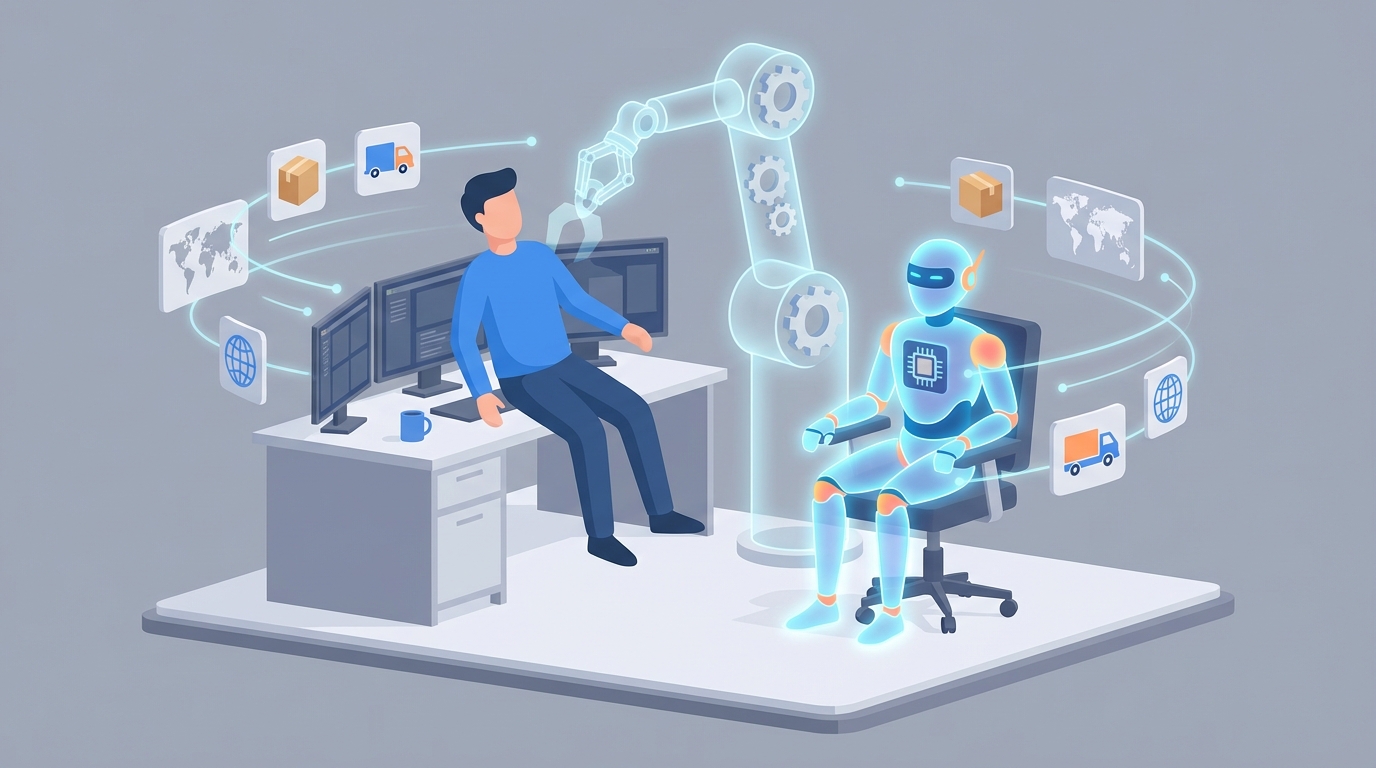
Most supply chain analysts spend about 60% of their week doing work that a well-configured AI agent could handle by lunchtime on Monday.
That's not a knock on the people in the role. It's an indictment of how we've structured it. We hire smart, analytically-minded professionals and then bury them in data extraction, spreadsheet maintenance, and dashboard babysitting. The actual high-leverage work — strategic analysis, process redesign, supplier negotiations — gets maybe 5-10% of their time, squeezed into Friday afternoons between status meetings.
Here's the thing: the repetitive 60% isn't just tedious. It's expensive. And it's now squarely within the capability of AI agents that can run 24/7, don't need onboarding, and won't quit after 18 months to take a similar role at your competitor for a $15K bump.
Let me walk you through what this looks like in practice — what the role actually involves, what it actually costs, what AI can genuinely handle today, what it can't, and how to build a supply chain analyst agent on OpenClaw that handles the heavy lifting while your human talent focuses on work that actually moves the needle.
What a Supply Chain Analyst Actually Does All Day
If you've never sat next to a supply chain analyst, the job title sounds strategic. In practice, the day-to-day is far more operational than most people realize.
A typical week breaks down roughly like this:
Data collection and cleaning (30-40% of time). This is the big one. Pulling data from your ERP (SAP, Oracle, NetSuite), combining it with spreadsheets from procurement, cross-referencing supplier portals, cleaning up inconsistencies. One analyst I spoke with described it as "playing detective across six different systems that don't talk to each other." Most of this is repetitive extraction and transformation work — not analysis.
Reporting and dashboarding (20-25%). Building and updating recurring reports. Weekly inventory summaries. Monthly KPI dashboards in Tableau or Power BI. Supplier scorecards. Fill rate tracking. Most of these follow the same template every cycle — the analyst just refreshes the data and flags anything unusual.
Demand forecasting (15-20%). Running and adjusting forecast models based on historical sales, seasonality, promotions, and market signals. This involves iterating on statistical models, comparing actuals to predictions, and adjusting parameters. It's analytically meaningful work, but the model-running itself is highly automatable.
Shipment and supplier monitoring (10-15%). Checking on open POs, tracking shipments, monitoring on-time delivery rates, flagging delays. This is essentially surveillance work — watching dashboards and email threads for exceptions.
Meetings and collaboration (10-15%). Syncing with procurement, sales, operations, and finance. Presenting findings. Aligning on priorities.
Strategic analysis (5-10%). Root cause analysis on recurring issues. Process improvement recommendations. Network optimization studies. The stuff that actually creates lasting value.
See the pattern? The bulk of the job is data plumbing, monitoring, and report generation. The strategic work everyone wants to do — and that justifies the salary — gets squeezed into whatever time is left.
The Real Cost of This Hire
Let's talk numbers, because the true cost of a supply chain analyst goes well beyond the salary line item on your P&L.
For a mid-level analyst in the US (3-5 years experience), you're looking at:
- Base salary: $75,000–$95,000
- Total compensation (including bonuses): $85,000–$115,000
- Fully loaded cost (benefits, payroll taxes, equipment, software licenses): $100,000–$140,000 annually
Senior analysts in high-cost metros push $130,000–$185,000 fully loaded.
But the sticker price is only part of the story. Factor in:
Recruiting costs. Agency fees typically run 15-25% of first-year salary. Even internal recruiting burns HR time and hiring manager hours across multiple interview rounds.
Onboarding and ramp-up. It takes 3-6 months for a new analyst to understand your specific systems, data structures, supplier landscape, and internal processes. During that period, they're operating at maybe 40-60% productivity. That's effectively $30,000-$50,000 in reduced output.
Turnover. Supply chain analyst roles have notoriously high turnover — largely because the day-to-day is so repetitive. ASCM surveys consistently show that analysts cite "too much time on routine tasks" as a primary reason for leaving. When they leave, you restart the cycle: recruiting, onboarding, ramp-up. Every 18-24 months, you're potentially burning another $20,000-$40,000 in transition costs.
Tools and training. Software licenses for ERP access, BI tools, forecasting platforms, and analytics suites easily add $5,000-$15,000 per seat annually. Certifications like CPIM or CSCP (which you often subsidize to retain talent) run $2,000-$5,000 each.
All in, the realistic annual cost of keeping one mid-level supply chain analyst productive and retained is $120,000-$160,000. For a team of three? You're approaching half a million dollars.
That's the benchmark. Now let's talk about what you get if you redirect some of that spend toward an AI agent.
What AI Handles Right Now (Not Theoretically — Right Now)
I want to be specific here because there's a lot of vague "AI will transform supply chains!" content floating around. Let me tell you exactly which supply chain analyst tasks an AI agent built on OpenClaw can handle today, with real implementation patterns.
Automated Data Collection and Normalization
This is the lowest-hanging fruit and the highest time savings. An OpenClaw agent can:
- Connect to your ERP, WMS, TMS, and supplier portals via API integrations
- Pull inventory snapshots, PO statuses, shipment tracking data, and sales figures on a scheduled basis
- Normalize data formats across systems (your ERP uses SKU codes, your supplier uses part numbers, your WMS uses internal IDs — the agent maps between them)
- Flag data quality issues instead of silently propagating errors
What took your analyst 15-20 hours per week of manual pulling and cleaning runs automatically in the background, every hour if you want.
Demand Forecasting
This is where AI genuinely outperforms most human analysts — not because people are bad at it, but because algorithms can process more variables simultaneously and update faster.
An OpenClaw agent can run time-series forecasting that accounts for:
- Historical demand patterns and seasonality
- Promotional calendars
- External signals (weather data, economic indicators, competitor pricing)
- Recent trend shifts that older models miss
Amazon reduced forecasting errors by 50% using ML-based demand planning. You don't need Amazon's budget to get similar results. OpenClaw lets you build forecasting agents that continuously retrain on your data and output predictions directly to your planning systems.
Here's a simplified example of configuring a demand forecasting workflow in OpenClaw:
agent:
  name: demand_forecast_agent
  description: "Weekly demand forecasting across product categories"

data_sources:
  - type: erp_connector
    system: sap_s4hana
    tables: [sales_orders, shipment_history, inventory_snapshots]
    refresh: daily
  - type: external_api
    source: weather_service
    parameters: [region, 14_day_forecast]
  - type: spreadsheet
    source: promotions_calendar
    format: csv

workflow:
  steps:
    - name: data_ingestion
      action: pull_and_normalize
      dedup: true
      handle_missing: interpolate

    - name: forecast_generation
      action: time_series_forecast
      model: ensemble  # combines multiple approaches
      horizon: 12_weeks
      granularity: sku_location
      confidence_intervals: [80, 95]

    - name: anomaly_flagging
      action: compare_forecast_vs_actuals
      threshold: 15%  # flag deviations above this
      alert_channel: slack

    - name: output
      action: push_to_planning_system
      destination: sap_ibp
      also_export: [tableau_dashboard, weekly_summary_email]

schedule:
  frequency: weekly
  day: monday
  time: "06:00"
  timezone: UTC
This runs every Monday at 6 AM, pulls fresh data, generates forecasts across all your SKU-location combinations, flags anything that looks off, pushes results to your planning system, and updates your dashboard. No analyst needed for the execution. They just review the flags.
Inventory Optimization
An OpenClaw agent can continuously calculate and recommend:
- Optimal reorder points based on lead times, demand variability, and service level targets
- Safety stock levels that dynamically adjust as conditions change
- Excess inventory alerts with disposition recommendations
- ABC/XYZ classification that recalculates as product velocity shifts
agent:
  name: inventory_optimizer
  description: "Continuous inventory position monitoring and reorder recommendations"

parameters:
  service_level_target: 0.95
  review_frequency: daily
  lead_time_source: supplier_performance_history  # uses actual, not quoted

rules:
  - if: projected_stockout_within_lead_time
    then: generate_urgent_reorder_alert
    notify: [procurement_team, slack_channel]

  - if: days_of_supply > 90 AND demand_trend == declining
    then: flag_excess_inventory
    recommend: [markdown, transfer, return_to_vendor]

  - if: new_product AND history_days < 60
    then: use_analogous_item_forecast
    fallback: category_average

output:
  daily_report: inventory_health_dashboard
  alerts: real_time
  weekly_summary: email_to_ops_director
This replaces hours of weekly inventory review meetings with a system that watches everything continuously and only pulls humans in when decisions need to be made.
Supplier Risk Monitoring
Instead of an analyst manually checking supplier scorecards monthly, an OpenClaw agent can:
- Track on-time delivery rates, quality rejection rates, and cost variance in real time
- Monitor external signals (news, financial filings, geopolitical events) that might affect supplier reliability
- Generate risk scores that update automatically
- Alert procurement when a supplier's risk profile crosses a threshold
agent:
  name: supplier_risk_monitor
  description: "Continuous supplier performance and risk assessment"

data_sources:
  - type: erp_connector
    metrics: [on_time_delivery, quality_rate, cost_variance]
  - type: news_monitor
    keywords_per_supplier: [company_name, bankruptcy, strike, factory_closure]
  - type: financial_data
    source: credit_rating_api

scoring:
  model: weighted_composite
  weights:
    delivery_performance: 0.30
    quality_performance: 0.25
    cost_stability: 0.20
    financial_health: 0.15
    geopolitical_risk: 0.10

alerts:
  - condition: risk_score > 75
    action: notify_procurement_lead
    include: [risk_breakdown, alternative_suppliers, impact_assessment]
  - condition: risk_score_delta > 20_in_7_days
    action: escalation_alert
    include: [root_cause_analysis, recommended_actions]
Companies like Unilever and Maersk are already running variants of this — AI that monitors hundreds of suppliers simultaneously and surfaces only the ones that need human attention. You don't need to be a Fortune 100 company to do this. OpenClaw makes this accessible at any scale.
Automated Reporting and Dashboard Maintenance
This is almost embarrassingly easy to automate. An OpenClaw agent can:
- Auto-generate weekly and monthly supply chain performance reports
- Update KPI dashboards with fresh data on a schedule
- Write narrative summaries of what changed and why
- Distribute reports to the right stakeholders via email or Slack
Your analyst spends 10+ hours a week on this. The agent does it in minutes.
What Still Needs a Human (And I Mean It)
Here's where I refuse to oversell this. Some tasks are genuinely not ready for full AI autonomy, and pretending otherwise would waste your time and money.
Supplier negotiations. AI can tell you which suppliers are underperforming and recommend alternatives. It cannot sit across the table from a vendor and negotiate a 5% cost reduction while preserving the relationship. The interpersonal dynamics, leverage assessment, and creative deal structuring require human judgment.
Black swan scenario planning. AI excels at pattern-based forecasting. It struggles with genuinely unprecedented events — a new pandemic, a sudden trade war, a major port closure. When the Suez Canal was blocked in 2021, no algorithm predicted that. Humans need to run scenario planning for tail risks and override AI recommendations when the world goes sideways.
Cross-functional alignment. Getting sales, finance, operations, and procurement on the same page about a demand plan requires persuasion, organizational awareness, and sometimes a bit of politics. AI can provide the data foundation. Humans build the consensus.
Ethical and strategic decisions. Should you dual-source from a more expensive but more sustainable supplier? Should you build inventory buffers even though they hurt working capital metrics because you suspect a market disruption? These are judgment calls that reflect your company's values and strategy. AI can model the tradeoffs. Humans make the call.
Root cause investigation for novel problems. When the AI flags an anomaly, someone needs to dig into why. If it's a new type of issue — not just a repeat of known patterns — human investigation is essential. The agent detects. The human diagnoses.
Interpreting results for executives. Executives don't want a data dump. They want a story: what's happening, why it matters, and what we should do. Packaging AI outputs into executive-ready narratives with appropriate context and caveats is still a human skill.
The honest split, for a well-built AI system: the agent handles 50-70% of the total workload autonomously. The human focuses on the 30-50% that requires judgment, relationships, and strategic thinking. This doesn't eliminate the need for supply chain talent. It dramatically reduces how many people you need for routine operations while redirecting human effort toward higher-impact work.
How to Build Your Supply Chain Analyst Agent on OpenClaw
Here's a practical implementation path. Not theoretical — something you could start executing this week.
Step 1: Audit Your Current Workflows
Before you build anything, document exactly what your analysts do and how long each task takes. You need this to prioritize what to automate first. Use the time breakdown I outlined above as a starting template, but map it to your specific processes.
Identify:
- Which tasks are most repetitive?
- Which ones have the clearest inputs and outputs?
- Where are your analysts spending time that frustrates them most?
The data collection/cleaning and reporting categories are almost always the right starting point. They're high-time, low-ambiguity, and the ROI is immediate.
Step 2: Map Your Data Sources
List every system your analysts touch:
- ERP (SAP, Oracle, NetSuite, etc.)
- WMS/TMS
- Supplier portals
- Spreadsheets and shared drives
- BI tools (Tableau, Power BI)
- Communication channels (email, Slack)
OpenClaw supports API-based connectors for major enterprise systems. For legacy systems or spreadsheet-based processes, you can use file-based ingestion or build lightweight adapter scripts.
Step 3: Build Incrementally on OpenClaw
Do not try to automate everything at once. Start with one agent that handles one workflow. Here's a recommended progression:
Phase 1 (Weeks 1-2): Data ingestion and reporting agent. Connect your primary data sources. Build an agent that pulls, normalizes, and produces your most common recurring report. Validate the output against what your analyst currently produces. This gives you an immediate time savings and builds trust in the system.
Phase 2 (Weeks 3-4): Forecasting agent. Layer on demand forecasting using your historical data. Start with a single product category or region. Compare AI forecast accuracy against your current methods. Tune the model. Expand to more categories.
Phase 3 (Weeks 5-8): Inventory optimization and alerting. Build the inventory monitoring agent with dynamic reorder recommendations. Configure alert thresholds. Test with your procurement team to make sure the alerts are actionable, not noisy.
Phase 4 (Weeks 8-12): Supplier risk and anomaly detection. Add supplier monitoring with external signal integration. This is the most complex piece because it involves the widest range of data sources. But by this point, your team has confidence in the system and understands how to configure and tune OpenClaw agents.
Step 4: Establish the Human-AI Workflow
Define clear handoff points. The agent handles execution and monitoring. Humans handle:
- Reviewing flagged exceptions (not all data — just the exceptions)
- Approving recommendations above certain thresholds (e.g., POs above $50K)
- Investigating novel anomalies the agent can't explain
- Presenting insights to leadership
Set up your OpenClaw agent outputs to flow into a single review dashboard — one place where your analyst (or you) can see everything the agent flagged overnight, approve or override recommendations, and move on. What used to take a full-time analyst's entire week becomes a 2-hour daily review.
Step 5: Measure and Iterate
Track these metrics post-implementation:
- Hours saved per week on routine tasks
- Forecast accuracy (MAPE) compared to pre-AI baseline
- Inventory carrying cost changes
- Stockout frequency
- Time-to-detect for supplier issues
OpenClaw provides built-in performance tracking for your agents, so you can see where they're performing well and where they need tuning.
The Math
Let's make this concrete. Say you have two mid-level supply chain analysts costing you $130,000 each fully loaded. That's $260,000 annually.
With an OpenClaw-based AI agent handling the routine 60% of their work, you could:
- Option A: Reduce to one analyst who oversees the AI and focuses on strategic work. Annual savings: ~$130,000, minus your OpenClaw implementation and subscription costs. Net savings: substantial.
- Option B: Keep both analysts but redirect their time from routine work to high-impact projects — network optimization, supplier development, cost reduction initiatives. No headcount savings, but you're getting $150,000+ worth of strategic output that was previously impossible because everyone was drowning in spreadsheets.
Either way, the ROI is real and measurable within the first quarter.
Companies that have made this shift are seeing it work. P&G saved over $100 million annually with AI-driven supply chain planning across 40,000+ SKUs. Walmart cut out-of-stocks by 30%. You don't need their scale to capture proportional gains.
Next Steps
You've got two options.
Option 1: Build it yourself. Everything I've described above is achievable on the OpenClaw platform. Start with the audit, map your data sources, and build your first agent this week. The phased approach means you'll see results within two weeks and have a comprehensive system within three months.
Option 2: Have us build it for you. If you'd rather skip the learning curve and get a production-ready supply chain analyst agent configured for your specific systems, data, and workflows — that's exactly what Clawsourcing is for. We'll audit your current workflows, build and configure your agents on OpenClaw, integrate with your existing systems, and hand you a working system with documentation and training. You focus on running your supply chain. We handle the build.
Either way, the days of paying $130,000 a year for someone to copy data between spreadsheets are numbered. The question isn't whether AI agents will handle this work. It's whether you'll be the one deploying them or playing catch-up while your competitors do.