AI Security Analyst: Monitor Threats and Respond to Incidents 24/7
Replace Your Security Analyst with an AI Security Analyst Agent
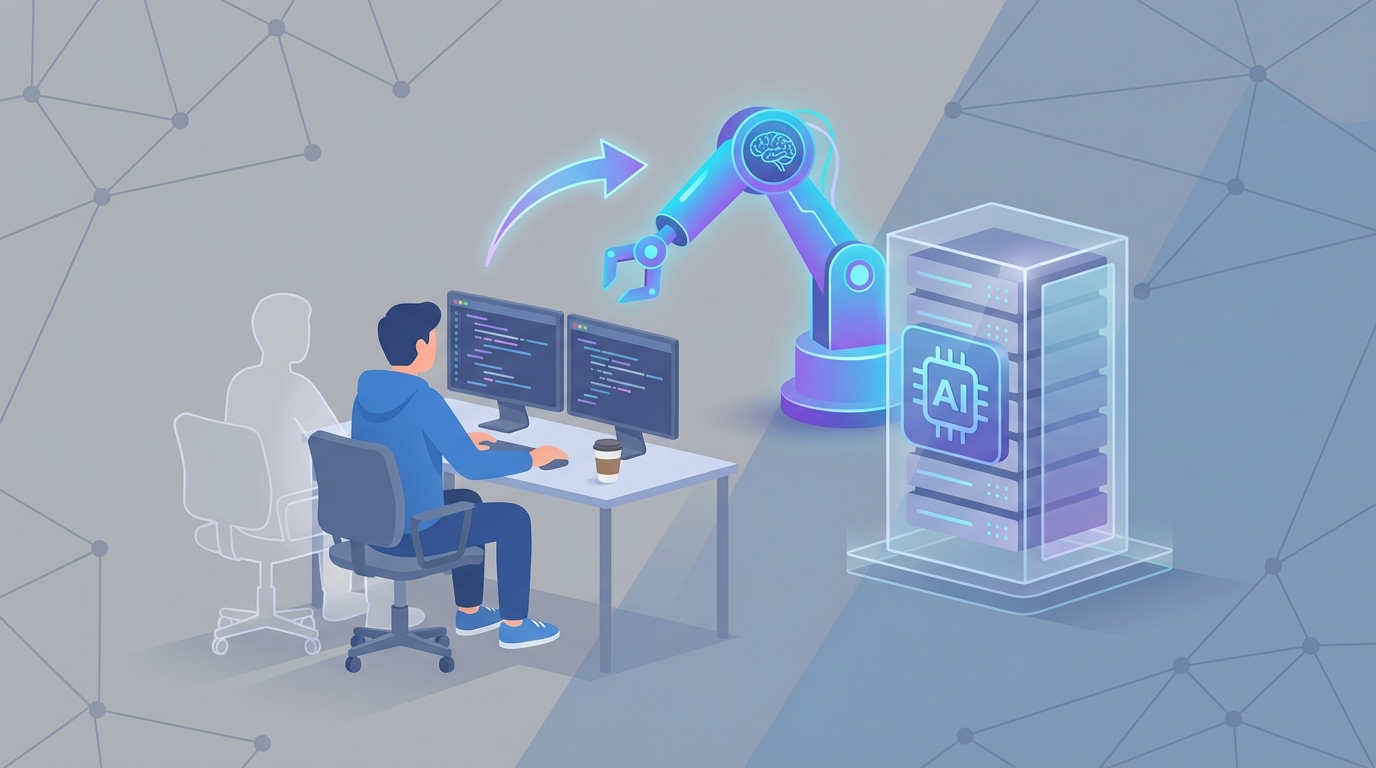
Most security operations centers are running the same playbook they were ten years ago: hire junior analysts, sit them in front of a SIEM, and ask them to stare at alerts for twelve hours straight. The analyst burns out in eighteen months, quits, and you start the cycle over — except now the threat landscape is worse and the replacement costs more.
Here's the thing: the majority of what a Tier 1 security analyst does every day is pattern matching, log parsing, and filtering false positives. These are tasks that AI handles better than humans right now. Not in some theoretical future. Today.
This post is about building an AI security analyst agent on OpenClaw that handles the repetitive, high-volume work your SOC drowns in — so your human analysts (if you keep them) can focus on the stuff that actually requires a brain.
I'll be specific about what this agent can and can't do, what it costs versus a human, and how to actually build one.
What a Security Analyst Actually Does All Day
If you've never worked in a SOC, here's the reality. It's not the Hollywood version of cybersecurity. A Tier 1 analyst's day looks something like this:
Morning (or whenever their shift starts — SOCs run 24/7):
- Log into the SIEM (Splunk, Elastic, Microsoft Sentinel, whatever the shop runs)
- Review the alert queue that accumulated overnight
- Start triaging: Is this alert real? Is it a false positive? Is it worth escalating?
The next 8-12 hours:
- Parse through hundreds to thousands of alerts. Eighty to ninety percent are false positives.
- Cross-reference IOCs (Indicators of Compromise) against threat intelligence feeds
- Investigate the ones that look real — pull endpoint logs, check network traffic, look at user behavior
- If something's actually bad: contain it, document it, escalate it
- Run vulnerability scans, review patch status, chase down IT teams who haven't remediated
- Write reports nobody wants to read but compliance requires
- Maybe, if there's time, do some proactive threat hunting
According to SANS Institute surveys, 40-50% of an analyst's time goes to alert triage and false positive filtering. Another 20-30% goes to log analysis and investigation. The rest splits between vulnerability management, reporting, and trying not to fall asleep.
It's repetitive, high-volume, and mentally exhausting. One in five analysts quit specifically because of alert fatigue. The average SOC uses over 50 different tools, most of which don't talk to each other well. And there are 3.5 million unfilled cybersecurity jobs globally, so when your analyst does quit, good luck finding a replacement quickly.
The Real Cost of This Hire
Let's talk numbers, because this is where the math gets uncomfortable for anyone running a security team.
Direct salary (US, 2026 data):
| Level | Salary Range | Average Base |
|---|---|---|
| Tier 1 (Junior) | $65K–$95K | $78K |
| Tier 2 (Mid) | $90K–$130K | $110K |
| Tier 3 (Senior) | $120K–$170K+ | $145K |
But base salary is just the start. Add:
- Benefits: 20–30% on top of base (health insurance, 401k, PTO)
- Training: ~$10K/year for certifications (CISSP, CEH, SANS courses)
- Tooling licenses per seat: $5K–$20K/year
- Recruiting costs: 15–25% of first-year salary per hire
- High cost-of-living adjustment: Add 30% if you're in SF, NYC, or similar
A single Tier 1 analyst costs you roughly $100K–$130K fully loaded. A Tier 2 is $140K–$170K. And you need multiple analysts to cover 24/7 — so multiply by three to five for round-the-clock coverage.
That's $400K–$650K per year minimum for a basic 24/7 SOC staffed with junior analysts. If you outsource to an MSSP like Secureworks, you're looking at $50–$150/hour, which adds up to roughly the same range or more.
And here's the kicker: turnover is brutal. The average tenure for a Tier 1 SOC analyst is 18–26 months. Every time someone leaves, you eat recruiting costs, training ramp-up (3–6 months to full productivity), and institutional knowledge loss.
An AI agent doesn't quit. It doesn't need health insurance. It doesn't need sleep. And it processes alerts at a speed no human can match.
What AI Handles Right Now (No Hype, Real Capabilities)
I'm not going to pretend AI replaces everything a security analyst does. It doesn't. But the tasks it handles well happen to be the ones that consume the most time and cause the most burnout.
Here's an honest breakdown:
AI handles with 80-95% accuracy today:
Alert triage and false positive filtering. This is the single biggest win. AI models trained on your environment's baseline behavior can filter out 70–90% of false positives before a human ever sees them. CrowdStrike's Charlotte AI auto-triages 99% of alerts. Microsoft's Copilot for Security does similar work inside Sentinel. These aren't experimental — ExxonMobil uses Sentinel to process over a billion events per day.
Log parsing and anomaly detection. AI chews through petabytes of log data and identifies anomalies that would take humans hours or days to find. UEBA (User and Entity Behavior Analytics) models auto-baseline normal behavior and flag deviations — unusual login times, lateral movement patterns, data exfiltration signatures.
IOC correlation. Matching indicators against threat intelligence feeds (hashes, IPs, domains) is pure pattern matching. AI does this faster and more comprehensively than any human.
Automated response for known playbooks. Low-risk endpoint quarantine, blocking known-malicious IPs, disabling compromised accounts — these follow deterministic logic trees that AI executes instantly. Palo Alto's Cortex XSIAM helped Barclays Bank reduce mean time to response by 92%.
Vulnerability scanning and prioritization. AI combines CVSS scores with exploitability data and environmental context to rank vulnerabilities by actual risk, not just theoretical severity.
Reporting and dashboards. NLP-generated summaries of incidents, automated compliance reports, trend analysis — all handled.
Still needs a human (AI assists but doesn't decide):
Complex root-cause analysis on novel attacks. When a zero-day drops or an attacker uses a technique your model hasn't seen, you need human creativity and domain expertise.
Business impact assessment. AI can tell you a server is compromised. It can't tell you that server runs your payment processing system and the business impact is $2M/hour in lost revenue.
Strategic and legal decisions. Should you notify regulators? When do you engage law enforcement? What do you tell the board? These require judgment, context, and accountability that AI can't provide.
Hypothesis-driven threat hunting. The proactive, creative side of security — "I have a hunch someone is doing X" — still requires experienced human analysts.
Adversarial edge cases. Attackers specifically design techniques to evade ML models. Adversarial evasion is a real and growing problem.
The honest summary: AI handles about 70–80% of the volume of work, which happens to be the most repetitive and time-consuming portion. The remaining 20–30% requires human judgment but represents the highest-value work.
How to Build an AI Security Analyst Agent on OpenClaw
Here's where it gets practical. OpenClaw gives you the platform to build an agent that handles the high-volume automation layer — the alert triage, log parsing, IOC correlation, and playbook execution that eats up most of your SOC's time.
Step 1: Define Your Agent's Scope
Don't try to build an "everything agent." Start with the highest-ROI task: alert triage and false positive filtering. This is where you reclaim 40–50% of analyst time on day one.
Your agent's job description:
- Ingest alerts from SIEM
- Enrich with context (user history, asset criticality, threat intel)
- Classify as true positive, false positive, or needs-human-review
- Auto-close false positives with documentation
- Escalate true positives with a structured summary
Step 2: Set Up Data Ingestion
Your OpenClaw agent needs to connect to your alert sources. Most SIEMs expose APIs. Here's how you'd configure the ingestion layer:
# openclaw-agent-config.yaml
agent:
  name: soc-triage-agent
  type: security-analyst

data_sources:
  - name: splunk_siem
    type: siem
    connector: splunk_api
    endpoint: https://your-splunk-instance:8089
    credentials_ref: vault/splunk-api-key
    poll_interval: 30s
    query: "index=security sourcetype=alerts severity>=medium"

  - name: threat_intel
    type: enrichment
    connector: otx_alienvault
    api_key_ref: vault/otx-key

  - name: endpoint_data
    type: edr
    connector: crowdstrike_api
    endpoint: https://api.crowdstrike.com
    credentials_ref: vault/cs-api-key
Step 3: Build the Triage Logic
This is where OpenClaw's agent framework shines. You're defining a reasoning chain, not just a rule set. The agent evaluates context, not just signatures.
from openclaw import Agent, Tool, ReasoningChain

# Define enrichment tools the agent can call
threat_intel_lookup = Tool(
    name="threat_intel_lookup",
    description="Check IOCs against threat intelligence feeds",
    endpoint="threat_intel_connector"
)

user_behavior_check = Tool(
    name="user_behavior_analysis",
    description="Check if user activity deviates from baseline",
    endpoint="ueba_connector"
)

asset_criticality = Tool(
    name="asset_lookup",
    description="Get asset criticality rating and business context",
    endpoint="cmdb_connector"
)

# Define the triage agent
triage_agent = Agent(
    name="soc-triage-agent",
    model="openclaw-security-v2",
    tools=[threat_intel_lookup, user_behavior_check, asset_criticality],
    system_prompt="""
    You are a Tier 1 SOC analyst. For each alert:
    1. Extract key IOCs (IPs, hashes, domains, user accounts)
    2. Enrich using available tools
    3. Assess: false positive, true positive, or uncertain
    4. For false positives: auto-close with reasoning
    5. For true positives: generate structured escalation summary
    6. For uncertain: flag for human review with your analysis so far

    Be conservative. When in doubt, escalate. A missed true positive
    is worse than a false escalation.
    """,
    confidence_threshold=0.85,  # Below this, auto-escalate to human
    max_reasoning_steps=10
)
Step 4: Define Response Playbooks
For alerts classified as true positives, you want the agent to execute initial containment automatically — but only for well-defined scenarios with bounded risk.
from openclaw import Playbook, Action, HumanApprovalGate

# Auto-containment for known-bad scenarios
malware_playbook = Playbook(
    name="malware_detected",
    trigger="alert.category == 'malware' AND confidence >= 0.90",
    actions=[
        Action("isolate_endpoint", target="alert.source_host"),
        Action("block_hash", target="alert.file_hash", scope="org_wide"),
        Action("snapshot_memory", target="alert.source_host"),
        Action("notify_channel", target="slack://soc-alerts",
               message_template="auto_containment_summary"),
    ]
)

# Require human approval for high-impact actions
data_exfil_playbook = Playbook(
    name="data_exfiltration_suspected",
    trigger="alert.category == 'data_exfil'",
    actions=[
        Action("enrich_and_summarize"),
        HumanApprovalGate(
            channel="slack://soc-escalations",
            timeout="15m",
            fallback="isolate_endpoint"  # If no human responds
        ),
        Action("isolate_endpoint", requires_approval=True),
    ]
)
Step 5: Continuous Learning Loop
This is critical and often overlooked. Your agent needs a feedback mechanism so it improves over time based on your environment's specific patterns.
from openclaw import FeedbackLoop

feedback = FeedbackLoop(
    agent=triage_agent,
    sources=[
        "analyst_corrections",     # When humans override the agent
        "incident_outcomes",       # Was the escalation actually a real threat?
        "false_positive_reviews",  # Periodic audits of auto-closed alerts
    ],
    retrain_schedule="weekly",
    min_samples=100,
    drift_detection=True  # Alert if accuracy drops below threshold
)
Step 6: Deploy and Monitor
Start with the agent in shadow mode — it processes every alert and makes classifications, but a human still reviews everything. Compare the agent's decisions to human decisions for two to four weeks. Once accuracy is validated (target: 90%+ agreement with human analysts on a representative sample), switch to active mode with human oversight on escalations only.
# Deployment configuration
deployment = triage_agent.deploy(
    mode="shadow",  # Switch to "active" after validation
    monitoring={
        "accuracy_dashboard": True,
        "alert_volume_tracking": True,
        "mean_time_to_triage": True,
        "false_negative_alerts": True,  # THE critical metric
    },
    rollback_trigger="false_negative_rate > 0.02"  # Auto-rollback safety
)
What This Looks Like in Practice
Once deployed, your OpenClaw security analyst agent:
- Processes alerts in seconds instead of minutes-to-hours
- Runs 24/7/365 without shift changes, sick days, or burnout
- Filters 70–90% of false positives automatically
- Enriches true positives with full context before a human ever touches them
- Executes initial containment on well-defined playbooks instantly
- Costs a fraction of a single analyst salary annually
Your human analysts — whether you keep one or a small team — now spend their time on the 20–30% of work that actually requires their expertise: complex investigations, threat hunting, strategic decisions, and improving the agent's capabilities.
This isn't theoretical. Darktrace's AI Analyst handles 80% of alerts without human intervention. IBM's QRadar with Watson saved Maersk an estimated $2M in breach response through predictive analytics. The difference with OpenClaw is that you own the agent, you control the logic, and you're not locked into a single vendor's SIEM ecosystem.
The Honest Limitations
I'd be doing you a disservice if I didn't lay these out plainly:
AI can hallucinate on rare threats. If your model hasn't seen a particular attack pattern, it may misclassify it. This is why the confidence threshold and human escalation path are non-negotiable.
Adversarial evasion is real. Sophisticated attackers specifically craft techniques to bypass ML detection. Your agent is a layer of defense, not the only layer.
Initial setup isn't trivial. You need someone who understands both your security environment and how to configure the agent properly. Garbage in, garbage out applies here more than anywhere.
Compliance and accountability. When the agent auto-closes an alert that turns out to be a real breach, who's responsible? You need clear governance and audit trails — which OpenClaw's logging supports, but you need to think through the policy side.
This doesn't eliminate the need for security expertise. It eliminates the need for humans to do the boring, repetitive parts. You still need someone who understands threats and can oversee the system.
Next Steps
You've got two paths forward:
Build it yourself. Sign up for OpenClaw, start with the alert triage agent configuration above, run it in shadow mode against your SIEM, and iterate. If you have a security engineer and a few weeks, this is entirely doable.
Have us build it for you. If you don't have the bandwidth or want it done right the first time, that's what Clawsourcing is for. We'll scope your environment, build the agent, validate it in shadow mode, and hand it off running. You get a working AI security analyst without the hiring cycle, the training ramp, or the turnover risk.
Either way, the math is straightforward. You're spending $400K+ per year on analysts who spend half their time filtering noise. An OpenClaw agent handles the noise for a fraction of the cost and never calls in sick.
The question isn't whether AI should handle your alert triage. It's how long you want to keep paying humans to do work that machines already do better.