AI Receptionist: Answer Calls, Schedule Meetings, Greet Visitors
Replace Your Receptionist with an AI Receptionist Agent
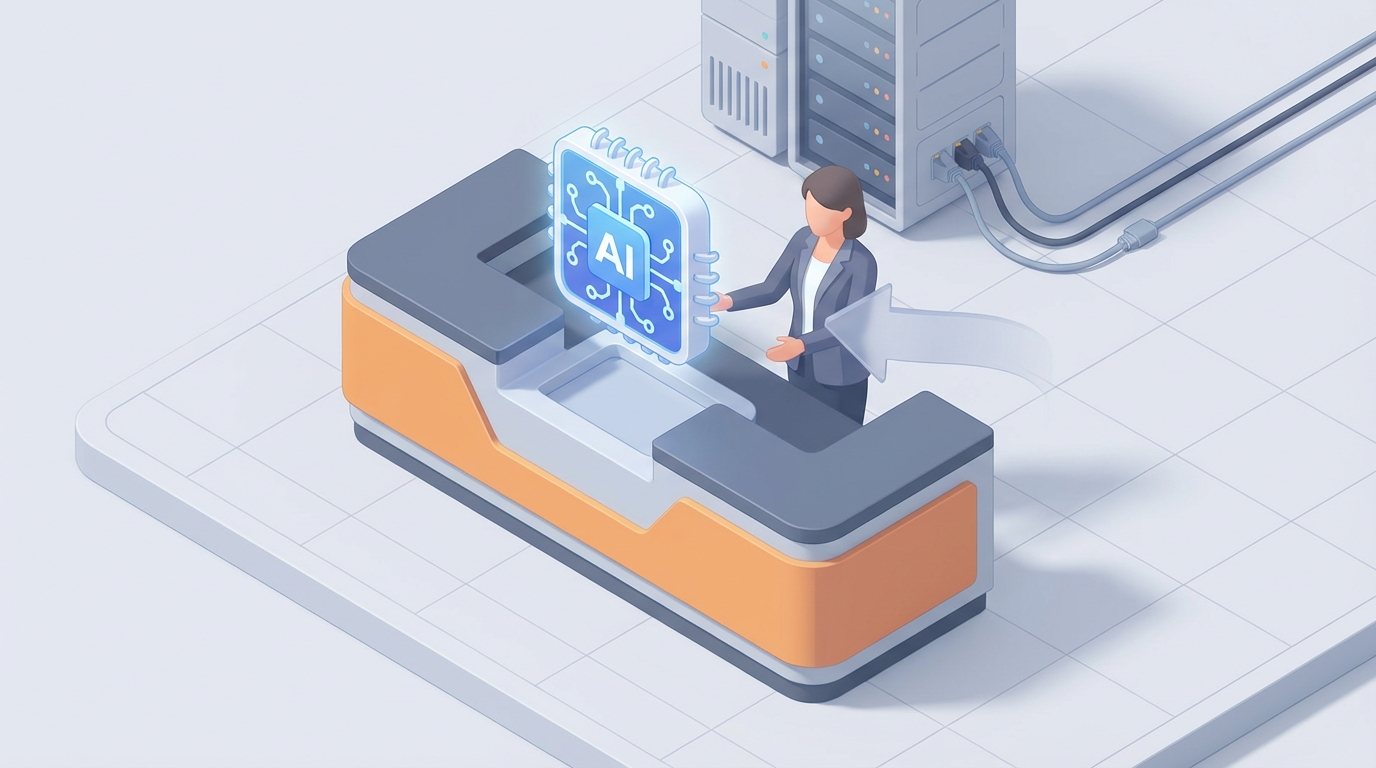
Most businesses don't need a full-time receptionist. They need someone to answer the phone, route calls, book appointments, greet visitors, and handle the 47 other small tasks that pile up at the front desk. The problem is that "someone" costs $45,000–$65,000 a year when you factor in salary, benefits, and taxes — and they still can't work nights, weekends, or holidays.
An AI receptionist agent won't replace every part of this role. But it can handle the 60–70% that's repetitive, predictable, and high-volume. The rest? You either keep a part-time human or you redesign the workflow so the hard stuff gets routed to the right person automatically.
Here's how to think about it practically, what an AI agent can actually do today, and how to build one on OpenClaw.
What a Receptionist Actually Does All Day
If you've never sat behind a front desk, you might underestimate the role. It's not just smiling and answering phones. A receptionist in a busy office — medical practice, law firm, co-working space, hotel — juggles a surprising number of responsibilities:
Reactive work (40–50% of their day):
- Answering 50–200 inbound calls, most of which are the same 10 questions
- Greeting visitors, checking them in, printing badges, and directing them
- Screening calls and deciding who gets transferred vs. who gets voicemail
- Handling walk-ins who don't have appointments
Proactive work (50–60% of their day):
- Managing calendars and scheduling appointments across multiple staff members
- Data entry — logging visitor info, updating CRM records, filing documents
- Sorting and distributing mail and packages
- Responding to routine emails ("What are your hours?" "Where do I park?")
- Ordering supplies, coordinating with vendors, light accounting
The biggest time sinks are phone handling (30–40% of total time), visitor management (20–30%), and scheduling/admin (20–25%). These are also the most repetitive. A receptionist at a dental office told me she answers "Do you accept my insurance?" roughly 35 times a day. That's not a job for a human brain. That's a job for a machine.
The Real Cost of This Hire
The median receptionist salary in the US is $37,800 per year (BLS, 2023). But that number is misleading because it's just base pay. Here's what you're actually spending:
| Cost Category | Annual Estimate |
|---|---|
| Base salary | $37,800 |
| Benefits (health, dental, PTO) | $7,500–$12,000 |
| Payroll taxes (FICA, unemployment) | $3,400–$4,500 |
| Training and onboarding | $1,500–$3,000 |
| Software/tools (phone system, scheduling) | $1,200–$2,400 |
| Total | $51,400–$59,700 |
And that doesn't account for turnover. Receptionists have one of the higher turnover rates in office roles — the work is repetitive, often thankless, and the pay is low. Every time someone quits, you're spending another $3,000–$5,000 on recruiting and training. In a metro area like New York or San Francisco, bump that total cost to $65,000–$80,000.
For a small business doing $500K–$2M in revenue, that's a significant line item for a role where the majority of tasks follow a script.
What AI Handles Right Now (No Fairy Tales)
Let's be specific about what's automatable today — not in some theoretical future, but with current technology you can deploy on OpenClaw this week.
Phone Answering and Call Routing — ✅ AI-Ready
This is the biggest win. An AI receptionist agent built on OpenClaw can:
- Answer inbound calls 24/7 with natural-sounding voice
- Respond to FAQs using your knowledge base (hours, location, pricing, services)
- Transfer calls to the right person or department based on intent
- Take messages with caller name, number, and reason, then deliver them via email or Slack
- Screen spam and robocalls automatically
Voice AI has gotten genuinely good. Not "press 1 for billing" good — actually conversational. OpenClaw lets you wire up voice capabilities with your business logic so the agent knows your specific context: your staff names, your services, your policies. It's not a generic phone tree. It's a receptionist that's read your entire operations manual.
Appointment Scheduling — ✅ AI-Ready
This is probably the most mature use case. An OpenClaw agent can:
- Check availability across multiple team members' calendars
- Book, reschedule, and cancel appointments via phone or chat
- Send confirmation messages and reminders
- Handle timezone conversions and buffer times
- Enforce business rules (e.g., "Dr. Martinez doesn't see new patients on Fridays")
You connect your calendar system (Google Calendar, Outlook, or a custom API) to the agent's workflow in OpenClaw, define your scheduling rules, and let it run. No more phone tag. No more double-bookings because someone forgot to update the shared calendar.
Visitor Check-In — ✅ AI-Ready (with hardware)
If you pair an OpenClaw agent with a tablet or kiosk at your entrance, visitors can:
- Check in by typing or speaking their name and who they're visiting
- Get automatically logged in your visitor management system
- Trigger a notification to the host ("Your 2pm is here")
- Receive a digital or printed badge
- Get directions to the right conference room or office
This works especially well for co-working spaces, corporate offices, and medical practices where you're logging 20+ visitors per day. Convene, the co-working company, moved to a similar model and hit 90% self-service check-in rates.
Email and Chat Triage — ✅ AI-Ready
An OpenClaw agent can monitor your info@ or front-desk email and:
- Auto-respond to routine inquiries with accurate, context-aware answers
- Route complex messages to the right team member
- Flag urgent items for immediate attention
- Log interactions in your CRM
Same goes for website chat. Instead of a clunky chatbot that makes people want to throw their laptop, you get an agent that actually understands what people are asking because it has access to your real business data.
Data Entry and Document Handling — ✅ Mostly AI-Ready
OpenClaw agents can process incoming information — from forms, emails, or even voice calls — and push structured data into your systems. Patient intake forms, vendor invoices, visitor logs, new client information. The agent extracts the relevant fields and puts them where they belong without someone manually typing it in.
What Still Needs a Human
Here's where I'm going to be honest, because overselling AI is how you end up disappointed and $20K poorer.
Emotional situations. When someone walks in upset, scared, or confused, they need a human. An angry patient, a grieving family member, a lost elderly visitor — these interactions require empathy, reading body language, and making judgment calls that AI genuinely cannot do well yet. If your front desk regularly handles emotional or high-stakes interactions (hospitals, law offices dealing with family law, social services), you need a human in the loop.
Complex judgment calls. "This person says they're the CEO's cousin and they don't have an appointment — should I let them in?" AI can follow rules, but it can't navigate ambiguous social and security situations with the nuance a human can.
Physical tasks. Accepting oversized deliveries, helping someone in a wheelchair, walking a confused visitor to the right floor, setting up the conference room for a board meeting. Anything requiring a body still requires a body.
VIP and high-touch interactions. If you're a law firm where clients are paying $500/hour, the first impression matters in a way that a tablet kiosk can't replicate. Some contexts demand a human handshake and a warm smile.
The smart play isn't full replacement — it's restructuring. Let the AI agent handle the 60–70% that's routine, and redeploy your human staff toward the work that actually benefits from a human touch. Or drop from a full-time receptionist to a part-time one who handles the 2–3 peak hours per day where in-person presence matters.
How to Build an AI Receptionist Agent on OpenClaw
Here's the practical part. OpenClaw gives you the infrastructure to build this without stitching together 14 different SaaS tools.
Step 1: Map Your Receptionist's Actual Workflows
Before you touch any technology, spend a week documenting what your receptionist actually does. Every call, every visitor, every task. You want a list like:
- Inbound call: "What are your hours?" → Answer from FAQ
- Inbound call: "I need to reschedule with Dr. Lee" → Check calendar, offer slots
- Visitor: Walk-in for 2pm meeting with Sarah → Notify Sarah, log visitor, print badge
- Email: "Do you validate parking?" → Auto-reply with parking info
- Call: Angry customer about billing → Transfer to billing manager
- Package delivery: Sign for FedEx → [HUMAN TASK - requires physical presence]
Categorize each task: AI-ready, needs human, or hybrid (AI handles first pass, human handles exceptions).
Step 2: Build Your Knowledge Base
Your AI agent is only as good as the information it has. In OpenClaw, you'll create a knowledge base that includes:
Business Information:
  - Hours of operation (including holiday schedules)
  - Location, parking, transit directions
  - Staff directory (names, roles, extensions, availability)
  - Services offered and basic pricing
  - Insurance/payment policies
  - Common FAQs (pulled from your receptionist's actual frequent questions)

Scheduling Rules:
  - Who can be booked and when
  - Appointment types and durations
  - Buffer times, blackout dates
  - Cancellation/reschedule policies

Escalation Protocols:
  - When to transfer to a human
  - Emergency procedures
  - VIP client list and handling instructions
Upload this into OpenClaw as structured documents. The agent uses this as its source of truth — no hallucinating your office hours or making up policies.
Step 3: Define Your Agent's Workflows
In OpenClaw, you build workflows that map to the task categories from Step 1. Here's what the architecture looks like:
TRIGGER: Inbound phone call
  → Agent answers, identifies caller intent
  → ROUTE:
    - FAQ → Answer from knowledge base
    - Scheduling → Check calendar API, offer slots, confirm booking
    - Transfer request → Route to correct extension
    - Complaint/escalation → Collect details, transfer to human
    - Unknown → Take message, notify staff via Slack/email

TRIGGER: Visitor check-in (kiosk/tablet)
  → Agent asks for name and host
  → ROUTE:
    - Expected visitor → Log, notify host, issue badge info
    - Unexpected walk-in → Offer to schedule or notify relevant staff
    - Delivery → Log package, notify recipient

TRIGGER: Inbound email to front desk
  → Agent classifies intent
  → ROUTE:
    - Routine inquiry → Auto-reply with accurate info
    - Scheduling request → Handle or link to booking flow
    - Complex/sensitive → Forward to appropriate human with summary
Each workflow gets built as a connected agent flow in OpenClaw. You define the decision logic, connect your external tools (calendar, CRM, phone system, Slack), and set the escalation thresholds.
Step 4: Connect Your Integrations
The agent needs to talk to your existing systems. OpenClaw supports integrations that let you wire up:
- Calendar: Google Calendar or Outlook for real-time availability checks and booking
- Phone/Voice: Connect to your business phone system for inbound/outbound call handling
- CRM: Push visitor and caller data into HubSpot, Salesforce, or whatever you use
- Messaging: Send notifications to Slack, Teams, email, or SMS
- Visitor Management: Log entries in your existing system or use the agent as your system
Step 5: Test With Real Scenarios
Don't go live on day one. Run your agent through your actual call log and visitor log from the past month. Pull 50 real calls and test:
- Does the agent answer the FAQ correctly?
- Does it book appointments without conflicts?
- Does it escalate when it should?
- Does it handle edge cases gracefully (caller with heavy accent, ambiguous request, multiple intents in one call)?
Tune your knowledge base and workflow logic based on what fails. Expect to spend 1–2 weeks iterating before it's production-ready.
Step 6: Deploy in Hybrid Mode First
Start by running the AI agent alongside your human receptionist. The agent handles calls and chats during off-hours and overflow during business hours. Your receptionist handles in-person visitors and complex situations. Over 2–4 weeks, gradually shift more volume to the agent as confidence builds.
This is how companies like Smith.ai operate — AI screens and handles the routine calls, humans take over for anything that needs a real person. Except with OpenClaw, you own the agent, customize it to your exact business, and aren't paying per-minute fees to a third-party service.
The Math
Let's be conservative:
| Human Receptionist | AI Agent (OpenClaw) | |
|---|---|---|
| Annual cost | $51,000–$60,000 | $5,000–$15,000 (software + integrations) |
| Availability | 40 hrs/week | 24/7/365 |
| Call capacity | 50–100/day | Unlimited concurrent |
| Ramp-up time | 2–4 weeks training | 1–2 weeks configuration |
| Handles after-hours | No (or expensive answering service) | Yes |
| Handles 3am calls about tomorrow's appointment | Absolutely not | Without complaint |
Even if you keep a part-time human for 20 hours/week ($18,000–$22,000/year) and run the AI agent for everything else, you're saving $25,000–$35,000 annually. For a small business, that's meaningful.
For larger operations running multiple locations — medical groups, hotel chains, property management companies — multiply that savings across every front desk. That's where it gets really interesting.
Start Here
If you want to build this yourself, start with OpenClaw. Map your workflows, build your knowledge base, and get a basic phone + scheduling agent running. You can have a working prototype within a week.
If you'd rather not build it yourself — or you want it done faster and tuned to your specific industry — hire our team at Clawsourcing to build it for you. We've done this for medical offices, law firms, property managers, and service businesses. We'll audit your current receptionist workflows, build the agent on OpenClaw, connect your systems, and hand you a working AI receptionist that actually knows your business.
Either way, stop paying $55K/year for someone to answer "What time do you close?" forty times a day. That's not a good use of anyone's time — yours or theirs.