AI Agent for Phrase: Automate Translation Management, TM Leverage, and Multilingual Content Ops
Automate Translation Management, TM Leverage, and Multilingual Content Ops
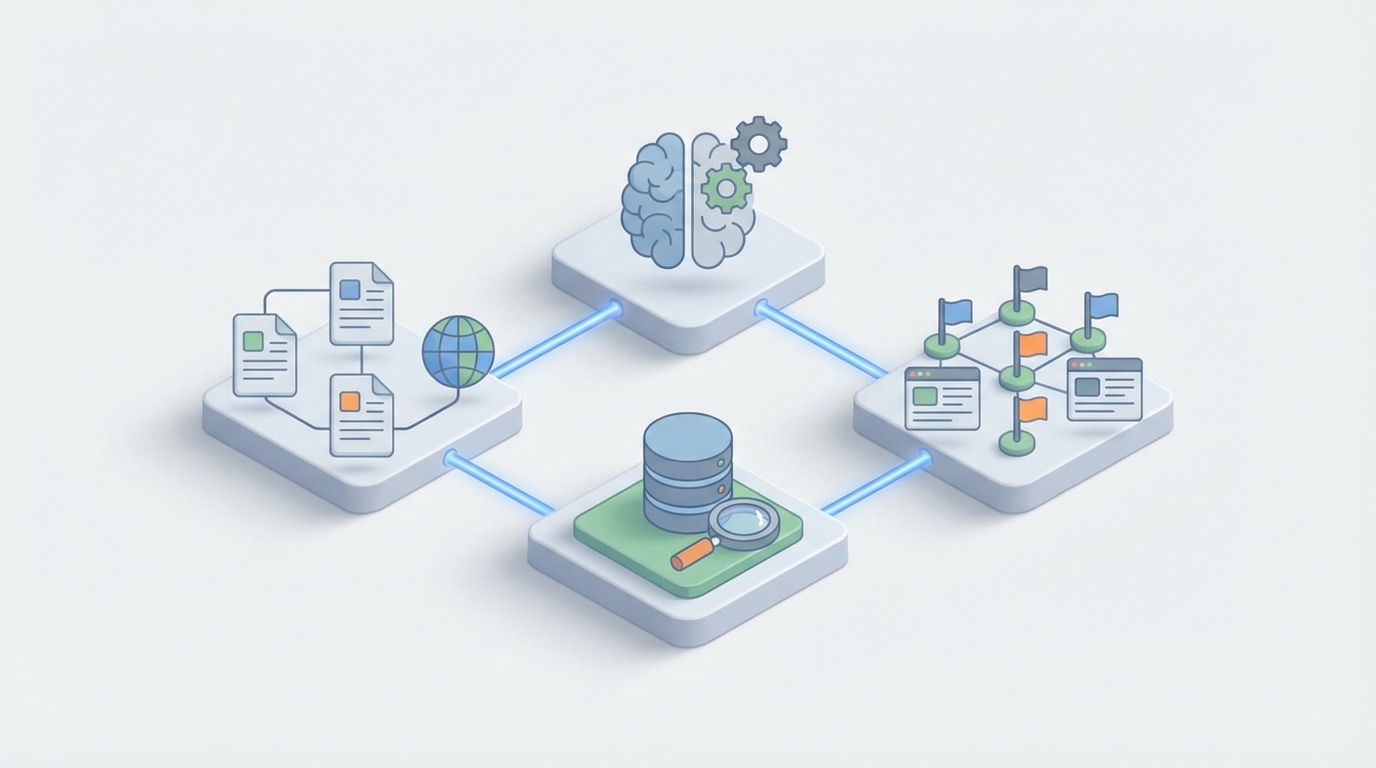
Most localization teams I've talked to are running the same playbook: strings go into Phrase, machine translation fires, a human reviewer approves (or doesn't), and the translations eventually make it back into the codebase. It works. Sort of.
The problem isn't Phrase itself — Phrase is genuinely one of the best translation management systems out there. The API is comprehensive, the integrations are solid, and the core workflow handles continuous localization better than most alternatives. The problem is that everything around the core workflow is still dumb. The automations are if-this-then-that. The quality checks are pattern-matching. The prioritization is nonexistent. And every localization manager I know is drowning in review queues while untranslated strings pile up in corners of the product nobody's watching.
This is the gap where a custom AI agent — connected to Phrase's API through OpenClaw — turns a translation database into something that actually thinks.
Let me walk through what this looks like in practice.
What Phrase Does Well (And Where It Stops)
Credit where it's due. Phrase gives you:
- 60+ file format support — JSON, XLIFF, Android XML, iOS Strings, you name it
- Git integrations — GitHub, GitLab, Bitbucket with automatic PR creation
- Machine translation — DeepL, Google, Azure, Amazon all plugged in
- Translation Memory — fuzzy matching across your existing translations
- Webhooks — events for nearly every action (key created, translation updated, review completed)
- A genuinely good REST API — full CRUD on projects, locales, keys, translations, comments, screenshots, glossaries, and more
Where it stops is intelligence. Phrase's built-in automation engine gives you rules like "when a new key is created, run DeepL on it" or "when a translation is updated, notify this Slack channel." That's it. No conditional logic based on content meaning. No way to call external services. No semantic understanding. No memory across workflows.
The automations can't tell you that a string sounds too casual for your German enterprise users. They can't detect that a cultural reference in your English copy won't land in Japan. They can't look at your analytics and tell you which of your 847 untranslated strings actually appear on pages that real users visit.
A localization team operating at scale — say 20+ languages, shipping weekly, thousands of active keys — needs more than rule-based automation. They need an agent that can reason about context, make judgments about quality, and take autonomous action.
The Architecture: Phrase + OpenClaw
Here's how you build this with OpenClaw.
OpenClaw sits between Phrase's webhook events and Phrase's API, acting as the reasoning layer. The basic flow:
Phrase Webhook Event
        ↓
   OpenClaw Agent
   (receives event, reads context from Phrase API,
    reasons about what to do, takes action)
        ↓
   Phrase API
   (updates translations, adds comments,
    changes tags, creates tasks)
The OpenClaw agent listens for Phrase webhook events — new keys, updated translations, completed reviews — then uses Phrase's API to pull whatever context it needs, runs that context through its reasoning engine, and writes actions back to Phrase.
This is fundamentally different from Phrase's built-in automations because the agent can:
- Understand meaning, not just pattern-match
- Hold state across multiple events and workflows
- Make judgment calls based on your specific brand, product, and audience
- Chain multiple actions together conditionally
- Learn from feedback over time
Let me get specific about what this enables.
Workflow 1: Intelligent Context Generation
This is probably the highest-impact thing you can automate, and it's something Phrase's native features simply cannot do.
The problem: Translators consistently report that they don't have enough context to translate strings accurately. A key called checkout.error.payment_failed with the value "Something went wrong" tells a translator almost nothing. Wrong how? What was the user doing? What tone should this have?
The agent workflow:
- Phrase fires a
keys:createwebhook when a developer pushes new strings - OpenClaw agent receives the event and pulls the key metadata from Phrase's API
- The agent looks at:
- The key name and namespace (hierarchical clues)
- Nearby keys in the same namespace
- Any attached screenshots
- The source file path (from the Git integration)
- Similar strings in Translation Memory
- The agent generates a detailed translator note and writes it back via the API:
POST /v2/projects/{project_id}/keys/{key_id}
{
  "description": "Error message shown on the checkout page when a credit card
  payment is declined by the payment processor. Displayed in a red alert banner
  below the payment form. Tone: empathetic but clear. The user should understand
  they need to try a different payment method. Similar approved translations:
  'We couldn't process your payment' (checkout.error.card_declined),
  'Please try again or use a different card' (checkout.error.retry).",
  "tags": ["context:auto-generated", "priority:high", "area:checkout"]
}
- The agent also posts a comment on the key with additional context for translators:
POST /v2/projects/{project_id}/keys/{key_id}/comments
{
  "message": "🤖 Auto-context: This string appears in the payment error flow.
  Related Figma frame: [link]. The checkout page handles ~12K transactions/day,
  so accuracy here directly impacts revenue recovery."
}
This alone saves localization managers hours per week of manual context-writing, and it dramatically improves first-pass translation quality.
Workflow 2: AI-Powered Quality Review
The problem: As translation volume scales, the review bottleneck kills velocity. A human reviewer checking 200 strings across 30 languages isn't actually reviewing — they're skimming. Errors slip through. Brand voice degrades. Terminology drifts.
The agent workflow:
- Phrase fires a
translations:updatewebhook when a translator submits work - OpenClaw agent pulls the translation, the source string, the glossary, and the style guide (stored as project metadata or in a connected vector store)
- The agent evaluates the translation against multiple criteria:
- Glossary compliance — Are branded terms translated correctly?
- Tone/voice match — Does this match the brand's style guide for this locale?
- Placeholder integrity — Are all
{variables}and ICU patterns preserved? - Length constraints — Will this break the UI? (Using character limits from key metadata)
- Cultural appropriateness — Any idioms, references, or phrasing that won't work in the target culture?
- Consistency — Does this match how similar strings are translated elsewhere in the project?
- Based on the evaluation, the agent takes one of several actions:
If the translation passes all checks:
PATCH /v2/projects/{project_id}/translations/{translation_id}/review
{
  "review": true
}
If issues are found, the agent adds a structured comment and flags for human review:
POST /v2/projects/{project_id}/keys/{key_id}/comments
{
  "message": "🔍 QA Review:\n- ⚠️ Glossary: 'Konto' should be 'Benutzerkonto'
  per glossary entry #42\n- ⚠️ Tone: This reads more formal than our DE style
  guide specifies for error messages\n- ✅ Placeholders: OK\n- ✅ Length: OK
  (23 chars, limit 40)\n\nSuggested revision: 'Etwas ist mit deinem
  Benutzerkonto schiefgelaufen'"
}
The human reviewer now has a pre-screened queue. Instead of reviewing 200 strings, they're reviewing 30 flagged strings with specific, actionable feedback already attached. That's a completely different job.
Workflow 3: Smart Translation Prioritization
The problem: You have 600 untranslated strings across 25 languages. Which ones matter? Phrase has no idea. It shows you a progress bar and a list.
The agent workflow:
- On a scheduled basis (or triggered by a new deployment), the OpenClaw agent pulls all untranslated keys from Phrase:
GET /v2/projects/{project_id}/keys?filter=untranslated&locale_id={locale_id}
-
The agent cross-references each key against external data sources:
- Product analytics — Which pages/features get the most traffic? (Pull from Segment, Amplitude, Mixpanel, or your own data warehouse)
- Revenue impact — Is this in the checkout flow? Pricing page? Onboarding?
- User locale distribution — How many users actually use French vs. Thai?
- Recency — Was this key added this sprint or six months ago?
-
The agent generates a prioritized list and updates Phrase accordingly:
PATCH /v2/projects/{project_id}/keys/{key_id}
{
  "tags": ["priority:critical", "impact:revenue", "page-views:12k-daily"]
}
- It can also create a Phrase job with only the high-priority strings, assigned to the right translators:
POST /v2/projects/{project_id}/jobs
{
  "name": "Sprint 42 - Critical FR translations",
  "briefing": "High-impact strings for the French checkout and onboarding flows.
  These pages serve 8,200 French users daily.",
  "translation_key_ids": ["key_id_1", "key_id_2", ...],
  "locale_id": "fr-FR"
}
Now your translators are working on what actually matters, not just whatever showed up most recently.
Workflow 4: Translation Memory Augmentation
The problem: Phrase's TM gives you fuzzy matches — "this string is 78% similar to one you translated before." But a 78% match still needs human editing, and the translator has to figure out what to change and why.
The agent workflow:
- When a new key is created and TM returns fuzzy matches (say, 60–95% range), the agent pulls both the new source string and the fuzzy match
- Instead of just showing the raw match, the agent rewrites the TM suggestion to fit the new context:
TM Match (82%): "Your payment of {amount} was successful"
→ Existing DE translation: "Ihre Zahlung von {amount} war erfolgreich"

New string: "Your payment of {amount} has been processed"
→ Agent suggestion: "Ihre Zahlung von {amount} wurde verarbeitet"
→ Agent note: "Changed 'war erfolgreich' (was successful) to 'wurde
  verarbeitet' (has been processed) to match the neutral confirmation
  tone of the source. TM base: 82% match from key payment.success"
- The agent writes this as a pre-filled translation with a "machine" origin tag, so the translator sees it as a starting point, not a final answer
This turns fuzzy matches from "vaguely helpful" to "90% of the work done."
Workflow 5: Proactive Terminology Management
The problem: Glossaries in Phrase exist, but they're static. Someone has to manually add terms, and enforcement is passive — the translator might see a glossary highlight, or might not.
The agent workflow:
- The agent periodically scans recent translations across all locales
- It identifies terms that are being translated inconsistently:
- "workspace" → "Arbeitsbereich" in 60% of strings, "Arbeitsplatz" in 40%
- It proposes a glossary addition via the API:
POST /v2/projects/{project_id}/glossaries/{glossary_id}/glossary_terms
{
  "term": "workspace",
  "description": "The user's project container in the app. Not a physical
  workspace. Consistently translate as 'Arbeitsbereich' per usage analysis
  (found in 47 approved strings).",
  "translations": [
    {"locale_code": "de-DE", "content": "Arbeitsbereich"},
    {"locale_code": "fr-FR", "content": "espace de travail"},
    {"locale_code": "ja-JP", "content": "ワークスペース"}
  ]
}
- For existing translations that violate the new glossary term, the agent can flag them for batch correction.
Workflow 6: Semantic Search Across Your Translation Base
Phrase's built-in search is text-based. You can search for keys containing "payment" but not for "all strings related to error handling in the checkout flow."
With OpenClaw, you can index your entire Phrase project into a vector store, enabling queries like:
- "Show me all strings where we apologize to the user"
- "Find every string related to subscription billing"
- "Which strings mention competitors?"
- "Show me strings that sound too technical for end users"
This is enormously useful for brand audits, tone reviews, and migration projects.
What You Actually Need to Build This
Let's be concrete about the implementation:
Phrase side:
- API v2 access token (personal or OAuth2)
- Webhooks configured for:
keys:create,translations:create,translations:update,translations:review - Your project IDs and locale codes
OpenClaw side:
- Agent configured with Phrase API credentials
- Webhook receiver endpoint
- Tool definitions for each Phrase API operation you need
- Prompt templates for each workflow (context generation, QA review, prioritization, etc.)
- Optional: vector store for semantic search over your translation history
External data (for prioritization):
- Analytics API access (Segment, Amplitude, etc.)
- Product metadata (which keys map to which features/pages)
The OpenClaw platform handles the orchestration, reasoning, and state management. You define the workflows, connect the APIs, and let the agent run.
What This Changes Operationally
When you wire this up, the localization manager's job shifts from:
- Manually writing context for translators → Agent handles it
- Reviewing every translation → Agent pre-screens and flags issues
- Guessing which strings to prioritize → Agent ranks by business impact
- Maintaining glossaries reactively → Agent proposes terms proactively
- Searching through thousands of keys manually → Semantic search
The human reviewers focus on genuinely ambiguous cases, brand-sensitive content, and creative copy. Everything else gets handled or pre-processed by the agent.
For teams managing 15+ languages with frequent releases, this can cut review time by 40–60% while improving quality. That's not hype — it's what happens when you move from rule-based automation to reasoning-based automation.
The Honest Caveats
A few things to keep in mind:
-
You need good data in Phrase first. If your keys are named
str_001throughstr_9999with no tags, no screenshots, and no descriptions, the agent has less to work with. Garbage in, garbage out still applies. -
The agent should augment reviewers, not replace them. Especially for high-stakes content (legal, medical, financial), the AI review is a first pass, not a final pass.
-
Start with one workflow. Don't try to build all six workflows on day one. Start with context generation or QA review — whichever addresses your biggest bottleneck — and expand from there.
-
Monitor and tune. The agent's judgment will need calibration. Track how often human reviewers override the agent's assessments and feed that back into your prompts.
Next Steps
If your team is managing localization at scale through Phrase and you're hitting the ceiling of what the built-in automations can do, this is the path forward.
Check out Clawsourcing to explore building a custom AI agent for your Phrase setup through OpenClaw. Whether you need help with the initial architecture, connecting to Phrase's API, or defining the workflows that'll have the most impact on your localization ops — that's exactly what the program is designed for.
The translation management system is the foundation. The AI agent is what makes it smart.
Recommended for this post
Your SEO specialist that builds content strategies, optimizes pages, and tracks rankings -- own the search results.
 SpookyJuice.ai
Your Claude API expert that optimizes prompts, manages tokens, and builds production AI applications.
SpookyJuice.ai
Scott — Autonomous Prospect Research Agent
Prospect Research Agent
Finds ICP-qualified leads from YC, Product Hunt, IndieHackers, and Twitter. Qualifies every one. Automatically.
 Marco
Marco