AI Agent for Craft: Automate Document Creation, Team Sharing, and Content Organization
Automate Document Creation, Team Sharing, and Content Organization
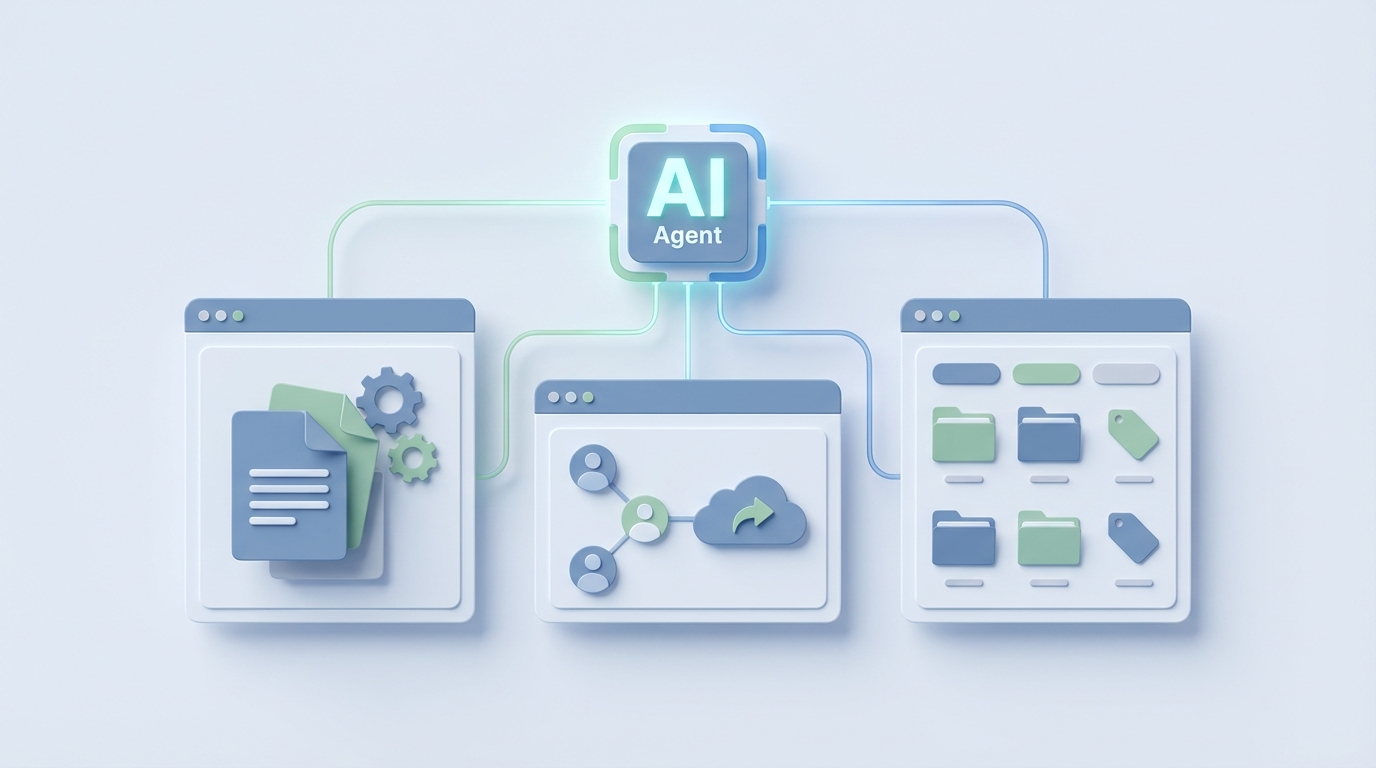
Craft is one of those tools that makes you feel good about writing documentation. The typography is beautiful. The block editor is fast. The iOS app is genuinely delightful. And for a lot of small teams — design studios, agencies, product teams, consultancies — it hits a sweet spot between Apple Notes (too simple) and Notion (too complex, too ugly, too much like configuring a database when you just want to write something down).
But here's the thing about Craft that starts to gnaw at you after a few months of serious team use: it's a beautiful notebook, and that's about it.
The built-in AI? Stateless. It doesn't remember what you wrote yesterday, let alone last quarter. The automations? Basically nonexistent. Zapier and Make integrations exist, but they hit API walls fast and can't reason about your content — they just shuttle text around. There's no visual automation builder. No conditional logic. No way to say "every Friday, summarize all the meeting notes from this week, extract the action items, and post them to the relevant project pages."
You end up doing all of that manually. Which defeats the purpose of having a centralized knowledge base in the first place.
This is the gap. And it's exactly where a custom AI agent, built on OpenClaw and connected to Craft's API, turns your pretty notebook into something that actually works for you while you sleep.
Let me walk through what this looks like in practice.
What Craft's API Actually Lets You Do
Before we build anything, let's be honest about what we're working with. Craft released a public API in late 2023, and it's... fine. It's REST + JSON. It gets the job done for straightforward operations.
What you can do:
- Create, read, update, and delete documents and folders
- Read and write block content (text, lists, toggles, headings)
- Search documents by keyword
- Create documents from existing templates
- Receive webhooks when documents are created or updated
- Authenticate via OAuth or API keys
- Work with Markdown and JSON representations of content
What you can't do well (or at all):
- Granular block-level updates (you often have to replace large sections)
- Complex queries or filtering (no database-style properties like Notion)
- Access version history programmatically
- Tap into Craft's own AI via the API
- Get real-time streaming updates
This is important context. The API is capable enough to build something genuinely useful, but you need an intelligent layer on top that can work within these constraints — reading full documents, reasoning about their content, and making smart decisions about what to write back and where.
That intelligent layer is your OpenClaw agent.
The Architecture: OpenClaw + Craft API
Here's the high-level setup:
- OpenClaw is your AI agent platform. It handles reasoning, memory, tool orchestration, and workflow execution.
- Craft's API is one of the tools your agent can call — reading documents, creating new ones, updating existing content, searching across your workspace.
- Webhooks from Craft trigger your agent when things change (new document created, existing document updated).
- Other tools (Gmail, Slack, Linear, Calendar) can also be connected, giving your agent a full picture of what's happening across your team.
The key difference between this and a basic Zapier integration: your OpenClaw agent has memory and judgment. It doesn't just move data from point A to point B. It reads a meeting note, understands the context based on everything it's seen before, extracts what matters, decides where it should go, and takes action. If something looks off — a contradicted decision, a stale document, a forgotten action item — it flags it or fixes it.
Let's get into specific workflows.
Workflow 1: Intelligent Meeting Note Processing
This is the highest-value workflow for most teams, and it's the one that Craft handles the worst natively.
The problem: Your team takes meeting notes in Craft. They're well-formatted, they have agenda items, discussion points, decisions, and action items. But after the meeting, nothing happens automatically. Someone has to manually pull out the action items, assign them, update the relevant project pages, and follow up. Usually nobody does this consistently.
The OpenClaw agent workflow:
Trigger: Webhook fires when a document in the "Meeting Notes" folder is updated.

Agent steps:
1. Read the full document content via Craft API
2. Identify the meeting type (standup, retro, client sync, 1:1) from the template structure and content
3. Extract structured data:
   - Decisions made
   - Action items (with owners and deadlines if mentioned)
   - Open questions
   - Key discussion points
4. Cross-reference with previous meeting notes from the same series (using OpenClaw's long-term memory)
5. Flag any contradictions with previous decisions
6. Update the relevant project page in Craft with new action items and decisions
7. If connected: create tasks in Linear, post a summary to the Slack channel, send follow-up emails to external participants
Here's what a simplified version of the Craft API interaction looks like in your OpenClaw agent's tool configuration:
// Read the updated meeting note
const meetingNote = await craft.getDocument({
  documentId: webhook.payload.documentId,
  format: 'markdown'
});

// Agent reasons about content using OpenClaw's LLM layer
const extracted = await agent.reason({
  prompt: `Extract action items, decisions, and open questions from this meeting note.
           Cross-reference with previous meetings in memory for this project.`,
  context: meetingNote.content,
  memoryScope: 'project:' + meetingNote.metadata.folder
});

// Update the project hub page
await craft.updateDocument({
  documentId: projectHubPageId,
  blocks: [
    {
      type: 'heading',
      content: `Updates from ${meetingNote.title}`
    },
    ...extracted.actionItems.map(item => ({
      type: 'todo',
      content: `${item.description} — @${item.owner} — Due: ${item.deadline}`
    })),
    ...extracted.decisions.map(d => ({
      type: 'text',
      content: `✅ Decision: ${d.summary}`
    }))
  ],
  position: 'prepend'
});
The critical thing here is line 8 — memoryScope. Your OpenClaw agent remembers previous meetings. It knows that two weeks ago the team decided to use Postgres, and if today's notes say "we're going with MongoDB," it can flag that. Craft's built-in AI can't do this. It's stateless. It only sees what's in front of it right now.
Workflow 2: Proactive Knowledge Base Maintenance
Knowledge bases rot. Everyone knows this. You build a beautiful wiki in Craft, and six months later half the pages are outdated, some contradict each other, and nobody trusts any of it.
The OpenClaw agent workflow:
Schedule: Weekly (or daily for high-velocity teams)

Agent steps:
1. Crawl all documents in designated knowledge base spaces via Craft API search
2. For each document, check:
   - When was it last updated?
   - Does it reference dates, versions, or tools that may be outdated?
   - Does it contradict information in other documents?
   - Is anyone still linking to it or referencing it?
3. Generate a "Knowledge Health Report" document in Craft with:
   - Stale pages (not updated in 90+ days with time-sensitive content)
   - Contradictions detected
   - Orphaned pages (no links pointing to them)
   - Suggested merges (pages covering overlapping topics)
4. Optionally: directly update pages with corrections for simple factual updates
This is the kind of thing that would take a human half a day every week and therefore never happens. Your OpenClaw agent does it on a schedule without being asked.
Workflow 3: Natural Language Document Operations
Instead of navigating Craft's folder structure and manually creating pages from templates, your team just tells the agent what they need.
Examples of natural language commands your OpenClaw agent can handle:
- "Create a new client onboarding page for Acme Corp using our standard template and pull in notes from our last three meetings with them."
- "Find everything we've written about our pricing strategy in the last quarter and create a summary document."
- "Move all the Q1 OKR documents into an archive folder and create a fresh Q2 OKR page for each team."
- "What did we decide about the mobile app redesign? Check the meeting notes and the product spec."
Each of these requires the agent to search Craft, read multiple documents, reason about their content, and take action — often creating or updating several pages in a single pass. This is multi-document reasoning, and it's something Craft's built-in AI simply cannot do. It lives inside one document at a time.
Workflow 4: Automated Reporting and Briefings
Weekly team digest:
Schedule: Every Monday at 8am

Agent steps:
1. Query all documents updated in the past 7 days
2. Categorize by project, team, and document type
3. Identify the most significant changes and new decisions
4. Generate a "Weekly Digest" document in Craft with:
   - Executive summary (3-4 sentences)
   - Per-project updates
   - Unresolved action items carried over from previous weeks
   - Key metrics if connected to data sources
5. Share the document with the team space
Personalized daily briefing:
Your agent can generate role-specific briefings. The engineering lead sees different highlights than the marketing manager, even though they share the same Craft workspace. OpenClaw's memory layer tracks who cares about what and tailors accordingly.
Workflow 5: Content Pipeline Automation
For teams using Craft to manage content production (blog posts, marketing briefs, launch documents), the agent can manage the pipeline:
- Automatically move documents through stages (Brief → Draft → Review → Published) based on content analysis and team activity
- Generate first drafts from briefs using company voice and style (learned from previous published content in memory)
- Flag content that's been stuck in "Draft" for more than a week
- Create distribution checklists when content is marked as published
- Detect gaps in your content coverage compared to your stated content strategy
Why OpenClaw Instead of Stitching Together Zapier + ChatGPT
I know what you're thinking. You could technically wire up Zapier to catch Craft webhooks, send content to ChatGPT, and push results back. People try this. Here's why it falls apart:
No memory. ChatGPT doesn't remember your last meeting note. Every API call starts from zero. OpenClaw agents maintain long-term memory scoped to your projects, clients, and team context.
No multi-step reasoning. Zapier is linear. Step 1 → Step 2 → Step 3. Real workflows require branching, looping, and judgment calls. "If this meeting note mentions a deadline change, update the project timeline page AND notify the client lead. Otherwise, just log it." OpenClaw agents handle this natively.
No cross-document understanding. You can't ask Zapier to "read the last five meeting notes and identify trends." OpenClaw agents can search, read, compare, and synthesize across your entire Craft workspace.
No proactive behavior. Zapier only runs when triggered. OpenClaw agents can run on schedules, monitor for conditions, and take initiative — catching stale content, flagging contradictions, generating reports without being asked.
API complexity is handled for you. Craft's API has quirks (block replacement instead of granular updates, limited filtering). OpenClaw's tool layer abstracts these away so your agent logic stays clean.
Getting Started: The Pragmatic Path
Don't try to automate everything at once. Here's the order I'd recommend:
Week 1: Meeting note processing. Set up the webhook, build the extraction logic, start pushing action items to a central page. This gives you immediate, visible value and teaches you how the Craft API behaves in practice.
Week 2: Search and synthesis. Give your agent the ability to search across your workspace and answer questions about your own content. "What did we decide about X?" is an incredibly powerful capability.
Week 3: Scheduled maintenance. Add the weekly knowledge health check. Start building trust that the agent can reliably work with your content without breaking things.
Week 4+: Expand. Connect additional tools (Slack, email, project management). Add more sophisticated workflows. Build out the content pipeline. Let the agent's memory deepen.
Each step builds on the previous one, and at each stage you have something useful — not a half-finished system that only works when everything is connected.
The Bottom Line
Craft is excellent at what it does: structured, beautiful writing with a fast, native-feeling editor. But it was never designed to be an intelligent system. The AI features are surface-level. The automation capabilities are minimal. The API is functional but basic.
An OpenClaw agent fills exactly this gap. It gives your Craft workspace memory, reasoning, proactive behavior, and cross-tool orchestration. It turns a collection of well-formatted documents into a living knowledge system that actively helps your team instead of passively storing what they write.
The documents are already there. The API access exists. The missing piece is the intelligence layer.
Want help building an AI agent for your Craft workspace? Our team at Claw Mart builds custom OpenClaw integrations through our Clawsourcing service. We'll scope the workflows, handle the API integration, and get your agent running — so you can focus on the work that actually matters instead of manually shuffling documents around.
Recommended for this post
Your SEO specialist that builds content strategies, optimizes pages, and tracks rankings -- own the search results.
 SpookyJuice.ai
Your Claude API expert that optimizes prompts, manages tokens, and builds production AI applications.
SpookyJuice.ai
Scott — Autonomous Prospect Research Agent
Prospect Research Agent
Finds ICP-qualified leads from YC, Product Hunt, IndieHackers, and Twitter. Qualifies every one. Automatically.
 Marco
Marco