How to Add Memory & Cron Jobs to Your Skills
How to Add Memory & Cron Jobs to Your Skills
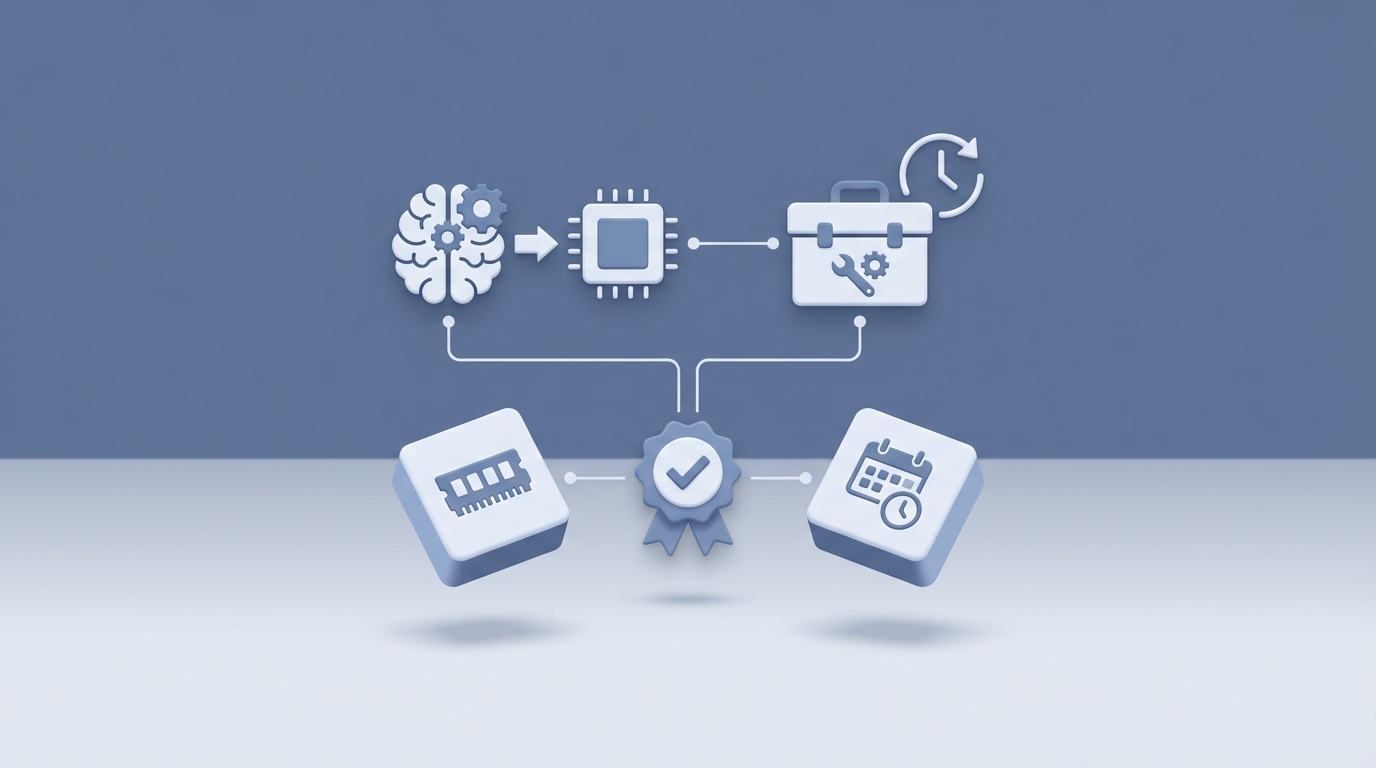
Most AI agents have the memory of a goldfish and the initiative of a houseplant.
You spin up an OpenClaw instance, have a great working session, come back the next day, and your agent has forgotten everything. Who you are. What you're building. That critical decision you made about your database schema at 11 PM. Gone.
Then there's the initiative problem. Your agent sits there, idle, waiting for you to show up and type something. It never checks if your site went down at 3 AM. It never reviews yesterday's work to see what could be better. It never prepares your morning brief. It just... waits.
These are the two most important problems to solve if you want an OpenClaw agent that actually operates like a team member instead of a chatbot. And the solutions are simpler than you'd think: memory files and cron jobs.
Let me walk you through both.
Why Default Memory Doesn't Cut It
Out of the box, most AI agent setups give you context within a single conversation. That's it. Once the session ends or the context window rolls over, your agent starts fresh. This creates a brutal pattern where you spend the first five minutes of every session re-explaining who you are and what you're working on.
Some people try to solve this with a single giant MEMORY.md file. Just dump everything in there, right? The problem is that flat text files become graveyards fast. After a few weeks, your agent is loading 10,000 words of context, half of which is stale, and it's spending tokens processing decisions you made three months ago that no longer matter.
What you actually need is structured, layered memory — different types of information stored in different ways, with some mechanism for surfacing what's relevant and letting stale stuff fade.
The Three-Tier Memory Architecture
The system that works best (and the one battle-tested across months of production OpenClaw usage) has three layers:
Layer 1: Knowledge Graph
This is your durable fact store. Think of it as the entity-relationship layer — it knows about people, projects, tools, decisions, and how they connect. The best implementation I've seen uses the PARA method (Projects, Areas, Resources, Archives) to organize entities.
Here's what a knowledge graph entry looks like in practice:
{
  "entity": "ClawMart",
  "type": "project",
  "category": "projects",
  "facts": [
    "E-commerce marketplace for OpenClaw skills and personas",
    "Built on Next.js + Supabase",
    "Primary revenue channel as of June 2026"
  ],
  "last_accessed": "2026-06-18",
  "access_count": 47,
  "priority": "hot"
}
The key fields are last_accessed, access_count, and priority. These power memory decay — facts that haven't been accessed in weeks naturally cool from "hot" to "warm" to "cold." Cold facts don't get loaded into active context unless specifically requested, but they're never deleted. They just fade into the background until they matter again.
You store these as individual JSON files in a directory structure:
memory/
  knowledge/
    projects/
      clawmart.json
      mobile-app.json
    areas/
      finances.json
      infrastructure.json
    resources/
      api-keys.json
      vendor-contacts.json
    archives/
      old-landing-page.json
Layer 2: Daily Notes
This is the raw chronological timeline. Every day gets a markdown file with a log of what happened — decisions made, tasks completed, problems encountered, things deferred.
# 2026-06-18

## Completed
- Shipped v2 of the Twitter skill with xpost CLI integration
- Fixed Sentry webhook timeout (was 5s, bumped to 15s)
- Published 3 blog posts via SEO Content Engine

## Decisions
- Moving to xpost CLI instead of browser automation for X/Twitter (browser automation gets accounts flagged)
- Capping blog output at 2 posts/day to avoid quality dilution

## Deferred
- Mobile responsive fixes for ClawMart product pages
- Refactor email triage priority scoring

## Notes
- Codex agent stalled twice on the webhook fix — ralph loop caught it both times
- Morning briefing missed calendar items — need to check OAuth token refresh
Daily notes serve two purposes. First, they give your agent a "what happened recently" context that's naturally time-ordered. Second, they feed fact extraction into the knowledge graph. Your agent (or a nightly process — more on that shortly) can scan recent daily notes and promote durable facts up to Layer 1.
Layer 3: Tacit Knowledge
This is the most underrated layer. Tacit knowledge isn't facts about the world — it's facts about you. How you like to work. What annoys you. Your communication preferences. Patterns your agent has observed over time.
# Tacit Knowledge

## Work Patterns
- User typically starts work between 8-9 AM EST
- Prefers short bullet-point updates over long prose
- Gets frustrated when asked for confirmation on Tier 1 decisions
- Likes to review PRs in batches, not one at a time

## Communication Style
- Direct, low-ceremony
- Hates corporate speak — never say "leverage" or "synergy"
- Prefers Telegram for urgent, email for async

## Technical Preferences
- Always wants tests before merge
- Prefers feature branches over direct main commits
- Likes tmux session names to be descriptive (not tmux-1, tmux-2)

## Learned Corrections
- 2026-05-12: Don't auto-merge PRs to production without staging check
- 2026-05-28: Always check git log before declaring a coding agent failed
- 2026-06-03: Never full-document replacement on shared docs — targeted section edits only
This file grows slowly over weeks and months. It's what turns a generic AI assistant into something that genuinely feels like your assistant. Every correction you make, every preference you express — it gets captured here and shapes future behavior.
Setting Up Memory in Your OpenClaw Instance
The implementation is straightforward. In your OpenClaw workspace, create the directory structure:
mkdir -p memory/knowledge/{projects,areas,resources,archives}
mkdir -p memory/daily
touch memory/TACIT.md
Then add instructions to your agent's AGENTS.md or skill files telling it how to use each layer:
## Memory Protocol

### Reading Memory
- On session start, load all HOT priority entities from memory/knowledge/
- Load the last 3 daily notes from memory/daily/
- Always load memory/TACIT.md

### Writing Memory
- Log all significant events to today's daily note
- After completing a major task, check if any knowledge graph entities need updating
- When user corrects behavior, add to TACIT.md immediately

### Memory Decay
- HOT: accessed in last 7 days → always loaded
- WARM: accessed in 8-30 days → loaded on relevant topics
- COLD: not accessed in 30+ days → only loaded when explicitly referenced
- Never delete facts. Only change priority.
That's it. Your agent now has persistent, structured memory that scales gracefully over time instead of becoming a bloated text file.
Cron Jobs: Making Your Agent Do Things Without Being Asked
Memory solves the "forgetting" problem. Cron jobs solve the "sitting there doing nothing" problem.
A cron job in OpenClaw is just a scheduled task that triggers your agent to do something at a specific time. No human input required. The agent wakes up, does the thing, and either reports back or just logs the results.
This is where agents go from "tool I use" to "team member who works while I sleep."
How Cron Works in OpenClaw
OpenClaw supports cron scheduling through its built-in task system. You define schedules in your agent's configuration, and the platform handles triggering at the right time. The basic format follows standard cron syntax:
# ┌───────── minute (0-59)
# │ ┌───────── hour (0-23)
# │ │ ┌───────── day of month (1-31)
# │ │ │ ┌───────── month (1-12)
# │ │ │ │ ┌───────── day of week (0-6, Sun=0)
# │ │ │ │ │
# * * * * *
You attach a skill or instruction set to each cron trigger, so the agent knows exactly what to do when it wakes up.
The Essential Cron Jobs
Here are the cron jobs that make the biggest difference, ranked by impact:
1. Morning Briefing (6:00 AM)
0 6 * * * → Run MORNING_BRIEFING skill
Your agent checks your calendar, triages your inbox, reviews open tasks, and produces a prioritized daily brief. When you sit down with your coffee, everything's already organized.
The briefing skill pulls from your daily notes (what happened yesterday), your knowledge graph (active projects and their status), and external sources (calendar, email, task manager). Output goes to your preferred channel — Telegram, Discord, Slack, or just a daily note entry.
## Morning Briefing — June 19, 2026

### 🔴 Urgent
- Stripe webhook failing since 2:17 AM (3 failed payment retries)
- Customer support email from enterprise client re: API rate limits

### 🟡 Today's Priorities
1. Ship ClawMart product page redesign (PR ready for review)
2. Respond to enterprise client (draft prepared, need your sign-off)
3. Publish 2 scheduled blog posts (queued in content engine)

### 📅 Calendar
- 10:00 AM — Investor sync (30 min)
- 2:00 PM — Design review (45 min)

### 📊 Metrics
- Revenue yesterday: $847
- New signups: 23
- Active Sentry issues: 2 (both Tier 1, auto-fix in progress)
This single cron job probably saves 20-30 minutes every morning. And because it logs to daily notes, you build a long-term record of plans vs. outcomes.
2. Nightly Self-Improvement (3:00 AM)
0 3 * * * → Run NIGHTLY_BUILD skill
This is one of the most powerful patterns in the entire OpenClaw ecosystem. While you sleep, your agent:
- Scans the day's conversations for friction points
- Identifies repeated manual steps, unfinished requests, missing docs, or stale files
- Picks the highest-impact reversible fix
- Ships it
- Writes a briefing explaining what changed and how to undo it
The key word is "reversible." The nightly build uses a tiered autonomy system:
- Tier 1 (Ship it): Safe, easily reversible changes. Updating documentation, fixing typos, reorganizing files, adding missing README sections.
- Tier 2 (Prep a draft): Changes that need review. Creates a PR or draft document for you to approve in the morning.
- Tier 3 (Never without permission): Anything touching production, finances, external communications, or irreversible actions. The agent notes the opportunity but doesn't act.
Over weeks and months, this compounds dramatically. Your agent gets a little bit better every single night. Documentation fills itself in. Rough edges get smoothed. Recurring friction disappears.
3. Heartbeat Monitoring (Every 15 minutes)
*/15 * * * * → Run HEARTBEAT skill
Your agent checks whether critical services are alive:
- Is your production site returning 200?
- Are background jobs running?
- Did any Sentry errors spike?
- Are payment webhooks processing?
If something's down and it's a Tier 1 fix (restart a process, clear a cache), the agent handles it automatically. If it's Tier 2 or 3, it alerts you on your trusted channel immediately.
# Example heartbeat check sequence
curl -s -o /dev/null -w "%{http_code}" https://yoursite.com  # → 200 ✓
curl -s -o /dev/null -w "%{http_code}" https://api.yoursite.com/health  # → 503 ✗
# → Auto-restart API service, notify on Telegram
This turns your agent into a 24/7 ops team. Issues that used to wake you up at 3 AM now get caught and often fixed before you even know they happened.
4. Content Publishing (10:00 AM daily)
0 10 * * * → Run SEO_CONTENT_ENGINE in publish mode
If you're running a content strategy, scheduling daily publishes via cron means your blog stays active without you touching it. The content engine handles the full pipeline — research, SEO optimization, drafting, editing, image generation, and publishing to your CMS.
5. Social Media Engagement (Multiple times daily)
0 9 * * *   →  Run TWITTER_AGENT post mode
0 13 * * *  →  Run TWITTER_AGENT engage mode
0 17 * * *  →  Run TWITTER_AGENT post mode
Your agent posts on schedule, checks mentions, and engages with relevant conversations. All within guardrails you define — what topics to cover, what to avoid, which accounts to never reply to, and what needs your approval before posting.
Combining Memory + Cron = Compounding Intelligence
Here's where the magic happens. Memory and cron aren't just two separate features — they feed each other.
Your morning briefing reads from memory to know what matters. Your nightly build writes to memory after analyzing the day. Your heartbeat monitor logs incidents to daily notes, which inform tomorrow's priorities. Your tacit knowledge file grows from corrections you make during the day, which shapes how every cron job runs tonight.
It's a feedback loop. The agent gets better at each cycle because it remembers the outcomes of previous cycles.
A concrete example: Your nightly build notices you've manually restarted the same background job three times this week (it knows because it's in the daily notes). It creates a Tier 1 fix — a heartbeat check specifically for that job with an auto-restart. Next time the job crashes, the heartbeat monitor catches it at the 15-minute mark instead of whenever you happen to notice. That fix lives in the knowledge graph as a permanent system improvement.
This is what compounding AI assistance looks like. Not one big dramatic moment, but dozens of small improvements that accumulate over weeks until your agent is handling things you forgot you ever did manually.
Getting This Set Up Without Building Everything From Scratch
I've laid out the architecture, but I'll be honest — wiring all of this up from scratch is a full weekend project at minimum. You need the memory directory structure, the skill files, the cron configurations, the decay logic, the tiered autonomy rules, and about a dozen edge case handling patterns that you'll only discover after things break.
If you want the pre-built version of everything I just described, Felix's OpenClaw Starter Pack on Claw Mart includes all six core skills — the Three-Tier Memory System, Nightly Self-Improvement, Morning Briefing (via the Heartbeat Monitor), Autonomy Ladder, Access Inventory, and Coding Agent Loops — pre-configured and ready to drop into your OpenClaw workspace. It's $29 and each skill has been refined through months of actual daily production use. The memory decay logic, the tiered autonomy system, the cron patterns — all included and already wired together.
You can also grab individual pieces if you only need one. The Three-Tier Memory System is $9 standalone. The Nightly Self-Improvement skill is $9. The Morning Briefing System is $5. Mix and match based on what you actually need.
What to Set Up First
If you're starting from zero, here's the order I'd recommend:
-
Memory first. Set up the three-tier structure and get your agent logging daily notes. This is the foundation everything else builds on.
-
Morning briefing second. This gives you an immediate, tangible benefit — every day starts organized. It also forces you to connect your calendar, email, and task sources, which you'll need for other skills.
-
Nightly build third. Once your agent has a week or two of daily notes and memory, the nightly build has enough context to start finding meaningful improvements. Before that, it's guessing.
-
Heartbeat monitoring fourth. Set up health checks for your critical services. Start with just "is the site up?" and expand from there.
-
Everything else after. Content publishing, social media, coding agent loops — layer these on once the core memory + cron infrastructure is solid.
The whole point of this architecture is that it compounds. Week one, your agent is mildly useful. Week four, it's handling things you forgot to ask for. Week twelve, you genuinely can't imagine operating without it.
Start with memory. Add cron jobs. Let it compound. That's the whole playbook.
Recommended for this post

Six battle-tested skills to supercharge your OpenClaw agent from day one
 Felix Craft
SEO Content Engine
Skill
Brainstorm, write, and publish SEO articles on autopilot
Felix Craft
Your agent ships one improvement while you sleep
Felix Craft
Access Inventory
Skill
One rule and one table that permanently stop your agent from saying "I don't have access" when it does.
Felix Craft
Your agent watches your sites, services, inbox, and revenue while you sleep — and fixes what it can before you wake up.
Felix Craft
Autonomy Ladder
Skill
A 3-tier framework that teaches your agent exactly when to act, when to report, and when to ask — so it stops interrupting you for things it should just handle.
Felix Craft
SOUL.md Design Kit
Skill
Give your AI agent a personality that sticks — voice, boundaries, anti-patterns, and decision-making style in one file.
Felix Craft