Persistent Sessions in OpenClaw: Never Lose Agent Memory
Persistent Sessions in OpenClaw: Never Lose Agent Memory
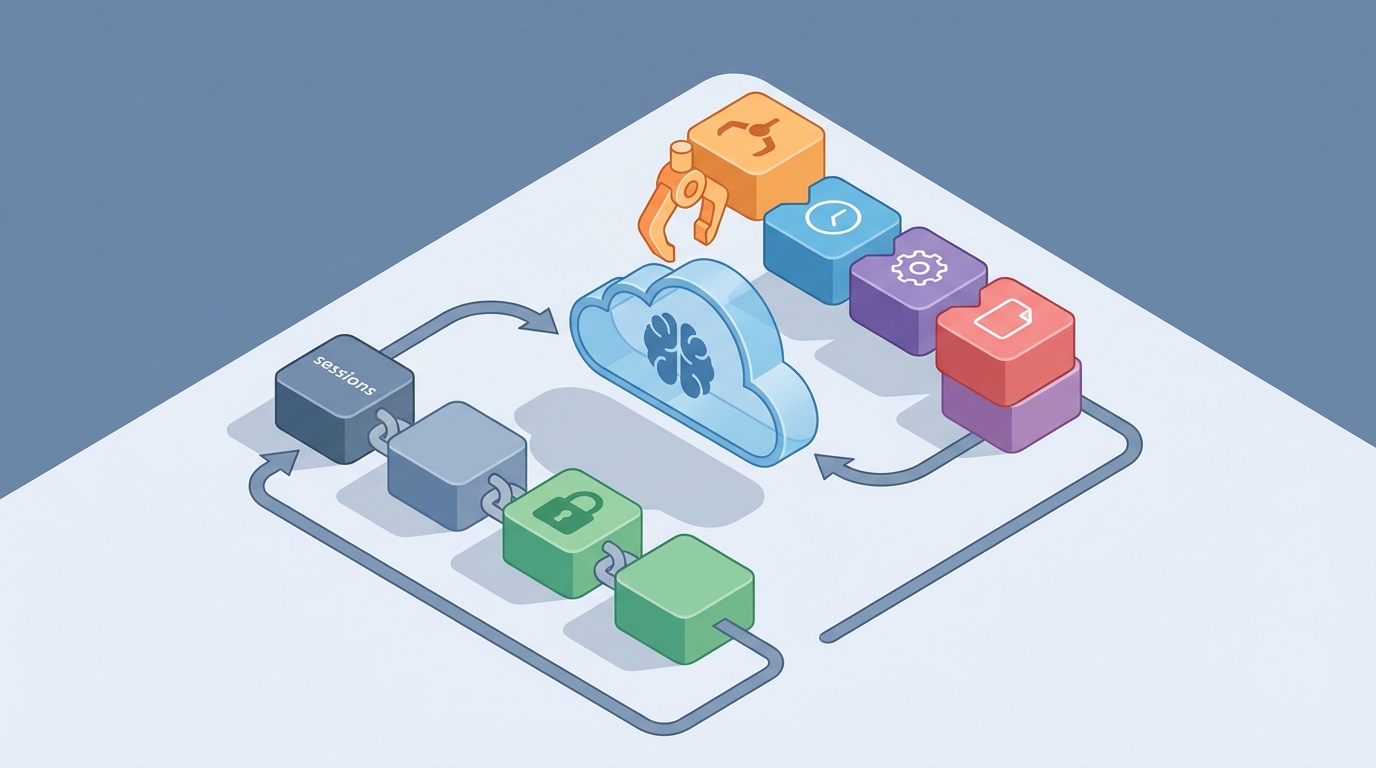
Let's talk about the most annoying problem in AI agents right now.
You spend two hours setting up an agent. It logs into your email, navigates to the right Notion workspace, downloads a few reference files, starts doing actual useful research — and then your Python process crashes. Or your laptop goes to sleep. Or you just close the terminal because dinner's ready.
You come back, spin it up again, and… blank slate. The agent has no idea who you are, what it was doing, or that it was ever alive in the first place. Every cookie, every downloaded file, every carefully navigated browser tab — gone.
This is the persistent session problem, and it's the single biggest gap between "cool agent demo" and "agent I actually rely on every day." If you've been building with AI agents for any length of time, you've hit this wall. Repeatedly.
I'm going to walk through exactly how to solve it using OpenClaw, because it's the cleanest solution I've found for giving agents a durable, resumable existence — not just better chat memory, but an actual persistent body they can return to.
Why Most "Persistence" Solutions Miss the Point
When people say "persistent sessions," most frameworks interpret that as "save the conversation history." LangGraph has checkpointers. CrewAI has memory modules. You can bolt on a vector database and call it long-term memory.
But here's the thing: conversation history is maybe 20% of what actually needs to persist.
Think about what happens when you close your laptop and reopen it. Your browser tabs are still there. You're still logged into Gmail. The files you downloaded are on your desktop. Your terminal has the same working directory. The whole environment persists, not just your memory of what you were doing.
AI agents need the same thing. They need:
- Browser state: Cookies, localStorage, authenticated sessions, open tabs, extensions
- File system: Downloaded files, cloned repos, generated outputs, config files
- Tool state: API tokens that were acquired mid-session, database connections, running processes
- Conversation context: Yes, this too, but as part of a larger picture
- Task progress: Where exactly in a multi-step workflow the agent stopped
OpenClaw was built specifically around this insight. It doesn't just checkpoint your agent's "thoughts" — it snapshots the entire working environment so you can suspend and resume an agent session the way you'd close and reopen your laptop.
The Architecture: How OpenClaw Handles Persistent Sessions
OpenClaw treats each agent session as a self-contained, saveable unit. Under the hood, it uses containerized environments with volume-backed storage, but the developer experience is straightforward.
Here's the mental model:
Session = Browser Profile + Workspace Files + Memory State + Conversation History
Each session gets a unique ID, and you can save, suspend, restore, or clone any session at any point. Let me walk through the key pieces.
1. Persistent Browser Profiles
This is the killer feature, honestly. OpenClaw manages isolated browser contexts — think full Chrome profiles — that survive restarts.
from openclaw import Session

# Create a new session with a persistent browser profile
session = Session.create(
    session_id="my-research-agent",
    browser="chromium",
    persist_browser=True
)

# First run: agent logs into Gmail, Notion, etc.
await session.browser.navigate("https://mail.google.com")
# ... agent authenticates ...

# Save everything
await session.save()

# Later (hours, days, whatever):
session = Session.restore("my-research-agent")

# Browser still has cookies, still logged in
await session.browser.navigate("https://mail.google.com")
# → Goes straight to inbox, no login required
This solves the single most-complained-about problem in every AI agent Discord I'm in: "My agent has to log into everything every single time." With OpenClaw, you authenticate once, and that profile just… works. Like a normal browser would.
The profiles are isolated from each other, too. If you're building a multi-user application where each user gets their own agent, their browser states don't bleed into each other. That's a security concern that most DIY Docker setups completely ignore.
2. Persistent Workspaces
Every OpenClaw session gets a durable workspace directory. Files created in one session are there in the next.
session = Session.restore("my-research-agent")

# Check what files exist from previous sessions
files = await session.workspace.list_files()
print(files)
# → ['research_notes.md', 'quarterly_report.pdf', 'data/scraped_results.json']

# Agent can pick up right where it left off
content = await session.workspace.read_file("research_notes.md")
This is backed by persistent volumes, so it doesn't matter if the container gets recycled. Your agent's "desk" stays intact.
For agents that clone repos, download datasets, or build up reference files over time, this is essential. Without it, you're either re-downloading everything each session (slow, expensive) or trying to hack together some shared filesystem that inevitably causes permission nightmares.
3. Session Snapshots and Checkpointing
Here's where OpenClaw really differentiates itself. You can snapshot an entire session — browser state, files, memory, conversation context — and restore it later. Think of it like a save point in a video game.
# Agent is halfway through a complex research task
await session.snapshot("pre-analysis-checkpoint")

# Agent tries something risky (navigating to a sketchy site, running untested code)
try:
    await agent.run("Analyze the competitor data and generate the report")
except Exception:
    # Something went wrong — roll back to the checkpoint
    session = Session.restore("my-research-agent",
                               snapshot="pre-analysis-checkpoint")
    # Everything is back to exactly how it was
This is invaluable for long-running agent tasks. If you've ever had an agent run for 45 minutes, fail on step 47 of 50, and lose everything — you know the pain. With snapshots, you can checkpoint at meaningful intervals and only lose a few minutes of work on failure instead of everything.
You can also use this for branching. Snapshot a session, clone it, and run two different approaches in parallel:
# Save current state
await session.snapshot("branch-point")

# Clone into two sessions with different strategies
session_a = Session.clone("my-research-agent", new_id="approach-a")
session_b = Session.clone("my-research-agent", new_id="approach-b")

# Run different prompts/strategies on each
# Compare results, keep the better one
4. Resource Management: Suspend and Resume
One of the practical concerns with persistent sessions is resource usage. You can't keep 50 browser instances running in memory indefinitely.
OpenClaw handles this with proper suspend/resume semantics:
# Agent is done for now — suspend (frees RAM/CPU, preserves state)
await session.suspend()

# Later — resume (rehydrates everything)
session = Session.resume("my-research-agent")
When a session is suspended, its state is serialized to disk. The browser process shuts down, containers can be recycled, and you're not paying for idle compute. When you resume, everything comes back — browser profile loaded, workspace mounted, memory restored.
Some people in the community report running dozens of persistent agent sessions on a single machine this way, where naive "keep everything alive" approaches would cap out at maybe five or six before running out of memory.
Putting It All Together: A Real Example
Let me walk through a realistic use case — a personal research assistant that accumulates knowledge over time.
from openclaw import Session, Agent

SESSION_ID = "research-assistant"

async def main():
    # Try to resume existing session, or create new one
    try:
        session = await Session.resume(SESSION_ID)
        print(f"Resumed session with {len(await session.workspace.list_files())} files")
    except SessionNotFound:
        session = await Session.create(
            session_id=SESSION_ID,
            browser="chromium",
            persist_browser=True,
            workspace_size="5GB"
        )
        print("Created new session")

    # Create an agent attached to this session
    agent = Agent(
        session=session,
        model="your-preferred-model",
        tools=["browser", "file_manager", "code_executor"],
        system_prompt="""You are a research assistant. You have a persistent
        workspace and browser. Files you create will be there next time.
        Websites you're logged into will stay logged in. Build on your
        previous work rather than starting from scratch."""
    )

    # Run the agent interactively
    while True:
        user_input = input("\nYou: ")
        if user_input.lower() == "quit":
            break

        response = await agent.run(user_input)
        print(f"\nAgent: {response}")

        # Auto-checkpoint after each interaction
        await session.snapshot(f"checkpoint-{int(time.time())}")

    # Suspend when done (preserves everything, frees resources)
    await session.suspend()
    print("Session suspended. Resume anytime.")
The beauty here is that this agent gets better over time. On day one, it logs into your research tools, creates some initial notes, downloads some papers. On day five, it has a whole organized workspace of research, it's still authenticated everywhere, and it can reference its own previous findings. On day thirty, it's essentially a junior research analyst that knows your project inside and out.
That's the difference between an agent that forgets everything and one that accumulates real value.
Framework Compatibility
One thing I really appreciate about OpenClaw is that it's framework-agnostic. You're not locked into a specific orchestration layer. The session management works alongside whatever you're already using:
- LangGraph: Use OpenClaw sessions for browser/filesystem persistence, LangGraph for orchestration logic
- CrewAI: Each crew member can have its own persistent session
- AutoGen: Persistent environments for code execution agents
- Custom setups: Direct API, works with any Python agent code
This means you don't have to rip and replace your existing stack. You add OpenClaw to handle the persistence layer while keeping your agent logic wherever it already lives.
Common Gotchas and How to Avoid Them
After working with this and seeing what people run into, here are the main things to watch out for:
Snapshot size management. If your agent has 50 browser tabs open and a 2GB workspace, snapshots get large. Be intentional about what you checkpoint. Close unnecessary tabs before snapshotting. Clean up temporary files.
Browser profile bloat. Over time, browser profiles accumulate cache, history, and other cruft — just like your personal browser does. Periodically clean the cache while preserving cookies and localStorage:
await session.browser.clear_cache(preserve_auth=True)
Memory vs. environment persistence. OpenClaw excels at environment state (browser, files, tool state). For semantic long-term memory — "remember that the user prefers concise summaries" — you might want to combine it with a memory layer like Zep or Mem0. OpenClaw provides the persistent body; semantic memory tools provide the persistent mind.
Security hygiene. If your agent's browser profile has saved passwords and authenticated sessions, treat those session files like you'd treat a password manager vault. OpenClaw provides isolation between sessions, but make sure your storage layer is properly secured, especially in multi-user deployments.
Getting Started Without the Setup Headache
If this sounds like a lot to configure from scratch — fair. The container setup, volume management, and browser profile configuration have a real learning curve. This is actually the most common feedback about OpenClaw: the capabilities are great, but the initial setup can be rough.
That's exactly why I'd recommend starting with Felix's OpenClaw Starter Pack. It's a pre-configured bundle that gets you past the setup phase and straight into building. Instead of spending your first weekend fighting Docker volumes and browser profile paths, you start with a working persistent session setup and customize from there.
I'm a big believer in reducing friction at the beginning of any new tool adoption. The faster you get to the "oh, this is actually useful" moment, the more likely you are to stick with it and build something real. Felix's pack is the shortest path I've found to that moment with OpenClaw.
What to Build First
If you're convinced and want to start, here's what I'd build as a first project:
A persistent browser assistant that stays logged in. Start simple. Create a session, log into three services you use daily (email, project management, whatever), save the session, kill the process, and restore it. Verify that the logins survive. Once you see that work — once you experience the agent just being where you left it — you'll immediately start thinking of bigger applications.
From there, common next steps:
- Research agent that builds up a knowledge base over days/weeks
- Monitoring agent that checks dashboards on a schedule and accumulates trend data
- Personal assistant that learns your workflows through accumulated browser and file state
- QA/testing agent that maintains a persistent test environment and runs regression suites
The Bigger Picture
The AI agent ecosystem is going through the same evolution that web development went through. We started with stateless request/response (CGI scripts, early agent runs). Then we got sessions and cookies (basic chat history). Now we need full application state management (persistent environments).
OpenClaw is betting — correctly, I think — that the winner in this space isn't going to be whoever has the best chat memory or the fanciest orchestration graph. It's going to be whoever makes it easiest to give agents a durable, resumable presence in the digital world.
Because the real unlock isn't an agent that remembers your conversation. It's an agent that has a desk, a browser with bookmarks, a file cabinet, and the ability to walk back to that desk tomorrow and pick up right where it left off.
That's what persistent sessions actually means. And that's what's worth building toward.
Next steps:
- Grab Felix's OpenClaw Starter Pack to skip the setup pain
- Build a simple persistent browser session as your first project
- Add workspace persistence and checkpointing once the basics click
- Join the OpenClaw community channels — the Discord is active and genuinely helpful
Stop rebuilding your agent's world from scratch every time you run it. Give it a persistent one instead.