How to Automate Weekly Project Status Report Generation
How to Automate Weekly Project Status Report Generation
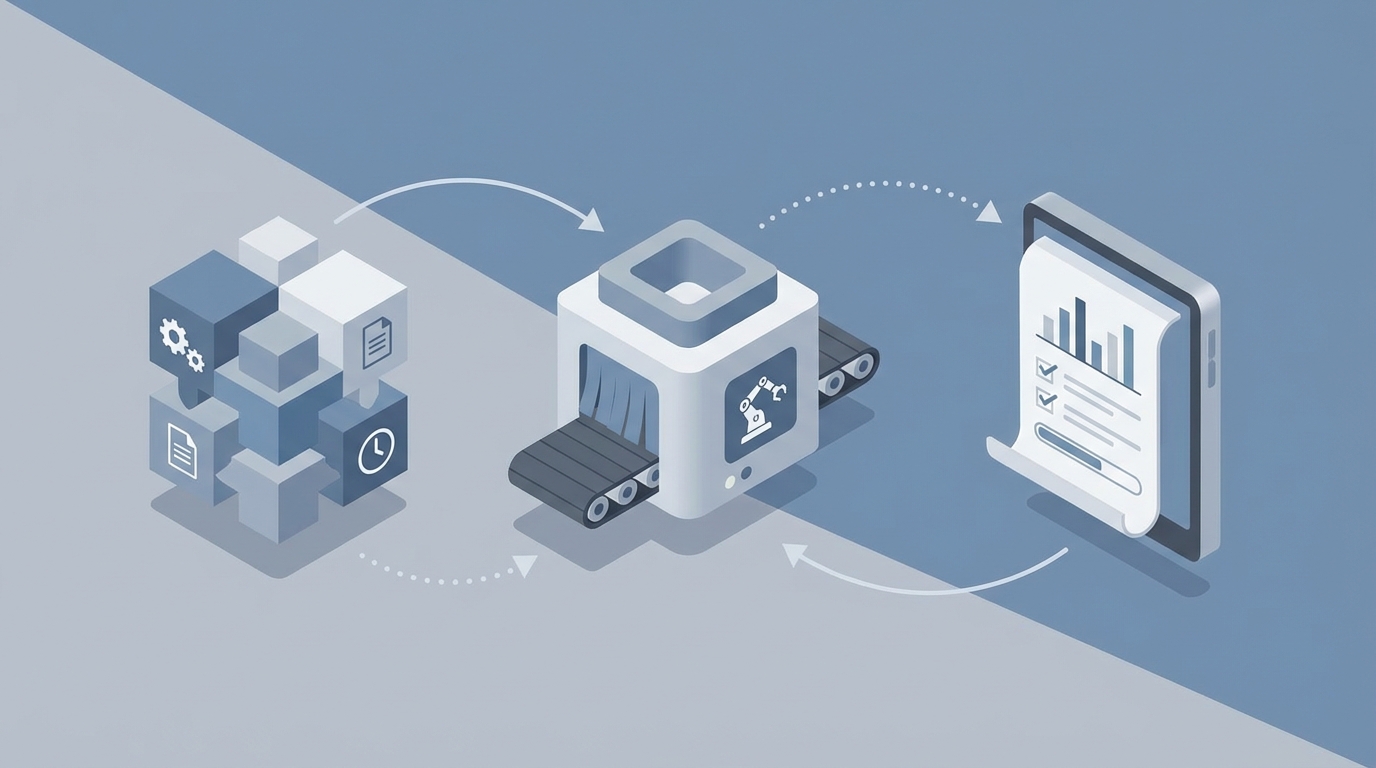
Every week, the same ritual plays out on construction projects across the country. The superintendent walks the site with a clipboard or tablet, eyeballing percent-complete on fifty different activities. The project manager spends Tuesday and Wednesday pulling data from Procore, cross-referencing it with Primavera P6, chasing three subcontractors who haven't submitted their updates, and then writing the same narrative summary they wrote last week with slightly different numbers. By Thursday afternoon, somebody formats everything into a PDF, the project executive redlines it, and the final version goes to the owner on Friday morning — reflecting conditions from Monday at best.
This process eats 8 to 14 hours of PM time per week on a typical commercial project. On large jobs, monthly owner reports can consume 20 to 40 hours. A 2023 study from the Construction Industry Institute found that project controls personnel spend 60 to 70 percent of their time collecting and reconciling data rather than actually analyzing it. That's not project management. That's data entry wearing a hard hat.
The good news: most of this workflow can be automated right now. Not with some theoretical future technology, but with an AI agent you can build today on OpenClaw using the tools and data sources you already have. Here's exactly how to do it.
The Manual Workflow, Step by Step
Let's be honest about what's actually happening every week. If you've managed a construction project, you'll recognize every one of these steps:
Step 1: Field Data Collection (3–5 hours) Superintendents and foremen walk the site, take photos, estimate percent-complete for each scheduled activity, record quantities installed, note material deliveries, log safety observations, and flag issues or delays. This data lives in people's heads, on their phones, in text messages to the PM, and maybe in a daily report tool like Raken.
Step 2: Data Aggregation (2–4 hours) The PM collects field notes, daily reports, subcontractor updates, and schedule data. They pull cost data from the ERP, update the schedule in P6 or MS Project, reconcile what the field says is 60 percent done with what the schedule says should be 75 percent done, and start building the picture of where the project actually stands.
Step 3: Report Writing (2–4 hours) Now the PM writes the narrative: what happened this week, what's behind schedule and why, what's coming in the two-week look-ahead, what risks need attention, and what decisions the owner needs to make. They annotate photos, generate S-curves and charts, and format everything for the specific audience.
Step 4: Review and Revision (1–3 hours) The project executive or director reviews the draft, asks for clarifications, requests different framing on the delay explanation, and sends it back. Sometimes this happens twice. The final report goes out, and the cycle starts over on Monday.
Total: 8–16 hours per week, and that's on a single project. Most PMs are running two or three.
Why This Is More Expensive Than You Think
The direct time cost is obvious, but the hidden costs are worse.
Stale data kills decisions. When your Friday report reflects Monday's conditions, you're making decisions on information that's already a week old. On a fast-track project, that delay can mean missing the window to recover from a schedule slip.
Subjectivity creates fiction. One superintendent says the framing is 70 percent complete. Another, looking at the same scope, says 55 percent. A 2023 industry study pegged manual progress estimation accuracy at roughly plus or minus 15 percent. When your earned value calculations are built on subjective guesses, your forecasts are fiction.
Error rates compound. Manual data entry and reconciliation between systems introduce errors that cascade through cost and schedule projections. A transposed number in a quantity report can throw off an entire cost-to-complete forecast.
PM burnout is real. An FMI report found that field leaders spend approximately 35 percent of their time on non-productive administrative work. Your most experienced project managers — the people you're paying to think strategically about building a building — are spending a third of their week as report compilers. That's a terrible use of a $150,000-per-year salary.
The industry-wide impact is staggering. McKinsey has documented that construction productivity has grown only 1 percent annually for decades, and administrative burden is a major contributor. This isn't a minor inefficiency. It's a structural drag on the entire industry.
What AI Can Handle Right Now
Let's separate reality from hype. Here's what AI can reliably do today for status report generation, and what it can't.
High-confidence automation:
-
Data aggregation across platforms. Pulling schedule data from P6, cost data from your ERP, daily reports from Procore or Raken, and field photos from a shared drive into a single structured dataset. This is pure integration work, and AI agents are excellent at it.
-
Progress calculation from structured data. Once you have quantities installed versus planned quantities, computing percent-complete, earned value, schedule variance, and cost variance is straightforward math. No reason a human should be doing this.
-
Draft narrative generation. Given structured data about what happened this week — activities completed, activities behind schedule, weather days, RFI status, material deliveries — a large language model can generate a coherent first draft of the status narrative. Not a final draft. A first draft that captures 80 percent of what the PM would write.
-
Photo sorting and annotation. Auto-tagging photos by location, trade, and issue type based on metadata and visual content.
-
Chart and visualization generation. S-curves, bar charts, heat maps of schedule variance — all of this can be generated programmatically from the data.
-
Anomaly detection. Flagging unusual patterns: a subcontractor whose productivity dropped 40 percent this week, a cost code that's trending 20 percent over budget, a critical path activity that's falling behind without anyone raising a flag.
Still requires a human:
- Root cause analysis that involves politics, negotiation, or interpretation of ambiguous field conditions.
- Quality assessment beyond what cameras can capture.
- Risk assessment with legal or contractual implications.
- Tone-setting for stakeholder communication, especially when the news is bad.
- Final approval and professional accountability for the report's accuracy.
The pattern is clear: AI handles the data plumbing and first-draft writing. Humans handle judgment, politics, and accountability.
How to Build This With OpenClaw: Step by Step
Here's the practical implementation. We're building an AI agent on OpenClaw that automates the data collection, aggregation, calculation, and draft generation steps of weekly status reporting. The PM's role shifts from compiler to reviewer and editor.
Step 1: Define Your Data Sources and Connections
First, map out where your project data lives. For a typical commercial construction project, you're looking at:
- Schedule data: Primavera P6 or Microsoft Project (exported as XML or via API)
- Daily reports and field data: Procore, Raken, or similar
- Cost data: Your ERP system (CMiC, Sage, Viewpoint)
- Photos: Procore, shared drives, or field capture tools
- Subcontractor updates: Email, submitted forms, or portal entries
In OpenClaw, you'll configure data connections for each source. For platforms with APIs like Procore, this is a direct integration. For systems that export files, you'll set up scheduled file ingestion. The key principle here is: don't change how your field teams collect data. The agent adapts to your existing workflow, not the other way around.
// Example: OpenClaw agent data source configuration
agent.addDataSource({
  name: "procore_daily_reports",
  type: "api",
  endpoint: "https://api.procore.com/rest/v1.0/projects/{id}/daily_logs",
  schedule: "daily_6pm",
  transform: "extract_activities_weather_manpower"
});

agent.addDataSource({
  name: "p6_schedule",
  type: "file_import",
  format: "xml",
  location: "/shared/schedules/current_baseline.xml",
  schedule: "weekly_monday"
});

agent.addDataSource({
  name: "cost_data",
  type: "api",
  endpoint: "your_erp_api_endpoint",
  schedule: "weekly_tuesday",
  transform: "map_cost_codes_to_schedule_activities"
});
Step 2: Build the Data Reconciliation Layer
This is where most of the manual pain lives. The agent needs to reconcile field-reported progress against the schedule and cost data. In OpenClaw, you build this as a processing pipeline.
The agent:
- Pulls this week's daily reports and extracts activities worked, quantities installed, and issues flagged.
- Maps those activities to the current schedule baseline.
- Calculates actual percent-complete versus planned percent-complete for each activity.
- Identifies schedule variances (activities behind or ahead).
- Cross-references cost data to compute earned value metrics (BCWP, BCWS, CPI, SPI).
- Flags anomalies that exceed configurable thresholds.
// Example: Variance detection logic in OpenClaw
agent.addProcessingStep({
  name: "schedule_variance_analysis",
  logic: `
    For each scheduled activity in the current period:
      - Compare actual_percent_complete to planned_percent_complete
      - If variance > 10% behind: flag as "at risk"
      - If variance > 20% behind: flag as "critical"
      - If activity is on critical path AND behind: escalate to summary
      - Calculate schedule performance index (SPI)
      - Generate look-ahead for next 2 weeks based on current trend
  `,
  output: "variance_report_structured"
});
Step 3: Configure the Report Template and Narrative Generation
Now you define what your status report actually looks like. Every owner and every company has a slightly different format. In OpenClaw, you create a report template that the agent populates.
A typical weekly status report includes:
- Executive summary (3–5 sentences on overall project health)
- Schedule status with percent-complete and variance by major area
- Critical path activities and look-ahead
- Issues, RFIs, and open items
- Safety summary
- Cost summary (if contractually required in weekly reports)
- Key photos with annotations
- Decisions needed from the owner
For the narrative sections, you give the OpenClaw agent a prompt template that produces consistent, professional output.
// Example: Narrative generation prompt in OpenClaw
agent.addGenerationStep({
  name: "executive_summary",
  prompt: `
    You are writing the executive summary for a weekly construction
    status report. Use a professional, factual tone. No marketing
    language. State the overall project status (on track, at risk,
    or behind), the key accomplishments this week, the primary
    concerns, and any decisions required.

    Data inputs:
    - Overall SPI: {spi_value}
    - Overall CPI: {cpi_value}
    - Activities completed this week: {completed_activities}
    - Activities behind schedule: {behind_activities}
    - Weather days lost: {weather_days}
    - Open critical RFIs: {open_rfis}
    - Safety incidents: {safety_incidents}

    Write 3-5 sentences. Be specific. Include numbers.
  `,
  output_format: "paragraph"
});
Step 4: Set Up the Weekly Automation Schedule
With everything configured, you schedule the agent to run automatically. A typical cadence looks like this:
- Monday 6 PM: Agent pulls updated schedule and begins aggregating the prior week's daily reports.
- Tuesday 6 PM: Agent pulls cost data and subcontractor updates.
- Wednesday 8 AM: Agent runs the full reconciliation, generates the draft report, and sends it to the PM for review.
- Wednesday–Thursday: PM reviews, edits narrative where needed, adds context the AI couldn't know, and approves.
- Thursday or Friday AM: Final report is generated and distributed.
This compresses a 12-hour process into roughly 2 to 3 hours of PM review time. That's not a theoretical number. It mirrors what firms using similar automation stacks have actually reported. Buildots documented a reduction from 12 hours to 2 hours on weekly reporting for a large hospital project. DPR Construction cut monthly report prep from 60 hours to 25 hours.
Step 5: Iterate Based on PM Feedback
Here's where OpenClaw's agent framework really pays off: you improve the agent over time. Every time the PM edits the draft, that edit is a training signal. After a few weeks, the agent learns your project's specific language, the owner's preferences, and which types of variances need detailed explanation versus a brief mention.
You might discover that:
- The agent consistently underestimates the narrative needed for MEP coordination issues. You add a rule to expand on any MEP-related variance.
- The owner always asks about a specific milestone. You add that as a standing section.
- The executive summary is too long. You tighten the prompt constraints.
This iterative refinement is what separates a useful tool from a gimmick.
What Still Needs a Human
Let's be direct about the limits. Automating report generation doesn't mean the PM disappears. It means the PM's job changes from data compiler to analyst and communicator.
Humans should still own:
- The "why" behind schedule slips when the reason is nuanced. "Concrete placement delayed due to subcontractor labor shortage caused by competing project start-up" requires context the agent doesn't have.
- Risk framing. The AI can flag that a critical delivery is trending two weeks late. The PM decides whether to present this to the owner as a manageable risk or an urgent escalation requiring intervention.
- Relationship management. If the report needs to diplomatically note that the owner's delayed design decisions are impacting the schedule, that's a human's job.
- Professional accountability. The PM's name is on the report. They review and approve every word.
Think of the AI agent as a very fast, very thorough junior project engineer who can pull data, do math, and write decent first drafts — but who has zero political awareness and needs a senior person to review their work.
Expected Time and Cost Savings
Based on reported results from firms using comparable automation approaches and the specific capabilities of an OpenClaw-built agent, here's what to expect:
| Metric | Before Automation | After Automation | Improvement |
|---|---|---|---|
| PM hours per weekly report | 8–14 hours | 2–4 hours | 55–70% reduction |
| Report data freshness | 3–7 days old | 1–2 days old | 2–3x improvement |
| Progress estimation accuracy | ±15% (subjective) | ±5–8% (data-driven) | 2x improvement |
| Subcontractor update chasing | 2–3 hours/week | Automated reminders | Near-zero |
| Monthly owner report prep | 20–40 hours | 8–15 hours | 50–65% reduction |
On a single mid-size commercial project, saving 8 hours per week of PM time at a loaded rate of $95 per hour translates to roughly $40,000 per year per project. For a GC running 15 active projects, that's $600,000 in recovered capacity — not eliminated headcount, but hours redirected from administrative work to actual project management.
The less tangible but arguably more important benefit: better decisions. When your status report is based on current, reconciled data instead of stale estimates, you catch problems earlier. Catching a schedule slip one week sooner on a project with $50,000-per-day liquidated damages is worth more than the entire automation setup.
Getting Started
If you're running construction projects and spending more than a few hours per week compiling status reports, this is low-hanging fruit. The data sources already exist. The report format is already defined. The weekly cadence is already set. This is exactly the kind of structured, repeatable workflow that an AI agent handles well.
You can find pre-built agent templates for construction status reporting and other project management workflows on Claw Mart, or build your own from scratch on OpenClaw if your reporting requirements are unique enough to warrant a custom setup.
If you'd rather have someone else configure all of this for you — the data connections, the reconciliation logic, the report templates, the scheduling — that's what Clawsourcing is for. You describe your reporting workflow, and a vetted OpenClaw builder sets up the agent, tests it against your actual project data, and hands you a working automation. You go from spending 12 hours on reports to spending 2 hours reviewing them, without your team learning a new platform.
Post your Clawsourcing request here and get your reporting workflow automated this month. Your PMs have better things to do than copy-paste schedule updates into a Word document.