How to Automate Sales Meeting Note Transcription and CRM Logging
How to Automate Sales Meeting Note Transcription and CRM Logging
Every sales rep knows the drill. You hang up a discovery call, glance at the clock, and realize you now owe the CRM gods another 30-plus minutes of your life. You crack open Salesforce, stare at your chicken-scratch notes, and try to reconstruct what the VP of Engineering actually said about their migration timeline versus what you think she said because you were busy formulating your next question instead of writing it down.
Then you update the deal stage, log the call outcome, create three follow-up tasks, tag the competitors that came up, and draft a recap email before the details evaporate from your short-term memory. Multiply that by eight calls a day, five days a week, and you've just found where your pipeline is actually dying: not in the conversation, but in the administrative black hole after it.
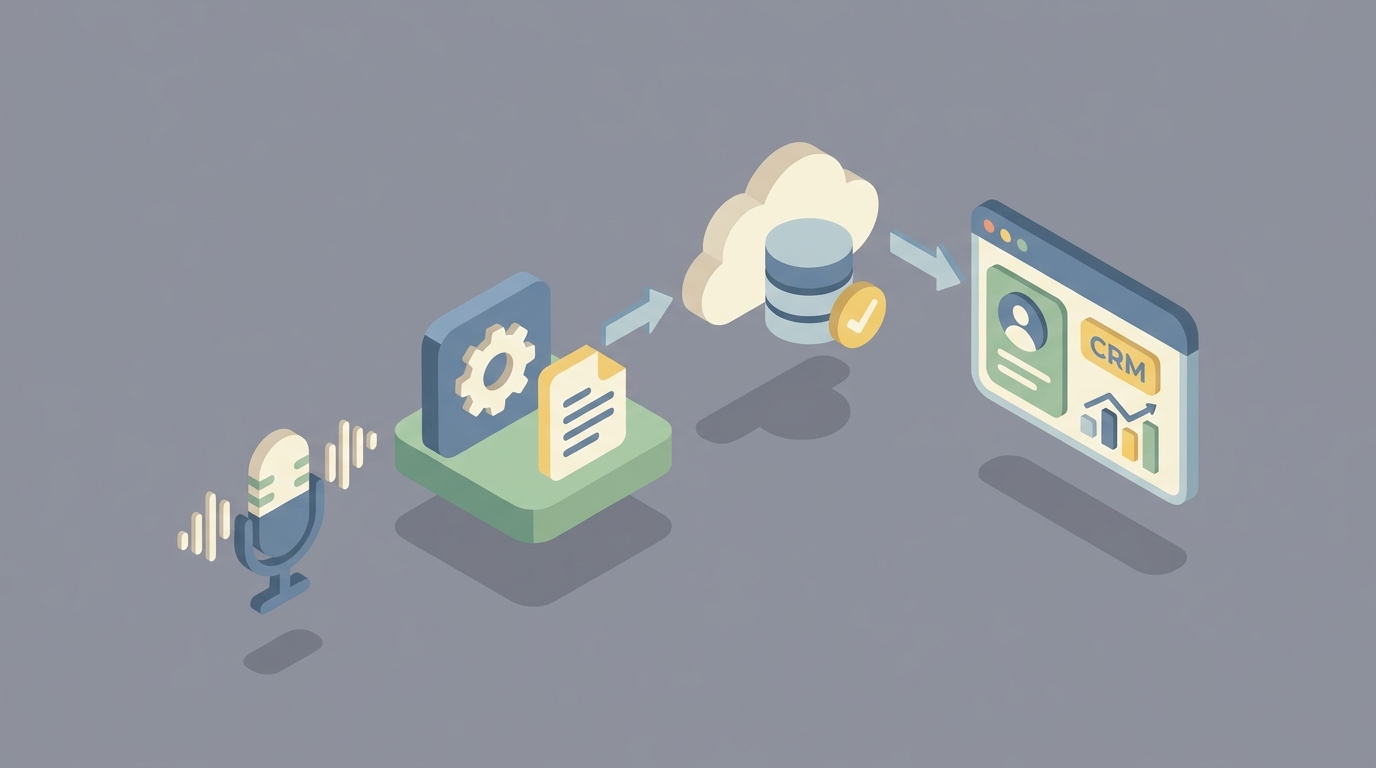
This post walks through how to kill that black hole by building an AI agent on OpenClaw that automatically transcribes your sales meetings, extracts the useful bits, logs everything to your CRM, and drafts your follow-up—all while you're already dialing the next prospect.
No hype. Just the workflow, the build, and the math.
The Manual Workflow Today (And Why It's Bleeding You Dry)
Let's be honest about what the current process actually looks like for most sales teams, even ones that consider themselves "modern."
Step 1: The Call Itself The rep joins a Zoom or Teams meeting. Maybe they have a Google Doc open, maybe a physical notebook. They're trying to simultaneously build rapport, ask sharp discovery questions, handle objections, and jot down fragments like "CFO skeptical—ROI?" and "timeline: Q2 maybe Q3??" They capture maybe 40% of what matters, and almost none of the subtext.
Step 2: Post-Call Note Expansion (0–24 hours later) The rep sits down and tries to turn those fragments into a coherent narrative: pain points, stakeholder requirements, buying process, decision timeline, next steps, competitor mentions. The longer they wait, the worse the output. Research consistently shows that recall accuracy drops off a cliff within hours.
Step 3: CRM Data Entry Now they open Salesforce (or HubSpot, or Dynamics, or whatever your org uses) and start filling fields. Call outcome. Deal stage update. Products discussed. New contacts mentioned. Tasks created for follow-up. According to HubSpot's 2026 Sales Trends Report, 76% of salespeople say this is their single least favorite activity. It shows in the data quality.
Step 4: Internal Distribution The rep Slacks or emails the summary to their AE, SE, manager, or solutions architect. Half the time this doesn't happen, and the context lives only in one person's head.
Step 5: Follow-Up Email They write a personalized recap email to the prospect while the conversation is (hopefully) still fresh. This is where deals are won or lost—and it's step five in a five-step manual process, which means it often gets done poorly or late.
Step 6: Filing The notes get saved... somewhere. Good luck finding them in six months when the deal re-engages.
The time cost: 25 to 45 minutes per call. For a rep running 8–12 calls per week, that's 4–9 hours of pure administrative labor. Salesforce's 2026 State of Sales report puts the broader number at 9–14 hours per week on admin tasks. That's a full quarter to a third of a rep's working week spent not selling.
What Makes This Painful (Beyond the Obvious)
The time cost alone would be bad enough, but the real damage is more insidious.
Context loss is the silent deal killer. When a prospect says "We'd need to loop in procurement, but that shouldn't be a problem," a human ear picks up hesitation in "shouldn't." A frantic note-taker writes "procurement involved—no issue." That one missed signal can mean a blindside three months later.
Inconsistency creates organizational amnesia. Every rep captures different things in different formats. When a deal gets handed off—from SDR to AE, from one AE to another after territory changes—the new owner inherits a patchwork of incomplete context. A 2026 Forrester study found that poor handoff between sales calls and CRM costs organizations an average of 11% of annual revenue.
Delayed follow-up kills conversion. The data here is unambiguous: response time correlates directly with win rate, and it drops dramatically after 24 hours. When writing the follow-up email is step five of a manual slog, it doesn't get sent while the conversation is hot.
Confirmation bias distorts the record. Humans disproportionately note what confirms their existing deal hypothesis. If you believe the deal is strong, you'll unconsciously downweight the objections in your notes. This poisons your forecast and your manager's ability to coach.
The CRM becomes a fiction. When data entry is painful, reps do the minimum. Fields get left blank or filled with garbage. Pipeline reviews become debates about what's actually happening in deals rather than strategic discussions about how to win them.
What AI Can Actually Handle Now
Here's where it gets practical. Modern AI—specifically the kind you can orchestrate through OpenClaw—has gotten genuinely good at the mechanical parts of this workflow. Not "impressive demo" good. Actually reliable in production good.
Near-perfect transcription with speaker identification. Current speech-to-text models handle accents, crosstalk, and technical jargon with 95%+ accuracy. Speaker diarization (knowing who said what) works reliably in two-to-four-person calls.
Structured extraction. AI can pull out explicit action items, mentioned competitors, pricing discussions, stated timelines, technical requirements, stakeholder names and roles, and objections—and organize them into whatever schema your CRM expects.
Summarization in multiple formats. Executive summary for your manager. Bullet-point recap for Slack. Field-by-field breakdown for CRM logging. Follow-up email draft for the prospect. All from the same source transcript.
Searchable institutional memory. Every call becomes queryable. "Show me every time a prospect in the financial services vertical mentioned SOC 2 compliance in the last quarter." That's not theoretical—it's a straightforward retrieval task once your transcripts are indexed.
Auto-population of CRM fields. 60–80% of standard CRM fields (call outcome, next step date, competitors mentioned, products discussed, deal stage recommendation) can be filled automatically with high accuracy.
What AI still can't do reliably—and I'll cover this in detail below—is the strategic interpretation layer. But that's fine, because the goal isn't to remove the human. It's to shift the human's job from transcription clerk to strategic editor.
Step-by-Step: Building the Automation on OpenClaw
Here's the actual build. The architecture is an OpenClaw agent that listens to your meeting recordings, processes them through a structured pipeline, and pushes the outputs to your CRM and communication tools.
Step 1: Set Up the Recording Input
Your agent needs access to meeting recordings. Most teams already record calls through Zoom, Teams, or Google Meet. The OpenClaw agent connects to your recording source—either via a direct integration, a cloud storage bucket where recordings land (S3, Google Cloud Storage), or a webhook that fires when a new recording is available.
In OpenClaw, you'd configure this as your agent's trigger:
Trigger: New file in /recordings/sales-calls/
File type: .mp4, .webm, .m4a
Action: Start transcription pipeline
If your team uses a tool like Fireflies or Gong for recording, OpenClaw can ingest from their APIs as well. The point is: the agent watches for new recordings and kicks off automatically. No human initiation required.
Step 2: Transcription and Speaker Diarization
The OpenClaw agent processes the audio through its transcription pipeline, producing a full text transcript with speaker labels and timestamps.
Pipeline Step: Transcribe
Model: OpenClaw Speech-to-Text
Config:
  speaker_diarization: true
  expected_speakers: 2-4
  language: en-US
  vocabulary_boost: ["your_product_name", "competitor_names", "industry_terms"]
Output: Timestamped transcript with speaker labels
The vocabulary_boost parameter is important for sales calls. Every industry has jargon that generic models stumble on. Feeding in your product names, competitor names, and common technical terms dramatically improves accuracy.
Step 3: Structured Extraction
This is where the agent earns its keep. You define an extraction schema that matches your sales methodology and CRM fields. The agent reads the full transcript and pulls out structured data.
Pipeline Step: Extract
Schema:
  meeting_summary: "3-5 sentence executive summary"
  pain_points: ["list of stated or implied pain points"]
  stakeholders:
    - name: string
      role: string
      sentiment: positive | neutral | skeptical | negative
      influence_level: high | medium | low | unknown
  competitors_mentioned: ["list"]
  products_discussed: ["list"]
  technical_requirements: ["list"]
  budget_signals: "any pricing or budget discussion"
  timeline: "stated or implied decision timeline"
  objections:
    - objection: string
      severity: low | medium | high
      addressed: true | false
  action_items:
    - item: string
      owner: prospect | rep | other
      due: date or "unspecified"
  next_steps: "agreed next steps"
  deal_stage_recommendation: string
  risk_flags: ["anything that suggests deal risk"]
  key_quotes: ["verbatim quotes worth preserving"]
This schema is fully customizable. If your team uses MEDDIC, BANT, SPICED, or any other qualification framework, you map the schema to match. OpenClaw's extraction engine processes the transcript against this schema and returns structured JSON.
Step 4: CRM Push
The structured output maps directly to your CRM. OpenClaw supports native integrations with Salesforce, HubSpot, Dynamics 365, and Pipedrive, among others. You configure field mappings:
Pipeline Step: CRM Update
Target: Salesforce
Mappings:
  Opportunity.Last_Call_Summary__c: meeting_summary
  Opportunity.Competitors__c: competitors_mentioned
  Opportunity.Next_Step__c: next_steps
  Opportunity.Stage: deal_stage_recommendation (pending approval)
  Task[]: action_items (create one task per item)
  Contact[]: stakeholders (create/update contacts)
  Call_Log:
    type: "Discovery" | "Demo" | "Negotiation" (auto-detected)
    outcome: extracted from transcript
    duration: from recording metadata
    notes: full structured summary
A critical detail: for deal stage changes, you probably want human approval rather than auto-updating. The agent can recommend a stage change and flag it for the rep to confirm with one click, rather than silently moving a deal from "Discovery" to "Proposal" based on AI interpretation.
Step 5: Follow-Up Email Draft
The agent generates a follow-up email based on the transcript, personalized to the conversation that actually happened.
Pipeline Step: Draft Follow-Up
Inputs: meeting_summary, action_items, next_steps, stakeholder names
Tone: professional, concise, mirrors prospect's communication style
Structure:
  - Thank + personal reference to something specific from the call
  - Recap of key points discussed
  - Confirmed next steps with dates
  - Any promised deliverables attached or noted
  - Clear CTA
Output: Email draft in rep's outbox (not auto-sent)
Do not auto-send. I cannot stress this enough. The email goes to the rep's draft folder or surfaces in their email tool for review and send. This is where human judgment on tone and positioning earns its paycheck.
Step 6: Internal Distribution
Finally, the agent posts a structured summary to your internal channels.
Pipeline Step: Notify
Channels:
  - Slack #sales-calls: Brief summary + risk flags + link to full notes
  - Manager DM: Only if risk_flags contains high-severity items
  - SE channel: Only if technical_requirements is non-empty
Format: Markdown, collapsible sections
This ensures the right people get the right context without anyone having to remember to send an email.
What Still Needs a Human
I promised no hype, so here's where the human stays essential.
Strategic interpretation. When the prospect says "We'd need to evaluate this against our existing vendor," AI sees a competitor mention. A seasoned rep understands that this specific prospect is using the incumbent as leverage to negotiate price, not actually considering staying. That judgment drives completely different strategy.
Relationship nuance. Buying committees are political. The stated decision-maker might not be the real one. The "technical evaluation" might actually be a power play between two VPs. AI can flag the signals; humans read the game.
Deal qualification. Is this objection fatal or just friction? That depends on pattern recognition built from hundreds of deals, not just the words in this one transcript.
Follow-up tone. The AI draft will be 70–80% there. The rep needs to adjust for the relationship's specific temperature, add a personal reference the AI might miss, or soften language for a prospect who was clearly having a bad day.
Review and correction. The agent will occasionally get things wrong—misattribute a quote, miss a nuance, or miscategorize an objection's severity. The rep should spend 5–8 minutes reviewing and editing the agent's output. This is dramatically less work than creating it from scratch, but it's not zero.
The operating model is AI draft, human edit. The agent is a very capable junior sales assistant. You wouldn't let a first-week SDR update your pipeline and email your champion without review. Same principle, much faster execution.
Expected Time and Cost Savings
Let's do the math with conservative numbers.
Before (manual workflow):
- Time per call: 35 minutes of post-call admin
- Calls per week: 10
- Weekly admin time: 5.8 hours
- Monthly admin time: ~23 hours
After (OpenClaw agent + human review):
- Time per call: 7 minutes of review and editing
- Calls per week: 10
- Weekly admin time: 1.2 hours
- Monthly admin time: ~5 hours
Net savings: ~18 hours per month per rep. For a team of 10 reps, that's 180 hours per month redirected from data entry to actual selling.
Beyond time, the quality improvements compound:
- CRM data completeness jumps because the agent fills every field, every time, without fail.
- Follow-up speed drops from hours (or days) to minutes after the call ends.
- Institutional knowledge becomes searchable and persistent instead of trapped in individual reps' heads.
- Coaching quality improves because managers can review structured call data at scale instead of relying on self-reported summaries.
Real-world benchmarks support this. Companies using conversation intelligence and automated CRM logging report 15–28% higher close rates (Gong 2026) and top-performing reps consistently spend 41% less time on admin than average performers.
Getting Started
If you want to browse pre-built sales automation agents—including meeting transcription, CRM logging, and follow-up drafting workflows—check out Claw Mart. It's a marketplace of ready-to-deploy OpenClaw agents that you can plug into your existing stack without building from scratch. Some of these sales agents can be running within an afternoon.
If you have a more custom workflow in mind—your own CRM schema, your own qualification framework, your own internal distribution rules—you can hire an OpenClaw builder through Clawsourcing to architect and deploy the agent for you. You describe the workflow, they build it, you review and iterate. Most sales note automation agents go from scoping to production in one to two weeks.
Either way, the play is the same: stop spending a quarter of your selling time on clerical work that a well-built agent handles better than you do anyway. Keep the judgment. Automate the grunt work.
Recommended for this post

Your memory engineer that builds persistent context, tiered storage, and retrieval systems -- agents that remember.
 SpookyJuice.ai
Your Linear expert that automates issue tracking, builds workflows, and streamlines project management.
SpookyJuice.ai