How to Automate Rental Application Processing and Approval Workflows
How to Automate Rental Application Processing and Approval Workflows
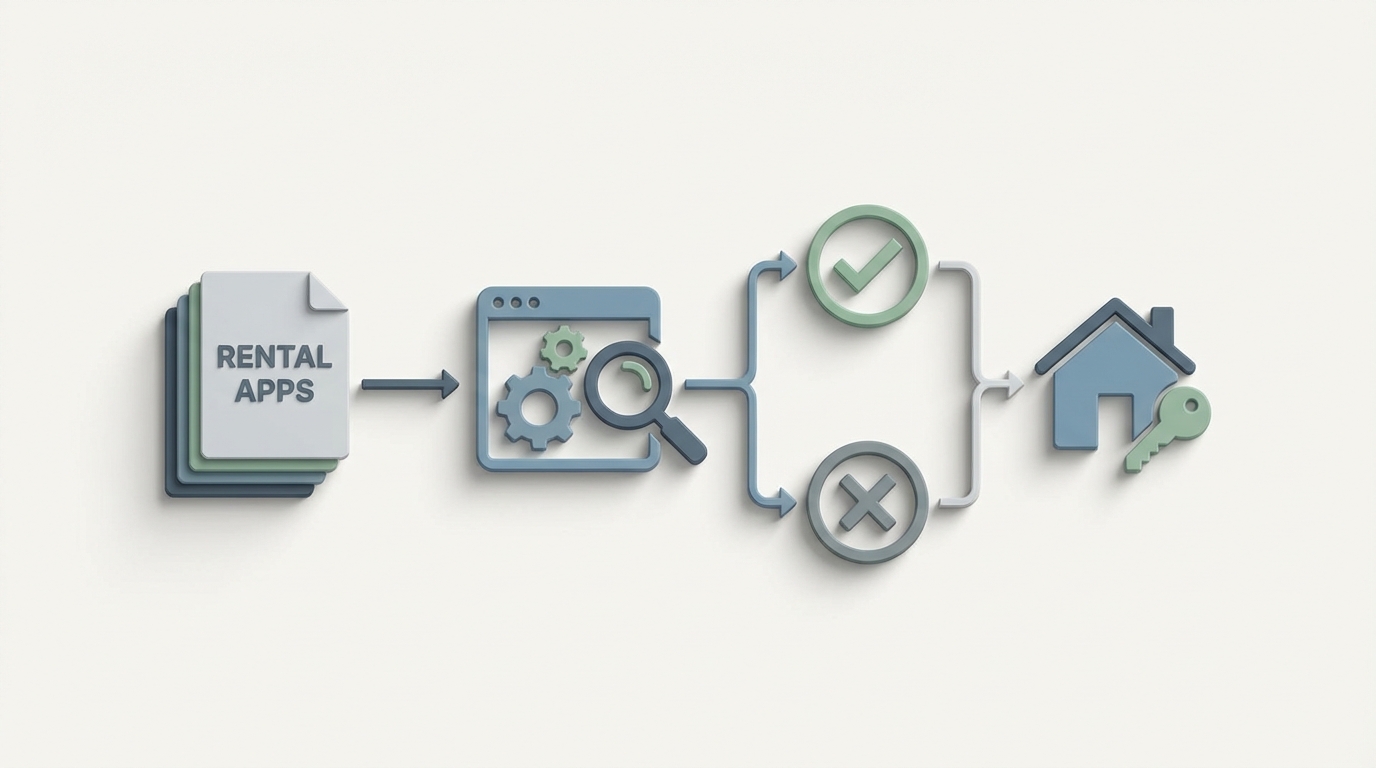
Every property manager I've talked to says some version of the same thing: "We went digital years ago." And they did — applications come in through a portal now instead of a fax machine. Congratulations. But "digital" doesn't mean "automated." It means you're doing the same manual work, just on a screen instead of a clipboard.
Here's what actually happens when a rental application hits your desk in 2026: you eyeball the PDF attachments to make sure everything's there, you re-type half the applicant's info into your screening vendor, you wait for reports, you call an employer who never picks up, you squint at a pay stub that might be fake, you check it all against your internal criteria, you draft an approval or denial letter, and then you file everything in case someone audits you.
That's 45 to 90 minutes of staff time per application. If you manage 500+ units, your leasing team is spending 8 to 25 hours per week just on screening. About 30 to 40 percent of their working hours go to application processing and follow-up, according to NMHC's 2023 tech survey.
This is a workflow that's begging to be automated — not with another SaaS dashboard, but with an AI agent that actually does the work. Let me walk through exactly how to build one on OpenClaw.
The Manual Workflow, Step by Step
Let's be precise about what's happening today, because you can't automate what you haven't mapped.
Step 1: Application Intake & Completeness Check (5–10 minutes) Applicant submits through your portal. Someone on your team opens it, scrolls through, checks that all fields are filled out, verifies that the required documents — government ID, pay stubs, tax returns, references — are actually attached and legible. If something's missing, they send a follow-up email and the whole thing stalls.
Step 2: Document Validation & Data Entry (15–25 minutes) Staff manually reviews pay stubs and bank statements. They're looking for income authenticity, matching names and dates, and often re-keying employer info, income figures, and reference contacts into the property management system because the data doesn't flow automatically.
Step 3: Ordering Screening Reports (10–15 minutes) Someone logs into TransUnion SmartMove or Experian or CoreLogic — sometimes multiple vendors — enters the applicant's data, and orders credit, criminal, and eviction reports. Then they wait.
Step 4: Reference & Employment Verification (15–30 minutes, often spread over days) This is the black hole. Calling previous landlords and employers, leaving voicemails, sending emails that get ignored, following up days later. A single unresponsive reference can delay the entire process by a week.
Step 5: Manual Review & Scoring (10–15 minutes) Property manager reviews the screening report against internal criteria — minimum credit score, debt-to-income ratio, criminal history policy, pet policy, whatever your ruleset is. Different staff members often apply these criteria differently, which is a fair housing lawsuit waiting to happen.
Step 6: Edge-Case Adjudication (variable) Red flags, discrepancies, or mitigating circumstances require human review. This is legitimate decision-making, but it gets bottlenecked because it's tangled up with all the mechanical work.
Step 7: Approval/Denial & Communication (5–10 minutes) Generate a lease offer or an adverse action notice (required by FCRA if you deny based on a consumer report). Send it out. Field questions.
Step 8: Compliance Archiving (5 minutes) Store everything for fair housing audits. Pray your filing system is organized.
Total: 45–90 minutes of staff time per application, plus days of elapsed time waiting on references and reports.
At a fully loaded cost of $35 to $75 in staff time per application — on top of $20 to $45 in screening fees — this adds up fast for any portfolio beyond a handful of units.
Why This Hurts
The time cost is obvious, but the real damage is more insidious.
Inconsistent decisions create legal exposure. When three different leasing agents apply your screening criteria three different ways, you're building a fair housing complaint file without realizing it. HUD doesn't care that Sarah is stricter than Mike. They care that similarly situated applicants got treated differently.
Slow processing kills conversion. Zillow's 2023 data showed that properties responding to applications within 24 hours had 3.2x higher conversion rates. Every day your process drags is a day your best applicant signs a lease somewhere else.
Document fraud is rampant and hard to catch manually. Fake pay stubs are trivially easy to generate. A leasing agent glancing at a PDF for 30 seconds isn't going to catch a well-made fake. One mid-size operator reported that after implementing AI document verification, they caught fraudulent documents in roughly 6 percent of applications that had previously passed manual review.
Data lives in silos. The applicant's info is scattered across your email, your portal, your screening vendor's dashboard, and your PMS. Nobody has a single source of truth.
Your best people are doing your worst work. Your experienced property managers should be handling complex negotiations, resident issues, and portfolio strategy — not re-typing pay stub figures into a form.
What AI Can Actually Handle Right Now
I want to be specific here because most "AI in property management" content is vaporware marketing. Here's what's genuinely automatable with current technology — and what you can build on OpenClaw today.
Application completeness checking: An AI agent can parse submitted applications, verify that all required fields are populated, check that document attachments exist and are legible (not blank pages, not blurry photos), and immediately notify applicants of anything missing. This alone eliminates the most common cause of processing delays.
Document extraction and income verification: This is where things get powerful. Using document AI capabilities, an OpenClaw agent can extract income figures, employer names, pay periods, and bank balances from pay stubs, tax returns, and bank statements. Combined with verification services like Plaid or Argyle for direct bank and employment data, you can validate income claims without anyone manually reading a PDF.
One mid-size operator using AI document parsing reported reducing income verification time from 23 minutes to 4 minutes per application with 94 percent accuracy.
Screening report orchestration: Instead of a human logging into screening portals and entering data, an OpenClaw agent can call screening APIs directly — pulling credit, criminal, and eviction reports, then normalizing the results into a single structured dataset.
Rule-based scoring against your criteria: This is the most underrated automation opportunity. Your screening criteria — minimum credit score, maximum debt-to-income ratio, criminal history policy, income-to-rent ratio — are rules. An AI agent can apply them consistently, every time, to every application. No variation between staff members. No forgetting to check a criterion. No fair housing risk from inconsistent application.
Automated communication: Status updates, missing document requests, approval notifications, and even FCRA-compliant adverse action notices can be generated and sent automatically. The applicant experience goes from "I submitted my application into a void" to "I know exactly where I stand at every step."
Fraud detection: AI document forensics can flag manipulated pay stubs, inconsistent metadata, and other signs of fabrication that a human reviewer would miss in a quick visual scan.
How to Build This on OpenClaw: Step by Step
Here's the practical implementation. I'm assuming you have a property management system (AppFolio, Yardi, Entrata, Rent Manager, or similar) and use at least one screening vendor.
Step 1: Map Your Decision Logic
Before you touch any technology, write down your screening criteria explicitly. All of them.
- Minimum credit score
- Maximum debt-to-income ratio
- Income-to-rent ratio requirement (commonly 2.5x or 3x)
- Criminal history policy (what disqualifies, what doesn't, lookback periods)
- Eviction history policy
- Pet policy
- Any other criteria
If you can't write it down, you can't automate it. And if different people on your team would write it down differently, that's the first problem to solve.
Step 2: Design the Agent Workflow in OpenClaw
In OpenClaw, you're building an agent that handles the entire application pipeline. Here's the workflow architecture:
Trigger: New application submitted (webhook from your PMS or application portal).
Stage 1 — Intake Validation The agent receives the application payload, checks all required fields, and verifies document attachments. If anything is missing or illegible, it sends an automated request to the applicant with specific instructions on what's needed.
Agent Task: Intake Validation
- Parse application submission
- Check required fields: [name, SSN, DOB, current_address, employer, income, references]
- Verify attachments: [government_id, pay_stub_recent_2, bank_statement OR tax_return]
- For each attachment: confirm file is not corrupt, not blank, contains readable text
- If incomplete: send templated request to applicant via email/SMS
- If complete: advance to Stage 2
Stage 2 — Document Extraction & Verification The agent extracts structured data from uploaded documents and cross-references it against the application's self-reported information.
Agent Task: Document Processing
- Extract from pay stubs: gross_income, net_income, pay_period, employer_name, employee_name
- Extract from bank statements: average_balance, monthly_deposits
- Cross-reference: does extracted employer match reported employer?
- Cross-reference: does extracted income support reported income (within 10% tolerance)?
- Flag discrepancies for human review
- If verification services configured: call Plaid/Argyle API for direct confirmation
- Calculate: income_to_rent_ratio, monthly_debt_obligations (if available)
Stage 3 — Screening Report Orchestration The agent orders and retrieves screening reports via API.
Agent Task: Screening
- Submit applicant data to screening API(s): [credit, criminal, eviction]
- Poll for report completion
- Parse results into structured format:
  - credit_score
  - outstanding_collections
  - bankruptcy_flag
  - criminal_records: [{type, date, jurisdiction, disposition}]
  - eviction_records: [{date, jurisdiction, outcome}]
- Store normalized results
Stage 4 — Automated Scoring Apply your criteria from Step 1 as a rule engine.
Agent Task: Decision Scoring
- Apply rules:
  - credit_score >= [minimum] → PASS/FAIL
  - income_to_rent_ratio >= [threshold] → PASS/FAIL
  - criminal_history: apply lookback period and offense-type matrix → PASS/FAIL/REVIEW
  - eviction_history: apply policy → PASS/FAIL/REVIEW
  - debt_to_income <= [maximum] → PASS/FAIL
  - document_discrepancy_flags → if any, route to REVIEW
- Determine outcome: AUTO_APPROVE, AUTO_DENY, MANUAL_REVIEW
- For AUTO_APPROVE: advance to Stage 5a
- For AUTO_DENY: advance to Stage 5b
- For MANUAL_REVIEW: advance to Stage 5c
Stage 5a — Auto-Approval Generate and send lease offer with move-in instructions.
Stage 5b — Auto-Denial Generate FCRA-compliant adverse action notice specifying the reasons for denial and the screening agency's contact information. Send to applicant.
Stage 5c — Human Review Queue Package all extracted data, screening results, flagged discrepancies, and the specific reason the application was routed for review. Present to property manager in a clean summary — not a pile of raw documents.
Step 3: Connect Your Systems
OpenClaw agents connect to external services via APIs and integrations. The key connections you need:
- Your PMS (AppFolio, Yardi, Entrata, etc.) — for application intake webhooks and status updates
- Screening vendor(s) (TransUnion, Experian, CoreLogic, etc.) — for ordering and retrieving reports
- Income/employment verification (Plaid, Argyle, Truework) — for direct-source income confirmation
- Communication (email/SMS via Twilio, SendGrid, or your PMS's built-in messaging) — for applicant notifications
- Document storage (your PMS, Google Drive, or a compliance archive) — for audit-ready filing
Step 4: Build Your Edge-Case Playbook
The most important design decision is knowing when the agent should stop and hand off to a human. Configure clear escalation triggers:
- Document fraud indicators above a confidence threshold
- Criminal history that falls in a gray zone per your policy
- Income that's close to your threshold (say, 2.4x rent when your minimum is 2.5x)
- Reasonable accommodation requests
- Co-signer or guarantor situations that require additional evaluation
- Any applicant dispute or appeal
The goal isn't zero human involvement. It's ensuring humans only spend time on decisions that actually require human judgment.
Step 5: Test with Historical Applications
Before going live, run a batch of past applications through your OpenClaw agent and compare its outputs against the actual decisions your team made. This surfaces:
- Criteria that aren't codified clearly enough
- Edge cases you didn't anticipate
- Calibration issues (is the agent too strict? Too lenient?)
- Fair housing compliance gaps
Fix what you find, then run it again. AppFolio's 2026 data showed that properties using AI-powered screening and document automation reduced average processing time from 62 minutes to 19 minutes per application. That's the ballpark you should be targeting.
What Still Needs a Human
Let me be direct about this because over-automating the decision layer is where property managers get into legal trouble.
Final approval or denial on edge cases. When an applicant has a criminal record that falls in a gray area, or their income is borderline, or there's a plausible explanation for a past eviction — that's a human decision. FCRA and Fair Housing law both assume a human is making consequential decisions about housing.
Reasonable accommodation requests. Under the Fair Housing Act, requests for disability-related accommodations require individualized assessment. An AI agent should flag these and route them immediately; it should never adjudicate them.
Disputes and appeals. When an applicant challenges a denial, FCRA requires a process that involves human review. The agent can gather and organize the relevant information, but the response needs a person.
Setting and updating screening criteria. Your rules should reflect your market, your risk tolerance, and current law. This is strategic work that belongs to your team.
Subjective reference evaluation. When a previous landlord says something ambiguous — "they were fine, I guess" — interpreting tone and context is still a human skill.
The industry consensus is clear: AI handles 60 to 80 percent of the mechanical work, and the remaining 20 to 40 percent stays with humans. But that 60 to 80 percent represents the vast majority of the time spent on each application.
Expected Time and Cost Savings
Let's do the math on a 500-unit portfolio that processes roughly 100 applications per month.
Current state:
- 100 applications × 60 minutes average = 100 hours/month of staff time
- Staff cost at $30/hour fully loaded = $3,000/month
- Plus screening fees: 100 × $35 = $3,500/month
- Total: ~$6,500/month, plus significant elapsed time per application
With an OpenClaw agent handling Stages 1–4:
- 70% of applications auto-processed (clean approvals and clear denials): near-zero staff time
- 30% routed for human review with pre-packaged summaries: ~15 minutes each = 7.5 hours/month
- Staff cost: ~$225/month
- Screening fees remain the same: $3,500/month
- Total: ~$3,725/month plus your OpenClaw costs
That's roughly $2,775/month in direct staff time savings — $33,000 per year — for a 500-unit portfolio. And that doesn't account for the conversion gains from faster response times, the risk reduction from consistent criteria application, or the fraud you'll catch that you're currently missing.
Entrata's data backs this up: multifamily communities using full automation with AI saw 43 percent faster lease-up velocity. Faster lease-up means less vacancy loss, which dwarfs the direct labor savings.
Getting Started
If you're managing rental applications and spending more than a few hours a week on the mechanical parts of screening, this is one of the highest-ROI automations you can build.
The fastest path: browse Claw Mart for pre-built agent templates and components designed for property management workflows. You don't need to architect everything from scratch — there are agents and integrations already built for document extraction, screening API orchestration, and rule-based decisioning that you can customize to your criteria.
If you want someone to build and configure this for you, check out Clawsourcing — where vetted builders on the OpenClaw platform can take your screening criteria and current tech stack and deliver a working agent. You describe the workflow, they build it. Most rental application agents go from kickoff to production in one to two weeks.
Stop paying your best people to squint at pay stubs. Automate the mechanical work, keep humans on the decisions that matter, and get your leasing team focused on the parts of the job that actually require a brain.