How to Automate Open House Guest Registration and Follow-Up
How to Automate Open House Guest Registration and Follow-Up
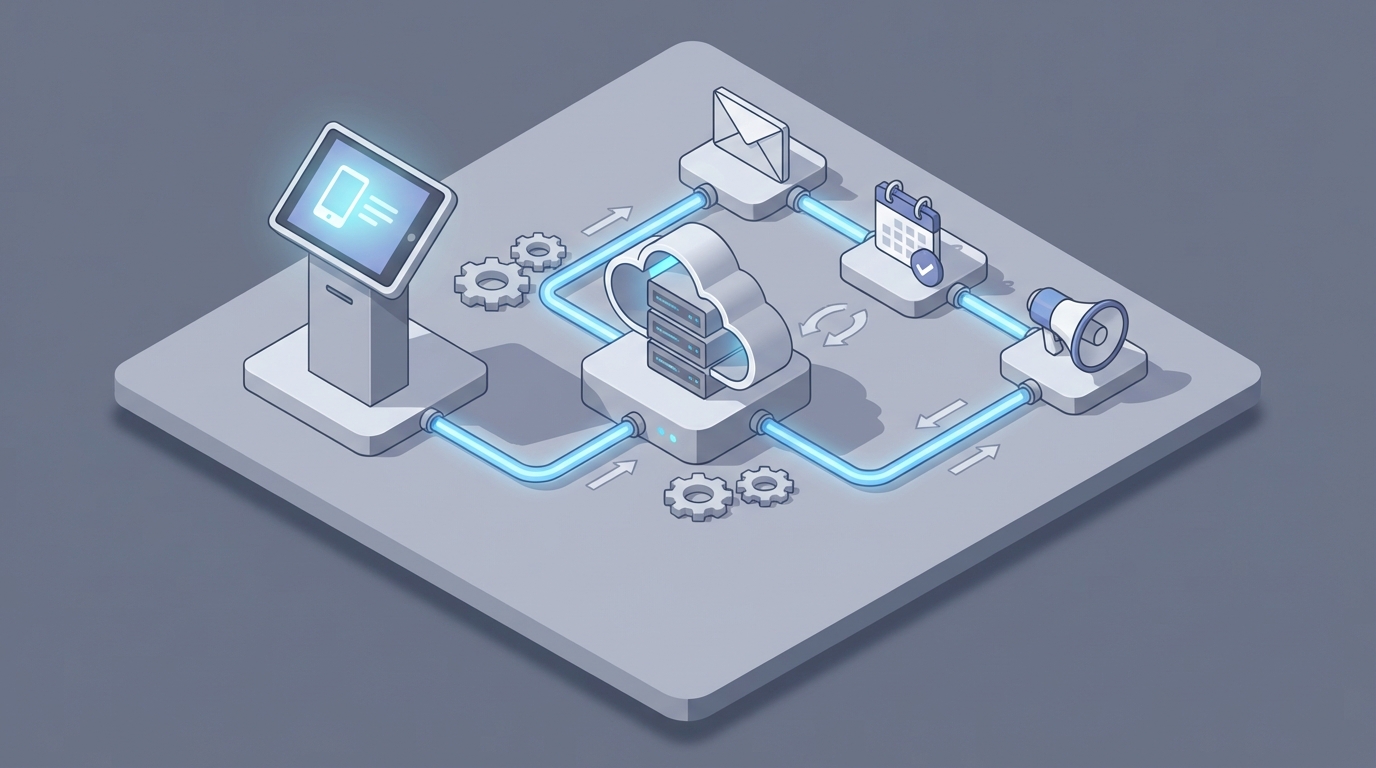
Every weekend, thousands of real estate agents stand in someone else's living room, smile at strangers, and collect names on a clipboard. Then they go home, squint at illegible handwriting, manually type everything into a spreadsheet, and spend Sunday night until 11pm sending "Thanks for visiting!" emails that all sound the same.
It's one of the most broken workflows in residential real estate. Not because agents don't care—they do—but because the gap between capturing a lead at an open house and actually following up in a meaningful way is filled with manual busywork, delayed data entry, and inconsistency.
The data backs this up. Inside Real Estate found that 78% of real estate leads never get followed up with more than once. Meanwhile, research from Follow Up Boss shows that contacting a lead within five minutes of engagement increases conversion likelihood by 9x. Most agents take 24 to 72 hours.
That's not a knowledge gap. It's a workflow gap. And it's exactly the kind of gap an AI agent can close.
Here's how to automate open house guest registration and follow-up using an AI agent built on OpenClaw—step by step, no hype, just the practical mechanics.
The Manual Workflow Today (And Why It Bleeds Time)
Let's be honest about what the current process actually looks like for most independent agents and small teams. Not the aspirational version. The real one.
Before the open house: You print sign-in sheets or set up an iPad with a Google Form. You prep a few flyers. Maybe you create a QR code that links to a landing page, though half the visitors won't scan it.
During the open house: You greet people at the door, ask them to sign in (name, phone, email, the address they're coming from, their interest level), walk them through the home, and scribble notes about their reactions. "Loved the backyard." "Concerned about the kitchen." "Seemed serious." "Just a neighbor being nosy." These notes live on the sign-in sheet margins, in a notebook, or nowhere at all.
Same day, post-event: You sit down and transcribe everything into your CRM or a spreadsheet. If you used paper sign-in sheets, you're deciphering handwriting. You're Googling partial email addresses. You're guessing whether that's a 7 or a 1 in the phone number. This step alone takes 45 minutes to two hours per open house, and most agents admit they push it to the evening or the next day.
Initial follow-up (day 1-2): You send "thank you for coming" emails or texts. One by one, or in small batches through your CRM. Some agents still hand-write postcards. The messages are generic because you're doing 20 to 40 of them and don't have time to personalize each one.
Ongoing nurture (days 3-14): You're supposed to track who responded, who needs a phone call, and who ghosted you. This tracking lives in a mix of your CRM, sticky notes, your phone's recent calls list, and your memory. Leads slip through. You know they slip through. You just don't have time to prevent it.
Qualification (whenever you get to it): You call or text to gauge timeline, motivation, and seriousness. You try to book a buyer consultation or second showing. This is almost entirely manual and almost entirely dependent on you remembering to do it.
Long-term drip: You add everyone to your monthly newsletter list. Maybe you segment them. Probably you don't.
Agents report spending 8 to 15 hours per week on manual follow-up and data entry. For a solo agent running two or three open houses on a weekend, that's a part-time job on top of the actual job.
What Makes This Painful (Beyond Just Time)
The time cost is obvious. But the real damage is more subtle.
Speed-to-lead death. The single biggest predictor of conversion is response time. Every hour you delay follow-up, your odds of converting that visitor drop. When you're batching data entry on Sunday night for a Saturday open house, you've already lost the window where your contact would feel timely and relevant rather than like marketing spam.
Data quality erosion. Paper sign-in sheets are a data quality nightmare. Illegible handwriting, fake emails (you'd be surprised how many "test@test.com" entries agents get), incomplete phone numbers, and missing fields. Even digital forms suffer—people rush through them. By the time you're entering data into your CRM, you're working with degraded information.
Inconsistency kills pipelines. The follow-up you do on a light weekend when you had one open house is vastly different from what you do on a weekend where you had three, plus two closings and a listing appointment on Monday. Your leads don't know about your schedule. They just know whether you followed up or not.
Generic messaging, low response rates. When you're sending the same "Thanks for visiting 123 Main Street!" message to 35 people, it reads like what it is: a mass message. Response rates on generic open house follow-up emails hover in the single digits. People can smell template.
Opportunity cost. Every hour you spend on data entry and generic emails is an hour you're not spending on the activities that actually require your expertise: having real conversations with motivated buyers, building relationships, negotiating, and closing.
What AI Can Handle Now (With OpenClaw)
Not everything should be automated. But a lot of this workflow should be, and the technology is finally good enough to do it well. Here's what an AI agent built on OpenClaw can realistically handle today.
Instant data capture and CRM entry. An OpenClaw agent can receive form submissions from digital sign-in tools (tablets, QR code landing pages, web forms) and immediately parse, clean, and push that data into your CRM. No transcription delay. No handwriting interpretation. The lead exists in your system within seconds of signing in.
If you're still using paper (no judgment—some open houses lend themselves to it), you can photograph the sheet and have an OpenClaw agent use OCR to extract and structure the data. It's not perfect, but it's faster and often more accurate than manual transcription at 10pm after a long day.
Immediate acknowledgment within minutes. The moment a visitor's information hits the system, your OpenClaw agent can fire off a personalized text or email. Not a generic blast—a message that references the specific property, includes a detail about the home, and feels like it came from a human who was paying attention.
Something like:
"Hey Sarah—great meeting you at the open house on Maple Drive today. I noticed you spent some time checking out the backyard. If you want to swing by again for a second look or have questions about the neighborhood, just reply here and we'll set something up."
That's an AI-drafted message, personalized with the visitor's name, the property address, and notes captured during registration. Sent within five minutes. That alone puts you ahead of 90% of agents.
Lead scoring and prioritization. Based on form answers (timeline to buy, pre-approval status, whether they're working with an agent), engagement signals (did they open the email? click a link? reply?), and any notes you tagged during the event, an OpenClaw agent can score and sort your leads into Hot, Warm, and Cold buckets. You wake up Monday morning with a prioritized call list instead of a messy spreadsheet.
Multi-touch nurture sequences. For the leads that don't respond to the first message, the AI agent can run a follow-up sequence over the next 7 to 14 days. Each touch is different—a market update for the neighborhood, a link to similar listings, a "just checking in" message—timed and varied so it doesn't feel like a drip campaign.
Scheduling automation. When a lead replies with interest, the OpenClaw agent can handle the back-and-forth of scheduling a buyer consultation or second showing, pulling from your calendar availability and confirming the appointment.
Compliance checks. The agent can flag numbers on Do Not Call lists and ensure proper consent language is included, which is especially relevant as SMS marketing regulations tighten.
Step by Step: Building the Automation on OpenClaw
Here's how to actually set this up. This isn't theoretical—it's a buildable workflow.
Step 1: Set Up Your Digital Sign-In
Replace paper with a tablet-based form or QR code landing page. You can use Jotform, Typeform, or any form tool that supports webhooks. The form should capture:
- Full name
- Phone number
- Email address
- Current address or zip code
- Are you currently working with an agent? (Yes/No)
- Timeline to buy (Just browsing / 1-3 months / 3-6 months / 6+ months)
- Are you pre-approved? (Yes/No/In progress)
Keep it short. Every additional field reduces completion rates.
Step 2: Connect the Form to Your OpenClaw Agent
When a form is submitted, the data needs to flow into your OpenClaw agent. OpenClaw supports webhook ingestion, so you'll configure your form tool to POST submission data to your OpenClaw agent's endpoint.
Your agent's intake logic should:
- Parse and validate the incoming data (check for valid email format, phone number length, etc.)
- Enrich the contact if possible (append publicly available data)
- Create or update the contact record in your CRM (Follow Up Boss, kvCORE, LionDesk—whatever you use) via API
- Assign an initial lead score based on the form responses
- Tag the contact with the property address and event date
Step 3: Configure Instant Follow-Up
Set up your OpenClaw agent to trigger an immediate follow-up message—within five minutes of form submission. The agent should:
- Select the appropriate channel (text for mobile numbers, email as fallback)
- Generate a personalized message using the property details and the visitor's form responses
- Send via your preferred SMS/email provider (Twilio for SMS, SendGrid or your CRM's native email for email)
Here's a simplified example of the logic your OpenClaw agent would execute:
ON new_visitor_registration:
  VALIDATE contact_data
  PUSH to CRM (create contact, apply tags)
  SCORE lead (based on timeline, pre-approval, agent status)

  IF score >= 7:
    SEND personalized_sms (hot_lead_template, property_details)
    FLAG for agent_callback (priority: HIGH)
  ELIF score >= 4:
    SEND personalized_sms (warm_lead_template, property_details)
    ENROLL in nurture_sequence_A
  ELSE:
    SEND personalized_email (general_followup_template, property_details)
    ENROLL in nurture_sequence_B
The message templates themselves are generated by the AI, but you should review and approve the templates before they go live. You're not letting the AI improvise on every message—you're giving it a framework and letting it personalize within that framework.
Step 4: Build the Nurture Sequences
For leads that don't immediately convert, your OpenClaw agent runs a timed follow-up sequence. A solid starting sequence looks like:
Day 0 (immediate): Personalized thank-you + property-specific detail Day 2: "Did you have any questions about [property address]?" + one relevant neighborhood fact Day 5: Link to 2-3 similar listings in the area (pulled dynamically based on their stated criteria) Day 9: Soft check-in: "Still exploring options in [neighborhood]? Happy to send you new listings as they come up." Day 14: Value-add: market update, interest rate news, or local event—something that isn't about selling
Each message is drafted by the AI agent using context from the original registration and any subsequent engagement (opens, clicks, replies). The agent adapts tone and content based on the lead's score and behavior.
Step 5: Set Up Reply Handling and Escalation
When a lead replies, the OpenClaw agent needs to know what to do:
- Positive reply (interested, asking questions, wants to schedule): Attempt to book a showing or consultation using your calendar. If the question is complex, escalate to you immediately with context.
- Negative reply (not interested, already bought, please stop): Remove from active sequence, update CRM tags, send polite acknowledgment.
- Ambiguous reply: Flag for human review, but send a holding response so the lead doesn't feel ignored.
This is where OpenClaw's ability to interpret natural language matters. The agent isn't just pattern-matching keywords—it's understanding intent and routing accordingly.
Step 6: Build Your Monday Morning Dashboard
Configure your OpenClaw agent to generate a summary report after each open house weekend:
- Total visitors registered
- Lead score distribution (how many Hot, Warm, Cold)
- Messages sent and delivery/open rates
- Replies received and their sentiment
- Appointments booked
- Leads flagged for your personal callback
This report should land in your inbox (or your Slack, or wherever you check first) by 7am Monday. You start your week knowing exactly who to call and in what order.
What Still Needs a Human
Let's be clear about where the automation ends and where you need to show up as a professional.
High-intent conversations. When a lead is seriously considering making an offer, they want to talk to a person. They want to ask about the neighborhood school district, whether the seller is flexible on closing date, and what you honestly think about the foundation crack in the basement. AI can get them to this conversation faster. It can't replace the conversation.
Nuanced qualification. Form data tells you someone is "pre-approved and looking in 1-3 months." A five-minute phone call tells you they just got divorced, need to sell before they can buy, and are emotionally overwhelmed. That context changes your entire approach, and no AI agent is picking that up from a form submission.
Trust building. Real estate is a relationship business. The agent who gets the signed buyer agreement is usually the one who made the human connection—not the one who sent the fastest automated text. The automated text gets you in the door. You have to walk through it yourself.
Complex objection handling. "I'm not sure I can afford this neighborhood." "My spouse isn't on board yet." "I want to wait and see what interest rates do." These require empathy, experience, and judgment that AI doesn't have.
The best model in 2026 is clear: AI handles everything from capture to the third or fourth touch. Humans handle everything from genuine interest onward. The AI gets you to the conversation faster and with better context. You close it.
Expected Time and Cost Savings
Let's put rough numbers on this, based on what agents using similar workflows report.
| Task | Manual Time (per open house) | With OpenClaw Agent |
|---|---|---|
| Data entry / transcription | 45-120 min | ~0 (automated) |
| Initial follow-up messages | 30-60 min | ~0 (automated) |
| Lead scoring / prioritization | 20-30 min | ~0 (automated) |
| Nurture sequence management | 2-4 hrs/week | ~0 (automated) |
| Personal callback prep | 30-45 min | 10 min (pre-built summary) |
For an agent running two open houses per weekend, that's roughly 8-12 hours per week reclaimed. Most of that time shifts from data entry and generic messaging to actual conversations with qualified, scored, and pre-nurtured leads.
The conversion improvement is harder to quantify precisely, but the math is directional: if speed-to-lead increases conversion likelihood by 9x, and you're going from 24-hour response times to 5-minute response times, even a modest improvement in conversion rate on 30-40 monthly open house visitors adds up to real commission dollars.
Beyond time, there's the consistency factor. An AI agent doesn't forget to follow up because it had a rough Monday. It doesn't deprioritize the "just browsing" lead who turns out to be a serious buyer three weeks later. It runs the sequence every time, for every lead, without exception.
What to Do Next
If you're running open houses and still manually entering data and sending follow-up emails one at a time, you're leaving money and time on the table. Not because you're bad at your job—because you're doing work that a machine should be doing so you can focus on the work only you can do.
The workflow I've described here—digital capture, instant follow-up, automated scoring, multi-touch nurture, human escalation—is buildable today on OpenClaw. The individual pieces aren't complicated. The value is in connecting them into a single automated pipeline that runs without you babysitting it.
If you want to skip the build-from-scratch approach, check out Claw Mart—it's a marketplace of pre-built AI agents and workflows, including real estate-specific automations that handle exactly this kind of open house pipeline. You can grab a pre-configured agent, customize it for your CRM and market, and have it running before your next weekend of open houses.
And if you've got a workflow that's specific to how your team operates—maybe you run mega open houses with 80+ visitors, or you have a unique follow-up cadence that's been working for you—consider Clawsourcing it. Post your workflow spec to the Claw Mart community and let a builder create a custom OpenClaw agent tailored to your exact process. You get a purpose-built automation without needing to be technical yourself.
Either way, stop spending Sunday nights squinting at clipboards. That's not what closes deals.