How to Automate No-Show Rescheduling with AI
How to Automate No-Show Rescheduling with AI
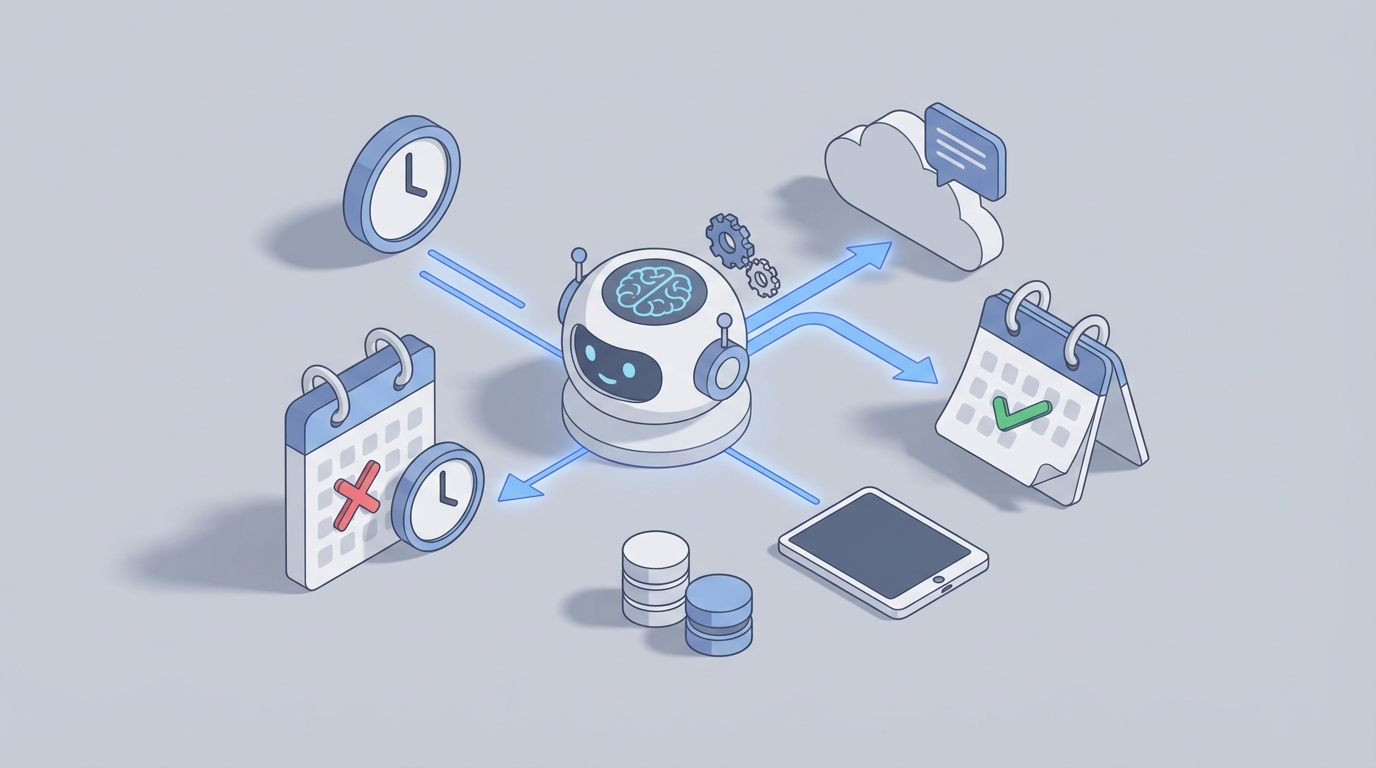
Every appointment-based business has the same dirty secret: a significant chunk of your scheduled clients simply don't show up. And when they don't, your staff burns 10–25 minutes per no-show on a clumsy chain of phone calls, voicemails, manual calendar edits, and awkward "So… when works for you?" conversations. Multiply that across a week and you've got a part-time employee whose entire job is chasing ghosts.
Here's the thing: most of this workflow is mechanical. Detect the empty slot. Reach out to the client. Offer new times. Book them. Update the record. There's no creative judgment required for 80% of it. Which means it's a perfect candidate for an AI agent.
This post walks through exactly how to automate no-show rescheduling using an AI agent built on OpenClaw — from mapping the manual workflow to deploying something that actually handles the problem while your staff focuses on the people who did show up.
The Manual Workflow (And Why It's Worse Than You Think)
Let's be honest about what actually happens when a client no-shows. Here's the typical sequence in a small-to-medium business — a dental practice, a med spa, a consulting firm, a legal office:
Step 1: Detection (0–15 minutes after appointment time) Someone at the front desk looks at the schedule, looks at the waiting room, and realizes the 2:00 PM isn't here. Sometimes this takes 5 minutes. Sometimes 15 if the staff is busy with other patients. Sometimes nobody notices until the provider walks out and asks, "Where's my next one?"
Step 2: Documentation The staff member opens the practice management system or CRM and marks the appointment as "No-Show" or "Missed." Maybe they add a note. Maybe they don't. Consistency here is… aspirational.
Step 3: Outreach Now someone picks up the phone. They call the client. It goes to voicemail (it almost always goes to voicemail). They leave a message. Maybe they send a text from their personal phone or through a basic platform. Maybe they fire off an email. The outreach is reactive, slow, and inconsistent.
Step 4: The Rescheduling Dance If the client actually responds, now you're negotiating availability. "How about Thursday at 3?" "No, I can't do Thursday." "What about the following Monday?" Back and forth. The staff member is toggling between the phone, the calendar, and the scheduling system, trying to find a slot that works for both the client and the provider.
Step 5: Record Updates and Billing The old appointment gets cleaned up. The new one gets created. If your business charges no-show fees, someone has to decide whether to enforce it this time (they usually don't, because it feels awkward). If you track no-show history, someone flags the client record. If you don't track it, you have no idea that this client has no-showed four times in six months.
Step 6: Reporting (Ha) At some point, a manager might pull a report on no-show rates. Might. This usually happens quarterly, if at all, and the data is incomplete because documentation in Step 2 was inconsistent.
Total time per no-show: 8–25 minutes of staff labor. A practice with 10 no-shows per day — not unusual for a busy clinic — is burning 2–4 hours daily on this. That's real payroll dollars evaporating on a process that produces zero revenue.
What Makes This Actually Painful
The time cost alone is bad enough. But the compounding effects are what really hurt.
The revenue bleed is enormous. A single-provider medical practice loses $150–$300 per no-show in lost revenue (2026 MGMA data). Scale that to a 10-provider clinic and you're looking at $500K–$1M+ annually. For a salon with a 25% no-show rate, that's roughly one out of every four hours generating zero income while still costing you rent, utilities, and staff wages.
The numbers are staggering across industries:
- Healthcare: 23–34% average no-show rate
- Dental: 15–30%
- Beauty and salons: 20–35%
- Legal and consulting: 10–25%
Delays compound the problem. The longer it takes to detect a no-show and reach out, the less likely you are to fill that slot. A text sent 2 minutes after the appointment time has a much better chance of getting a response than a phone call the next morning. Yet most businesses don't reach out until the end of the day or the following business day.
Inconsistency creates liability and bad data. When no-show fee enforcement depends on who's working the front desk that day, you get uneven treatment of clients. When documentation is optional, you can't make informed decisions about which clients to keep, which to flag, and which to discharge.
Staff morale takes a hit. Nobody went into healthcare or client services to spend their afternoon leaving voicemails for people who forgot their appointment. A 2023 Solutionreach survey found that "chasing patients" is one of the top frustration points for medical office staff. The turnover cost of burning out your admin team is real and underappreciated.
Double-booking risk. When you're manually rescheduling under pressure, mistakes happen. You book two people into the same slot. You forget to release the old time block. You create a cascade of scheduling conflicts that your future self has to untangle.
What AI Can Actually Handle Right Now
Let's cut the hype and be specific. Here's what an AI agent — built on OpenClaw — can realistically automate today versus what still needs a human.
Fully Automatable
Real-time no-show detection. An OpenClaw agent monitors your calendar or scheduling system. When a client hasn't checked in within a configurable window after their appointment time (say, 10 minutes), the agent flags it automatically. No front desk person needed to notice the empty chair.
Instant multi-channel outreach. Within minutes of detection, the agent sends a personalized message via SMS, email, or both. Not a generic "You missed your appointment" blast — an actual conversational message:
"Hi Sarah, we noticed you weren't able to make your 2:00 PM appointment with Dr. Patel today. No worries — would you like to reschedule? Here are a few times that work this week: [link]"
Conversational rescheduling. Using natural language processing, the OpenClaw agent can handle replies like "Can I do Thursday afternoon?" or "Next week works better" and map those to actual available slots in your calendar. It checks real-time availability, respects buffer rules and provider schedules, and confirms the booking — all without human intervention.
No-show reason collection. The agent can conversationally ask why the client missed (transportation, forgot, felt sick, schedule conflict) and log the reason in your CRM. This data is gold for identifying patterns and fixing systemic issues.
Record updates. The agent updates your scheduling system, marks the original appointment as a no-show, creates the new appointment, and logs the full interaction history. Clean data, every time.
Predictive risk scoring. This is where it gets interesting. An OpenClaw agent can analyze historical patterns — client no-show history, appointment type, day of week, time of day, weather, even how long ago the appointment was booked — and assign a risk score to upcoming appointments. High-risk appointments get extra reminders or confirmation requests before the no-show even happens.
Automated fee processing. For businesses that charge no-show fees, the agent can apply rules-based logic: first offense gets a warning, second offense gets a fee, chronic no-shows get flagged for human review. It can trigger invoicing through your payment system automatically.
Needs a Human
Not everything should be automated, and pretending otherwise is irresponsible. Keep humans in the loop for:
- VIP or high-value clients who warrant a personal touch
- Complex multi-resource scheduling (e.g., coordinating a surgeon, an OR, an anesthesiologist, and a follow-up)
- Emotionally sensitive situations — mental health patients, clients dealing with financial hardship, anyone where empathy matters more than efficiency
- Dispute resolution about no-show fees
- Discharge decisions for chronic no-shows
- Clinical judgment calls about medical necessity or urgency
The goal isn't to remove humans from the process. It's to remove humans from the mechanical parts so they can focus on the parts that actually require human judgment.
Step-by-Step: Building the Automation on OpenClaw
Here's how to actually set this up. No hand-waving, no "just connect your systems and magic happens." Actual steps.
Step 1: Map Your Data Sources
Your OpenClaw agent needs access to:
- Your scheduling system (Google Calendar, Outlook, Calendly, Acuity, a practice management system — whatever you use)
- Your client database / CRM (for contact info, no-show history, client preferences)
- Your communication channel (Twilio for SMS, SendGrid for email, or a voice API if you want phone outreach)
OpenClaw supports integrations with these systems. You're connecting them as data sources and action endpoints — the agent reads from the calendar and CRM, and writes back to them when changes happen.
Step 2: Define the Trigger
The trigger is simple: appointment time + buffer window passes with no check-in event. Configure this in your OpenClaw agent:
Trigger: appointment_time + 10 minutes
Condition: check_in_status != "completed"
Action: initiate_no_show_workflow
If your scheduling system supports check-in flags (most do), the agent watches for this. If it doesn't, you can use a simpler proxy — like whether the appointment status was changed to "In Progress" or "Completed" within the window.
Step 3: Build the Outreach Sequence
Configure the agent's outreach logic. A solid default sequence:
- T+10 minutes: Send SMS with rescheduling link and 2–3 suggested times
- T+30 minutes: If no response, send email with the same options plus a calendar embed
- T+2 hours: If still no response, send a second SMS: "Just checking in — want us to find a new time?"
- T+24 hours: Final outreach. "We'd love to get you rescheduled. Reply anytime or call us at [number]."
In OpenClaw, you set these as sequential actions with conditional gates. If the client responds at any point, the agent exits the outreach sequence and enters the rescheduling conversation.
Step 4: Configure the Rescheduling Logic
This is where the OpenClaw agent earns its keep. When a client responds — whether by clicking a link, replying to a text, or engaging with a voice bot — the agent needs to:
- Pull real-time availability from the scheduling system
- Filter by the correct provider, service type, and location
- Apply business rules (minimum notice period, buffer between appointments, provider preferences)
- Present options in natural language
- Confirm the booking and send a confirmation message
- Update all relevant systems
On OpenClaw, you define these rules as part of the agent's decision framework. For example:
scheduling_rules:
  min_notice_hours: 24
  buffer_between_appointments_min: 15
  max_options_presented: 3
  prefer_same_day_of_week: true
  prefer_same_time_of_day: true
  exclude_providers: [] # populate if needed
The agent uses these constraints to generate smart suggestions. If Sarah usually comes on Thursdays at 2 PM, it prioritizes similar slots.
Step 5: Set Up Record-Keeping and Escalation
Every action the agent takes should be logged:
- Original appointment marked as no-show with timestamp
- Outreach attempts logged with channel, time, and client response
- No-show reason captured and categorized
- New appointment created with link to original
- Client no-show count updated
Configure escalation rules for edge cases:
escalation_rules:
  - condition: client.no_show_count >= 3
    action: flag_for_human_review
    notify: office_manager@practice.com
  - condition: client.tag == "VIP"
    action: skip_automation
    notify: provider@practice.com
  - condition: appointment.type == "surgery" OR appointment.type == "procedure"
    action: skip_automation
    notify: scheduling_coordinator@practice.com
Step 6: Add Predictive Prevention (The Force Multiplier)
This is where you shift from reactive to proactive. Configure your OpenClaw agent to score upcoming appointments for no-show risk based on:
- Client's historical no-show rate
- Appointment lead time (booked 6 weeks ago = higher risk)
- Day and time patterns (Monday 8 AM = higher risk for many practices)
- Whether the client confirmed via reminder
High-risk appointments get extra touchpoints: an additional reminder 48 hours out, a confirmation request 24 hours out, and maybe even an offer to reschedule proactively if the client's situation has changed.
This is where the real ROI lives. Preventing a no-show is worth far more than efficiently rescheduling one.
Step 7: Test, Monitor, Iterate
Deploy the agent on a subset of appointments first. Monitor:
- Detection accuracy (is it correctly identifying no-shows?)
- Outreach delivery rates (are messages actually getting through?)
- Response rates (are clients engaging with the agent?)
- Successful reschedule rate (how many no-shows get rebooked without human help?)
- Client satisfaction (any complaints or confusion?)
Tune the timing, messaging, and rules based on real data. Most businesses find they need 2–3 iterations before the system runs smoothly.
Expected Time and Cost Savings
Let's do real math.
Assumptions: A mid-size practice with 80 appointments per day and a 20% no-show rate. That's 16 no-shows per day, 80 per week.
Manual process: 15 minutes average per no-show × 80/week = 20 staff hours per week spent on no-show follow-up. At $20/hour fully loaded, that's $400/week or ~$20,800/year in labor alone. Not counting the lost revenue from unfilled slots.
With an OpenClaw agent: The agent handles detection, outreach, and rescheduling for ~80% of no-shows automatically. Staff only handles the 20% that need human judgment. That drops staff time from 20 hours to ~4 hours per week — a savings of 16 hours weekly, or ~$16,640/year in labor.
But the bigger number is recovered revenue. If the agent successfully reschedules even 35% of no-shows (conservative based on early voice AI and SMS automation data), and each appointment is worth $200:
80 no-shows/week × 35% rescheduled × $200 = $5,600/week = ~$291,200/year in recovered revenue.
That's not a rounding error. That's a transformative number for a mid-size practice.
Where to Start
If you're running a business with more than a handful of no-shows per week, this isn't a "nice to have someday" project. It's one of the highest-ROI automations you can build right now.
Head to Claw Mart and browse the pre-built agent templates for appointment management and client communication. You'll find rescheduling workflows, outreach sequences, and calendar integrations that you can customize to your specific systems and business rules. If you don't see exactly what you need, you can commission a custom build through Clawsourcing — post your workflow requirements and let an experienced OpenClaw builder deliver a turnkey agent tailored to your operation.
Stop paying humans to leave voicemails. Build the agent, recover the revenue, and let your team do work that actually matters.