How to Automate Change Order Processing with AI
How to Automate Change Order Processing with AI
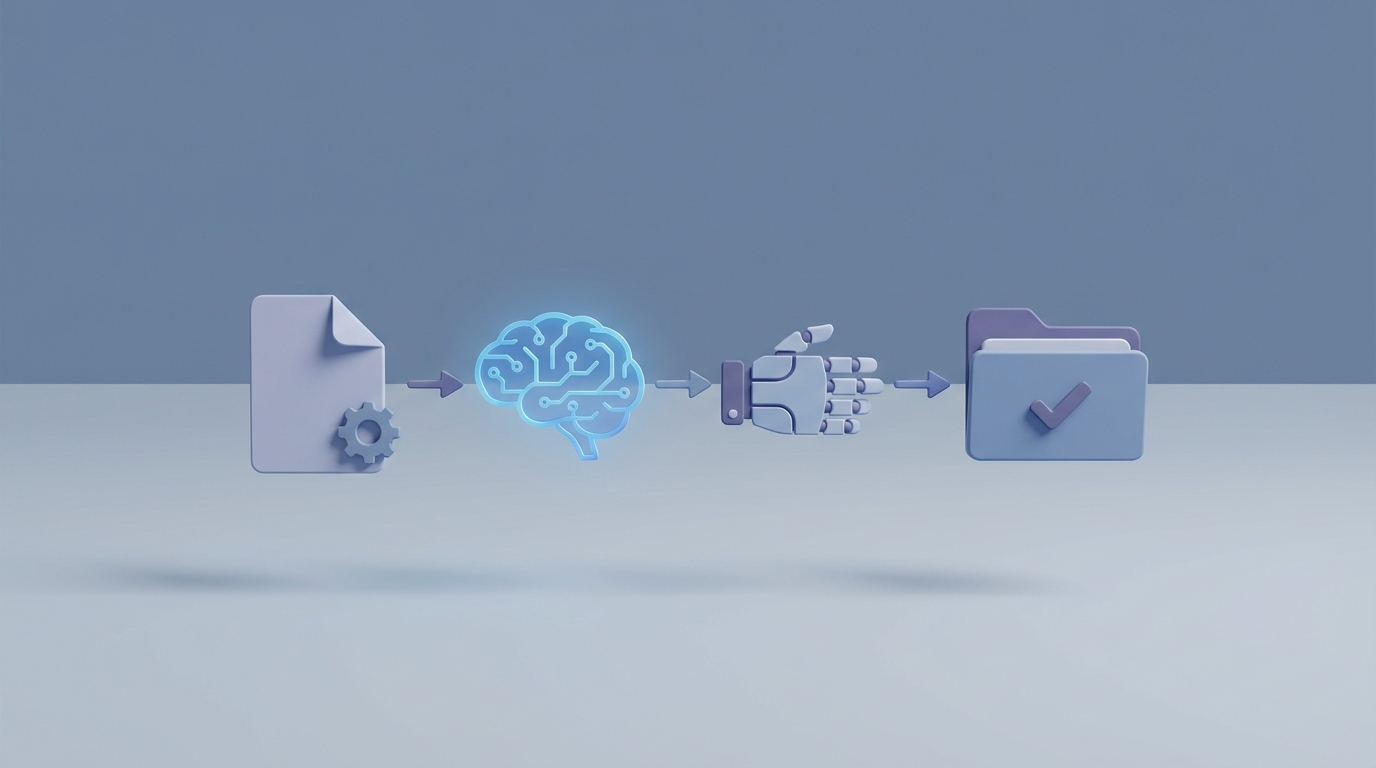
If you've ever watched a project manager spend three days assembling a change order proposal—copying unit prices from one spreadsheet, pasting narratives into another, chasing down sub quotes via email, then manually updating the schedule—you already know the problem. Change order processing in construction is a black hole of administrative time. It's also one of the most automatable workflows in the industry right now.
This isn't a theoretical exercise. I'm going to walk through exactly how the manual process works today, why it's so expensive, and how to build an AI agent on OpenClaw that handles the grunt work while keeping experienced humans in the loop where they actually matter.
The Manual Workflow Today: Eight Steps, Thirty-Five Days
Let's be honest about what change order processing actually looks like at most contractors and subcontractors. It's not a clean, linear process. It's a mess of tools, emails, phone calls, and tribal knowledge. But if you map it out, there are roughly eight discrete steps:
Step 1: Identification. A superintendent or foreman notices something in the field—unforeseen soil conditions, a design conflict, an owner-requested modification. They document it with photos on their phone, maybe scribble notes, sometimes just mention it verbally at the next meeting.
Step 2: Documentation and RFI. Someone writes up a Request for Information, attaches photos and sketches, references the relevant drawing sheets, and submits it through whatever system the project uses. This alone can take a day or two if the PM is busy with other fires.
Step 3: Cost and time estimation. The project manager or estimator pulls up the drawings in Bluebeam, does a manual takeoff of the affected quantities, opens Excel, applies unit prices (often from memory or a spreadsheet that hasn't been updated in six months), layers in labor productivity factors, and takes a rough stab at the schedule impact using Primavera P6 or MS Project. This step routinely takes four to eight hours per change order.
Step 4: Drafting the change order proposal. The PM writes a narrative explaining the changed condition, compiles backup documentation—sub quotes, material invoices, labor rate sheets—and formats everything into a presentable package. This involves copying and pasting between Excel, Word, PDF, and email. Another two to four hours.
Step 5: Internal review. The proposal routes through senior PM, maybe a VP or executive, for review of risk exposure, margin, and accuracy. Each reviewer adds a day or two to the timeline, sometimes a week if they're traveling or overloaded.
Step 6: Submission and negotiation. The proposal goes to the owner or general contractor via email or a project portal. Then begins the back-and-forth: revised pricing, scope clarification, phone calls, more emails. Multiple rounds. This phase alone accounts for the majority of the 10–35 day processing window.
Step 7: Approval and signing. Formal signatures happen through DocuSign or wet ink. Then someone has to manually update the contract documents, the project schedule, and the budget in whatever accounting system the company uses.
Step 8: Execution and tracking. The new work gets performed. Time and materials are tracked against the change order—frequently in a separate spreadsheet that doesn't sync with anything. Final billing and lien waivers are processed manually.
Industry data from Procore's State of Construction Report puts the average administrative time per change order at 14 hours. The average commercial project sees 14 to 18 formal change orders. That's 196 to 252 hours of pure admin work per project, spread across your most expensive people.
Why This Is So Painful (In Dollars)
The time cost is bad enough. But the real damage comes from what the manual process produces:
Inconsistent pricing. When estimators pull unit prices from different sources—or from memory—every change order uses slightly different assumptions. Some miss indirect costs entirely. Field overhead, escalation, bond premium adjustments—these get dropped all the time when someone is rushing to get a proposal out the door.
Lost documentation. Photos live on someone's phone. Emails get buried. The RFI references a drawing revision that's since been superseded. When a change order turns into a dispute six months later, the backup documentation is either incomplete or scattered across four platforms.
Schedule impact guesswork. Most schedule impact analyses for change orders are subjective at best. The PM estimates "about two weeks" based on gut feel, and when that gets challenged during a claim, there's no analytical backup.
Fragmented communication. Information about a single change order lives in email threads, text messages, Procore logs, Excel files, and meeting minutes. Nobody has the full picture at any given moment.
The financial toll is staggering. Change orders represent 5–12% of total project cost on average. 35–40% of all construction claims trace back to change order disputes, according to the Arcadis Global Construction Disputes Report. McKinsey estimates that inefficiencies in change management cost the U.S. construction industry between $31 billion and $177 billion annually. Over 60% of contractors in AGC and FMI surveys report that change orders are a top cause of project delays.
The painful truth: your best project managers are spending 15–30% of their time on administrative change order work instead of actually managing the project.
What AI Can Handle Right Now
Let's separate hype from reality. AI isn't going to negotiate with an owner on your behalf or decide whether a differing site condition is truly "unforeseen" under the contract. But there's a massive chunk of the change order workflow that's pure pattern recognition, data aggregation, and document assembly—and that's exactly where AI excels.
Here's what an AI agent built on OpenClaw can realistically do today:
Document intelligence and extraction. Feed in an RFI, a set of drawing markups, a specification section, and a few field photos. An OpenClaw agent can extract the relevant information—affected areas, referenced spec sections, quantities mentioned—and organize it into a structured format. No more manual transcription from PDFs to spreadsheets.
Automated first-draft proposals. This is the highest-leverage application. OpenClaw agents can generate a complete first-draft change order proposal—narrative, cost breakdown, supporting references—using your company's templates, historical project data, and the extracted documentation. Instead of four hours of writing and formatting, you get a draft in minutes that a PM reviews and edits.
Cost estimation assistance. Connect your OpenClaw agent to your historical cost database and it can pull relevant unit prices, apply location and market adjustment factors, flag anomalies (like a unit price that's 3x the historical average), and generate an itemized cost estimate. It won't replace a senior estimator's judgment on complex scopes, but it eliminates the swivel-chair data entry between five different spreadsheets.
Schedule impact modeling. An OpenClaw agent can run multiple what-if scenarios against your project schedule data, identifying the critical path impact of a proposed change and generating a defensible narrative about the schedule effect. This turns a subjective two-week guess into an analytical output.
Compliance and contract checking. Feed the agent your contract's change order provisions—notice requirements, documentation standards, markup allowances, time limitations—and it can verify that every proposal complies before it goes out the door. No more discovering at month 18 that you missed a 7-day notice requirement.
Workflow automation. Auto-route approvals based on dollar thresholds, send reminders when reviews are overdue, flag missing documentation before submission, and track status across all active change orders in a single dashboard.
Step-by-Step: Building the Automation on OpenClaw
Here's how to actually set this up. I'm going to be specific because "just use AI" isn't a plan.
Step 1: Define Your Data Sources
Before you build anything, inventory where your change order data currently lives:
- Project management platform (Procore, ACC, Viewpoint, etc.)
- Cost estimation spreadsheets or databases
- Contract documents (PDF, typically)
- Drawing sets (PDF or model files)
- Email (the unofficial system of record for most projects)
- Accounting/ERP system (Sage, CMiC, Oracle)
You'll connect these as data sources for your OpenClaw agent. The agent needs access to historical change order data, current project documents, your contract terms, and your company's pricing database.
Step 2: Build the Document Extraction Agent
Start with the most painful bottleneck: turning unstructured information into structured data.
In OpenClaw, configure an agent that:
- Accepts inputs in multiple formats—PDF drawings, photos, email threads, RFI forms.
- Uses OCR and natural language processing to extract key fields: affected work area, specification references, quantities, dates, parties involved.
- Outputs a structured JSON object that feeds into downstream steps.
Give the agent clear instructions about your company's terminology and project-specific context. The more specific you are about what "structured" means for your workflow, the better the output. Upload your standard change order form as a reference template so the agent knows exactly what fields need to be populated.
Step 3: Build the Cost Estimation Agent
This agent takes the structured data from Step 2 and generates a cost estimate:
- Connect it to your historical unit price database. If you don't have a centralized database (most companies don't—it's scattered across old project estimates), this is worth building even before you deploy AI. Start with your last 10–20 projects and extract unit pricing into a consistent format.
- Configure the agent to match scope items to historical unit prices, apply adjustment factors for location, market conditions, and project complexity.
- Have it generate an itemized cost breakdown in your company's standard format, including labor, material, equipment, subcontractor, overhead, and profit.
- Set up anomaly detection: flag any line item where the estimated cost deviates more than 20% from the historical average, so a human can investigate before the proposal goes out.
Step 4: Build the Narrative and Proposal Assembly Agent
This is where the time savings really compound. Configure an agent that:
- Takes the structured data and cost estimate as inputs.
- Generates a professional change order narrative that explains the changed condition, references the relevant contract clauses and drawing sheets, and justifies the pricing.
- Assembles the complete proposal package—narrative, cost breakdown, supporting documentation, schedule impact summary—in your company's standard format.
- Cross-references the proposal against contract requirements (notice provisions, markup caps, documentation standards) and flags any compliance gaps.
Feed this agent examples of your best previous change order proposals. The ones that got approved quickly with minimal pushback. The agent will learn your company's voice and the level of detail that works for your typical clients.
Step 5: Build the Workflow and Routing Agent
This agent manages the process itself:
- Automatically routes completed proposals to the appropriate internal reviewer based on dollar value, project, and risk level.
- Tracks review status and sends reminders when approvals are overdue.
- Logs all activity for audit trail purposes.
- After internal approval, formats the submission for the specific owner/GC portal or email requirements.
- Monitors responses and flags when negotiation rounds are stalling.
Step 6: Connect Everything and Test on a Real Project
Don't try to deploy across your entire portfolio on day one. Pick one active project with a cooperative PM who's drowning in change orders. Run the system in parallel with the manual process for 30 days. Compare output quality, time spent, and catch rate (how often does the AI miss something the human catches, and vice versa).
Iterate based on what you learn. The first version won't be perfect. That's fine. The goal isn't perfection on day one—it's cutting the 14-hour average in half within the first month and continuing to improve.
What Still Needs a Human
I want to be clear about the boundaries, because overpromising is how AI projects fail:
Scope interpretation and entitlement decisions. Is this actually a change, or is it within the original contract scope? That requires reading the contract in context, understanding the project history, and making a judgment call that carries legal and financial consequences. AI can surface the relevant contract language and flag potential issues. A human decides.
Negotiation strategy. How hard do you push on price? What concessions make sense for the relationship? Is this owner likely to litigate or negotiate in good faith? These are human questions that depend on context AI doesn't have.
Final approval authority. Someone with actual authority needs to sign off on committing the company to additional scope, cost, or time. AI doesn't carry liability. Your VP does.
Creative problem-solving. When a field condition requires an alternative means and methods approach that nobody's done before, that's experienced construction professionals doing what they do best. AI can pull up similar situations from past projects, but the novel solution comes from human expertise.
Relationship management. Reading the room in an owner meeting, understanding the architect's ego, knowing when to escalate and when to let something go—these are fundamentally human skills.
The right model is AI handling the 70% of the work that's data aggregation, document assembly, and pattern matching, while humans focus on the 30% that requires judgment, relationships, and accountability.
Expected Time and Cost Savings
Based on early adopter data and the workflow analysis above, here's what's realistic:
Administrative time per change order: From 14 hours average down to 4–6 hours. The document extraction, first-draft proposal, and cost estimation steps go from hours to minutes. Human review and editing still takes time, but you're editing a solid draft instead of starting from scratch.
Processing timeline: From 10–35 days down to 5–15 days. The biggest gains come from eliminating the internal bottlenecks—auto-routing, reminders, and pre-populated proposals mean reviewers can approve in minutes instead of days.
Error and omission reduction: AI agents check every proposal against contract requirements and historical pricing benchmarks. The inconsistencies that lead to disputes get caught before submission, not during a claims negotiation 18 months later.
PM capacity: If your PMs are spending 15–30% of their time on change order administration, cutting that in half means each PM effectively gains 1–2 days per week. That's time they can spend on proactive project management instead of paperwork.
Dollar impact on a typical $50M commercial project: 15 change orders × 8 hours saved per CO × $150/hr loaded PM cost = $18,000 in direct labor savings. But the real money is in avoided disputes and faster cash flow from quicker approval cycles. A single avoided claim on a project that size can save $200K–$500K.
These aren't aspirational numbers. Large GCs using AI-augmented change order workflows are already reporting 40–60% reductions in processing time. The technology works. The question is whether your data is clean enough and your processes are consistent enough to take advantage of it.
Get Started
If you're ready to stop watching your project managers burn hours on change order paperwork, here's the move:
Browse Claw Mart for pre-built construction workflow agents. There are agents specifically designed for document extraction, cost estimation, and proposal generation that you can customize to your company's standards and deploy on OpenClaw without building from scratch.
If you want something tailored to your exact workflow, post your project on Claw Mart's Clawsourcing board. Describe your change order process, your tools, your pain points, and the data sources you're working with. Experienced OpenClaw builders can scope and deliver a custom automation that fits your operation—not a generic demo, but something that works with your actual contract templates, pricing databases, and approval workflows.
The construction industry has been talking about digital transformation for a decade. Change order processing is where you can actually make it real, on a timeline measured in weeks, not years. Start with one project, prove the savings, then scale.