How to Automate Benefits Enrollment Reminders and Form Filling with AI
How to Automate Benefits Enrollment Reminders and Form Filling with AI
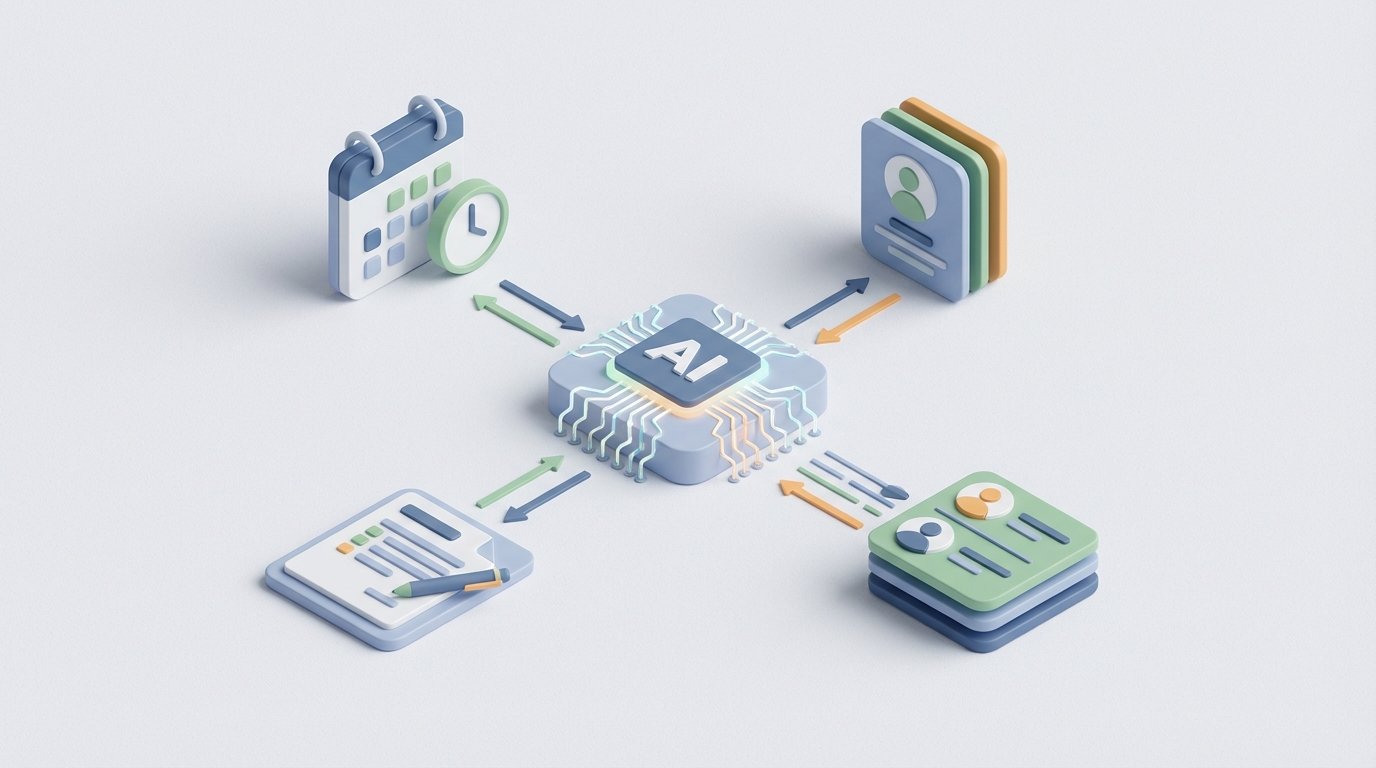
Every year, your HR team white-knuckles through the same ritual: open enrollment season. They blast reminder emails that get ignored, chase down paper forms, manually key elections into carrier portals, and then spend weeks reconciling the mess. For a 500-person company, that's somewhere between 200 and 600 hours of work — most of it repetitive, rules-based, and frankly beneath the pay grade of the people doing it.
Here's the thing: about 70–80% of that work can be automated right now. Not with some vaporware enterprise platform that takes 18 months to implement, but with an AI agent you can build on OpenClaw in a matter of days.
Let me walk through exactly how.
The Manual Workflow Today (And Why It's Still This Bad)
Before we fix anything, let's be honest about what "benefits enrollment" actually looks like at most companies. Even ones with decent HRIS systems.
Step 1: HR prepares. The benefits team updates plan rates, eligibility rules, and Summary Plan Descriptions in whatever HRIS they're running — Workday, ADP, BambooHR, whatever. This alone takes days because carrier rate changes arrive late, and someone has to manually verify every number.
Step 2: Employee communication. HR sends a barrage of emails, maybe uploads some PDFs to the company portal, and prays that people actually read them. Some companies still mail physical packets. In 2026.
Step 3: Employee elections. Employees log into a self-service portal (if one exists) or fill out paper forms. They stare at plan comparison charts that might as well be written in Aramaic. Most pick the same thing they picked last year because it's easier than thinking about it.
Step 4: HR review and validation. HR manually checks every election for eligibility, dependent documentation, and accuracy. For qualifying life events — marriage, new baby, divorce — someone has to eyeball a marriage certificate or birth certificate and cross-reference it against policy rules.
Step 5: Data entry into carrier systems. This is the part that makes benefits administrators lose sleep. Many carriers still require manual entry through their portals, or at best accept CSV uploads with carrier-specific formatting. EDI feeds exist but are notoriously fragile.
Step 6: Confirmation and reconciliation. HR verifies that what the carrier says they received matches what the HRIS says was sent. Discrepancies are common — SHRM data puts the error rate at 6–12% of all enrollments. Every error means a phone call, an email chain, and a correction.
Step 7: Ongoing changes. Mid-year qualifying life events trigger this whole cycle in miniature, over and over again throughout the year.
The Employee Navigator benchmark pegs new-hire enrollment at 18–37 minutes per person when done manually. Multiply that by your headcount, add open enrollment, add life events, and you start to understand why WorldatWork found that benefits administrators spend roughly 35% of their time on purely transactional enrollment and reconciliation work.
That's not strategic HR work. That's data entry with compliance consequences.
What Makes This Painful (Beyond the Obvious)
The time cost is bad enough, but the real damage is more insidious:
Data silos create reconciliation hell. Your HRIS doesn't talk cleanly to carrier portals. Period. Even with "integrations," data gets mangled. You end up maintaining parallel records and manually catching discrepancies. This is the number one complaint I hear from benefits teams.
Employees make bad choices. Fidelity's research shows employees leave $2,000–$4,000 on the table annually in unused FSA/HSA contributions alone. That's not because they're dumb — it's because the information is presented poorly and nobody has time to walk each person through their options. Only about 60% of employees feel confident they chose the right plan (Jellyvision 2026).
Compliance risk is real and expensive. ACA, HIPAA, ERISA — get something wrong and you're looking at audits, penalties, or worse. Eligibility errors aren't just administrative headaches; they're legal exposure.
Broker dependency is costly. Smaller companies outsource to brokers who charge 2–8% of premium for what is largely administrative work. That's money you're paying because the process is too painful to handle internally.
Reminder fatigue and missed deadlines. HR sends five emails. Employees ignore four of them. Then someone misses the enrollment window and suddenly it's a whole thing involving exception requests and executive escalation. Every. Single. Year.
What AI Can Handle Right Now
Let's be specific about what an AI agent built on OpenClaw can actually do today — no hand-waving, no "imagine a future where."
Automated, Personalized Enrollment Reminders
Not batch emails. Actual intelligent reminders that know where each employee is in the process, what they haven't completed, and when their deadline is. The agent checks enrollment status against your HRIS data, identifies who still needs to act, and sends targeted messages through whatever channel works — email, Slack, Teams, SMS.
An OpenClaw agent can handle this logic natively:
Trigger: Daily check during open enrollment window
For each employee where enrollment_status = "incomplete":
  - Check days_until_deadline
  - Pull employee profile (name, department, current plan, family status)
  - Generate personalized reminder with specific next steps
  - Route to appropriate channel (email for general, Slack DM for tech teams, SMS for field workers)
  - Escalate to manager if deadline < 48 hours and still incomplete
This isn't a cron job sending the same email to everyone. The agent adapts its messaging based on context. Someone who hasn't started gets a different message than someone who's 80% done but forgot to upload a dependent's birth certificate.
Intelligent Form Pre-filling
This is where things get genuinely useful. Most enrollment forms ask for information your company already has: name, SSN, address, date of birth, salary band, current elections, dependent information from last year.
An OpenClaw agent can pull this data from your HRIS, pre-populate enrollment forms, and present employees with a confirmation step rather than a blank form. For returning employees during open enrollment, this can reduce the interaction from 15–20 minutes to 2–3 minutes. You're essentially turning "fill out this form" into "confirm or update these details."
Document Processing for Life Events
When an employee has a qualifying life event, they need to submit documentation — marriage certificates, birth certificates, court orders. Today, someone in HR manually reviews these documents, extracts the relevant information, and updates the system.
An OpenClaw agent with document processing capabilities can:
- Accept uploaded documents through a portal, email, or chat interface
- Extract key data points (date of marriage, child's date of birth, etc.) using OCR and language understanding
- Cross-reference extracted dates against qualifying life event rules (e.g., "Was this marriage within the last 30 days?")
- Pre-populate change forms with extracted data
- Flag ambiguous or potentially incomplete documents for human review
Employee Q&A and Decision Support
"What's the difference between the PPO and the HDHP?" "If I add my spouse, how much more will I pay?" "Can I change my FSA election mid-year?"
These questions are repetitive, answerable, and consume enormous amounts of HR time during enrollment season. Jellyvision's data shows AI assistants can handle 67% of employee inquiries without human intervention. An OpenClaw agent trained on your specific plan documents, SPDs, and eligibility rules can do the same.
The key difference from a generic chatbot: the agent has access to the employee's actual data. It's not giving generic answers — it's saying "Based on your salary and family size, the HDHP with HSA would save you approximately $1,800 per year compared to your current PPO, assuming similar utilization."
Carrier File Generation and Submission
Once elections are finalized, the agent can generate properly formatted EDI files or CSV exports for each carrier, following their specific formatting requirements. It can also monitor for submission confirmations and flag any rejections immediately rather than waiting for the monthly reconciliation.
Step-by-Step: Building This on OpenClaw
Here's how to actually build a benefits enrollment automation agent. I'm assuming you have an HRIS with API access (most modern ones do) and you're willing to spend a few days on setup.
Step 1: Define your data sources.
Map out where your enrollment data lives. At minimum, you need:
- Employee roster with demographics (HRIS API)
- Current plan elections and enrollment status
- Plan documents and eligibility rules (uploaded as reference documents)
- Carrier formatting requirements
In OpenClaw, you'll connect these as data sources the agent can query. If your HRIS has a REST API, you connect it directly. If you're working with exports, you can set up scheduled file ingestion.
Step 2: Build the reminder workflow.
Create an OpenClaw agent with a daily trigger during your enrollment window. The agent's workflow:
1. Query HRIS for all employees with enrollment_status != "complete"
2. For each employee:
   a. Calculate days remaining until deadline
   b. Determine reminder tier:
      - >7 days: gentle reminder with plan comparison link
      - 3-7 days: urgent reminder with specific incomplete items
      - <3 days: escalation to manager + direct outreach
   c. Check communication preferences / channel
   d. Generate personalized message
   e. Send via appropriate channel
   f. Log interaction in agent memory
3. Generate daily summary report for HR team (who's outstanding, predicted completion rate)
Step 3: Build the form-filling agent.
This agent activates when an employee initiates enrollment (or is prompted by a reminder). It:
1. Pulls employee profile from HRIS
2. Retrieves prior year elections (if returning employee)
3. Pre-populates all known fields
4. Presents employee with pre-filled form for review
5. For new fields or changes:
   a. Ask targeted questions ("Has your family status changed since last year?")
   b. If dependent added: trigger document upload request
   c. If plan change: provide personalized cost comparison
6. Validate all entries against eligibility rules
7. Submit completed election to HRIS
8. Generate carrier-formatted file entries
Step 4: Build the document processing workflow.
For qualifying life events and dependent verification:
1. Employee uploads document (marriage cert, birth cert, etc.)
2. Agent extracts:
   - Document type
   - Key dates
   - Names and relationships
   - Issuing authority
3. Cross-reference against:
   - QLE rules (is this within the allowed window?)
   - Employee's existing records (does this person match?)
4. If clear match + valid timing:
   - Auto-populate change form
   - Route to employee for confirmation
   - Queue for HR approval (high-confidence cases can be auto-approved based on your risk tolerance)
5. If ambiguous:
   - Flag for human review with extracted data + confidence scores
   - Route to specific HR team member based on case type
Step 5: Build the Q&A agent.
Upload your plan documents, SPDs, carrier summaries, and FAQ documents to OpenClaw as the agent's knowledge base. Configure it with access to employee-specific data so it can give personalized answers. Set clear boundaries: the agent answers benefits questions, provides cost comparisons, and explains plan features. It does not give medical advice or make recommendations about treatment.
Step 6: Deploy and test.
Start with a pilot group — maybe one department or location. Run the agents in parallel with your existing process for one enrollment cycle. Compare completion rates, error rates, time spent, and employee satisfaction. Iterate before rolling out company-wide.
You can find pre-built agent templates for HR workflows on Claw Mart, OpenClaw's marketplace for production-ready agents and components. Several of the enrollment workflow patterns I've described above are available as starting points you can customize, which saves you from building everything from scratch.
What Still Needs a Human
I'm not going to pretend AI handles everything. Here's what your benefits team still owns:
Complex eligibility determinations. Domestic partner eligibility, COBRA qualifying events with unusual circumstances, multi-state compliance for remote workers — these involve judgment calls that require human expertise.
Disputes and appeals. When an employee disagrees with an eligibility determination or claims their life event should have been processed differently, a human needs to handle it. Full stop.
Strategic plan design. AI can tell you which plans employees actually use and where they're over- or under-insured. It can model cost scenarios. But deciding which plans to offer, negotiating with carriers, and balancing cost against employee value — that's strategy, not automation.
Fraud and privacy-sensitive situations. Anything that looks fraudulent or involves particularly sensitive information needs human eyes and judgment.
Compliance sign-off. In regulated industries especially, a human needs to review and approve compliance-critical decisions. The AI can do 95% of the work and present a clean summary for approval, but the approval itself stays human.
The ratio I've seen work best: AI handles the transactional 70–80%, humans handle the judgment-heavy 20–30%. But that remaining 20–30% is the work that actually deserves human attention — the stuff your benefits team went into HR to do.
Expected Time and Cost Savings
Let me be concrete, using the research benchmarks:
For a 500-person company (manual baseline: ~400 hours for open enrollment):
| Metric | Before | After AI Automation | Improvement |
|---|---|---|---|
| Open enrollment admin hours | 400 | 100–140 | 60–75% reduction |
| New-hire enrollment time (per employee) | 27 min | 3–5 min | ~85% reduction |
| Enrollment error rate | 8–12% | 1–3% | 70–80% reduction |
| Employee enrollment completion rate | 78% | 93–97% | Significant |
| HR support inquiries during OE | ~600 | ~180 | 70% reduction |
| Time to process qualifying life events | 2–4 days | Same day | Major improvement |
Cost impact:
- HR time savings at $45/hr fully loaded: $11,700–$13,500 per enrollment cycle
- Reduced broker administrative fees: $8,000–$25,000 annually (depends on current arrangement)
- Fewer enrollment errors = fewer correction cycles with carriers: $3,000–$8,000 in avoided rework
- Better employee plan selection (from personalized recommendations): $1,000–$2,000 per employee in better FSA/HSA utilization
Conservative estimate: $30,000–$60,000 in annual savings for a 500-person company, with a payback period of 2–4 months on the OpenClaw investment.
The Nayya + Warner Music Group case is instructive here: benefits engagement went from 38% to 91%, and HR support calls dropped 73%. Those aren't marginal improvements. That's a fundamentally different experience for everyone involved.
Where to Start
Don't try to automate everything at once. Here's the sequence I'd recommend:
-
Start with reminders. Highest impact, lowest complexity. Build the enrollment reminder agent on OpenClaw, run it for your next enrollment window, and measure completion rates against your baseline. This alone typically saves 20–30% of HR's enrollment time.
-
Add form pre-filling. Once reminders are working, layer in the pre-population logic. This is where employee experience dramatically improves.
-
Deploy the Q&A agent. Train it on your plan documents and let it handle the repetitive questions. Your HR team will feel the difference immediately.
-
Automate document processing and carrier submissions. These are the most technically involved but also where the long-term operational savings are biggest.
Check out the HR and benefits automation agents on Claw Mart for templates and pre-built components that accelerate each of these steps. And if your team doesn't have the bandwidth to build in-house, Clawsourcing connects you with vetted developers who specialize in building OpenClaw agents for exactly these kinds of HR workflows. You describe the workflow, they build the agent, and you're live in days instead of months.
Open enrollment season doesn't have to be a fire drill. The technology exists to make it a non-event. The only question is whether you'll automate it this cycle or spend another 400 hours doing it the hard way.