Fixing OpenClaw Agent Memory Issues (Troubleshooting)
Fixing OpenClaw Agent Memory Issues (Troubleshooting)
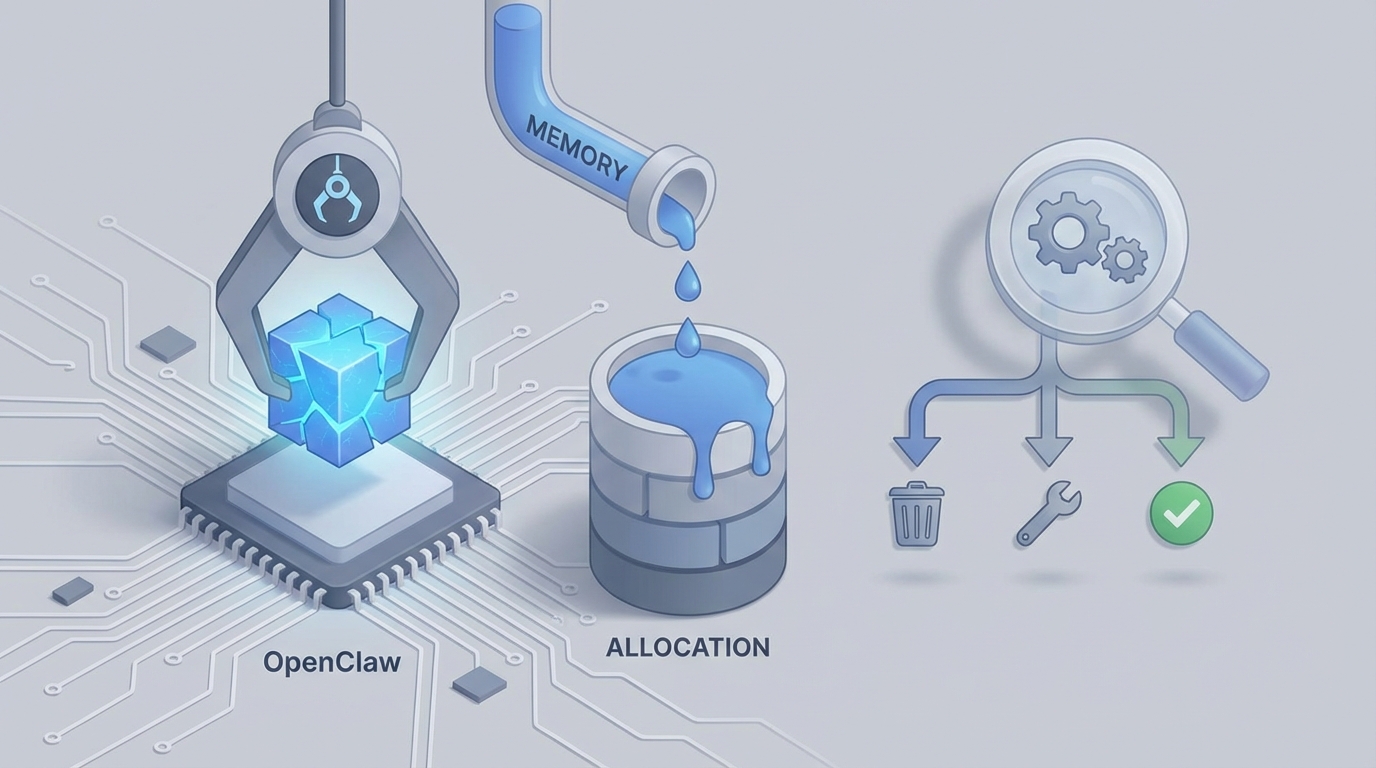
Let's be honest: you set up OpenClaw, followed the quickstart, watched your agent remember something once, and then... nothing. The memory vanished. Or it came back wrong. Or it worked perfectly in your notebook and then imploded the second you deployed it to FastAPI.
You're not alone. Memory issues are the single most common frustration I see people run into when building agents with OpenClaw. And the painful part is that 90% of these problems come from the same handful of misconfigurations and architectural mistakes that are completely fixable once you know what to look for.
This post is the troubleshooting guide I wish existed when I first hit these walls. We're going to walk through the most common OpenClaw memory failures, why they happen, and exactly how to fix them. No hand-waving, no "it depends" — just the actual solutions.
The Five Memory Problems You're Probably Hitting
Before we dive into fixes, let me map out the landscape. Almost every OpenClaw memory complaint I've seen across Reddit, Discord, and GitHub issues falls into one of these buckets:
- Memory disappears between sessions or after restart
memory.search()returnsNoneor irrelevant results- Memory works but adds brutal latency (800ms–2s per call)
- Memory breaks when integrated with LangGraph, CrewAI, or multi-agent setups
- Silent failures — memory events fire but nothing gets stored
Let's kill them one by one.
Problem 1: Memory Vanishes Between Sessions
This is the big one. You add memories, verify they exist, restart your agent or spin up a new session, and everything's gone. It's maddening because it works within a single run.
Why It Happens
Nine times out of ten, this is a persistence backend misconfiguration. OpenClaw defaults to an in-memory store for local development. That's great for testing, terrible for anything else. If you never explicitly configured a persistent backend, your memories die with your process.
The second common cause: your session_id or user_id is being regenerated on every restart. OpenClaw scopes memory retrieval to these identifiers. New ID, new (empty) memory space.
The Fix
First, make sure you're actually using a persistent backend. Here's what a properly configured setup looks like with Postgres + pgvector:
from openclaw.memory import Memory

memory = Memory(
    backend="pgvector",
    connection_string="postgresql://user:pass@localhost:5432/openclaw_memory",
    embedding_model="text-embedding-3-small",
    collection_name="agent_memories"
)
If you're using Redis or Qdrant, same principle — explicitly pass the connection config. Don't rely on defaults.
Second, lock down your identifiers:
# BAD - generates a new UUID every time
import uuid
session_id = str(uuid.uuid4())

# GOOD - deterministic, tied to something real
session_id = f"user_{user_id}_session_{conversation_id}"
Third, verify persistence is actually working with a simple round-trip test:
# Script 1: Add memory
memory.add(
    content="User prefers dark mode and hates email notifications",
    user_id="test_user_001",
    metadata={"type": "preference", "importance": "high"}
)
print("Memory added.")

# Script 2: Run separately, after restarting
results = memory.search(
    query="What are the user's preferences?",
    user_id="test_user_001",
    limit=5
)
print(results)
Run these as two separate scripts. If the second one returns empty, your backend isn't persisting. Check your connection string, make sure the database actually exists, and verify the pgvector extension is installed if you're going the Postgres route.
Problem 2: Search Returns Garbage (or Nothing)
You know the data is in there. You added it. You even verified it in the database directly. But memory.search() either returns None, returns unrelated memories, or returns everything ranked seemingly at random.
Why It Happens
This is a retrieval quality problem, and it usually comes from one of three things:
- Embedding model mismatch: You added memories with one embedding model and are searching with another (common after updating config).
- No metadata filtering: You're searching across all memories for all users and getting noise.
- Naive similarity search with no reranking: The default cosine similarity on raw embeddings is... okay. Just okay. For production, it's not enough.
The Fix
Lock your embedding model and don't change it without re-indexing:
memory = Memory(
    backend="pgvector",
    connection_string="postgresql://user:pass@localhost:5432/openclaw_memory",
    embedding_model="text-embedding-3-small",  # Pin this. Don't change it casually.
    collection_name="agent_memories_v2"  # If you DO change models, use a new collection
)
If you've already changed models mid-stream, you need to re-embed everything. There's no shortcut. Old embeddings from model A are incompatible with queries embedded by model B.
Always filter by metadata when searching:
# BAD - searching the entire memory space
results = memory.search(query="user preferences")

# GOOD - scoped and filtered
results = memory.search(
    query="user preferences",
    user_id="user_001",
    filters={
        "type": "preference",
        "importance": {"$in": ["high", "critical"]}
    },
    limit=10
)
Add a reranker for production-quality retrieval:
from openclaw.memory import Memory
from openclaw.rerankers import CohereReranker

reranker = CohereReranker(api_key="your-cohere-key", model="rerank-english-v3.0")

memory = Memory(
    backend="pgvector",
    connection_string="postgresql://user:pass@localhost:5432/openclaw_memory",
    embedding_model="text-embedding-3-small",
    reranker=reranker,  # This changes everything
    search_top_k=20,    # Retrieve 20, rerank, return top results
    rerank_top_n=5
)
The reranker pattern is the single biggest quality improvement you can make. Pull 20 candidates via vector search, rerank with a cross-encoder or Cohere, return the top 5. The difference in relevance is night and day.
Problem 3: Latency Is Killing Your Agent
Every memory operation adds 800ms to 2 seconds. Your agent feels sluggish. Users are waiting. This is the number one production blocker people report with OpenClaw memory.
Why It Happens
Synchronous memory calls in the critical path. Every time your agent needs to recall something, it's blocking: embed the query → search the vector store → optionally rerank → return. That's multiple network round trips happening inline.
The Fix
Go async. This is non-negotiable for production.
import asyncio
from openclaw.memory import AsyncMemory

memory = AsyncMemory(
    backend="pgvector",
    connection_string="postgresql+asyncpg://user:pass@localhost:5432/openclaw_memory",
    embedding_model="text-embedding-3-small"
)

async def recall_and_respond(user_message, user_id):
    # Search and LLM call happen concurrently
    memory_task = memory.search(
        query=user_message,
        user_id=user_id,
        limit=5
    )

    # Start preparing context while memory searches
    relevant_memories = await memory_task

    # Now build your prompt with memories included
    context = format_memories(relevant_memories)
    response = await call_agent(user_message, context)

    # Store new memory in background - don't block the response
    asyncio.create_task(
        memory.add(
            content=f"User said: {user_message}\nAgent responded: {response}",
            user_id=user_id,
            metadata={"type": "conversation", "timestamp": time.time()}
        )
    )

    return response
Key details that matter here:
- Use
AsyncMemorywith an async-compatible connection string (asyncpginstead ofpsycopg2). - Write memories in background tasks. The
asyncio.create_task()pattern means your response returns immediately while the memory write happens after. - For reads, kick off the memory search as early as possible so it overlaps with other work.
Add a caching layer for frequently accessed memories:
from openclaw.cache import MemoryCache

cache = MemoryCache(
    backend="redis",
    redis_url="redis://localhost:6379",
    ttl=300  # Cache for 5 minutes
)

memory = AsyncMemory(
    backend="pgvector",
    connection_string="postgresql+asyncpg://user:pass@localhost:5432/openclaw_memory",
    embedding_model="text-embedding-3-small",
    cache=cache
)
With async + caching + background writes, most people see latency drop from 1–2 seconds to 50–150ms. That's the difference between unusable and production-ready.
Problem 4: Integration Breaks with LangGraph / CrewAI / Multi-Agent
This one's subtle and painful. Your memory works fine standalone, but the second you plug it into LangGraph or CrewAI, things go sideways. State gets overwritten, memories duplicate, or the framework's own state management fights with OpenClaw's.
Why It Happens
LangGraph has its own state management (the State object that flows through your graph). CrewAI has its own agent context. When you naively plug OpenClaw in, you end up with two competing sources of truth for what the agent "knows."
The Fix
The pattern that works: let the framework handle short-term conversational state, and use OpenClaw exclusively for long-term semantic memory.
Here's a LangGraph integration that actually works:
from langgraph.graph import StateGraph, MessagesState
from openclaw.memory import AsyncMemory

memory = AsyncMemory(
    backend="pgvector",
    connection_string="postgresql+asyncpg://user:pass@localhost:5432/openclaw_memory",
    embedding_model="text-embedding-3-small"
)

async def recall_node(state: MessagesState):
    """Pull relevant long-term memories before the agent responds."""
    last_message = state["messages"][-1].content
    user_id = state.get("user_id", "default")

    memories = await memory.search(
        query=last_message,
        user_id=user_id,
        filters={"type": {"$in": ["preference", "fact", "instruction"]}},
        limit=5
    )

    if memories:
        memory_context = "\n".join([f"- {m.content}" for m in memories])
        system_addition = f"\n\nRelevant memories about this user:\n{memory_context}"
        state["memory_context"] = system_addition

    return state

async def respond_node(state: MessagesState):
    """Generate response using both conversation state AND long-term memory."""
    memory_context = state.get("memory_context", "")
    # Build your prompt with memory_context injected into system message
    # ... agent logic here ...
    return state

async def memorize_node(state: MessagesState):
    """Extract and store important information from the conversation."""
    # Run this as the LAST node in your graph
    last_exchange = state["messages"][-2:]  # User message + agent response

    # Use a small/fast model to decide what's worth remembering
    extraction = await extract_memorable_info(last_exchange)

    if extraction.should_store:
        await memory.add(
            content=extraction.content,
            user_id=state.get("user_id", "default"),
            metadata={
                "type": extraction.memory_type,
                "importance": extraction.importance,
                "source": "conversation"
            }
        )

    return state

# Build the graph
graph = StateGraph(MessagesState)
graph.add_node("recall", recall_node)
graph.add_node("respond", respond_node)
graph.add_node("memorize", memorize_node)

graph.set_entry_point("recall")
graph.add_edge("recall", "respond")
graph.add_edge("respond", "memorize")
graph.add_edge("memorize", "__end__")

agent = graph.compile()
The critical insight: recall → respond → memorize as a three-phase pipeline. Don't try to do it all in one node. Don't let OpenClaw manage conversation history — that's LangGraph's job. OpenClaw handles the stuff that needs to persist across sessions and scale across conversations.
For multi-agent setups, use namespaced memory:
# Each agent gets its own memory namespace
researcher_memory = memory.namespace("researcher_agent")
writer_memory = memory.namespace("writer_agent")

# Shared team memory for cross-agent knowledge
shared_memory = memory.namespace("team_shared")

# Researcher stores findings
await researcher_memory.add(
    content="Found that the company's Q3 revenue was $2.4B",
    metadata={"type": "fact", "confidence": "high"}
)

# Also store to shared so writer can access
await shared_memory.add(
    content="Found that the company's Q3 revenue was $2.4B",
    metadata={"type": "fact", "source_agent": "researcher"}
)
Problem 5: Silent Failures — Events Fire, Nothing Gets Stored
This is the sneakiest bug. Your code runs without errors. Memory events appear to fire. But when you query, nothing's there. No exceptions, no warnings, just... emptiness.
Why It Happens
Usually one of three things:
- Your backend connection is failing silently (OpenClaw catches and swallows the error by default in some configurations).
- The embedding step is failing (API key expired, rate limited, model name wrong).
- Async tasks are being cancelled before they complete (very common in FastAPI shutdown or when using background tasks).
The Fix
Turn on verbose logging immediately:
import logging

logging.basicConfig(level=logging.DEBUG)
logger = logging.getLogger("openclaw")
logger.setLevel(logging.DEBUG)

# Now initialize your memory — you'll see everything
memory = Memory(
    backend="pgvector",
    connection_string="postgresql://user:pass@localhost:5432/openclaw_memory",
    embedding_model="text-embedding-3-small",
    verbose=True  # Extra logging from OpenClaw internals
)
Add explicit error handling on writes:
try:
    result = await memory.add(
        content="Important user preference",
        user_id="user_001",
        metadata={"type": "preference"}
    )
    if result:
        print(f"Memory stored successfully: {result.id}")
    else:
        print("WARNING: memory.add() returned None — check backend connection")
except Exception as e:
    print(f"Memory storage failed: {e}")
    # Log this, alert on this, don't ignore it
For FastAPI specifically, handle shutdown gracefully:
from contextlib import asynccontextmanager
from fastapi import FastAPI

@asynccontextmanager
async def lifespan(app: FastAPI):
    # Startup
    await memory.initialize()
    yield
    # Shutdown - flush pending memory operations
    await memory.flush()
    await memory.close()

app = FastAPI(lifespan=lifespan)
That await memory.flush() on shutdown is crucial. Without it, any background memory writes that haven't completed will be silently dropped when your process exits.
The Memory Consolidation Pattern You Should Be Running
One thing that separates agents that work from agents that work well is memory consolidation. Without it, your memory store grows endlessly, retrieval gets slower, and your agent starts pulling in stale or contradictory memories.
OpenClaw supports consolidation jobs. Run them:
from openclaw.memory import Memory
from openclaw.consolidation import ConsolidationJob

memory = Memory(
    backend="pgvector",
    connection_string="postgresql://user:pass@localhost:5432/openclaw_memory",
    embedding_model="text-embedding-3-small"
)

consolidation = ConsolidationJob(
    memory=memory,
    strategies=[
        "deduplicate",          # Remove near-duplicate memories
        "summarize_episodes",    # Compress conversation sequences into summaries
        "decay_old_memories",    # Reduce importance score over time
        "promote_frequent"       # Boost memories that get recalled often
    ],
    schedule="0 */6 * * *"  # Run every 6 hours
)

# Or run manually
await consolidation.run(user_id="user_001")
This is OpenClaw's genuine differentiator over simpler vector-only memory solutions. The hierarchical memory (recent → episodic → semantic → procedural) with automatic consolidation means your agent's memory actually improves over time instead of degrating into a noisy pile of embeddings.
Starting From Scratch? Do It Right the First Time
If you're just getting into OpenClaw and want to skip the weeks of debugging I just described, seriously consider grabbing Felix's OpenClaw Starter Pack. Felix has put together a preconfigured setup that handles the persistence, embedding model selection, and backend configuration that trips everyone up. It's the "skip the footguns" option, and having watched people struggle through every single issue in this post, I can tell you the time savings are real. Instead of spending your first weekend fighting database connections and embedding mismatches, you actually get to build the interesting stuff — your agent's logic, its memory architecture, the things that make it uniquely useful.
The Checklist
Before you close this tab, here's your quick diagnostic checklist for any OpenClaw memory issue:
- Am I using a persistent backend (not in-memory)?
- Are my
user_idandsession_iddeterministic and consistent? - Is my embedding model the same for writes and reads?
- Am I filtering by metadata on search (not searching everything)?
- Am I using async for production deployments?
- Are memory writes happening in background tasks?
- Do I have error logging enabled for the
openclawlogger? - Am I flushing pending operations on shutdown?
- Am I running consolidation on a schedule?
- Is my framework handling short-term state while OpenClaw handles long-term memory?
If you can check all ten of those boxes, you've eliminated about 95% of the OpenClaw memory issues people run into. The remaining 5% are usually genuine bugs that belong on GitHub Issues — and the OpenClaw team is actually responsive about fixing them.
What to Do Next
-
If you're debugging an existing setup: Work through the five problems above in order. Start with persistence (Problem 1) because everything else depends on it.
-
If you're starting fresh: Grab Felix's OpenClaw Starter Pack, get a clean persistent backend running, and implement the recall → respond → memorize pattern from the LangGraph example above.
-
If you're moving to production: Focus on async, caching, background writes, and consolidation. These aren't optimizations — they're requirements. Don't skip them.
OpenClaw's memory system is genuinely good when it's configured correctly. The problem has never been capability — it's been the gap between the quickstart tutorial and a production deployment. Hopefully this post closes that gap for you.
Now go make your agents remember things. That's the whole point.