How to Create Sub-Agents in OpenClaw for Complex Tasks
How to Create Sub-Agents in OpenClaw for Complex Tasks
Let's get right into it.
You've built your first OpenClaw agent. It does one thing reasonably well — maybe it researches a topic, or drafts emails, or pulls data from an API. Cool. But now you want it to do something actually useful, which means chaining together multiple capabilities into a workflow that handles a real, messy, multi-step task.
That's where sub-agents come in. And that's where most people hit a wall so hard they start questioning whether AI agents are even worth the trouble.
I've been there. I spent a solid two weeks banging my head against sub-agent orchestration before it clicked. This post is everything I wish someone had told me on day one.
The Real Problem: One Agent Can't Do Everything Well
Here's the fundamental issue. When you try to make a single OpenClaw agent handle a complex task — say, researching a competitor, summarizing findings, drafting a report, and then formatting it for Slack — you get what I call "agent soup." The agent loses track of what it's supposed to be doing. It starts researching when it should be writing. It formats things too early. It hallucinates tool calls. It burns through tokens like they're free.
This isn't an OpenClaw-specific problem. It's a single-agent-doing-too-much problem. The solution is decomposition: break the complex task into discrete sub-tasks, assign each to a focused sub-agent, and orchestrate the handoffs between them.
OpenClaw makes this surprisingly manageable once you understand the pattern. But the documentation buries the lead a bit, so let me lay out exactly how to do it.
The Mental Model: Think Assembly Line, Not Swiss Army Knife
Before we touch any configuration, get this mental model locked in.
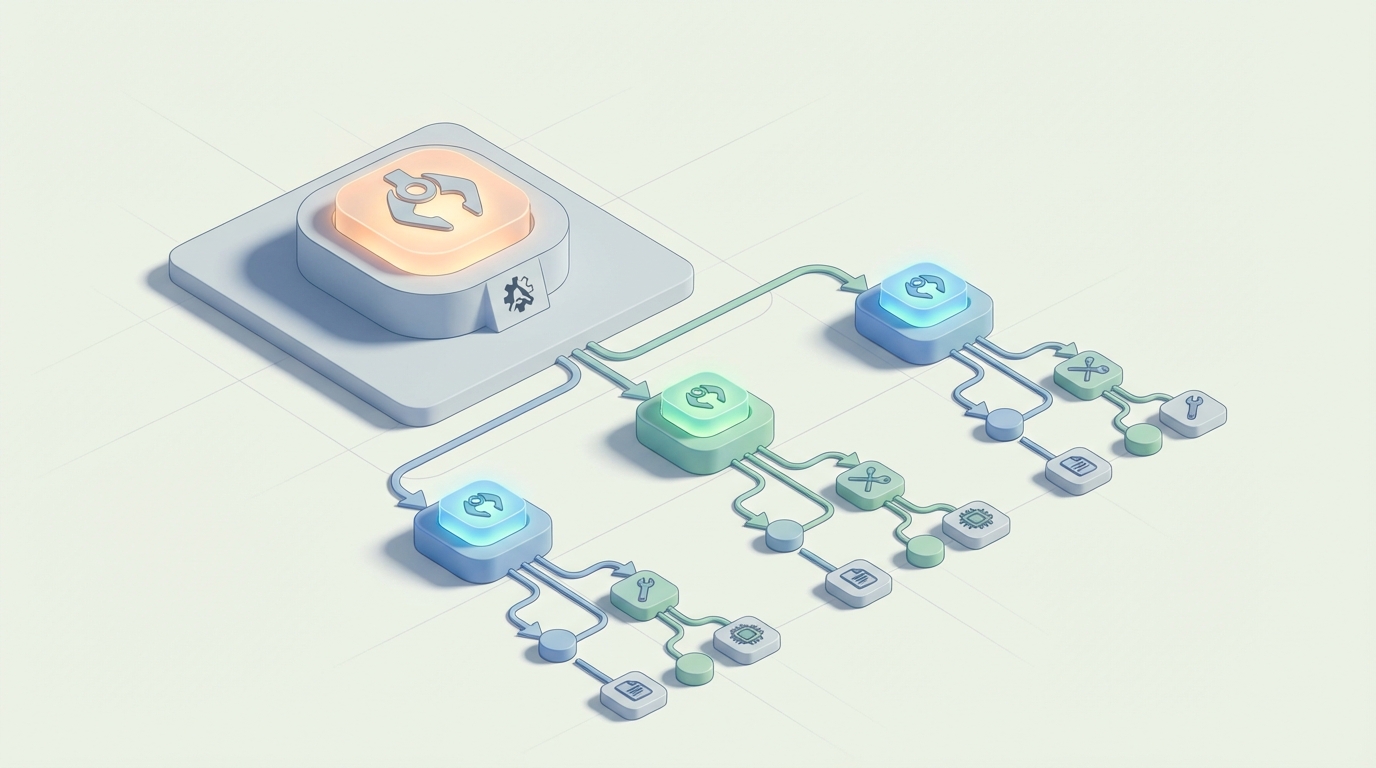
Your parent agent (sometimes called the orchestrator or manager) doesn't do the actual work. Its only job is to:
- Break the incoming task into sub-tasks
- Delegate each sub-task to the right sub-agent
- Collect and combine the results
- Handle failures gracefully
Each sub-agent is a specialist. It has a narrow role, a focused system prompt, access to only the tools it needs, and a clearly defined output format. That's it. A sub-agent should be so focused that it's almost boring.
The magic happens in the orchestration layer — how you pass context between sub-agents, how you handle errors, and how you manage the state of the overall workflow.
Step 1: Define Your Sub-Agent Roles
Let's work with a concrete example. Say you're building an OpenClaw workflow that monitors a competitor's website, identifies changes, summarizes them, and posts an update to your team's Slack channel.
Here are your sub-agents:
- Scout — Monitors the target URL and detects meaningful changes
- Analyst — Takes the raw change data and summarizes what actually matters
- Writer — Turns the analysis into a concise, human-readable update
- Courier — Formats and posts the final update to Slack
Four agents. Four jobs. No overlap.
In your OpenClaw project, you'd define each sub-agent with its own skill configuration. Here's what the Analyst sub-agent definition looks like:
name: analyst
role: "Competitive Intelligence Analyst"
goal: "Analyze raw website change data and identify strategically significant changes"
backstory: >
  You are a focused analyst who receives raw data about website changes.
  You identify what matters: pricing changes, new product launches, messaging shifts,
  and structural changes that signal strategic moves.
  You ignore trivial changes like footer updates or CSS modifications.
  You output structured analysis only. You do not write reports or summaries for humans.
tools:
  - text_comparison
  - entity_extraction
output_format:
  type: structured
  schema:
    changes_detected: list
    significance_rating: string  # high, medium, low
    key_insights: list
    raw_evidence: list
max_tokens: 2000
temperature: 0.2
A few things to notice here:
The role and goal are extremely specific. Not "analyze stuff" but "analyze raw website change data and identify strategically significant changes." The more specific you are, the less your sub-agent will drift off-task. Role drift is the number one complaint people have with multi-agent setups, and it's almost always caused by vague role definitions.
The tools are limited. The Analyst only gets text_comparison and entity_extraction. It doesn't get the web scraper (that's Scout's job) or the Slack API (that's Courier's job). Giving a sub-agent tools it doesn't need is like handing a toddler a power drill — nothing good comes from it.
The output format is explicitly defined. This is critical for handoffs. If the Analyst returns free-form text, the Writer sub-agent has to parse and interpret it, which introduces errors. A structured schema means the next agent in the chain knows exactly what it's getting.
Temperature is low. For analytical work, you want consistency, not creativity. Save the higher temperatures for the Writer.
Step 2: Set Up the Orchestrator
The orchestrator is the parent agent that manages the entire workflow. In OpenClaw, you configure this as the primary agent with sub-agent references:
name: competitor_monitor
type: orchestrator
strategy: sequential  # or parallel, or conditional
sub_agents:
  - scout
  - analyst
  - writer
  - courier
state_management:
  persistence: true
  pass_context: selective  # only pass relevant output to next agent
  max_context_per_handoff: 1500  # tokens
error_handling:
  on_failure: retry_with_feedback
  max_retries: 2
  fallback: notify_human
Let me break down the important bits.
strategy: sequential means the sub-agents execute in order. Scout runs first, then Analyst gets Scout's output, then Writer gets Analyst's output, and so on. This is the simplest and most reliable pattern. You can also use parallel (multiple sub-agents run simultaneously on different aspects of the same input) or conditional (the orchestrator decides which sub-agent to call based on the situation). Start with sequential. Graduate to the others once sequential is rock-solid.
pass_context: selective is the single most important setting for keeping your costs under control and your agents on-task. Without this, each sub-agent receives the entire accumulated context from every previous step. With a four-agent chain, the Courier would be getting Scout's raw HTML diffs, the Analyst's structured output, AND the Writer's formatted update. That's a massive waste of tokens and it confuses the agent.
Selective context passing means each sub-agent only receives the output from the immediately preceding agent (or whichever outputs you explicitly specify). The Analyst gets Scout's output. The Writer gets the Analyst's output. The Courier gets the Writer's output. Clean handoffs, minimal context, lower costs.
max_context_per_handoff: 1500 is your safety net. If a sub-agent produces a massive output, this truncates or summarizes it before passing it along. I've seen cases where a Scout sub-agent dumps 8,000 tokens of raw HTML changes into the Analyst, which then chokes. Cap it.
on_failure: retry_with_feedback means that if a sub-agent fails (returns malformed output, refuses a tool call, errors out), the orchestrator will retry that specific sub-agent with feedback about what went wrong. This is infinitely better than the default behavior in most frameworks, which is to either crash the entire workflow or retry blindly with the exact same input.
Step 3: Define the Handoff Contracts
This is where most people's multi-agent setups silently fall apart. The handoff between sub-agents needs to be explicit — what data is being passed, in what format, and what the receiving agent should do with it.
In OpenClaw, you define these in the orchestrator config:
handoffs:
  scout_to_analyst:
    pass_fields:
      - url_monitored
      - changes_detected_raw
      - timestamp
    transform: none

  analyst_to_writer:
    pass_fields:
      - changes_detected
      - significance_rating
      - key_insights
    transform: none

  writer_to_courier:
    pass_fields:
      - formatted_update
      - urgency_level
    transform: none
    inject_metadata:
      channel: "#competitor-intel"
      mention_threshold: "high"  # @channel only for high significance
See how each handoff explicitly names which fields get passed? The Writer never sees the raw HTML diffs. The Courier never sees the analytical breakdown — it just gets the formatted message and the metadata it needs to post correctly.
This is also where you can inject static metadata (like which Slack channel to post to) without burdening the sub-agents with that context.
Step 4: Error Boundaries and Recovery
Here's a truth nobody in the AI agent space wants to admit: your sub-agents will fail. Regularly. The question isn't whether they fail but how gracefully your system handles it.
OpenClaw lets you set error boundaries at the sub-agent level:
# Inside the analyst sub-agent config
error_boundary:
  catch:
    - malformed_output
    - tool_call_failure
    - timeout
  on_malformed_output:
    action: retry
    feedback: "Your output didn't match the required schema. Here's what was expected: {schema}. Try again."
    max_attempts: 2
  on_tool_call_failure:
    action: skip_tool
    feedback: "The {tool_name} tool is unavailable. Complete your analysis using only the provided text data."
  on_timeout:
    action: return_partial
    message: "Analyst sub-agent timed out. Returning partial results."
The feedback field is the key feature here. Instead of blindly retrying, you're telling the sub-agent what went wrong and what to do differently. This converts maybe 60-70% of failures into successes on the second attempt. Without feedback, retries are mostly useless — the agent just makes the same mistake again.
The skip_tool fallback for tool failures is also essential. If a tool is down, you don't want your entire pipeline to halt. Let the agent degrade gracefully and work with what it has.
Step 5: Testing Sub-Agents in Isolation
Before you wire everything together, test each sub-agent independently. OpenClaw supports this:
openclaw test agent analyst --input ./test_data/sample_changes.json --verbose
The --verbose flag shows you the exact prompt that was constructed, the tool calls made, and the raw output. This is your debugging lifeline. If the Analyst is producing garbage, you need to see why — was the system prompt unclear? Did it misuse a tool? Was the input data malformed?
Test each agent with at least 5-10 different inputs before connecting them. I cannot overstate how much time this saves. Debugging a four-agent chain where you don't know which agent is the problem is genuinely miserable. Debugging an isolated agent with verbose logging is straightforward.
Step 6: Monitoring and Observability in Production
Once your sub-agent workflow is running, you need visibility into what's happening. OpenClaw provides run logs that show the full execution trace:
[RUN 4821] competitor_monitor started
  → [SCOUT] Checking https://competitor.com/pricing
  → [SCOUT] 3 changes detected (247 tokens)
  → [HANDOFF] scout → analyst (3 fields, 247 tokens)
  → [ANALYST] Analysis complete: significance=high, 2 key insights (189 tokens)
  → [HANDOFF] analyst → writer (3 fields, 189 tokens)
  → [WRITER] Update drafted (156 tokens)
  → [HANDOFF] writer → courier (2 fields, 156 tokens)
  → [COURIER] Posted to #competitor-intel with @channel mention
[RUN 4821] completed in 34s | total tokens: 2,847 | cost: $0.004
This is the kind of observability that makes multi-agent systems manageable. You can see exactly where tokens are being spent, where bottlenecks exist, and where failures happen.
Common Mistakes to Avoid
After building several sub-agent workflows in OpenClaw, here are the pitfalls I see constantly:
1. Making the orchestrator too smart. The orchestrator should be a simple traffic cop, not a decision-making genius. If your orchestrator needs a powerful model to figure out which sub-agent to call, your workflow design is probably too complex.
2. Sharing tools across sub-agents. Just because two agents could use the same tool doesn't mean they should. Give each agent only what it needs. This prevents the "researcher that starts writing" problem.
3. Skipping the output schema. Free-form text handoffs between agents are a disaster waiting to happen. Always define structured outputs.
4. Not capping context. Token costs with sub-agents scale multiplicatively, not additively. Four agents each receiving the full context of all previous agents will destroy your budget.
5. Testing only the happy path. Your sub-agents need to handle bad inputs, missing data, and tool failures. Test these cases explicitly.
Getting Started Without the Setup Pain
If you've read this far and you're thinking "this is a lot of configuration to get right," you're not wrong. The sub-agent pattern is powerful, but the initial setup has a real learning curve — getting the role definitions tight, the handoff contracts right, the error boundaries configured, the output schemas defined.
This is where I'd genuinely recommend checking out Felix's OpenClaw Starter Pack on Claw Mart. It's $29 and includes pre-configured skills with sub-agent patterns already built out. The handoff contracts, error boundaries, output schemas — all the stuff I described above — are already wired up in templates you can modify for your specific use case. I spent two weeks getting my first sub-agent workflow right. If this had existed when I started, it would have saved me most of that time. You can reverse-engineer the included configs to understand exactly how everything fits together, which honestly is the best way to learn.
What to Build Next
Once you have a working sub-agent workflow, the natural next steps are:
- Add parallel execution — Run independent sub-agents simultaneously to cut execution time
- Implement conditional routing — Let the orchestrator dynamically choose which sub-agents to invoke based on the input
- Build feedback loops — Let downstream agents send work back upstream when the input quality is insufficient
- Add human-in-the-loop checkpoints — Pause the workflow at critical decision points for human review
Sub-agents are the unlock that turns OpenClaw from a toy into a tool. Get the fundamentals right — focused roles, structured handoffs, error boundaries, selective context — and you'll be building workflows that actually hold up in production. Skip those fundamentals and you'll be debugging agent soup for weeks.
Start simple. Test in isolation. Add complexity only when the simple version is rock solid. That's it. Go build something.