Automate YouTube Video Transcription and Chapter Creation
Automate YouTube Video Transcription and Chapter Creation
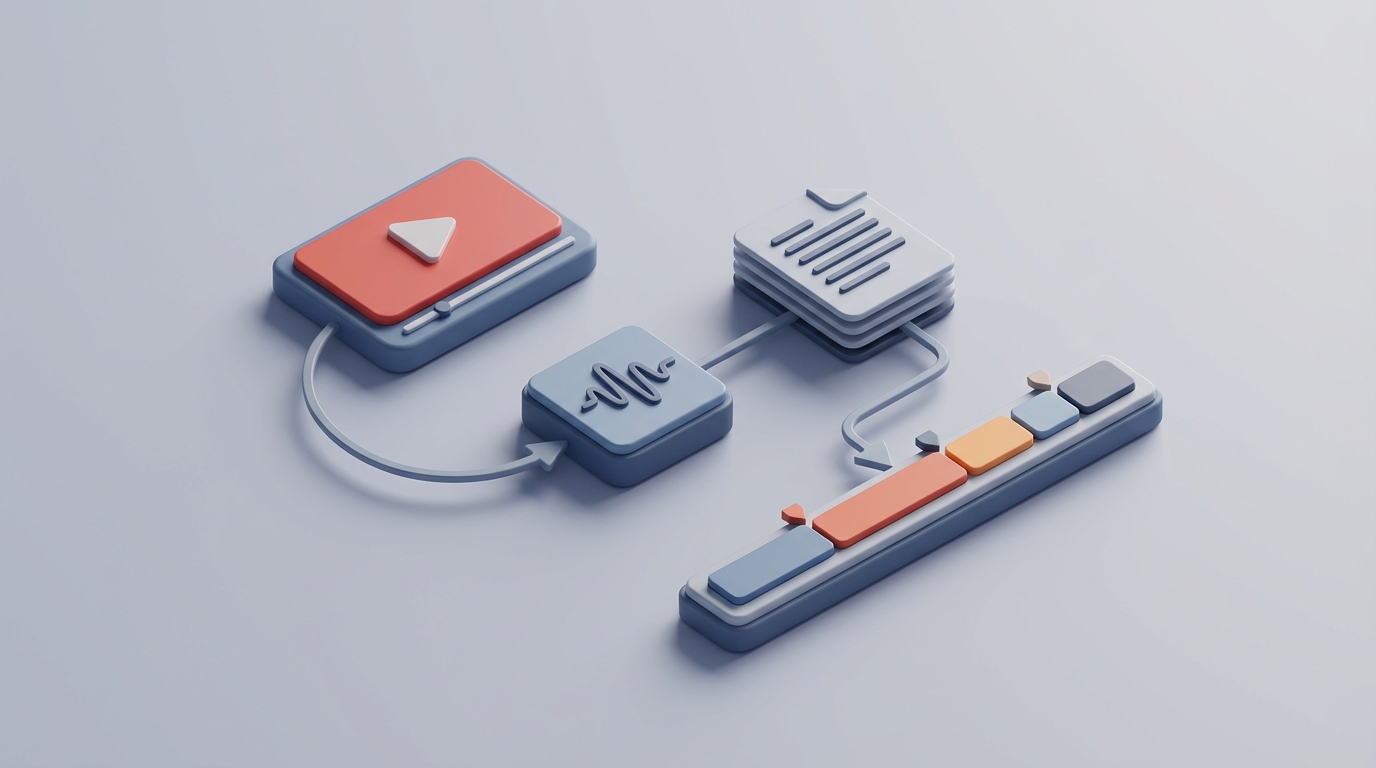
If you've ever tried to transcribe a YouTube video manually, you know the drill: play five seconds, pause, type, rewind because you missed a word, type again, repeat for the next four hours. It's genuinely one of the worst uses of a human being's time.
And yet, businesses do this constantly. Marketing teams transcribe webinars for blog posts. Agencies pull quotes from client interviews. Course creators need chapter markers and searchable text for every video in their library. Sales teams transcribe demo recordings. Legal teams need deposition transcripts that'll hold up in court.
The good news: most of this can be automated now. Not "automated" in the hand-wavy, "AI will handle it" sense. Actually automated, with a real workflow you can build this week using an AI agent on OpenClaw. Let me walk you through exactly what that looks like.
The Manual Workflow (And Why It's Brutal)
Here's what a typical transcription-and-chapters workflow looks like today, even at companies that consider themselves "tech-forward":
Step 1: Download or access the video. Someone pulls the YouTube URL, downloads the file, or extracts just the audio. 10–15 minutes if the tools cooperate.
Step 2: Run it through an AI transcription tool. Whisper, Otter, Descript, YouTube's own auto-captions—whatever's available. This part is fast, maybe 2–10 minutes depending on video length.
Step 3: Review the transcript for errors. This is where the wheels come off. AI transcription is genuinely good now—Whisper Large hits around 92–95% accuracy on clean audio—but that remaining 5–8% is where all the pain lives. Proper nouns get mangled. Technical terms become gibberish. Homophones swap places. Speaker labels are wrong or missing. Someone has to read the entire transcript against the audio and fix every mistake.
Step 4: Format the transcript. Raw transcription output is a wall of text. Someone needs to add paragraph breaks, remove filler words (or keep them, depending on the use case), fix punctuation, and make it actually readable.
Step 5: Create chapter markers. This means watching or skimming the video, identifying topic shifts, writing concise chapter titles, and noting the timestamps. For a 60-minute video, this alone can take 30–45 minutes.
Step 6: Format for output. SRT files for subtitles, clean documents for blog repurposing, YouTube chapter descriptions, searchable databases—each output format needs its own formatting pass.
Step 7: Quality check. Someone reviews the final output. For high-stakes content (legal, medical, published content), this might be a second person entirely.
Realistic time costs: For a one-hour video with decent audio quality and a single speaker, the full workflow takes 1.5 to 3 hours of human time. Multi-speaker content with background noise? Double or triple that. The industry benchmark for pure manual transcription is 4–8 hours per hour of video. Even with AI assistance, you're still looking at 30–90 minutes of human review time per hour of content.
If you're processing 10 videos a month, that's 15–30 hours of someone's time. At $25–50/hour for a skilled editor, you're spending $375–$1,500 monthly on transcription alone. For agencies or media companies doing 50+ videos a month, the numbers get ugly fast.
What Makes This Particularly Painful
It's not just the time. It's the type of time.
Review fatigue is real. Reading a transcript while listening to audio is mentally exhausting. Editors report that their error-catching ability drops significantly after 30–40 minutes. This means the back half of a long video's transcript is almost always lower quality than the front half—unless you take breaks, which adds even more time.
Accuracy degrades under real conditions. That 92–95% accuracy number for Whisper? That's on clean, studio-quality, single-speaker English audio. In the real world, you've got background noise, multiple speakers talking over each other, accents, domain jargon, and varying microphone quality. Word error rates can jump to 25–40% for accented or noisy audio. Suddenly your AI transcription needs so many corrections that you might as well have started from scratch.
Speaker identification is still unreliable. Current AI diarization (figuring out who said what) works about 70–85% of the time. With three or more speakers, or speakers with similar voices, it falls apart. Someone still has to go through and re-label speakers manually.
Chapter creation is almost entirely manual. This is the part most people don't think about. AI can transcribe speech, but identifying where meaningful topic shifts happen requires understanding context, audience, and content structure. It's a creative task layered on top of a mechanical one.
The cost-quality tradeoff is frustrating. Professional human-reviewed transcription runs $0.25–$1.50 per minute of audio. A 60-minute video costs $15–$90 at the low end, and that's per video, per language.
What AI Can Handle Right Now
Here's the honest breakdown of what's automatable versus what isn't, as of right now:
Reliably automatable (90%+ accuracy, minimal human review needed):
- Raw speech-to-text conversion on clean audio
- Timestamp generation
- Basic punctuation and capitalization
- Keyword and topic extraction
- Initial speaker clustering on two-speaker, clean audio
- Chapter suggestion based on topic shifts in the transcript
- Output formatting (SRT, plain text, YouTube description format)
- Summarization of transcript sections for chapter titles
Needs human review but can be heavily assisted:
- Contextual disambiguation (proper nouns, homophones, jargon)
- Speaker labeling for 3+ speakers
- Stylistic editing decisions
- Final quality check for published or legal content
Still requires human judgment:
- Accuracy validation for legal, medical, or financial use
- Cultural context, sarcasm, and intent
- Deciding what "good enough" means for a specific use case
The key insight here is that for a huge category of content—internal videos, marketing content, course material, podcast episodes with decent audio—you can automate 80–90% of the workflow and reduce human involvement to a quick review pass rather than a full editing session.
How to Build This With an OpenClaw Agent
Here's the practical part. You can build an AI agent on OpenClaw that handles the entire transcription-and-chapters pipeline, from YouTube URL to finished, formatted output. Here's how to structure it.
Agent Architecture
Your OpenClaw agent needs to handle four sequential tasks:
- Audio extraction from a YouTube URL
- Transcription with timestamps and speaker labels
- Chapter generation based on transcript analysis
- Output formatting for your specific use case
Let's walk through each.
Step 1: Audio Extraction
The agent's first job is to take a YouTube URL and extract the audio. You'll want to use yt-dlp (the maintained fork of youtube-dl) for this. In your OpenClaw agent configuration, set up the extraction step:
import yt_dlp

def extract_audio(youtube_url: str, output_path: str = "audio.wav") -> str:
    ydl_opts = {
        'format': 'bestaudio/best',
        'postprocessors': [{
            'key': 'FFmpegExtractAudio',
            'preferredcodec': 'wav',
            'preferredquality': '192',
        }],
        'outtmpl': output_path.replace('.wav', ''),
    }
    with yt_dlp.YoutubeDL(ydl_opts) as ydl:
        ydl.download([youtube_url])
    return output_path
WAV format gives you the best transcription accuracy. Yes, the files are larger, but accuracy matters more than storage here, and you'll delete the audio after processing anyway.
Step 2: Transcription With Timestamps
For the transcription step, your OpenClaw agent should use Whisper (or a Whisper-based API) with word-level timestamps enabled. This is critical—you need the timestamps for chapter creation later.
import whisper

def transcribe_audio(audio_path: str) -> dict:
    model = whisper.load_model("large-v3")
    result = model.transcribe(
        audio_path,
        word_timestamps=True,
        language="en",
        verbose=False
    )
    return result
For better speaker diarization, you can integrate WhisperX or pipe the audio through a diarization model like pyannote.audio before transcription:
from pyannote.audio import Pipeline

def diarize_speakers(audio_path: str) -> list:
    pipeline = Pipeline.from_pretrained(
        "pyannote/speaker-diarization-3.1"
    )
    diarization = pipeline(audio_path)

    segments = []
    for turn, _, speaker in diarization.itertracks(yield_label=True):
        segments.append({
            "start": turn.start,
            "end": turn.end,
            "speaker": speaker
        })
    return segments
Step 3: Chapter Generation
This is where the OpenClaw agent really earns its keep. Rather than having a human watch the video and identify topic shifts, you feed the timestamped transcript to the agent and have it analyze the content structure.
Configure your OpenClaw agent with a prompt along these lines:
You are analyzing a video transcript to generate YouTube chapter markers.

Rules:
- Identify major topic shifts in the conversation
- Each chapter should be at least 2 minutes long (avoid micro-chapters)
- Chapter titles should be concise (5-8 words), descriptive, and useful for scanning
- The first chapter must start at 0:00
- Use the actual timestamps from the transcript
- Aim for 5-15 chapters for a 30-60 minute video
- Focus on topics the viewer would search for or want to skip to

Transcript with timestamps:
{transcript}

Output format:
0:00 - [Chapter Title]
3:42 - [Chapter Title]
...
The agent will identify natural topic boundaries, generate concise titles, and format them for direct paste into a YouTube description. This alone saves 30–45 minutes per video compared to manual chapter creation.
Step 4: Output Formatting
Your OpenClaw agent should format the final output based on what you need. Common formats:
def format_youtube_description(chapters: list) -> str:
    """Format chapters for YouTube description."""
    lines = []
    for ch in chapters:
        timestamp = format_timestamp(ch['start'])
        lines.append(f"{timestamp} - {ch['title']}")
    return "\n".join(lines)

def format_srt(segments: list) -> str:
    """Format transcript as SRT subtitle file."""
    srt_lines = []
    for i, seg in enumerate(segments, 1):
        start = format_srt_timestamp(seg['start'])
        end = format_srt_timestamp(seg['end'])
        srt_lines.append(f"{i}")
        srt_lines.append(f"{start} --> {end}")
        srt_lines.append(seg['text'].strip())
        srt_lines.append("")
    return "\n".join(srt_lines)

def format_blog_transcript(segments: list, speakers: list) -> str:
    """Format as readable blog-style transcript."""
    paragraphs = []
    current_speaker = None
    current_text = []

    for seg in segments:
        speaker = get_speaker_for_segment(seg, speakers)
        if speaker != current_speaker:
            if current_text:
                paragraphs.append(
                    f"**{current_speaker}:** {' '.join(current_text)}"
                )
            current_speaker = speaker
            current_text = [seg['text'].strip()]
        else:
            current_text.append(seg['text'].strip())

    if current_text:
        paragraphs.append(
            f"**{current_speaker}:** {' '.join(current_text)}"
        )

    return "\n\n".join(paragraphs)
Putting It All Together in OpenClaw
Your complete agent workflow in OpenClaw chains these steps:
- Input: YouTube URL + configuration (output format, whether to include speaker labels, chapter preferences)
- Extract: Pull audio from URL
- Transcribe: Run Whisper with timestamps
- Diarize: (Optional) Run speaker identification
- Analyze: Generate chapter markers from transcript
- Format: Produce all requested output formats
- Review queue: Flag low-confidence sections for human review
The beauty of building this on OpenClaw is that each step can be configured, tweaked, and monitored independently. If Whisper's accuracy on a particular type of content isn't good enough, you can swap in a fine-tuned model for that step. If your chapter generation needs different rules for interviews versus tutorials, you create variant prompts and route accordingly.
You can also set up a custom glossary within your agent for domain-specific terms. If your videos consistently reference specific product names, people, or technical terms that Whisper mangles, feed those into the agent's context so it can correct them automatically during the formatting step:
CUSTOM_GLOSSARY = {
    "open claw": "OpenClaw",
    "claw mart": "Claw Mart",
    "kubernetes": "Kubernetes",
    "postgress": "Postgres",
    # Add your domain terms here
}

def apply_glossary(transcript: str, glossary: dict) -> str:
    for wrong, correct in glossary.items():
        transcript = transcript.replace(wrong, correct)
    return transcript
This one step alone catches a massive percentage of the errors that would otherwise require human correction.
What Still Needs a Human
Being honest about limitations matters more than overselling automation. Here's where you still need a person in the loop:
Legal, medical, or financial transcripts. If the transcript will be used as an official record, submitted as evidence, or published in a regulated context, a human must verify accuracy. No exceptions. Major law firms report that AI handles 70–80% of deposition transcription, but they won't accept fully automated transcripts for official records.
Heavy accent or noisy audio. If your source audio is a recording of a panel discussion in a noisy conference hall, expect the automated pipeline to struggle. You'll want to flag these for human review.
Nuance-critical content. Sarcasm, idioms, cultural references, and context-dependent meaning still trip up AI. If the difference between "that's interesting" (genuine) and "that's interesting" (skeptical) matters for your use case, a human needs to verify.
Brand voice and style decisions. How much do you clean up someone's speech? Do you keep the "ums" and "you knows"? Do you fix grammar in spoken quotes? These are editorial decisions, not transcription decisions, and they need human judgment.
The practical approach: use your OpenClaw agent to handle the 80–90% that's automatable, and route the rest to a human reviewer with the low-confidence sections already flagged.
Expected Time and Cost Savings
Let's run the numbers for a realistic scenario: a marketing team processing 20 YouTube videos per month, averaging 30 minutes each.
Before automation (AI tools + manual review):
- Transcription and review: ~45 min per video × 20 = 15 hours/month
- Chapter creation: ~20 min per video × 20 = 6.7 hours/month
- Formatting: ~15 min per video × 20 = 5 hours/month
- Total: ~26.7 hours/month
- At $35/hour: ~$935/month in labor
After OpenClaw automation:
- Agent processing: fully automated, runs in background
- Human review of flagged sections: ~10 min per video × 20 = 3.3 hours/month
- Spot-checking chapters and formatting: ~5 min per video × 20 = 1.7 hours/month
- Total: ~5 hours/month
- At $35/hour: ~$175/month in labor
Savings: ~21.7 hours and ~$760/month. Over a year, that's 260 hours and $9,120. For a team doing 50+ videos monthly, multiply accordingly.
And that's just the direct time savings. The indirect benefits matter too: faster turnaround (transcripts ready in minutes instead of days), consistency across your video library, and freeing up skilled team members to do work that actually requires their brain.
Next Steps
If you're spending more than a few hours a month on video transcription and chapter creation, this is one of the highest-ROI automations you can build.
Start here:
- Pick your 3 most common video types (interviews, tutorials, presentations, etc.)
- Run them through the OpenClaw pipeline described above
- Compare the output quality against your current manual process
- Identify which errors are systematic (and fixable with glossary/prompt tweaks) versus random
- Build your custom glossary and chapter generation rules based on what you find
The whole setup takes a few hours. The payoff starts with the very next video you process.
You can find pre-built transcription and chapter generation agents on Claw Mart, ready to customize for your specific workflow. If you'd rather have someone build and configure the whole pipeline for you—glossary, output formats, review queue, and all—post it as a Clawsourcing request and let a builder handle the setup while you get back to work that actually needs you.