Automate Webinar Follow-Up Email Sequences Based on Attendee Behavior
Automate Webinar Follow-Up Email Sequences Based on Attendee Behavior
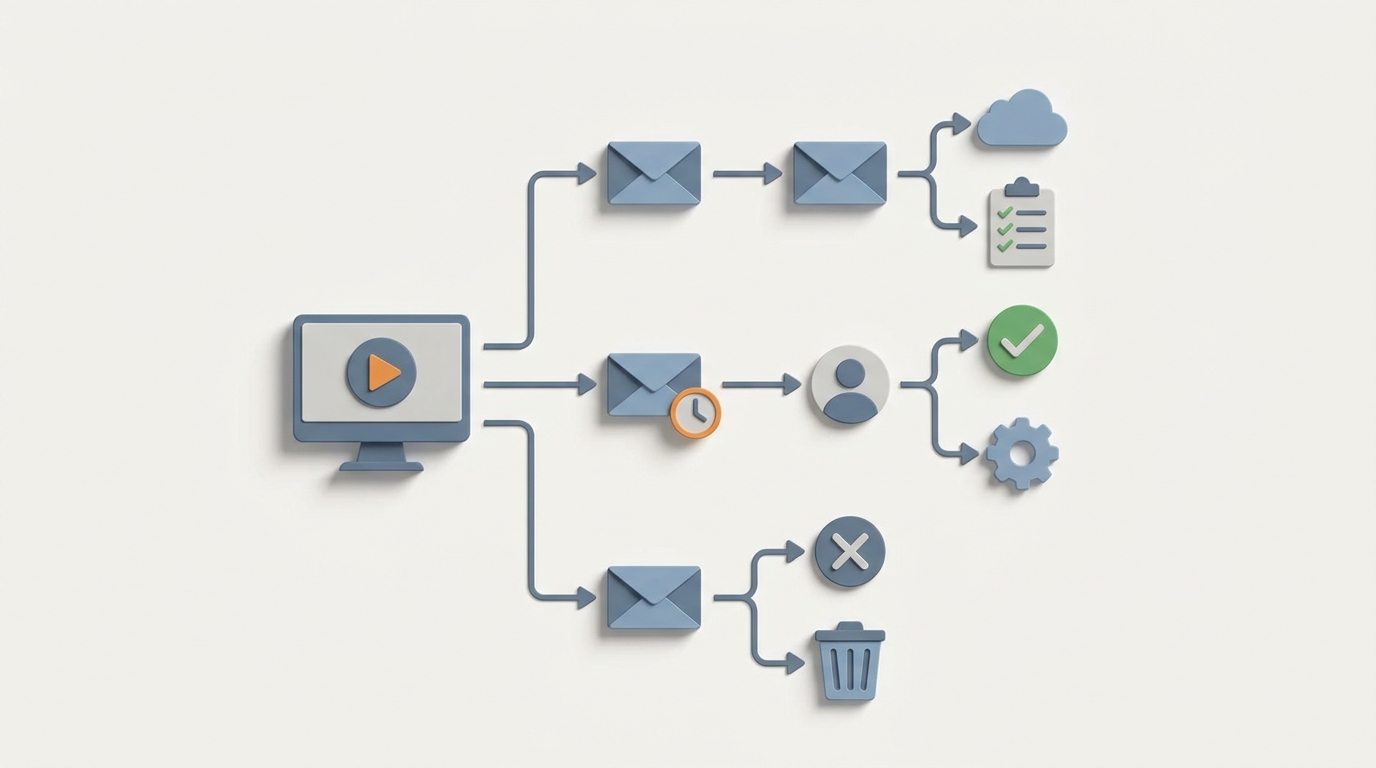
Most companies treat webinar follow-up like a checkbox. Webinar ends, generic "thanks for attending" email goes out, maybe a replay link hits no-shows two days later, and then... nothing. Or worse, a sales rep manually combs through a spreadsheet of 400 registrants trying to figure out who actually cared.
The result? You spend 20+ hours of human effort per webinar on follow-up, your conversion rates are mediocre, and your best leads go cold while someone's still cleaning data in a CSV.
Here's the thing: behavior-based webinar follow-up sequences are one of the highest-leverage automations you can build right now. The data is structured, the logic is clear, and the payoff is massive. According to ON24's 2026 State of Webinar Report, companies with fully automated behavior-based follow-up sequences see 3.2x higher conversion from attendee to sales opportunity compared to manual processes.
Let's walk through exactly how to build this with an AI agent on OpenClaw — step by step, no hand-waving.
The Manual Workflow Today (And Why It's Brutally Inefficient)
Let me map out what actually happens after a webinar at most companies. This is the real workflow, not the idealized version in your marketing ops deck.
Step 1: Data Export and Cleanup (1–3 hours) Someone exports the attendee list from Zoom, GoToWebinar, or whatever platform you're using. These exports are messy — duplicate entries, missing fields, inconsistent formatting. Someone manually cleans this in a spreadsheet, cross-references it against the CRM, and flags who's already a customer vs. a prospect.
Step 2: Segmentation (1–2 hours) Now you need to figure out who did what. Who attended live? Who stayed more than 70% of the session? Who asked a question in the Q&A? Who registered but never showed? Each of these groups needs a different email. Someone manually creates these segments, usually by filtering columns in a spreadsheet and uploading tagged lists to your email tool.
Step 3: Email Writing (2–4 hours) You need at minimum four email variants: a thank-you for live attendees, a replay email for no-shows, a nurture email with a case study or offer, and a high-intent outreach for people who showed strong engagement signals. Most teams write these from scratch every time, or heavily edit templates that never quite fit the webinar topic.
Step 4: Sequence Building (1–2 hours) Someone builds the drip sequence in ActiveCampaign, HubSpot, or whatever you're using. Timing, conditional logic, suppression lists, link tracking. It's not rocket science, but it's fiddly and error-prone.
Step 5: Sales Handoff for Hot Leads (3–8 hours) This is the killer. Your sales team needs to follow up personally with the highest-intent attendees. That means someone reviews the engagement data, scores leads manually (or in a spreadsheet), writes personalized outreach, and logs everything in the CRM. For a webinar with 300 registrants, this can eat an entire day for an SDR.
Step 6: Analysis (1–2 hours) After the sequence runs, someone pulls open rates, click rates, and reply rates across tools, compares them to benchmarks, and decides what to change next time. Usually in yet another spreadsheet.
Total time per webinar: 10–40 hours depending on company size and webinar volume. A mid-market SaaS company running two webinars a month is burning 40–80 hours of skilled labor on this workflow alone.
What Makes This Painful
It's not just the time. It's the compounding problems that come with doing this manually at any kind of scale.
Speed kills (or saves) deals. The average no-show rate for webinars is 55–65%. The replay email is often the highest-converting message in the entire funnel — Demio and Livestorm benchmarks show it recovers 15–25% of no-shows. But that only works if it goes out within hours, not two days later after someone finishes cleaning the data.
Generic follow-up gets ignored. ActiveCampaign's benchmark data shows segmented, behavior-triggered webinar follow-ups achieve 42% open rates and 9% click rates vs. 22% and 2% for generic blasts. When you're rushing to get emails out, you default to generic. Generic means low conversion. Low conversion means your webinar ROI looks terrible and someone questions whether you should keep doing them.
Data fragmentation. Your webinar platform, CRM, email tool, and sales outreach tool are four different systems. Every handoff between them is a place where data breaks, leads slip through cracks, or segments get miscategorized. This is the number one complaint in G2 reviews and Reddit threads about webinar follow-up.
Creative fatigue. Writing dozens of email variants per webinar, every month, burns out even good copywriters. The quality degrades over time. Subject lines get stale. Offers get recycled without thought.
The 80/20 problem is extreme. Maybe 15% of your registrants are genuinely high-intent. But without automated scoring, your sales team either treats everyone the same (wasting time on tire-kickers) or cherry-picks based on gut feel (missing real opportunities).
What AI Can Handle Now
This is where it gets interesting. An AI agent built on OpenClaw can own the majority of this workflow — not in a theoretical "someday" sense, but right now, with tools that exist today.
Here's what an OpenClaw agent can do for webinar follow-up:
Automated data ingestion and cleanup. Pull attendee data directly from your webinar platform via API or webhook. Normalize fields, deduplicate, and enrich with CRM data. No more CSV exports and manual cleanup.
Behavior-based segmentation. Automatically categorize every registrant based on their actual behavior: attended live (and for how long), asked questions, participated in polls, clicked links during the session, or didn't show up at all. The agent applies your scoring logic instantly.
AI-generated email copy. Using your brand voice guidelines and the specific webinar content, the agent writes personalized email sequences for each segment. Not generic templates — actual contextual copy that references what happened in the webinar. Think: "In yesterday's session, you asked about integrating with Salesforce — here's a 2-minute clip where our CTO walks through exactly that."
Webinar content summarization. The agent can process the webinar transcript, extract key moments, identify the most-asked questions, and use those insights to craft follow-up content that's genuinely relevant.
Sequence deployment. Push the completed sequences — with timing, conditional logic, and suppression rules — directly into your email platform via API.
Lead scoring and sales routing. Score every lead based on engagement data, enrich with company information, and automatically route the top 15% to your sales team with a briefing: who they are, what they engaged with, and a suggested personalized outreach message.
Performance monitoring. Track open rates, click rates, replies, and conversions across the sequence. Flag underperforming emails and suggest improvements.
Step-by-Step: How to Build This on OpenClaw
Here's the practical implementation. I'm going to walk through the architecture of an OpenClaw agent that handles end-to-end webinar follow-up.
Step 1: Define Your Data Sources and Triggers
Your agent needs to connect to three things:
- Webinar platform (Zoom, Demio, ON24, etc.) — for attendee behavior data
- CRM (HubSpot, Salesforce, etc.) — for existing contact/company data
- Email platform (ActiveCampaign, HubSpot, etc.) — for sequence deployment
In OpenClaw, you set up these connections as tool integrations. The agent fires when a webhook from your webinar platform signals the event has ended.
Trigger: Webinar ended (webhook from Zoom/Demio/ON24)
→ Pull full attendee list with behavior data
→ Cross-reference with CRM records
→ Begin segmentation workflow
Step 2: Build Your Segmentation Logic
Define clear behavioral segments. Here's a practical starting framework:
Segment A: "High Intent"
- Attended live AND stayed >70% of session
- OR asked a question in Q&A
- OR clicked an in-session CTA

Segment B: "Attended, Lower Engagement"
- Attended live, stayed <70%
- No Q&A or CTA interaction

Segment C: "No-Show, Previously Engaged"
- Registered but didn't attend
- Has prior engagement history in CRM (opened previous emails, visited pricing page, etc.)

Segment D: "No-Show, Cold"
- Registered but didn't attend
- No prior engagement signals
The OpenClaw agent applies this logic automatically to every registrant and tags them in your CRM accordingly.
Step 3: Feed the Agent Your Webinar Content
This is where the magic happens. Give the agent:
- The webinar transcript (most platforms export this, or use a tool like tl;dv or Fireflies)
- Key offers or CTAs you want to promote
- Your brand voice guidelines
- Any specific products, case studies, or resources you want included
The agent processes the transcript, identifies the top 3–5 key moments, extracts questions from the Q&A, and generates a content brief for the follow-up sequence.
Step 4: Generate the Email Sequences
For each segment, the OpenClaw agent writes a complete email sequence. Here's what a typical architecture looks like:
Segment A (High Intent) — 5-email sequence over 10 days:
- Immediate: Personalized thank-you + specific mention of their Q&A question or engagement moment + relevant resource
- Day 1: Key takeaways summary + link to the exact webinar moment most relevant to their question
- Day 3: Case study aligned with their industry/use case
- Day 5: Direct offer (demo, consultation, trial) with social proof
- Day 8: Final value-add email + soft CTA
Segment C (No-Show, Previously Engaged) — 4-email sequence over 7 days:
- Within 2 hours: "You missed it — here's the replay" with a compelling summary of what they missed
- Day 2: Top 3 takeaways (text-based, so they don't have to watch the whole thing)
- Day 4: Relevant resource or case study
- Day 7: Next webinar invite or offer
The agent writes all of this — subject lines, body copy, CTAs — personalized to each recipient using CRM data and webinar behavior data.
Step 5: Deploy and Monitor
The agent pushes the completed sequences to your email platform with proper:
- Send timing (optimized based on recipient time zone and historical engagement data)
- Suppression rules (don't email existing customers the same nurture as cold prospects)
- UTM tracking for attribution
- Conditional exits (if someone books a demo, pull them out of the nurture sequence)
Once deployed, the agent monitors performance in real time. If open rates on email #2 for Segment B drop below your threshold, it flags the issue and suggests a revised subject line or send time.
Step 6: Sales Handoff Automation
For Segment A leads, the agent generates a sales brief for each contact:
Lead: Sarah Chen, VP Marketing at Acme Corp
Engagement: Attended full session, asked 2 questions about enterprise pricing and API integrations
CRM History: Visited pricing page 3x in last 30 days, opened 4/5 recent emails
Recommended Action: Personal outreach within 24 hours
Suggested Message: [AI-generated personalized email referencing her specific questions]
This brief gets pushed directly to the assigned sales rep in your CRM with a task notification. The rep reviews, edits if needed, and sends. What used to take 3–8 hours of manual research and writing now takes 30 minutes of review.
What Still Needs a Human
Let's be honest about the boundaries. An OpenClaw agent handles 80% of this workflow, but there are places where human judgment is irreplaceable:
Commercial strategy. The agent doesn't decide whether your offer should be a 20% discount, a free consultation, or a limited-time bundle. That's a business decision that requires understanding your margins, competitive landscape, and sales capacity.
Final approval on high-stakes emails. For enterprise deals or sensitive industries (finance, healthcare), you want a human reviewing outgoing copy before it ships. The agent drafts; a human approves.
Nuanced sales conversations. Once a high-intent lead replies and wants to negotiate or has complex questions, that's a human conversation. The agent can route and brief, but it shouldn't be closing deals.
Campaign architecture. What's the overarching story across your 30-day nurture? How does this webinar fit into your broader content strategy? That's strategic thinking that you (or your marketing lead) should own.
Compliance review. If you're in a regulated industry, someone needs to sign off on claims, disclaimers, and opt-out handling.
The key insight: the human work shifts from execution (cleaning data, writing emails, building sequences) to judgment (strategy, approval, relationship management). That's a much better use of a marketer's or salesperson's time.
Expected Time and Cost Savings
Let's put real numbers on this.
Before (manual/semi-automated workflow):
- Data cleanup and segmentation: 2–5 hours
- Email writing: 2–4 hours
- Sequence building: 1–2 hours
- Sales handoff and personalization: 3–8 hours
- Analysis: 1–2 hours
- Total: 10–20 hours per webinar (conservative; mid-market companies report up to 40)
After (OpenClaw agent handling the workflow):
- Agent setup and configuration: one-time investment of a few hours
- Human review and approval per webinar: 1–2 hours
- Sales rep review of AI-generated briefs: 30 minutes–1 hour
- Strategic decisions (offer, campaign arc): 30 minutes–1 hour
- Total: 2–4 hours per webinar
That's a 70–85% reduction in time per webinar. For a company running two webinars a month, that's 15–35 hours saved monthly. Over a year, you're looking at 180–420 hours of skilled labor redirected from data wrangling and email writing to actual strategy and selling.
The conversion impact is equally significant. When you combine faster follow-up speed (hours instead of days), genuine personalization (referencing specific webinar moments), and proper behavioral segmentation, you should expect to approach or exceed the benchmarks from the research: 42% open rates, 9% click rates, and meaningfully higher reply rates on sales outreach.
One mid-market B2B SaaS company that implemented a similar stack (using ActiveCampaign + AI writing tools + enrichment) reported cutting manual follow-up time from 25 hours to 6 hours per webinar while increasing pipeline from webinar leads by over 3x. With a purpose-built OpenClaw agent, you can push those numbers even further because the entire workflow lives in one coordinated system rather than being duct-taped together across five tools.
Next Steps
If you're running webinars and still doing follow-up manually — or with a duct-taped stack of Zapier automations and spreadsheets — this is one of the clearest ROI automations you can build right now.
The data is structured, the logic is well-defined, and the payoff is immediate: faster follow-up, better personalization, higher conversion, and dozens of hours back every month.
Head to Claw Mart to find pre-built OpenClaw agent templates for webinar follow-up automation — including behavior-based segmentation, AI email generation, and CRM integration blueprints. You can customize them for your specific stack and be running within a day.
Or, if you want a custom agent built to your exact workflow and tool stack, submit a Clawsourcing request and let the OpenClaw community build it for you. Describe your webinar platform, CRM, email tool, and desired segmentation logic, and get a production-ready agent without hiring a developer or spending weeks on configuration.
Stop spending 20 hours per webinar on work an AI agent can do in minutes. Build the automation, keep the strategy.