How to Automate Student Feedback Collection and Analysis from Course Surveys
How to Automate Student Feedback Collection and Analysis from Course Surveys
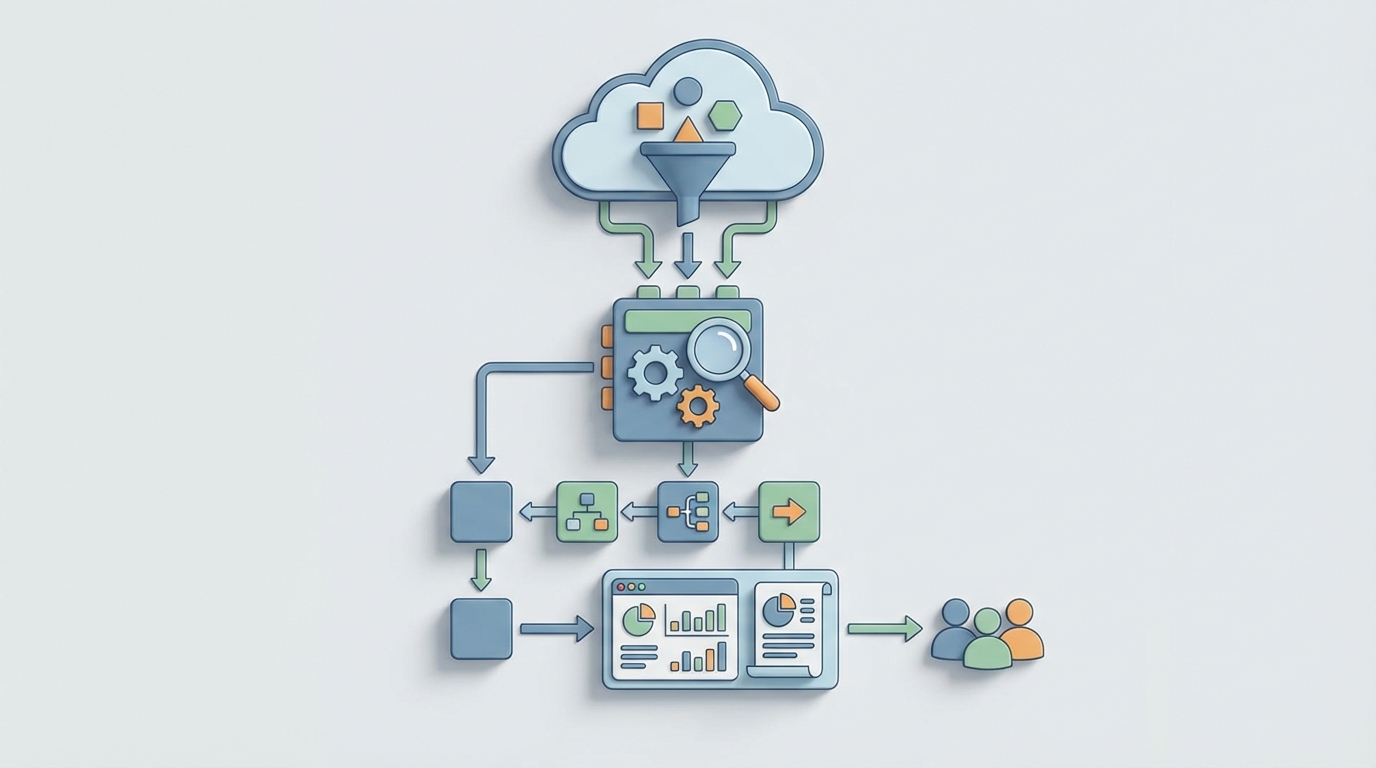
Every semester, the same ritual plays out across thousands of universities and training organizations: course surveys go out, a trickle of responses come back, someone dumps the data into a spreadsheet, and then a department admin or overworked faculty member spends days — sometimes weeks — reading through open-ended comments trying to figure out what students actually thought.
By the time anyone produces a usable report, the course is over, students have moved on, and the feedback sits in a PDF that maybe gets opened once before an accreditation review.
This is a solved problem. Not perfectly, not without nuance, but the core workflow of collecting, analyzing, and reporting on student feedback can be automated to the point where you're spending hours instead of weeks, and getting better insights in the process.
Here's exactly how to do it with an AI agent built on OpenClaw.
The Manual Workflow Today (And Why It's Still Stuck in 2015)
Let's map the full lifecycle of student feedback at a typical mid-sized department running 50 courses per semester. This is what actually happens, step by step:
Step 1: Questionnaire Design (3–8 hours per term) Someone — usually an instructional designer or department coordinator — customizes survey questions. They dig up last semester's version, tweak a few items, maybe add a question the dean requested. If they're using a tool like Qualtrics or Explorance Blue, they're clicking through a GUI. If they're at a smaller school, they're rebuilding a Google Form from scratch.
Step 2: Distribution (2–5 hours) Surveys get pushed through the LMS or emailed directly. This involves configuring recipient lists, setting open/close dates, writing the invitation email, and testing that links work. Instructors are often asked to announce surveys in class because email alone gets ignored.
Step 3: Follow-Up and Reminders (3–6 hours) Response rates for online course evaluations average 30–45%, down from 70%+ when paper forms were handed out in class. So admins send two, three, sometimes four reminder emails. They check response rates daily, flag courses below threshold, and pester instructors to make in-class announcements.
Step 4: Data Cleaning (2–4 hours) Duplicate responses, blank submissions, students who typed "asdf" in every field. Someone has to go through and clean the dataset before analysis begins.
Step 5: Quantitative Analysis (5–10 hours) Averages, distributions, comparisons to department benchmarks, trend lines over semesters. This part is usually semi-automated by whatever survey platform is in use, but someone still has to pull the numbers, check for anomalies, and format them.
Step 6: Qualitative Analysis (80–200 hours) Here's where the wheels come off. A department with 50 courses might generate 3,000–8,000 open-ended comments. Someone has to read them, code themes, identify patterns, and summarize findings. A 2023 study from the University of Auckland found that mid-sized departments spend 120–300 hours per semester on this alone. Faculty individually spend 4–7 hours per course just reading their own comments.
Step 7: Report Generation (10–20 hours) Findings get compiled into reports — individual faculty reports, department summaries, accreditation documents. These are often PowerPoints or PDFs, formatted by hand.
Step 8: Closing the Loop (Usually Skipped) Communicating back to students about what changed based on their feedback. Barely anyone does this, which further tanks response rates next semester. It's a vicious cycle.
Total: roughly 105–253 hours per department per semester. That's 2.5 to 6 full work weeks. For reading survey responses.
What Makes This Painful Beyond Just Time
The time cost is obvious. But there are subtler problems that make manual feedback processing actively harmful:
Delayed insights are useless insights. If a report lands on a faculty member's desk six weeks after the course ended, they can't course-correct. The students who gave feedback are gone. Mid-course pulse surveys could help, but they just add more manual work to the pile.
Qualitative analysis is inconsistent. When a human reads 500 comments in a sitting, the 400th comment does not get the same attention as the 50th. Fatigue introduces bias. Different reviewers code the same comment differently. A 2026 study in Computers & Education found that AI thematic analysis matched human inter-rater reliability (Cohen's kappa of 0.78–0.85) for common themes — meaning the AI was about as consistent as two humans are with each other, but it didn't get tired at comment number 300.
Response quality is poor and getting worse. Survey fatigue is real. Students receive 10–20 surveys per semester. Many respond with one-word answers. "Good." "Fine." "Boring." Without intelligent follow-up or adaptive questioning, you're collecting noise.
The action gap is enormous. A 2022 Inside Higher Ed survey found that 60% of faculty say they receive feedback but don't know what to do with it. Raw data — even summarized raw data — doesn't translate into actionable recommendations without additional interpretation.
Cost scales linearly. Hire more adjuncts, offer more sections, run more programs — and the feedback workload grows at the same rate. There are no economies of scale in manual comment reading.
What AI Can Handle Right Now
Let's be specific about what's realistic with current AI capabilities — not aspirational, not hypothetical, but working today.
Fully automatable with high reliability:
- Scheduled survey distribution with personalized invitations based on course enrollment data
- Adaptive reminder sequences triggered by non-response, with escalation rules
- Real-time response rate monitoring with automatic alerts when courses fall below threshold
- Quantitative analysis: means, medians, distributions, benchmarking, trend detection, statistical significance testing
- Sentiment classification of open-ended comments (positive/neutral/negative) at 90%+ accuracy
- Theme extraction and clustering: grouping comments into topics like "workload," "instructor responsiveness," "grading clarity," "course materials"
- Automated summarization: "73% of comments about this course mentioned unclear grading rubrics. Representative quotes: [X, Y, Z]"
- Anomaly detection: flagging sudden drops in specific metrics compared to historical baselines
- Report generation: formatted, personalized reports per instructor, per department, per program
- Trend narratives: "Student satisfaction with group projects has declined 15% over three semesters in the Computer Science department"
Automatable but needs guardrails:
- Identifying actionable recommendations from patterns (the AI can suggest; a human should validate)
- Detecting sensitive content: comments about harassment, discrimination, mental health — flagged for human review, not auto-processed
- Cross-referencing feedback with other data (grades, retention, enrollment) to identify correlations
The University of Sydney implemented AI sentiment analysis on 40,000+ comments in 2026 and cut analysis time by approximately 70% while maintaining 92% agreement with human coders on major themes. Arizona State generates automated "insight cards" for faculty and reported a 40% increase in faculty actually engaging with their feedback. These aren't pilot programs anymore. This is production.
Step-by-Step: Building the Automation with OpenClaw
Here's how you'd actually build this as an AI agent on OpenClaw. I'm going to be specific.
Step 1: Define Your Data Sources and Triggers
Your agent needs to connect to wherever survey responses live. Common setups:
- LMS integration (Canvas API, Moodle API, Blackboard) for enrollment data and survey delivery
- Survey platform API (Qualtrics, Google Forms, Microsoft Forms) for response collection
- Student Information System (Banner, PeopleSoft, Workday Student) for course metadata
In OpenClaw, you'd configure these as data source connections. The agent monitors for new responses in real time — no batch processing, no waiting until the survey closes.
Agent: Course Feedback Analyzer
Trigger: New survey response received via [Survey Platform] webhook
Data Sources:
  - Survey Platform API (responses)
  - LMS API (enrollment, course metadata)
  - Historical feedback database (benchmarking)
Step 2: Build the Processing Pipeline
Each incoming response goes through a processing chain:
Stage 1 — Validation and Cleaning
- Check for duplicate submissions (same student, same course)
- Flag blank or gibberish open-ended responses
- Normalize rating scales if different survey versions are in use
Stage 2 — Quantitative Processing
- Update running statistics for the course (mean, median, distribution)
- Compare against department and historical benchmarks
- Calculate statistical significance when sample size is sufficient
Stage 3 — Qualitative Processing This is where OpenClaw's AI capabilities do the heavy lifting:
For each open-ended comment:
  1. Classify sentiment (positive / neutral / negative / mixed)
  2. Extract themes using predefined taxonomy:
     - Teaching quality
     - Course content / materials
     - Workload / pacing
     - Assessment / grading
     - Instructor responsiveness
     - Learning environment
     - Technology / tools
     - [Custom themes per department]
  3. Extract specific, actionable mentions
     ("The textbook chapters on regression were outdated")
  4. Flag sensitive content for human review
     (harassment, discrimination, safety concerns, mental health)
  5. Score comment quality (substantive vs. low-information)
Stage 4 — Aggregation and Pattern Detection As responses accumulate, the agent continuously updates:
- Theme frequency distributions
- Sentiment trends over the collection period
- Comparison to the same course's prior semesters
- Cross-course patterns within the department
Step 3: Configure Reporting Outputs
OpenClaw lets you define multiple output formats triggered by different conditions:
Real-time Dashboard (always current)
- Response rate by course, with color-coded thresholds
- Live sentiment distribution
- Top emerging themes
- Flagged items requiring human attention
Mid-Collection Alert (triggered at 50% of collection window)
- Early trends and anomalies
- Courses with concerning patterns
- Response rate warnings
Final Faculty Report (triggered when survey closes)
Report Template: Individual Faculty Feedback Summary
Sections:
  1. Response rate and comparison to department average
  2. Quantitative ratings with benchmark context
  3. AI-generated qualitative summary (3-5 paragraphs)
     - Top strengths identified by students
     - Top areas for improvement
     - Notable specific suggestions
  4. Representative quotes (auto-selected, anonymized)
  5. Semester-over-semester trends
  6. Suggested action items (AI-generated, human-validated)
Department Summary (triggered when all course surveys close)
- Aggregate patterns across courses
- Benchmark comparisons
- Accreditation-relevant metrics
- Resource allocation implications
Step 4: Build the Feedback Loop
This is the part almost everyone skips, and it's the part that actually improves response rates next semester.
Configure the agent to generate student-facing "You Said, We Did" communications:
Trigger: Department chair approves action items
Output: Email template to enrolled students
Content:
  "Based on your feedback about [Course X],
   the department is making the following changes:
   [Action 1], [Action 2]. Thank you for your input."
When students see that their feedback led to actual changes, response rates go up. It's the single most effective intervention for survey fatigue, and it costs almost nothing when automated.
Step 5: Train and Refine
This isn't a set-it-and-forget-it system. You need a calibration phase:
- Run AI analysis in parallel with human analysis for one semester. Compare results.
- Identify disagreements — where the AI miscoded themes or missed nuance.
- Refine the theme taxonomy based on what actually appears in your institution's feedback.
- Adjust sensitivity thresholds for flagging content for human review.
- Validate with faculty — do the AI-generated summaries match their reading of the comments?
The University of Sydney's 92% agreement rate didn't happen on day one. It took calibration. Plan for it.
What Still Needs a Human
I want to be direct about this because overselling AI capabilities is how you lose trust with faculty and administration.
Humans must handle:
- Sensitive content review. Any comment flagged for harassment, discrimination, bias, or mental health concerns needs a trained human reviewer. Period. This is both an ethical and legal requirement.
- Causation decisions. The AI can tell you that students in three sections of Organic Chemistry all complained about pacing. It cannot tell you whether that's because the curriculum is overloaded, the instructors are underperforming, or the prerequisite course isn't preparing students adequately. That requires context only humans have.
- Fairness to faculty. A single inflammatory comment can skew an AI summary. Human reviewers need to check that summaries are fair and representative, especially when feedback is used in tenure, promotion, or contract decisions.
- Action planning. The AI can suggest "consider providing more detailed grading rubrics." Whether that's the right move, given the course goals and department philosophy, is a human call.
- Accreditation and legal compliance. Official records often require human sign-off. Check your accreditor's requirements.
- Sarcasm and cultural nuance. AI is getting better at this, but it still misreads sarcastic comments ("Oh yeah, LOVED staying up until 3am for those weekly essays") as positive sentiment more often than you'd like.
The right model is AI as analyst, human as decision-maker. The AI does the reading, counting, sorting, and summarizing. The human does the interpreting, deciding, and acting.
Expected Time and Cost Savings
Based on documented implementations and the workflow analysis above, here's what's realistic:
| Task | Manual Hours (50 courses) | With OpenClaw Agent | Savings |
|---|---|---|---|
| Survey design & distribution | 5–13 hrs | 1–2 hrs (template review) | ~80% |
| Follow-ups & monitoring | 5–11 hrs | 0.5 hrs (exception review) | ~90% |
| Data cleaning | 2–4 hrs | 0.5 hrs (spot checks) | ~85% |
| Quantitative analysis | 5–10 hrs | 0 hrs (fully automated) | 100% |
| Qualitative analysis | 80–200 hrs | 8–20 hrs (review & validate) | ~90% |
| Report generation | 10–20 hrs | 1–2 hrs (review & approve) | ~90% |
| Closing the loop | 5–10 hrs (if done at all) | 1 hr (approve templates) | ~85% |
| Total | 112–268 hrs | 12–26 hrs | ~90% |
That's roughly 100–240 hours saved per department per semester. At a loaded cost of $35–50/hour for administrative staff, you're looking at $3,500–$12,000 saved per department per semester in direct labor, not counting the value of faster insights, better faculty engagement, and improved response rates over time.
For corporate training operations running hundreds of courses across global teams, multiply accordingly. Organizations using AI feedback modules report 3–5x faster insight generation compared to traditional approaches.
Getting Started
The fastest path from "we're drowning in survey comments" to "we have an automated feedback system" looks like this:
- Pick one department or program as a pilot.
- Map the current workflow using the framework above — know exactly where time goes.
- Build the agent in OpenClaw, connecting to your existing survey platform and LMS.
- Run parallel analysis (AI + human) for one survey cycle to calibrate.
- Roll out to faculty with clear documentation on what the AI does and doesn't do.
- Expand department by department based on results.
You don't need to replace your survey platform. You don't need to change your questions. You need to automate the 80% of work that happens after students click "Submit."
If you want to skip the build-from-scratch phase, check Claw Mart for pre-built education feedback agents that you can customize to your institution's taxonomy and reporting requirements. The Clawsourcing community has built agents specifically for course evaluation workflows — theme taxonomies tuned for higher education, report templates that align with common accreditation standards, and integration patterns for the major LMS platforms.
The data is already there. Students are already telling you what works and what doesn't. Stop spending weeks reading it and start spending that time actually acting on it.