Automate Returns Processing: Build an AI Agent That Handles Refund Approvals
Automate Returns Processing: Build an AI Agent That Handles Refund Approvals
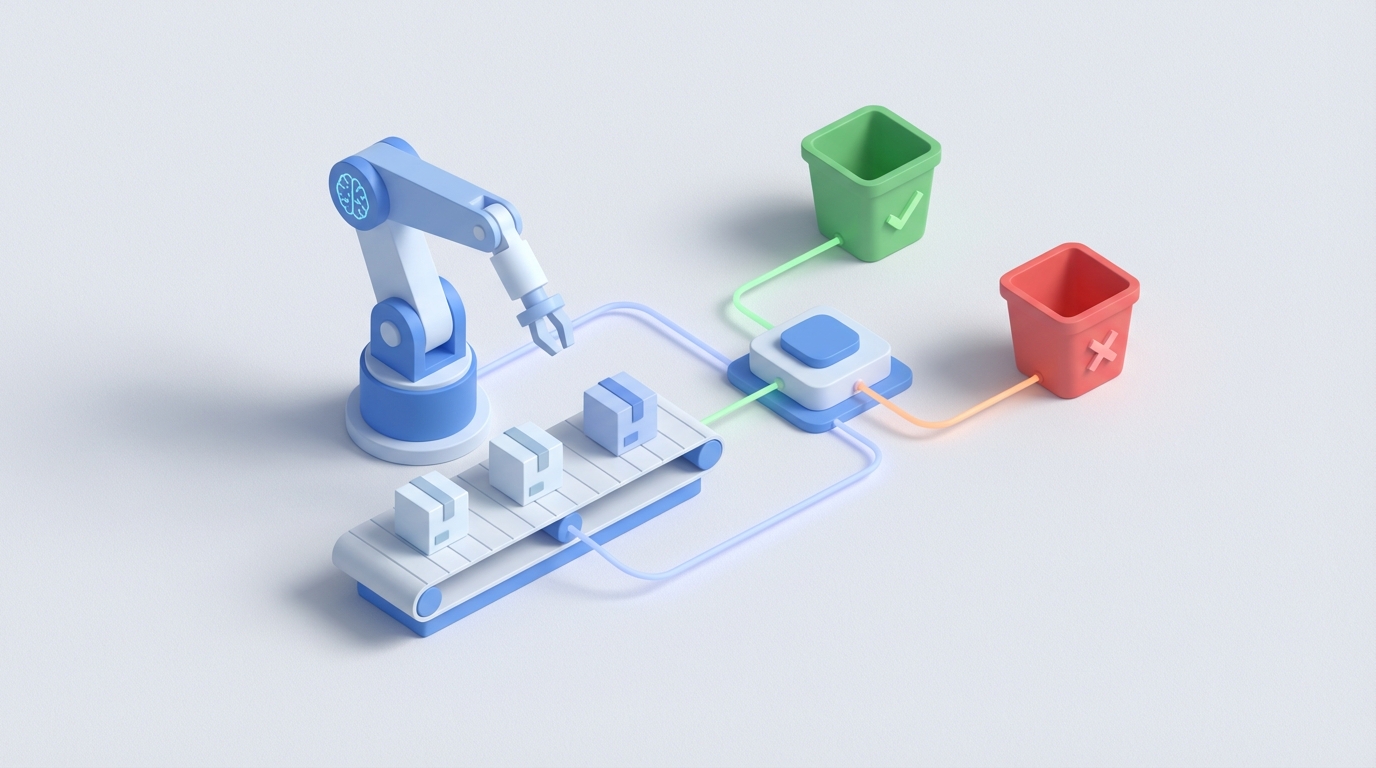
Every e-commerce brand hits the same wall. You're growing, orders are climbing, and then one morning you realize your returns queue has 400 items in it, two warehouse employees are spending their entire day opening boxes and squinting at shoes, and your support team is fielding "where's my refund?" emails faster than they can reply.
Returns processing is one of those operations problems that doesn't feel urgent until it's eating your margin alive. The average online retailer sees 15–30% of orders come back. For apparel, it's closer to 20–40%. At scale, that's not a nuisance — it's a second business you didn't sign up to run.
Here's the good news: most of the returns workflow is decision logic, data matching, and rule application. Which means most of it can be handled by an AI agent. Not a chatbot. Not a template. An actual agent that receives a return request, evaluates it against your policies, makes a decision, processes the refund, updates your systems, and communicates with the customer — all without a human touching it.
Let's walk through exactly how to build one on OpenClaw.
What the Manual Workflow Actually Looks Like
Before automating anything, you need to understand what you're replacing. Here's the typical returns process for a mid-market e-commerce brand, broken down by step and approximate time:
Step 1: Customer initiates return (0–2 minutes of staff time) Customer fills out a form or emails support. If you have a portal (Loop, Narvar, etc.), this is semi-automated. If you don't, someone on your team is reading emails and manually creating return records.
Step 2: Eligibility check (3–5 minutes) A support agent or warehouse coordinator pulls up the original order, checks the purchase date against your return window, verifies the item category isn't excluded, and reviews the stated reason. This involves toggling between your Shopify admin (or whatever platform), your return policy document, and sometimes a spreadsheet of exceptions.
Step 3: Return label generation and communication (2–4 minutes) Agent generates a prepaid label, sends it to the customer with instructions, and updates the return status in whatever system you're using.
Step 4: Package receipt and inspection (5–10 minutes) This is the bottleneck. A warehouse worker receives the package, opens it, inspects the item for damage, wear, missing components, stains, or odors. They compare the actual condition to the reason the customer gave. They make a judgment call: full refund, partial refund, or deny.
Step 5: Refund processing (2–5 minutes) Someone issues the refund through your payment processor, updates the order status, adjusts inventory counts, and decides whether the item goes back on the shelf, to a liquidation channel, or in the trash.
Step 6: Customer notification (1–2 minutes) An email goes out confirming the refund. If it's a denial or partial refund, someone has to write a more delicate message, sometimes handle a back-and-forth.
Step 7: Exceptions and disputes (5–20 minutes when they happen) Customer disagrees with the decision. Wants to escalate. Claims the item was defective. Asks for a manager. This eats disproportionate time.
Total: 12–20 minutes per return for straightforward cases. Longer for exceptions.
A brand processing 2,000 returns per month at 15 minutes average is burning 500 hours of labor. That's roughly three full-time employees doing nothing but processing returns.
Why This Hurts More Than You Think
The direct labor cost is obvious. At $18/hour, 500 hours is $9,000/month just in wages for returns processing. But the real damage is subtler:
Inconsistency kills you both ways. One warehouse worker approves a return for a jacket with light pilling. Another denies the same condition on a different day. You're either leaking money through overly generous approvals or generating support tickets and chargebacks from overly strict ones. A 2023 Loop Returns study found 62% of retailers still manually inspect most returns, and the inconsistency is a known problem nobody has great answers for.
Speed affects customer lifetime value. When your return-to-refund cycle takes 10–14 days, customers notice. They're less likely to reorder. They're more likely to leave a negative review. The brands winning on retention are processing refunds in 1–3 days.
Fraud slips through. Serial returners, wardrobing (buy, wear once, return), and outright fake returns account for an estimated 5–15% of all returns. Spotting patterns across thousands of transactions is something humans do poorly and slowly.
You're sitting on data you're not using. If one SKU has a 45% return rate because the sizing chart is wrong, you should know that immediately — not three months later when someone finally runs a report.
What an AI Agent Can Actually Handle
Let's be specific about what's automatable with current AI capabilities on OpenClaw, and what isn't. No hand-waving.
Fully automatable right now:
- Matching return requests to original orders (data lookup and validation)
- Checking eligibility against policy rules (purchase date, item category, return window, customer status)
- Flagging fraud patterns (return frequency, customer history, value thresholds, behavioral signals)
- Generating return labels and routing to the optimal return center
- Issuing refunds for approved returns and updating payment/inventory systems
- Sending personalized status communications at every stage
- Categorizing return reasons using natural language processing and feeding analytics dashboards
- Making restocking vs. liquidation vs. disposal recommendations based on item category, condition data, and resale value models
Partially automatable (AI + human review):
- Visual inspection via photos (computer vision can catch obvious damage, stains, missing parts with 80–90% accuracy on standardized items, but edge cases need a person)
- Subjective quality decisions on high-value items
- Complex exceptions where policy doesn't clearly apply
Still needs a human:
- Physical handling of returned merchandise (robots aren't there yet for most warehouses)
- Genuine disputes requiring empathy and relationship judgment
- Legal or compliance edge cases
- Final calls on ambiguous condition assessments for expensive items
The math works out to roughly 70–80% of returns being handleable end-to-end by an AI agent, with the remaining 20–30% needing human involvement at some stage.
Building the Agent on OpenClaw: Step by Step
Here's how to actually set this up. I'm going to assume you're running a Shopify-based e-commerce operation, but the architecture applies to any platform with API access.
Step 1: Define Your Return Policy as Structured Rules
Before you touch OpenClaw, get your return policy out of that PDF and into structured logic. You need explicit rules the agent can evaluate. Something like this:
return_policy:
  default_window_days: 30
  extended_window_categories:
    - electronics: 15
    - perishables: 0
    - final_sale: 0
  condition_requirements:
    - unworn_with_tags: full_refund
    - worn_minor_defect: full_refund
    - worn_no_defect: partial_refund_50
    - damaged_by_customer: deny
  exceptions:
    - vip_customers: extend_window_15_days
    - orders_over_500: manager_review_required
  fraud_thresholds:
    - returns_last_90_days: 5
    - return_rate_percentage: 40
    - flag_action: hold_for_review
This becomes the knowledge base your OpenClaw agent operates from. Every decision it makes traces back to these rules, which makes it auditable and adjustable.
Step 2: Set Up Your OpenClaw Agent with Tool Access
In OpenClaw, you're going to create an agent with access to the external tools it needs. Think of these as the agent's hands — the systems it can read from and write to.
The tools you'll connect:
- Shopify API (or your platform's API) — to pull order data, check purchase dates, look up customer history, and update order status
- Payment processor API (Stripe, PayPal, etc.) — to issue refunds
- Shipping API (EasyPost, ShipStation, or direct carrier) — to generate return labels
- Email/SMS service (SendGrid, Twilio, Klaviyo) — to communicate with customers
- Your inventory management system — to update stock counts and disposition
In OpenClaw, you define each tool with its endpoint, authentication, and the parameters the agent can pass. Here's a simplified example of how you'd define the Shopify order lookup tool:
{
  "tool_name": "get_order_details",
  "description": "Retrieves full order details including items, dates, customer info, and payment status from Shopify",
  "api_endpoint": "https://{store}.myshopify.com/admin/api/2026-01/orders/{order_id}.json",
  "method": "GET",
  "auth": "shopify_api_key",
  "parameters": {
    "order_id": {
      "type": "string",
      "required": true
    }
  }
}
You'd set up similar tool definitions for issuing refunds, generating labels, sending emails, and updating inventory.
Step 3: Build the Agent's Decision Logic
This is where OpenClaw's agent framework shines. You're not writing a rigid flowchart — you're giving the agent a goal, a set of tools, and a policy framework, and letting it reason through each return.
Your agent's system prompt should lay out the process clearly:
You are a returns processing agent for [Brand Name]. Your job is to handle
return requests from initiation through refund or denial.

For each return request:
1. Retrieve the original order using get_order_details
2. Verify the return is within the allowed window per the return policy
3. Check the customer's return history using get_customer_history
4. Evaluate fraud risk based on thresholds in the policy
5. If eligible and low-risk: approve, generate return label, send to customer
6. When item is received: if photos are provided, assess condition
7. Based on condition assessment and policy rules, issue appropriate refund
8. Update inventory disposition
9. Notify customer of outcome

If any case is ambiguous, flag for human review with a summary of your analysis
and the specific reason you're escalating.

Never approve a return that violates policy without human authorization.
Never deny a return from a VIP customer without human authorization.
The agent will use its tools sequentially, making decisions at each step based on the data it retrieves. OpenClaw handles the orchestration — you focus on the rules and edge cases.
Step 4: Implement Fraud Detection as a Sub-Agent
One of the highest-value pieces is a fraud detection layer. On OpenClaw, you can build this as a sub-agent that the main returns agent calls before approving any return.
The fraud agent evaluates:
- Number of returns this customer has made in the last 90 days
- Total dollar value of returns vs. purchases
- Whether the customer has a pattern of returning specific high-value categories
- Whether the return reason matches common fraud patterns (e.g., "item not as described" on items with low description-mismatch rates)
- IP address or behavioral signals if available
def evaluate_fraud_risk(customer_id, return_request):
    history = get_customer_history(customer_id)

    risk_score = 0

    if history['returns_last_90_days'] > policy['fraud_thresholds']['returns_last_90_days']:
        risk_score += 30

    if history['return_rate'] > policy['fraud_thresholds']['return_rate_percentage']:
        risk_score += 25

    if return_request['reason'] in HIGH_FRAUD_REASONS:
        risk_score += 20

    if return_request['item_value'] > 200 and history['account_age_days'] < 30:
        risk_score += 25

    return {
        'score': risk_score,
        'action': 'approve' if risk_score < 40 else 'review' if risk_score < 70 else 'deny',
        'flags': [...]  # specific reasons for the score
    }
This alone can save thousands per month. One Claw Mart client selling consumer electronics estimated they were losing $12,000–$15,000 monthly to fraudulent returns before implementing pattern detection.
Step 5: Set Up the Feedback Loop
The agent gets smarter over time, but only if you feed it data on outcomes. In OpenClaw, configure logging so every decision the agent makes is recorded with:
- The input data it had
- The decision it made
- The policy rule it applied
- Whether a human overrode the decision
- The final outcome (customer satisfied, dispute filed, chargeback, etc.)
This lets you identify where the agent's policy application is too strict or too loose and adjust your rules accordingly. It also builds a dataset you can use for analytics — which products have the highest return rates, which return reasons correlate with fraud, where your policy has gaps.
Step 6: Connect the Trigger
Finally, wire the agent to fire when a return request comes in. This could be:
- A webhook from your returns portal (Loop, Returnly, or your custom form)
- A new row in a spreadsheet or database
- An email to a dedicated returns inbox that the agent monitors
On OpenClaw, you set this up as a trigger that initiates the agent's workflow. The customer submits a return request, the agent takes over, and a human only gets involved when something is flagged.
What Still Needs a Human (Be Honest About This)
I want to be clear: this isn't a "fire your returns team" play. It's a "redeploy your returns team to where they actually add value" play.
You still need humans for:
- Physical inspection at the warehouse. Until you have camera systems integrated with computer vision (which OpenClaw can support, but requires hardware investment), someone's opening boxes.
- High-value judgment calls. A $800 return on a designer item with ambiguous wear? That needs experienced eyes and a conversation.
- Genuine customer disputes. When someone is upset and needs to feel heard, an AI agent isn't the right interface.
- Policy evolution. The agent enforces rules. Humans decide what the rules should be.
The goal is to have your humans handle only the 20–30% of cases that genuinely require their judgment, instead of spending 100% of their time on work that's 70% mechanical.
Expected Savings
Based on what we've seen from teams building returns agents through Claw Mart and deploying on OpenClaw:
- Processing time per return: drops from 12–20 minutes to 2–4 minutes (for the cases that still need human touchpoints) or zero (for fully automated approvals)
- Labor reallocation: typically frees up 60–75% of the time previously spent on returns
- Refund cycle time: from 5–14 days down to 1–3 days for straightforward returns
- Fraud losses: reduced 30–50% through consistent pattern detection
- Customer satisfaction: measurably higher due to faster refunds and proactive communication
For a brand doing 2,000 returns per month, that translates to roughly 300–375 labor hours saved monthly, or the equivalent of two full-time employees. At a blended cost of $20/hour including overhead, that's $6,000–$7,500 per month in direct savings — before you count the revenue protection from better fraud detection and the retention lift from faster processing.
Start Building
If you're processing more than 200 returns per month manually, this is worth building now. The ROI hits within the first month.
You don't need to automate everything on day one. Start with the eligibility check and fraud screening — those two pieces alone eliminate the majority of manual decision-making. Add refund processing and customer communication next. Layer in condition assessment and disposition logic as you get comfortable.
The fastest way to get this running: Browse the Claw Mart marketplace for pre-built returns processing agents and components built on OpenClaw. You'll find agents with Shopify, Stripe, and shipping integrations already configured. Grab one, plug in your policy rules, connect your API keys, and you're processing returns by end of week.
Alternatively, if your workflow has enough unique requirements to warrant a custom build, you can hire a specialist through Clawsourcing. These are builders who've already deployed returns agents for other brands on OpenClaw and can configure one for your specific platform stack, policy logic, and integration requirements. Post your project on Clawsourcing and have proposals within 48 hours.
Either way, stop paying three people to do what an agent can handle before lunch.