Automate Personalized Sales Proposals: Build an AI Agent That Generates Proposals
Automate Personalized Sales Proposals: Build an AI Agent That Generates Proposals
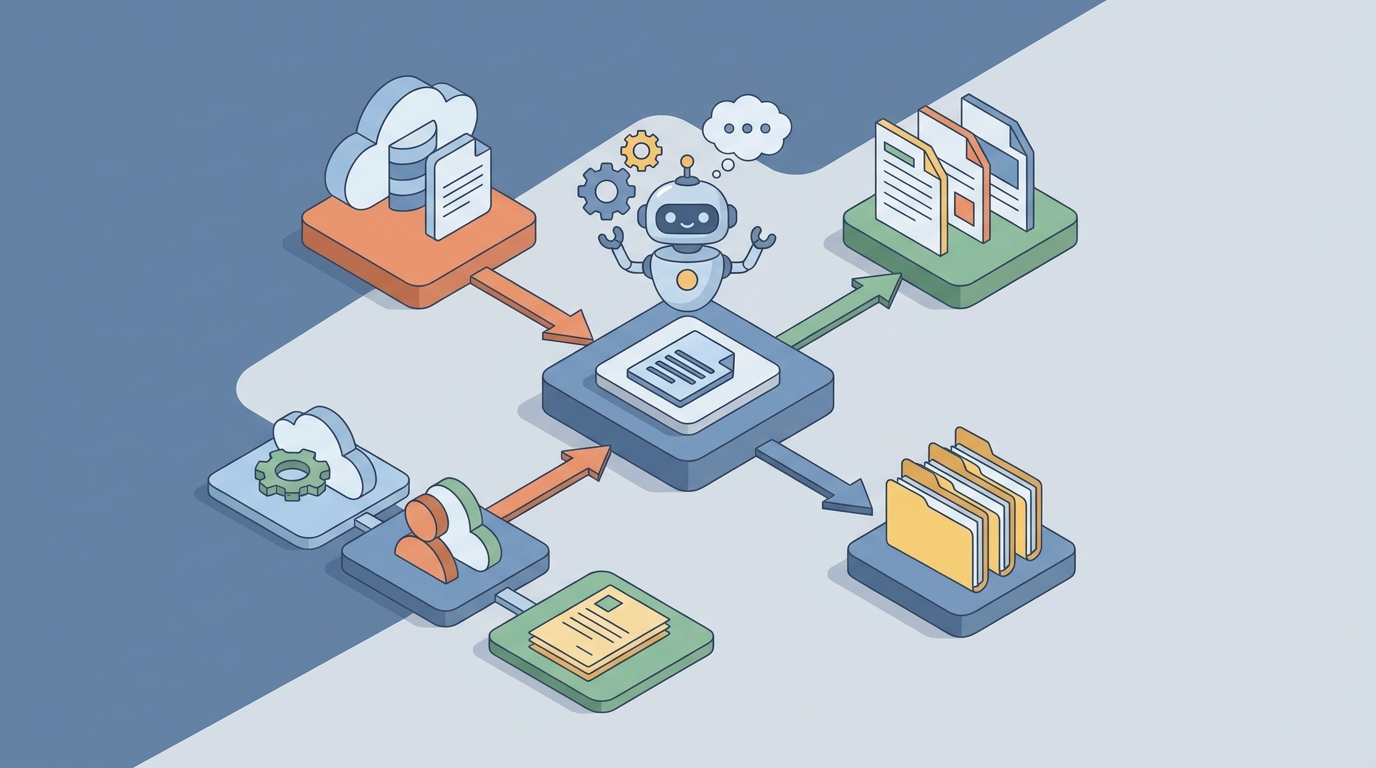
Most sales teams spend more time writing about their work than actually doing their work. That's not an exaggeration — it's what the data says.
According to HubSpot's 2026 State of Sales report, reps spend only 28–36% of their time selling. The rest disappears into admin, internal alignment, and — the biggest time sink of all — creating proposals that may never even get read. The average B2B proposal takes 9.4 hours to produce. Complex enterprise deals? 40 to 100+ hours. And win rates hover around 18–26%, which means the vast majority of that effort goes straight into the trash.
Here's the thing: most of that proposal creation work is mechanical. It's pulling data from your CRM, rewriting the same case studies for the hundredth time, formatting tables, and chasing approvals. The actual strategic thinking — the part that wins deals — is maybe 20–30% of the total effort.
That ratio is broken. Let's fix it.
This guide walks through how to build an AI agent on OpenClaw that automates the mechanical 70–80% of proposal generation, so your sales team can focus on the strategic 20–30% that actually moves the needle.
The Manual Workflow: What Proposal Creation Actually Looks Like
Before we automate anything, let's be honest about what the current process involves. If you've ever worked in B2B sales, this will feel painfully familiar:
Step 1: Discovery & Requirements Gathering (1–3 hours) Sales rep has calls, reads the RFP or intake form, takes notes, tries to understand what the prospect actually needs versus what they say they need.
Step 2: Internal Research & Alignment (1–4 hours) Now they're digging through Confluence pages, old proposals, Slack threads, and shared drives trying to find relevant case studies, technical specs, and pricing precedents. They're pinging the solutions architect, looping in the product team, and waiting for responses that may not come for a day.
Step 3: Content Creation (2–6 hours) Opening the company template in Word or Google Docs and writing the executive summary, solution overview, implementation timeline, ROI projections, and terms. Most of this is rewriting content that already exists somewhere — just not in the right format or with the right client context.
Step 4: Pricing & Commercial Configuration (1–3 hours) Building the quote in Excel or a CPQ tool. Figuring out discount tiers, bundling, and whether the deal structure needs legal review. Pricing errors show up in 12–18% of proposals, per Conga's research — and those errors cost real money.
Step 5: Design & Formatting (1–2 hours) Making it look professional. Consistent branding, clean charts, readable layout. This shouldn't take long, but it always does.
Step 6: Internal Review & Approval (1–5 hours, plus wait time) Circulating the draft for feedback. Sales leadership wants changes to the pricing. Legal flags the liability language. The solutions architect rewrites the technical section. Multiple rounds, multiple days.
Step 7: Client Customization & Iteration (1–3 hours) The prospect comes back with questions or asks for a modified scope. Near-complete rewrite incoming.
Step 8: Delivery & Follow-up (30 min + ongoing) Send the PDF. Wait. Follow up. Wait more. No visibility into whether they even opened it.
Total: 9–25 hours for a standard deal. 40–100+ for enterprise RFPs.
Multiply that by the number of proposals your team produces per month, and you start to see why sales organizations feel like they're drowning in documents instead of closing deals.
Why This Is Actually Painful (Not Just Annoying)
The time cost is obvious. But the real damage is more insidious:
Lost deals from slow response. 74% of buyers say they'd choose a vendor that responds faster, according to Qwilr's research. If your competitor gets a polished proposal out in 2 hours and yours takes 2 days, you're already behind — regardless of how good your solution is.
Knowledge loss and reinvention. Your best proposal writer leaves the company. All that institutional knowledge about what language resonates, which case studies convert, and how to frame pricing? Gone. The next person starts from scratch.
Inconsistency kills trust. When every rep builds proposals differently, your brand looks scattered. One proposal has the old logo. Another quotes different terms. A third uses a case study that's two years out of date. The prospect notices.
Scaling is impossible. Your team can only respond to a fraction of opportunities. Government contractors report being able to bid on only 30% of relevant RFPs because they simply can't produce proposals fast enough.
Pricing errors are expensive. That 12–18% error rate isn't just embarrassing — it leads to margin erosion, scope disputes, and deals that are unprofitable from day one.
The core problem is clear: most of the proposal process is information retrieval and assembly, not creative strategy. And information retrieval and assembly is exactly what AI agents are built to do.
What AI Can Handle Right Now
Let's be specific about what's realistic today — no hand-waving, no "AI will revolutionize everything" nonsense. Here's what an AI agent built on OpenClaw can genuinely do well for proposal generation:
Content drafting from structured inputs. Give the agent discovery call notes, CRM data, and a client brief, and it can produce a solid first draft of the executive summary, solution overview, and implementation timeline. Not a perfect draft — a solid one. The kind that takes a human 15 minutes to polish instead of 3 hours to write from scratch.
Knowledge retrieval and matching. This is where things get powerful. Connect the agent to your content library — case studies, testimonials, technical documentation, compliance responses — and it can instantly pull the most relevant materials for each prospect. A financial services prospect gets finserv case studies. A healthcare company gets HIPAA-compliant implementation examples. Automatically.
RFP analysis and decomposition. Drop a 100-page RFP into the agent, and it can summarize requirements, flag must-answer sections, identify potential risks, and suggest win themes based on your company's strengths. What used to take a day of careful reading becomes a 5-minute analysis.
Pricing configuration. With access to your pricing rules and product catalog, the agent can generate accurate quotes with appropriate discount tiers and bundling — eliminating the Excel error problem entirely.
Competitive positioning. The agent can research the prospect's likely alternative vendors and suggest differentiation points based on your competitive intelligence library.
Formatting and assembly. Generating the final document in your branded template, complete with proper charts, timelines, and visual hierarchy.
What the agent can't do (and shouldn't try to do): decide the overall deal strategy, read the political dynamics inside a prospect organization, make final judgment calls on aggressive pricing, or write the kind of emotionally resonant narrative that builds genuine trust. More on this below.
Step-by-Step: Building a Proposal Generation Agent on OpenClaw
Here's the practical implementation. This assumes you have an OpenClaw account and basic familiarity with the platform. If you're starting from zero, the Claw Mart marketplace has pre-built agent templates for proposal generation that you can customize — which will save you significant setup time.
Step 1: Define Your Inputs and Data Sources
Before you build anything, map out what your agent needs access to:
- CRM data (Salesforce, HubSpot, etc.): deal stage, contact info, company size, industry, discovery notes
- Content library: case studies, testimonials, product descriptions, technical specs, compliance docs
- Pricing rules: product catalog, discount tiers, bundling logic, approval thresholds
- Past proposals: your best-performing proposals as reference examples
- Prospect research: company website, recent news, industry context
In OpenClaw, you'll set these up as connected data sources. The platform supports direct integrations with major CRMs and document storage systems, plus you can upload static content libraries directly.
Step 2: Build Your Content Library Index
This is the foundation everything else depends on. Upload your existing proposal content — case studies, boilerplate sections, technical responses, testimonials — into OpenClaw's knowledge base.
Organize it with metadata:
{
  "content_type": "case_study",
  "industry": "financial_services",
  "company_size": "enterprise",
  "product_line": "analytics_platform",
  "outcome_metrics": ["40% reduction in reporting time", "99.9% uptime"],
  "date_created": "2026-03",
  "win_status": "won"
}
The richer your metadata, the better the agent's retrieval accuracy. Tag everything by industry, company size, product line, and outcome type. If you have win/loss data on past proposals, include that too — it helps the agent learn which content correlates with wins.
Step 3: Design Your Agent Workflow
In OpenClaw, you'll define the agent's processing pipeline. Here's the workflow structure:
Trigger: New proposal request (manual trigger from rep, or automated when a deal hits a specific CRM stage)
Stage 1 — Intake Processing
Agent reads:
  - CRM deal record (company, contacts, deal size, discovery notes)
  - Any attached RFP or requirements document
  - Prospect's website and recent news (via web research tool)

Agent produces:
  - Structured prospect profile
  - Key requirements summary
  - Identified pain points and priorities
  - Recommended win themes
Stage 2 — Content Retrieval & Matching
Agent queries content library for:
  - Top 3 most relevant case studies (matched by industry, size, use case)
  - Applicable testimonials
  - Relevant technical specs and compliance responses
  - Competitive differentiation points

Agent ranks results by relevance score and past win correlation
Stage 3 — Draft Generation
Agent generates:
  - Executive summary (personalized to prospect's specific situation)
  - Solution overview (mapped to their stated requirements)
  - Implementation timeline (based on similar past projects)
  - ROI projections (using prospect-specific inputs where available)
  - Recommended case studies and testimonials (placed in context)
  - Pricing table (generated from pricing rules + deal parameters)
  - Terms and conditions (pulled from approved legal templates)
Stage 4 — Quality Check
Agent reviews draft for:
  - Compliance with RFP requirements (if applicable)
  - Consistency in naming, branding, and terminology
  - Pricing accuracy against configured rules
  - Missing sections or incomplete responses
  - Tone and reading level appropriateness
Stage 5 — Output
Agent produces:
  - Complete proposal draft in branded template (PDF + editable format)
  - Summary of key decisions needed from sales rep
  - Confidence score for each section
  - List of items requiring human review
Step 4: Configure Your Prompt Templates
This is where most of the quality differentiation happens. Your prompt templates should encode your company's best practices for proposal writing. Here's an example for the executive summary section:
You are generating an executive summary for a sales proposal.

PROSPECT CONTEXT:
- Company: {company_name}
- Industry: {industry}
- Size: {employee_count} employees, {revenue_range} revenue
- Key pain points: {pain_points}
- Primary decision maker: {contact_name}, {contact_title}
- Discovery notes: {discovery_notes}

INSTRUCTIONS:
- Lead with the prospect's specific business challenge, not our product
- Reference their industry context and any recent company news
- Connect their pain points to specific outcomes we've delivered for similar clients
- Keep to 250-350 words
- Tone: confident but not salesy, specific not generic
- Do NOT use phrases like "cutting-edge," "best-in-class," or "synergy"
- Include one specific, quantified outcome from a relevant case study
- End with a clear statement of what this proposal covers

RELEVANT CASE STUDY FOR REFERENCE:
{matched_case_study}
Build similar templates for each proposal section. The more specific your instructions, the better the output. Don't be vague — tell the agent exactly what good looks like for your company.
Step 5: Set Up the Human Review Workflow
This is non-negotiable. The agent produces drafts; humans approve and refine them. In OpenClaw, configure review checkpoints:
- Automatic routing: Proposals over $X value go to sales leadership for review. Proposals with custom terms go to legal. Proposals involving new product combinations go to solutions architecture.
- Confidence flagging: The agent marks sections where it's less confident (new industry, limited reference data, ambiguous requirements) so reviewers know where to focus.
- Edit tracking: When humans modify the agent's output, those edits feed back into the system to improve future drafts.
Step 6: Connect Delivery and Analytics
Once approved, the agent can:
- Generate the final formatted document
- Send via your proposal delivery platform (PandaDoc, Qwilr, or direct email)
- Track engagement (opens, time per section, shares)
- Trigger follow-up reminders based on engagement signals
- Log everything back to the CRM
Step 7: Iterate Based on Outcomes
This is where the long-term value compounds. Track which proposals win and lose. Feed that data back to the agent. Over time, it learns which case studies, which framing, and which pricing structures correlate with wins in specific industries and deal sizes.
After 50–100 proposals, your agent isn't just assembling documents — it's encoding your entire organization's sales intelligence.
What Still Needs a Human (Don't Skip This)
AI proposal agents are powerful. They are not magic. Here's what your sales team still owns:
Strategic narrative. The overarching story of why this solution for this company at this moment — that requires human judgment about the prospect's real situation, which is often different from what's written in the RFP.
Relationship intelligence. Knowing that the CFO is the real decision-maker even though the VP of Operations signed the RFP. Knowing that the prospect had a bad experience with your competitor last year. This context lives in your reps' heads, not in any system.
Pricing strategy. The agent can generate a correct price. A human decides whether to lead aggressive, leave room for negotiation, or offer creative deal structures that change the competitive dynamics.
Objection anticipation. Deciding what to address proactively in the proposal versus what to hold back for the negotiation conversation. This is a judgment call that requires understanding the prospect's likely objections.
The "soul" of the proposal. The best proposals don't just inform — they build trust. The personal note from the account executive. The specific reference to something the prospect said in a call. The creative framing that makes the prospect feel genuinely understood. AI can assist here, but the final touch needs to be authentically human.
The rule of thumb: AI handles the first 80%. Humans handle the last 20% — but that 20% is what wins the deal.
Expected Time and Cost Savings
Let's be concrete about what you can reasonably expect:
| Metric | Before (Manual) | After (OpenClaw Agent) | Improvement |
|---|---|---|---|
| Time per standard proposal | 9–15 hours | 2–4 hours | 60–75% reduction |
| Time per complex/enterprise proposal | 40–100 hours | 10–25 hours | 60–75% reduction |
| Proposals per rep per month | 4–8 | 12–20 | 2.5–3x increase |
| Pricing errors | 12–18% | <2% | ~90% reduction |
| Time from request to first draft | 2–5 days | 30 minutes–2 hours | 90%+ reduction |
| RFP response rate (% of opportunities bid) | 30–40% | 70–85% | 2x+ increase |
These aren't theoretical numbers. They're consistent with what companies report after implementing AI-assisted proposal workflows — from PandaDoc's customer data (10+ hours to under 2 hours), Responsive's enterprise case studies (21 days to 4 days), and agencies using AI tools (8–12 hours to 1–2 hours).
The financial impact scales with your deal volume. A team producing 20 proposals per month at an average of 12 hours each is spending 240 hours — roughly 1.5 full-time employees — just on proposal creation. Cut that by 65% and you've freed up nearly a full headcount to actually sell.
And the speed advantage compounds. When you can respond to a prospect in hours instead of days, you win more often. Companies that respond first win the deal 35–50% of the time regardless of other factors.
Getting Started
You don't need to build this entire system on day one. Start with the highest-leverage piece: content retrieval and first-draft generation for your most common proposal type.
- Upload your 10 best proposals and your full case study library to OpenClaw's knowledge base
- Build a single agent workflow that takes CRM deal data and produces a first draft of your standard proposal
- Have your best sales rep use it for two weeks and track time savings and edit volume
- Iterate on the prompt templates based on what they change
- Expand to additional proposal types and more complex workflows
The Claw Mart marketplace has pre-built proposal generation agent templates that handle steps 1–2 out of the box. You can customize from there rather than starting from a blank slate — which is what I'd recommend unless you have very specific workflow requirements that don't fit any existing template.
The goal isn't to remove humans from the proposal process. It's to remove the drudgery from the proposal process so your humans can focus on the strategic work that actually wins deals. Your best salespeople didn't get into sales to copy-paste case studies into Word documents. Let the agent handle that. Let your people sell.
Ready to stop burning hours on proposal assembly? Clawsource your proposal workflow — browse pre-built proposal generation agents on the Claw Mart marketplace, customize one to your sales process, and start shipping personalized proposals in minutes instead of days.
Recommended for this post

Your memory engineer that builds persistent context, tiered storage, and retrieval systems -- agents that remember.
 SpookyJuice.ai
Your Linear expert that automates issue tracking, builds workflows, and streamlines project management.
SpookyJuice.ai